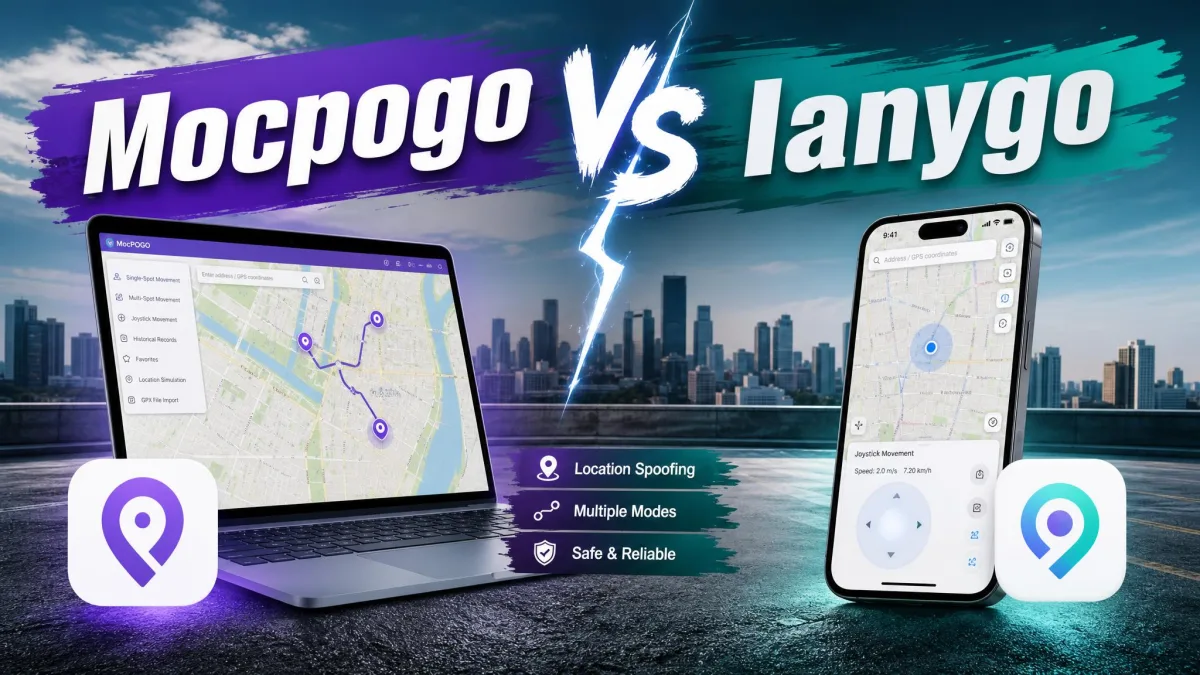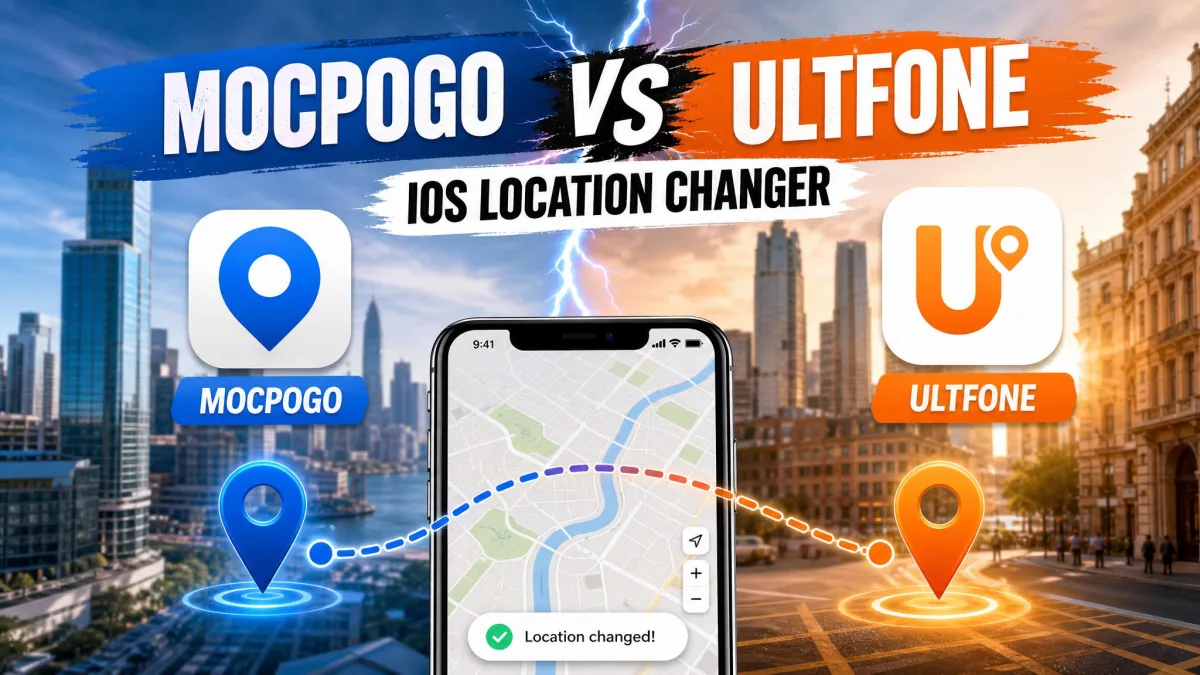
You want your iPhone to report a different place than the one you are standing in. Maybe a location-based game only spawns the good stuff downtown, or a dating app keeps you boxed into one suburb, or a streaming service checks your GPS location first. The fix is the same: a desktop app that feeds your handset a fake set of coordinates without jailbreak.
Two names dominate that shelf. MocPOGO for iOS and UltFone iOS Location Changer both promise one-click teleport, a joystick for manual movement, and route simulation for games that expect you to walk. They look almost identical on a feature grid, which is why the choice feels harder than it should.
Our short answer is UltFone for most single-iPhone buyers, with MocPOGO the pick for anyone covering a lot of handsets. The full reasoning, and the cases where that flips, is laid out below.
MocPOGO vs UltFone at a Glance
Both apps do the same core job and neither asks you to jailbreak. The differences that matter are price, how many devices a licence covers, and which iOS builds are supported.
What Each Tool Actually Does
MocPOGO for iOS in Brief
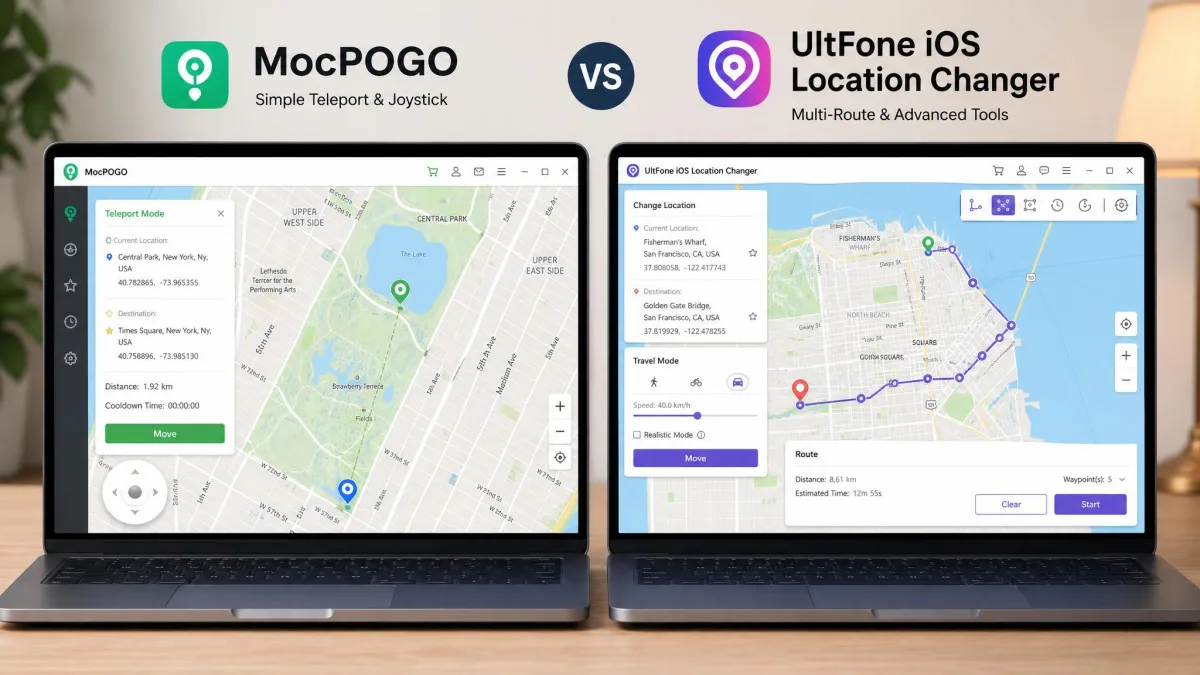
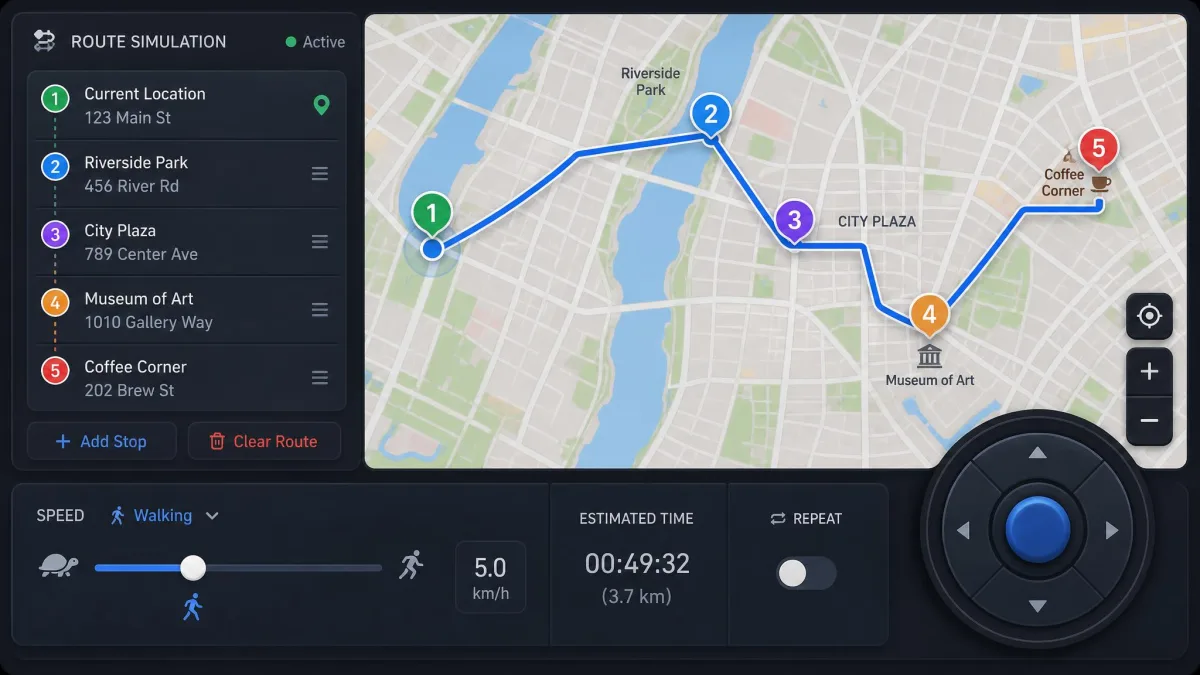
MocPOGO for iOS is a desktop location changer built around gaming. Pick a point on the map, click once, and the phone starts reporting that spot. Beyond the teleport it adds a GPS joystick, single-spot and multi-spot route simulation, walking, cycling and driving speed modes, saved favourite spots, historical location records, an on-screen cooldown timer, GPX file import, and a Native Mode that avoids modified game clients. You can connect over USB or Wi-Fi, and one licence stretches to 15 devices.
UltFone iOS Location Changer in Brief
UltFone iOS Location Changer covers the same ground with a different emphasis. It offers 1-click teleport, a joystick, single and multi-spot routes with a speed set per leg, GPX import and export, direct coordinate entry, a jump teleport that snaps to PokeStops and Gyms, and historical location records. It supports Android alongside iOS, and needs no jailbreak or root. A licence covers 5 mobile devices tied to one or two computers.
How We Compared Them
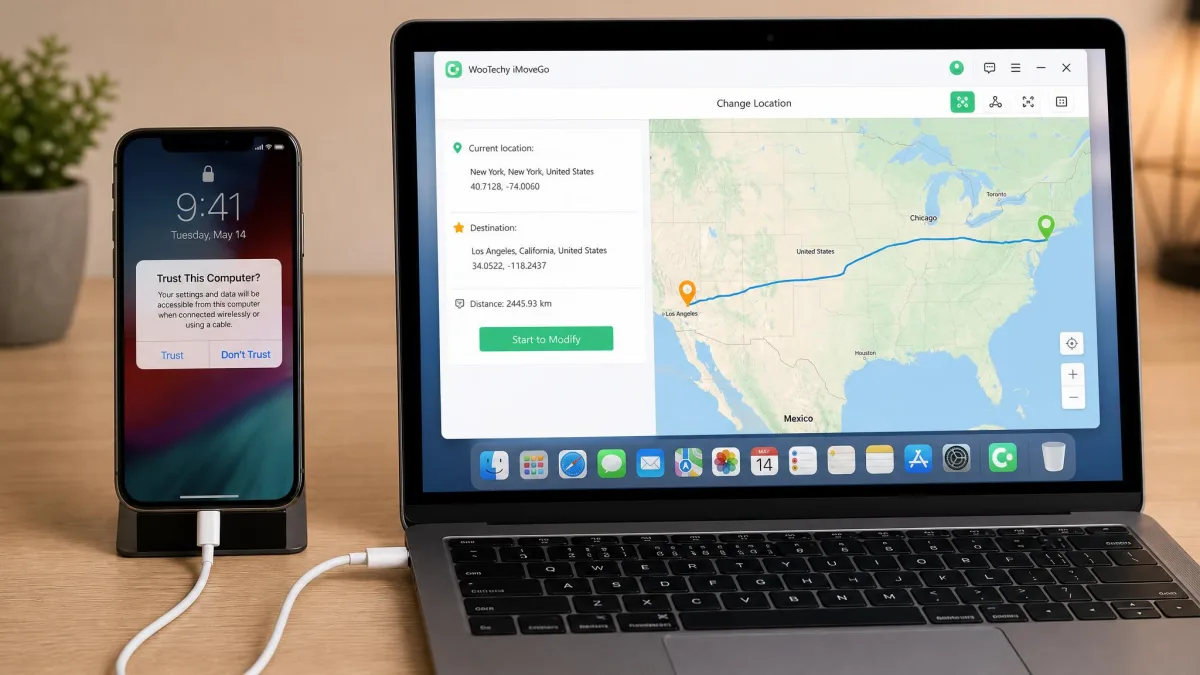
We looked at each app the way a buyer does: what it costs over a year, how quickly it changes location, and what happens when something goes wrong. Both are desktop programs, so the setup path is identical in shape. The iPhone has to be plugged in over USB and unlocked, and you tap Trust on the handset before either app can touch your location.
We read the licensing terms closely too. Refund windows, auto-renewal, platform locks and device counts moved our ranking more than any headline feature did.
Side-by-Side Comparison Table
The table below is the short version of everything that follows. Prices are the single-PC or single-platform desktop tiers, because that is what most buyers actually check out with, and both vendors run rolling discounts that shift the total by a few dollars. Where the two columns read the same, the feature genuinely is a wash, and the decision comes down to the rows where they diverge: the longer price tiers, device counts and iOS coverage.
| Product |  |
 |
|---|---|---|
| Price, 1 month | Around $9.95, varies by platform | $9.95 for 1 PC |
| Price, 1 year | Around $49.95 | $39.95 for 1 PC |
| Price, lifetime | Around $79.95 | $69.95 for 1 PC |
| Free trial | Yes, feature-limited | Yes, limited trial runs |
| Jailbreak required | No | No |
| One-click teleport | Yes | Yes |
| Joystick | Yes | Yes |
| Multi-spot route | Yes | Yes |
| Speed control | Walking, cycling and driving modes | 3.6 km/h to 108 km/h |
| Cooldown timer | Yes, advisory only | Not advertised |
| GPX import | Yes | Yes, import and export |
| Supported iOS versions | iOS 13 to 18, plus iOS 26 to 27 | iOS 14 to iOS 27 |
| Windows and Mac | Both, licence locked per platform | Windows 11 to 7, macOS 10.10 and later |
| Simultaneous devices | Up to 15 | 5 devices per licence |
| Refund policy | 30-day money back | 30 days money back |
| Support channels | Email support and a refund form | Email support, 48 hours target reply |
| Buy | Check price | Check price → |
Setup and Ease of Use
Those matching feature rows start to separate the moment you install either app. Neither one installs anything on the iPhone itself, which is the point of a no-jailbreak tool. Everything runs on the computer, and the phone accepts a new coordinate stream while it is connected.
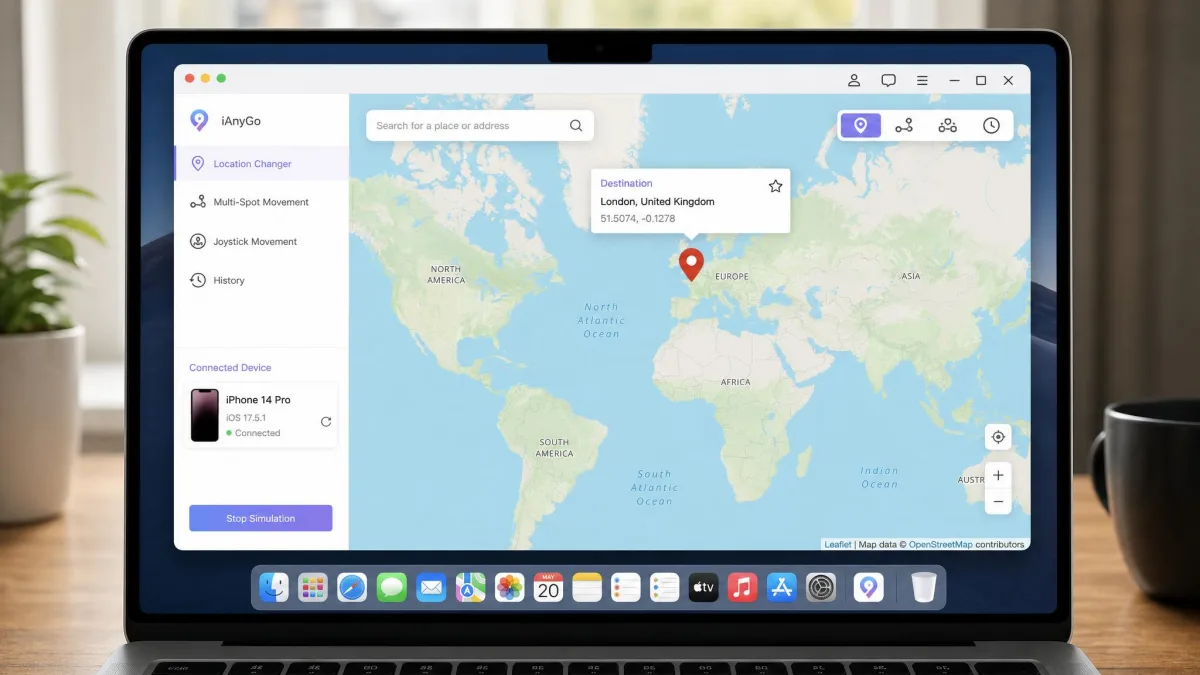
Installing MocPOGO
Download the desktop build for the platform you actually own. That matters more than it sounds, because a MocPOGO licence is locked to the platform you bought, and a Windows key will not activate the Mac build. Swapping means a refund and a repurchase. Moving a licence to a new computer is not self-serve either, so you have to email support for a registration-code reset. Activation can fail on a first run, and compatibility gaps tend to appear after iOS point updates.
Installing UltFone
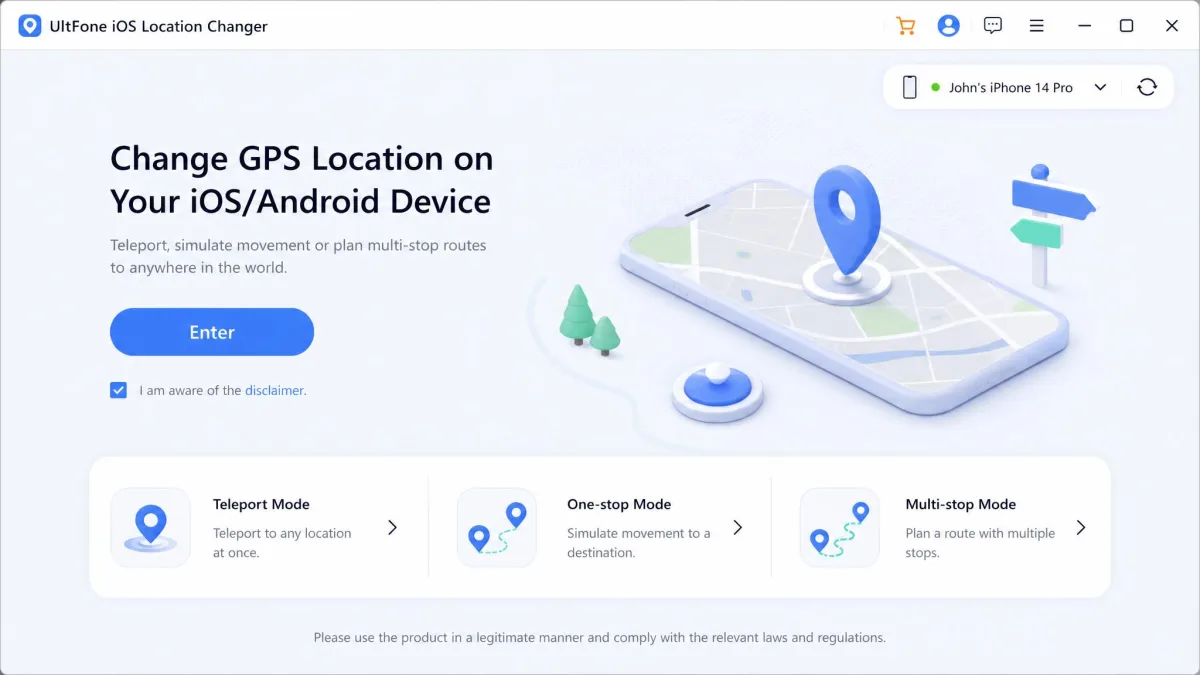
Setup follows the same shape. Install the app, connect the iPhone over USB, unlock it, tap Trust, and the map loads with your device listed. One quirk is worth knowing before you draw anything: UltFone can show the wrong current location when it first launches, so check the starting pin before you commit to a route. The map itself is clean and easy to read.
Both apps need the phone connected and unlocked for the whole session. Unplug the cable and the spoof stops being maintained, so the device eventually falls back to its real GPS position.
Teleport Accuracy and One-Click Location Change
Once the map is up and the handset is trusted, the one-click teleport is what most people actually buy these apps for, and both handle it the same way. Search an address or drop a pin, click Move, and your iPhone reports the new position to every app that asks. No jailbreak, no profile installs, no developer mode.
Accuracy means two things here. The first is placement, and both let you type raw coordinates when a pin is not exact enough. Real satellite positioning is only accurate to a few metres anyway, as the official GPS accuracy specifications set out. The second is whether the fake position holds. Apps read your position through iOS location services, described in Apple's Core Location documentation, and a spoofed feed has to keep answering those requests convincingly. On newer iOS builds a spoofed location can snap back to the real one after a few minutes, which breaks a long route simulation halfway through. Test a short route before you rely on a long one.
Movement Simulation: Joystick, Single-Spot and Multi-Spot Routes
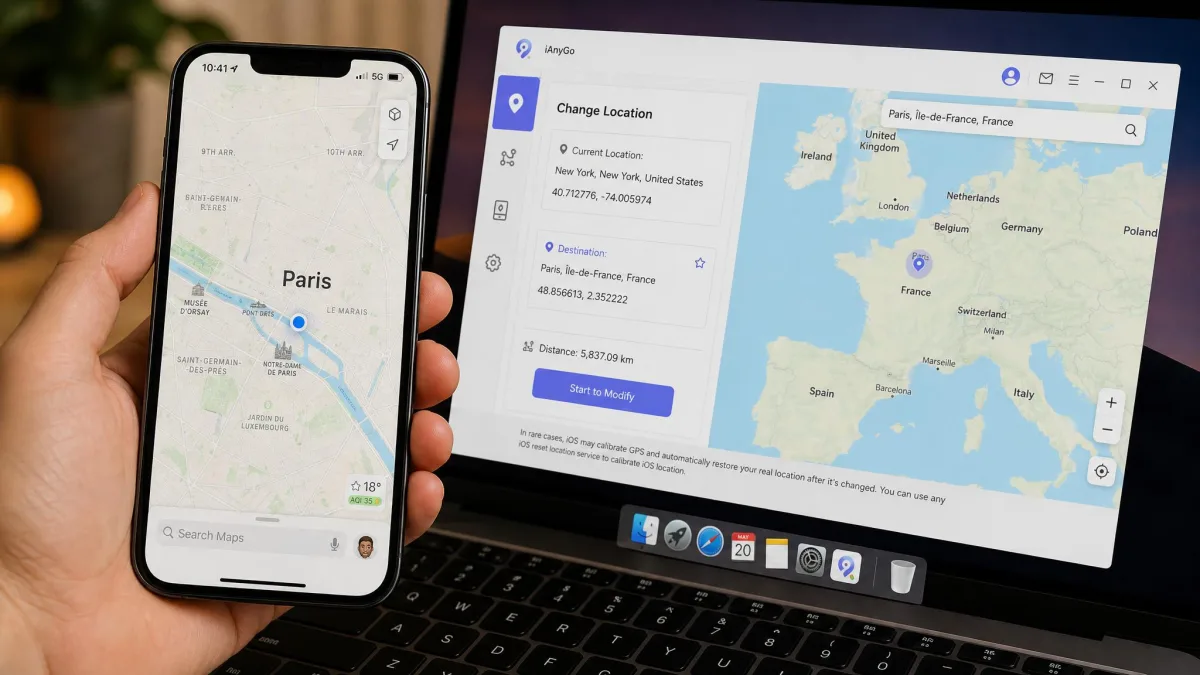
Holding a single fake position is the easy part. Moving convincingly between positions is where these apps earn their money, because games watch for jumps that no human body could make.
Both offer a GPS joystick for free-form movement, a single-spot route between two points, and multi-spot routes that string several stops together. UltFone's joystick responds without lag or visible stutter while you steer, which makes manual navigation far less frustrating than it sounds on paper. MocPOGO's joystick covers the same job and adds saved favourite spots plus historical records, so a route you like can be replayed rather than redrawn.
Speed Control and Route Saving
UltFone quotes a movement speed range of 3.6 km/h up to 108 km/h, the whole span from a slow walk to motorway driving. MocPOGO uses named walking, cycling and driving modes instead of a raw number. Both accept GPX files, so a route recorded elsewhere can be imported and replayed, and UltFone can export one back out.
Pick a speed that matches the story you are telling. Walking pace across a city park is believable. Walking pace across a river is not.
Cooldown Timer and Ban-Risk Handling
MocPOGO shows a cooldown timer after a jump, counting down the wait before a game will accept your new position. UltFone does not advertise a cooldown feature. Either way, treat the timer as advisory: it counts down on screen, but it does not stop you teleporting early and it does not shield you from an anti-cheat check.
A cooldown timer is a reminder, not a protection. Jumping a long distance and immediately interacting with a game is the most common way spoofers get flagged.
Device, iOS Version and Platform Support
Coverage is where UltFone pulls ahead on paper. It supports iOS 14 through iOS 27 across iPhone and iPad, runs on Windows 11 back to 7 plus macOS 10.10 and later, and supports up to Android 16.
MocPOGO reaches further back, listing iOS 13 through iOS 18 and iOS 26 to 27, with iPadOS 13 to 27. Hardware support starts at the iPhone 5s and runs to the iPhone 18, covering the iPad, iPad Pro, iPad Air and iPad Mini, and its Android line supports Android 8.0 through Android 15. If you are keeping an old handset alive as a games device, MocPOGO is the safer bet. It also advertises up to 15 devices on one licence, though the checkout breaks that down as 5 iOS devices plus 15 devices on a single computer. UltFone covers 5 mobile devices, tied to one PC or two depending on the tier.
Pricing and Licensing Compared
MocPOGO Plans
MocPOGO's desktop pricing sits at roughly $9.95 for a month, $19.95 for a quarter, $49.95 for a year and $79.95 for a lifetime licence, with the iOS tier quoted higher. Plan prices differ by platform, region and a rolling discount, so check the checkout total before buying. The official iOS store showed $31.96 per quarter for 5 iOS devices against a $116.50 list price, but that figure is promotional and moves with the vendor's running discount.
Two licensing details matter more than the headline number. MocPOGO's iOS pricing sits noticeably above its Android and desktop tiers for an equivalent feature set. And the monthly, quarterly and annual plans renew automatically unless you cancel, with surprise renewal charges a recurring complaint. There is a 30-day money back guarantee, and a free trial build lets you test the teleport on your own handset before paying.
UltFone Plans
UltFone's current pricing tiers put a single-PC licence at $9.95 per month, $19.95 per quarter, $39.95 per year and $69.95 for lifetime access, with a 2 PC licence at $15.95 monthly, $29.95 quarterly or $59.95 yearly. The monthly and annual rates are discount-driven and the Mac listing has carried higher figures, so confirm the total at checkout. An 8-in-1 UltFone toolkit bundle is listed at $58.95 with a 62% discount.
The trial gives you three free runs before purchase, with route length and duration limited, though that allowance is set by the vendor and has varied between builds. Refunds run to 30 days. Trustpilot's 726 UltFone reviews average 4 out of 5, with praise for straightforward setup and complaints centring on slow refund handling, and you can read those user reviews on Trustpilot yourself. Refund disputes are a recurring theme, so treat the guarantee as something you may have to chase.
Pros and Cons
MocPOGO Pros and Cons
Pros
- One licence covers up to 15 devices, which suits households and multi-account players
- It supports older hardware and software, reaching back to the iPhone 5s and iOS 13
- It adds saved favourite spots, historical records and an on-screen cooldown timer
- A free trial build lets you test the teleport before you pay
Cons
- Licences are locked to the platform you bought, so a Windows key will not run the Mac build
- Moving to a new computer needs an email request rather than a self-serve reset
- Plans auto-renew by default, and unexpected renewal charges are a common complaint
- The iOS tier is quoted well above the equivalent Android and desktop plans
UltFone Pros and Cons
Pros
- It supports iOS 14 up to iOS 27, plus Windows 7 through 11, macOS 10.10 and later and Android
- The joystick responds without lag, and the map interface stays easy to read
- You can set movement speed anywhere from 3.6 km/h to 108 km/h, and export GPX as well as import it
- A jump teleport snaps straight to PokeStops and Gyms rather than making you hunt for the pin
Cons
- One licence covers only 5 mobile devices, tied to one or two computers
- No cooldown timer is advertised, so you have to track the wait yourself
- The app can display the wrong starting location when it first launches
- Refunds can take chasing, which comes up repeatedly in public feedback
How to Change Your iPhone Location Step by Step
The steps are effectively the same in both apps.
- Download and install the desktop app on the computer you plan to keep using, and check the platform matches your licence.
- Connect your iPhone with a USB cable, unlock the screen, then tap Trust on the handset when the prompt appears.
- Wait for the map to load and confirm that the pin on your current position is correct.
- Search for a destination or type the coordinates, then click the teleport button to change your GPS location in one click.
- Open Maps on the phone to confirm the change before you launch anything else.
- For movement, switch to joystick mode or draw a multi-spot route, set a believable speed, and start the simulation.
Give the phone a minute after each long jump before you open a game. Teleporting across a continent and immediately tapping something in-game is the pattern anti-cheat systems look for.
Safety, Privacy and Whether Spoofing Gets You Banned
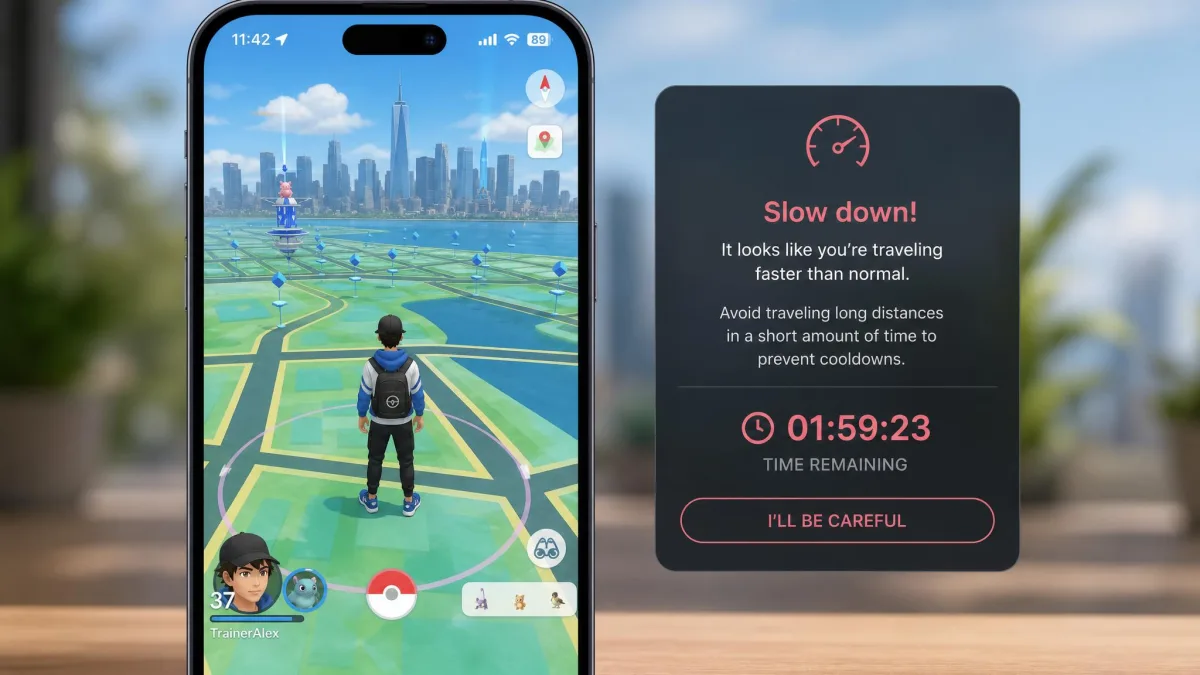
Following those steps carries a cost that has nothing to do with the software itself. Neither app asks you to jailbreak, which removes the biggest security risk here. A jailbroken phone loses Apple's sandboxing, while these tools leave it intact and work through the connected computer. The risk is your account, not your device. Spoofing GPS breaks the terms of service of location-based games, and bans remain a live possibility because anti-cheat systems get updated regularly. Niantic's terms of service prohibit falsifying your location outright. No credible figure exists for how often spoofing actually gets an account banned, so anyone quoting you a percentage is guessing.
Play it safe by spoofing on a secondary account first, keeping jumps short, and choosing walking speeds over driving ones. Social apps and streaming services are generally less aggressive about this than games, but their rules still cover it.
Which One Should You Choose?
Choose MocPOGO If...
You have several phones to cover, you are keeping an older iPhone or iPad running as a dedicated games device, or you want saved spots and history for routes you repeat often. The 15-device allowance is genuinely useful when more than one person in the house plays.
Choose UltFone If...
You are one person with one iPhone and one computer, you update iOS as soon as a release lands, and you would rather not think about the software again once it is installed. Android owners who want the same tool on both handsets belong in this column too.
Alternatives Worth Considering
These two are not the only options. Apps like iAnyGo, iMyFone AnyTo, LocaChange, iMoveGo, FonesGo and MagFone cover the same one-click teleport and joystick basics, and pricing clusters tightly across the category. Our head-to-head comparisons in the sidebar walk through each pairing, and MocPOGO's Google Play listing is worth a look if Android matters to you. Whichever brand you pick, download the free trial before you pay and buy the lifetime tier if you plan to keep the app, because renewals cause most of the complaints here.