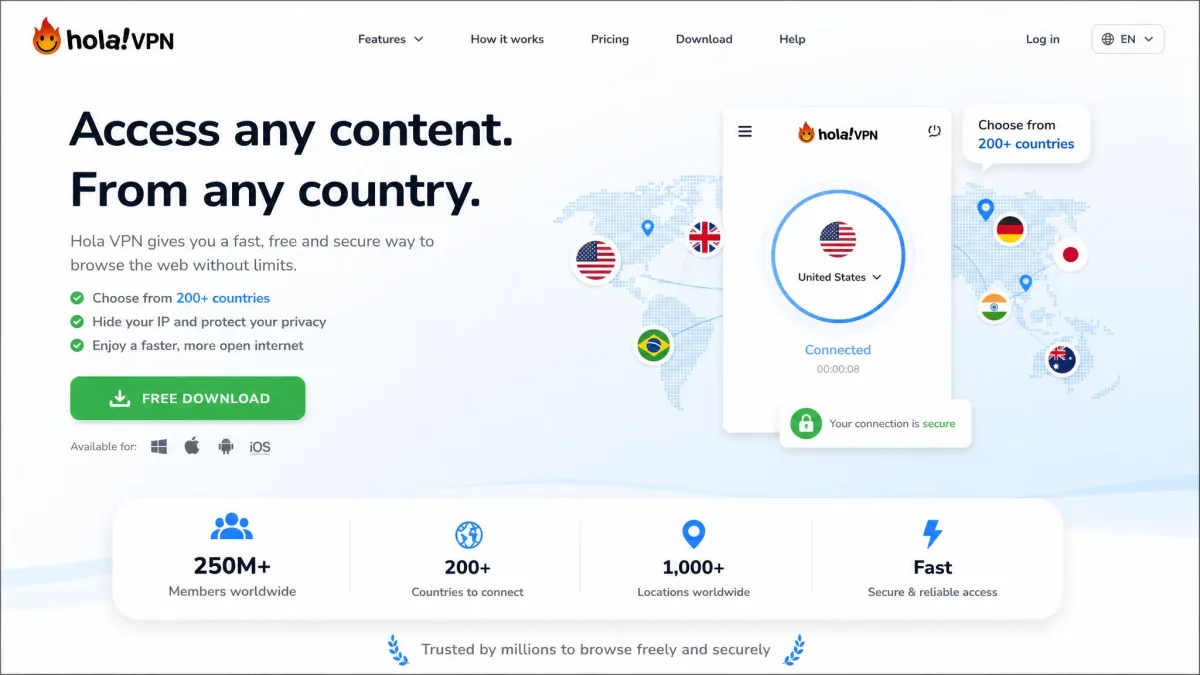
Hola VPN is a free "VPN" that does not work like a normal VPN. Part of its network is made of its own users: on the free desktop apps, your device can become an exit node, so strangers' traffic passes through your connection and yours passes through theirs. That design choice shapes its speed, its pricing, and its risk profile.
This review covers what Hola is, how the free and paid plans differ, and how to install and remove it. The setup path is different on Chrome, Firefox, Opera, Brave, and UC Browser, and some of those paths do not officially exist. Whether Hola is safe is a separate question, and we answer it on a dedicated page: Is Hola VPN safe?
By the end you will know what Hola is, how to add it and use it, how to remove it cleanly when Chrome fights you, and which safer VPNs we would reach for instead.
What is Hola VPN?
Hola is a freemium unblocking tool built by Hola Networks, an Israel-based company by Ofer Vilenski and Derry Shribman. It has been around for well over a decade, and its pitch has always been simple: install a free browser extension, switch your virtual location, and reach websites and streaming libraries that are blocked in your region.
The catch is in how it delivers that. A traditional VPN owns a fleet of servers and sends your encrypted traffic through them. Hola runs its own proxy servers too, but part of its traffic is handed to a network of its own users, who act as the exit points.
How Hola's peer-to-peer (exit-relay) network works
Per Hola's FAQ, every client first connects to Hola's own proxy servers, and an internal algorithm then decides whether to serve the request directly, send it to another data center, or pass it to the peer network. When it goes to the peer network, it leaves through another Hola user's device and internet connection.
Not every Hola product takes part. Hola's FAQ says the free Windows and Mac apps and the free Android app (outside Google Play) contribute your idle connection, so other people's traffic can exit from your IP address. The browser extensions (Chrome, Opera, and Edge), the iOS app, and the Google Play Android app are not part of the peer network, and free users who install only the extension do not contribute bandwidth.
Premium is different too. Hola says Premium subscribers are never used as a peer, although their own traffic can still be routed through other people's devices. That split between free desktop apps that borrow your bandwidth and a paid plan that does not is the center of how Hola works. The safety page covers what it means for risk.
On the free Windows, Mac, and sideloaded Android apps, your device can act as an exit node for other people. Their activity can be attributed to your IP address. If that is not acceptable to you, do not run the free desktop apps.
Hola free VPN: what you actually get
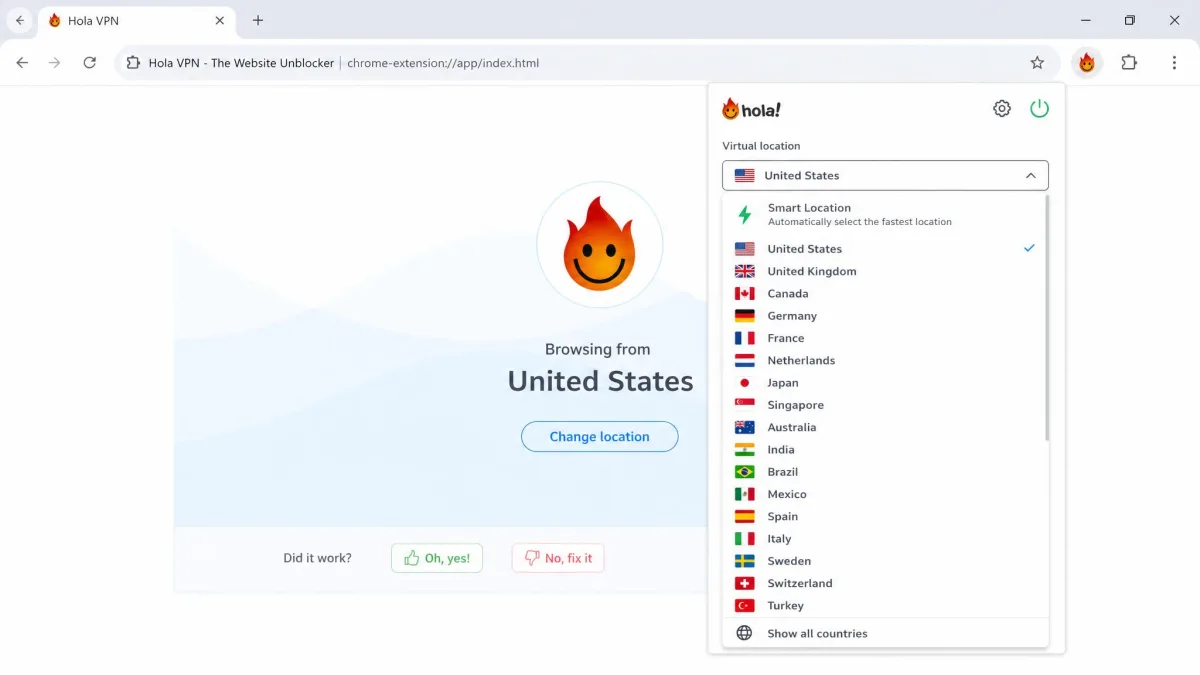
The free tier is generous on paper. You get unlimited data, virtual locations across around 195 countries, the browser extension, cross-device use, and 24/7 support, per Hola's own free plan description. There is no data cap, which is rare among free VPNs, though reviewers mention daily time limits on free use.
What you get depends on the product. The desktop apps use IKEv2/IPsec with AES-256 by default, although free Windows users can fall back to PPTP or L2TP. The browser extension is an HTTPS proxy, and Hola itself notes that not all your traffic is encrypted. It is built to unblock sites and change your apparent location, not to be a privacy shield.
Speed is less predictable. Because a request can be routed through another user's device, performance can swing from one session to the next, and Trustpilot reviewers complain about connections that stop working and repeated login prompts.
Hola Premium vs Hola free (and the old Ultra plan)
Upgrading changes the product in a fundamental way. Hola Premium is $14.99 per month, dropping to roughly $7.69 per month on an annual plan and around $2.99 per month on a three-year commitment. Prices drift and get discounted often, so treat those as a guide rather than a promise.
There is also a pricier Ultra tier, listed at about $29.99 per month, or roughly $7.99 per month over three years. It is expensive relative to mainstream VPNs, and its availability seems to vary, so you may not always see it offered. Hola's plans page advertises a 30-day money-back guarantee, but its refund flow allows a refund only if Premium was bought within the past 14 days and not used at all, so read the terms before paying.
The core upgrade is not a longer feature list. It is that Premium takes you out of the peer-relay pool, so your device is no longer part of the bandwidth-resale network. Premium users on the desktop apps also avoid the PPTP and L2TP fallback that free Windows users can get. Premium still falls under the same privacy policy, which the safety page examines.
The free and paid tiers differ mainly in whether your device is used as a peer, plus device limits, Smart DNS, and the free tier's time limits. Reviews that praise one and warn about the other are often both correct.
Split tunneling and per-tab country selection
Hola's most genuinely useful feature is per-tab location control. You can set one browser tab to appear in Japan and another in the United States at the same time, which is handy for comparing regional catalogs or prices. This works as a form of split tunneling, sending only chosen traffic through the network.
The apps add more of what you expect from a full VPN. The Windows app has a kill switch, though it only blocks the apps you select, and the browser extension has none. Premium adds Smart DNS and use on up to 10 devices.
Privacy and trust in brief
Not for privacy. The free Windows, Mac, and sideloaded Android apps make your device an exit node for other users, Hola says its logs from the extension may include browsing history, and the company's 2015 botnet controversy is hard to ignore. Premium stops your device being used as a peer, but it does not change the logging policy.
We keep the full trust analysis on a separate page, Is Hola VPN safe?, covering the 2015 Luminati scandal, what Hola and Bright Data do today, the privacy policy line by line, and what IT departments and security reviewers say. This review sticks to features, plans, and setup.
How to add Hola VPN to Chrome
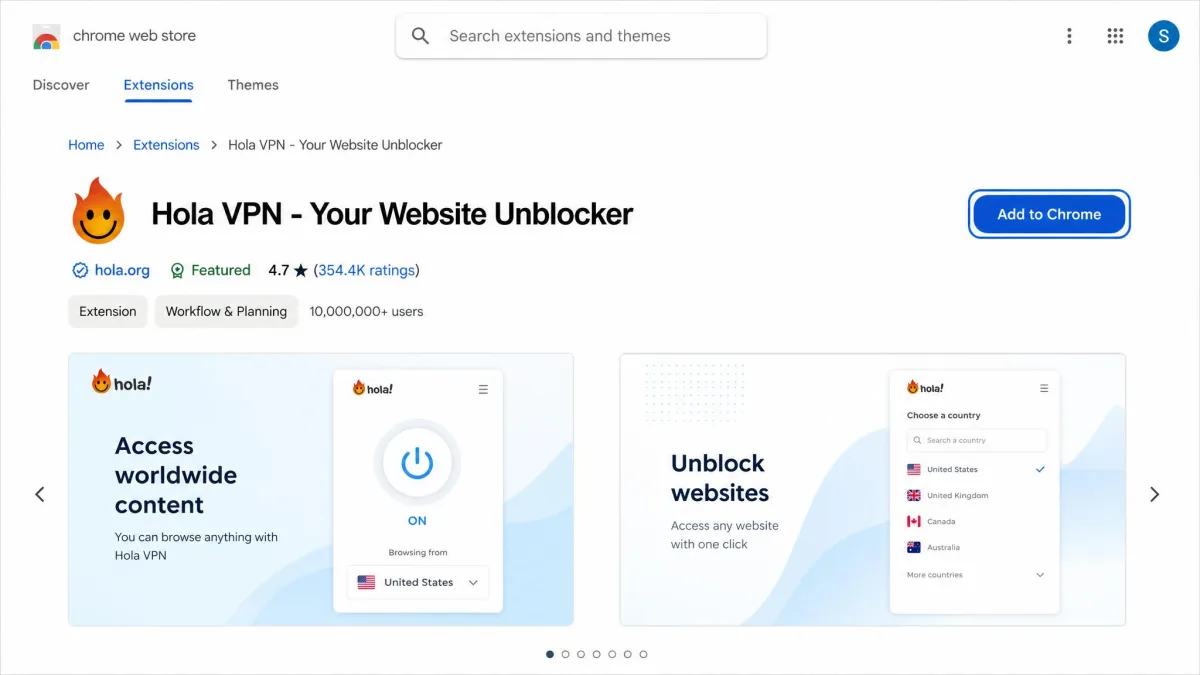
Chrome is where Hola works best and where the official path is cleanest. The Chrome Web Store listing is titled "Hola VPN - Your Website Unblocker," published by developer Ran Finkels, and it carries a 4.8-star rating from a large base of users.
To install it, open the Chrome Web Store, search for Hola VPN, open the listing, and select Add to Chrome. Confirm the permissions prompt when Chrome asks. Once installed, open the Chrome menu, then More Tools, then Extensions to confirm Hola is enabled, and pin it so the icon stays visible in your toolbar.
Right after installing, open the puzzle-piece Extensions icon in Chrome's toolbar and click the pin next to Hola. Pinning keeps the icon in view so you always know when the proxy is active, which also makes it easier to turn off later.
Permissions Hola requests on Chrome (Proxy, Tabs) and what they mean
When you install the extension, Chrome flags the permissions it wants. The current listing asks for proxy control, access to your tabs and navigation, cookies, the ability to run scripts, and access to every website you visit. The Proxy permission lets Hola reroute your browser's traffic, which is the entire point of the tool, but it also means Hola controls how and where your requests travel.
The Tabs permission lets Hola read and act on your open tabs, which is what enables per-tab country selection. Proxy extensions need powerful permissions, but this is a broad set, so grant it only if you accept it. Our safety page explains what each one means.
How to use Hola VPN on Chrome
Using it day to day is simple. Click the Hola icon in your toolbar, pick the country you want to appear in, and let the extension reload the current tab through that location. To browse a second region at the same time, open a new tab, click the icon again, and choose a different country for that tab.
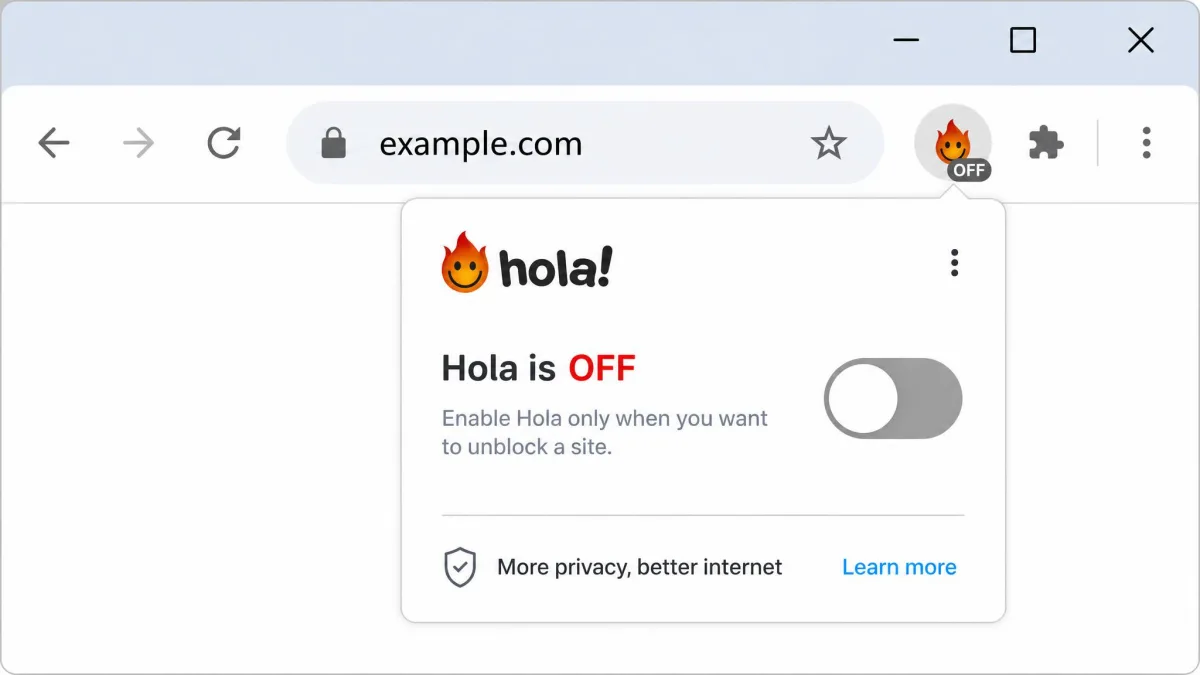
To switch off, click the icon and toggle the connection back to your real location, or disable the extension entirely from the Extensions page. We recommend turning it off when you are not actively unblocking something, so your browser is not routing through the peer network in the background.
Benefits (and trade-offs) of Hola VPN on Chrome
The upside on Chrome is real convenience. Setup takes under a minute, per-tab switching is genuinely handy, and the free tier removes data caps that hobble other free extensions. For a quick, casual "let me see the other region's catalog" task, it does the job.
The trade-off is everything covered on our safety page. The extension is an HTTPS proxy that does not encrypt all your traffic, Hola says its logs from it may include browsing history, and it has no kill switch. It does not make you an exit node, but convenience is not the same as security, and that gap is easy to forget because the tool feels so frictionless.
How to add Hola VPN to Firefox
Firefox is where the honest answer diverges from what many older guides claim. There is no current official Hola VPN extension on Firefox's add-on store.
The Firefox gap: no current official AMO extension, and what to do instead
If you search Mozilla's official add-ons site for Hola, you will mostly find an unrelated "Hola" homepage extension and some legacy or dormant listings, not a working VPN proxy. We will not walk you through installing something that does not exist.
Your real options on Firefox are two. You can install the Hola desktop app for Windows or Mac, which protects the whole system rather than just the browser. Or you can run Hola inside a Chromium-based browser such as Chrome, Edge, or Brave, and keep Firefox for everything else. If your goal is privacy specifically, this gap is a good prompt to consider Mozilla's own VPN or one of the alternatives at the end of this guide instead.
Any tutorial claiming to install a current official Hola VPN extension on Firefox is out of date. The working paths today are the Hola desktop app or a Chromium browser. Everything else is a legacy or look-alike add-on.
Hola VPN for Opera and Opera Mini
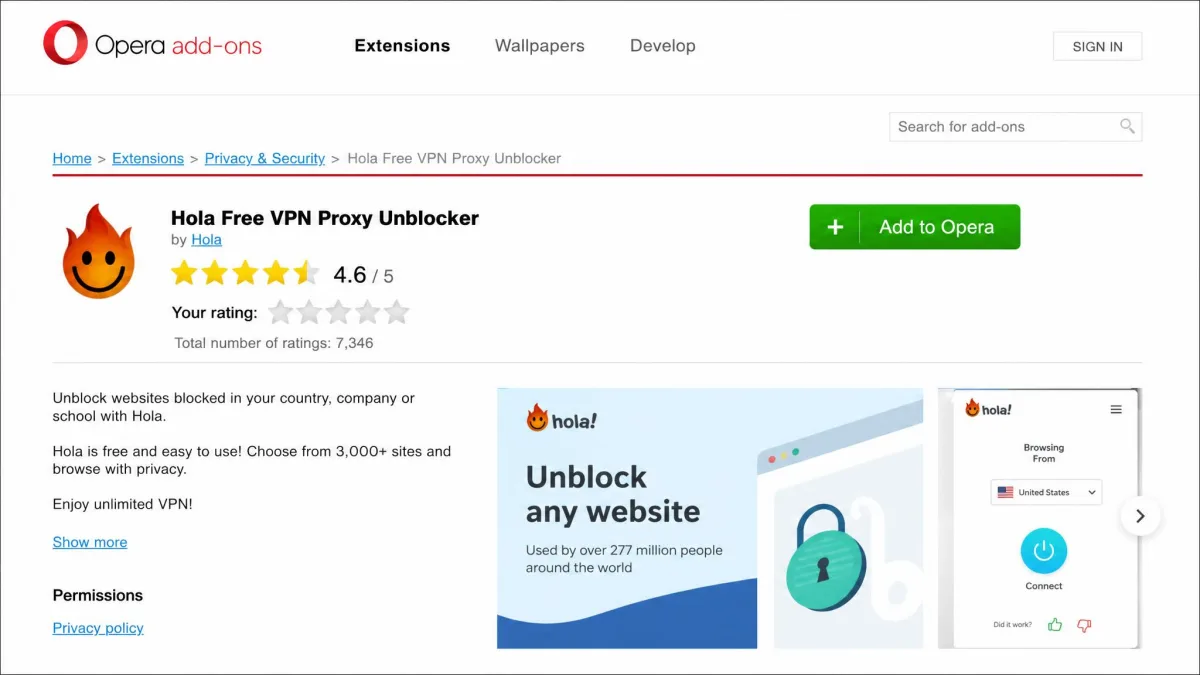
Opera has a real, official path, and it is nearly as smooth as Chrome. The Opera add-ons listing is titled "Hola Free VPN Proxy Unblocker," published by Hola Ltd, with a 3.9-star rating and millions of downloads, though it was last updated back in early 2022.
To install it, open the Opera add-ons store, search for Hola, open the listing, and select Add to Opera. Once it installs, click the extensions cube icon in the toolbar, pin Hola, then click its icon and choose a country to connect. Usage mirrors Chrome: pick a location, let the tab reload, and toggle it off when you are done.
Opera Mini and the built-in Opera VPN
Opera Mini is a different story. There is no official Hola path on Opera Mini, which is a stripped-down mobile browser built around data compression rather than extensions. Trying to force Hola onto it is not worth the effort.
The good news is that you may not need Hola on Opera at all. Opera's desktop browser and its main mobile browser include a free, built-in VPN of their own, which is server-based and does not turn your device into an exit node. For most Opera users, that built-in option is a safer default than adding Hola.
How to add Hola VPN to UC Browser
UC Browser is another honest "there is no official route" case. Hola does not publish a UC Browser extension, and UC Browser does not support the Chrome or Opera extension stores in a way that lets you install one cleanly.
If you specifically want Hola on a device where you use UC Browser, the realistic fallbacks are the Hola Browser, which is Hola's own Chromium build with the VPN baked in, or the Hola desktop or mobile app running system-wide. Both protect your browsing regardless of which browser you open. We would not recommend contorting UC Browser to load an unsupported extension.
How to install Hola VPN on Brave
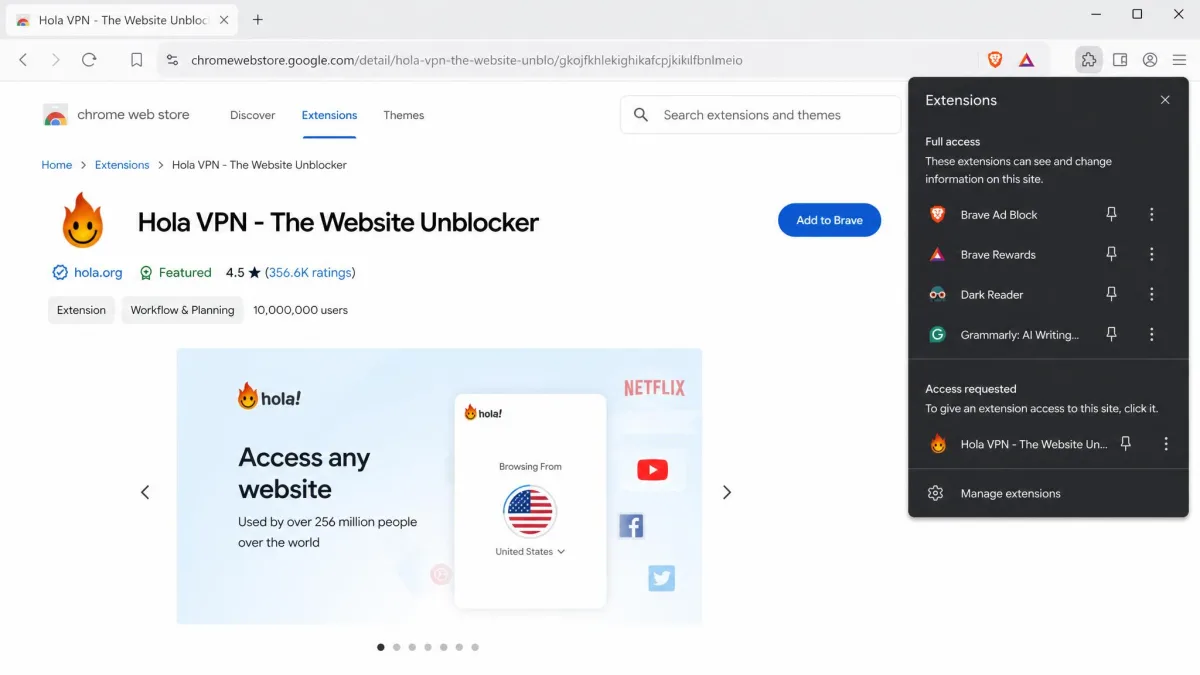
Brave is built on Chromium, so it can run Chrome Web Store extensions even though Hola does not publish a dedicated Brave listing. That makes the install a sideload from the Chrome store rather than a native one.
To do it, open the Chrome Web Store inside Brave, find the "Hola VPN - Your Website Unblocker" listing, and select Add to Brave. Confirm the permissions, then pin the icon from Brave's extensions menu. From there it behaves exactly like the Chrome version, including per-tab country selection.
One note worth making: Brave already ships with its own Firewall and VPN feature and strong tracker blocking. If you chose Brave for privacy, layering Hola's free peer network on top of it works against that goal. Sideload it only if you understand the trade-off.
Hola Browser and desktop apps (Windows and Mac)
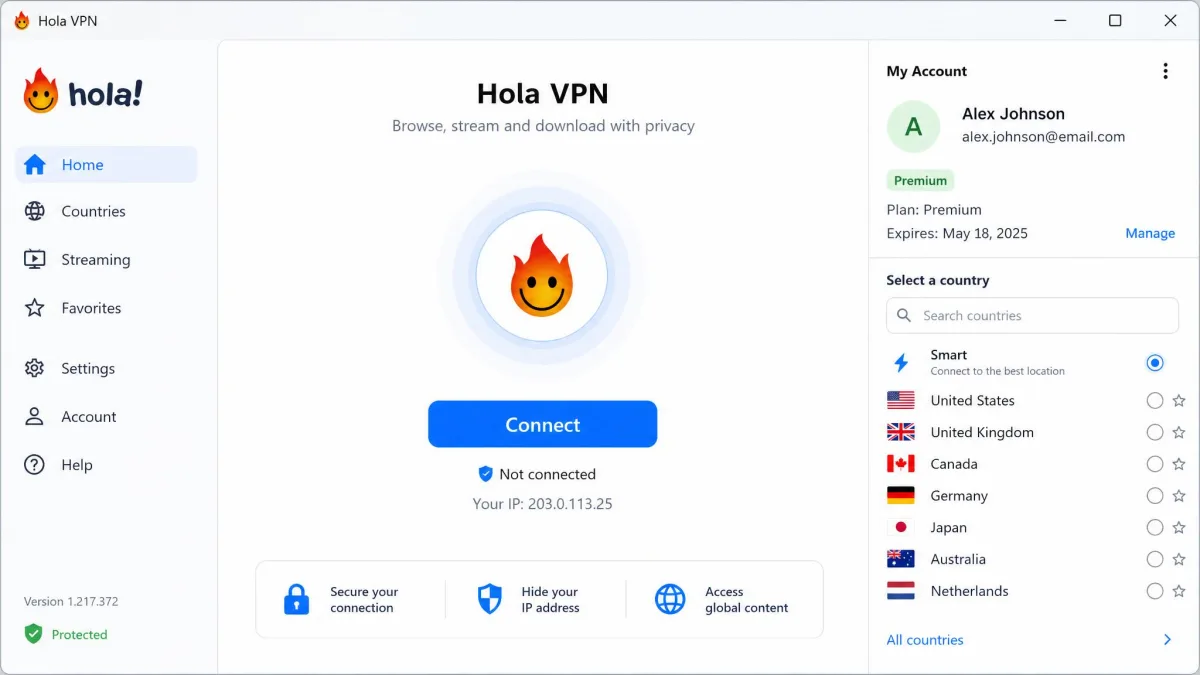
Hola also publishes an official Edge extension alongside the Chrome and Opera ones. Beyond extensions, Hola offers full applications. There is a Windows app, a Mac app, iOS and Android apps, and the Hola Browser, which is a standalone Chromium build with the VPN integrated. The desktop apps protect your entire connection instead of just one browser tab.
The apps are also where the paid experience lives most fully. Premium adds Smart DNS and multi-device use, and the Hola Browser bundles everything into a single download for people who do not want to manage extensions. If you are set on using Hola, the desktop app on a paid plan is the least risky way to do it, because Hola says Premium subscribers are never used as a peer.
How to remove or uninstall Hola VPN from Chrome
Removing the extension is easy in the simple case and frustrating in the stubborn one. To remove it normally, open the Chrome menu, then More Tools, then Extensions, find Hola VPN, and click Remove. Confirm the prompt, and the icon should disappear from your toolbar.
That handles most installs. But Hola has a reputation for not leaving cleanly, so the next two sections cover what to do when it fights back.
Can't find Hola in extensions? Troubleshooting (icon disappeared, reappears after restart, "another extension controls your proxy")
A few odd behaviors come up often, and each has a fix.
If the icon disappeared but Hola still seems active, it may simply be unpinned rather than uninstalled. Open the puzzle-piece Extensions icon to see the full list, then remove it from there. In some cases Chrome itself has disabled the extension, leaving it visible in Manage Extensions but non-functional; if so, remove the disabled entry directly.
If Hola reappears after you restart the browser, a leftover component or a companion app is likely reinstalling it. Close Chrome fully, remove any Hola desktop app as described below, then reopen Chrome and delete the extension again. If Chrome shows an "another extension is controlling your proxy settings" popup, that is Hola's Proxy permission still in force. Go to Chrome settings, search for proxy, and reset your proxy or system connection settings after removing the extension so your traffic stops routing through it.
After removing Hola, check Chrome's proxy settings. If your browser still routes through a proxy you did not set, reset it manually. Leaving the old proxy configuration in place is the most common reason people think Hola "won't uninstall."
Uninstalling Hola on Windows (Programs & Features, Browser Protect / Toolbar)
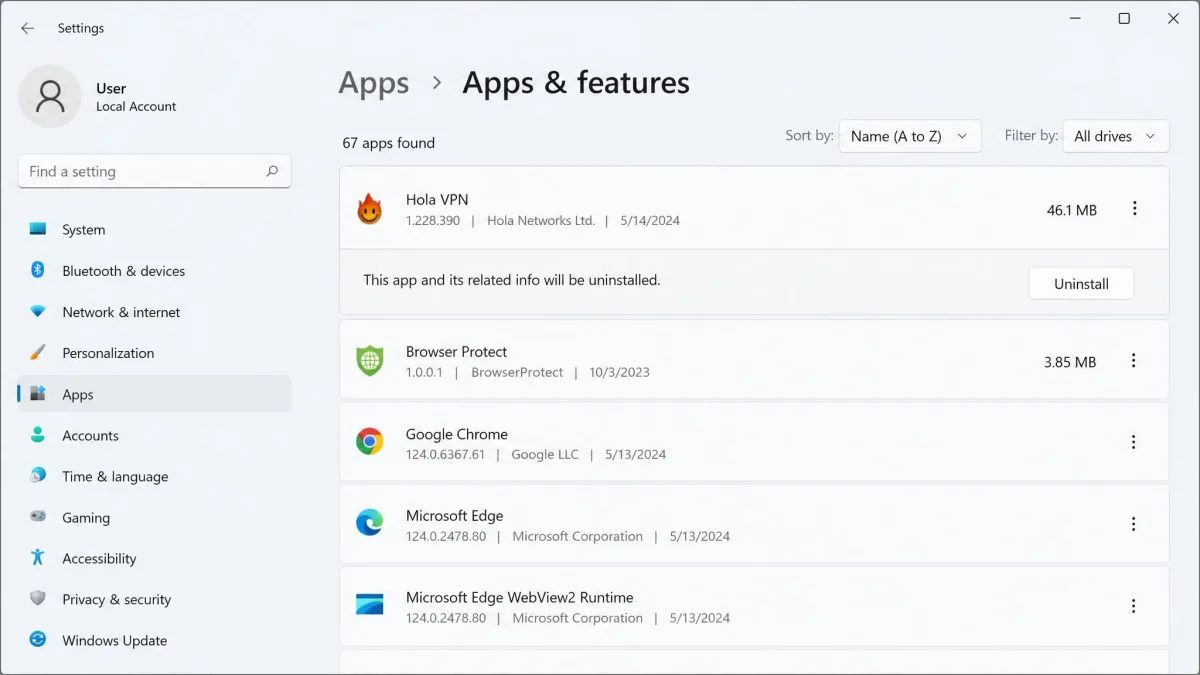
Fully removing Hola on Windows usually means more than deleting a browser extension. Open the Windows Start menu, go to Settings, then Apps, or use the classic Programs and Features list, find Hola, and uninstall it there. This removes the desktop app that can otherwise reinstall the extension.
Then look for leftovers. Installs have been known to leave behind extra components such as a Browser Protect module or a Hola toolbar, which should be uninstalled from the same Apps list if present. After that, restart the machine, reopen your browsers, and confirm the extension and any proxy settings are gone for good.
If you want something safer than Hola
If you only want to unblock a site occasionally, Hola can do it. If privacy matters, or you do not want your bandwidth borrowed, a conventional server-based VPN is a better fit. Proton VPN has a free plan with unlimited data and no peer routing, and Opera's built-in VPN and Brave's VPN are options if you want something baked into the browser.
Our Hola VPN safety page compares the safer alternatives side by side, and best truly free VPNs ranks the free options.
Hola VPN reviews: the verdict (Trustpilot and expert consensus)
Public opinion on Hola is genuinely split, and it splits along the same free-versus-paid line as everything else. On the aggregate side, Hola holds a 4.4 TrustScore from 1,236 reviews on Trustpilot, a mix of praise for ease of use and geo-unblocking and complaints about repeated login prompts, connections that stop working, and free-tier timers.
The expert side is far less divided. Independent reviewers land on a negative verdict and treat the free peer model as the core problem rather than a minor flaw. Hola suits quick, casual unblocking. It does not suit daily private browsing, and the reasons are on our Hola safety page.
Hola pros and cons
Pros
- Free tier with unlimited data and no hard cap
- Virtual locations across roughly 195 countries
- Clever per-tab country selection and split tunneling
- Easy one-minute setup on Chrome and Opera
- Can unblock major streaming libraries when a server works
Cons
- Browser extension is an HTTPS proxy that does not encrypt all your traffic
- Free desktop and sideloaded Android apps use your device as an exit node
- Logging and data-sharing terms are a concern for a privacy tool
- Controversial history, including the 2015 botnet incident
- Paid plans cost more than better-audited mainstream VPNs
Common mistakes people make with Hola
The biggest mistake is assuming Hola works like a normal VPN. Only the desktop apps use a full IKEv2/IPsec tunnel, and the browser extension is an HTTPS proxy that does not encrypt all your traffic. If you install Hola expecting the protection of a conventional VPN, you are getting an unblocking tool.
The second common error is leaving it running all the time. Because the free desktop apps can relay other people's traffic when your device is idle, keeping them on in the background is exactly the behavior you should avoid. Turn it on to unblock something, then turn it off.
The third is trusting outdated setup guides, especially for Firefox, UC Browser, and Opera Mini. When a guide walks you through installing an official extension that no longer exists, you can end up sideloading a look-alike or a legacy add-on. When the official path is missing, the safe move is the desktop app, a Chromium browser, or a different VPN altogether.