Want to hide your IP address on public Wi-Fi without paying for a full VPN app? A free VPN Chrome extension is the fastest way to add a layer of privacy to your browser. It installs in seconds, sits next to the address bar, and reroutes your Chrome traffic through a server in another location. For a lot of people, that is all they actually need.
The catch is that "free" covers a wide range of services. Some free extensions are genuinely useful tools from reputable VPN companies. Others are data-harvesting operations dressed up as privacy tools. Knowing which is which matters, because a bad free VPN can leak the very information you installed it to protect.
We spent time with every extension on this list, digging into data caps, server locations, logging policies, and how each one behaves as a browser proxy rather than a whole-device VPN. Our testing focused on real-world questions: does it slow your connection to a crawl, can it unblock the content you want, and what does the company do with your browsing data? Below are the seven free VPN Chrome extensions we trust in 2026, plus one popular option we think you should avoid.
Quick list: top free VPN Chrome extensions at a glance
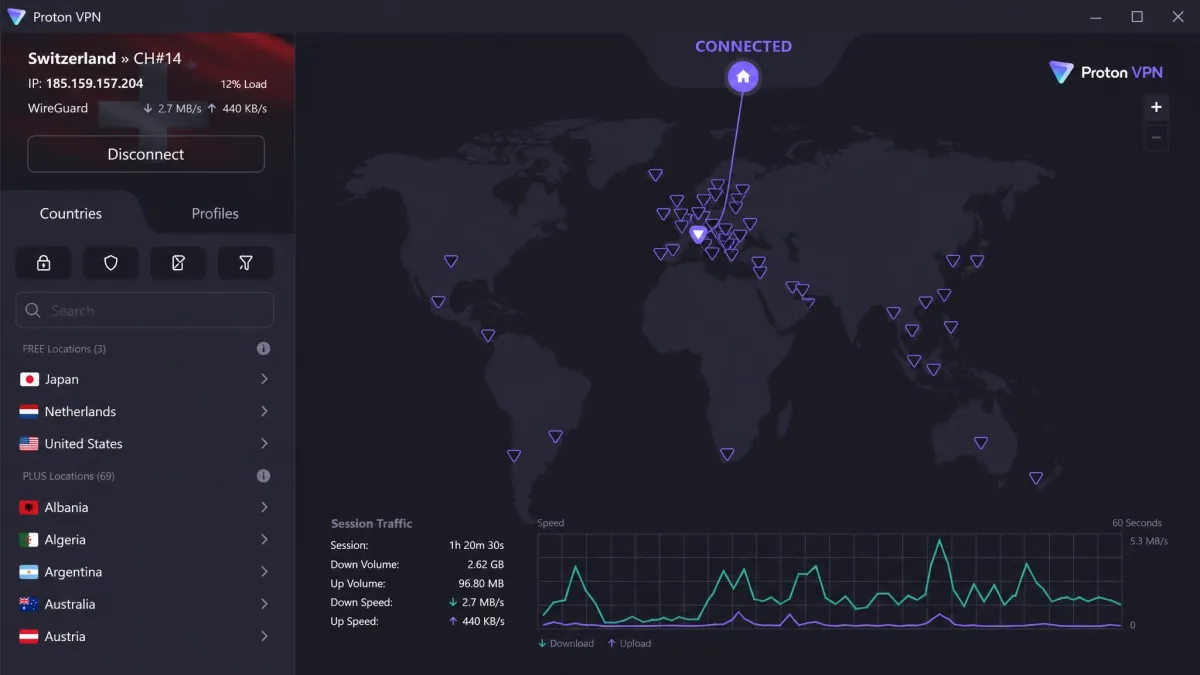
If you only have a minute, these are the three picks we reach for most often. Proton VPN is the free extension we recommend to almost everyone, thanks to its unlimited data and strict no-logs policy.
At a glance: free VPN Chrome extension comparison
Here is how the free tiers stack up on the specs that matter most: how much data you get, how many locations you can reach, whether the service keeps logs, and what an upgrade costs.
| Product | Buy | Free data cap | Servers / locations | No-logs | Upgrade |
|---|---|---|---|---|---|
 |
Get it free → | Unlimited | 5 free locations | Yes | ~$4.99/mo |
 |
Get it free | 10GB/month | 11 free countries | Yes | $69/yr |
 |
Get it free | Unlimited | ~3-8 locations | Yes | ~$4.58/mo |
 |
Get it free | Unlimited | 2,600+ servers | Yes | Varies |
 |
Get it free | Limited | 6,300+ (paid) | Yes | 45-day guarantee |
 |
Get it free | 2GB/month | 40+ countries | Yes | ~$3.33/mo |
 |
Get it free | ~500MB/day | 80+ countries | Not confirmed | Varies |
Why use a free VPN Chrome extension?
A VPN extension routes your browser's connection through a remote server, which hides your real IP address and location from the websites you visit. Because it lives inside Chrome, it protects your browsing without touching the rest of your device. That is a deliberate trade-off, and for many users it is exactly the right one.
The most common reason people want one is public Wi-Fi. On an open network at a cafe or airport, anyone on the same connection can potentially snoop on unencrypted traffic. A VPN extension encrypts your Chrome session so that browsing stays private even on an untrusted network.
Access is the other big draw. A free VPN lets you connect to a server in another country and reach content that is otherwise blocked in your region. Whether you want to check a website that is geo-restricted or simply see what a page looks like from elsewhere, changing your apparent location takes one click.
Extensions are also lightweight and fast to set up. There is no installer, no reboot, and no system-level configuration. You add it from the Chrome Web Store, pin it to the toolbar, and connect. For users who only care about the browser and want something that runs automatically in the background, that simplicity is the whole appeal.
The best free VPN Chrome extensions in 2026
We ranked these seven extensions on data limits, server locations, speed, logging policy, and how well each one works as a browser proxy. Each pick includes its key stats, the pros and cons we noted, and a link to add it from the Chrome Web Store.
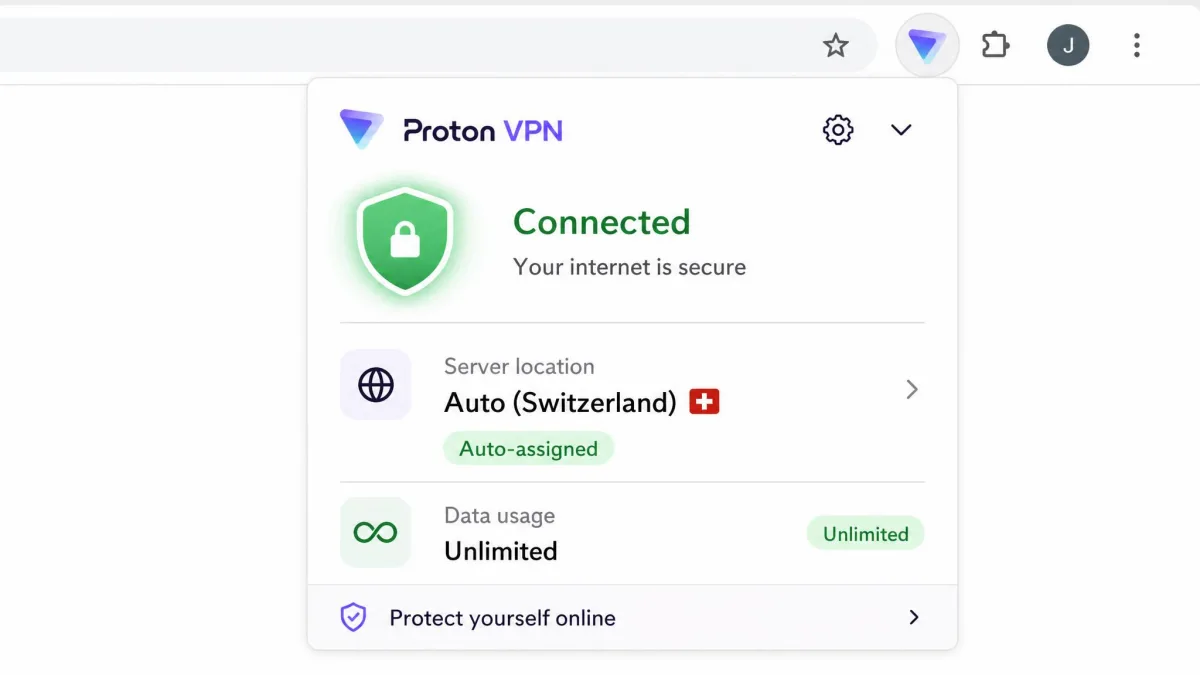
1. Proton VPN - best overall free Chrome VPN
Proton VPN is the free VPN Chrome extension we recommend to almost everyone, and the reason is simple: the free plan has no data or speed cap at all. In our testing, that unlimited allowance is what sets it apart from every metered rival. It runs at full speed with no throttling, so it holds up for everyday browsing rather than just short sessions before a cap kicks in.
The free tier gives you 5 server locations, and Proton auto-assigns the server for you, which means you cannot manually pick a specific country without upgrading. Proton also runs a strict no-logs policy and never logs your activity, backed by open-source apps and independent audits. The extension works on the free plan and does not require you to install the desktop app first.
Streaming is the one area where the free plan shows its limits. Proton unblocks Netflix and HBO Max on its paid tiers, but the small pool of free locations makes streaming hit-or-miss. If privacy and reliable everyday browsing are your priorities, that is an easy trade-off to accept.
- Data cap: Unlimited
- Locations: 5 free server locations (auto-assigned)
- Logging: Strict no-logs, open-source, audited
- Paid upgrade: about $4.99/month on the annual plan (pricing shifts with frequent promotions)
Pros
- Genuinely unlimited free data with no speed cap
- Strict, audited no-logs policy
- Works without installing the desktop app
Cons
- Cannot manually choose a server on the free plan
- Streaming is unreliable on the free locations
You can add it directly from the Proton VPN Chrome extension listing, but watch out for fake Proton clones and install only the official one.
2. Windscribe - best for unlimited data
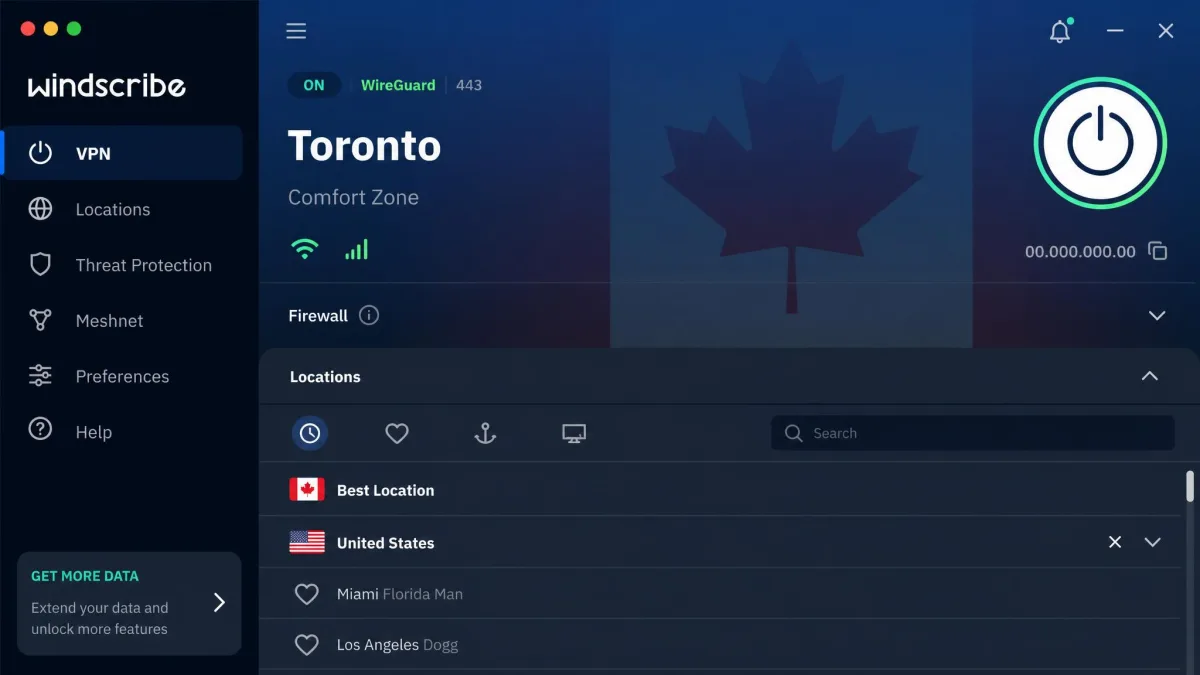
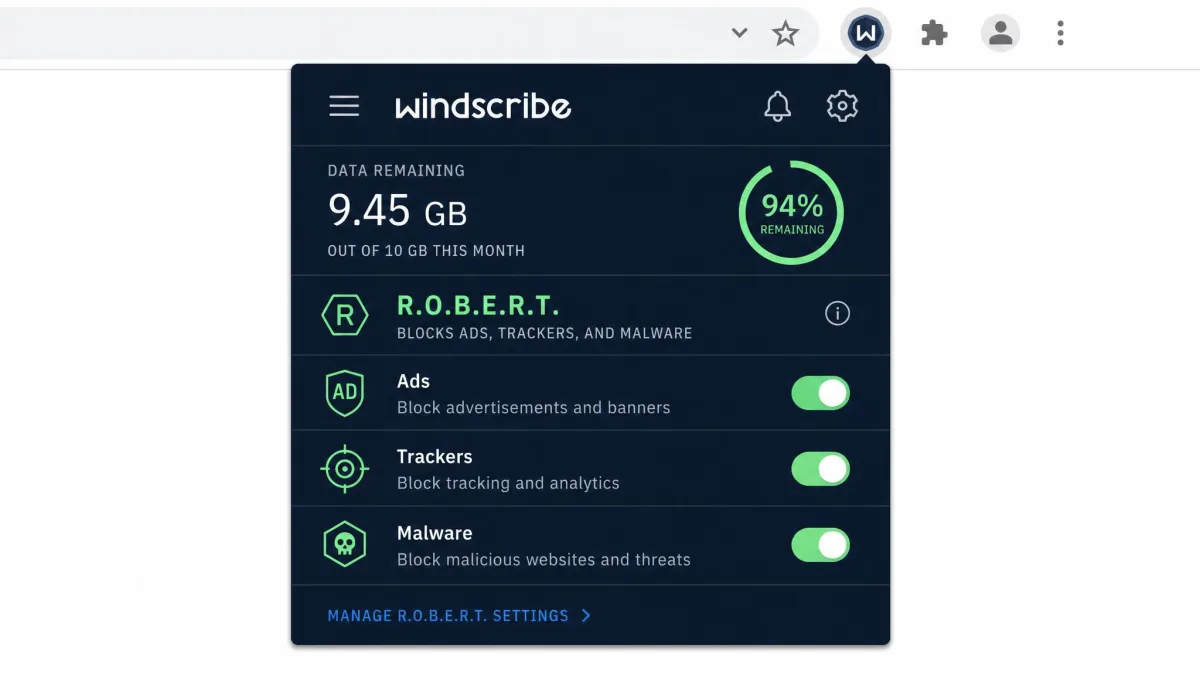
Windscribe offers the most generous metered free data on this list. Confirm your email address and you get 10GB a month, which is plenty for daily browsing, and even the unconfirmed tier gives you 2GB. The free plan reaches servers in 11 countries, drawing on an overall network of more than 69 countries and 135-plus cities.
What makes Windscribe stand out is R.O.B.E.R.T., its built-in ad, tracker, and malware blocker. It cuts ads and trackers without a separate extension, which keeps your toolbar tidy and your pages cleaner. The service keeps no connection logs and runs on RAM-disk infrastructure, and the free tier allows unlimited simultaneous device connections drawing from the shared 10GB pool.
The 10GB cap disappears fast if you stream, so we think of Windscribe as a browsing and occasional-use tool rather than a video machine. It does unblock Netflix, HBO Max, and Prime Video when you have data to spare, though free-tier support leans heavily on automated bots if you hit a snag.
- Data cap: 10GB/month (2GB without email confirmation)
- Locations: 11 free countries (69+ overall)
- Logging: No connection logs, RAM-disk servers
- Paid upgrade: $69/year regular (about $39/year on promo)
Pros
- 10GB free data per month is among the most generous
- Built-in R.O.B.E.R.T. ad and tracker blocker
- Unlimited simultaneous device connections
Cons
- 10GB runs out quickly if you stream video
- Free support relies on automated bots
You can add it directly from the Windscribe Chrome extension listing on the Chrome Web Store.
3. hide.me - best for privacy / no-logs
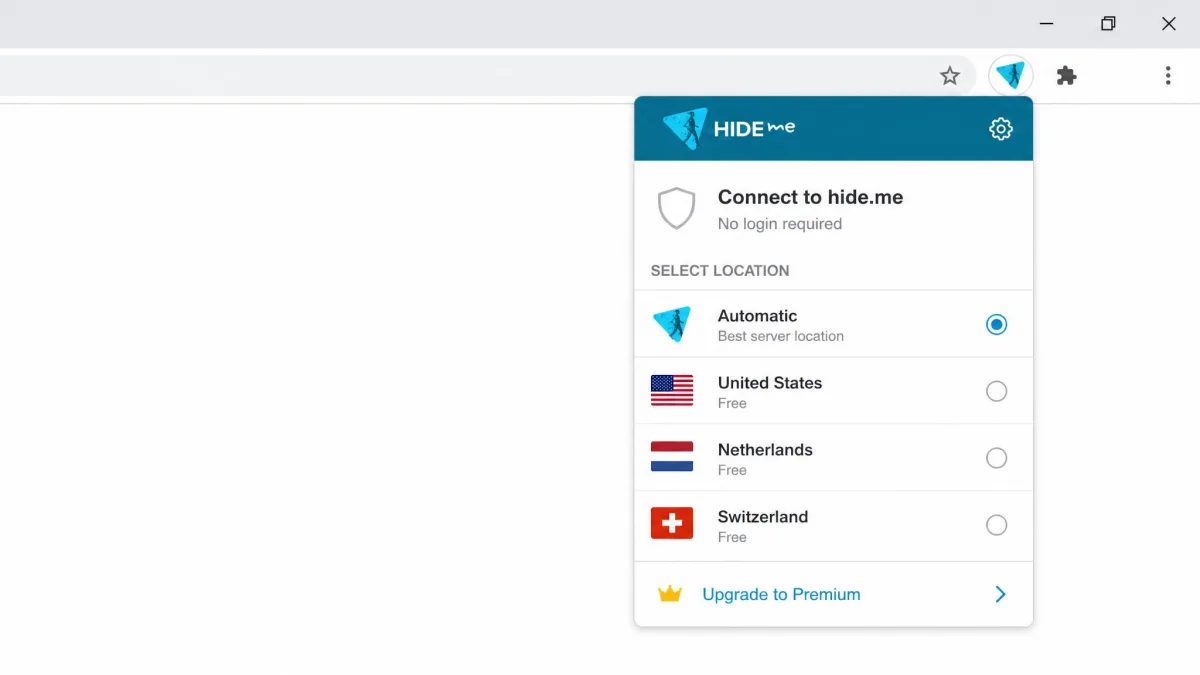
hide.me pairs an unlimited free data allowance with a privacy-first design that we appreciated in testing. The standout detail is that its Chrome extension works without creating an account, which lowers setup friction to almost nothing. You install it, pick a location, and connect, without handing over an email address first.
The free extension exposes a handful of locations, typically the US, Netherlands, and Switzerland plus an Automatic option, while the full free plan reaches up to 8 countries. hide.me runs a no-logs policy, includes WebRTC leak protection, and functions as a clean proxy inside the browser. It supports up to 10 simultaneous connections across its apps.
Speeds on nearby servers were good in our experience, though the extension struggles to unblock Netflix even while it handles Amazon Prime without much fuss. Keep in mind that the browser extension is a proxy: it lacks the kill switch and split-tunneling you get from the full hide.me desktop app.
- Data cap: Unlimited
- Locations: about 3-8 free locations (count varies by extension vs app)
- Logging: No-logs, WebRTC leak protection
- Paid upgrade: around $4.58/month on the annual plan (pricing varies)
Pros
- Unlimited free data
- No account required to use the extension
- Strong no-logs stance with WebRTC leak protection
Cons
- Struggles to unblock Netflix on free servers
- Extension lacks the kill switch and split tunneling of the app
You can add it directly from the hide.me Chrome extension listing on the Chrome Web Store.
4. VeePN - best for streaming / geo-unblocking
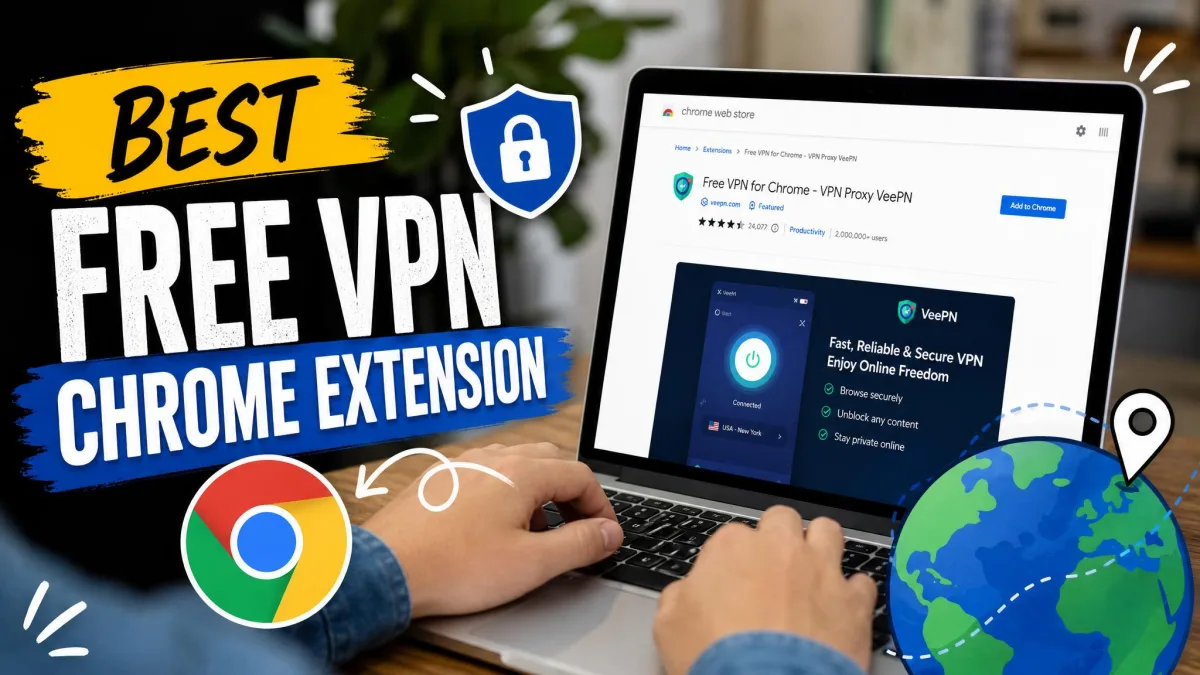
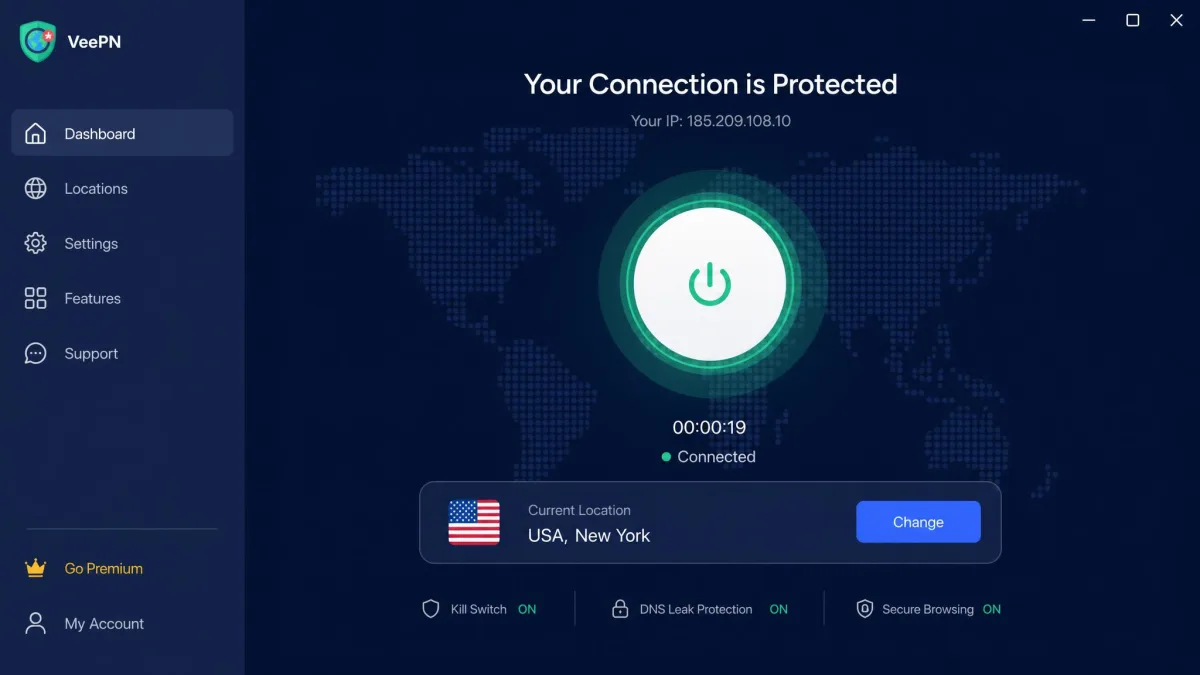
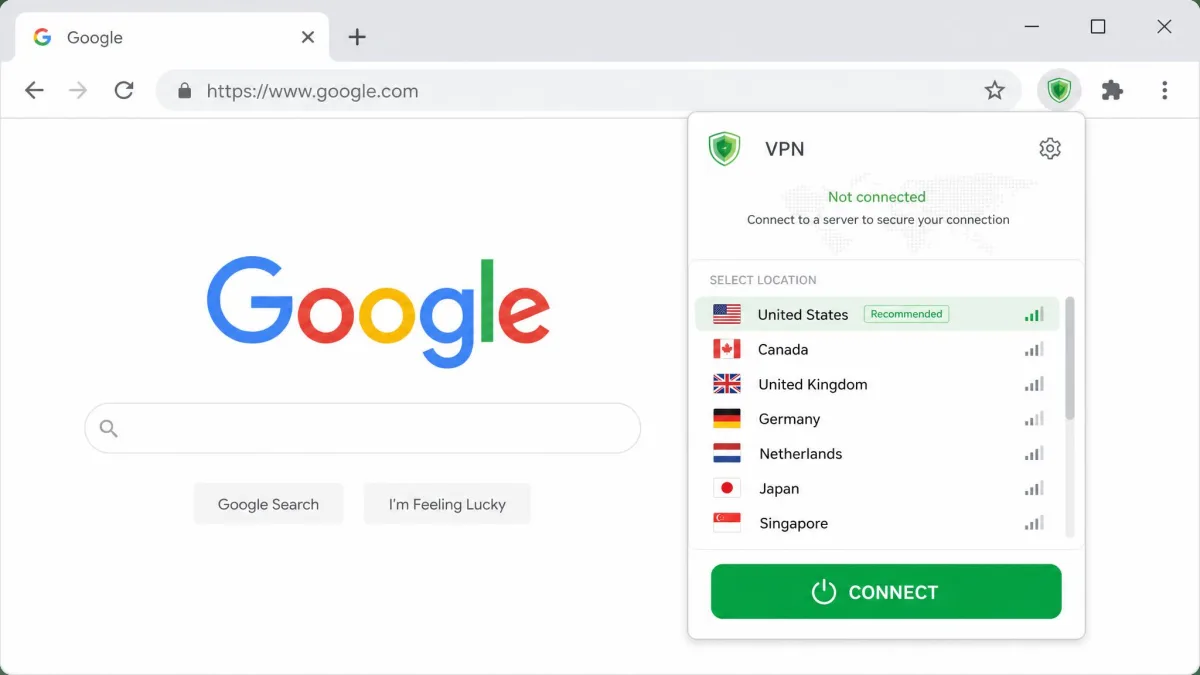
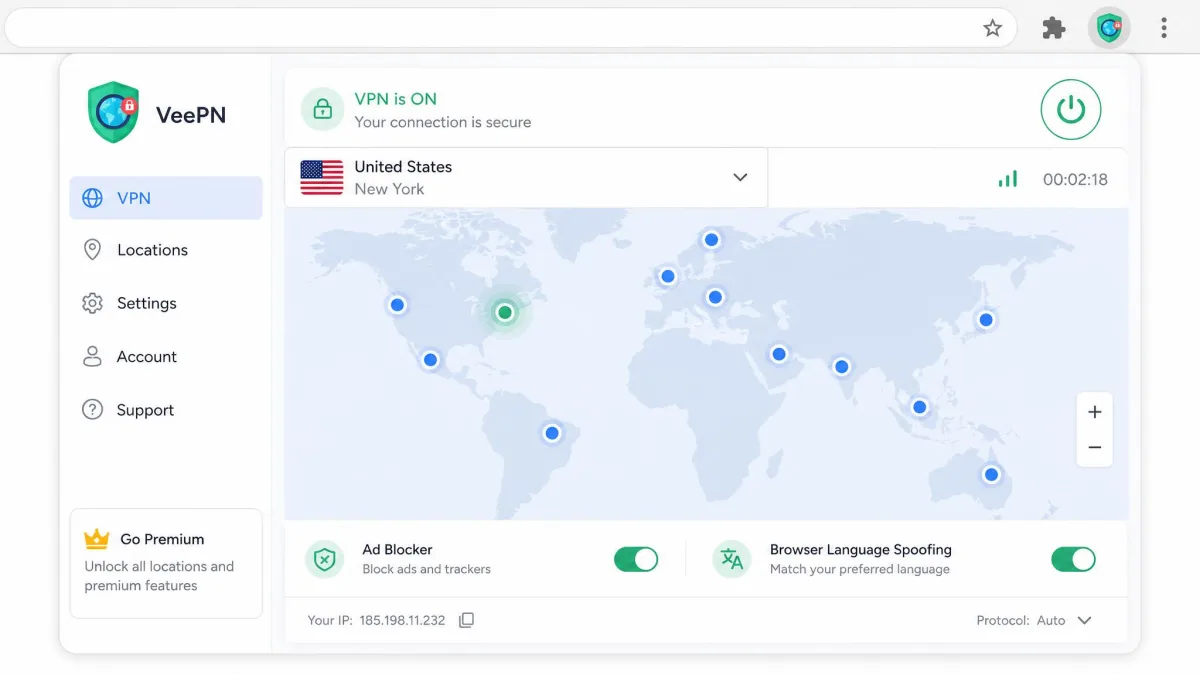
VeePN is the free extension we would point streaming-focused users toward. The Chrome proxy advertises unlimited traffic with no data cap on the free tier, and it draws on a large network of more than 2,600 servers across 85-plus countries. That reach is what gives it a better shot at unblocking geo-restricted content than the smaller free pools elsewhere on this list.
A handy touch is that VeePN's extension can automatically disable conflicting proxy extensions to keep the connection stable, which saved us the usual troubleshooting when two tools fought over the browser. It runs a zero-logs policy from a base in Panama, and it bundles ad, tracker, and malware blocking plus location, time, and browser-language spoofing. The premium tier supports 10 devices with 24/7 live chat.
The trade-off is speed under load: VeePN's free servers slow down noticeably when they are busy. During quieter periods it was quick enough for smooth streaming, but at peak times you may need to switch locations to find a fast one.
- Data cap: Unlimited (advertised)
- Servers: 2,600+ across 85+ countries
- Logging: Zero-logs, based in Panama
- Paid upgrade: pricing varies
Pros
- Large server network for reliable geo-unblocking
- Unlimited free traffic
- Automatically disables conflicting proxy extensions
Cons
- Free-server speeds drop under heavy load
- Advertised server and location counts vary across VeePN's own pages
5. TunnelBear - best lightweight option
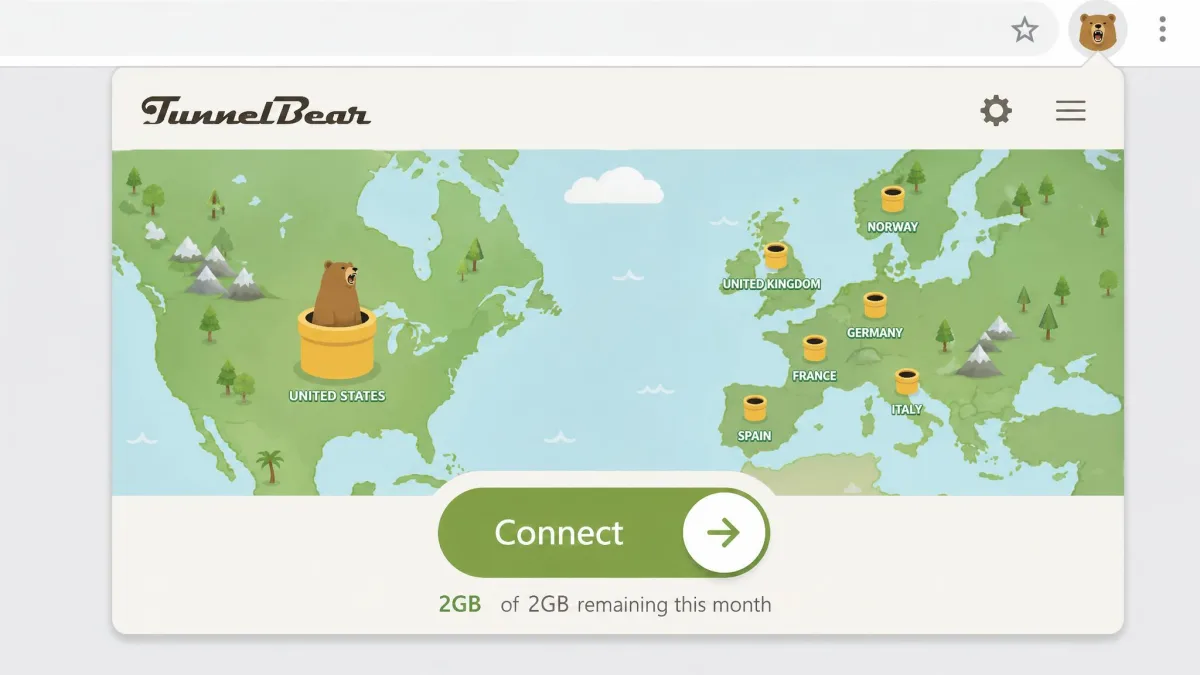
TunnelBear is the friendliest extension here for anyone new to VPNs. Its playful one-tap interface makes connecting almost effortless, and that approachability is the whole point. The free tier gives you 2GB of data per month, an allowance that applies across all TunnelBear apps, and access to servers in more than 40 countries.
That 2GB cap is the main constraint. It is enough for light browsing or email, but it runs out well before any video streaming or large downloads. TunnelBear runs a strict no-logs policy with AES-256 encryption, and it has been independently audited, which gives its privacy claims real weight.
One change worth flagging: as of January 26, 2026, free TunnelBear users lost custom server selection and split tunneling, both now paid-only features. That makes the free tier simpler but less flexible than it used to be. It is also not great at unblocking streaming services, and it performs best on servers close to home.
- Data cap: 2GB/month
- Servers: 40+ countries
- Logging: Strict no-logs, AES-256, audited
- Paid upgrade: around $3.33/month on the 3-year plan (varies)
Pros
- Simple, beginner-friendly one-tap interface
- Independently audited no-logs policy
- 40+ server countries on the free tier
Cons
- Just 2GB of free data per month
- Free users lost custom server selection in January 2026
6. Hotspot Shield - best for speed
Hotspot Shield built its reputation on speed, thanks to its proprietary Catapult Hydra protocol, and that focus carries into the browser extension. If your priority is a fast connection for quick tasks, it is a reasonable pick, with servers in more than 80 countries and built-in Wi-Fi security features.
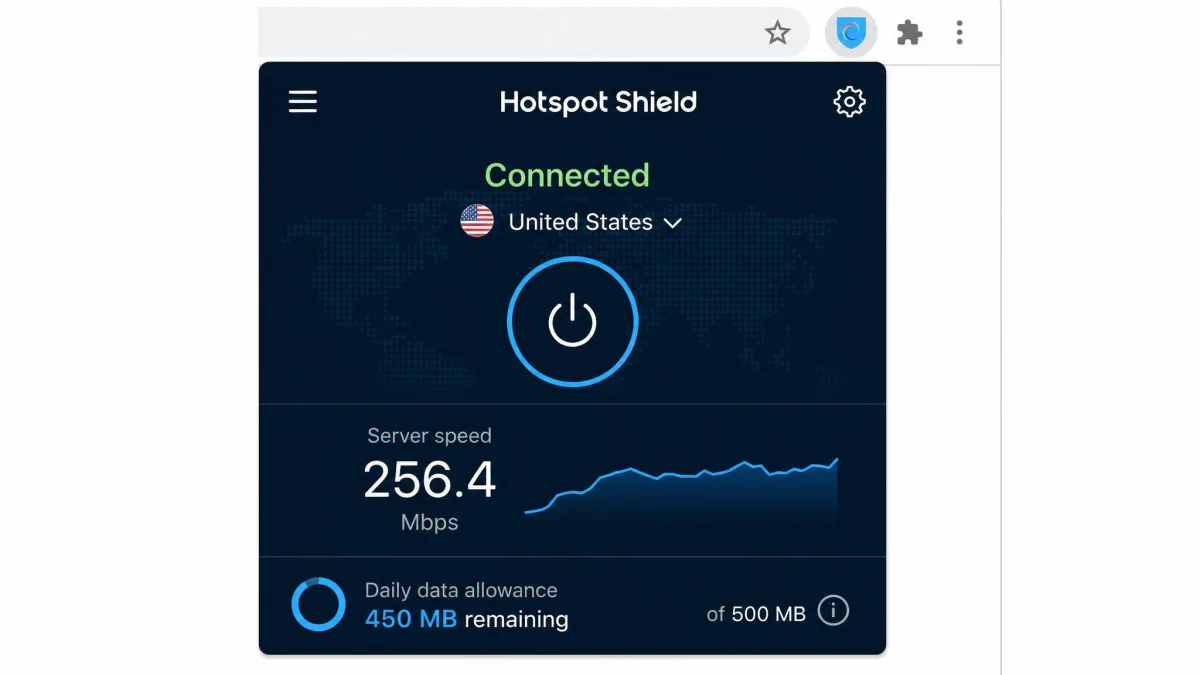
The free tier is tightly limited, though. The allowance is small, roughly 500MB a day, and torrenting is reserved for premium. That is enough for a fast check of a blocked page but not for sustained browsing or any video. The exact daily-versus-monthly framing of that allowance varies by source, so treat the figure as an approximation and watch your usage.
We are also more cautious about privacy here. Hotspot Shield's free tier shares user data with advertising sponsors, which is a common trade-off for its fast speeds. We could not confirm a genuine no-logs policy for the free service, so if privacy is your main concern, one of the audited picks above is a safer bet.
- Data cap: roughly 500MB/day (framing varies)
- Servers: 80+ countries
- Logging: Not confirmed; free tier shares data with ad sponsors
- Paid upgrade: pricing varies
Pros
- Fast Catapult Hydra protocol
- Servers in 80+ countries
- Built-in Wi-Fi security
Cons
- Very small free data allowance
- Free tier shares data with advertising sponsors
7. CyberGhost - best free tier with premium upgrade
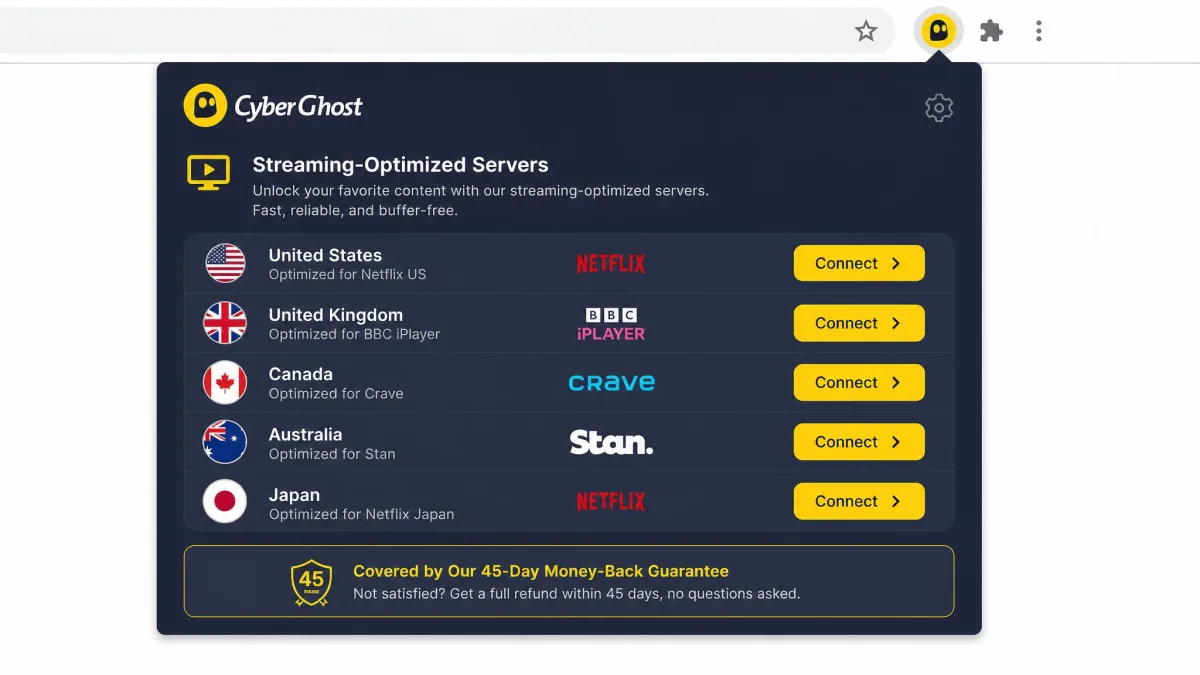
CyberGhost is the pick for users who want a taste of a premium service before committing. It offers a free Chrome proxy extension, while the full VPN app is paid, with a 45-day money-back guarantee that effectively acts as a long, no-risk trial. That guarantee, paired with 7 simultaneous connections, makes it easy to test the complete service and back out if it does not fit.
The paid network is enormous, with more than 6,300 servers overall and dedicated streaming servers that consistently unblock major platforms. CyberGhost runs a no-logs policy, so your activity stays private on the full service. On the free extension you get a straightforward browser proxy without the full app's location choice.
One thing to verify before you rely on it: whether CyberGhost's free Chrome extension is a genuinely free tool or primarily a gateway to the trial can be unclear. If a real free proxy matters to you, confirm the current offering on the store listing before installing.
- Data cap: Limited on free proxy
- Servers: 6,300+ overall (paid)
- Logging: No-logs, dedicated streaming servers
- Paid upgrade: 45-day money-back guarantee
Pros
- 45-day money-back guarantee acts as a long trial
- Huge server network with streaming-optimized options
- No-logs policy on the full service
Cons
- The free extension is limited compared with the paid app
- Whether the free proxy is truly free needs verifying
How we tested and ranked these free Chrome VPN extensions
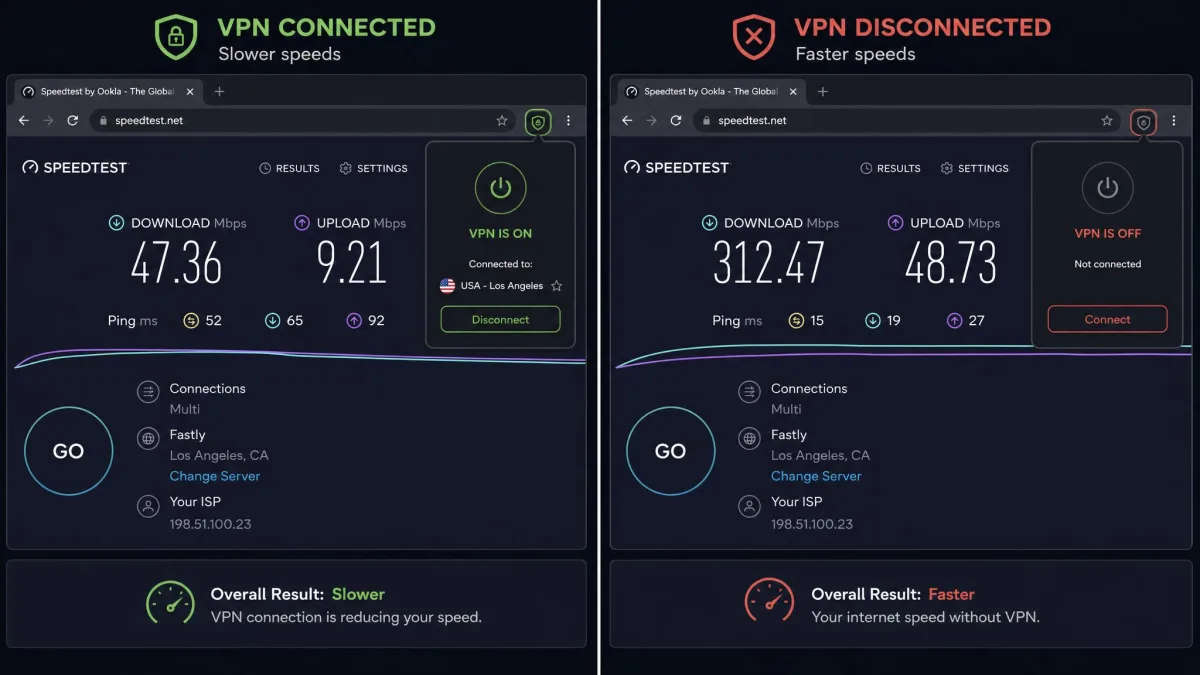
We approach every VPN the same way: install it, connect it, and put it through the tasks a real user cares about before it earns a spot on the list. For these extensions, that meant checking the free data cap, the number of available server locations, real browsing speed, and the logging policy behind each service. We bought or signed up for the tiers ourselves rather than relying on marketing pages.
Speed matters, but so does honesty. A fast connection is worthless if the company logs and sells your browsing data, so we weighted logging policy and data handling heavily. We favored services with independent audits and clear no-logs commitments, and we flagged any extension that treats your data as the product.
We also tested each one as what it actually is: a browser proxy. Most free VPN extensions protect only your Chrome traffic, not your whole device, and many permit only a single connection. Where an extension lacked a kill switch or split tunneling that the full app offers, we said so, because those gaps change how much protection you are really getting.
After running each extension through everyday browsing, geo-unblocking checks, and a close read of every privacy policy, the pattern was clear: the best free VPN extensions come from companies that also sell a paid product, because they have a reason to protect your data rather than sell it.
Free VPNs vs. paid VPNs vs. proxy extensions
It helps to know exactly what you are installing, because these three things are often confused. A full paid VPN app encrypts all traffic on your device, every browser and background app included, and usually gives you a kill switch, split tunneling, and thousands of servers to choose from. That is the most complete form of protection.
A free VPN sits below that. The reputable ones on this list still encrypt your connection and keep no logs, but they limit your data, your server choice, or both. The free tier is how these companies get you to try the service, so the features are deliberately trimmed to nudge you toward an upgrade.
A proxy extension is the most limited of the three, and most free VPN Chrome extensions are really proxies. A proxy reroutes and hides the traffic from one app, in this case Chrome, but it does not protect anything else on your device. That is fine if all you want is browser privacy, but it will not shield a separate app or your system as a whole.
If you need protection for banking apps, email clients, or anything outside Chrome, a browser proxy extension is not enough. You want a full VPN app installed at the device level.
How to install and set up a free VPN extension on Chrome
Getting started takes about a minute. Every extension on this list installs the same way, straight from the Chrome Web Store, with no separate download or system configuration required.
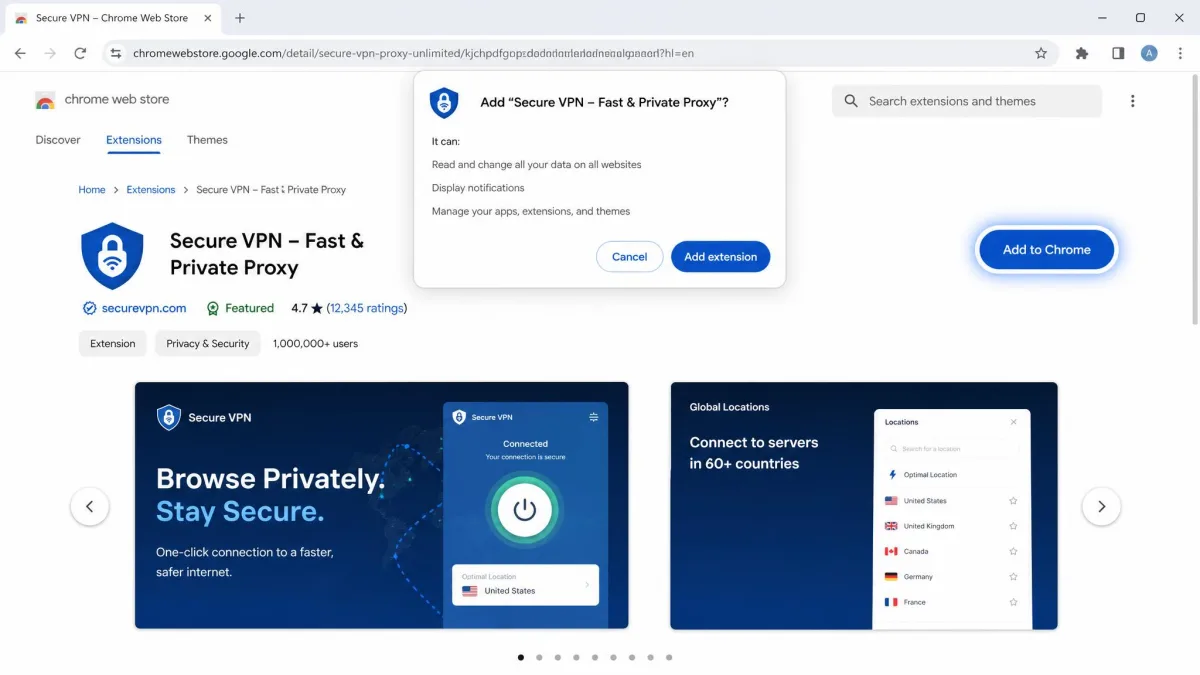
- Open the Chrome Web Store and search for the extension by name, or follow the store link in its review above.
- Click Add to Chrome, then confirm by clicking Add extension in the pop-up that appears.
- Pin the extension to your toolbar by clicking the puzzle-piece icon and selecting the pin next to its name, so it is always one click away.
- Open the extension, create an account or confirm your email if the service requires it, and choose a server location.
- Click connect. Once the icon shows a connected state, your Chrome traffic is routed through the VPN server automatically.
Confirm your email when the service offers extra data for it. Windscribe, for example, jumps from 2GB to 10GB a month once your address is verified, and that takes about thirty seconds.
Risks and limitations of free Chrome VPN extensions
Free VPN extensions come with real trade-offs, and the biggest one is how a service pays for itself. Running servers costs money, so if you are not paying with cash, some free VPNs pay the bills by logging and selling your browsing data. That is the exact opposite of what a privacy tool should do, which is why the logging policy is the first thing we check.
Permissions are the second red flag. A browser extension can request broad access to read and change the data on the sites you visit, and Google's own Chrome Web Store limited-use policy restricts how developers may handle that data. Before you install anything, it is worth checking what an extension asks for and what the company says it does with it.
There are practical limits too. Free tiers cap your data, restrict your server locations, and often permit only one simultaneous connection. Because most extensions are proxies, they protect only Chrome and leave the rest of your device exposed. And without a kill switch, some free extensions will fall back to your real IP address the moment the connection drops, without warning you.
An extension with no kill switch can expose your real IP address the instant the VPN connection fails. If a leak would be a serious problem for you, use a full VPN app with a confirmed kill switch instead.
Free Chrome VPN extensions to avoid
Not every popular free VPN deserves your trust, and Urban VPN is the clearest example. It is widely installed and genuinely free, but its own privacy policy is alarming: it logs your IP address, cookie ID, and browsing data, including search queries and visited pages, and it reserves the right to share and monetize that data. For a tool people install to protect their privacy, that is a dealbreaker.
The concern is not just theoretical. Urban VPN's Chrome extension was caught harvesting AI chat prompts from more than 8 million users in July 2025 and selling that data to third parties. That is the kind of incident that should end a privacy tool's credibility, not slow it down.
The architecture makes things worse. Urban VPN runs a peer-to-peer network that routes your traffic through other users' IPs and devices, which can put your IP address behind someone else's activity. It has no kill switch, so it exposes your real IP instantly when the connection drops, and it has never been independently audited. You can find the Urban VPN Chrome extension on the store, but our advice is to skip it and pick one of the audited services above. For a fuller breakdown, see our Urban VPN review (a free VPN).
A free VPN that logs and sells your browsing data is worse than no VPN at all, because it creates a single record of everything you do online. Urban VPN's peer-to-peer model can also route strangers' traffic through your connection.