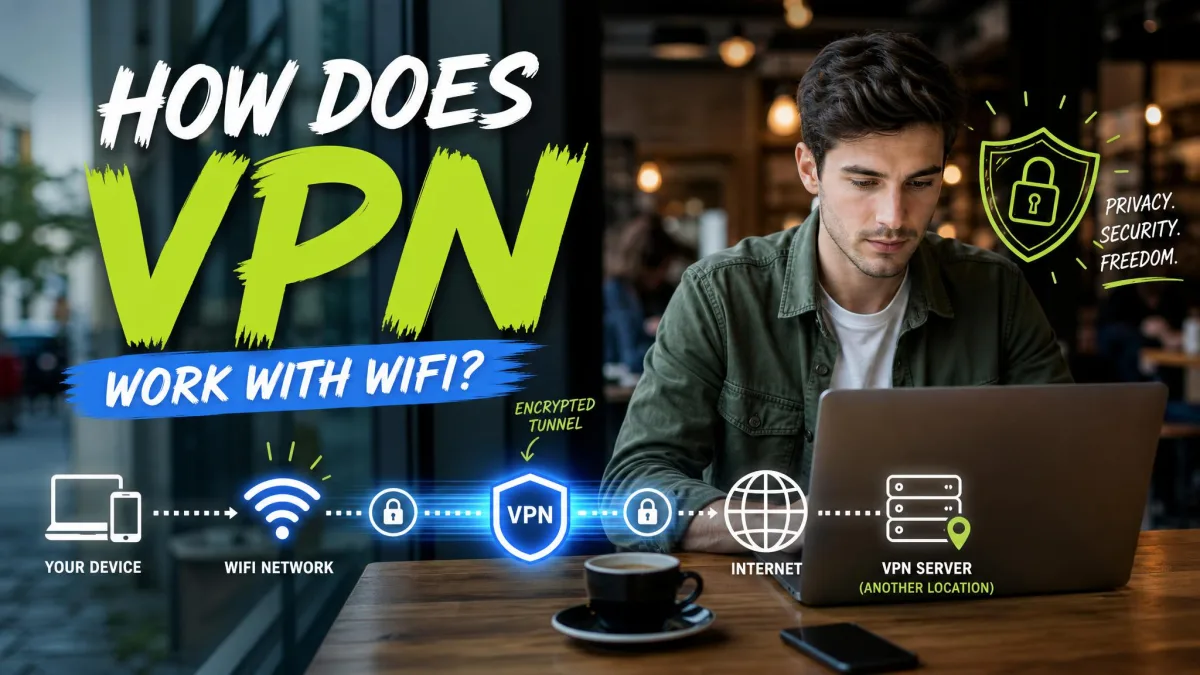
A VPN encrypts your traffic before it leaves your device, so the WiFi router only sees scrambled data. It then routes that traffic through a private server that stands between you and the websites you visit. The WiFi still carries your connection, but the VPN wraps everything inside a secure tunnel first.
That combination is what makes a VPN useful on any wireless network, whether you are at home, in a cafe, or on office WiFi. The WiFi gets you online; the VPN decides who can read what you send. We have spent years testing VPNs against real speed, leak, and streaming benchmarks, and this guide explains the mechanics in plain language.
How WiFi Works Without a VPN
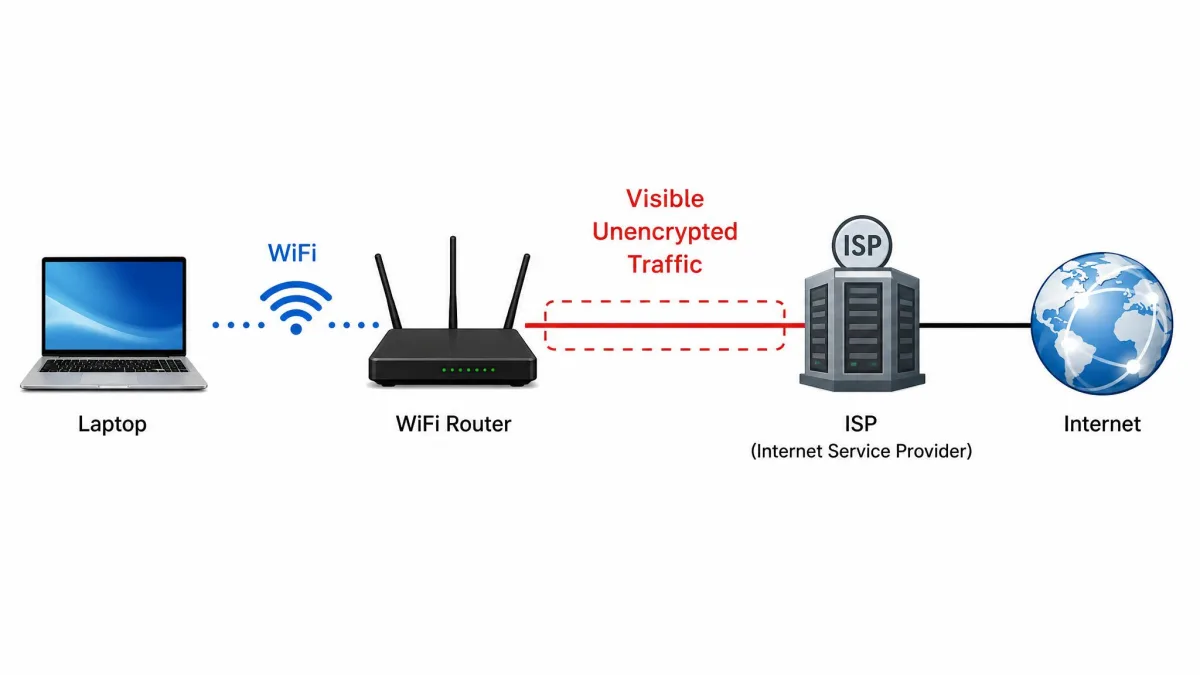
WiFi is simply the wireless link between your device and a router. Your phone or laptop sends data to the router over radio waves, and the router passes that traffic to your internet service provider, which forwards it to the wider internet.
Modern networks use WPA2 or WPA3 to encrypt that first hop, but the protection stops at the router. Once your data reaches your ISP, it travels according to whatever encryption each website provides on its own. On an open public network with no password, even the local link is unencrypted, so anyone within range and running the right tools can watch the traffic pass by. Your ISP can also see which sites you connect to.
How a VPN Works Over WiFi (Step by Step)
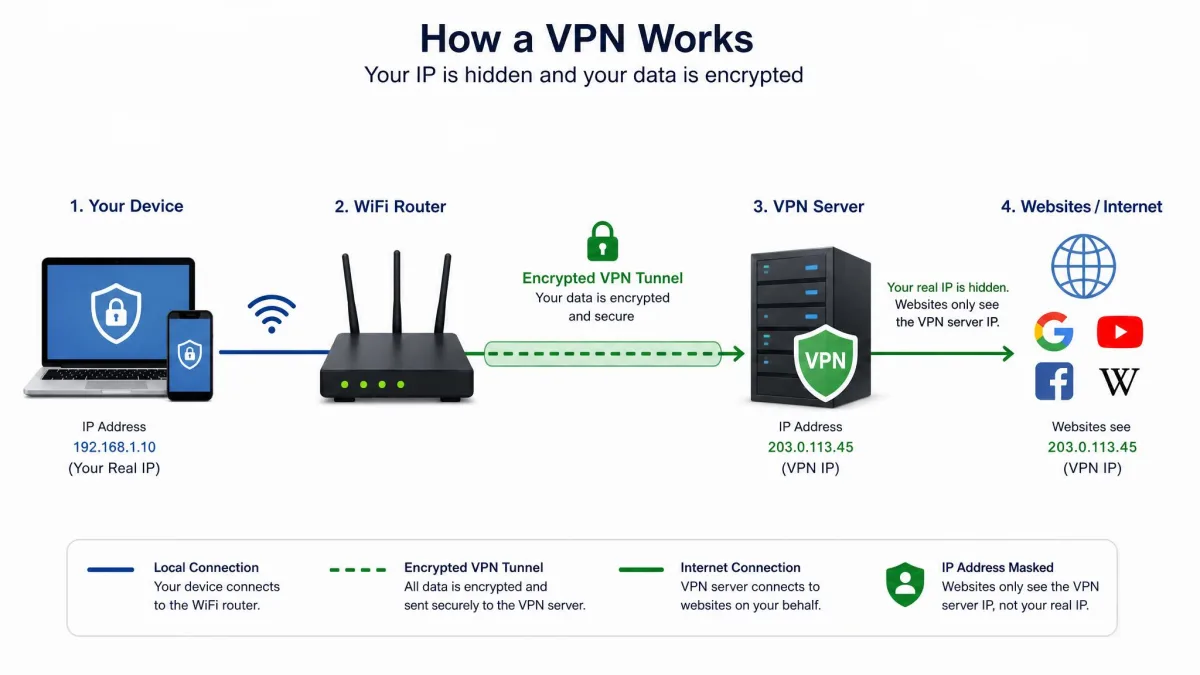
A VPN app installs on your device and creates a private, encrypted path to a VPN server. Once you connect, every request is encrypted locally, sent through the WiFi to the router, and forwarded to that server before it reaches the open internet.
The steps are straightforward. You open the app and choose a server. The app negotiates a secure connection and builds the encrypted tunnel. Your normal browsing then continues as usual, except every packet leaves your device already scrambled. The WiFi still moves the data, but it can no longer read it.
The Encrypted Tunnel and Encryption
The heart of the process is encryption. The VPN app scrambles your data into unreadable code before it leaves your device, and only the VPN server holds the key to unscramble it. This is the encrypted tunnel people describe, and it is why the router sees nothing but noise.
The exact method depends on the protocol. OpenVPN is an open-source protocol built on TLS and supports AES and other modern ciphers. WireGuard, first released in 2015, uses Curve25519 for key exchange and ChaCha20-Poly1305 for encryption, and it is lighter and faster than OpenVPN in our testing. IKEv2/IPsec is a third common option that re-establishes the tunnel automatically when your device changes networks, which suits phones that move between WiFi and mobile data.
Password-protected WiFi uses WPA2 or WPA3, but that encryption only covers the link to your router. A VPN adds end-to-end encryption that persists past the router and across the internet, which local WiFi security cannot do on its own.
Whatever the protocol, the principle is the same: your data stays encrypted until it reaches the VPN server, so nobody on the WiFi in between can read it. You can read more in our explainer on how a VPN works and our breakdown of how WireGuard works.
IP Address Masking and the VPN Server
Encryption hides the content of your traffic; IP address masking hides where it comes from. When your request reaches the VPN server, that server replaces your real IP address with its own before passing the request to the website. The site then sees the server's address, not yours.
This is what hides your location and identity from the services you visit. A website reads the IP address of whoever connects, so a masked address means the site sees the VPN server's city and country instead of your own. It is the same mechanism that lets a VPN make you appear to browse from another region.
Does a VPN Replace Your WiFi? (How They Work Together)
No. A VPN layers on top of your WiFi connection; it does not replace WiFi or your internet provider. The WiFi still carries the traffic, and the VPN encrypts that traffic before it leaves your device. WiFi handles getting your device online, and the VPN handles keeping that connection private. If the WiFi drops, the VPN has nothing to run over; if the VPN drops, the WiFi still works but without the extra protection.
| What the network sees | Without a VPN | With a VPN |
|---|---|---|
| Websites you visit | Visible to router and ISP | Only the VPN server address |
| Page content on HTTP sites | Readable | Encrypted |
| Your device's real IP | Visible to sites | Masked by the VPN server |
| Local link encryption | WPA2/WPA3 stops at the router | End-to-end past the router |
| Public-hotspot sniffing risk | High on open networks | Mitigated by the tunnel |
Why Use a VPN on WiFi
The reasons come down to privacy and security. On any WiFi network, other parties can see parts of your activity, and a VPN closes those gaps. The value is greatest where the network is least trustworthy, but there is a case for using one at home too.
Public WiFi Security and Common Threats
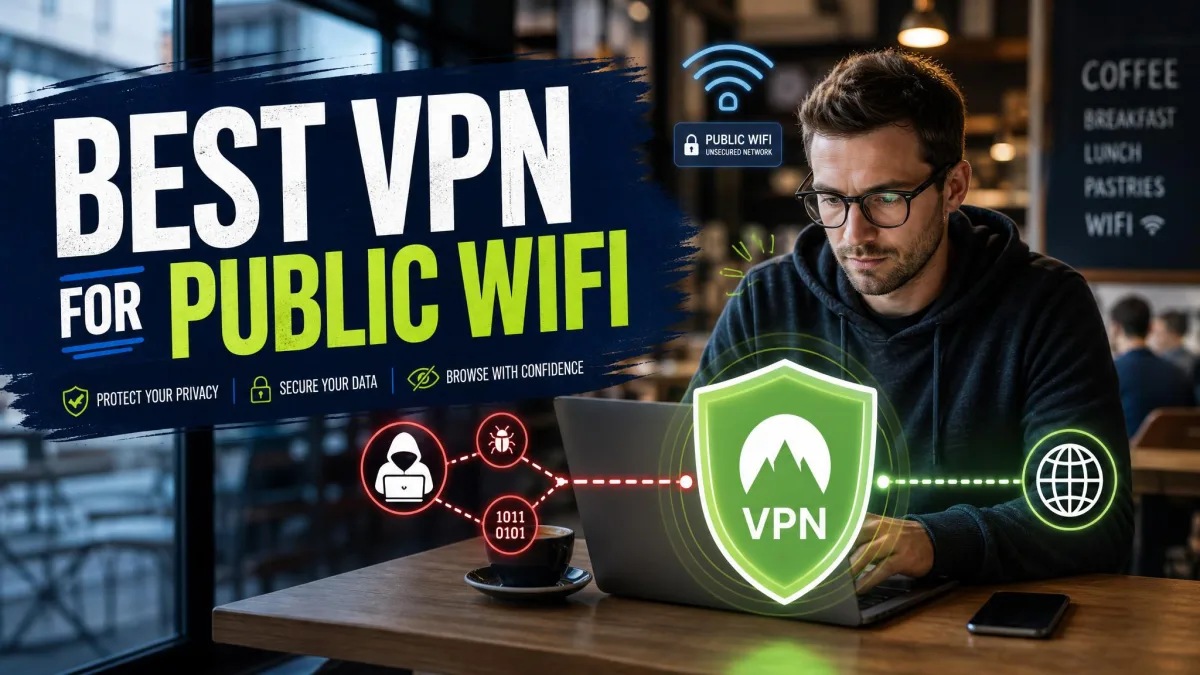
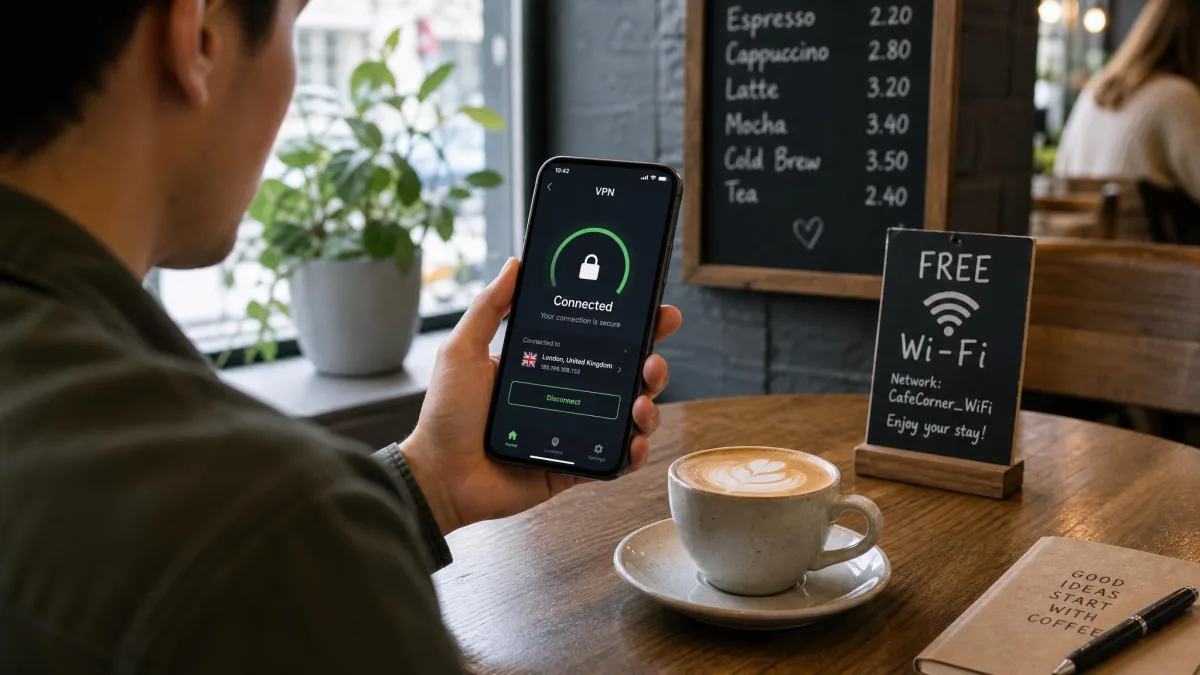
Public WiFi is the classic use case. Open networks in cafes, airports, and hotels often carry unencrypted traffic, which exposes data to anyone nearby with the right tools. The main threats a VPN mitigates are a man-in-the-middle attack, where someone intercepts traffic between you and the network, and packet sniffing, where an eavesdropper reads unencrypted data passing by.
A VPN neutralizes both because the attacker only captures encrypted traffic. Government guidance on the risks of public Wi-Fi makes the same point about connecting on untrusted networks.
On an open network, a VPN turns everything you send into scrambled data, so an eavesdropper on the same hotspot captures noise instead of your passwords or messages.
If you connect on the move often, our guide to the best VPN for public Wi-Fi covers the services we trust most for this scenario.
Home WiFi Privacy
At home your WiFi is password-protected, so the sniffing risk is low. The privacy question shifts to your ISP, which can see the sites you connect to and, in many regions, log or sell that browsing data. A VPN hides those destinations behind the tunnel, so your provider sees only the VPN server. Our roundup of the best VPN for home networks explains what to prioritize for always-on home use.
Work and Guest WiFi
On work or guest networks, the network owner can often see traffic the way an ISP can. A VPN keeps your personal browsing private from the administrator, which matters on shared office WiFi or a hotel guest network.
Some workplaces and schools set policies against personal VPNs and a few actively block them. Check the rules before you rely on one, and remember that a VPN does not exempt you from an acceptable-use policy.
Bypassing Restrictions and Geo-Blocks
Because IP address masking makes you appear to browse from the server's location, a VPN can reach content that a network or region restricts. Connecting to a server elsewhere changes the location a website sees, which is how people access geo-blocked material or work around some network filters. We cover the performance side in our look at how a VPN helps with gaming, where server choice affects latency directly.
Does a VPN Work on All Types of WiFi?
Yes, a VPN works over essentially every kind of WiFi, but a few network types behave differently at the point of connection. The encryption itself does not change; what changes is how and when you can start the tunnel.
Open / Public Networks
Open networks with no password are where a VPN helps most, and it works normally on them. Because the local link is unencrypted, the tunnel does all the protective work. Connect to the WiFi, start the VPN, and your traffic is secured from that point on.
Password-Protected (WPA2/WPA3) Networks
On WPA2 or WPA3 networks, the VPN works exactly as it does anywhere else. The local encryption and the VPN operate at different layers, so they do not conflict. The VPN simply adds protection that continues past the router, which the WiFi password alone cannot provide.
Captive Portal and Authenticated Networks
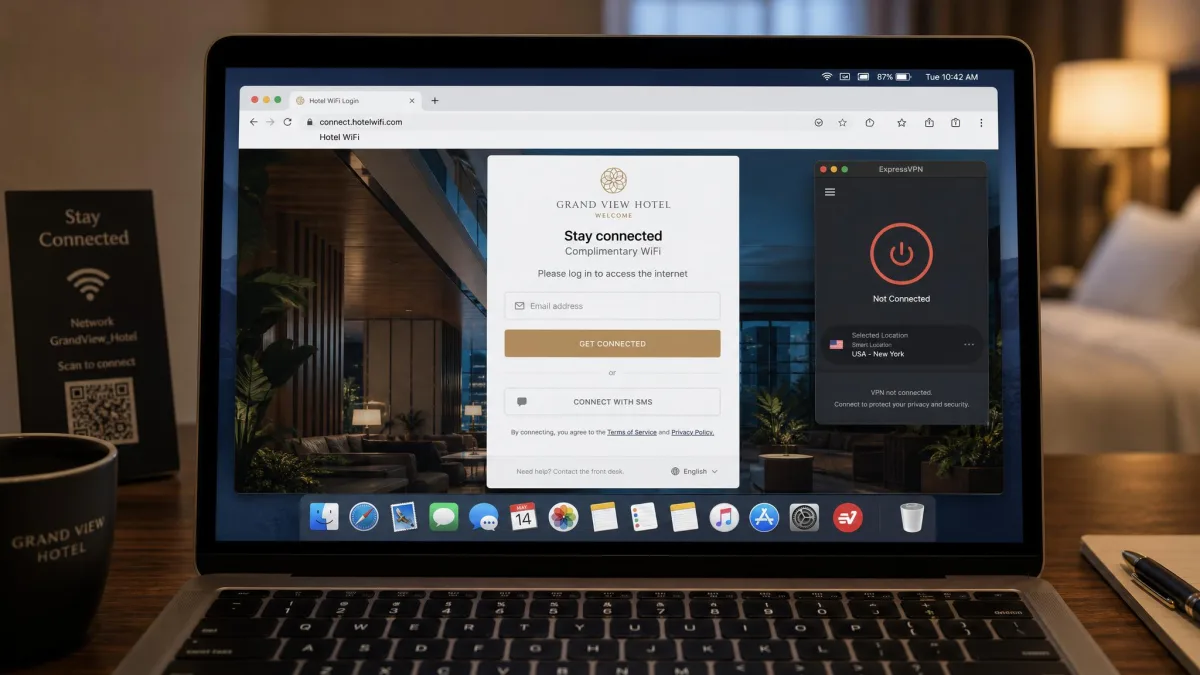
Captive-portal networks in airports, hotels, and cafes need one extra step. You must complete the portal login page before you connect the VPN, because the tunnel blocks the local redirect the portal relies on. In our testing, these login pages refuse to load while the VPN is connected, so the order matters: log in first, then turn the VPN on.
An always-on VPN with a kill switch can cut off internet on public WiFi until the captive portal is cleared, which trips up first-time users. If your connection seems dead on hotel or airport WiFi, disconnect the VPN, load the login page, then reconnect.
Does a VPN Work Without WiFi? (Mobile Data, Ethernet)
Yes. A VPN encrypts any internet connection, not just WiFi. It works the same way over mobile data on 4G or 5G and over wired Ethernet. The tunnel is built between your device and the VPN server regardless of how your device reaches the internet.
This is why a VPN on your phone keeps protecting you when you leave the house and drop off WiFi onto cellular. Protocols like IKEv2/IPsec are built for this, re-establishing the tunnel automatically when your device switches from WiFi to mobile data without dropping the connection.
Does a VPN Slow Down Your WiFi?
A VPN adds some overhead, because your traffic takes an extra trip through the server and has to be encrypted and decrypted along the way. Some slowdown is normal, but on a good service it is small enough that most people never notice it in everyday use.
Independent testing puts the average download speed loss at roughly 20% across a wide mix of services, though this varies a lot by provider, server distance, and protocol, so treat it as a rough guide. Premium VPNs typically keep the loss under 10% on nearby servers. Free VPNs often slow connections by 30% to 70% because of bandwidth caps and crowded servers.
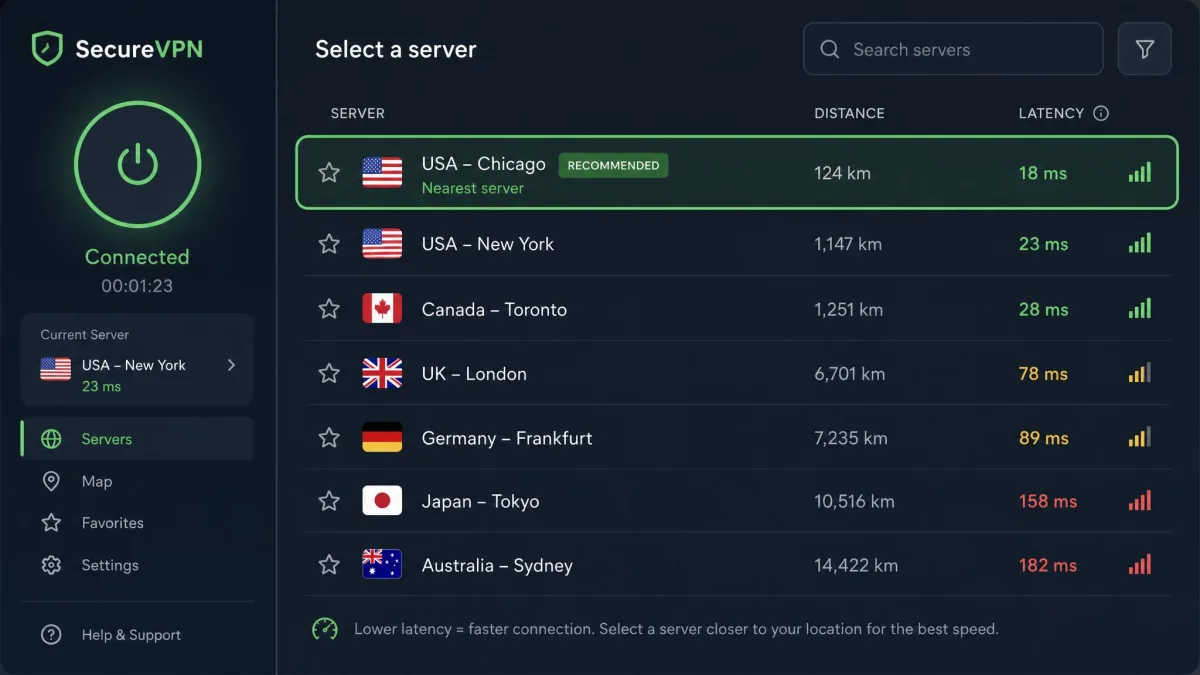
A few things move the needle in our experience. Connecting to a distant server, say across the Atlantic, produces a much bigger slowdown than a nearby one, so choosing a closer server usually restores most of the speed. Servers also get congested during peak evening hours, and a sudden slowdown often clears up by switching to a different server. Switching the protocol to WireGuard noticeably speeds up the connection compared with older OpenVPN setups, and it commonly retains well over 85% of baseline speed.
If a VPN feels slow, change server before you blame the app. A nearer, less crowded server on the WireGuard protocol is the single fastest fix in our testing.
How to Set Up and Use a VPN With WiFi
Setup is simple, and you have two routes: install the VPN on each device, or install it once on your router to cover the whole home. Most people start with the device method and add router-level protection later if they need it.
On Your Device
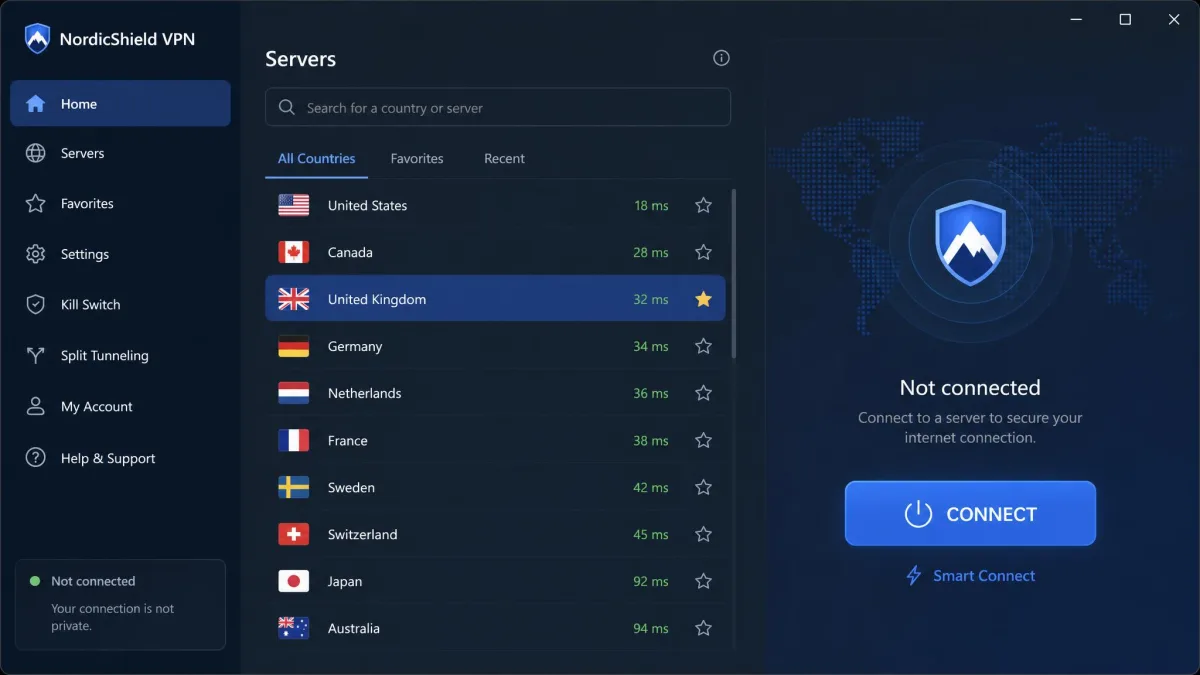
Choose a VPN service, download its app for your phone, laptop, or tablet, and sign in. Open the app, pick a server, and connect. From that moment every app on the device routes its traffic through the tunnel while the VPN stays on. You can leave it running in the background and forget about it.
On Your WiFi Router (Whole-Home)
Installing a VPN on the WiFi router protects every device on the network at once, including ones that cannot run VPN apps, such as smart TVs and games consoles. You configure the VPN once in the router's settings, and all traffic leaving your home is encrypted automatically. The trade-off is that setup is more technical and you cannot switch servers as easily as you can in an app. If you want a built-in option to test the basics first, our guide on whether Windows has a built-in VPN is a useful starting point.
What a VPN Can't Do (Limitations)
A VPN is powerful, but it is not a cure-all. It does not make you fully anonymous. The untrusted network still knows a device is connected, and both your VPN provider and the destination service can still see activity at their ends, so the trust simply shifts to the VPN provider you choose.
It also does not protect you from threats on your own device or from what you choose to share. A VPN will not stop malware you install, block phishing links you click, or hide activity once you log into an account that already knows who you are. It secures the connection, not your judgment.
A VPN encrypts your traffic; it does not replace antivirus, a password manager, or good habits. Think of it as one layer of security among several, not the only one you need.
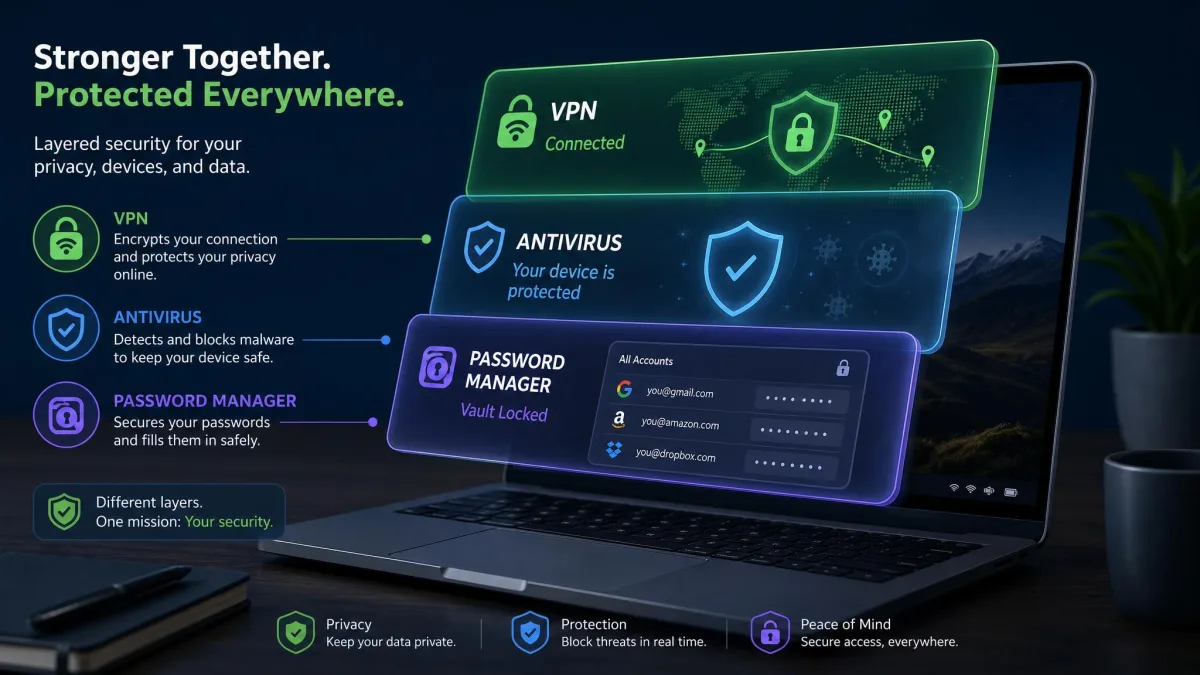
For a related question, see whether a VPN stops phone spying, which covers what the tunnel can and cannot block on a mobile device.
Frequently Asked Questions
Will the WiFi owner know I'm using a VPN?
Does a VPN slow down my WiFi?
Can I use free or public WiFi with a VPN?
Does a VPN hide my location from the WiFi provider?
Does a VPN work without WiFi?
Do I need a VPN if my WiFi is password-protected?
Conclusion
A VPN and WiFi work as a team. The WiFi carries your connection, and the VPN wraps it in an encrypted tunnel so the network, the ISP, and any eavesdropper see only scrambled data and a server address. Encryption hides the content, and IP address masking hides where the traffic comes from.
The payoff is genuine privacy on any network, and it is strongest on the public hotspots where your data is most exposed. Choose a reputable provider, pick a nearby server for speed, and keep the app running. For campus networks specifically, our guide to the best VPN for school Wi-Fi is a good next read.