Every Windows machine slowly fills with junk files, leftover temporary files, and browser traces that nobody asked for. Two names come up again and again as the fix: CCleaner, the polished veteran with a paid tier, and BleachBit, the free and open-source challenger. They aim at the same clutter, but they take very different routes to get there.
We put both against the same question a reader actually has: which one earns a place on your PC in 2026? Below we weigh features, pricing, privacy, ease of use, and the trust questions that trail each tool. The short version is that the "better" cleaner depends on whether you want a broad toolkit or a lean, auditable one.
We compared both cleaners the way most people use them: a routine junk sweep, a browser-history wipe, and a look at how each handles the registry. Neither tool is dangerous in normal use, but the differences in control and transparency are larger than the marketing suggests.
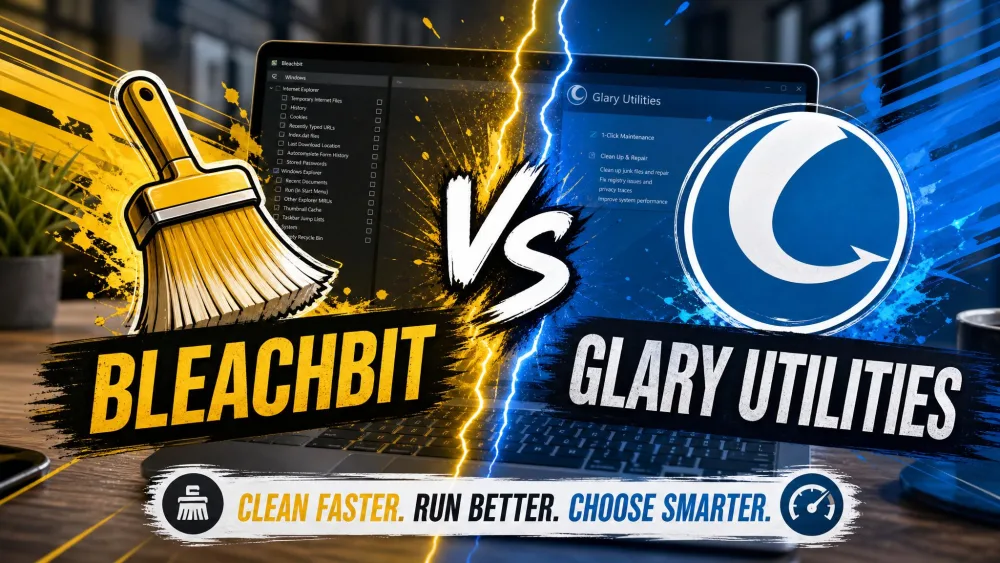
CCleaner vs BleachBit at a Glance
Here is the side-by-side view before we get into the detail. Use it to spot the differences that matter most to you, then read the sections below for the reasoning behind each row.
| Feature | CCleaner | BleachBit |
|---|---|---|
| Price / licensing | Freemium: free tier plus paid Professional / Professional Plus | Free and open-source (GPLv3) |
| Platforms | Windows, macOS, Android | Windows, Linux, experimental macOS |
| Cleaning scope | Broad: junk/temp files, browsers, performance, drivers, startup | Focused: junk/temp files, browsers, app traces |
| Registry cleaning | Dedicated Registry Cleaner built in | Can remove unused entries; not a registry cleaner |
| Secure file shredding | Manual shredding, limited in the free tier | Advanced shredder plus free-space wiping |
| Ease of use / UI | Beginner-friendly one-click dashboard | Plainer and more manual, full user control |
| Privacy / telemetry | Proprietary; Defender PUA flag; 2017 breach history | Open-source, auditable, no ads or upsells |
| Bundled offers | Installer bundles extra software to decline | No bundled apps |
What Is CCleaner?
CCleaner is the tool most people picture when they hear "PC cleaner." It runs on Windows, macOS, and Android, and it wraps a lot of maintenance jobs into one dashboard: junk and temporary file removal, browser cleaning, a startup manager, and privacy protection. Paid builds add a Performance Optimizer, Driver Updater, Software Updater, and PC Health Check, with File Recovery and diagnostics rolled into Professional Plus.
It ships a free tier alongside the paid Professional and Professional Plus plans. CCleaner also includes a dedicated Registry Cleaner in both free and paid builds, a feature we would treat with caution rather than enthusiasm. The install is roughly a 70MB download, and even critics concede its toolkit does more than a narrow disk cleaner.
What Is BleachBit?
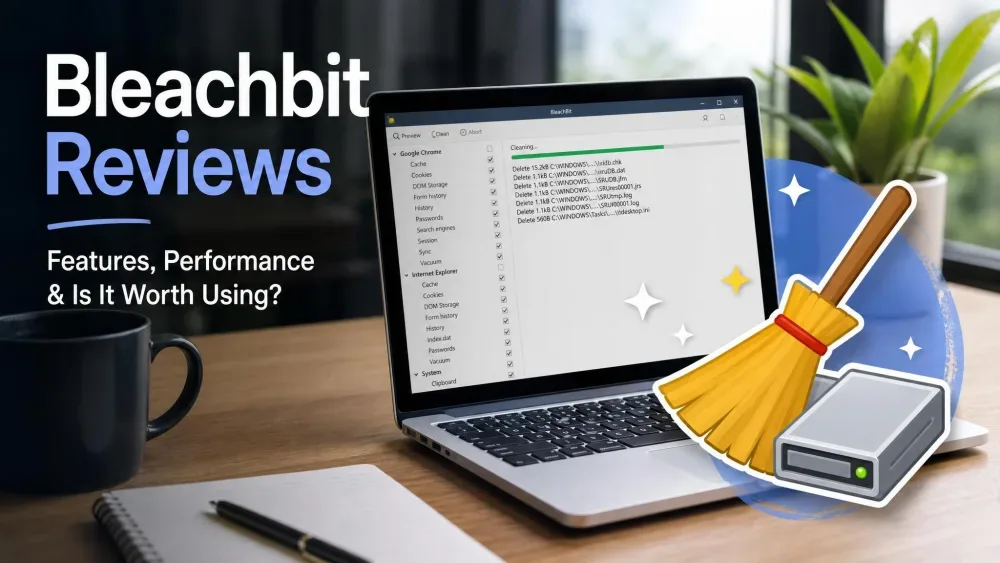
BleachBit takes the opposite approach: do one job well and give it away. It is free and open-source under the GPLv3 license, completely free with no ads, upsells, or subscriptions. The latest stable release is 6.0.2, and it runs on Windows 10 and 11, Linux via .deb and .rpm packages, and experimental macOS with limited features.
The feature set is focused: temporary and junk file removal, browsing history and cookie cleaning, secure file shredding in advanced and fast modes, free-space wiping, and a per-file preview before deletion. Power users get command-line support and custom CleanerML rules. The download is a lean 11MB with no bundled apps, so setup stays friction-free.
Head-to-Head Comparison
Cleaning and Optimization Features
On core cleaning, both tools clear the same junk files and temporary files you would expect, and in day-to-day use the freed space is comparable. The gap opens around scope. CCleaner reaches beyond disk cleanup into driver updates, startup management, and performance tuning, so it acts more like a maintenance suite. BleachBit stays narrow, cleaning app traces and browser leftovers without trying to be a tune-up utility.
Privacy and Secure File Shredding
This is where BleachBit pulls ahead. Its secure shredder and free-space wiping are genuine strengths for permanently erasing sensitive data, and the advanced mode goes further than CCleaner's more limited free shredding. If your goal is making deleted files unrecoverable, BleachBit gives you the stronger tool at no cost.
Ease of Use and Interface
CCleaner is the friendlier first run. Its one-click scan and well-organized dashboard make it noticeably more approachable than BleachBit's plainer, more manual layout. BleachBit looks less polished and feels a bit more complicated up front, but it trades that gloss for complete control over exactly what gets scanned and deleted. It also previews every file before deletion and asks for explicit confirmation, so nothing disappears without you reviewing the list.
Before any deep clean, especially anything touching the registry, create a restore point or a backup. Both tools let you clear a lot at once, and a quick snapshot is your safety net if a wanted file or setting goes with the junk.
Automation and Scheduling
CCleaner leans on scheduled cleaning and automatic history clearing, so you can set it and forget it through the interface. BleachBit handles automation differently, through its command-line support and scripting, which suits people comfortable writing a task or a script. Neither approach is wrong; CCleaner favors point-and-click scheduling, while BleachBit rewards users who want scripted control.
Platform and App Compatibility
CCleaner covers Windows, macOS, and Android, which makes it the better fit if you want one brand across a phone and a laptop. BleachBit centers on Windows and Linux, with only experimental macOS support, so Linux users get a first-class tool that CCleaner does not match. Match the platform column to your actual devices before anything else.
Is It Safe? Privacy, Telemetry, and Trust
Both tools are safe in normal use, but their track records differ. CCleaner is proprietary, and Microsoft Defender flags some CCleaner builds as a Potentially Unwanted Application, largely for the bundled third-party software its installer tries to add. The 2017 supply-chain breach, which injected malware into official builds and took months to disclose, still shapes how cautious users view it. You can read the details of the 2017 CCleaner supply-chain incident and Microsoft's own PUA notice on certain CCleaner builds for the full picture.
BleachBit's open-source code is auditable, which is exactly why privacy-minded users lean toward it. There are no ads, no upsells, and no bundled extras, so the trust surface is smaller by design.
The registry question deserves a flat answer. Microsoft does not support the use of registry cleaners and warns they can cause serious issues that may require an OS reinstall. CCleaner markets a dedicated Registry Cleaner; BleachBit can remove unused registry entries but is not marketed as a registry cleaner. In either tool, cleaning the registry carries a real risk of system instability, and modern Windows rarely benefits from it.
The registry cleanup is the one feature we would leave switched off in both tools. Modern Windows rarely gains from it, and the downside is a system that will not boot.
Pricing: Free vs Paid
CCleaner Pricing
CCleaner runs on a freemium model. The free tier handles routine cleaning, while the paid plans unlock the extras. CCleaner Professional is listed at $44.95/year at its official list price, and it comes with a 30-day money-back guarantee plus a 14-day free trial that needs no credit card, so you can try the paid features before committing. Promotional pricing does move around with frequent sales and bundle tiers, so the figure you see at checkout may differ from the list price depending on when and where you buy.
BleachBit Pricing
BleachBit's pricing is the simplest line in this comparison: it is free. It stays completely free with no ads, upsells, or subscriptions, and being open-source under the GPLv3 license means that is not a limited trial waiting to expire. Everything the tool does, it does at no cost.


Pros and Cons
CCleaner Pros and Cons
Pros
- Beginner-friendly one-click dashboard
- Broad toolkit: drivers, startup, and performance tools
- Runs on Windows, macOS, and Android
- Scheduled cleaning and automatic history clearing
Cons
- Installer bundles extra software you must decline
- Defender flags some builds as a Potentially Unwanted Application
- The 2017 breach still weighs on its reputation
- Best features sit behind a paid subscription
BleachBit Pros and Cons
Pros
- Completely free and open-source (GPLv3)
- Strong secure shredder plus free-space wiping
- No ads, upsells, or bundled apps
- Full control with per-file preview before deletion
Cons
- Plainer, more manual interface
- Only experimental macOS support
- Feels less frequently updated, with community-forum support
- Narrower feature set than CCleaner
Which One Should You Choose?
Choose CCleaner If...
You want one dashboard that does more than clear junk files. CCleaner suits people who value a one-click routine, cross-platform coverage across Windows and macOS plus Android, and extras like driver updates and startup management. Just be ready to decline the bundled software during setup, and leave the Registry Cleaner alone.
Choose BleachBit If...
You want a free, transparent tool and are comfortable with a plainer interface. BleachBit is the pick for privacy-focused users, Linux users, and anyone who wants a serious secure shredder without paying. The per-file preview gives you exact control, which is worth the slightly steeper first impression.