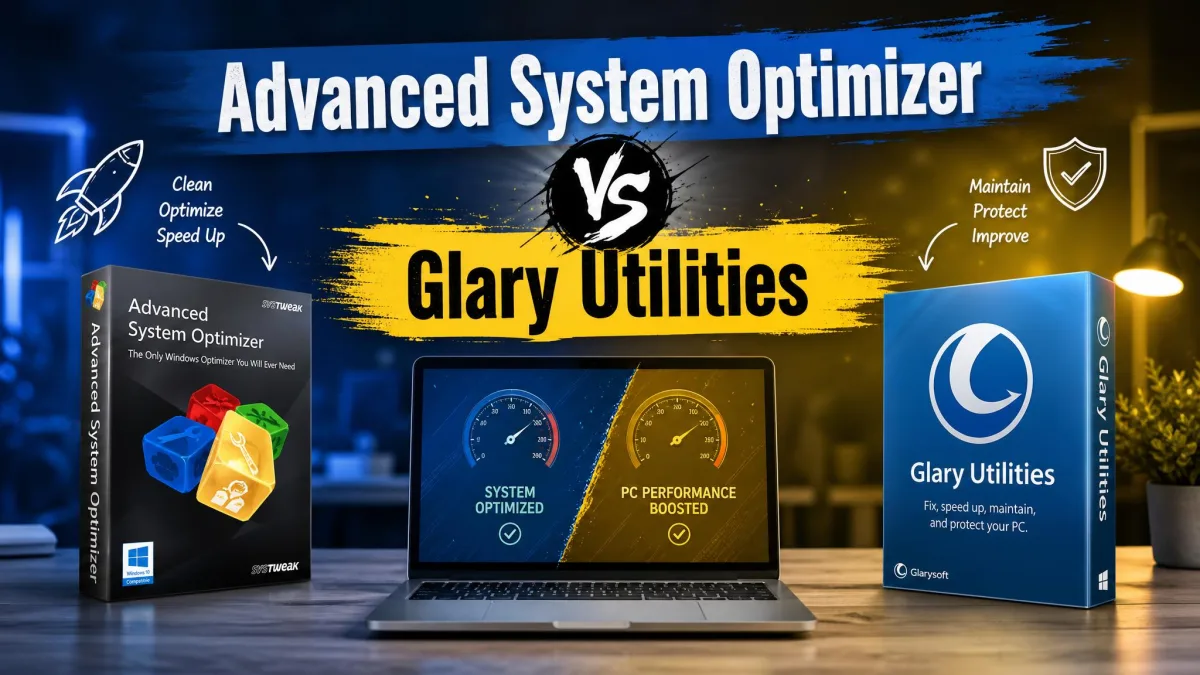
Is your Windows PC slowing down, and are you wondering whether an optimizer will actually help? We've used both tools on real Windows machines, and the better pick depends on what's slowing you down. Both promise the same: junk cleaned, registry repaired, startup trimmed, faster boot.
We installed both on a Windows 11 test machine and ran cleanup scans, registry repairs, and driver updates to compare them. Both then stayed on our test machines (a Windows 11 desktop and a laptop) for a few weeks of regular use.
Glary's 1-Click Maintenance settled into a weekly cadence: a full pass finishes in under a minute. Advanced System Optimizer's deep scan runs well over an hour, so we saved those runs for off-hours.
Here's how they stack up, and which one we would install.
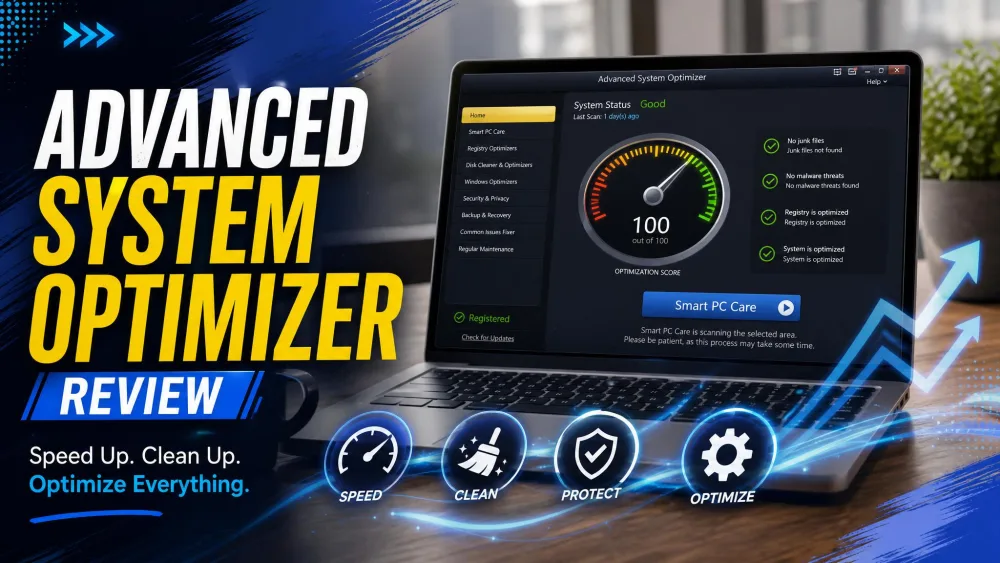
Advanced System Optimizer: Overview
Advanced System Optimizer is the all-in-one tune-up suite from Systweak Software. One license covers registry cleaning, junk cleanup, driver updates, disk defrag, gaming optimization, privacy, backup, and file recovery: the broader suite on paper.
The catch is time. A quick malware scan finishes in under half a minute, but a deep scan runs well over an hour. Scanning slows file operations too: copying a 1 GB file took 55 seconds during a scan versus 41 seconds idle.
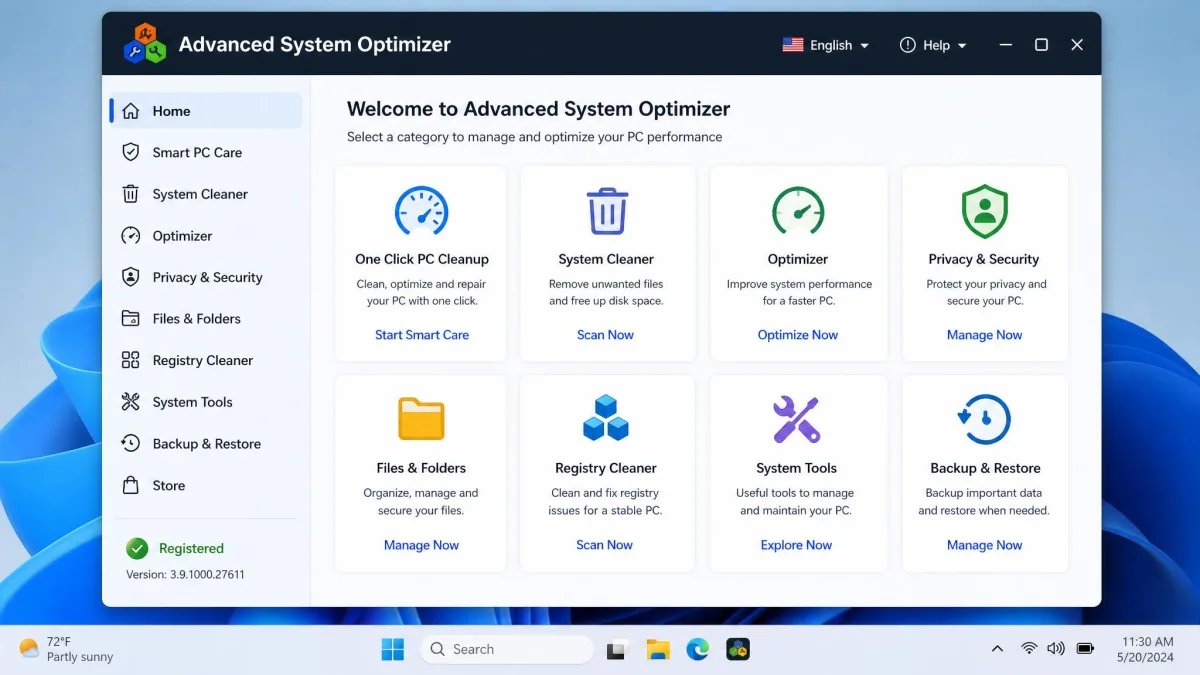
Key Features
System Cleaner removes junk and temp files; One Click PC Cleanup bundles a Smart PC Care scan for a single-pass tidy. The suite adds Game Optimizer with a sandbox gaming mode, Undelete file recovery, and a Backup Manager.
Pricing and Support
The Systweak Advanced System Optimizer price page lists $49.95 a year, billed annually, with $69.95 as the regular price. Purchases carry a 60-day money-back guarantee. The free version is a 24-hour fully functional trial; after expiry, only a few features keep working. Registered users get 24/7 email support.

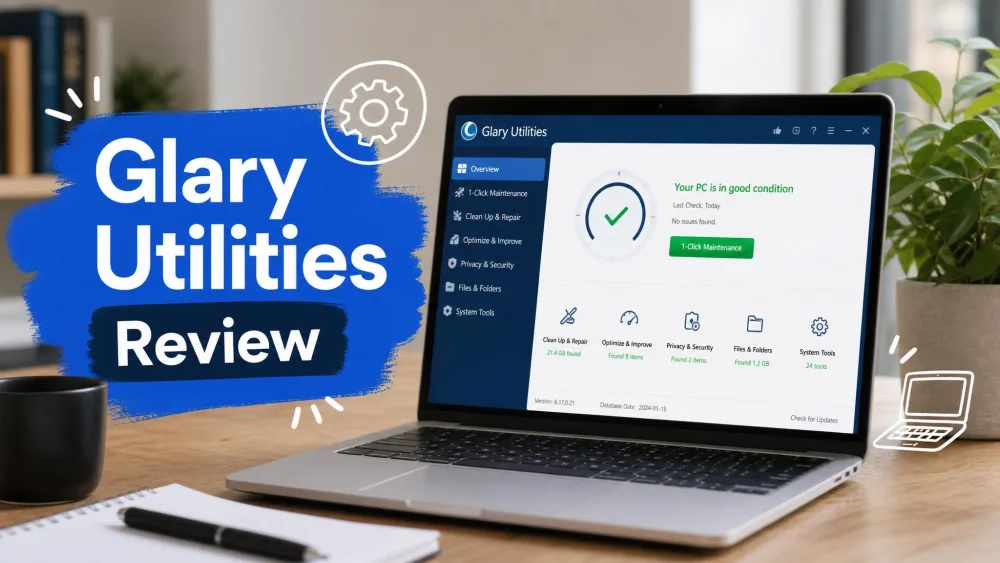
Glary Utilities: Overview
Where ASO locks its best tools behind a license, Glary Utilities (version 6.46) is the rare optimizer with a genuinely free core. With more than 20 tools, the free edition is no trial: cleanup, registry repair, startup management, and one-click maintenance all work without paying. Only automatic maintenance and advanced tools (file recovery, the shredder) sit behind Pro.
In our testing, a full cleanup pass on a heavily used test PC took close to an hour. The driver updater is the standout, identifying half a dozen outdated drivers on a worn machine.
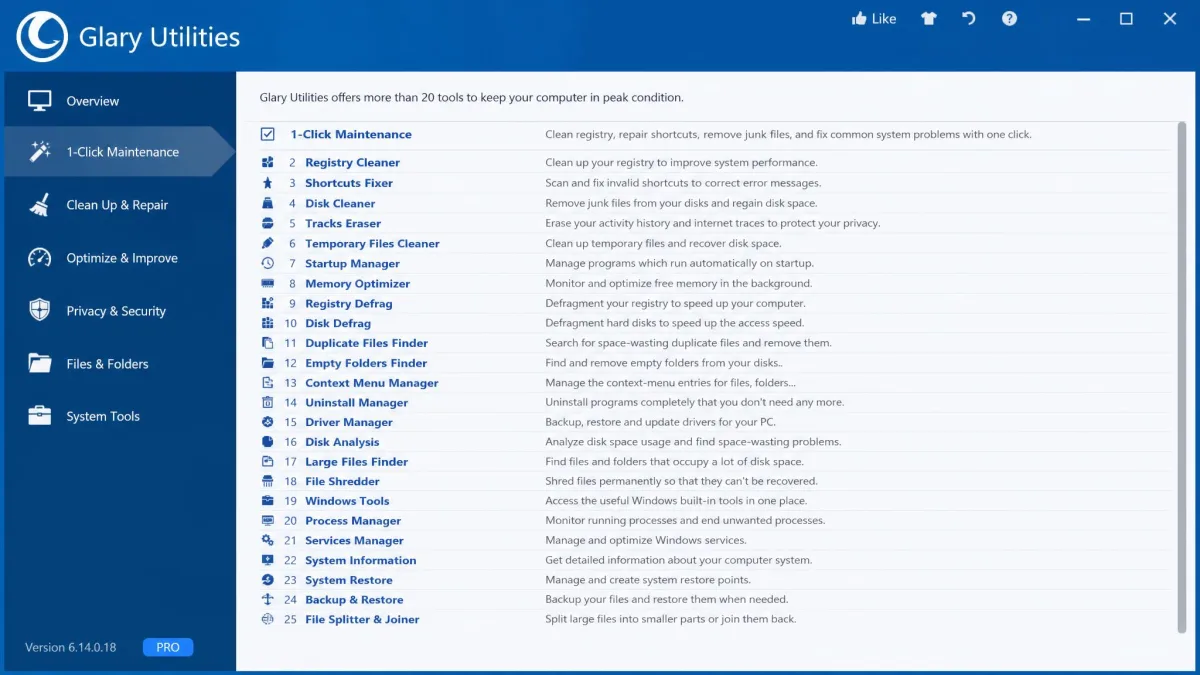
Key Features
1-Click Maintenance bundles the common tasks into one pass, the right place for beginners. The Disk Space Analyzer scanned a full partition in about two minutes in our testing.
Pricing and Support
Glary Utilities Pro runs about $39.95 to $39.99 a year for up to three PCs, with promos during sales. Because the free edition covers the core tools, Pro is optional. Support is the weak point: automated replies often miss the question.

Advanced System Optimizer vs Glary Utilities: Head-to-Head Comparison
Cleaning Capabilities
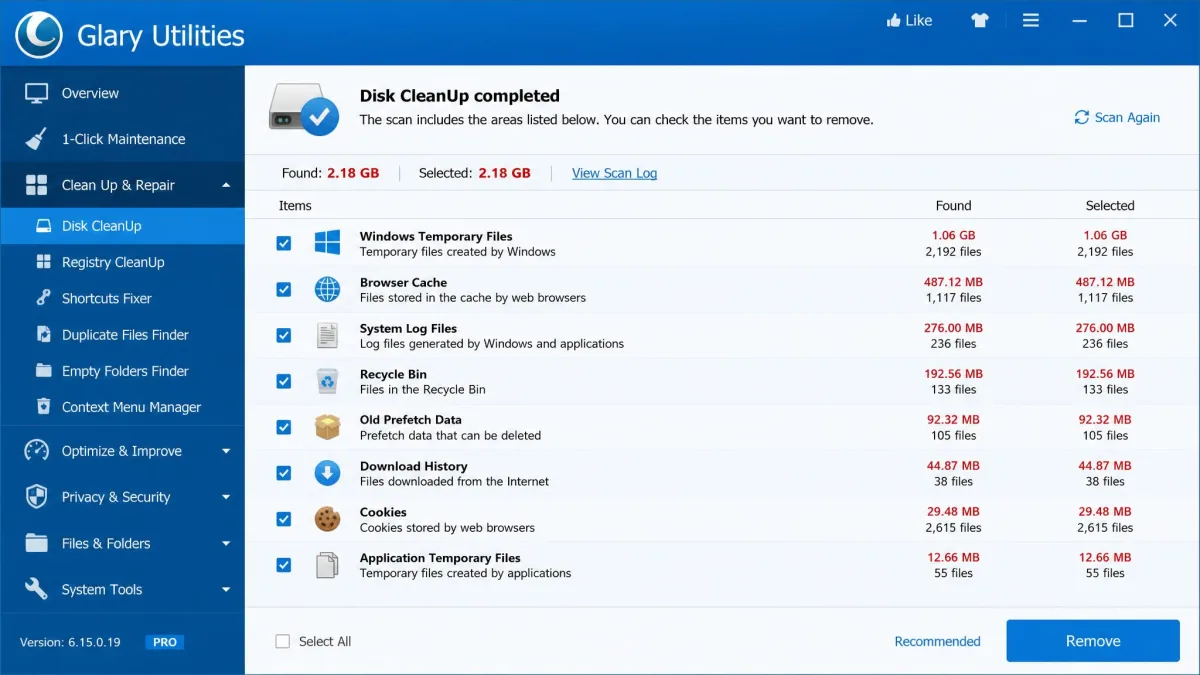
Glary's detection is the more conservative of the pair: in a side-by-side test it flagged about 81 MB of junk where CCleaner found 271 MB and Advanced SystemCare found 339 MB. Fewer false positives, but less to reclaim on a clogged drive. Advanced System Optimizer is the more aggressive cleaner; a single scan cleared the obvious junk with a noticeable boost.
Registry Cleaner
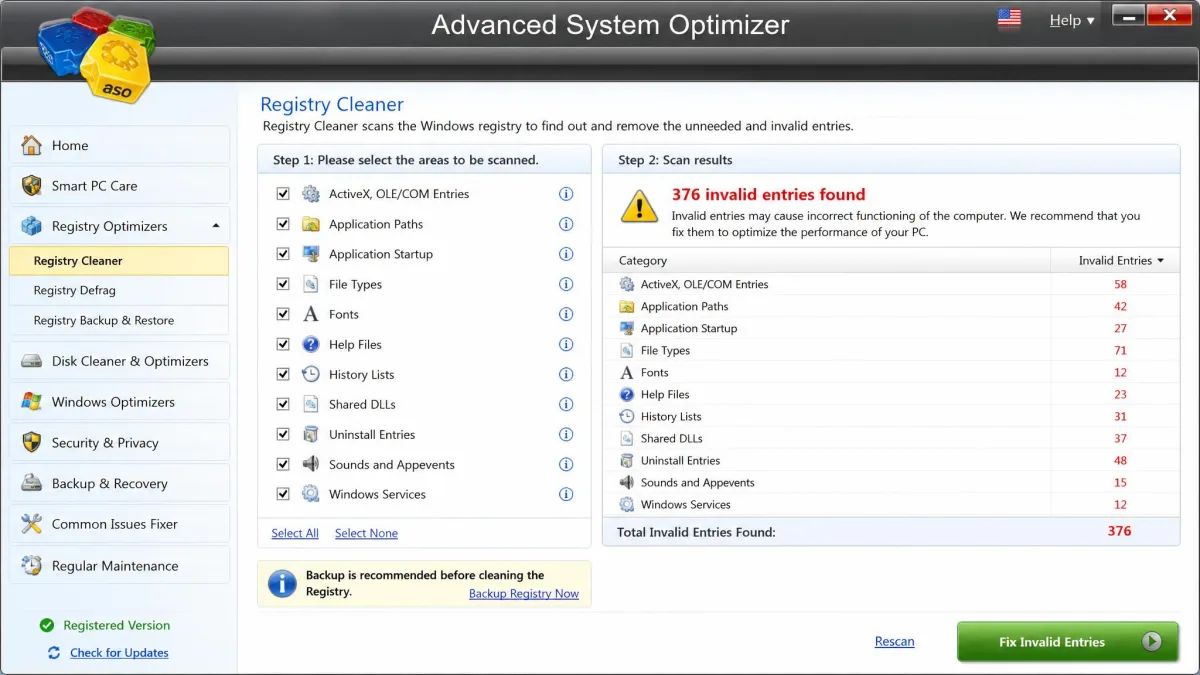
Both include a registry cleaner, and both back up before changing anything. ASO's goes deeper: cleaner, optimizer, one-touch backup, scheduled scans. Glary's Registry Repair does the essential job with an automatic backup, free. If you want a tool that does nothing else, see our roundup of the best registry cleaner options.
Run the registry backup both tools offer before cleaning anything. A botched sweep can break a working system.
Speed and Performance Optimization
On speed, ASO brings more: a Memory Optimizer, Game Optimizer with a sandbox gaming mode, and Disk Optimizer for defragging. A cleanup pass frees disk space and trims boot time, but neither tool turns an old PC into a new one. The scans cost time: ASO's deep scans slow file operations by about a third.
Startup Manager
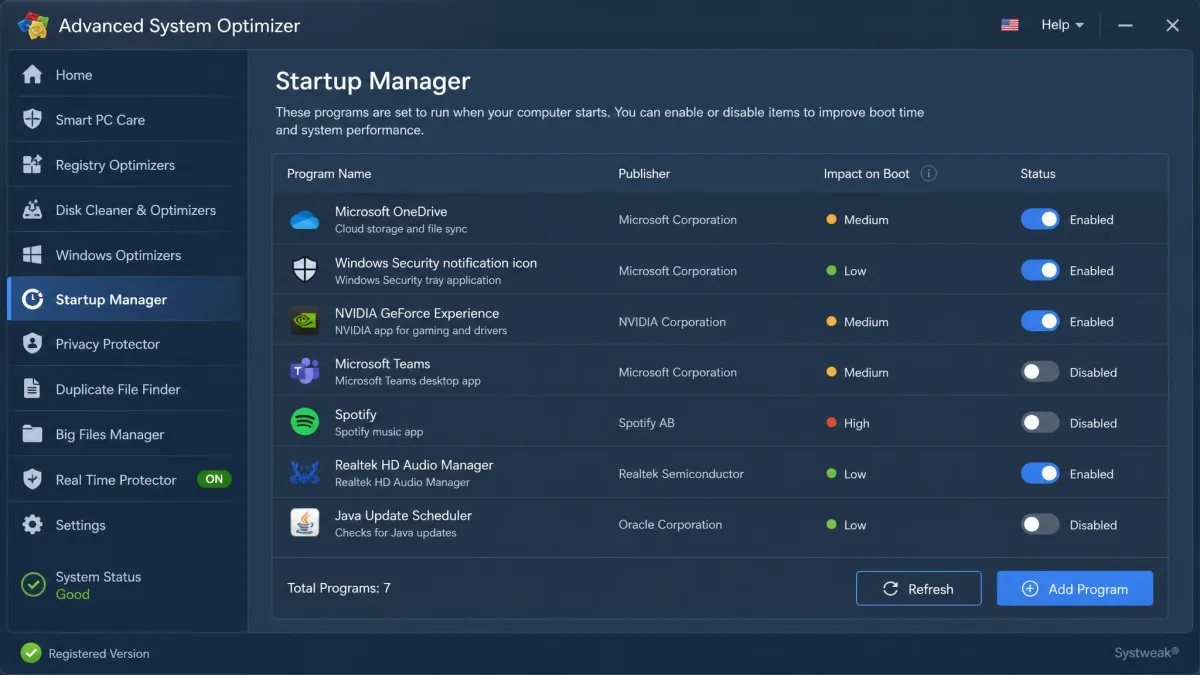
Both suites include a startup manager, the module with the biggest practical payoff. The difference: Glary's Startup Manager is free, while ASO's sits behind the paid suite.
Security and Privacy Tools
ASO brings System Protector for spyware and malware, Privacy Protector, Secure Delete, and Secure Encryptor. Glary brings Spyware Remover, Tracks Eraser, File Shredder, and File Encrypter. Neither substitutes for a dedicated antivirus; treat them as a second pass.
Ease of Use and User Interface
ASO's dashboard is clean, with clear categories and easy navigation. Glary's interface works but looks dated, and the tool count can overwhelm a novice. For beginners, Glary's 1-Click Maintenance is the simplest button in either suite; seasoned users will find ASO easier day to day.
Additional Tools
ASO adds Uninstall Manager, Disk Explorer, Duplicate File Remover, Secure Encryptor, Undelete file recovery, and a Backup Manager with system files backup and restore. Glary rounds out with Shortcuts Fixer, Empty Folder Finder, Software Updater, Context Menu Manager, File Split and Merge, and recycle-bin recovery. IObit Advanced SystemCare takes a similar approach, with a free tier covering cleanup, registry, startup, and defrag; our Glary Utilities vs Advanced SystemCare comparison covers that matchup.
Advanced System Optimizer vs Glary Utilities: Feature Comparison Table
| Feature | Advanced System Optimizer | Glary Utilities |
|---|---|---|
| Disk/junk cleanup | System Cleaner + One Click PC Cleanup | Disk Cleanup + 1-Click Maintenance |
| Registry cleaner | Cleaner + optimizer + backup + scheduled scans | Registry Repair (free), auto backup |
| Startup manager | Startup Manager (paid suite) | Startup Manager (free) |
| Disk defrag/analyzer | Disk Optimizer, Disk Tools, Disk Explorer | Disk Defrag + Space Analyzer (free) |
| Driver updater | Driver Updater + Driver Backup | Driver Updater (free) |
| Privacy/security tools | System Protector, Privacy Protector, Secure Delete, Encryptor | Spyware Remover, Tracks Eraser, File Shredder, Encrypter |
| File shredder | Secure Delete | File Shredder |
| One-click maintenance | One Click PC Cleanup | 1-Click Maintenance |
| Free tier | 24-hour trial, then locked | 20+ tools genuinely free |
| Pro price | $49.95/year (regular $69.95), 1 PC | ~$39.95 to $39.99/yr, up to 3 PCs |
| OS support | Windows 11/10/8.1/8/7, 32/64-bit | Windows 11/10/8.1/8/7, 32/64-bit |
Pros and Cons
Advanced System Optimizer Pros & Cons
What We Like
- Backup, recovery, and registry backup in one license
- 60-day money-back guarantee
- Scheduler for automatic scans
What We Dislike
- Support is email-based
- One PC per license, no multi-PC discount
- Deep scans run over an hour
Glary Utilities Pros & Cons
What We Like
- Free edition genuinely works; Pro is optional for most users
- Driver updater that reliably finds outdated drivers
- Runs reliably for years in daily use
What We Dislike
- Upgrade nagging is persistent, including after purchase
- Interface looks dated
- Installer bundles third-party offers you must deselect
Pricing: Free Version vs Pro
Both tools offer free and paid tiers; the free tier is where they diverge.
The Glary free edition is genuinely usable: cleanup, registry repair, startup management, and one-click maintenance work with no time limit. Pro adds automatic maintenance, file recovery, the shredder, and priority support for about $39.95 to $39.99 a year. It is one of the stronger picks in our best free computer cleaner roundup for that reason.
ASO runs the other way. The free version is really a 24-hour trial; only a few features keep working afterwards. At $49.95 a year, it is the pricier of the two.
For context, the longtime market leader CCleaner charges $29.95 a year for Professional, though it has drawn data-collection criticism since the Avast acquisition.
User Reviews and Feedback
Glary Utilities Pro holds a Trustpilot rating of 3.6/5, while Systweak's listing sits at 3.7/5 on Trustpilot and 4.3/5 on Sitejabber.
The complaints are consistent. Glary's is upgrade nagging, including prompts after purchase, plus automated support that misses the question. Systweak's is activation trouble after purchase for some buyers.
Verdict: Which One Should You Choose?
Glary Utilities is the better buy for most people: the genuinely free core and the lower price. Advanced System Optimizer is the one to choose when you want the whole job in one license. We rate Glary Utilities 8.2/10 and Advanced System Optimizer 8.0/10.