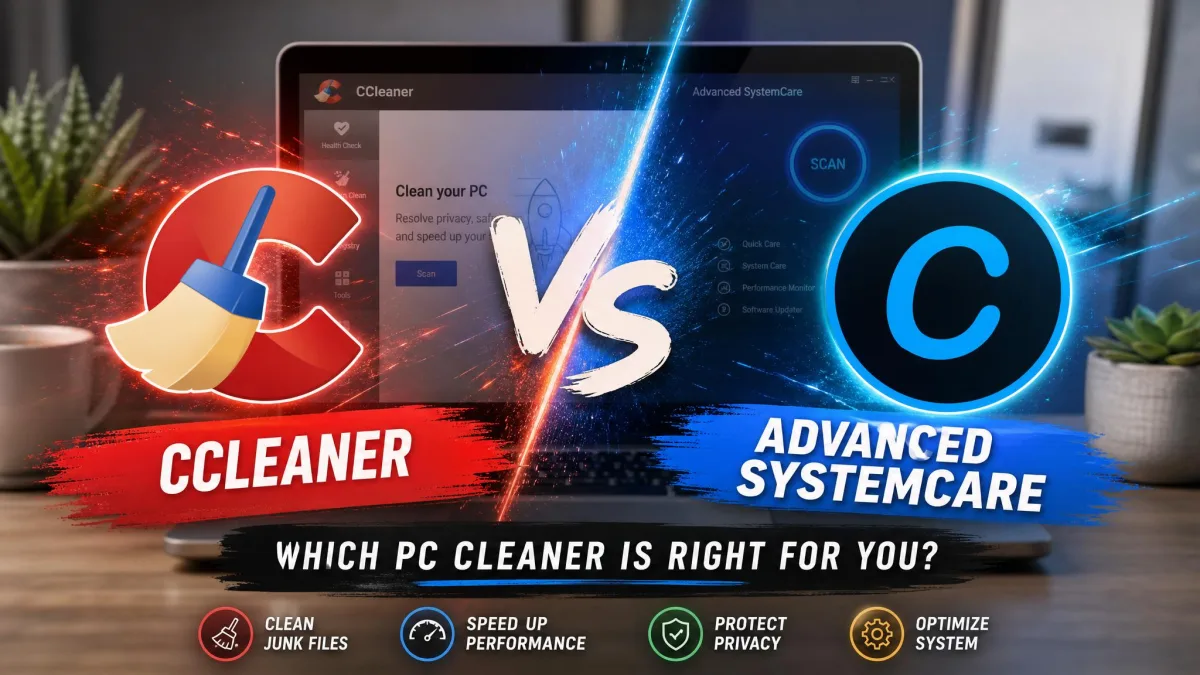
Wise Disk Cleaner is a lightweight tool built for one job: finding and removing junk files. Advanced SystemCare is a full-system optimizer. It bundles cleaning, registry repair, and security tools into one suite.
We ran both through real cleanup tests at default settings on the same Windows 11 machine. Here is how they compare on cleaning depth, performance impact, and price.
What Is Wise Disk Cleaner?
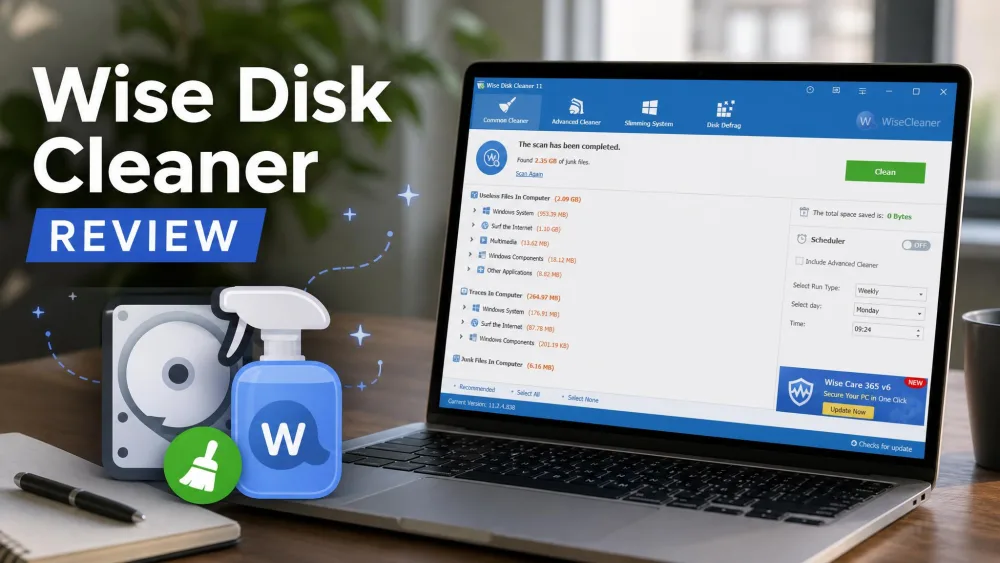
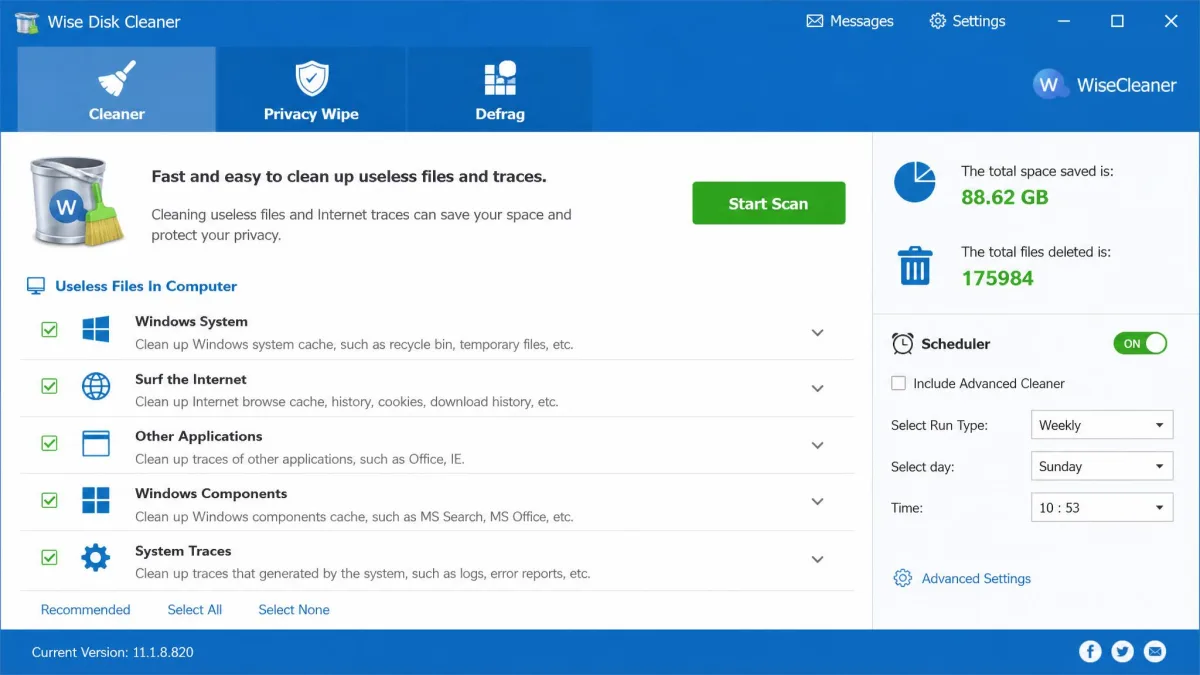
Wise Disk Cleaner is the disk-focused tool in Wise's family, which includes Wise Care 365. The current build, version 11.3.7, runs on Windows 10 and 11 only.
Key Features of Wise Disk Cleaner
The core cleaner targets temporary files, outdated Windows updates, and uninstalled residue. Privacy Wipe scrubs browser history and cookies.
Pricing and Editions
The Wise Disk Cleaner official site sells it as completely free, with no paywall. The discontinued Professional edition appears at $19.95 on third-party sites. Current builds have no paid tier.
What Is Advanced SystemCare?
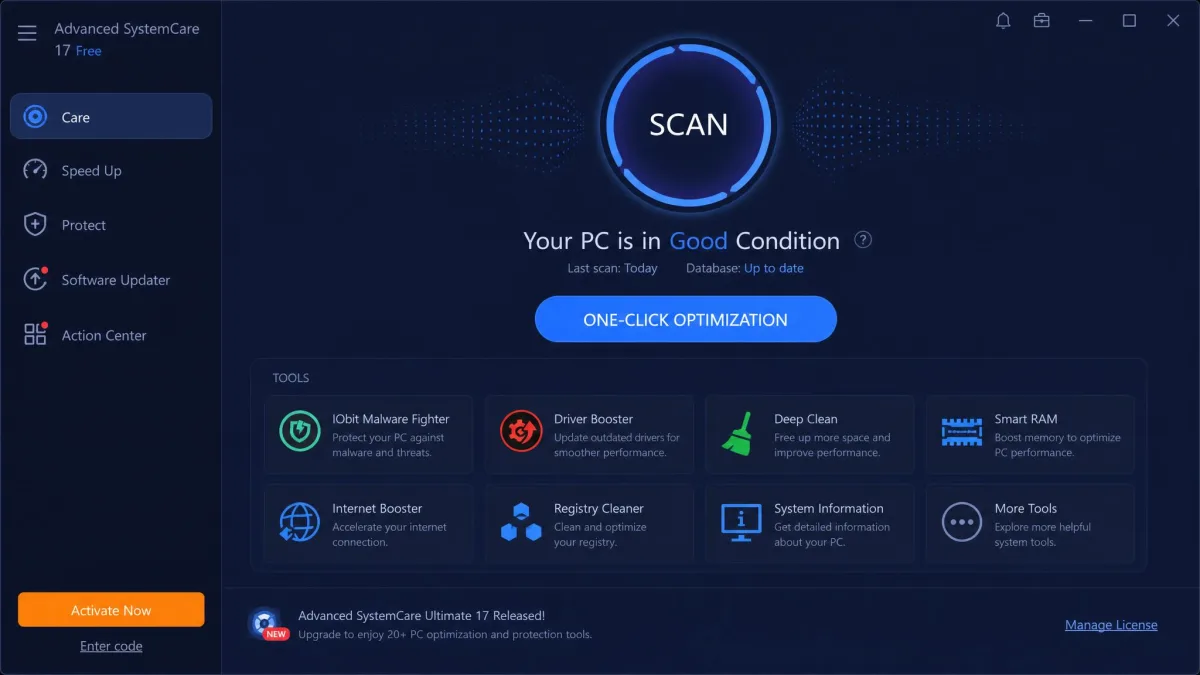
IObit Advanced SystemCare is a full-system suite at version 19.5.0. It runs on Windows 11 back through Windows XP, and its free tier alone covers junk cleaning, faster startup, and 1-Click RAM release.
Key Features of Advanced SystemCare
Registry Cleaner, Disk Cleaner, Startup Optimizer, and Turbo Boost sit in one dashboard. Privacy Sweep covers 200+ programs, and Pro adds real-time protection.
Pricing and Editions
Pro is an annual subscription at $29.99 for one PC, per the Advanced SystemCare official site. Promos have dipped to $16.77 a year, and there is no lifetime license. Pro carries a 60-day money-back guarantee.
Quick Answer: Which One Should You Choose?
Pick Wise Disk Cleaner for free, focused disk cleaning. Pick Advanced SystemCare for registry repair and real-time protection in one suite. For most users, Wise Disk Cleaner wins.
Wise Disk Cleaner vs Advanced SystemCare: Side-by-Side Comparison
| Feature | Wise Disk Cleaner | Advanced SystemCare |
|---|---|---|
| Primary purpose | Junk cleanup, privacy wipe | Cleaner, optimizer, suite |
| Disk cleaning | Common + Advanced Cleaners | Disk Cleaner + AI Mode |
| Registry cleaning | None | Registry Cleaner in Pro |
| Startup manager | System Slimming | Startup Optimizer |
| Real-time monitoring | None | TuneUp + protection (Pro) |
| Privacy tools | Privacy Wipe | Privacy Sweep, 200+ programs |
| Free version limits | Fully free | Deep tools locked to Pro |
| Pricing | Free | $29.99/yr, promos from $16.77 |
Cleaning and Optimization
In a head-to-head scan on the same machine, we let both cleaners run their default scans. Wise Disk Cleaner's scan out-counted even CCleaner: 3,773 junk files totaling 682 MB versus 116 files and 71 MB. Advanced SystemCare's Disk Cleaner is more thorough than Windows' built-in tools and surfaced leftovers from a manual uninstall that Windows' own cleanup never lists. Both outdo the built-in Disk Cleanup tool in Microsoft's Disk Cleanup documentation.
Registry cleaning should be approached with caution. Review flagged entries and back up the registry first.
Performance Impact
IObit's lab tests claim up to 35 seconds saved on boot and a 35% gain, marked indicative only. Advanced SystemCare runs background services that low-RAM systems feel. Wise Disk Cleaner's defrag is manual only.
Ease of Use and Interface
Advanced SystemCare uses a one-click optimization flow with AI Mode. Wise Disk Cleaner is more direct: pick categories, review entries, delete. Scans can flag legitimate files like .CHK files, so review each entry.
Pricing and Value
Free versus subscription is the core difference. Wise Disk Cleaner costs nothing, while Advanced SystemCare's best tools sit behind $29.99 a year.
Which Is Better for Your PC?
Best for Simple Disk Cleaning
Wise Disk Cleaner, if a dirty disk is the problem.
Best for Full System Optimization
Advanced SystemCare, if you want the whole maintenance picture from one dashboard.
Pros and Cons
Wise Disk Cleaner Pros and Cons
Pros
- Completely free
- Privacy Wipe for history, cookies, caches
- AutoClean scheduling, SSD TRIM
- Portable edition
Cons
- No registry cleaner, Wise Registry Cleaner is separate
- Scans can flag legitimate files
- Minimal startup-entry detail
Advanced SystemCare Pros and Cons
Pros
- Free tier covers cleaning and startup
- Cleaning, registry, protection in one suite
- Privacy Sweep, 200+ programs
- Automated health checks
Cons
- Bundled offers must be unchecked at install
- Upgrade prompts continue after paying
- Subscription only
Frequently Asked Questions
Is Wise Disk Cleaner safe?
Can I use both Wise Disk Cleaner and Advanced SystemCare?
Final Verdict
The two tools aim at different jobs.