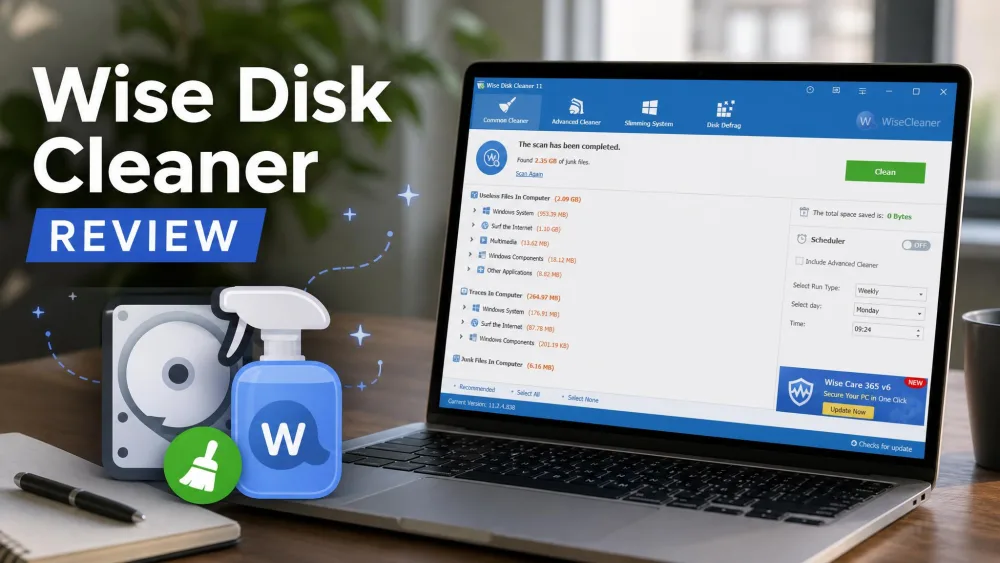
Is Wise Disk Cleaner actually worth installing in 2026, or is it one more free cleaner that overpromises? We wanted a straight answer, so we installed the current 11.3.6 build on a Windows 11 test PC that had not been cleaned in months. It is a free Windows utility that clears junk files, wipes privacy traces, and defragments your drive. After a week of daily use, our short answer is simple: for most people, yes, it is worth it.
It flagged far more junk than we expected and cleaned it in under two minutes, without ever trying to slip extra software onto our machine. Some links below are affiliate links, so we may earn a small commission if you download through them, at no cost to you.

How we tested: we ran the current 11.3.6 build on a Windows 11 test PC, cleaning everyday junk with Common Cleaner, running a deep Advanced Cleaner pass, and comparing the totals against CCleaner Free on the same machine.
Key Features
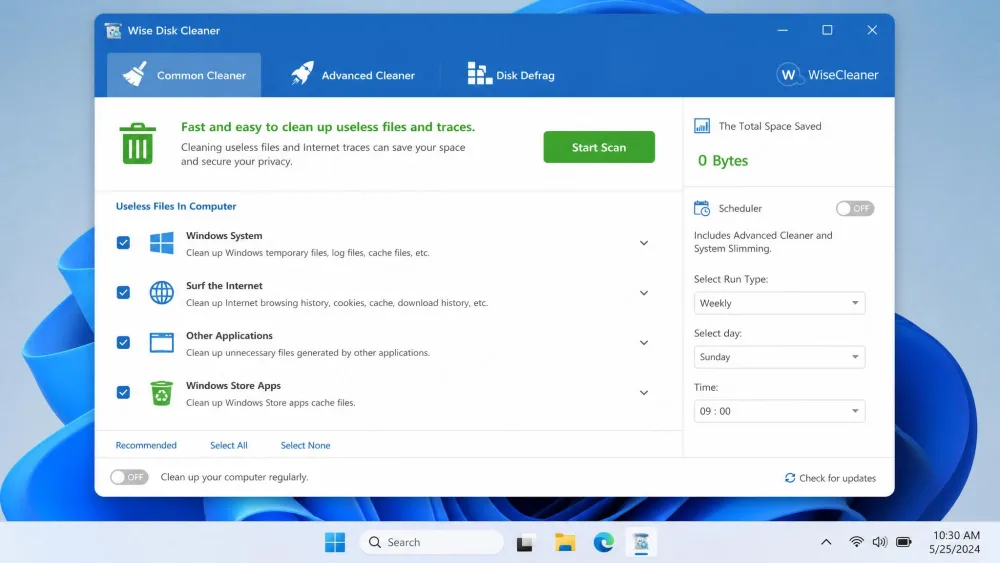
Wise Disk Cleaner keeps its whole toolset on one screen, and each tool has a clear job.
Common Cleaner (Everyday Junk Removal)
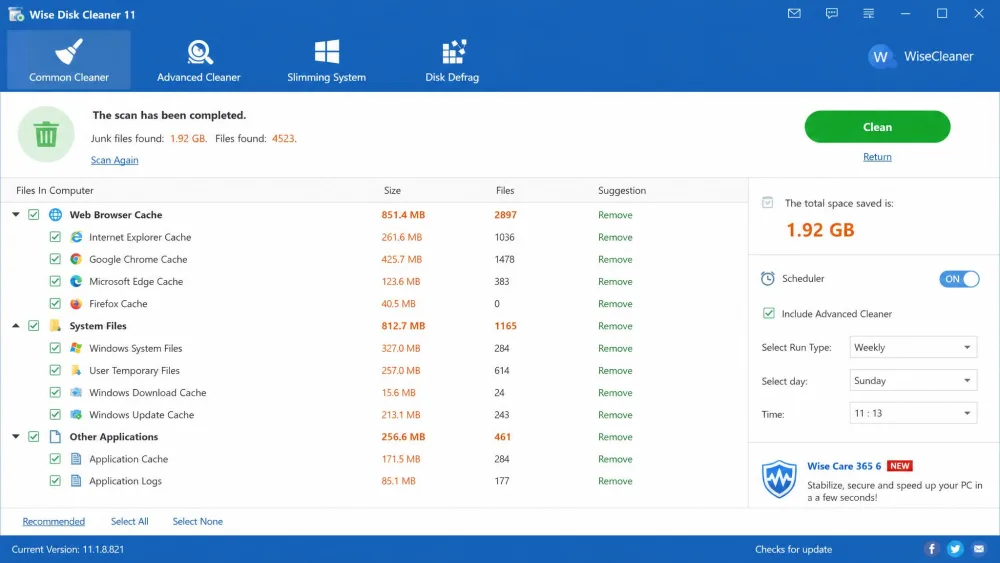
Common Cleaner is the everyday workhorse. It scans temporary files, browser cache, the recycle bin, system logs, and Windows update leftovers, then clears them in a single pass. You press Scan, review the list, then Clean. On our machine it did the heavy lifting behind the junk figures below.
Advanced Cleaner (Deep Scan)
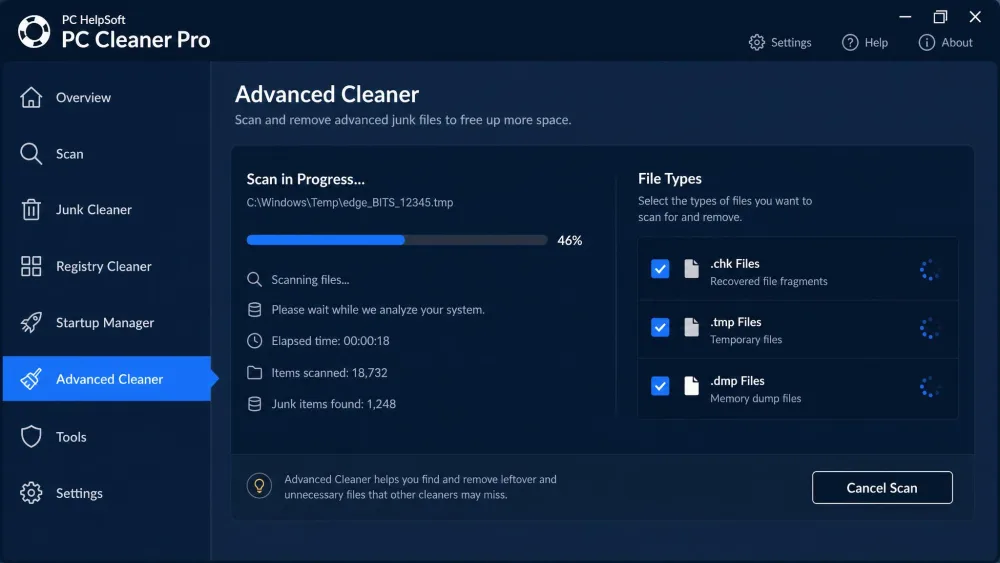
Advanced Cleaner goes deeper, running a drive-specific scan that lets you pick exactly which file types to target, including the .chk, .tmp, and .dmp files Common Cleaner ignores. In a separate quick test, one pass cleared 157.6 MB across 141 files in seconds. Reach for it when you want the last bit of space.
System Slimming
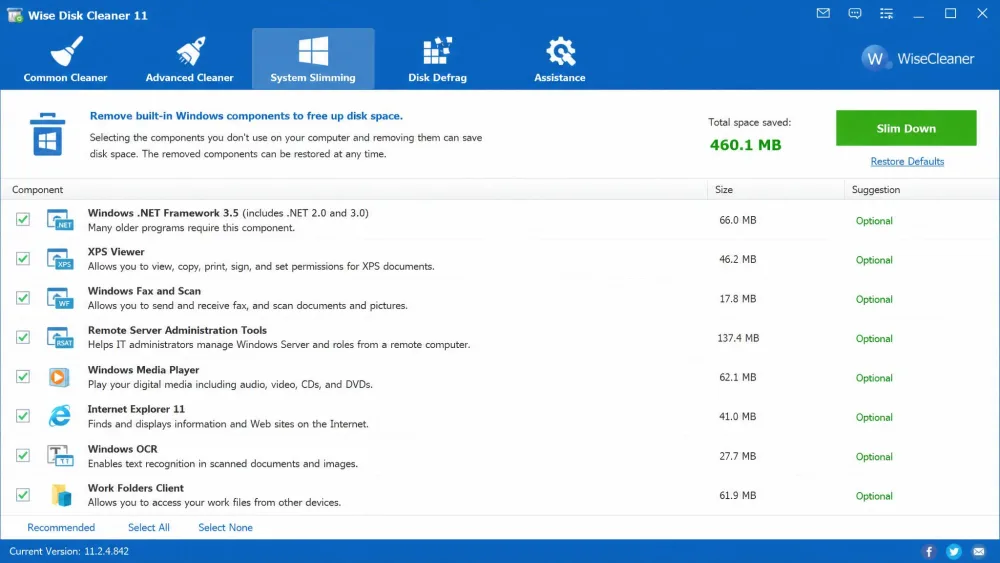
System Slimming is the tool most people miss. It finds built-in Windows components you rarely use and lets you remove them to reclaim space, roughly another 460 MB on our test PC. Tread carefully, since these are real Windows files.
Disk Defragmentation (note: skip on SSDs)
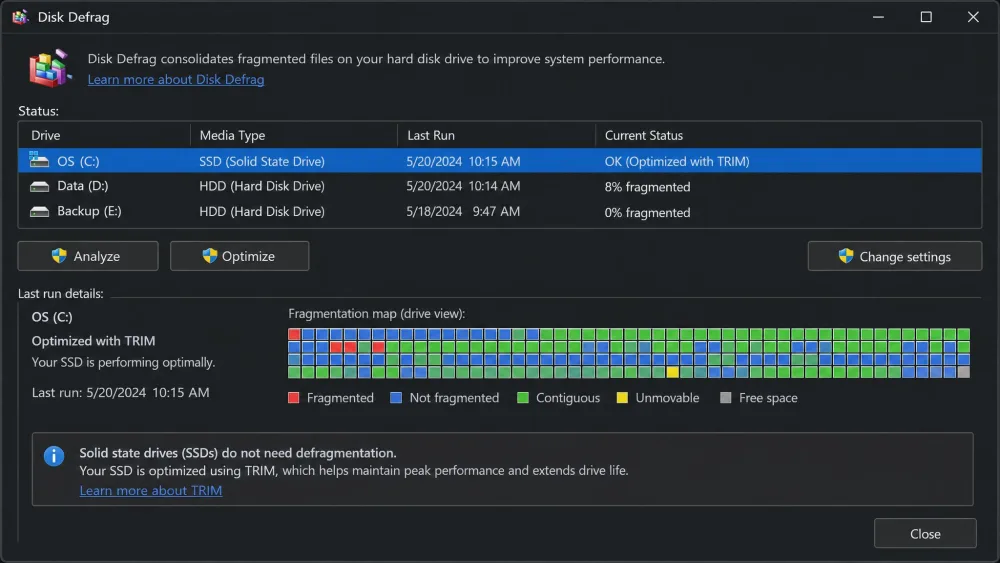
Wise Disk Cleaner even bundles a disk defragmenter, which is rare for a free cleaner. On a hard drive it reorders fragmented files so the drive reads them faster. On an SSD it triggers the native TRIM command instead of defragmenting, which is exactly what you want.
Never run a manual defrag on an SSD. Wise Disk Cleaner handles this for you by calling TRIM instead, but if you use another tool, leave your SSD out of the defrag schedule.
AutoClean / Scheduled Cleaning
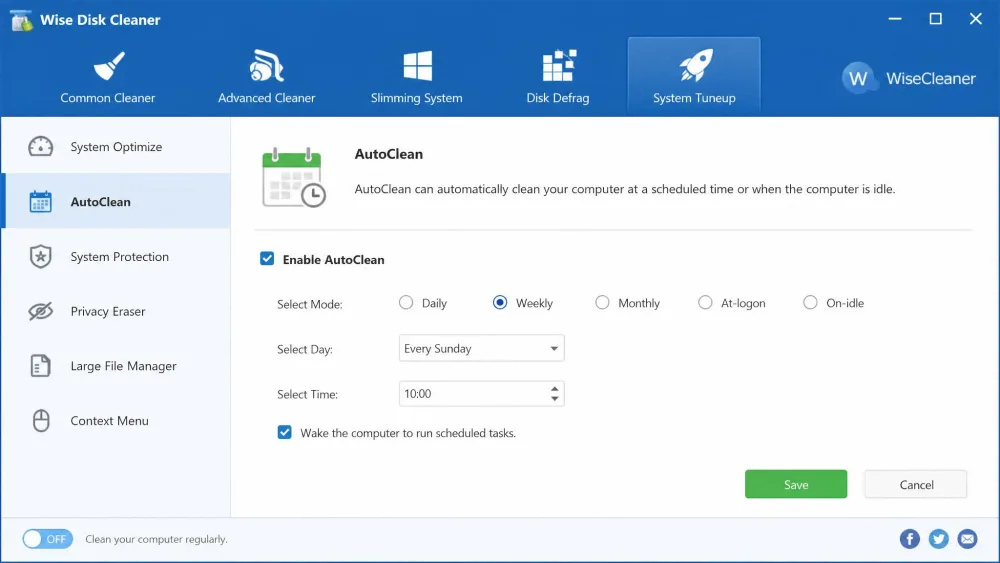
AutoClean handles the cleaning you forget. You can schedule it daily, weekly, or monthly, at logon, or when the PC sits idle, so junk stops piling up. The one gap is that it will not schedule automatic defragmentation, so you run that by hand.
Interface and Ease of Use
The interface is where Wise Disk Cleaner wins over nervous first-timers. Every tool sits behind a clearly labeled tab, and the dashboard stays uncluttered, so beginners and power users both find what they need without hunting through menus.
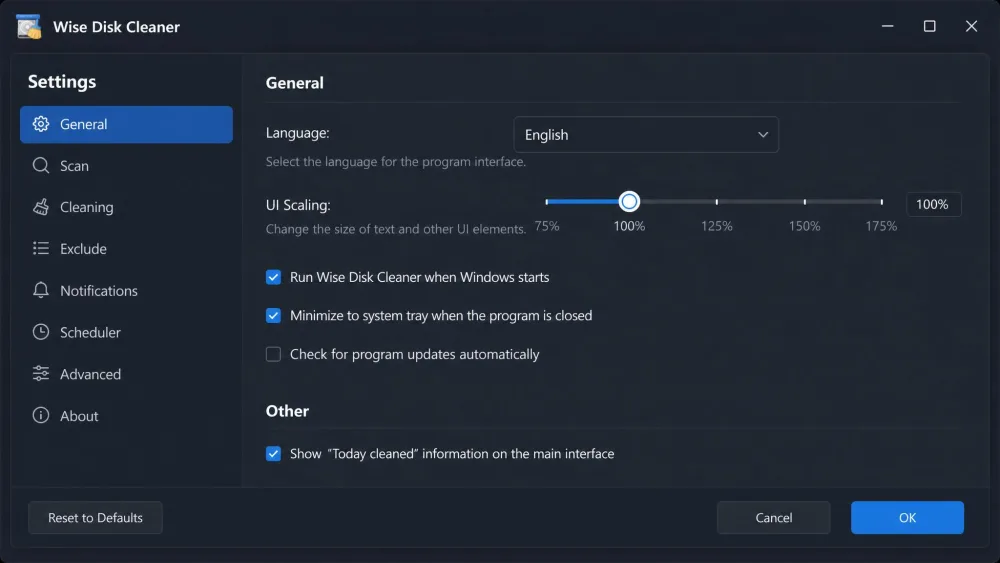
It ships in 22 interface languages, with light and dark modes and UI scaling from 100% to 200% for high-resolution screens. A desktop widget and a right-click menu entry let you clean without even opening the app.
Hands-On: How Much Junk Did It Actually Clean?
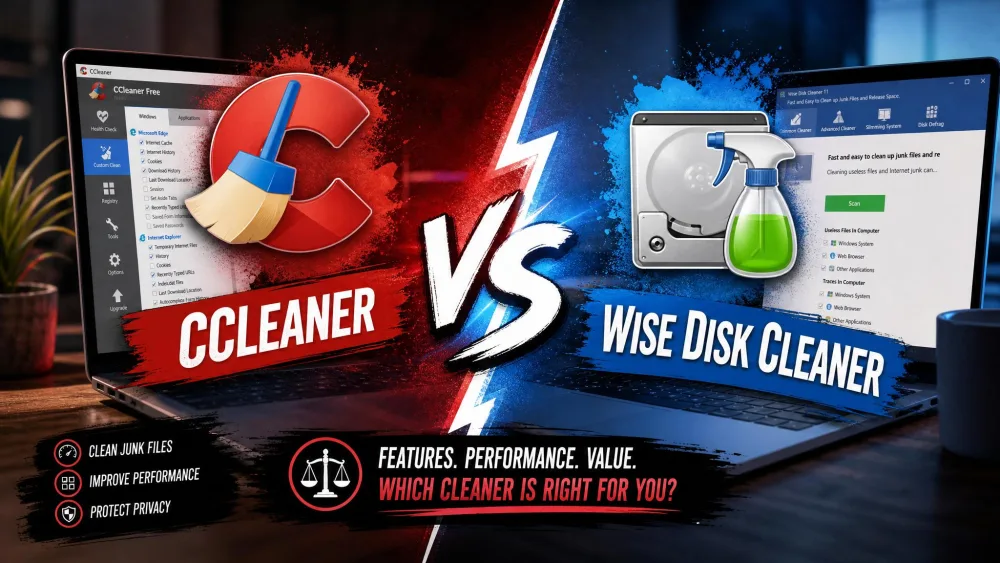
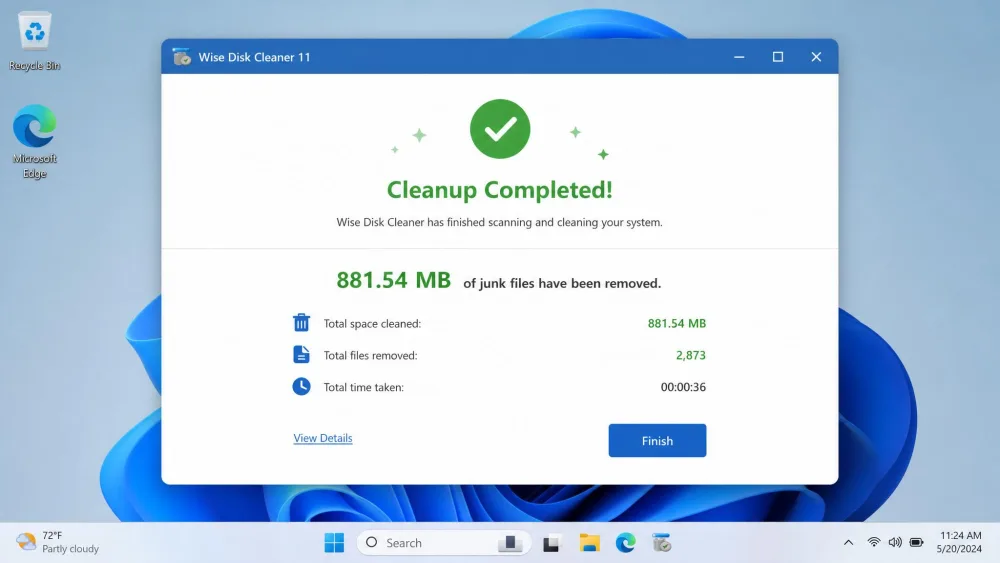
This is the part that matters, so we ran the numbers on a real machine instead of trusting the marketing. On our Windows 11 test PC, a default Common Cleaner scan flagged 630.88 MB of junk. The same everyday scan in CCleaner Free on that identical machine turned up 273 MB. That is a wide gap for two tools doing the same basic job.
Then we switched to Advanced Cleaner, which surfaced a further 169.8 MB of .chk, .tmp, and .dmp files. That pushed Wise Disk Cleaner's total to just over 800 MB, close to three times what CCleaner cleared. Start to finish, the clean-up finished in under two minutes, and the deep scans wrapped in seconds. Nothing stalled, and nothing we cleaned broke anything we needed afterward.
Wise Disk Cleaner vs CCleaner
So how does it compare to CCleaner, the tool most people reach for first? On raw junk detection, Wise Disk Cleaner won every run we tried. In a separate portable-version test, it found 2.50 GB of junk against CCleaner's 688 MB on the same machine, roughly four times as much. CCleaner's cleaning reputation has slipped since Avast bought it, and our results line up with that.
Where CCleaner still earns its keep is breadth and polish. Its interface is a touch more refined, it runs on Windows, macOS, and Android, and its paid tier adds real-time monitoring Wise does not match.
| Product | Price | Junk cleaned (same PC) | Defrag | Privacy cleaning | Ease of use | Platform |
|---|---|---|---|---|---|---|
| Wise Disk Cleaner | Free | 630.88 MB default / 2.50 GB portable run | Yes (HDD; TRIM on SSD) | Yes | Very easy (two-button) | Windows only |
| CCleaner | Free; Pro $44.95/yr | 273 MB default / 688 MB portable run | No | Yes | Very easy (more polished) | Windows, macOS, Android |
Pricing: Free vs Pro
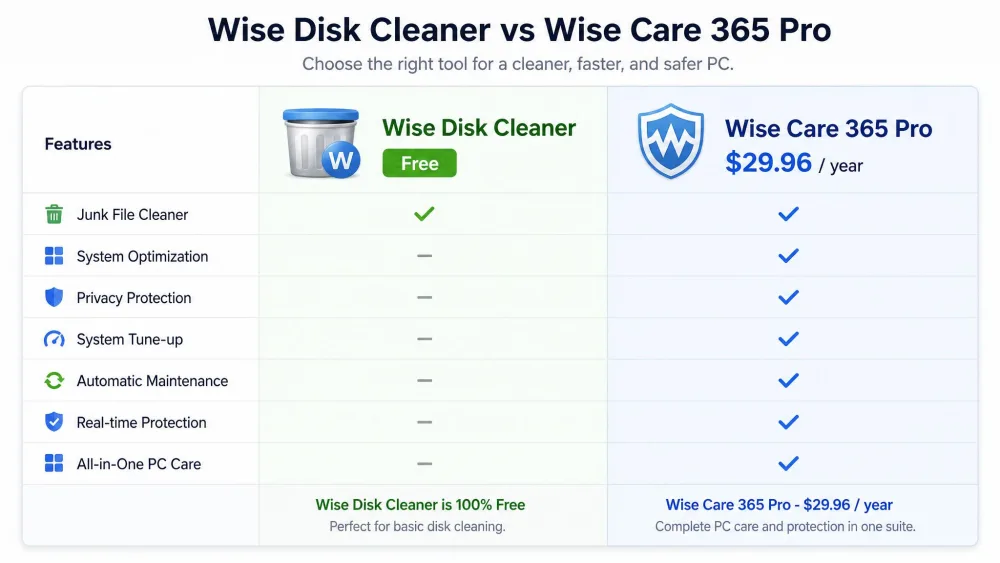
Pricing is refreshingly simple. Wise Disk Cleaner is 100% free, with no paid Pro tier for the cleaner itself, and a portable version runs from a USB stick without installing anything. The 11.8 MB installer is small either way, and it is also listed on the Microsoft Store.
The only paid upgrade in the family is Wise Care 365 Pro, an all-in-one tune-up suite listed at $29.96/year for one year across three PCs. You do not need it to clean your disk. CCleaner Professional, by comparison, lists at $44.95/year for one device, with a Professional Plus tier at $64.95/year for three and a 30-day money-back guarantee.
Is Wise Disk Cleaner Safe?
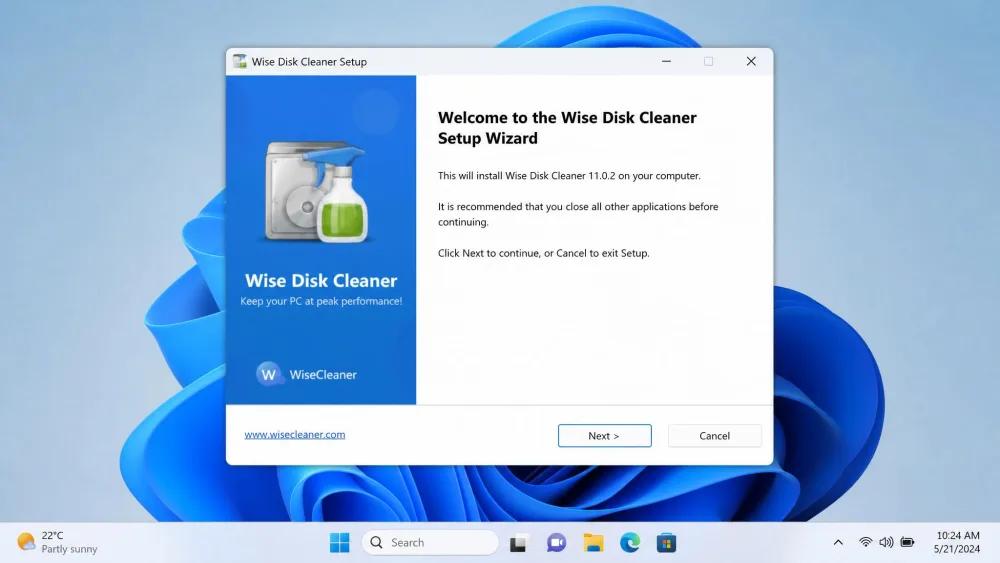
This is the question that keeps people from clicking download, so we watched the install closely. Wise Disk Cleaner has cleaned up its act: during setup we saw no bundled third-party software and no surprise toolbars, which used to be common here. The 11.8 MB installer did exactly what it said.
Two honest caveats remain. The free build shows occasional prompts for other Wise tools, mostly nudging you toward Wise Care 365. And the deep scans are aggressive enough to flag files you want to keep, so review the list before you press Clean.
If it is not the right fit, there are other good disk cleaners: PrivaZer leans harder into deep privacy cleaning, HiBit Uninstaller is better for removing stubborn programs, and Windows' built-in Disk Cleanup already ships on your PC.
Pros and Cons
After a week of daily use, here is the honest balance sheet.
Pros
- 100% free, including a portable build you can run from a USB stick
- Found close to three times more junk than CCleaner on the same PC
- Includes a real defragmenter that handles SSDs safely with TRIM
- Fast scans and a simple two-button interface anyone can use
- Clean install with no bundled software or toolbars
Cons
- Windows only, with no macOS or mobile version
- Free build shows occasional upsell prompts for other Wise tools
- Aggressive deep scans can flag files you want to keep
- No real-time monitoring or automatic defrag scheduling
Verdict: Is Wise Disk Cleaner Worth It?
After a week with it, our answer to the question in the title is a confident yes for most Windows users.