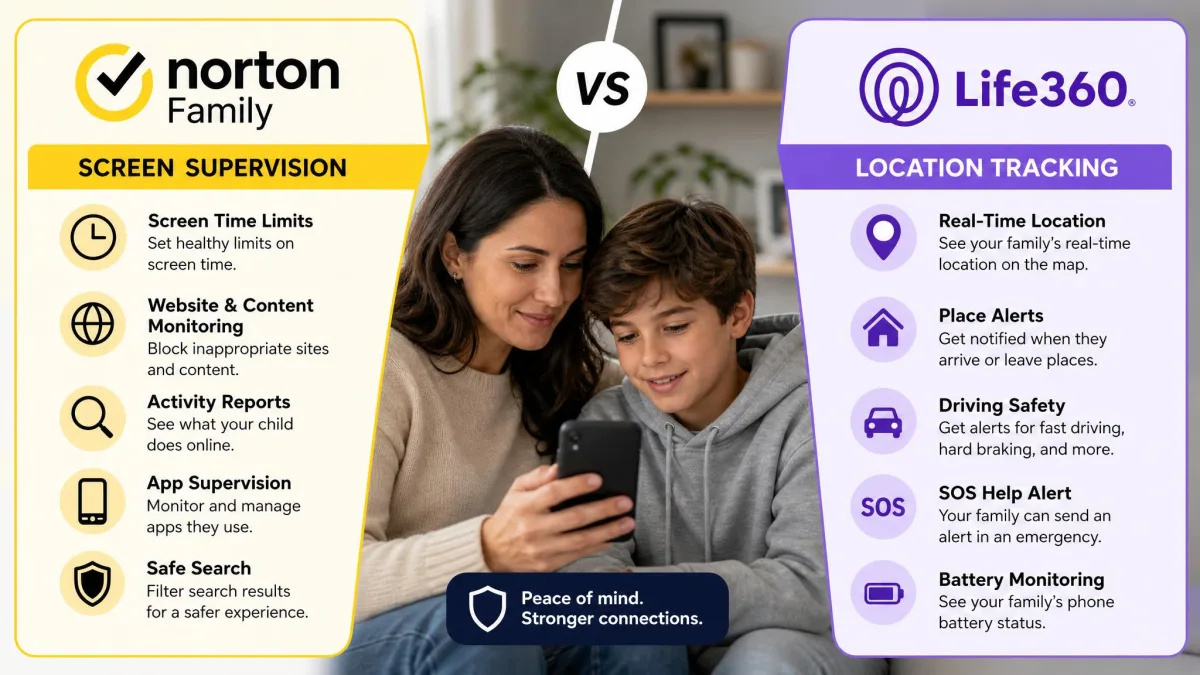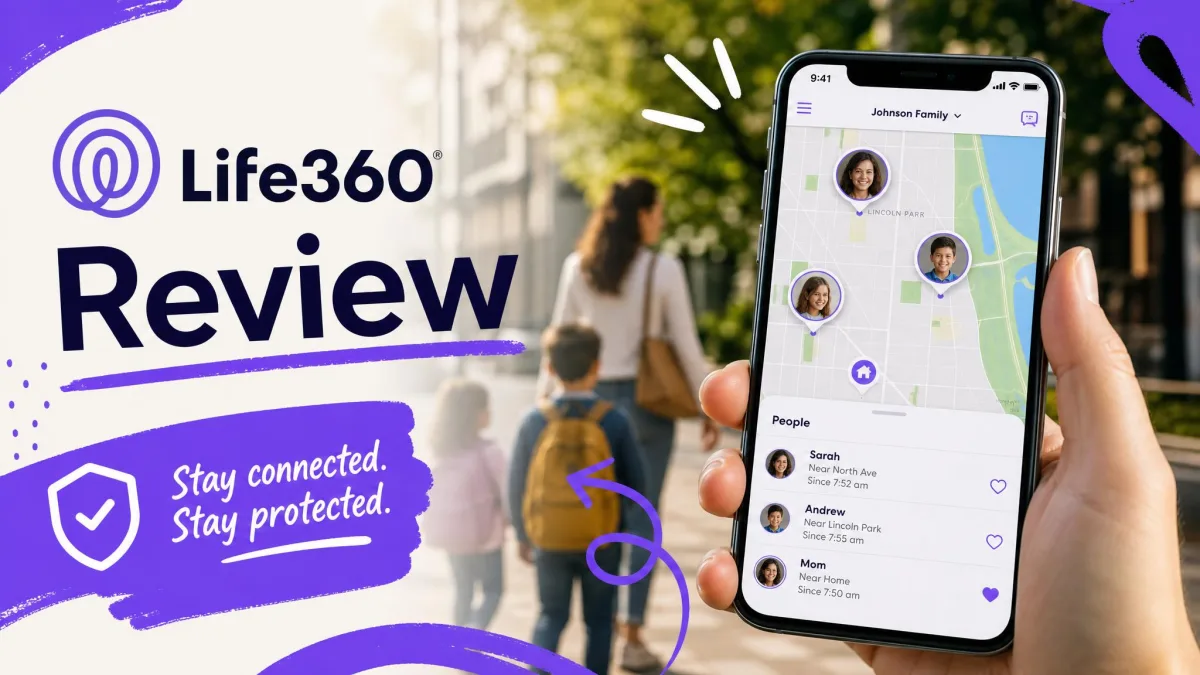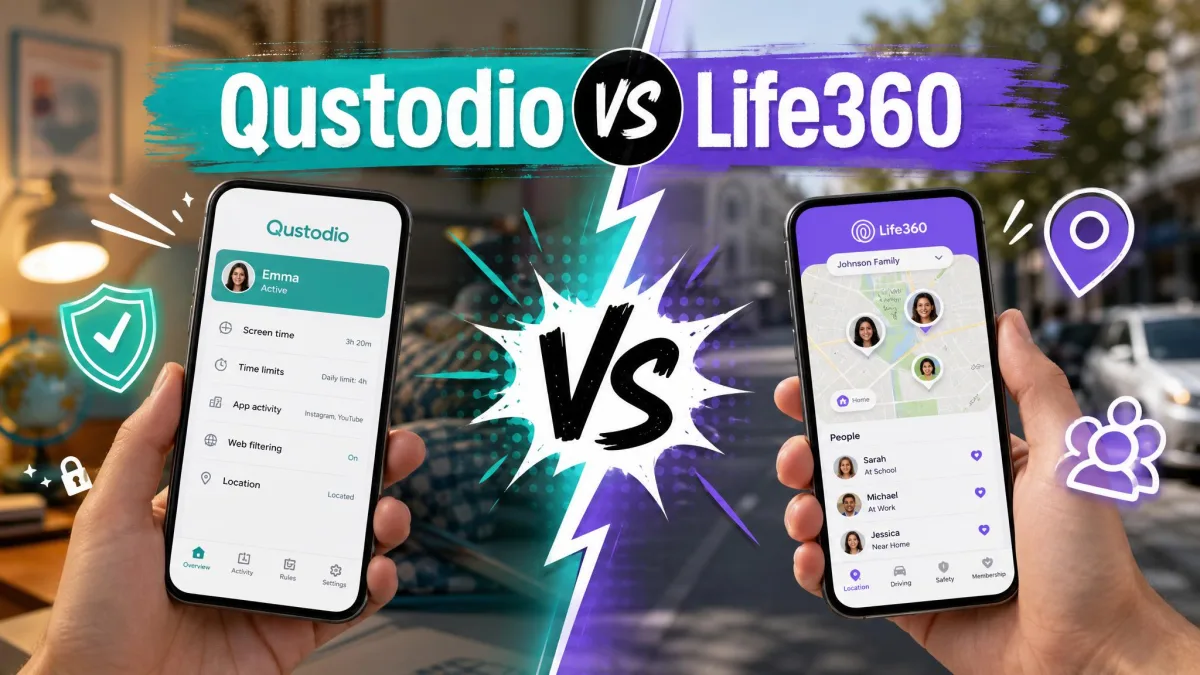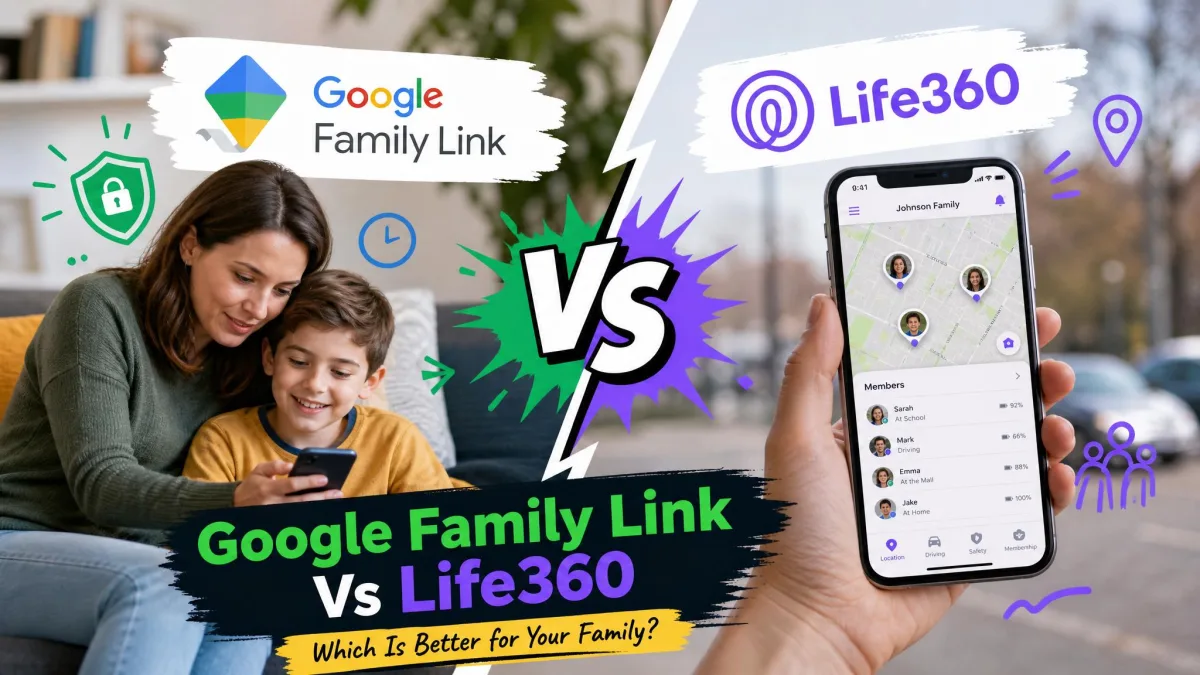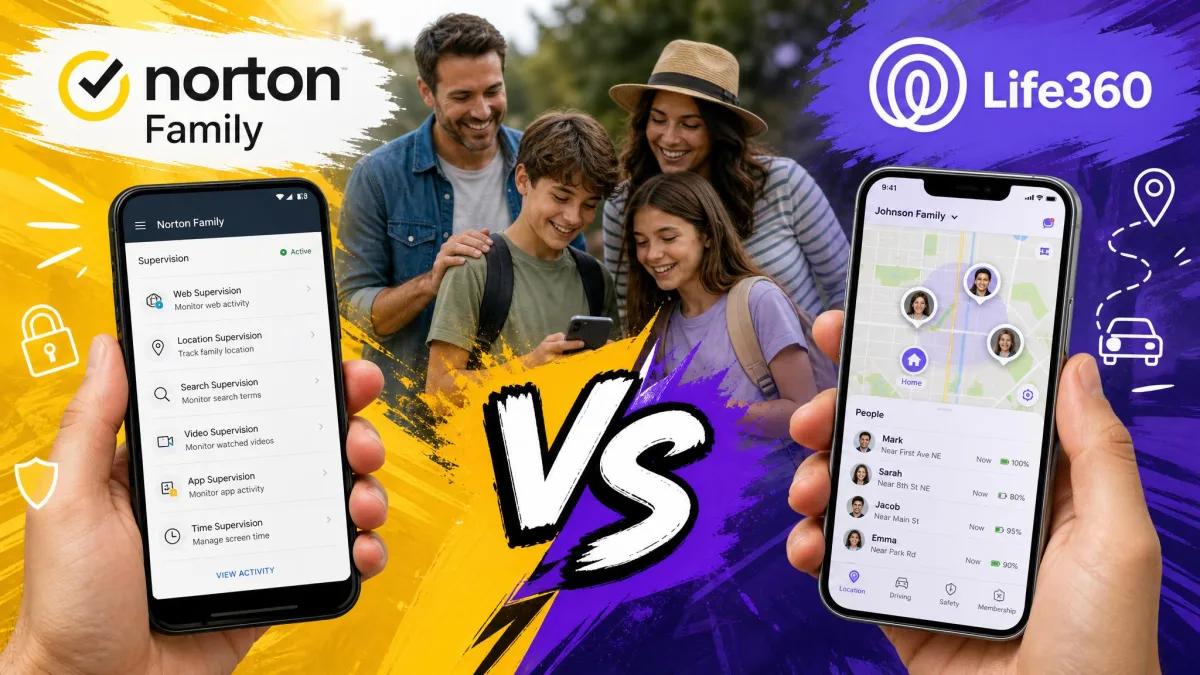
Norton Family is a dedicated parental control app built to supervise what a child does online, from web filtering to screen time limits and app monitoring. Life360 is a family location and coordination app built to show where everyone is, with driving reports and crash detection layered on top. They both market to worried parents, yet they solve different problems, and picking the wrong one leaves a real gap in your family's setup.
We spent time with both apps on real family devices, across Windows, Android, and iOS, watching how each one behaved during ordinary daily use rather than a one-hour demo. We set up child and parent accounts, changed rules, walked around town to test location, and tried the tricks kids actually use to get around monitoring. This comparison reflects what we found, where each app is genuinely strong, and where the marketing runs ahead of the experience.
The short version: these apps are not really competitors so much as two halves of a family-safety toolkit. Below we lay out exactly which half you need.
Norton Family vs Life360 at a Glance (comparison table + verdict)
If you only remember one thing, remember this: Norton Family watches the screen, and Life360 watches the map. Norton Family is the parental control app you choose to manage web access, apps, and screen time for younger kids. Life360 is the family locator you choose to keep tabs on where teens and drivers are. Plenty of families end up running both, one for supervision and one for location.
Here is how the two apps line up on the features parents ask about most.
| Feature | Norton Family | Life360 |
|---|---|---|
| Location tracking | Yes, geofencing and 30-day history (not on Windows) | Yes, live location, its core strength |
| Web/content filtering | Yes, content categories with site history | No |
| Screen time controls | Yes, daily and weekly limits with instant lock | No |
| App/YouTube supervision | Yes, app supervision plus YouTube monitoring | No |
| Driving/safety alerts | No | Yes, crash detection, driver reports, roadside help |
| Platforms | Windows, Android 8+, iOS (no macOS) | iOS, Android |
| Price (standalone) | $49.99/year, unlimited devices | Free tier; paid from $7.99/month |
| Free tier | No | Yes |
| Money-back guarantee | 60-day | None (7-day free trial only) |
What Each App Is Built For
The fastest way to choose between these apps is to be honest about the problem you are trying to solve. One app is about behavior online, the other is about physical location. Getting that straight up front saves you from paying for the wrong feature set.
Norton Family: web supervision & content controls
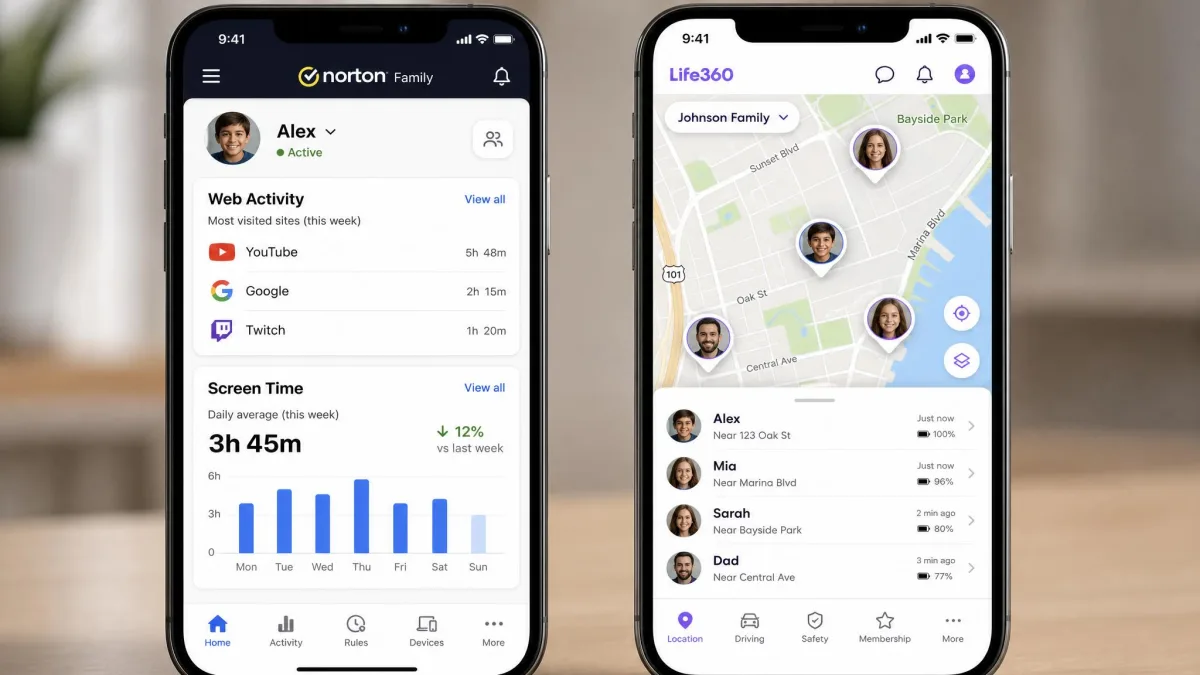
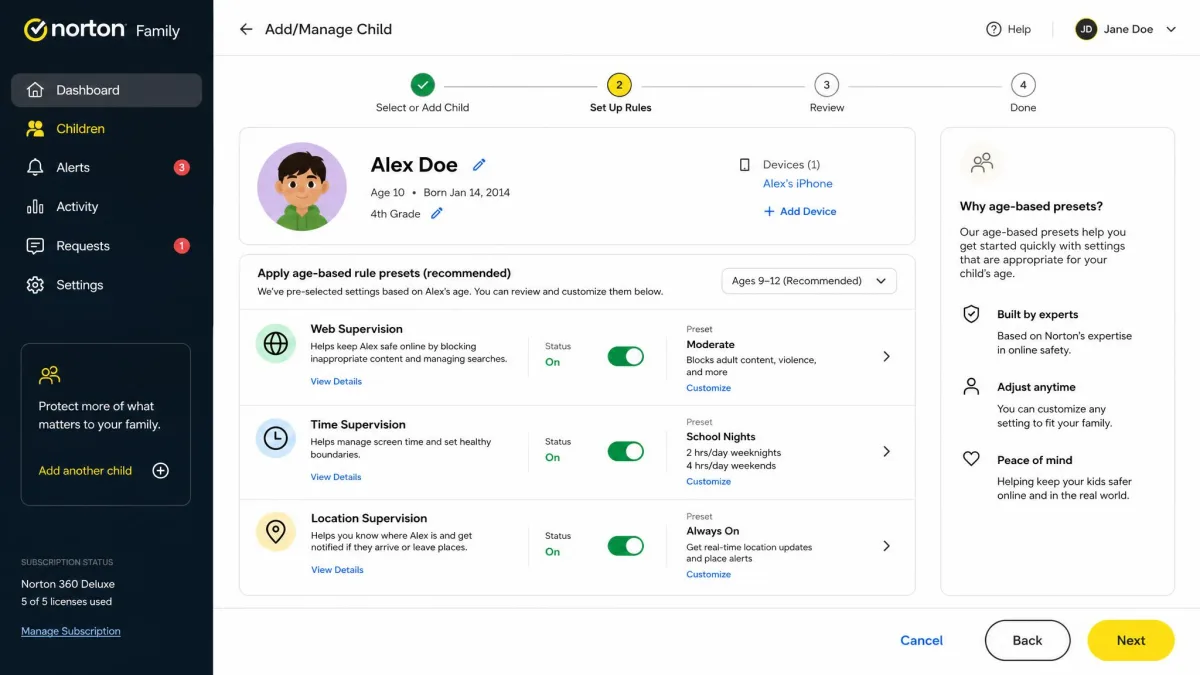
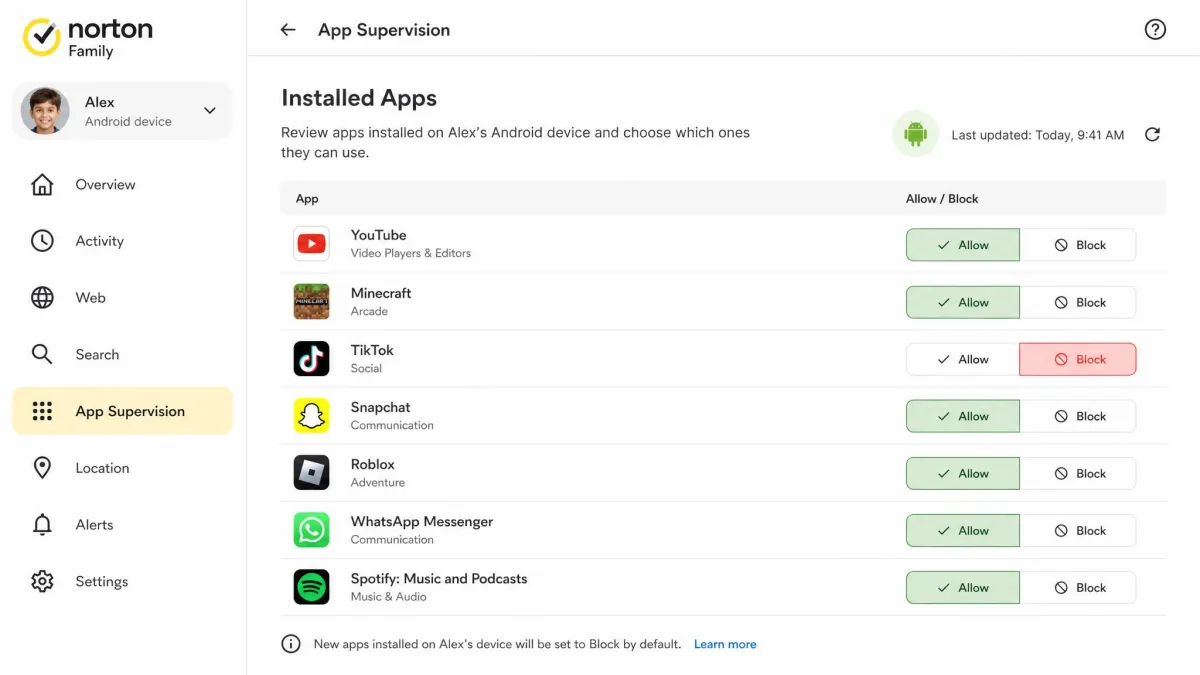
Norton Family is a classic parental control suite. Its whole reason for existing is to give parents oversight of what kids see and do on a device. It filters websites by content category, keeps a history of visited sites, sets daily and weekly screen time limits, and can lock a device instantly when time runs out. It also supervises which apps a child installs on Android and Windows, and it logs YouTube videos your child watches.
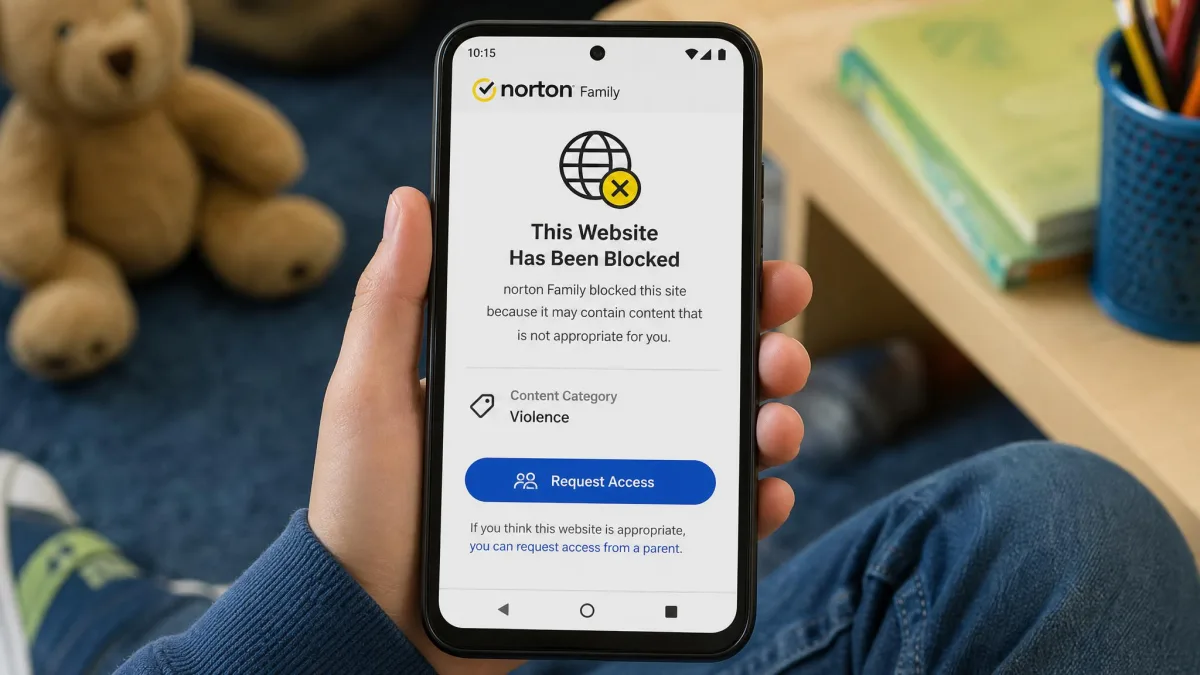
In our testing, the web filtering and screen time controls were the standout tools. When we set a category block, the child browser refused the page cleanly, and the visited-site history gave us a clear picture of where a young child was spending time. There is also a School Time mode that opens access for remote learning, which is a thoughtful touch for households juggling schoolwork on the same device.
Life360: location tracking & family coordination
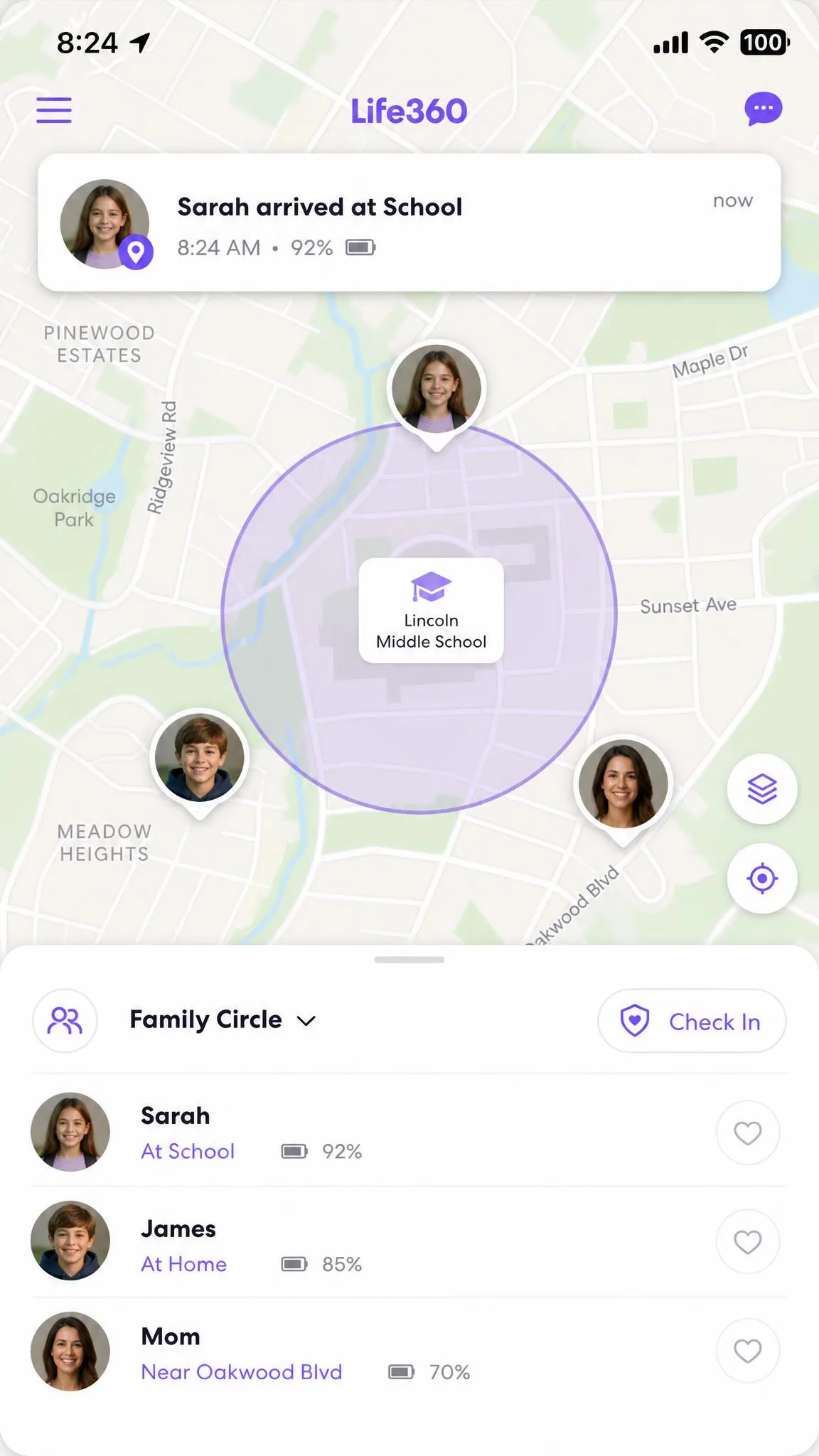
Life360 is a location and coordination app first. Its home screen is a live map with every family member, or circle, shown in real time. Around that map it builds Places, which are geofenced spots like home or school that send an alert when someone arrives or leaves. It adds an SOS button, crash detection, driving summaries, and, on higher plans, roadside assistance.
In our testing, setup was smooth and non-technical, and the interface stayed clean and easy for a non-technical parent to read. Location was usually accurate to within a city block when GPS conditions and permissions were good. It is a genuinely helpful tool for coordinating pickups, checking that a teen made it to a friend's house, or keeping an eye on a new driver. What it does not do is supervise the screen itself. There is no web filtering, no content blocking, and no screen time control anywhere in the app.
Features Compared
Both apps market themselves to parents, so their feature lists can look similar at a glance. They are not. Here is where each one delivers and where it simply has nothing to offer.
Location & GPS tracking
Life360 owns this category. Live location is its main event, and the map updates continuously while everyone in the circle is sharing. Places and geofence alerts are quick and reliable, and the free plan already includes live location for the whole circle plus two Places. Location history runs 2 days on the free tier and up to 30 days on the top plan.
Norton Family also tracks location, with geofencing and 30-day location history, and for a parental control app that is a solid extra. There is one important limit we ran into: Norton Family does not track location on Windows devices at all, and on iOS its location supervision is absent. So Norton's location works best on a child's Android phone, while Life360 is the stronger, more consistent locator across the board.
We should keep both sides of the accuracy story honest. In good conditions Life360 was accurate and fast, but it can also update slowly or incorrectly, throwing up phantom journeys, delayed updates, and false speed alerts that have read over 100 mph while a phone sat still. Treat it as very good most of the time, not flawless.
Web & content filtering
This is a one-sided contest. Norton Family filters the web by content category, blocks pages you do not want a child to see, and keeps a searchable history of visited sites. Life360 has none of this. It cannot block a website, filter adult content, or tell you what your child browsed. If web filtering matters to you at all, Life360 is off the table, and Norton Family is the obvious pick.
Content filtering and location tracking are different jobs. If your main worry is what your child sees online, no amount of accurate mapping will help, and only a content-filtering app like Norton Family covers it.
Screen time & app supervision
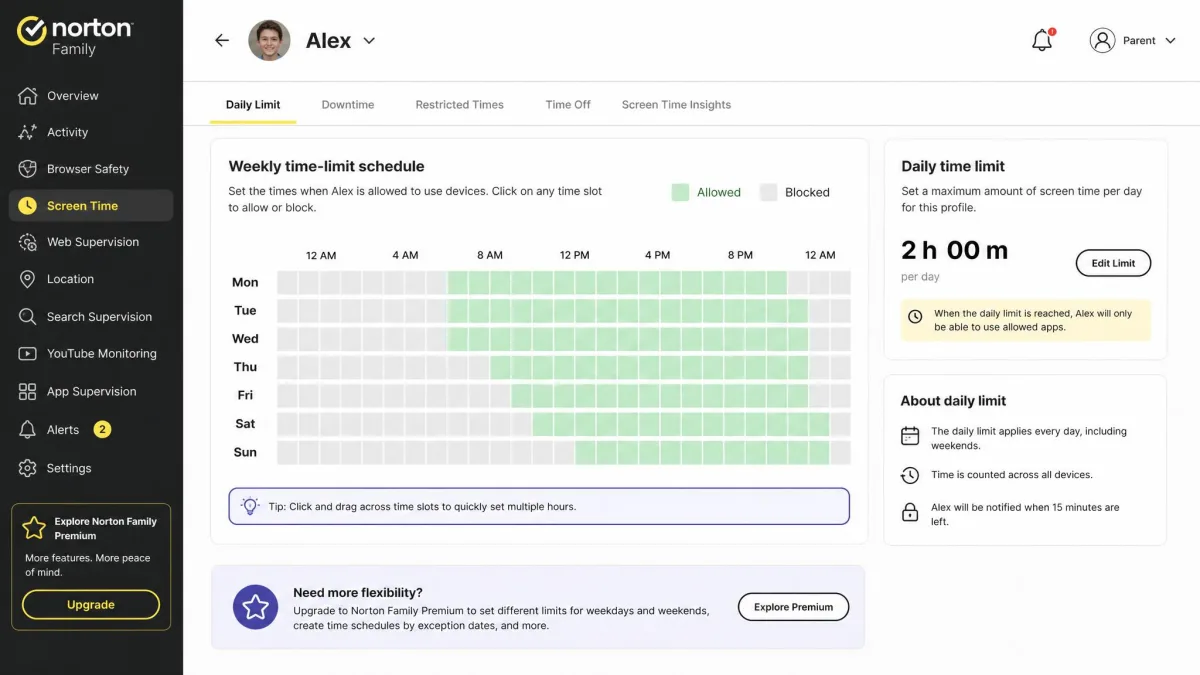
Norton Family again stands alone here. It sets daily and weekly screen time limits, locks the device instantly when the limit is reached, and supervises which apps a child installs on Android and Windows. It also logs YouTube videos, which is useful given how much kids' content lives on that one platform.
Two honest caveats from our testing. First, YouTube video logging can be delayed or incomplete, so treat it as a helpful signal rather than a full transcript. Second, Norton Family has no social media message or text monitoring, so it will not show you DMs or texts. Life360 offers no screen time or app controls at all.
Driving / safety extras (Life360)
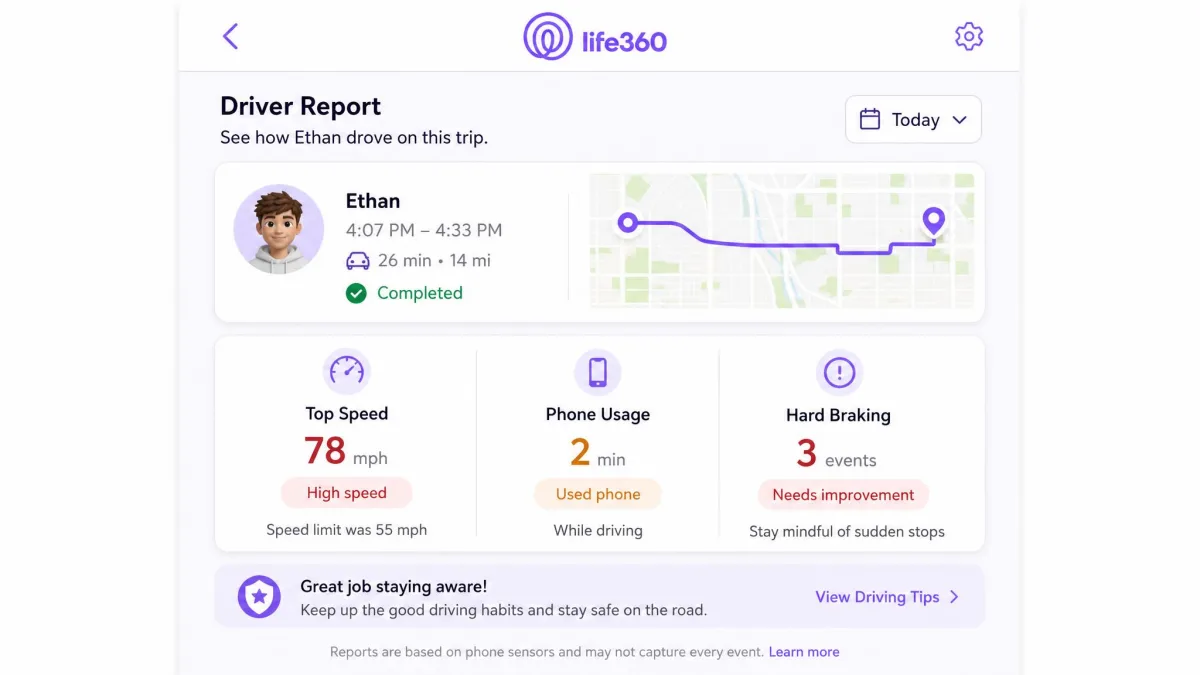
This is Life360's second strong suit and something Norton Family does not attempt. Life360 includes crash detection and an SOS button on every tier, then adds per-driver reports covering speed, phone use, and hard braking, plus roadside assistance and towing on the higher plans. Platinum even adds stolen-funds reimbursement and travel support. For parents of new drivers, this is the most compelling reason to pay for Life360.
What each app does NOT include
It is worth stating the gaps plainly, because both apps are quieter about these than their feature lists suggest.
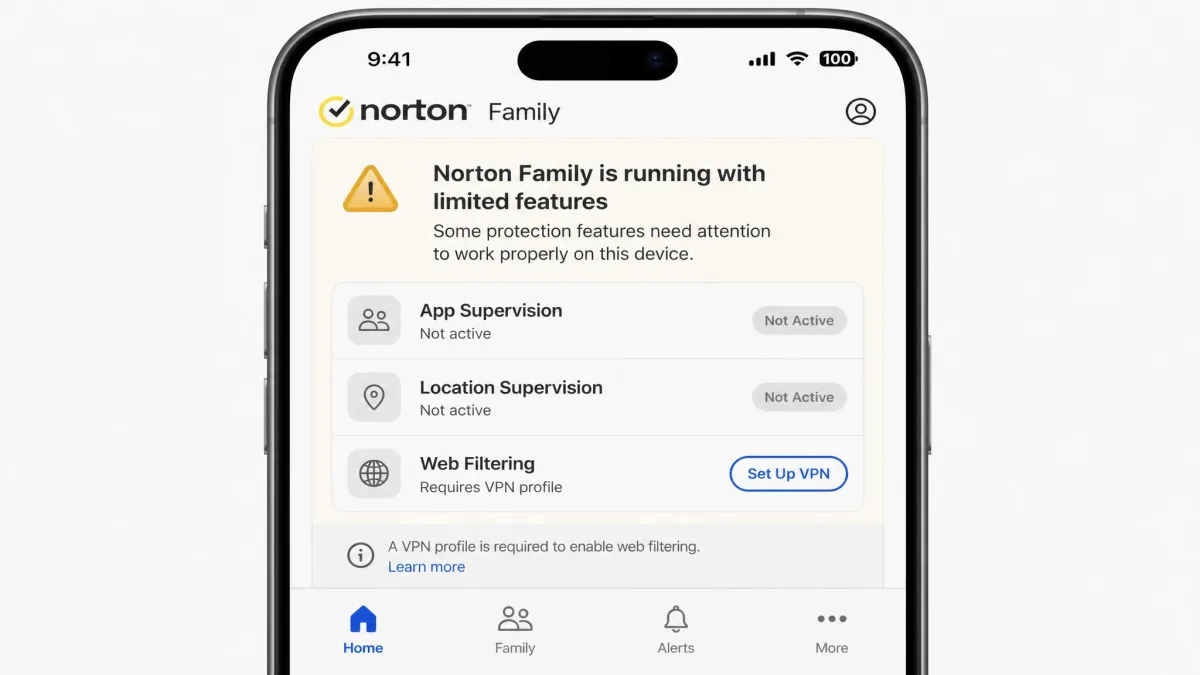
Norton Family does not monitor social media messages or texts, does not track location on Windows, and is heavily stripped down on iOS. On an iPhone there is no app supervision and no location supervision, and web filtering works only through a VPN profile the child could disable.
Life360 does not filter web content, does not control screen time, and does not supervise apps or YouTube. Its free tier is genuinely free but heavily limited, with just two Places and two days of location history, so do not read "free" as equal to a paid parental control plan.
Pricing & Plans Compared
Pricing is where these two apps diverge the most, because they use completely different models. Norton Family charges one flat annual price. Life360 uses a free-plus-tiers model that can climb quickly if you want the good driving features.
Norton Family (standalone vs Norton 360 bundle)
Norton Family costs $49.99 per year and covers unlimited devices, which is a real advantage for larger families. There is a 60-day money-back guarantee on annual subscriptions, one of the more generous windows in this category. A 30-day free trial is also often advertised, though we could not confirm it on Norton's current product page, so treat trial availability as promotion-dependent.
The bundle angle matters here. Norton Family is included with Norton 360 Deluxe and Norton 360 Premium at no extra cost. If you already pay for one of those plans for antivirus and VPN, you very likely already own Norton Family and simply need to switch it on.

Before you buy Norton Family standalone, check whether you already have Norton 360 Deluxe or Premium. Both bundles include Norton Family, so you may not need to pay again.
Life360 (free tier vs Gold/Platinum)
Life360 starts free, and unlike many free tiers this one is genuinely usable: live location for the whole circle, two Places with geofence alerts, two days of history, SOS, and crash detection. For a lot of families, that is enough.
The paid tiers add history and driving perks. Silver is $7.99 per month or $79.99 per year, with 7 days of history and 5 Places. Gold is $14.99 per month or $149.99 per year, with 30 days of history, unlimited Places, driver reports, and roadside assistance. Platinum is $24.99 per month or $249.99 per year, adding towing, theft reimbursement, and travel and medical support. One subscription covers the whole circle, not each member, which softens the higher monthly cost.
Life360 offers a 7-day free trial and no money-back guarantee. Watch the trial closely, because trials can auto-convert to paid subscriptions, and cancellation and refunds can be difficult to get through.

Renewal pricing and value
On value, the two apps reward different families. Norton Family's renewal price may be higher than the first-year rate, since Norton does not publish a fixed renewal figure and the rate rises above the intro price depending on the promotion. Even so, $49.99 for unlimited devices with full parental controls is strong value if supervision is your goal.
Life360's value depends entirely on whether you need the driving features. The free tier is a great deal at zero cost. Gold at $149.99 per year is only worth it if driver reports and roadside assistance matter to your household, otherwise you are paying mostly for extra location history.
Norton Family is priced like a product you buy once a year and forget; Life360 is priced like a service you keep re-evaluating as your kids grow into drivers.
Ease of Use, Setup & Platform Support
Setup shapes how much you actually use these apps, so it is worth weighing before you commit.
Life360 was the smoother of the two to set up. The onboarding is non-technical, the map is instantly readable, and alerts arrived quickly on both iOS and Android during our testing. A parent who is not comfortable with settings screens will get Life360 working in minutes.
Norton Family takes more setup, as parental control apps usually do, because you are creating child profiles and defining rules. We also found that rule changes and new-device setup can take time to propagate, so a limit you set does not always take effect immediately. Give changes a little time before assuming they failed.
Platform support tilts toward Norton Family on paper but with real caveats. Norton Family runs on Windows 7 SP1 through 11 (excluding S Mode), Android 8 and up, and current iOS plus the two prior versions, with no macOS child support. The catch is that the iOS experience is stripped down and Windows has no location tracking. Life360 is iOS and Android only, but it behaves consistently across both.
Life360 noticeably drains battery, roughly 10 to 20 percent extra per day on iPhone and 15 to 30 percent on Android during heavy use. On an older phone with a tired battery, that is worth planning around.
Privacy, Safety & Can Kids Bypass It?
Any monitoring app raises two fair questions: can it be bypassed, and is the family's data handled responsibly. Both apps have honest weak spots here.
Norton Family can be bypassed fairly easily by a determined child. In our testing, disabling the browser extension on Windows or force-stopping the Android app in the background was enough to slip past supervision. On iOS, web filtering runs through a VPN profile that a child could turn off. It is a supervision tool, not a locked cage, and it works best with a conversation alongside it rather than as a silent gate.
Life360's privacy concerns are less about kids bypassing it and more about trust and billing. The app has drawn criticism over how location data is handled, and its public reputation reflects broader frustration: its 303-review Trustpilot community rates it just 1.5 out of 5, dominated by billing and location-accuracy complaints. We also found customer support slow and often unhelpful, frequently routing through chatbots without resolving the issue.
Do not treat either app as tamper-proof. A tech-savvy teen can disable Norton Family's supervision, and Life360 relies on a child keeping location sharing switched on. Pair any app with an ongoing conversation about why it is there.
Pros and Cons
Here is the honest balance sheet on each app after our hands-on time.
Norton Family pros and cons
Pros
- Strong web and content filtering with visited-site history
- Screen time limits with instant device lock
- App supervision and YouTube monitoring on Android and Windows
- One flat price for unlimited devices, plus a 60-day money-back guarantee
- Included with Norton 360 Deluxe and Premium
Cons
- No location tracking on Windows and a stripped-down iOS experience
- No social media message or text monitoring
- Rule changes can be slow to take effect
- Fairly easy for a determined child to bypass
Life360 pros and cons
Pros
- Excellent live location tracking and geofenced Places
- Genuinely usable free tier
- Crash detection and SOS on every plan
- Driver reports and roadside assistance on higher tiers
- Smooth, non-technical setup on iOS and Android
Cons
- No web filtering, screen time, or app supervision at all
- Noticeable battery drain on both platforms
- Location can be inaccurate or delayed at times
- Slow support, difficult cancellations, and a low Trustpilot score
Which Should You Choose? (verdict by use case)
There is no single winner, because these apps are built for different jobs. Choose by the problem in front of you.
Choose Norton Family if your main concern is what your child does on a device: the websites they visit, how long they are on screens, and which apps they install. It is the better fit for younger kids who need real content boundaries, and its unlimited-device pricing suits bigger families. This is the app most parents mean when they say "parental controls."
Choose Life360 if your main concern is where your family is: coordinating pickups, keeping tabs on a teen, or watching over a new driver. It is the better fit for older kids and teens who have earned some independence but still need a safety net. The free tier alone covers a lot of everyday needs.
The two apps pair naturally, so for a lot of households the right answer is both: run Norton Family for supervision and Life360 for location. If we had to name one overall winner for the "family safety app" label most parents are searching for, we give it to Norton Family, because content supervision and screen time are the harder problems to solve and the ones Life360 does not touch at all.
After setting both apps up on real family devices and living with them across Windows, Android, and iOS, our clearest takeaway is that "family safety app" means two different things. Decide whether you are protecting the screen or watching the map before you spend a cent.