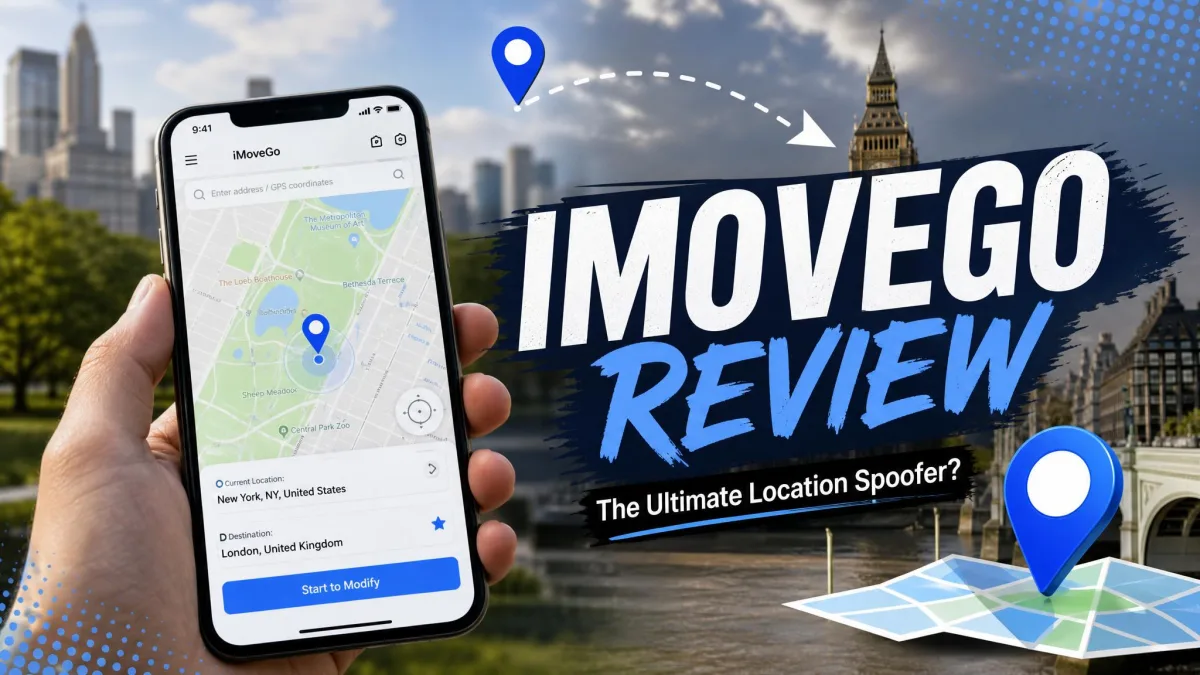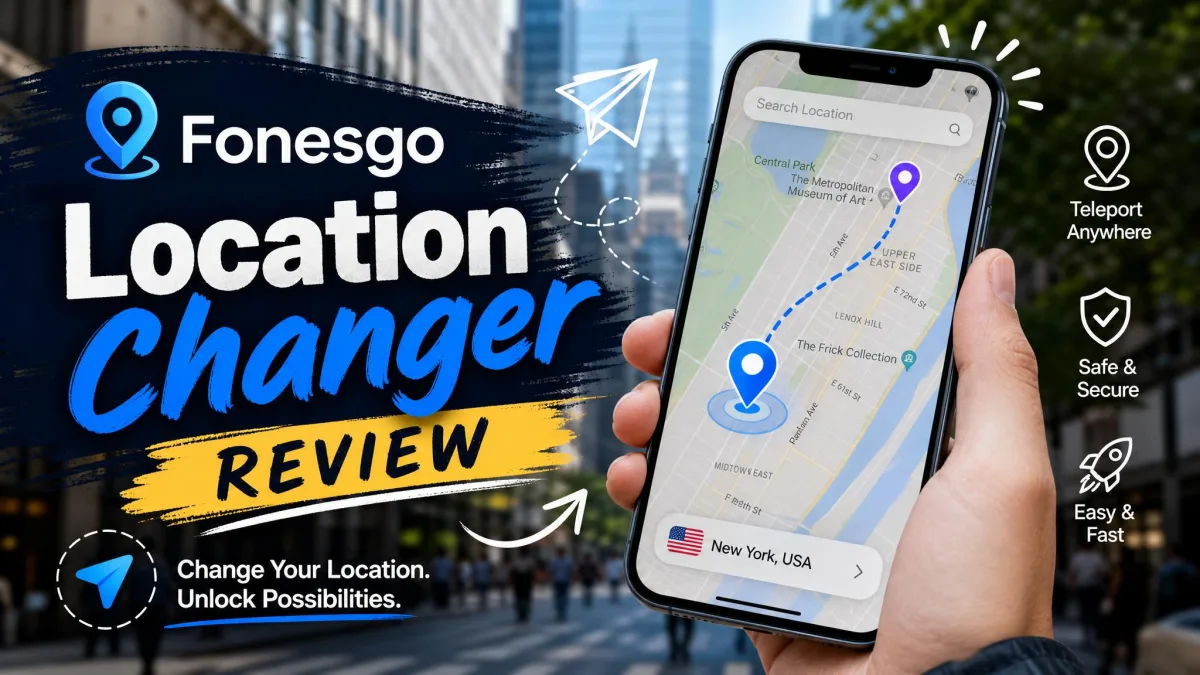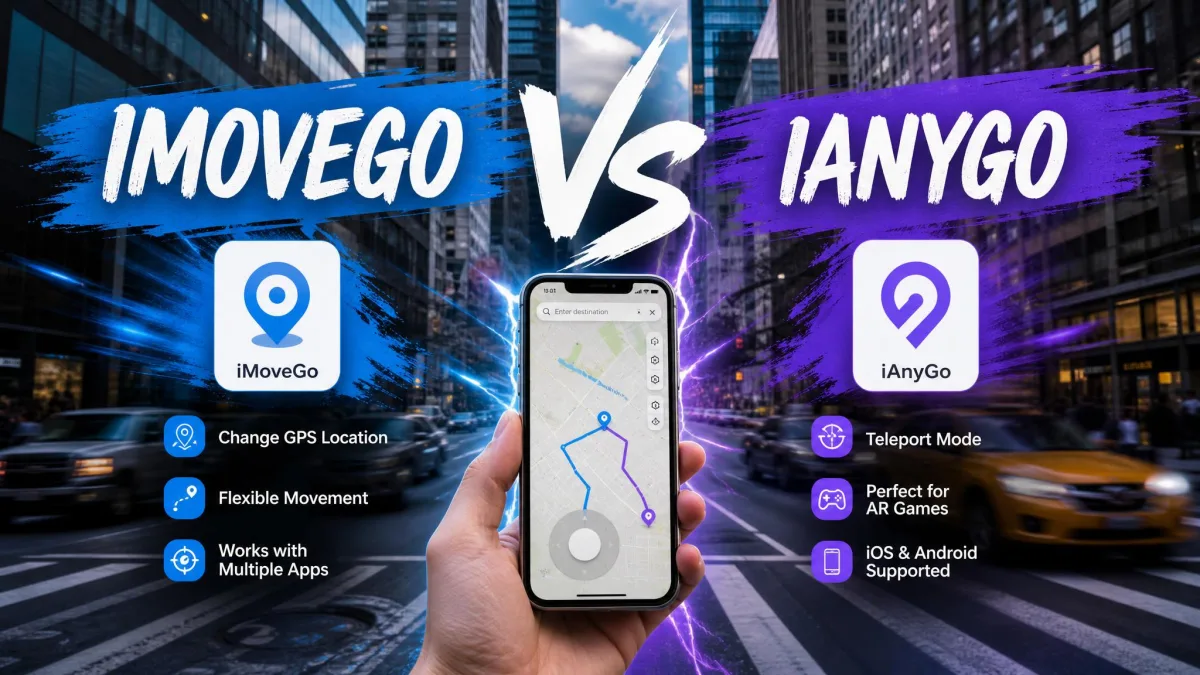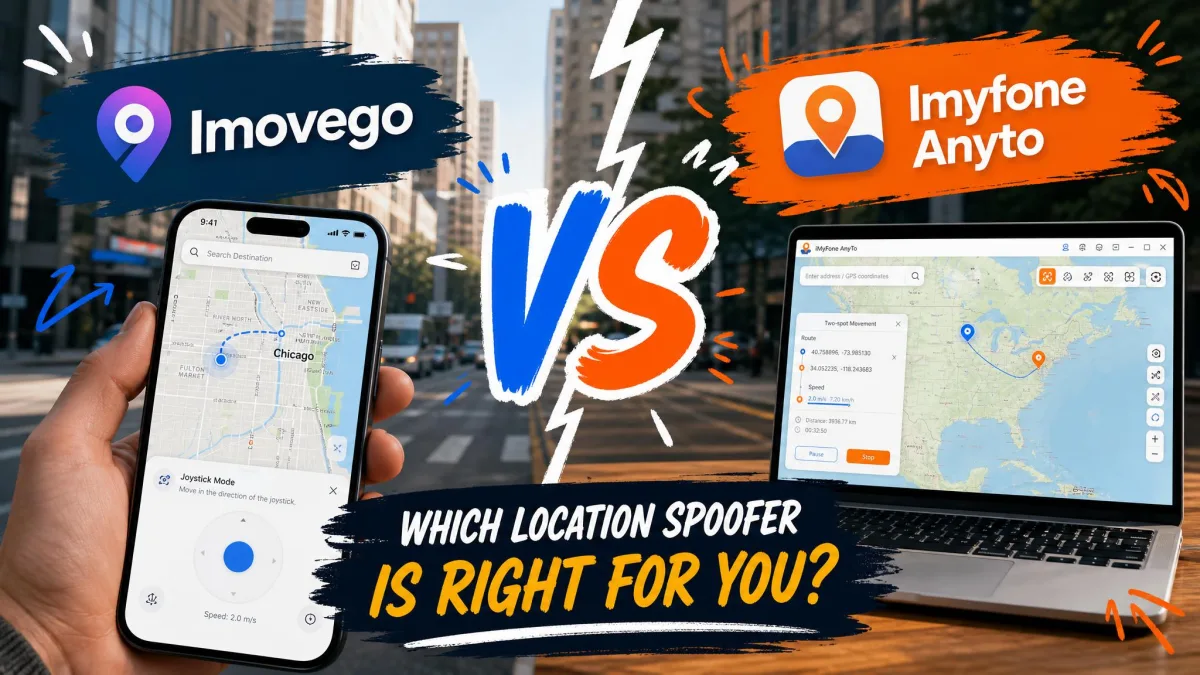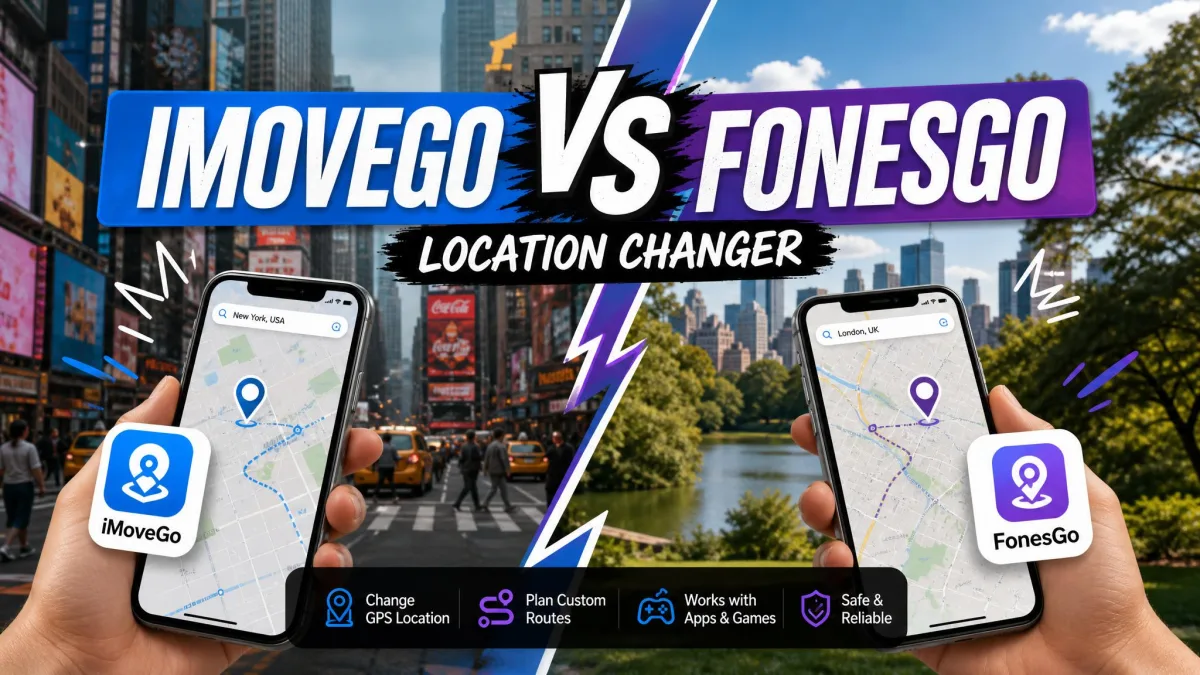
Two names come up again and again when you go looking for a way to change your phone's GPS location. On paper they look almost identical. A location changer is a desktop app that feeds a fake GPS position to your iPhone or Android handset. Location-based apps then believe you are somewhere else. Both of these tools teleport you in one click, simulate movement along custom routes, and add a virtual joystick for manual control. Neither needs a jailbreak or root.
The differences sit in the price, the licence terms, the platform coverage and the small print on refunds. Those are the things that decide which one you should actually buy.
iMoveGo vs FonesGo at a glance
| Product | Buy | Monthly | Lifetime | Devices per licence | Platforms | Free trial |
|---|---|---|---|---|---|---|
 |
Check price → | $9.95 | $79.95 | 15 devices + 1 PC | Windows, Mac, iOS, Android | Yes, on every platform |
 |
Check price | $14.99 | $89.99 | 10 devices + 1 PC | Windows, Mac, iOS, Android | Yes, 5 teleports and 1 hour of joystick |
The feature lists overlap almost completely. Both offer jump teleport, two-spot and multi-spot movement, joystick control, GPX import, a cooldown timer and a choice of USB or Wi-Fi connection. Licence generosity is where they separate.
Movement simulation: routes, speed and teleport modes
Two-spot, multi-spot and jump teleport
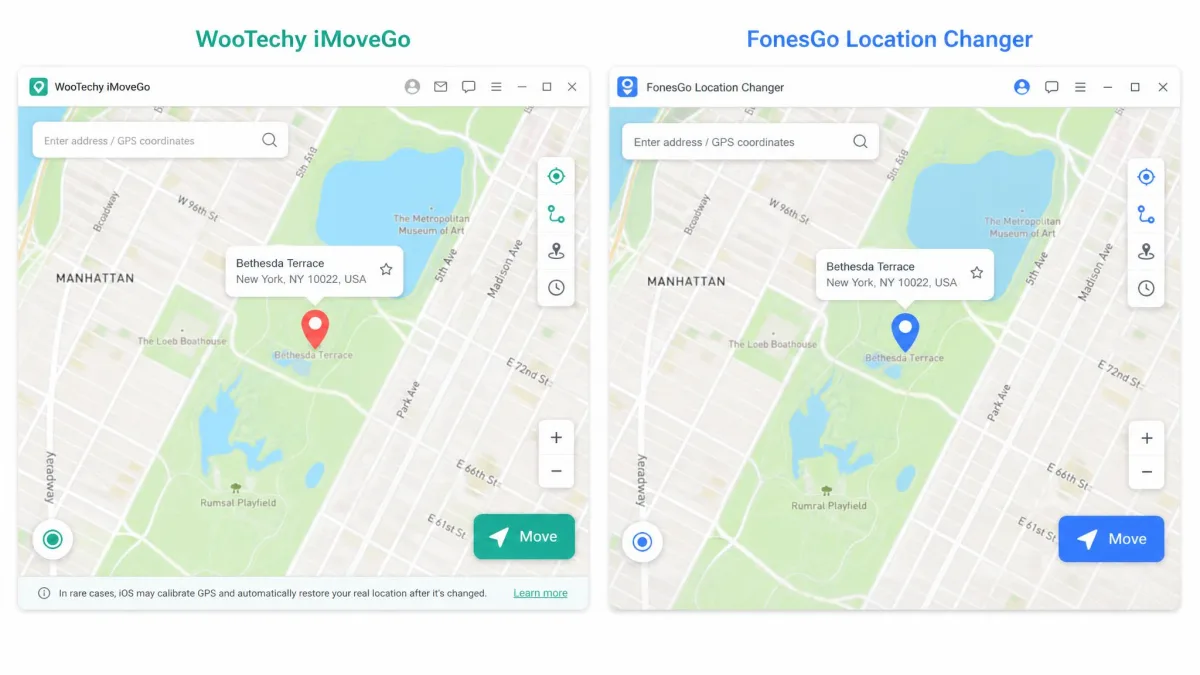
Jump teleport drops your device at a single set of coordinates instantly. Two-spot mode walks you between a start and an end point along a straight line. Multi-spot mode strings together a chain of waypoints, so the route bends the way a real walk would.
WooTechy iMoveGo allows unlimited waypoints in multi-spot mode. That matters if you are tracing a long circuit. FonesGo Location Changer offers the same three modes. It adds saved favourite routes and a history of past routes, so you can replay a path without rebuilding it.
Custom route speed and GPX import
iMoveGo publishes a movement speed range of 3.6 km/h to 120 km/h. That covers walking, cycling and driving. FonesGo has speed control too, but its behaviour is less predictable. The same is true of its camouflage setting. Both apps import GPX files. Only iMoveGo also exports them. That helps if you build routes in another mapping tool and want a copy back.
Draw a route with a few gentle curves rather than one long straight line. Real movement is rarely perfectly straight, and a natural path is less conspicuous to the app you are spoofing inside.
Joystick and manual GPS control
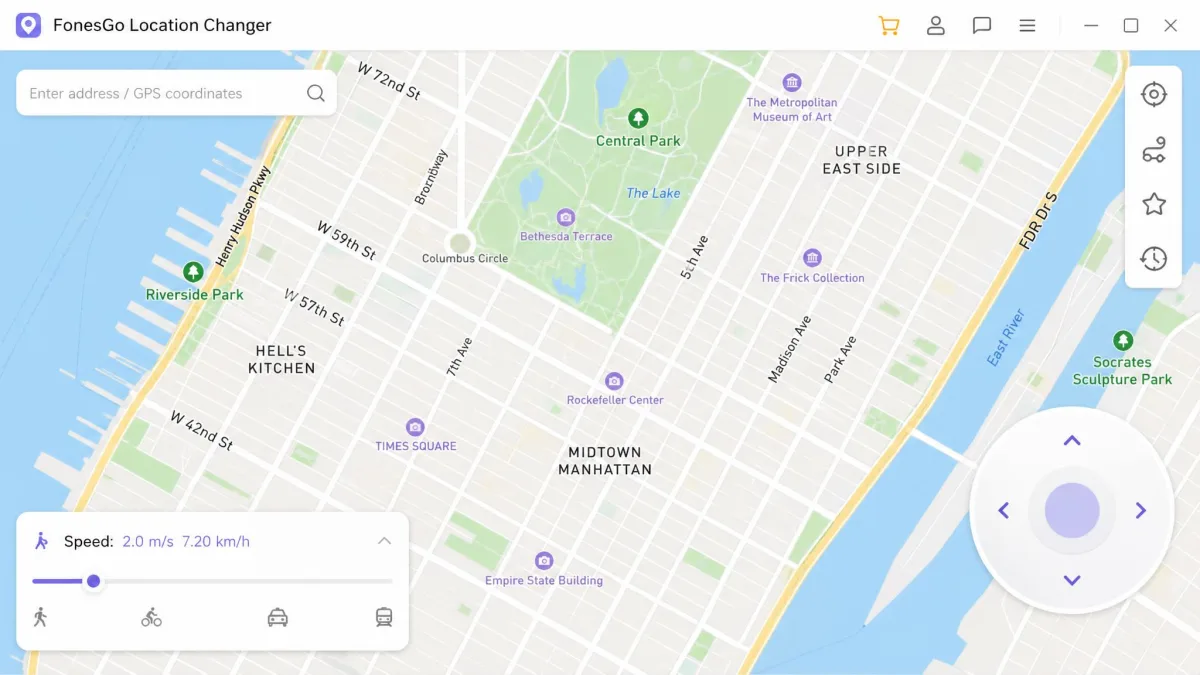
The joystick is the control you will use most once the novelty of teleporting wears off. It puts a small directional pad on the map. You steer your fake position in real time with a mouse or the arrow keys.
iMoveGo's joystick is a 360-degree control with adjustable speed. It can lag during long sessions, and the phone tends to run warm if you leave it driving for an hour. FonesGo's joystick is simpler. Over a joystick session on a tethered handset it held a steady connection, with no crashes and no GPS drift.
App and game compatibility
Pokemon Go and other AR games
Both apps name Pokemon Go directly. Both ship the cooldown timer that AR players rely on. The tools handle the mechanics competently. What they cannot do is make the practice acceptable to the game's publisher. Niantic's stance on GPS spoofing treats it as cheating with escalating penalties.
Snapchat, dating apps and Find My
The fake position is written at the system level. Anything reading your device location follows it. That covers Snapchat, Tinder, Bumble, WhatsApp, Google Maps and Apple's Find My. With FonesGo, the new position appeared instantly in both Google Maps and Snapchat. Apple's own guide to how iOS Location Services works is worth reading first if other people can see your location.
Changing your Find My position hides your real whereabouts from family and friends who rely on it. If someone in your household uses location sharing for safety, tell them before you start.
Device and platform support
iOS support and iOS version limits
FonesGo covers iOS 13 and later. That range takes in most iPhones still in daily use, and its dedicated FonesGo iOS Location Changer page carries the same claim. iMoveGo's vendor page lists iOS 26 and earlier. iOS 26 coverage is disputed, so check the current compatibility list before buying if you are on the newest iPhone build.
Android support and whether root is needed
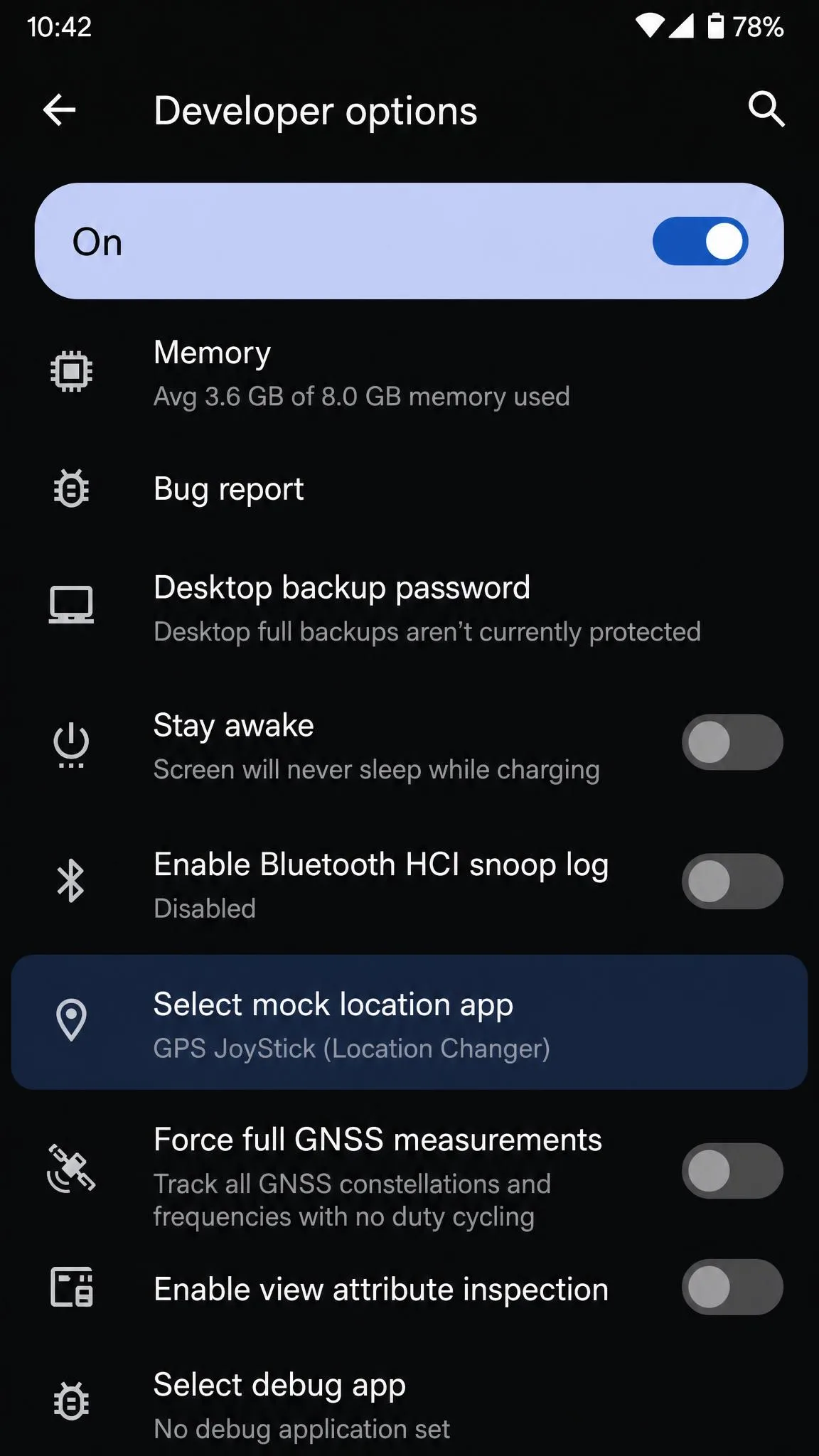
Neither app needs root. Neither needs a jailbreak on iOS either. On Android you do have to switch the phone into developer mode and set the app as the mock location provider, which is a standard Android setting rather than anything the app invents. iMoveGo lists Android 16 and earlier. Support for the newest Android release lands unevenly, so a brand-new build may not work the day it ships. FonesGo's stated Android range is ambiguous about how far back support reaches. Older handsets may fall outside it.
How many devices each licence covers
This is the clearest numerical gap between the two. FonesGo permits up to 15 devices at once plus one PC or Mac. iMoveGo permits up to 10 devices plus one PC. WooTechy's plan lineup is split into VIP and SVIP tiers that differ by platform coverage, so the price you pay depends on which tier you pick.
Accuracy, stability and cooldown protection
No source publishes a GPS accuracy figure in metres for either tool, and we will not invent one. What you can judge is stability. Connected over USB, FonesGo held a stable connection across a full session, with no crashes and no GPS drift. It also throws occasional bugs and can misbehave on specific handsets.
iMoveGo's setup is straightforward, and its performance holds up over several weeks of gaming use. The lag and heat during long joystick runs are the trade-off. On connection type, USB is the steadier choice on both apps. Wi-Fi is more convenient but more prone to dropouts.
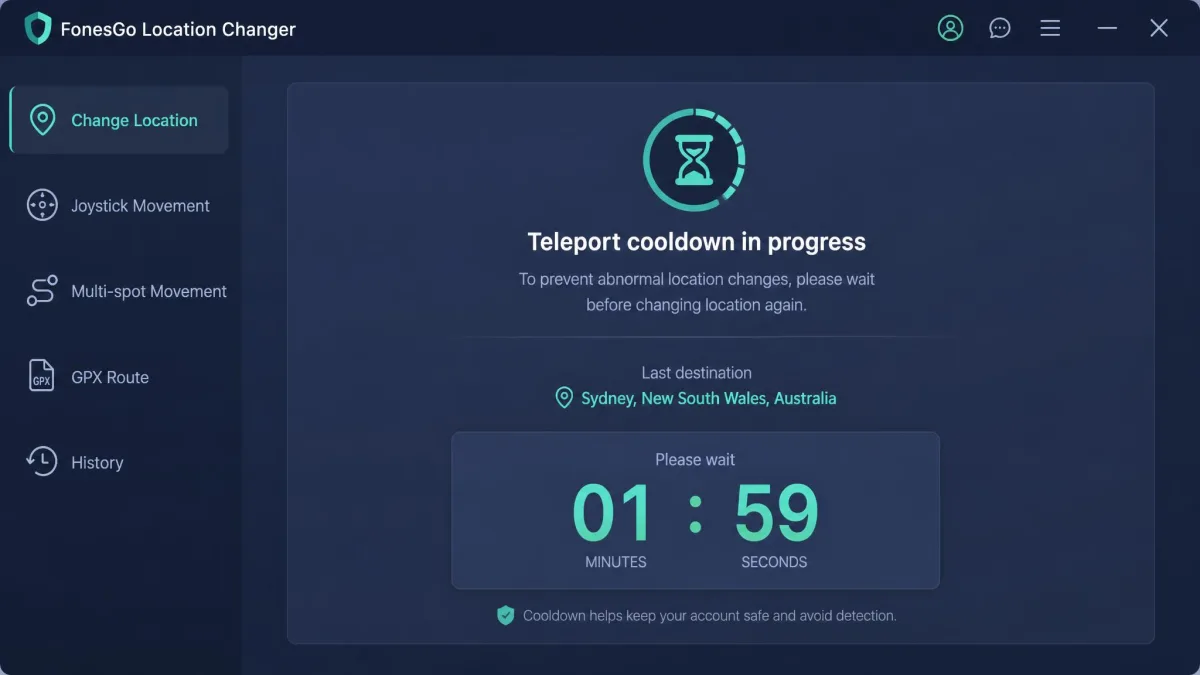
Both apps ship a cooldown timer, because rapid consecutive jumps are the behaviour that gets flagged. The timer counts down the wait before your next teleport, scaled to the distance travelled.
Ban risk and account safety
Spoofing inside apps that forbid it puts the account itself at risk of suspension, whichever tool does the spoofing. The spoofer is not what gets detected. The impossible travel pattern in your account history is. Google's device and network abuse policy on mock locations sets out the platform-level position, and individual services layer their own rules on top.
No location changer can promise you will not be banned, and neither of these two claims it can. Treat every spoofed account as expendable. Never spoof on an account you cannot afford to lose.
Setup: how to change your location with each app
Changing location with iMoveGo in 3 steps
- Install iMoveGo on your Windows PC or Mac. Connect your device by USB or Wi-Fi and trust the computer when prompted.
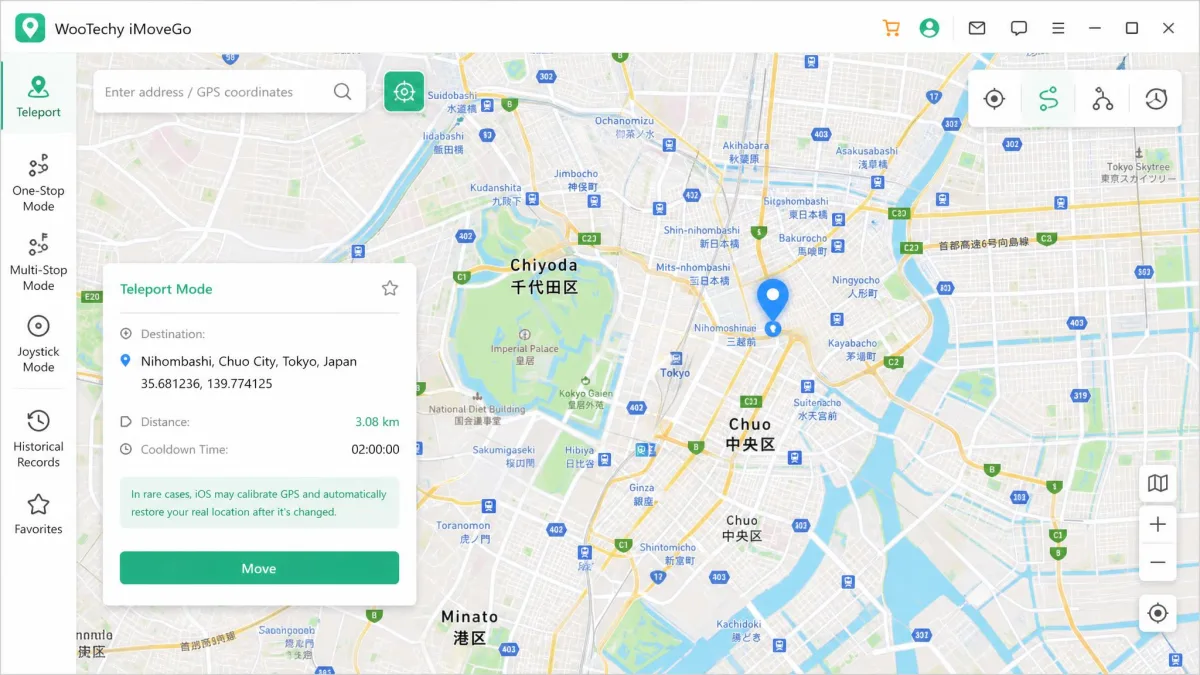
- Pick teleport mode, search for the destination or click it on the map, then confirm the pin.
- Press Move. Your GPS location changes on the handset within a second or two, and every location-based app follows it.
Changing location with FonesGo in 3 steps
- Install FonesGo and connect the phone. On Android, enable developer mode so the app can act as the mock location provider.
- Choose teleport, two-spot, multi-spot or joystick from the mode row in the top right.
- Set your destination or route speed, then start.
Pricing and plans compared
WooTechy iMoveGo pricing
iMoveGo runs $14.99 per month, $29.99 per quarter, or $89.99 for a lifetime licence. A higher SVIP tier costs more. That is the tier which unlocks iOS and Android alongside Windows and Mac. WooTechy's product page does not display prices, so confirm the figure at checkout before you commit.
FonesGo Location Changer pricing
FonesGo lists $9.95 per month for the desktop plan, $19.90 per quarter, $39.95 per year and $79.95 for a lifetime licence. There is a separate Android app plan at $14.95 per month. The annual option is one that iMoveGo does not offer at all, and it is the tier that suits a single season of gaming.
Free trial and refund policy compared
FonesGo offers a free trial on every platform. iMoveGo's free trial caps you at 5 teleports and 1 hour of joystick movement. That runs out fast, and it is barely enough to judge the app.
Both carry a 30-day money-back guarantee. FonesGo's version is narrower than it sounds. It applies to duplicate orders, unexpected charges, missing registration codes, unresolved technical faults and post-cancellation renewals. Simple buyer's remorse is excluded, so trying the free version first is effectively mandatory.
Both apps need a computer for setup and keep the phone tethered over USB or Wi-Fi. Neither runs standalone on the handset. Budget for a desk session rather than a quick tap on the phone.
Pros and cons of each app
WooTechy iMoveGo pros and cons
Pros
- Unlimited waypoints in multi-spot mode
- Published speed range from 3.6 km/h to 120 km/h
- GPX import and export, not just import
- Straightforward setup that holds up over weeks of use
Cons
- More expensive at every tier
- Fewer devices per licence at 10
- Can lag and heat the phone during long joystick sessions
- SourceForge's community rates it 2.0 out of 5, with support at 1.0
FonesGo Location Changer pros and cons
Pros
- Cheapest at every tier, from $9.95 monthly to $79.95 lifetime
- 15 devices plus one computer per licence
- Free trial available on every platform
- Stable connection with no crashes or GPS drift
Cons
- Speed control and camouflage mode behave inconsistently
- Occasional bugs on specific handsets
- Refund rules exclude buyer's remorse
- Very little independent user feedback exists online
Alternatives worth considering
If neither fits, iToolab AnyGo covers the same ground for iPhone, iPad and Android. It offers one-click teleport, route simulation with custom speed and joystick control. Feature sets across the category are close, so compare on licence terms and refund policy.
Which one should you choose?
Choose iMoveGo if...
You care about route craft. The unlimited waypoints, the explicit speed range and GPX export make it the better tool for building and reusing detailed movement paths. You will pay roughly 50 percent more for that control.
Choose FonesGo if...
You are the trial-first buyer, or you are covering a household rather than one phone. Run it on your own handset before any money changes hands, and confirm it behaves on your exact model. That matters most if you are on an older Android build, where compatibility is the open question rather than features.