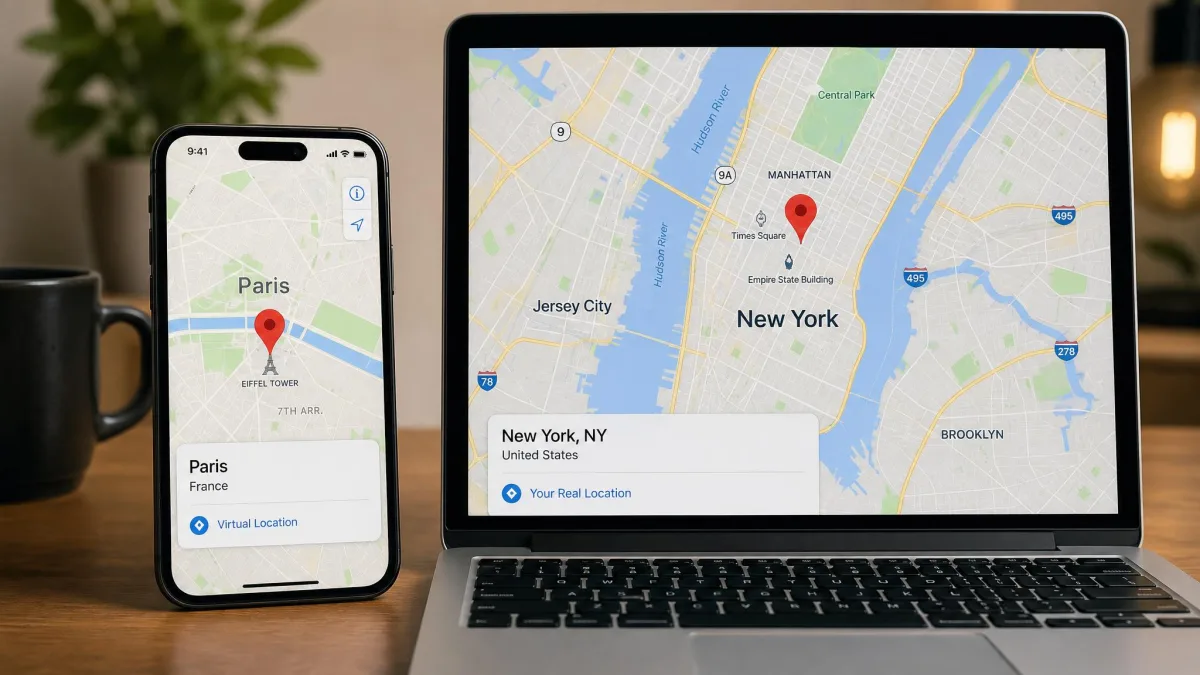
A location changer is a desktop tool that sets a virtual position for your phone, so games and social apps see you somewhere you are not. Tenorshare iAnyGo and MagFone Location Changer are the two most popular options, and both support iPhone and Android.
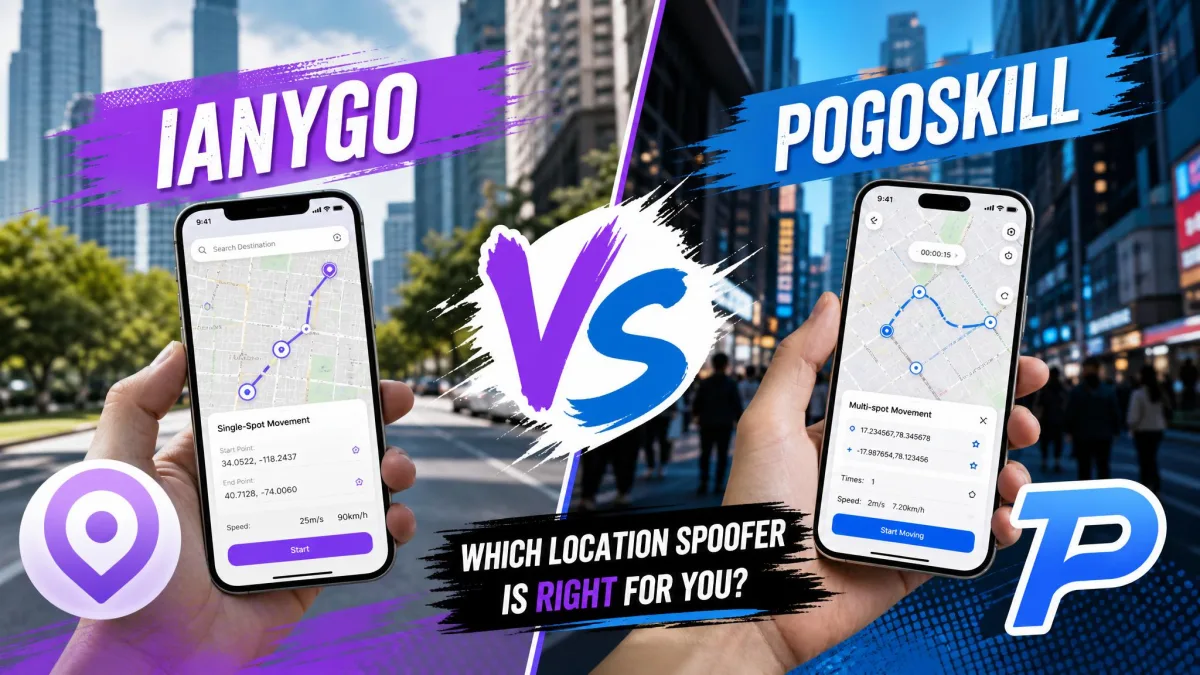
We compared them on features, pricing, platform support, and safety. The short version: iAnyGo is the stronger pick for Pokemon GO players and households with several iPhones, while MagFone suits budget buyers and multi-game AR players.
At a Glance: iAnyGo vs MagFone Location Changer
The table lines up both tools on the same attributes; either changes your GPS location with ease once connected.
| Product | Buy | Best For | Platforms | Movement Modes | Supported Apps | Pricing | Free Trial | Safety/Verdict |
|---|---|---|---|---|---|---|---|---|
 |
Check price → | AR-game players; iOS-heavy households | Windows and macOS; iPhone and Android; no jailbreak or root | One-click change, Single/Multi-Spot routes, 360-degree joystick | Pokemon GO, Monster Hunter Now, WhatsApp, Facebook, Instagram, Life360, dating apps | From $12.95/mo; $95.95 lifetime | Limited-feature trial | Cooldown timer and Bluetooth spoofing reduce ban risk; still detectable if ignored |
 |
Check price | Budget buyers and multi-game AR players | Windows and macOS; iPhone and Android; no jailbreak or root | One-click change, Two/Multi-Spot, Jump Teleport, joystick with keyboard control | Pokemon GO, Ingress Prime, Jurassic World Alive, Pikmin Bloom, Tinder, Bumble, Snapchat, Life360, TikTok | From $9.95/mo; $89.95 lifetime | Limited-feature trial | Cooldown timer included; detectable by Pokemon GO |
What Is Tenorshare iAnyGo?
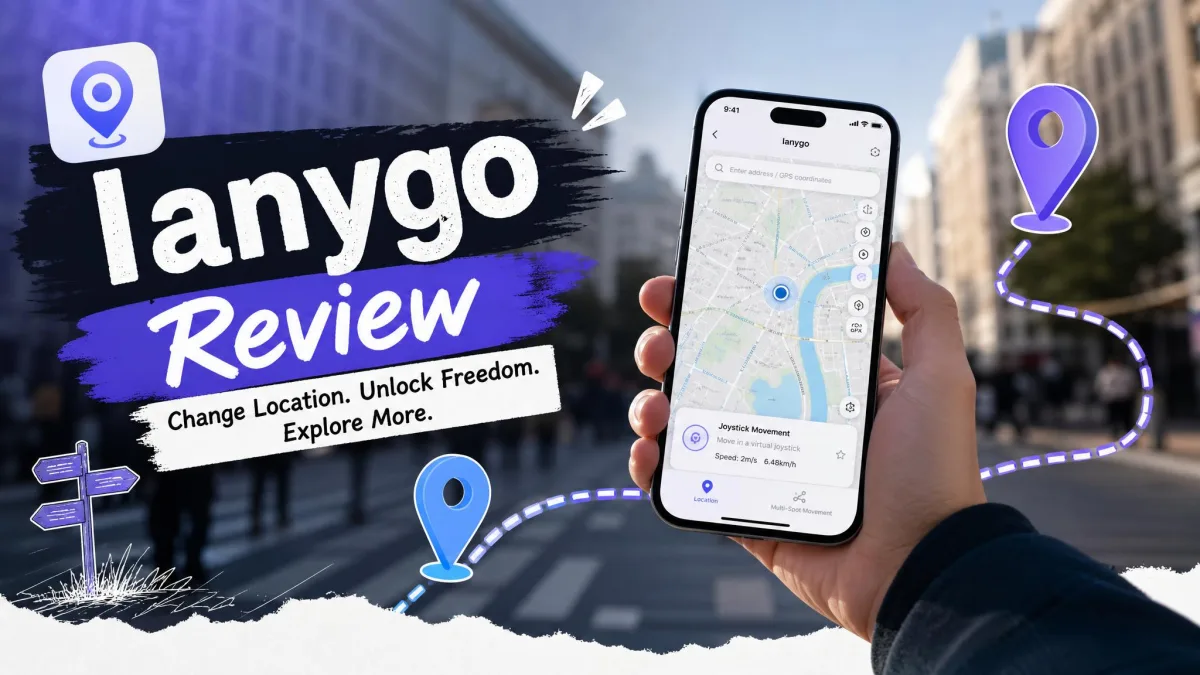
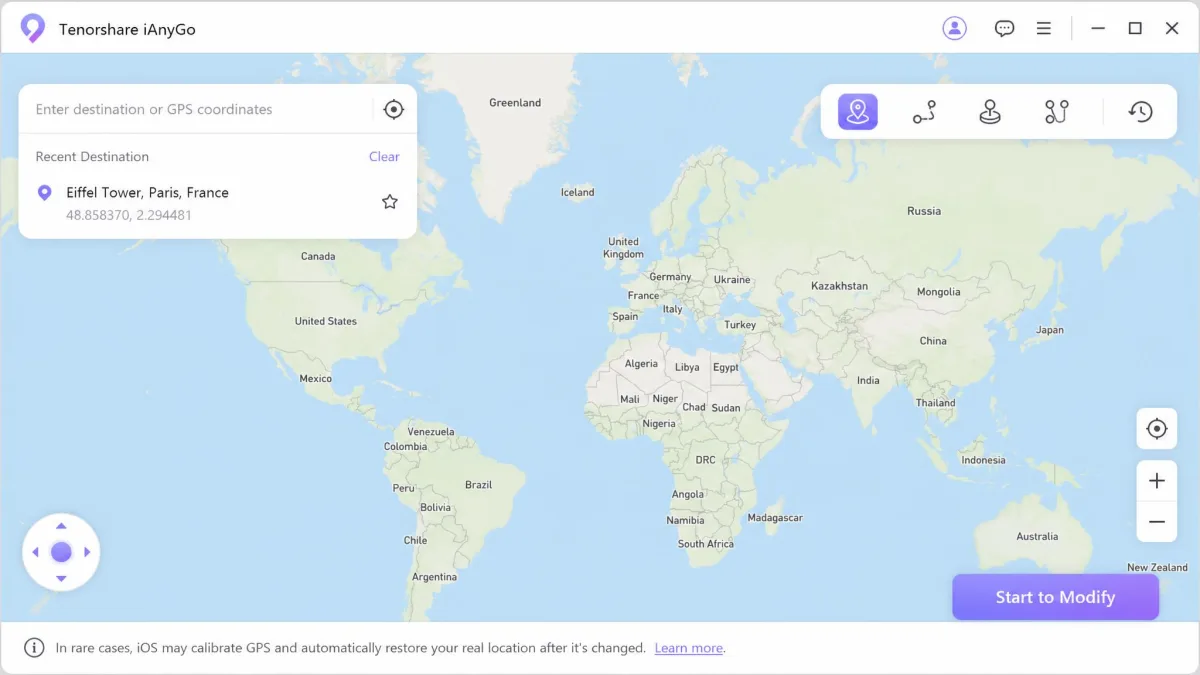
iAnyGo comes from Tenorshare, founded in 2007, and runs as a companion app on Windows and macOS. It changes the GPS location of an iPhone or Android phone connected over USB or Wi-Fi, with no jailbreak or root required. A 2021 revamp added the GPS Joystick and the Cooldown Timer. Trustpilot rates ianygo.com 4.8 out of 5.
What Is MagFone Location Changer?
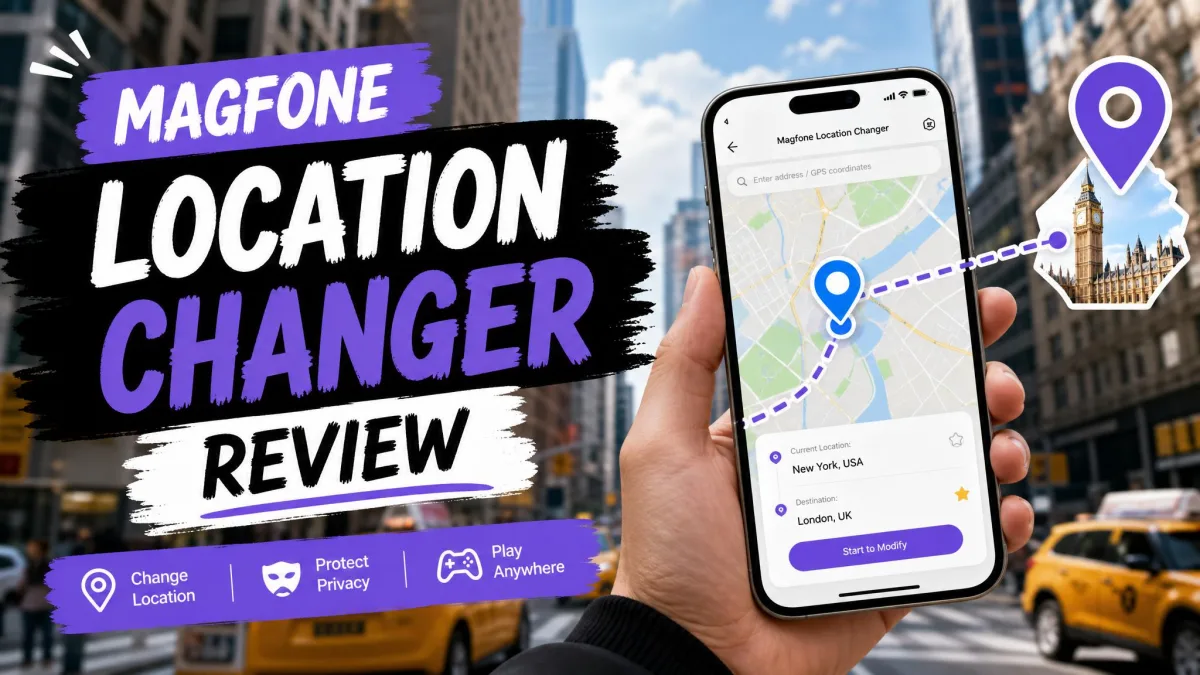
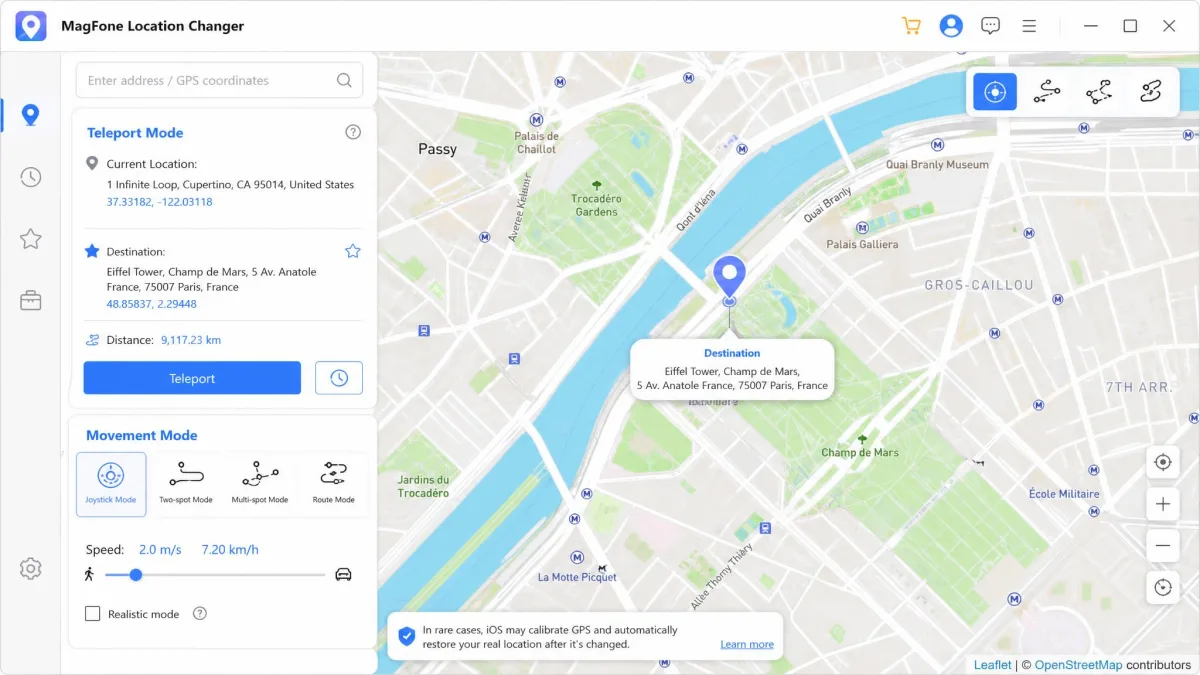
MagFone Location Changer comes from a younger developer, founded in 2018, and targets the same job at a lower price. It is a Windows and macOS desktop app for changing the location of iPhone and Android devices over USB or Wi-Fi. One license controls up to 10 devices. Third-party listings document iOS 12 through 18, while the MagFone Location Changer official page claims a newer ceiling.
Key Features Compared (iAnyGo vs MagFone)
On paper the two feature lists overlap heavily; the differences that matter fall into three areas.
Platform Support: iOS and Android
Both tools connect through a Windows or macOS companion app over USB, and Wi-Fi works after a first USB pairing. Android phones need USB debugging enabled, and iPhones tap Trust when they pair. Neither tool requires a jailbreak or root. The device math differs: a 1-PC iAnyGo license covers 5 or 15 iOS devices plus unlimited Android phones, while MagFone covers up to 10 devices. OS claims differ too: MagFone supports Android 6.0 and later, while iAnyGo's own pages disagree on the newest iOS and Android versions; treat vendor claims as moving targets.
GPS Movement Modes: Joystick, Route, and More
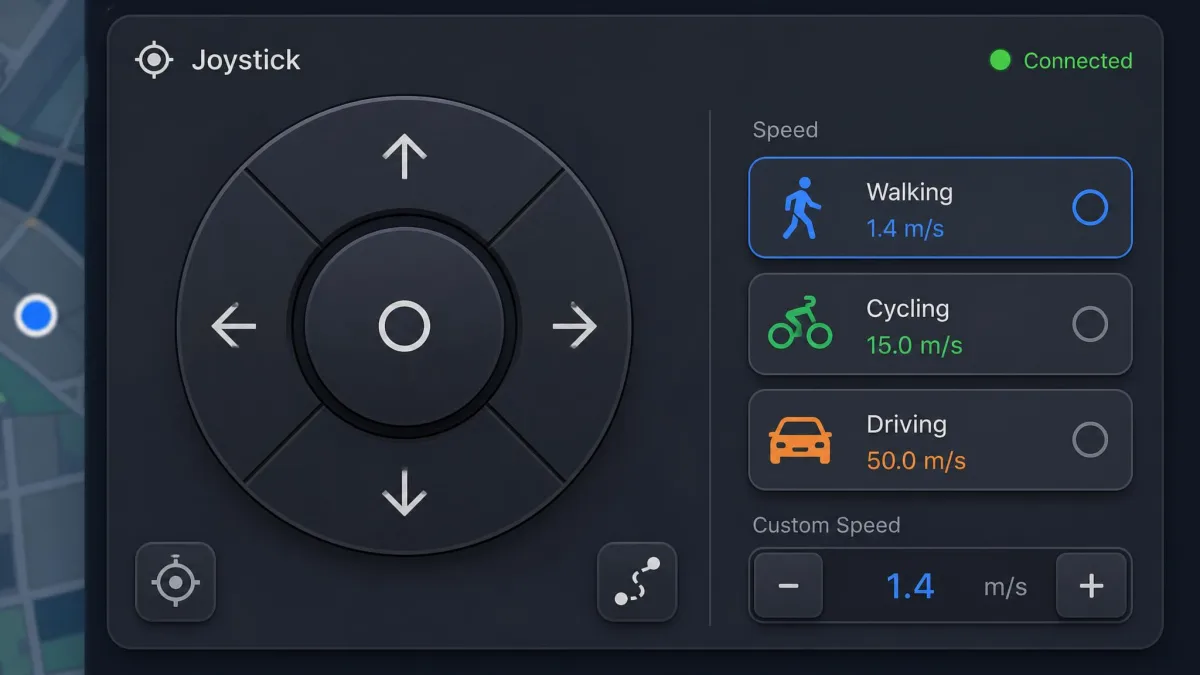
Both tools offer one-click location changes plus simulated movement. iAnyGo adds Single-Spot and Multi-Spot routes, a 360-degree joystick with walking, cycling, and driving presets, saved favorites, and pause-anytime routes, with a vendor-listed top speed of 72 km/h. MagFone counters with Two-Spot and Multi-Spot movement, Jump Teleport, a joystick driven with W/A/S/D or arrow keys, GPX import and export, saved routes and history, and speeds from 0.4 to 108 km/h. MagFone adds a one-click restore to your true location.
Supported Apps: Pokemon GO, Social, and Dating Apps
iAnyGo lists Pokemon GO, Monster Hunter Now, WhatsApp, Facebook, Instagram, Life360, and dating apps, and its Pokemon GO extras are the deepest among Pokemon GO spoofers: PoGoMap shows nearby raids and gyms, and a GO Plus+ emulator adds auto-catch and auto-spin near PokéStops. MagFone covers Pokemon GO, Ingress Prime, Jurassic World Alive, Wizards Unite, Pikmin Bloom, Monster Hunter Now, Tinder, Bumble, Snapchat, Life360, TikTok, and more. Both are equally at home for social and dating use; the split is Pokemon GO depth.
How to Use Each Location Changer
Setup follows the same shape for both tools: install, connect, and pick a destination.
How to Change Location with iAnyGo
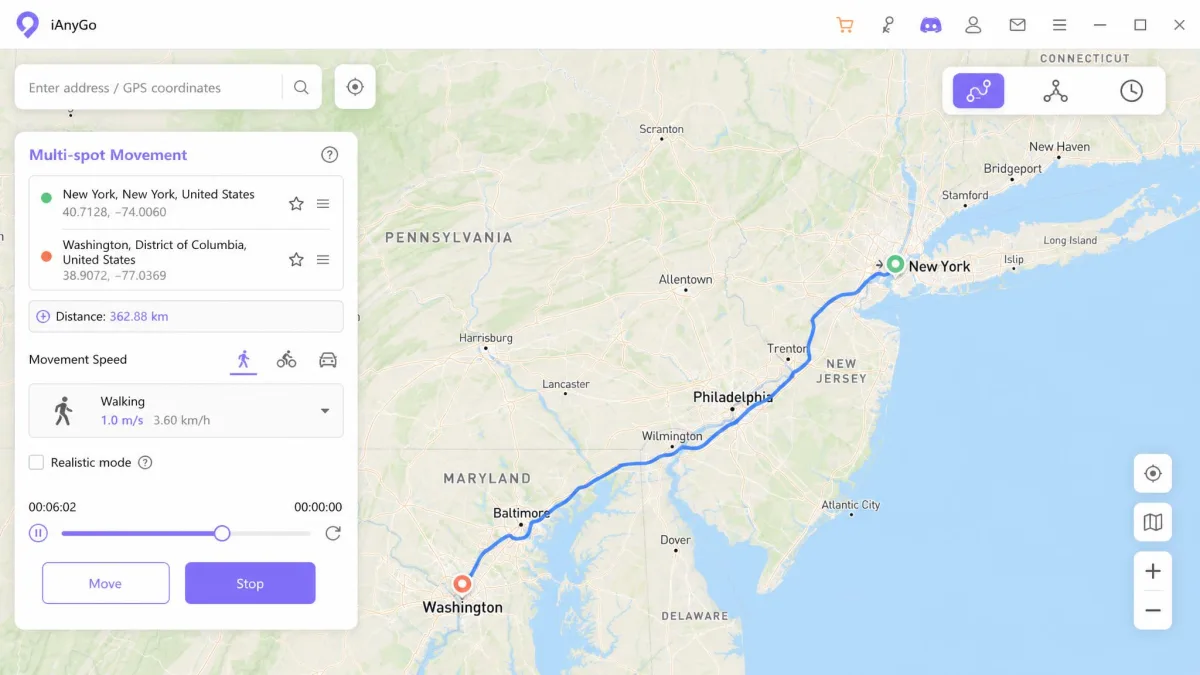
Install the Windows or macOS app and connect your phone over USB, or over Wi-Fi after a first USB pairing. In our testing, pairing an iPhone sometimes threw intermittent 'Trust This Computer' prompts, and recovering them could mean uninstalling iTunes on Windows. A forced USB reconnect error also appeared mid-pairing, but retrying usually cleared it. On iOS, iAnyGo also needs Developer Mode enabled, and the only way to remove it afterwards is a factory reset. Once connected, drop a pin, click Start to Modify, and move with the joystick or a route.
How to Change Location with MagFone Location Changer
In our testing, MagFone ran well on our Windows 10 and 11 machines and was quick to set up. We installed it, connected an iPhone over USB, and the first teleport went through cleanly. On newer iOS versions such as iOS 18, though, device detection and spoofing turned flaky, which is the main caveat on up-to-date iPhones. Pick a spot and teleport with one click, switch to joystick mode for W/A/S/D or arrow-key control, or import a GPX file for a custom route. A one-click restore returns you to your true location when done.
Safety and Legitimacy: Are They Safe to Use?
Neither iAnyGo nor MagFone touches system firmware, so the software itself is low risk; the risk sits with geo-based games that check for location tampering. Both tools can be detected, and in our testing the pattern that got Pokemon GO accounts flagged was teleporting across continents without pausing between jumps. Long-term iAnyGo use without warnings or bans is common when movement stays plausible; keep jumps gradual with either tool.
Neither tool is the risk. The risk is how a geo-based game reacts to a changed location.
Rapid switching or ignored cooldown timers can produce softbans and Error 12 ('Failed to detect location'). Keep simulated movement gradual and realistic.
Pricing: Which One Costs Less?
Pricing is where the two tools part ways most clearly. iAnyGo runs $12.95 per month, $22.95 per quarter, $42.95 per year, or $95.95 for a lifetime license, and a 15-iOS-device tier costs $19.95, $39.95, or $59.95. MagFone prices lower across the board: $9.95 per month, $19.95 per quarter, $39.95 per year, or $89.95 lifetime. Both plans carry a 30-day money-back guarantee. iAnyGo refund requests sometimes draw automated replies rather than personal ones, and licenses stay tied to a single PC with no transfer option.
Pros and Cons
The pros and cons below summarize the comparison.
Tenorshare iAnyGo Pros and Cons
Pros
- The deepest Pokemon GO toolset: joystick, routes, PoGoMap, GO Plus+ emulator
- One license covers 5 or 15 iOS devices plus unlimited Android
- 30-day money-back guarantee
- Trustpilot 4.8 out of 5
Cons
- Costs more than MagFone on equivalent plans
- iOS setup needs Developer Mode, and removing it can require a factory reset
- Licenses are tied to one PC and cannot be transferred
MagFone Location Changer Pros and Cons
Pros
- Lower price than iAnyGo, from $9.95 per month
- Up to 10 devices on one license
- Speed range from 0.4 to 108 km/h
- GPX import and export with saved routes and history
- Responsive support that resolves license issues quickly
Cons
- English only
- Connection can be flaky on newer iOS versions
- No Pokemon GO extras like PoGoMap or a GO Plus+ emulator
Verdict: Which Location Changer Should You Choose?
With features and prices in place, the choice breaks down by use case. Our pick for most buyers is iAnyGo: PoGoMap and GO Plus+ emulation atop the usual joystick and routes, more iOS device slots, the higher Trustpilot score, and a developer shipping updates since 2007. Choose MagFone when budget comes first; you still get up to 10 devices on one license. A third-party comparison on SourceForge tracks both tools with the same attribute set, and our related test of FonesGo vs MagFone Location Changer adds a third contender to the picture. Weigh device count and budget, and the right choice follows.
Frequently Asked Questions
Is MagFone Location Changer safe?
Which of the two is the safer Pokemon GO choice?
Why does iAnyGo require Developer Mode on iOS, and is the factory reset tradeoff worth it?
Can I use these location changers with Life360 or Find My?
Is there a free trial for iAnyGo or MagFone?
Will I get a strike from Pokemon GO?
Bottom Line
Whichever way the comparison points you, the decision comes down to device count, budget, and the apps you need to cover. Match those three to the tables above, and the tool that fits is the one worth paying for.