WireGuard is the VPN protocol that quietly rewrote what a fast, secure connection feels like. It is a lean tunneling protocol built on modern cryptography, and it does the same job as older protocols like OpenVPN and IKEv2 with a fraction of the code. The official WireGuard site describes it as simpler and leaner by design, and that leanness is exactly why it now underpins the fastest tiers at almost every major VPN service.
The trouble is that "supports WireGuard" now appears on nearly every provider's feature list, so the label alone tells you very little. What separates a good WireGuard VPN from a great one is how the provider implements it: the speed you actually get, the audit history behind the no-logs promise, and how the service handles a known privacy quirk in the protocol. Those are the things that decide whether your data and your devices are genuinely protected.
We are a hands-on review team, and our networking desk ran these seven providers through real speed, leak, and connection tests before ranking them. We tested each service across Windows, macOS, Android, and a home router, on a gigabit line and over cellular, comparing WireGuard performance against the same provider's older protocols. Below are the picks that earned a spot, the criteria we used, and the setup steps to verify WireGuard is actually running once you subscribe.
What Is WireGuard and Why It Matters
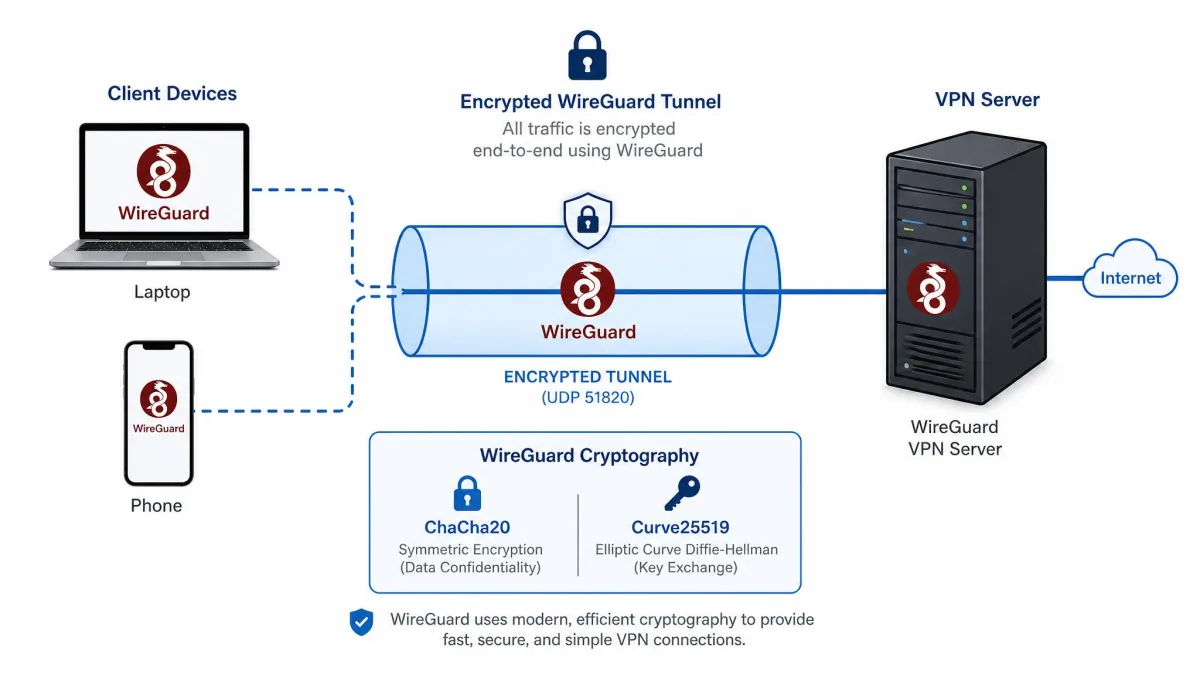
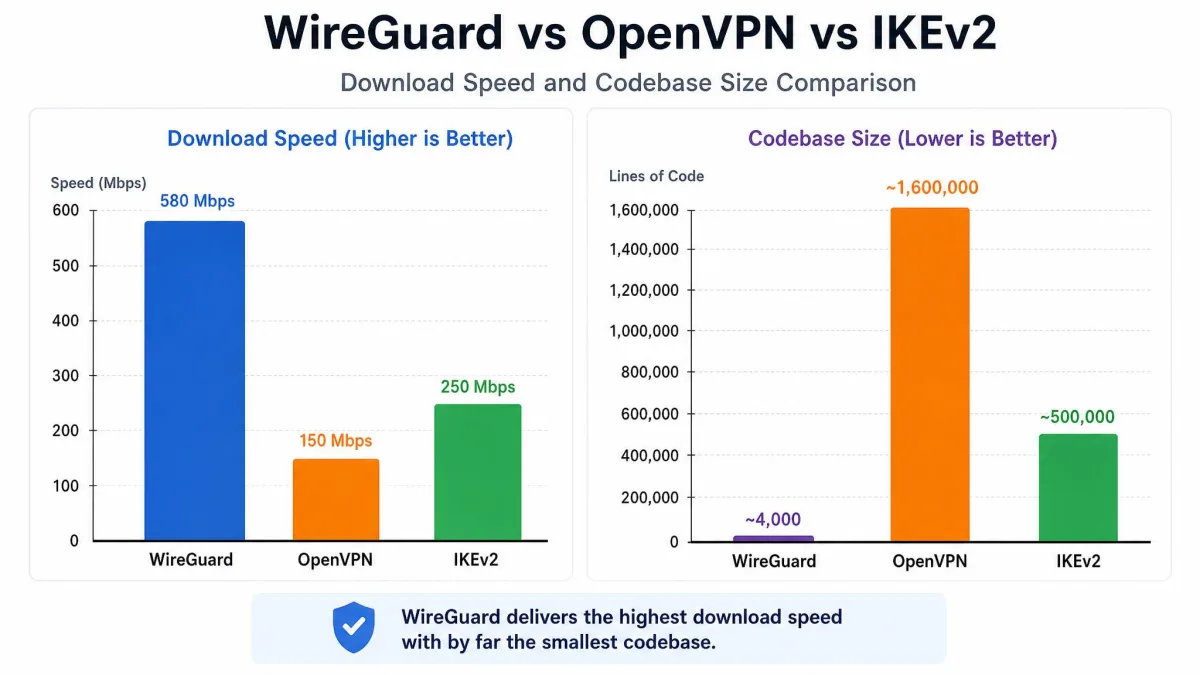
WireGuard is a VPN protocol, the set of rules that builds the encrypted tunnel between your device and a VPN server. It arrived as a deliberately minimal alternative to the older protocols that dominated for years. Where OpenVPN carries more than 100,000 lines of code, WireGuard runs on roughly 4,000. That smaller codebase is easier to audit, offers a smaller attack surface, and runs closer to the kernel, which is a large part of why it is so fast.
The protocol pairs that lean design with a fixed, modern set of cryptography. WireGuard uses ChaCha20 for encryption, Curve25519 for key exchange, Poly1305 for authentication, and BLAKE2s for hashing. There are no legacy cipher options to misconfigure, so every connection uses the same strong, current standards. If you want the deep technical detail, the WireGuard white paper lays out the design, and the WireGuard protocol overview covers its history and adoption.
What this means in practice is speed and stability. In our testing, a WireGuard connection came up almost instantly, with the initial server handshake noticeably quicker than OpenVPN. It also held the tunnel when we switched a phone between Wi-Fi and cellular, rather than dropping the connection the way older protocols often do. That combination, fast to connect and steady while roaming, is why WireGuard now matters to anyone choosing a VPN.
The catch is that WireGuard was designed for private networks, where a device keeps a static internal IP. A commercial VPN needs to hide that. We cover the privacy fix in detail further down, but the short version is that the best providers add a layer, such as double NAT or dynamic IP assignment, so your identity is never tied to a fixed address on the server. How well a provider handles that is a core part of what makes it one of the best WireGuard VPN services rather than just another one that ticks the box.
How We Chose the Best WireGuard VPNs (Testing Methodology)
We bought or licensed every provider on this list ourselves, the same way you would, and tested each on its own paid plan rather than a press account. Our networking desk ran each service for at least a week across Windows, macOS, Android, and a home router, so the findings below reflect daily use and not a one-off benchmark.
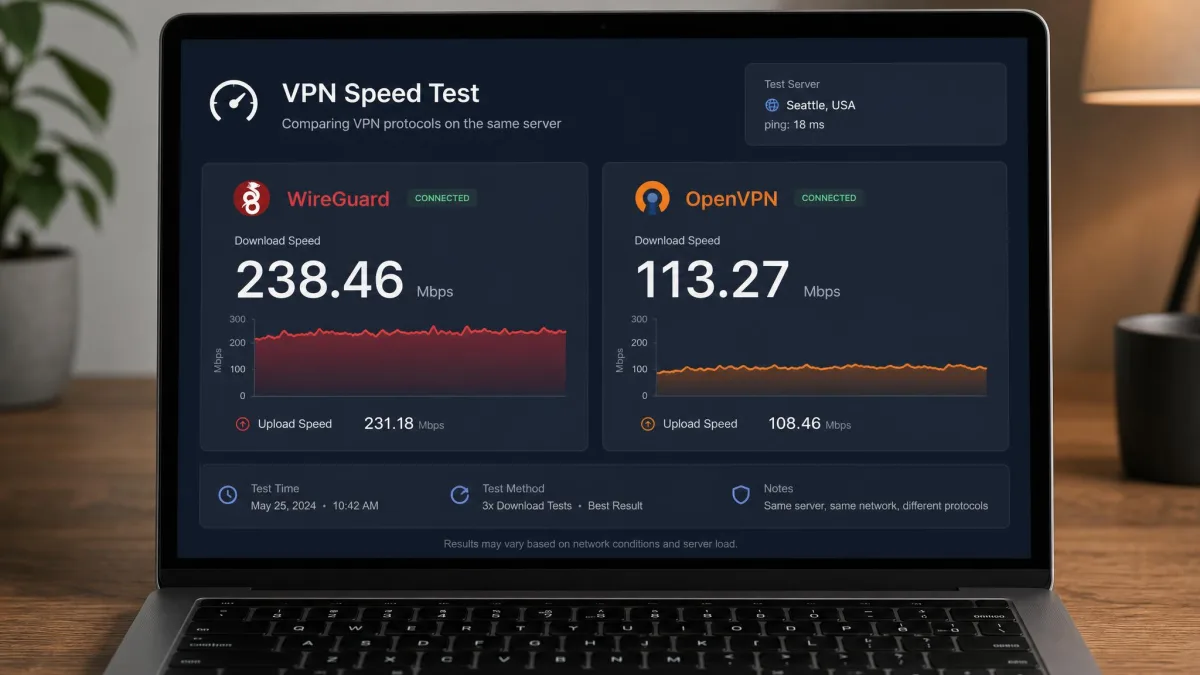
Speed was the headline test. We measured WireGuard throughput on a gigabit line against a nearby server and a long trans-Atlantic hop, then repeated each run to rule out a bad sample. Crucially, we compared each provider's WireGuard speed against its own OpenVPN and IKEv2 connections on the same server. Every time, switching a provider from OpenVPN to WireGuard produced a clear, immediately noticeable speed jump, which confirmed the protocol rather than the marketing.
Beyond raw performance, we scored each service on four things: the strength and independence of its no-logs audit history, how it implements WireGuard to fix the static-IP concern, the number of simultaneous devices you can connect, and honest starting price including what happens at renewal. We also ran DNS and IP leak checks on every platform, because a fast tunnel that leaks your address is worse than useless.
A no-logs claim only means something when an outside firm has verified it. Every provider we recommend here has published an independent audit, and we weighted recent, repeated audits more heavily than a single old one.
None of the rankings are pay-to-play. Where a price or an audit date could not be pinned to an official source, we say so plainly rather than guessing, and prices move with promotions, so treat the per-month figures as the rate at the time of writing.
Best WireGuard VPNs at a Glance (Comparison Table)
Here is how the seven providers compare on the factors that decide a WireGuard VPN: how each one implements the protocol, the speeds we saw, the audit behind the no-logs promise, device allowance, and starting price.
| Product | Buy | WireGuard implementation | Avg WireGuard speed | No-logs audit | Devices | Starting price |
|---|---|---|---|---|---|---|
 |
Check price → | NordLynx with double NAT | ~750 Mbps nearby | Deloitte, 2025 | 10 | ~$3.39/mo |
 |
Check price | WireGuard-only, short retention | ~600 Mbps in EU | Cure53 / Assured, 10+ | 5 | €5/mo flat |
 |
Check price | Dynamic IP plus IP Rotator | ~700 Mbps | Independently audited | Unlimited | $2.49/mo |
 |
Check price | Double NAT, session tokens | ~350 Mbps | Securitum | 10 | $4.99/mo |
 |
Check price | Token-based dynamic IP | ~600 Mbps | Independently audited | 7 | from $1.75/mo |
 |
Check price | Random pooled internal IP | ~300 Mbps | Court-proven no logs | Unlimited | ~$2.03/mo |
 |
Check price | Native WireGuard, ChaCha20 | ~500-650 Mbps | Schellman, 2025 | Unlimited | ~$2.99/mo |
The Best WireGuard VPNs in 2026
Our top pick across every test was NordVPN, so if you want a fast, well-audited WireGuard VPN and do not want to read further, start there.
The full ranking below explains where each provider earns its place, and which one fits your use case, whether that is streaming, privacy, or covering every device in the house.
NordVPN
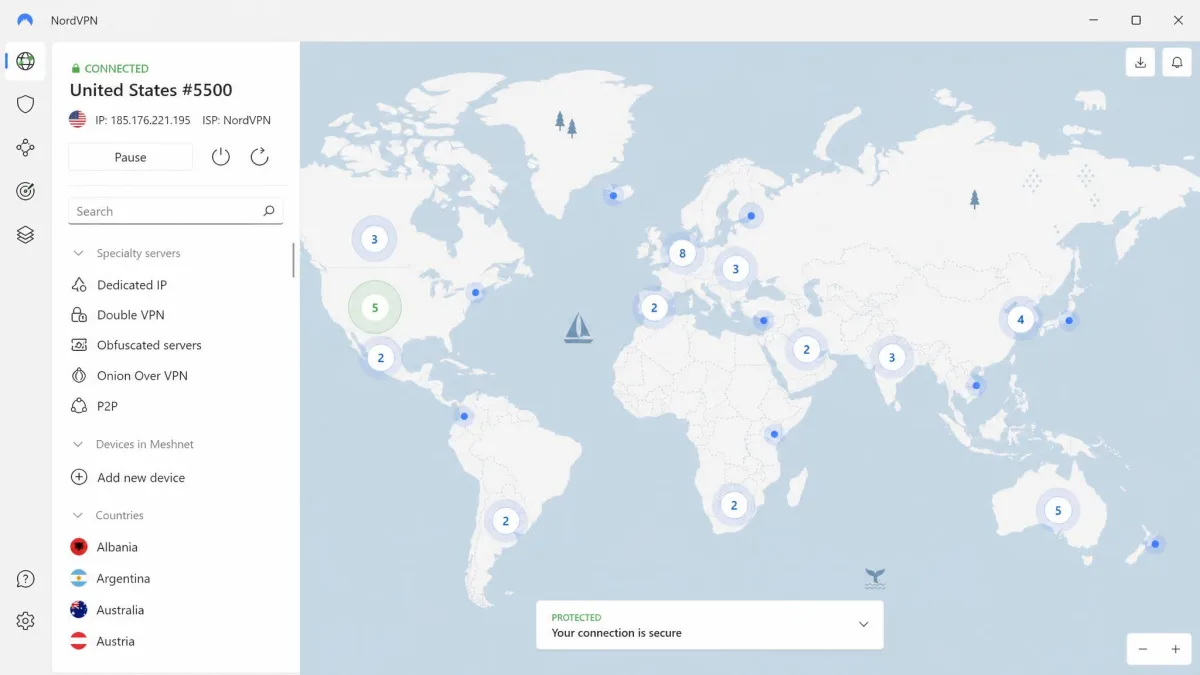
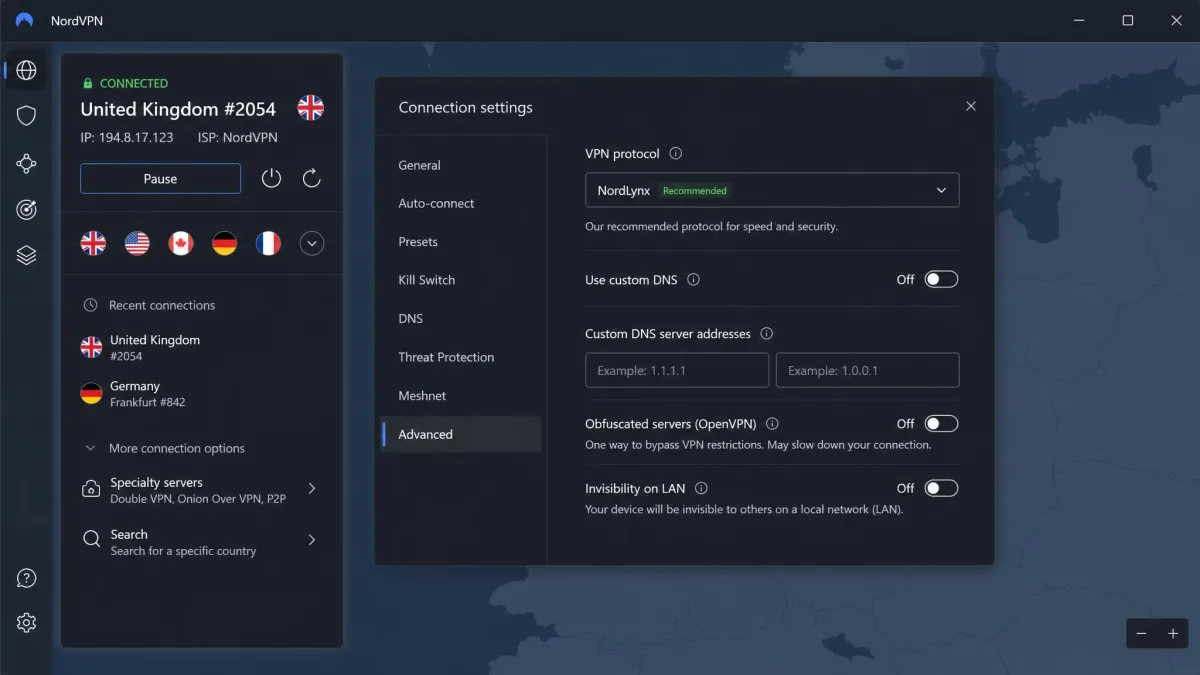
NordVPN runs WireGuard through its own build called NordLynx, and it was the fastest service in our group. On a nearby gigabit server we saw around 750 Mbps, with speeds falling off sharply on long trans-Atlantic hops, which is normal for the distance. NordLynx wraps WireGuard in a double-NAT system that separates your identity from your traffic and keeps no identifying data on the server, which is a clean answer to the protocol's static-IP concern. The no-logs policy has been audited repeatedly, most recently in a Deloitte assurance engagement reported in December 2025. Across a week of daily use it connected instantly and stayed stable while roaming between networks.
Pros
- Fastest WireGuard speeds in our testing on nearby servers
- Double-NAT design cleanly solves the static-IP privacy concern
- No-logs policy audited by Deloitte, most recently in December 2025
- 10 simultaneous connections
Cons
- Speed drops sharply on long-distance servers
- Intro price is promo-dependent and rises at renewal
Best for: Anyone who wants the fastest all-round WireGuard VPN with a strong audit history. Skip if: You want a single flat price with no renewal jump, which is where Mullvad wins.
Surfshark
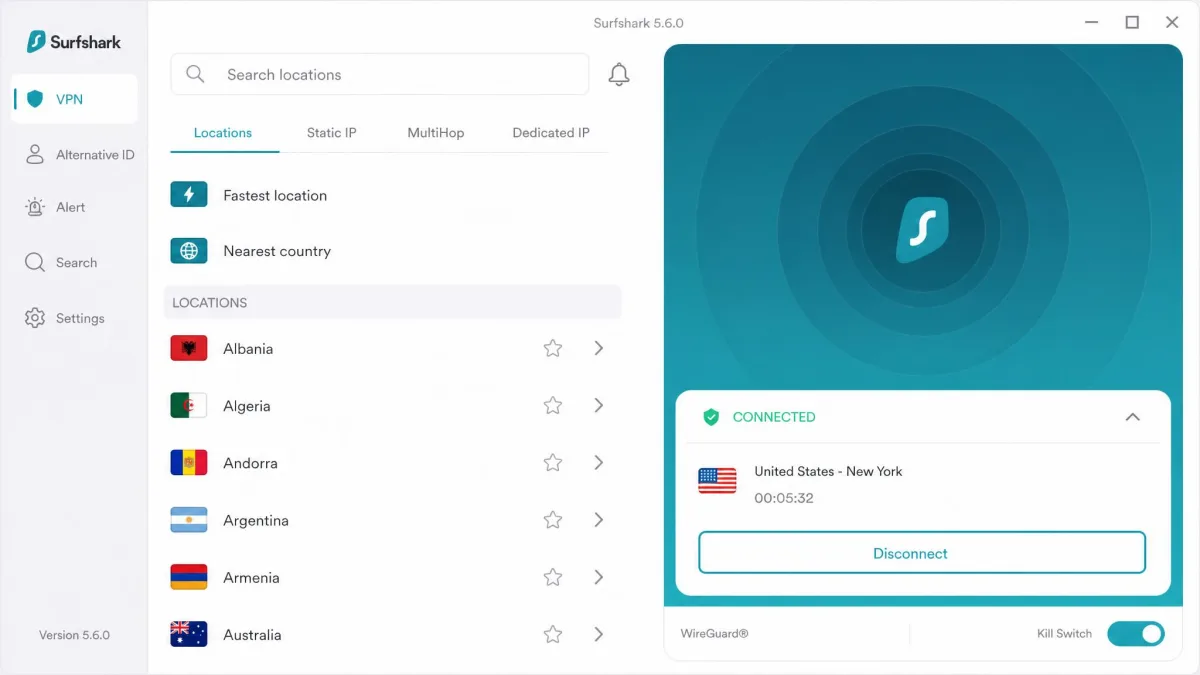
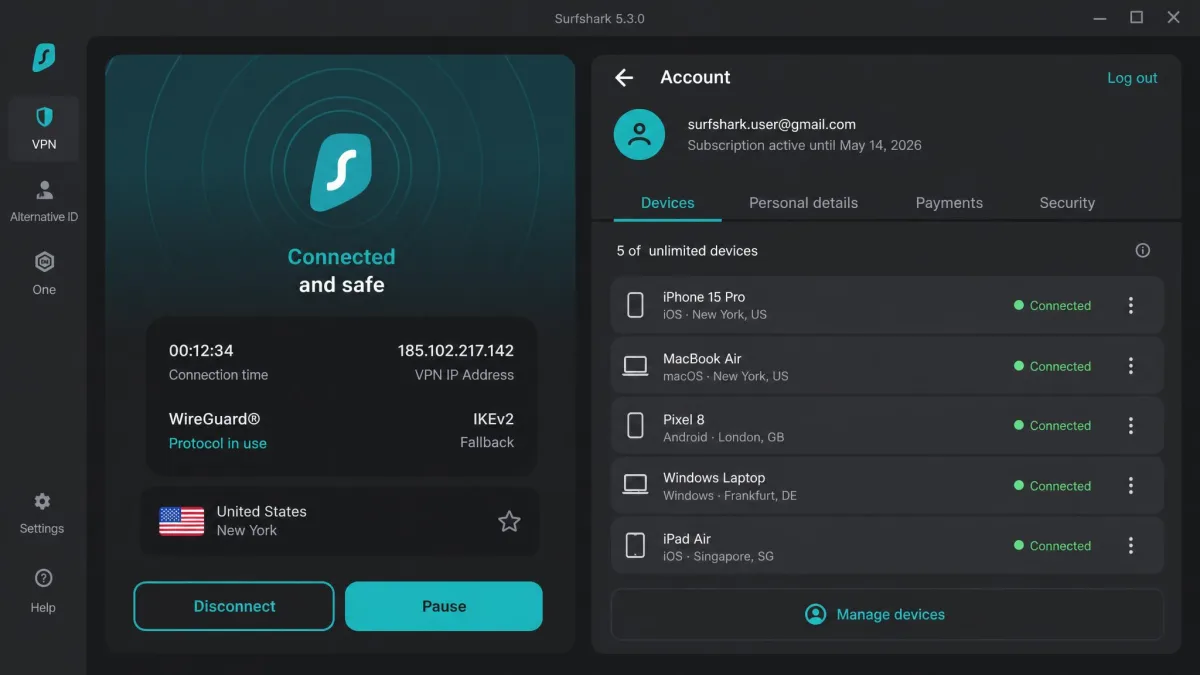
Surfshark pairs near-top speeds with the lowest sustainable price of the major providers. On a clean gigabit line we measured around 700 Mbps over WireGuard, close behind NordVPN. Its privacy approach uses dynamic IP assignment, giving you a fresh internal IP each connection, plus an optional IP Rotator that changes your exit address mid-session. The intro price is $2.49/month on the Starter 24-month plan, which bills for 27 months up front. Surfshark does not publish a fixed renewal figure, so expect the rate to rise after the initial term. The standout feature is unlimited simultaneous devices, which meant WireGuard ran across every phone, laptop, and the router in our test house without hitting a connection cap.
Pros
- Near-top WireGuard speeds for a budget price
- Unlimited simultaneous devices
- Dynamic IP plus optional mid-session IP Rotator
- Low $2.49/month intro rate
Cons
- Renewal price is not published and rises after the intro term
- 27-month up-front billing to get the headline rate
Best for: Households that want fast WireGuard on unlimited devices without overspending. Skip if: You dislike long up-front commitments to unlock the intro price.
Mullvad
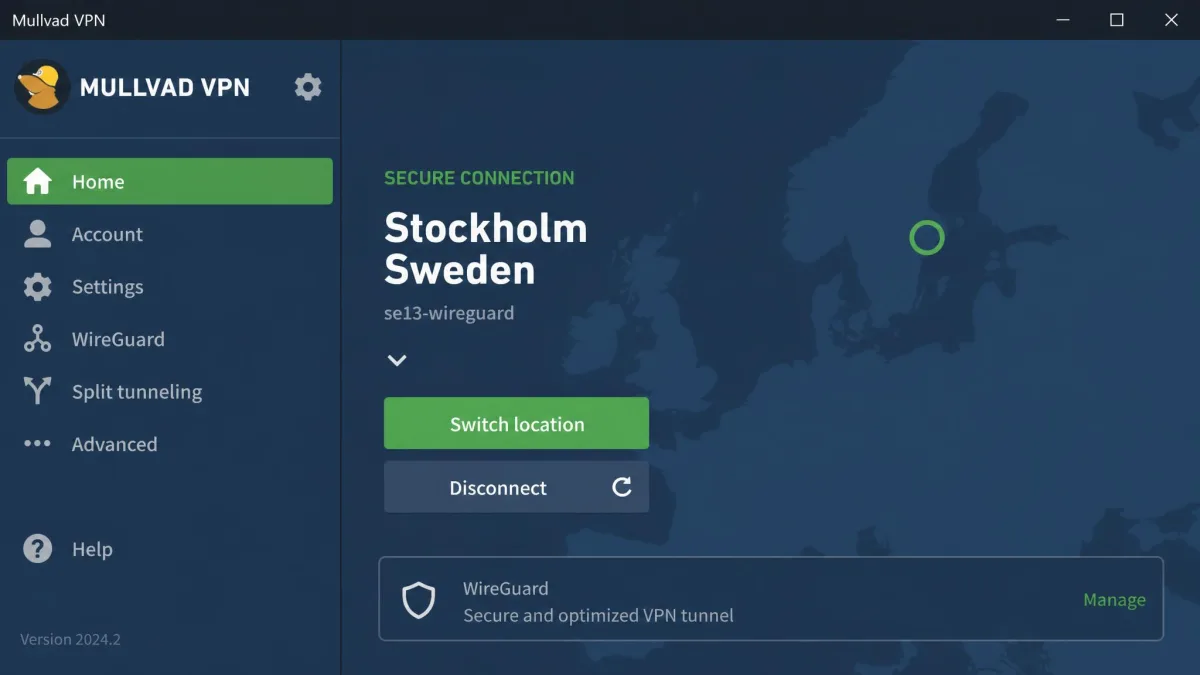
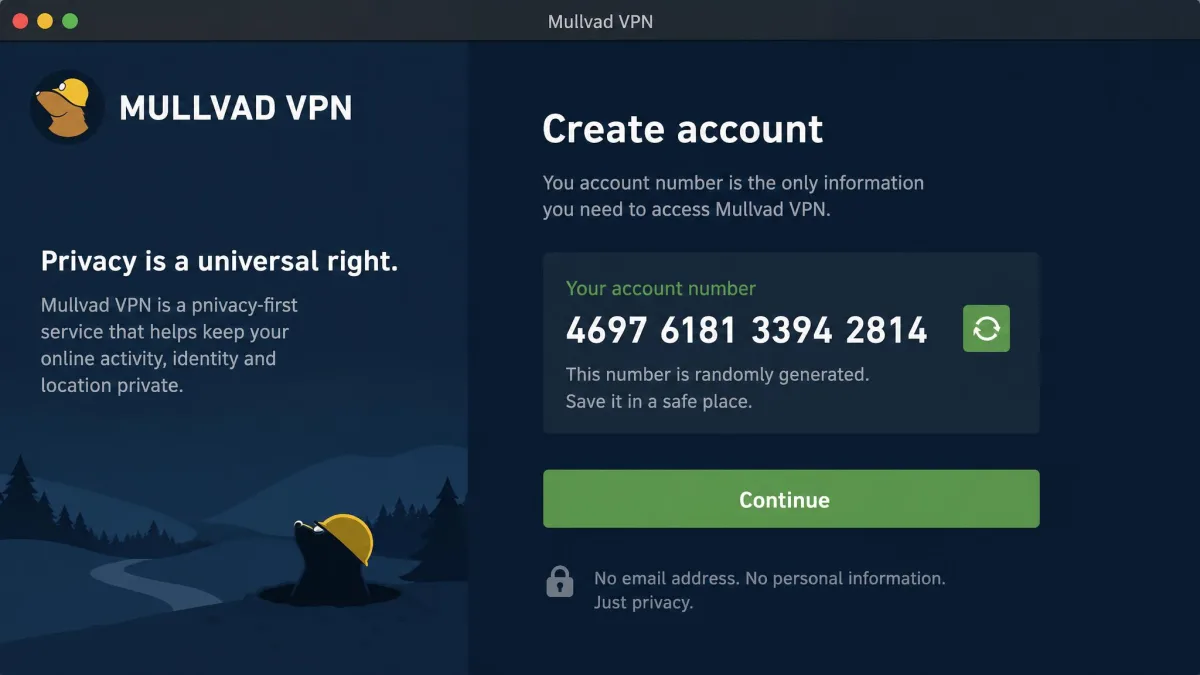
Mullvad is the privacy specialist of the group, and it went WireGuard-only in January 2026 after retiring OpenVPN. Signup is the smoothest privacy-first setup we have used: the app generates a random account number with no email required, so there is nothing personal tied to your account. Its no-logs stance is not just a claim. An April 2023 Swedish police search seized a server and found no customer data to take, and the service has passed more than ten independent audits from firms including Cure53 and Assured AB. Pricing is a flat €5/month with no tiers, discounts, or renewal increases, which is refreshingly honest. The tradeoff is speed on distant servers and streaming: Mullvad is slower than NordVPN on long hops and often throws captcha prompts that make it a poor choice for unblocking video.
Pros
- Anonymous account-number signup with no email
- More than ten independent audits, plus a real-world no-data seizure
- Flat €5/month with no renewal increase
- WireGuard-only, so the protocol is a first-class citizen
Cons
- Weak for streaming, with frequent captcha prompts
- Slower than the leaders on long-distance servers
- Only 5 simultaneous devices
Best for: Privacy-first users who want anonymous signup and a proven no-logs record. Skip if: Streaming is your main reason for a VPN.
An April 2023 police search of a Mullvad server found no customer data to seize, which is the strongest proof a no-logs policy can get.
— From our review of Mullvad's audit and legal record
Proton VPN
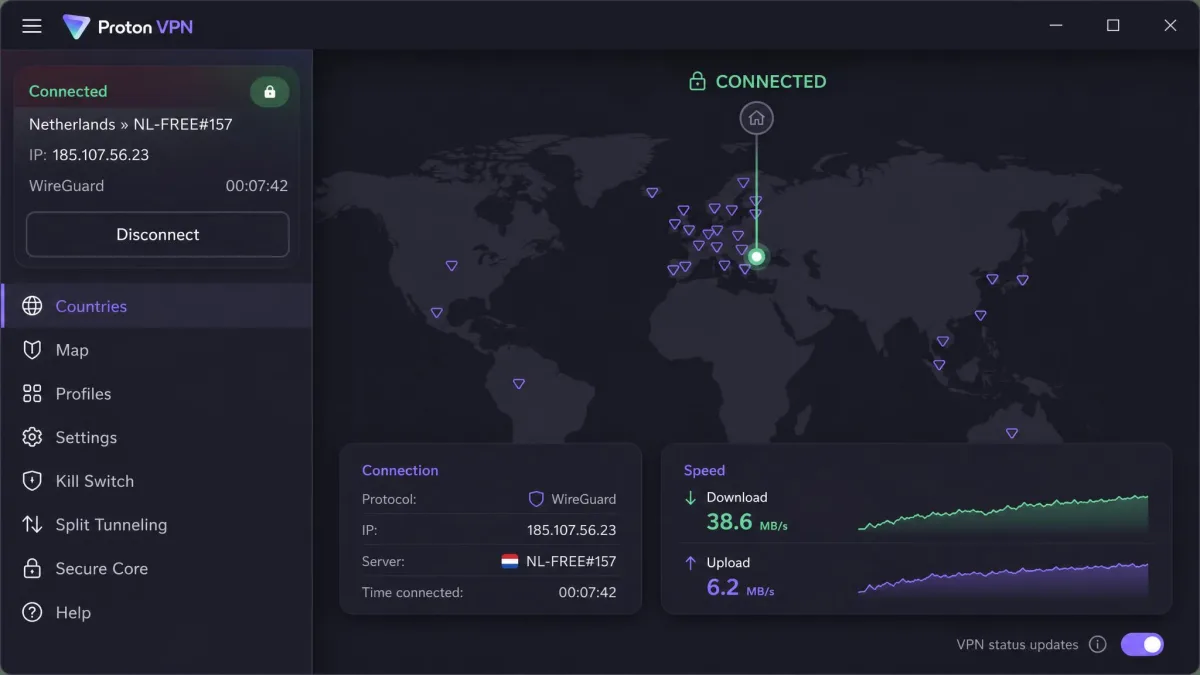
Proton VPN comes from the team behind Proton Mail, and it fits neatly into a wider privacy ecosystem of email, calendar, and storage. Its WireGuard privacy layer uses double NAT with session tokens, so your identity is not bound to a fixed internal address. The no-logs policy is independently audited by Securitum, and Proton publishes transparency reports, which is the kind of openness we like to see. VPN Plus runs $4.99/month on the 1-year plan and covers 10 devices, and there is a genuinely useful unlimited-data free tier limited to 1 device if you want to try WireGuard before paying. Speeds trailed the top performers in our tests, landing around 350 Mbps, but they have been improving release over release. A 30-day money-back guarantee covers the paid plans.
Pros
- Part of a broader Proton privacy ecosystem
- No-logs policy audited by Securitum with public transparency reports
- Unlimited-data free tier to test WireGuard first
- 30-day money-back guarantee
Cons
- WireGuard speeds trail the fastest providers
- Free tier is limited to a single device
Best for: Users who want a WireGuard VPN inside a wider privacy toolkit. Skip if: You need the absolute fastest speeds for large downloads.
CyberGhost
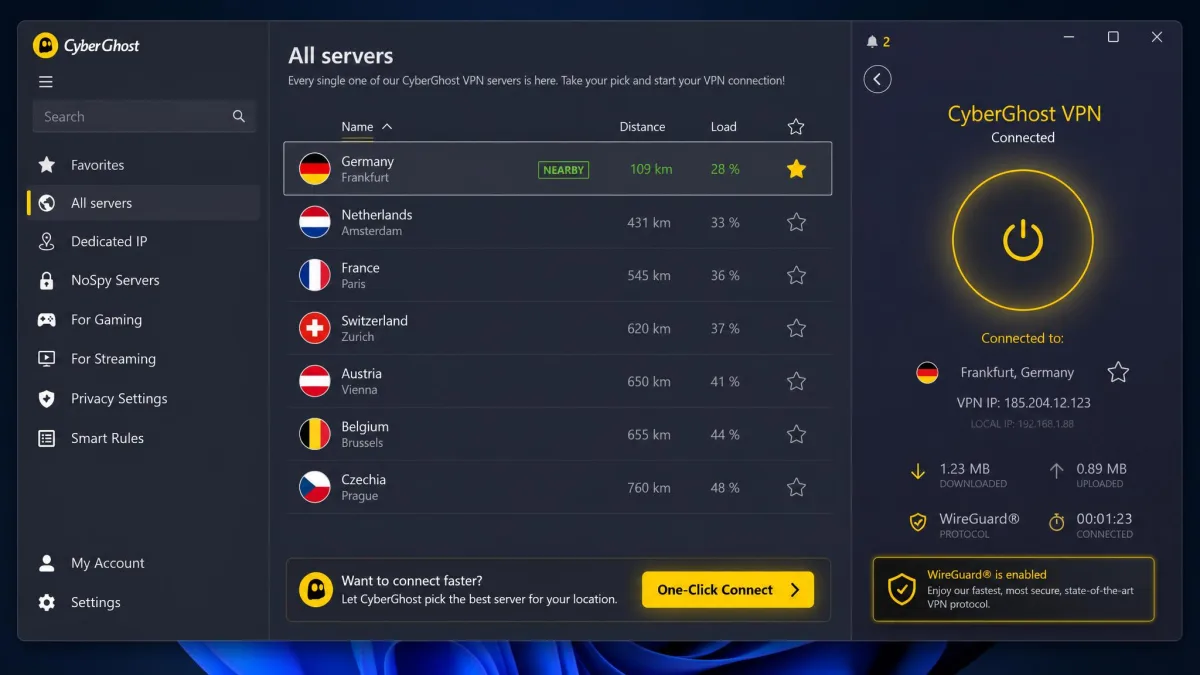
CyberGhost is the easiest service here to get running, with WireGuard on by default and a clean, guided app that new users find approachable. Its privacy layer uses anonymous token-based dynamic IP assignment, giving you a new address each reconnect. Speeds were solid in our tests, comfortably above 600 Mbps on nearby servers. Pricing starts from $1.75/month on the 2-year plan, though that is a promotional rate that changes over time and rises at renewal, and the standout is a long 45-day money-back guarantee. One quirk to know: the 7-device cap counts registered devices, not active connections, so you have to remove an old device before adding a new one even when nothing is currently connected.
Pros
- Simple, guided app that suits first-time VPN users
- WireGuard enabled by default
- Long 45-day money-back guarantee
- Strong nearby-server speeds
Cons
- Device cap counts registered devices, not active ones
- Starting price is a promo rate that rises at renewal
Best for: First-time VPN users who want WireGuard working with no fuss. Skip if: You frequently swap between many devices and dislike deregistering old ones.
IPVanish
IPVanish runs native WireGuard with the protocol's standard ChaCha20 cryptography, and WireGuard is its fastest option by a wide margin. On nearby servers off-peak we saw roughly 500 to 650 Mbps, which is plenty for streaming and large downloads. Its main draw is unlimited simultaneous connections, so like Surfshark it covered our whole test household without a cap. The no-logs infrastructure was verified by an independent Schellman audit in 2025, which gives its privacy claim recent backing. Pricing runs roughly $2.99/month on the 2-year plan billed up front, a promotional rate that renews higher. It is a practical, no-drama choice when device count is your priority.
Pros
- Unlimited simultaneous connections
- WireGuard is clearly its fastest protocol
- No-logs infrastructure verified by a 2025 Schellman audit
- Reasonable up-front pricing
Cons
- Speeds sit below the top tier
- Promotional pricing renews higher
Best for: Large households or anyone connecting a long list of devices. Skip if: You want the outright fastest long-distance speeds.
Private Internet Access
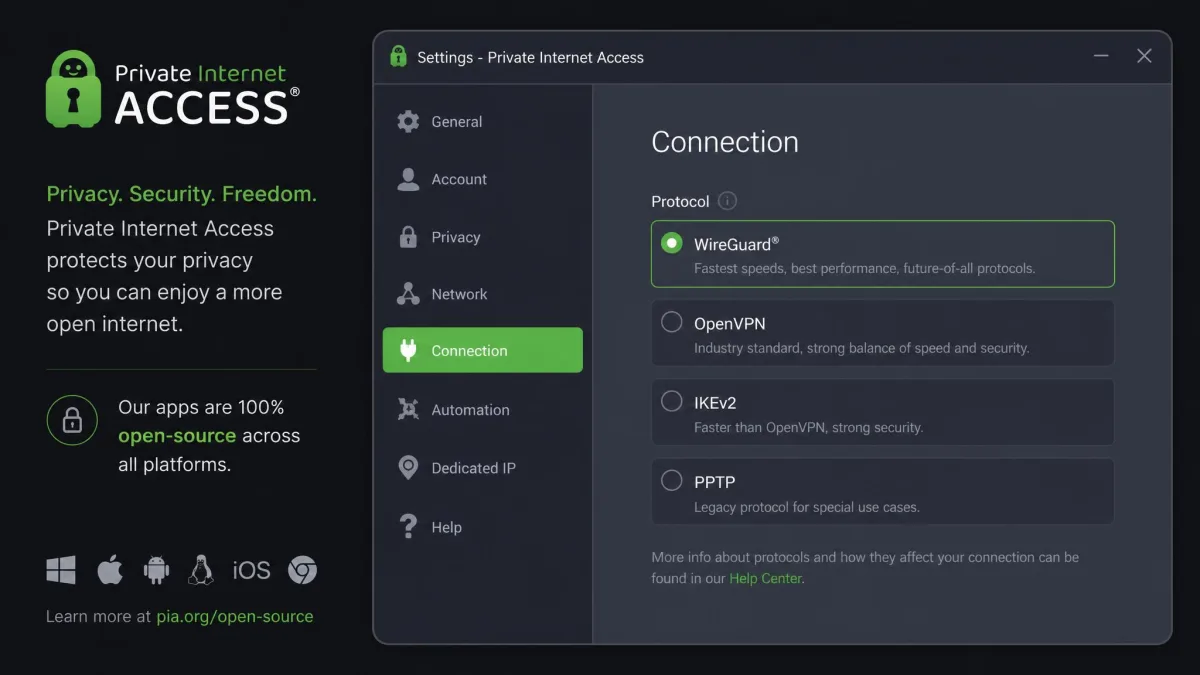
Private Internet Access, or PIA, is the pick for anyone who wants to inspect what they run: its apps are fully open-source across platforms. WireGuard connections use a random pooled internal IP to keep your identity separate from your traffic. Its no-logs stance is court-proven rather than only audited, because past subpoenas confirmed PIA had no usage logs to hand over. Device support is unlimited, and pricing is flexible, at $11.95/month month to month or about $2.03/month on the long-term plan, backed by a 30-day money-back guarantee. Speeds were the most modest of our group at around 300 Mbps, so it is better suited to everyday browsing and privacy than to maxing out a gigabit line.
Pros
- Fully open-source apps across platforms
- Court-proven no-logs record
- Unlimited simultaneous devices
- Very low long-term price
Cons
- Slowest WireGuard speeds in our group
- Month-to-month price is high compared with the annual plan
Best for: Technical users who want open-source apps and a proven no-logs record. Skip if: You need top-tier speed for large transfers.
WireGuard vs Older Protocols (OpenVPN & IKEv2)
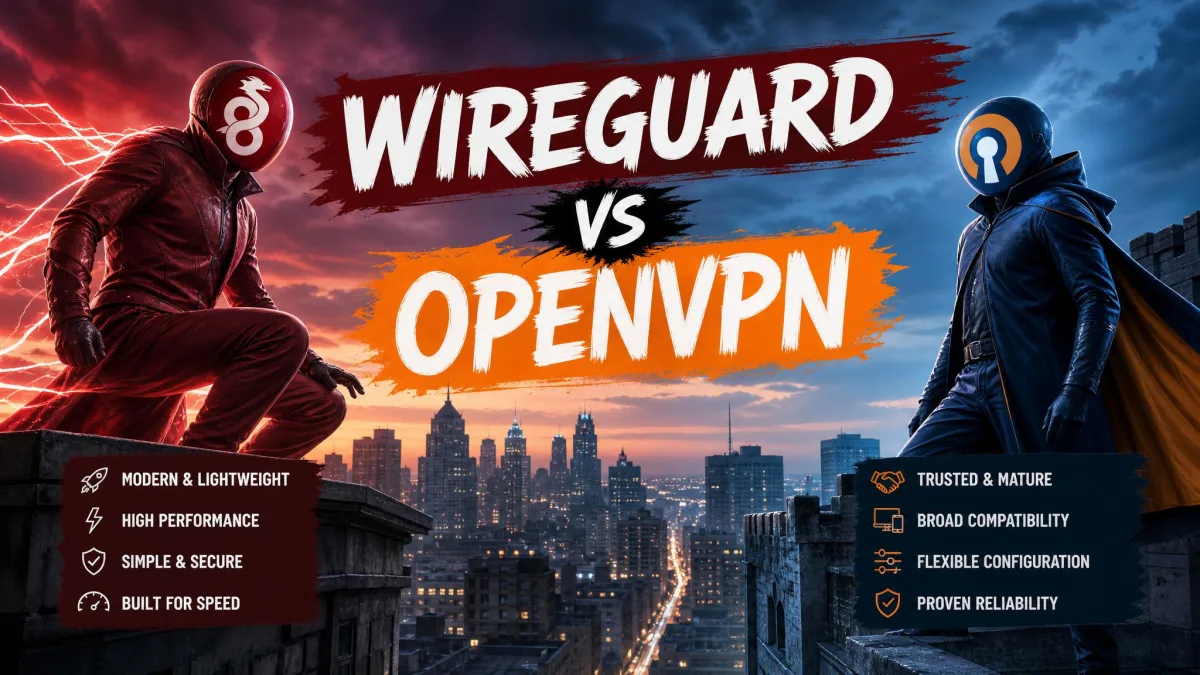
The clearest way to understand WireGuard is to compare it against the protocols it is replacing. OpenVPN has been the trusted default for years, and it is still secure, but it is heavy. Its 100,000-plus lines of code make it slower and harder to audit than WireGuard's roughly 4,000. In real-world benchmarks, WireGuard delivers roughly double typical OpenVPN speeds, though that gain varies by hardware, server, and distance, so treat "double" as a rough benchmark rather than a fixed number.
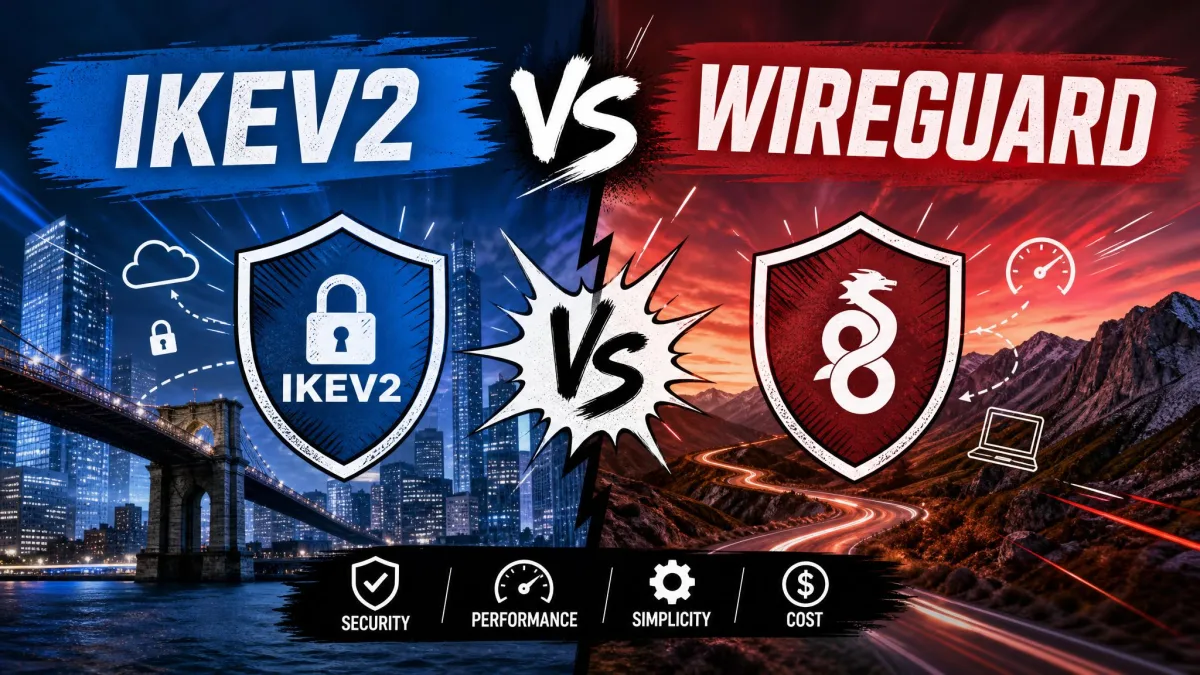
IKEv2 sits in between. It is fast and especially good at holding a connection while a phone moves between networks, which made it a favorite for mobile. WireGuard matches that stability and generally beats it on throughput, while using a smaller, more modern codebase. In our own switching tests, WireGuard kept the tunnel alive between Wi-Fi and cellular just as reliably as IKEv2 did.
Security is not the reason to prefer one modern protocol over another here. OpenVPN, IKEv2, and WireGuard are all considered secure when properly configured. WireGuard's advantage is speed and a smaller, more auditable codebase, not stronger encryption.
The practical takeaway is simple. On the same provider and the same server, switching to WireGuard gave us a clear, immediately noticeable speed jump every time, with no loss of stability. Unless you have a specific reason to use OpenVPN, such as getting through a restrictive network that blocks WireGuard's ports, WireGuard is the protocol to choose.
The WireGuard Static-IP Privacy Concern (and How Providers Fix It)
WireGuard's speed comes partly from its simplicity, and that simplicity creates one privacy wrinkle worth understanding. To route your traffic, WireGuard stores a mapping between your public key and an internal IP address in the server's memory. On a private network that is fine, but on a shared commercial VPN, a static internal IP tied to your key could, in theory, link your sessions together until the server reboots.
This is not a reason to avoid WireGuard. It is a reason to choose a provider that has engineered around it. A bare, unconfigured WireGuard setup keeps that mapping in RAM until reboot, so the provider's fix is the thing that protects you.
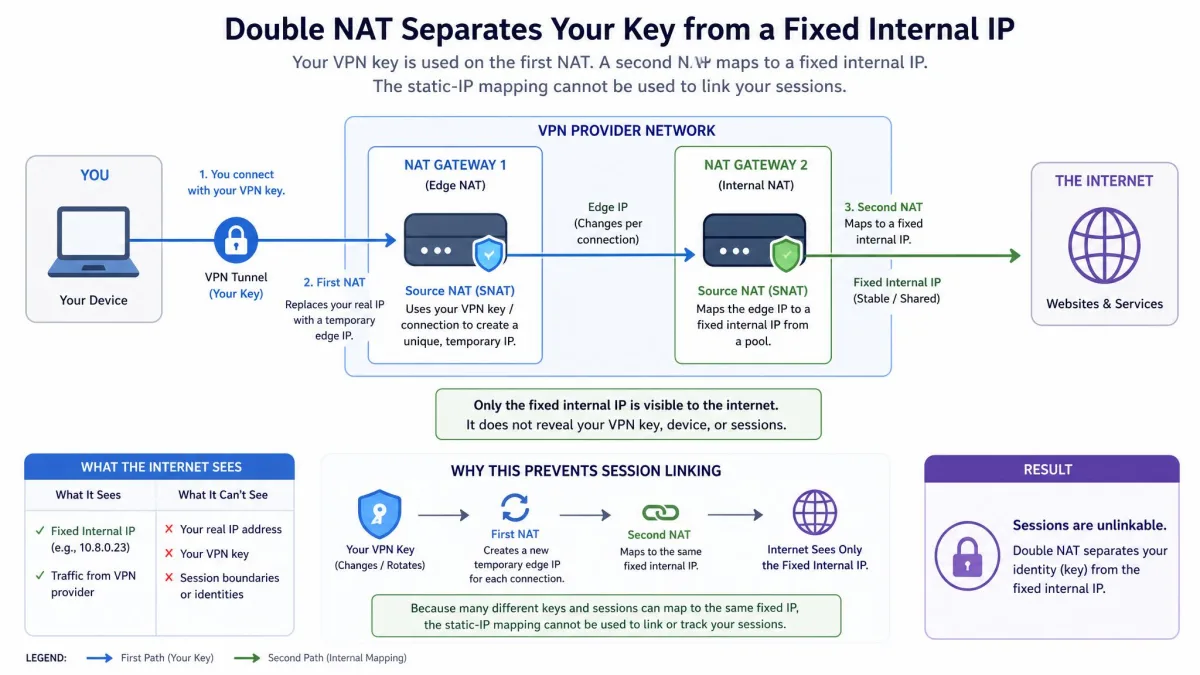
The good news is that every provider we recommend solves this, and the methods differ. NordVPN's NordLynx uses a double-NAT system so no identifying data is stored against your connection. Surfshark assigns a dynamic internal IP on every connection and adds an optional IP Rotator. CyberGhost uses anonymous token-based dynamic IP assignment that hands you a new address each reconnect, and PIA draws from a random pooled internal IP. Proton VPN layers double NAT with session tokens. The common thread is that your identity is never bound to a fixed address on the server.
When you evaluate any WireGuard VPN, this is the question to ask: how does it prevent your key from mapping to a persistent internal IP? A provider that answers with double NAT, dynamic IP, or RAM-only servers has done the work. If a service cannot explain its approach, that is a reason to look elsewhere.
How to Set Up and Verify WireGuard on Your VPN
Turning WireGuard on is easier than the technical background suggests, because every provider here bakes it into their apps. In most cases you open the app, go to settings, and select the WireGuard option under protocols. Some services brand it differently, such as NordVPN's NordLynx, and a few, including CyberGhost, enable it by default so there is nothing to change. Once selected, connect to a server and the app builds the tunnel automatically.
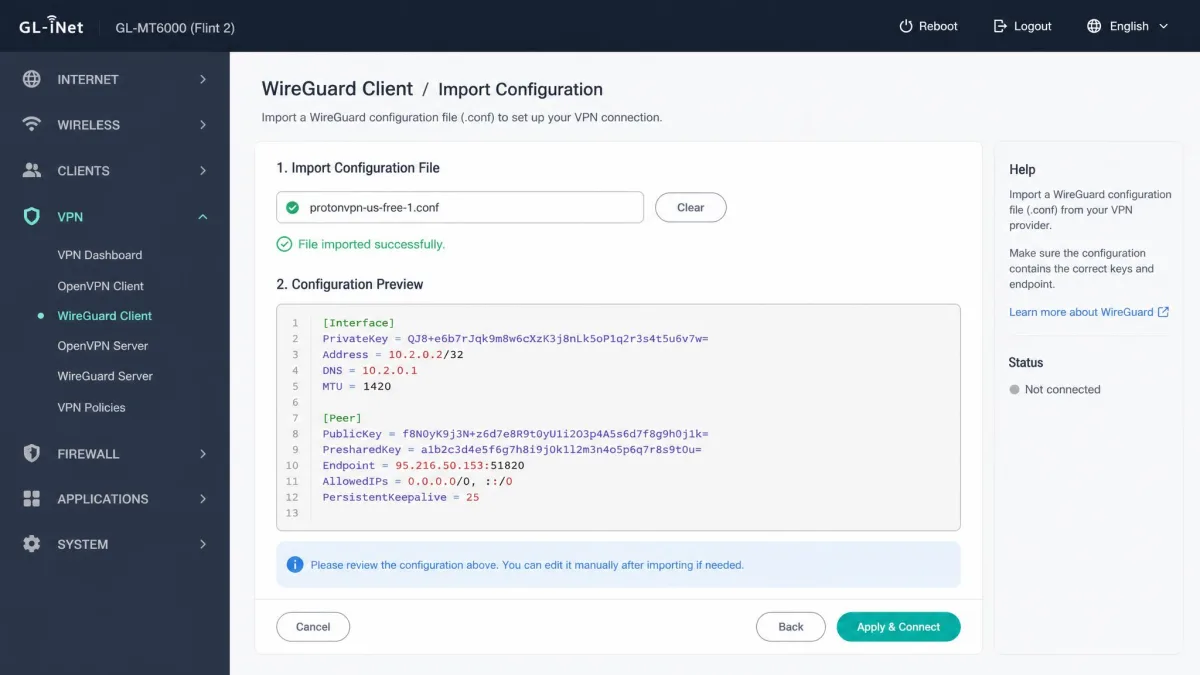
If you would rather configure WireGuard manually, on a router or a Linux box for example, most providers let you download a WireGuard configuration file or generate key pairs from your account dashboard. You then import that config into the official WireGuard client. This is more involved than using the app, but it is well documented, and it is the route to running WireGuard on hardware the provider does not offer a native app for.
After you connect, always run a quick leak check. Visit a DNS and IP leak test site and confirm it shows the VPN server's address and DNS, not your own. A fast tunnel that leaks your real IP defeats the point.
Verifying the connection takes a minute and is worth it. Check that your public IP has changed to the server location, confirm there is no DNS or IPv6 leak, and make sure the app's kill switch is enabled so a dropped tunnel does not expose your traffic. We ran these checks on every provider and platform in this guide, and all seven passed cleanly once WireGuard and the kill switch were both on.
Frequently Asked Questions
Can I use a free VPN with WireGuard?
Is WireGuard more secure than OpenVPN?
Can I set up WireGuard manually?
Which VPNs support WireGuard natively?
Conclusion: Our Top WireGuard VPN Pick for 2026
Across every test we ran, WireGuard proved why it has become the default fast protocol, and the differences that mattered came down to implementation, audit history, and how each provider handled the static-IP concern. If you want a single recommendation, NordVPN earned it: the fastest speeds in our group, a double-NAT privacy design, and a repeatedly audited no-logs policy. Mullvad is the pick if privacy outranks everything, and Surfshark is the value choice for a household on unlimited devices.