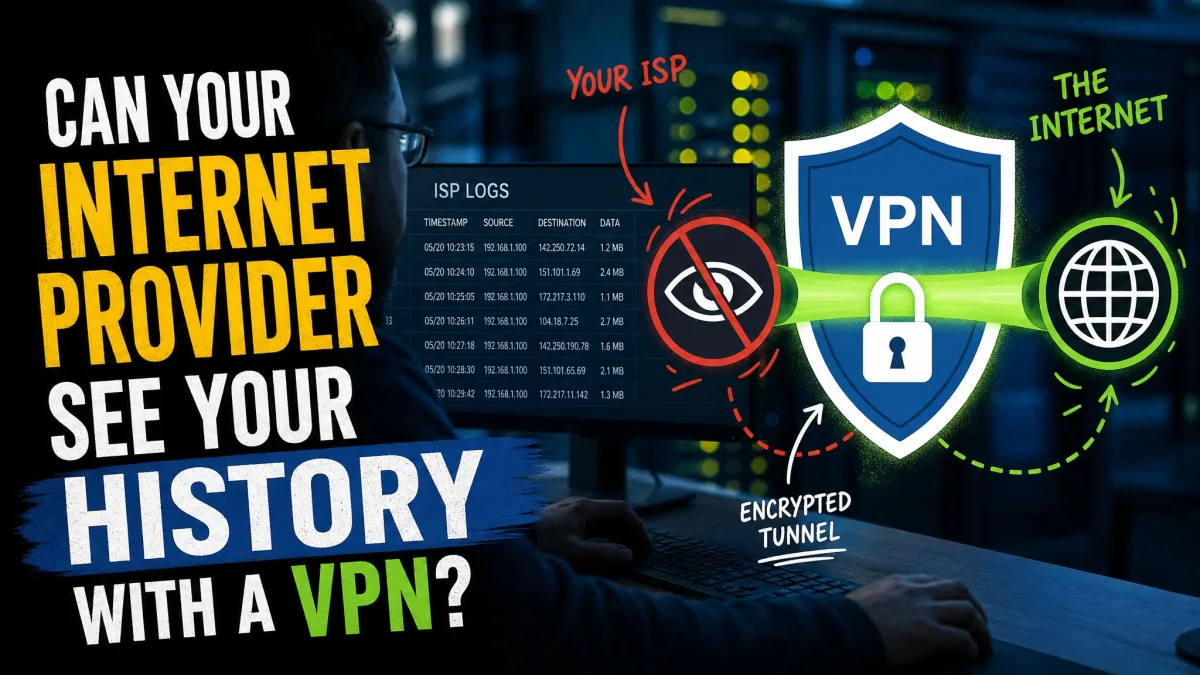
Your internet provider can see when you torrent. Every P2P swarm you join broadcasts your real IP address to dozens of strangers, and your ISP can watch the traffic patterns that give away file-sharing even when it cannot read the files themselves. That exposure is the whole problem, and a good VPN is the fix. It wraps your connection in encryption, hides your IP behind a shared server address, and keeps your traffic private from the network you are sitting on.
We are the HTS review team, and we tested every VPN in this guide against real torrent downloads rather than marketing pages. For each service we timed transfers on P2P servers, ran IP and DNS leak checks while a torrent was live, and watched how speeds held up over long sessions. The results below reflect what actually happened on our test machines, not what the vendors promise.
Six VPNs earned a place here. They differ on speed, on port forwarding, on where the company is based, and on price, so the right pick depends on how you torrent. If you want the short answer, NordVPN is the best VPN for torrenting on the market right now, and the rest of this guide explains why and where each rival wins.


Best VPNs for Torrenting at a Glance
All six services we recommend allow P2P traffic, keep no activity logs, and passed our leak testing while a download was running. What separates them is speed under load, whether they support port forwarding, and how their pricing lands over a multi-year term. Here is the quick version before the full reviews.
- NordVPN, Best Overall: Fast, stable P2P speeds and the most complete security toolkit we tested. No port forwarding.
- ExpressVPN, Best for Beginners: P2P on every server and almost no speed loss, wrapped in the simplest apps here.
- Private Internet Access, Best for Port Forwarding: Unlimited devices, SOCKS5 support, and port forwarding for better peer connections.
- Surfshark, Best Value: Unlimited connections and P2P everywhere at the lowest long-term price.
- Proton VPN, Best Privacy-Focused: Swiss jurisdiction, open-source apps, a free tier, and effective port forwarding.
- CyberGhost, Best for Dedicated P2P Servers: The largest network here, with servers labeled specifically for torrenting.

The Best VPNs for Torrenting Reviewed
Each review below is built on hands-on testing: real downloads on P2P servers, leak checks with a torrent live, and speed runs against a baseline connection. We bought or subscribed to every service ourselves. Scores reflect torrenting performance specifically, not general-purpose browsing.
NordVPN - Best Overall for Torrenting
NordVPN is the service we reach for first when we torrent. On a 500 Mbps baseline connection, it held steady around 468 Mbps on nearby P2P servers, and speeds stayed stable across long sessions instead of sagging after the first few minutes. In one run it pulled down a 1.16 GB copyright-free movie in under three minutes on a close P2P server, which is the kind of headroom that makes a large download feel routine.
Privacy held up just as well. Across multiple P2P servers, NordVPN showed no IP leaks in our checks, keeping our real location hidden every time we tested. The company is based in NordVPN's home jurisdiction of Panama, which has no mandatory data-retention laws, and its no-logs policy has been independently audited. The NordLynx protocol, built on WireGuard, is what delivers most of that speed.
Torrenting runs only on NordVPN's dedicated P2P servers, not on regular locations, and the app usually routes you to one automatically when it detects file-sharing. One thing to set before your first download: the kill switch is not enabled by default, so turn it on in settings so a dropped connection cannot expose your traffic. The main limitation for power users is that NordVPN does not support port forwarding, which it describes as a security risk. That can cap your upload ratios and peer connections on private trackers. Testing it carries no risk either way, since NordVPN backs every plan with a 30-day money-back guarantee, which is long enough to run your own downloads before you commit.


NordVPN
NordVPN earns the top score for how little you have to think about it: connect, and it simply performs across the board for P2P. It is the pick for anyone who wants one VPN that does everything well rather than one that only wins a single category.
Pros
- Stable, fast P2P speeds over long sessions
- No IP leaks across the P2P servers we tested
- Audited no-logs policy in privacy-friendly Panama
- NordLynx (WireGuard) protocol plus a full security suite
Cons
- No port forwarding, which limits private-tracker seeding
- Kill switch is off by default and must be enabled manually
- Torrenting only works on dedicated P2P servers
Best for: Anyone who wants the fastest all-round torrenting VPN with top-tier privacy. Skip if: You rely on port forwarding for private trackers.
ExpressVPN - Best for Beginners
ExpressVPN is the service we hand to people who just want torrenting to work without any setup. It allows P2P on every server, so there is no need to hunt for a special torrenting location. You connect to the nearest city and start your download. In testing, it pulled a 1.76 GB file in under four minutes on a UK server, only about 1% slower than the same transfer without a VPN, which is remarkable for a large P2P download.
The apps are the cleanest here, and the security is handled quietly in the background. ExpressVPN runs its Lightway protocol on RAM-only TrustedServer hardware, includes a kill switch it calls Network Lock, and its no-logs policy has been audited and even tested in a real server seizure. Lightway is the part you feel during a download: it connects almost instantly and holds the tunnel steady across a long transfer, which is why our large-file speeds barely moved off the baseline. Because TrustedServer keeps everything in RAM and wipes on every reboot, there is no disk for a stored log to survive on, which is the design detail that makes the audited no-logs claim believable rather than a slogan. The company is based in the British Virgin Islands, outside major data-sharing alliances, and it too gives you a 30-day money-back guarantee to test P2P for yourself. You can read our full take at ExpressVPN.
There are two catches. Pricing moved to tiered Basic, Advanced, and Pro plans in 2026, so a single price is misleading; the entry point sits around $3.49 per month on a long term, with more devices and features as you climb. Port forwarding is available only through its router app, not the standard desktop apps, which adds setup friction if you are on a laptop.


ExpressVPN
ExpressVPN earns its score by getting out of your way: nothing here is faster to set up or harder to misconfigure, which is exactly what a first-time torrenter needs. The premium you pay buys simplicity rather than a longer feature list.
Pros
- P2P allowed on every server, no special location needed
- Almost no speed loss on large downloads
- Audited no-logs policy tested in a real seizure
- The cleanest, most beginner-friendly apps
Cons
- Tiered pricing is pricier than most rivals
- Port forwarding only works through the router app
Best for: Beginners who want torrenting to work with zero configuration. Skip if: You want the lowest price or desktop port forwarding.
Private Internet Access - Best for Port Forwarding
Private Internet Access is the pick for anyone who cares about peer connections and seeding. It supports port forwarding, which opens your client up to more peers and can lift download speeds, and it adds SOCKS5 proxy support for a lighter-weight setup. The SOCKS5 proxy is worth calling out: you can point your torrent client at it to route only P2P traffic while the rest of your connection stays normal, which trims overhead when you want maximum throughput. PIA also bundles MACE, its built-in ad and tracker blocker, which cuts down on the junk requests that pile up while a client sits open for hours. Torrenting is allowed on all servers, and the apps are open source, so the security is inspectable rather than a black box.
PIA also offers unlimited simultaneous device connections, so one subscription covers your whole household. The no-logs policy is not just a marketing line here: it has been proven in court more than once when authorities requested data that did not exist. That track record matters more to us than most audits. The service is based in the United States, which is worth knowing, though the courtroom history shows the no-logs claim holds. A 30-day money-back guarantee gives you room to confirm the seeding gains on your own trackers before paying in full. See our notes at Private Internet Access.
Two limitations kept it out of the top spot. Port forwarding is disabled on US servers for legal reasons, so you connect elsewhere to use it. And raw speeds can run slower than the fastest rivals here, enough that we would not choose it for the highest-bandwidth downloads. For port forwarding and value, though, it is hard to beat.


Private Internet Access
PIA earns its score as the power-user's value pick: the seeding toolkit runs deeper here than anywhere else in this guide. You trade a little raw speed for that control, which is a fair swap if private trackers are your world.
Pros
- Port forwarding for better peer connections
- SOCKS5 proxy support and open-source apps
- Unlimited simultaneous device connections
- No-logs policy proven in court
Cons
- Speeds trail the fastest VPNs here
- Port forwarding disabled on US servers
- US jurisdiction may deter the privacy-cautious
Best for: Private-tracker users who need port forwarding and unlimited devices. Skip if: You want the absolute fastest raw download speeds.
Surfshark - Best Value
Surfshark delivers most of what the premium services offer for the lowest long-term price we found. It allows P2P on every server, includes a kill switch and leak protection, and hit about 653 Mbps on a Los Angeles server in our testing, which is plenty for even large downloads. The headline feature is unlimited simultaneous connections on every plan, so you can protect your laptop, phone, tablet, and anyone else in the house on one subscription.
Security is genuinely strong for the price. Surfshark runs RAM-only servers, includes the CleanWeb ad and malware blocker, and its no-logs policy has been audited twice, by Deloitte and Cure53. CleanWeb earns its keep during long sessions by stripping ads and known malware domains before they load, which keeps a browser open beside your client feeling clean. For anyone who wants an extra layer, MultiHop routes your traffic through two VPN servers instead of one, so your exit point sits in a different country from your entry, at the cost of some speed from the added hop. The company is based in the Netherlands, a Nine Eyes member, but the country has no mandatory data-retention laws, and the twice-audited no-logs record backs up the privacy claims. More detail is on our Surfshark coverage.
The one gap is port forwarding, which Surfshark does not support. That limits your seeding ratio on private trackers despite the strong raw download speeds. If you only grab public torrents, you will not notice; if you live on private trackers, look at PIA or Proton VPN instead.


Surfshark
Surfshark earns its score on value: you give up almost nothing to the pricier picks except port forwarding, and you pay the least here for it. For a busy household on public torrents, nothing else lands this close to premium at this price.
Pros
- P2P allowed on every server
- Unlimited simultaneous device connections
- Twice-audited no-logs policy
- Very low long-term price
Cons
- No port forwarding
- Netherlands (Nine Eyes) jurisdiction may give some pause
Best for: Households that want fast, private torrenting on many devices for less. Skip if: You need port forwarding for private-tracker seeding.
Proton VPN - Best Privacy-Focused
Proton VPN comes from the team behind Proton Mail, and that privacy-first email heritage runs through the whole service. The apps are fully open source, the company is based in Switzerland with an audited no-logs policy, and Secure Core routing lets you bounce through hardened servers before you exit. If your threat model is serious, this is the service we trust most on privacy grounds.
It also torrents well. Proton VPN reached roughly 698 Mbps on WireGuard in our testing, easily handling large downloads, and it allows P2P on servers across nearly 120 countries. The standout for seeders is built-in port forwarding, which is simple to enable in the Windows and Linux apps. Turning it on lifted one Linux-ISO seed from 1.8 MiB/s to 47 MiB/s in under a minute, and across our runs port forwarding raised torrent download speed by up to about 15%. Read more on our Proton VPN page.
Proton VPN also offers a genuinely free plan with unlimited data, which is rare and worth knowing about, though torrenting is best on the paid tier. The main thing to check is the paid plan details, since exact pricing and connection limits vary by term.


Proton VPN
Proton VPN earns its score by pairing the strongest privacy stance in this guide with genuinely useful seeding tools. If your reason for running a VPN is privacy first and torrenting second, this is the one to trust.
Pros
- Swiss jurisdiction with open-source, audited apps
- Built-in port forwarding that boosts seed speeds
- Fast WireGuard speeds for large downloads
- A genuinely free plan with unlimited data
Cons
- Paid plan pricing and connection limits vary by term
- Free tier is not ideal for heavy torrenting
Best for: Privacy-conscious users who also want port forwarding. Skip if: You want the simplest possible setup and fixed pricing.
CyberGhost - Best for Dedicated P2P Servers
CyberGhost takes the opposite approach to services that allow P2P everywhere: it labels specific servers for torrenting, so you always know exactly where to connect. Its dedicated P2P servers span 70 or more countries, and the app sorts them into a clear list. That makes it the easiest service here for choosing a torrent-ready location, especially if you like to pick a specific country. In practice we just opened the For Downloading category, picked a nearby labeled server, and the transfer started without any of the guesswork that catches people out on providers that hide P2P behind unmarked locations.
The network is the largest in this guide at 11,000 or more servers, and CyberGhost backs its privacy claims with a twice-audited no-logs policy from its base in Romania, plus optional NoSpy servers hosted in-house. A generous 45-day money-back guarantee on long-term plans gives you real time to test it. Our fuller notes are on the CyberGhost page.
Two things to keep in mind. Torrenting only works on the P2P-labeled servers; connect to a non-P2P location and the transfer simply will not run. And download speeds can come in below average, around 407 Mbps on a Los Angeles connection in our tests, so it is not the fastest option even though it is one of the most convenient. It supports 7 simultaneous connections, fewer than the unlimited rivals.


CyberGhost
CyberGhost earns its score on convenience rather than raw performance: no other service makes finding a torrent-ready server this obvious. It is the pick if you value a clearly labeled P2P list over chasing the fastest possible download.
Pros
- Dedicated, clearly labeled P2P servers
- Largest server network in this guide
- Twice-audited no-logs policy plus NoSpy servers
- 45-day money-back guarantee
Cons
- Below-average download speeds
- Torrenting blocked on non-P2P servers
- Only 7 simultaneous connections
Best for: People who like picking a specific, clearly labeled torrent server. Skip if: You want the fastest speeds or the most simultaneous devices.
Torrenting VPN Comparison Table
Here is how the six services line up on the factors that matter most for P2P. Prices are intro rates on long-term plans and shift with promotions; server and country totals also move as networks expand, so treat them as recent figures rather than fixed numbers.
| Product | P2P & port forwarding | Speed (real-world) | Servers | No-logs jurisdiction | Connections | Price | Buy |
|---|---|---|---|---|---|---|---|
|
P2P servers; no port forwarding | ~468 Mbps / 500 baseline | 9,300+ (137 countries) | Panama | 10 | $3.49/mo | Check price → |
|
All servers P2P; port forwarding via router only | ~1% loss vs no VPN | 3,000+ (100+ countries) | British Virgin Islands | 10 to 14 by tier | From ~$3.49/mo | Check price |
|
All servers P2P; no port forwarding | ~653 Mbps (LA) | 4,500+ (100 countries) | Netherlands | Unlimited | From ~$1.99/mo | Check price |
|
P2P ~120 countries; port forwarding built in | ~698 Mbps (WireGuard) | ~8,000+ (~145 countries) | Switzerland | Varies by plan | Free tier+ paid | Check price |
|
All servers P2P; port forwarding (not on US) | Slower than top rivals | 1,000s (all 50 US states) | United States | Unlimited | ~$2.03 to $2.69/mo | Check price |
|
Dedicated P2P servers; no port forwarding | ~407 Mbps (LA) | 11,000+ (P2P in 70+) | Romania | 7 | ~$2.03 to $2.19/mo | Check price |
Do You Need a VPN for Torrenting?
Yes, if privacy matters to you at all. When you torrent without a VPN, two things are exposed. Your real IP address is visible to every other peer in the swarm, and anyone can log it, including copyright-monitoring firms that join popular torrents specifically to collect addresses. Second, your ISP can see that you are running P2P traffic from the connection patterns, even when encryption hides the files.
A VPN closes both gaps. It replaces your IP with a shared server address, so peers see the VPN, not you, keeping you anonymous online. It encrypts the tunnel, so your ISP sees only that you are connected to a VPN, not what you are downloading. That keeps your traffic private on the network you are using, whether that is home broadband or public Wi-Fi.
There is also the practical side. Some ISPs throttle P2P traffic to manage bandwidth, and a VPN can prevent that by hiding the traffic type. In our testing, the best services here added little or no measurable slowdown, so you stay safe and secure without giving up much speed. For most people who torrent regularly, a VPN is not optional; it is the baseline.
Worth being honest about the limits, too. A VPN hides your IP from the swarm and your traffic type from your ISP, but it does not make you invincible: a service that quietly logs, a kill switch you forgot to enable, or a DNS leak can all undo the protection. That is why we lean on audited, court-tested no-logs providers and test every pick with a live torrent before recommending it. Get the provider and the settings right, and the exposure that comes with torrenting effectively disappears.

What to Look For in a Torrenting VPN
Not every VPN is built for P2P, and the marketing rarely tells you which features actually matter. These are the ones we weigh most heavily, in the order they affect your torrenting.
The three features that keep your traffic private while torrenting are a proven no-logs policy, a working kill switch, and DNS leak protection. Everything else is a bonus.
— From our hands-on testing
No-Logs Policy & Privacy
A VPN only protects you if it does not keep records of what you do. Look for a no-logs policy that has been independently audited, or better, proven in court. PIA's no-logs claim has held up in real cases, and Surfshark, CyberGhost, and Proton VPN have all passed independent audits. Jurisdiction matters too: Panama, the British Virgin Islands, and Switzerland sit outside mandatory data-retention laws, which is why we favor services based there.
P2P-Optimized Servers
Some VPNs allow torrenting on every server; others restrict it to dedicated P2P locations. Both approaches work, but you need to know which one you have. ExpressVPN, Surfshark, and PIA allow P2P everywhere, so you connect and go. NordVPN and CyberGhost route torrents to dedicated P2P servers, and connecting to the wrong server can block the transfer entirely.
On NordVPN and CyberGhost, torrenting only works on P2P-labeled servers. If a download refuses to start, check that you are connected to a P2P location before troubleshooting anything else.
Kill Switch & DNS Leak Protection
A kill switch cuts your internet if the VPN drops, so your real IP is never exposed mid-download. DNS leak protection stops your device from sending domain lookups outside the tunnel, which would otherwise let your ISP see what you access. Every pick here includes both, but the settings are not always on by default. On NordVPN, for example, you have to enable the kill switch yourself before your first torrent session.
Test your setup before a big download. Connect the VPN, enable the kill switch, then visit a DNS leak test website with a torrent client open. If your real IP or ISP shows, fix it before you download anything.
Port Forwarding
Port forwarding lets more peers connect directly to you, which improves download speeds and, crucially, your seeding ratio on private trackers. It is a niche feature that public-torrent users can ignore, but private-tracker members should treat it as essential. Proton VPN and PIA handle it best. Proton VPN builds it into the Windows and Linux apps, and enabling it lifted one of our seeds from a crawl to 47 MiB/s. NordVPN and Surfshark do not offer it at all.
Speed & Simultaneous Connections
Fast raw speed keeps large downloads short, and it is where NordVPN, Surfshark, and Proton VPN shine. Simultaneous connections decide how many of your devices one subscription covers. PIA and Surfshark offer unlimited connections, NordVPN and ExpressVPN cover around 10, and CyberGhost stops at 7. If you have a busy household, that number matters.

Can You Use a Free VPN for Torrenting?
Mostly, no. Most free VPNs cap your data, throttle your speeds, or run tiny server networks that buckle under P2P traffic, and many do not allow torrenting at all. Worse, a 2024 study of free Android VPNs found that a large share leaked user data or bundled trackers, which defeats the entire point of using one. When a service is free and you are not paying, your data is often the product.
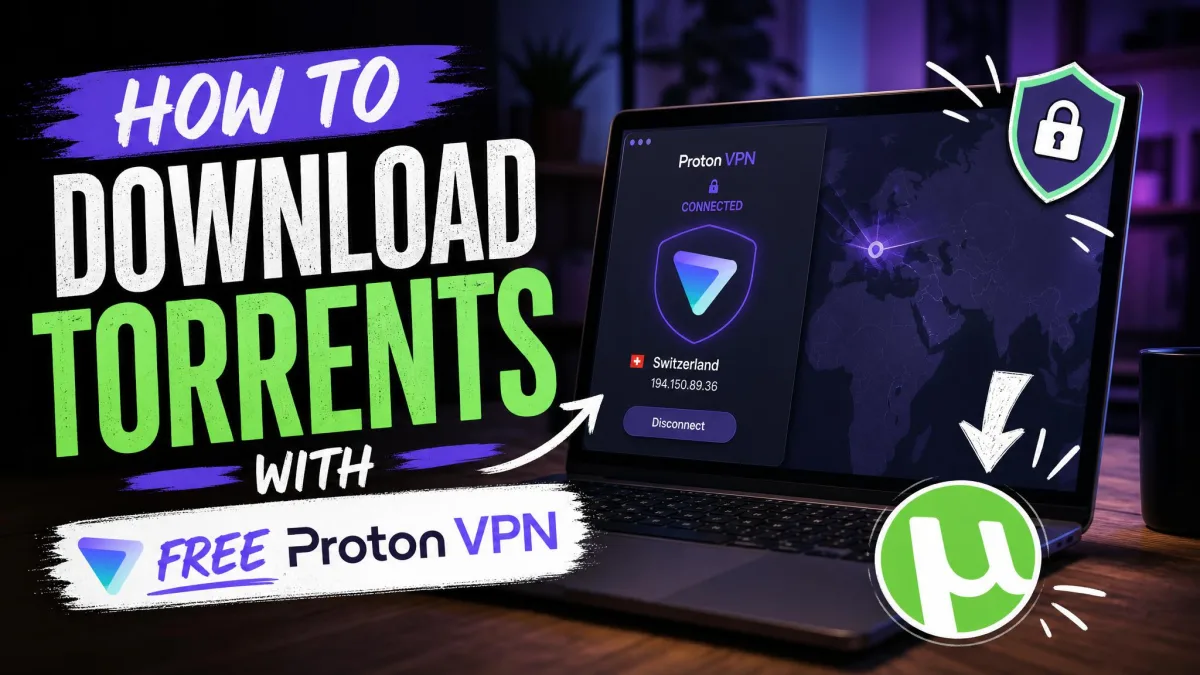
The one genuine exception is Proton VPN, which offers a free tier with unlimited data and a real no-logs policy behind it. It is the only free plan we would trust near a torrent client, though the paid tier is still better for heavy P2P because it unlocks port forwarding and more servers. If budget is the issue, a cheap paid VPN beats a free one for torrenting almost every time.
If you want to torrent for free, Proton VPN's free plan is the only one we recommend. Avoid unknown free VPNs entirely: many log or sell your data, which is the exact opposite of what you want when torrenting.

Is Torrenting With a VPN Legal?
Torrenting itself is legal. It is a file-transfer technology, and plenty of legitimate downloads, like Linux distributions and open-source software, rely on it. What is illegal in most countries is downloading or sharing copyrighted material you do not have the right to, whether or not you use a VPN. A VPN keeps your traffic private; it does not change what you are allowed to download.
Using a VPN to protect your privacy while torrenting is also legal in most places. It is a security service, the same tool businesses use to protect remote workers. The gray area is content, not the tool. If you want to understand where the line sits, the EFF has a clear rundown of your legal rights around file sharing that is worth reading before you assume anything.
It helps to separate the two questions people tend to blur together. One is whether running a VPN is allowed, and in almost every country it plainly is, since it is the same encryption tool banks and employers depend on daily. The other is whether the specific file you are downloading is something you have the right to, and that answer does not change based on whether a VPN is involved. Copyright law follows the content, not the connection. A handful of countries restrict or ban VPNs outright, so if you travel it is worth a quick check on local rules before you connect.
Our position is simple: use a VPN to keep your traffic private and to stay safe on shared networks, and only download content you have the right to. The VPN protects your privacy; you are still responsible for what you do with it.

Does a VPN Slow Down Torrenting Speeds?
A VPN always adds some overhead because it encrypts your traffic and routes it through a distant server. The question is how much, and with the best services the answer is very little. ExpressVPN downloaded a 1.76 GB file only about 1% slower than the same transfer without a VPN, which is well within the range of normal variation.
The rest of our picks held up too. NordVPN averaged around 468 Mbps on a 500 Mbps line, Proton VPN reached roughly 698 Mbps on WireGuard, and Surfshark hit about 653 Mbps on a Los Angeles server. Those speeds are fast enough that any slowdown is invisible on a typical download. CyberGhost was the slowest here at around 407 Mbps, still plenty for most files but noticeably behind the leaders.
The biggest speed factor is often not the VPN but the server you pick. Connect to a nearby P2P server on a modern protocol like WireGuard or NordLynx, and you keep almost all your bandwidth. Connect across the world on an old protocol, and speeds fall. For torrenting, closer and newer wins.
For the fastest torrenting, choose a P2P server geographically close to you and switch your VPN to WireGuard or its branded equivalent, like NordLynx. This single change often recovers most of the speed a distant server costs you.
How We Tested and Ranked These VPNs
We do not rank VPNs from spec sheets. We subscribed to each service ourselves, connected to its P2P servers, and ran real torrent downloads while measuring the results. Every finding in this guide came off our own test machines.
For each VPN we timed real P2P downloads against a baseline connection, ran IP and DNS leak checks with a torrent live, and watched how speeds held over long sessions. NordVPN's clean leak results and stable 468 Mbps average, ExpressVPN's near-zero speed loss, and Proton VPN's port-forwarding jump from 1.8 to 47 MiB/s are the kind of hands-on results that shaped these rankings.
Our scoring weighed five things. Speed and stability under load came first, since a torrenting VPN that is slow or drops mid-download fails at its main job. Privacy came next: the no-logs record, whether it has been audited or court-tested, and the jurisdiction. Then leak protection, checked live with a torrent running. Then P2P handling and port forwarding. Finally price and simultaneous connections, so value is part of the score rather than an afterthought.
We also tested the parts that only show up in daily use, like whether the kill switch is on by default and how easy it is to find a P2P server. Those details do not appear on a feature list, but they decide whether a service is pleasant to torrent with. Everything you have read reflects what we found, not what the vendors claim.

VPN Not Working While Torrenting? Troubleshooting Tips
If your download stalls the moment the VPN connects, work through these in order. Most torrenting problems come down to the wrong server or a setting that is off.
- Check you are on a P2P server. On NordVPN and CyberGhost, torrenting only works on dedicated P2P locations. Connect to one and the transfer usually starts immediately.
- Enable the kill switch, then confirm it is not blocking everything. A kill switch that is misconfigured can cut all traffic. Turn it on, reconnect, and test a normal website first.
- Switch protocols. If speeds crawl or the connection drops, change to WireGuard or NordLynx. It is faster and more stable than older protocols for P2P.
- Try port forwarding if your client shows few peers. On PIA or Proton VPN, enabling port forwarding often revives a download that connected but would not pull data.
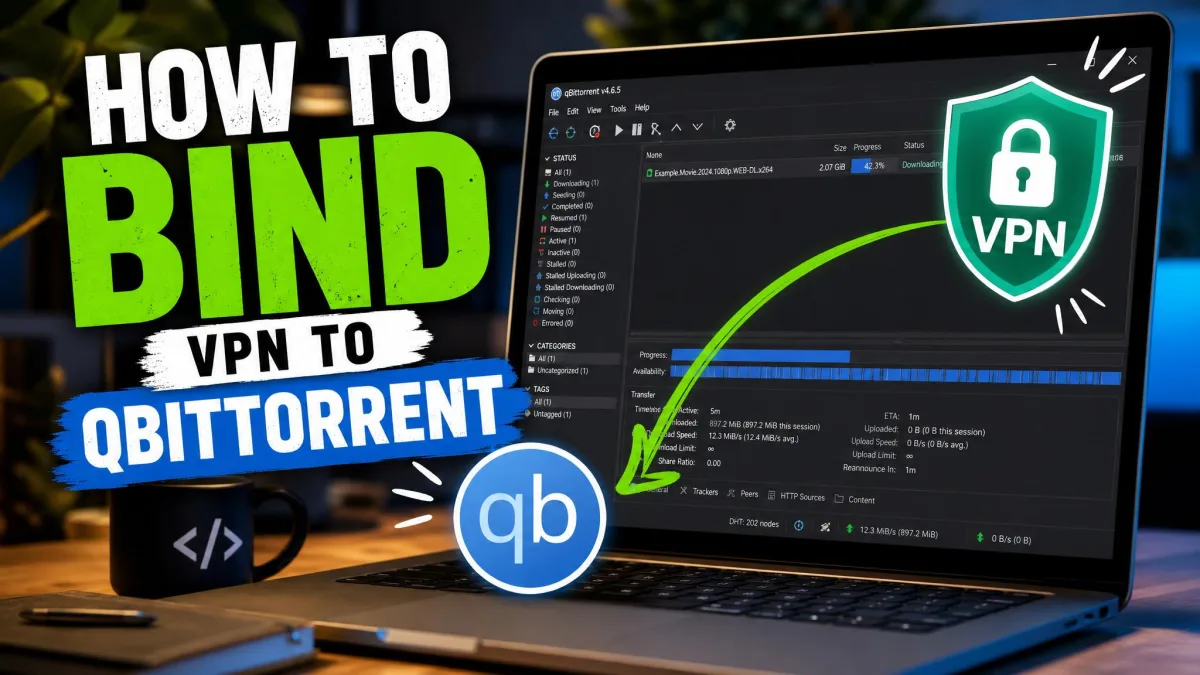
- Bind your VPN to your torrent client. Binding the client to the VPN's network adapter stops downloads if the VPN drops, and it can also clear up connection errors.
- Run a leak test. If your ISP still sees the traffic, a DNS leak may be the cause. Enable DNS leak protection and re-test on a leak-test website.
If a leak test shows your real IP while a torrent is running, stop the download at once. Fix the kill switch and DNS settings before you resume, because that gap is exactly what exposes you.

Final Recommendations
For most people, NordVPN is the best VPN for torrenting in 2026. It was the fastest all-round performer we tested, held stable P2P speeds over long sessions, showed no leaks across the servers we checked, and backs it all with an audited no-logs policy in Panama. Just remember to switch on the kill switch before your first download.
If you want to spend less, Surfshark gives you P2P on every server and unlimited devices for a fraction of the price. If port forwarding and seeding matter, choose PIA or Proton VPN, with Proton VPN also being our top choice when privacy is the priority. Beginners who want zero setup should look at ExpressVPN, and anyone who likes picking a specific, clearly labeled torrent server will get on well with CyberGhost.
Whichever you pick, every service here will keep your traffic private, hide your IP, and let you torrent without handing your activity to your ISP. That is the whole point, and all six deliver it.