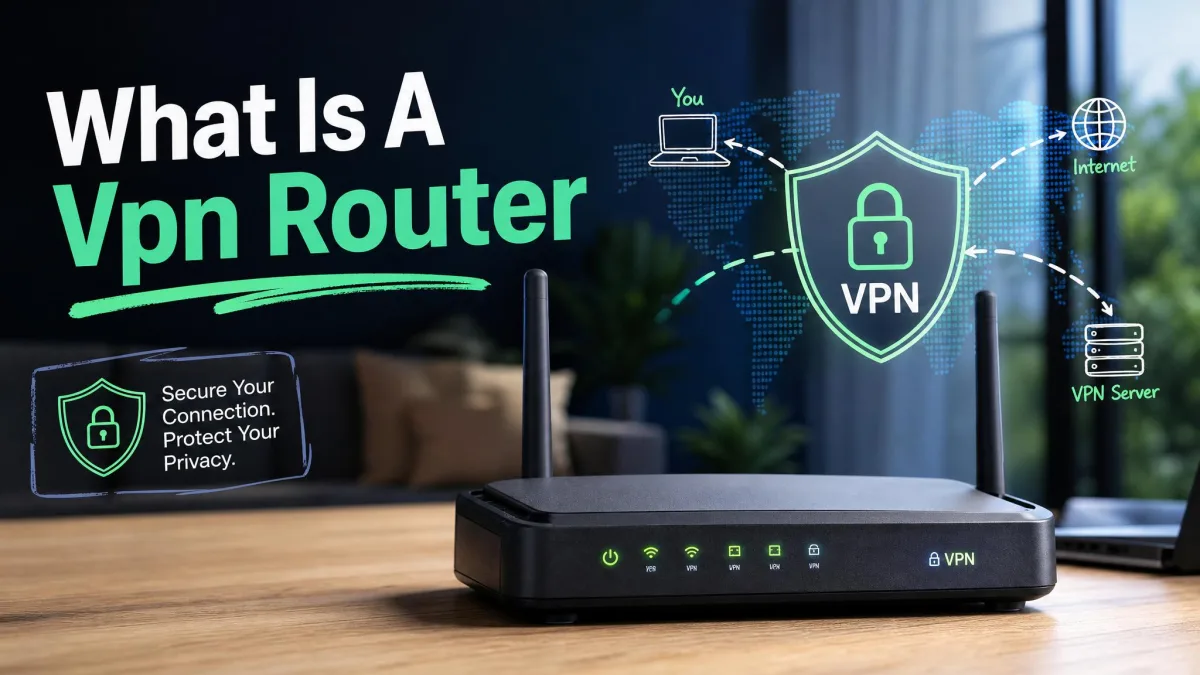
Your home router carries traffic from more devices than you probably think. A couple of phones, a work laptop, a smart TV, a games console, a video doorbell, a thermostat, and a handful of other smart-home gadgets all lean on the same connection. Every one of them talks to the internet, and every one of them leaks a little about your household as it does. A good VPN wraps that traffic in encryption before it leaves your network, so your internet provider, the sites you visit, and anyone snooping nearby see far less.
The problem is that most "best VPN" lists are written for a single traveler on airport Wi-Fi, not for a busy house full of devices. Home use asks different questions. Can the service cover every device at once? Will it run on your router so gadgets that can't install an app are still protected? Does it slow streaming or gaming to a crawl? We set out to answer those questions specifically for the home, and this guide is the result.
We compared five services on speed, privacy, security features, whole-home support, and price. Below you will find our ranked picks, a full comparison table, a plain-English explainer of how a VPN protects your network, buying advice, and setup steps for both individual devices and your router.


Our top picks at a glance
We tested these five services on our own home network, paid for the plans ourselves, and scored each one on speed, security, privacy, device coverage, and value. Here is the short version before we get into the detail.
NordVPN took the top spot for the best all-round balance of speed and security. ExpressVPN is the one to pick if you want the cleanest router experience. Surfshark wins on value because it never counts your devices. Proton VPN leads on privacy and free access. CyberGhost is the easiest way to keep streaming smoothly once the VPN is on.

How we tested
We ran each service on our own home network for a week of daily use, connecting a mix of laptops, phones, a smart TV, and a games console, and we paid for or licensed every plan ourselves. Testing covered five areas: speed on nearby and distant servers, DNS and WebRTC leak checks, kill-switch reliability, streaming access across the major platforms, and how smoothly each one installed on both individual devices and a router.
We scored speed by comparing our baseline line rate to the rate with the VPN active, checked privacy claims against published independent audits, and verified each kill switch by forcing the connection to drop. The scores you see reflect that hands-on work rather than vendor marketing. Prices and features are accurate as of the time of writing.

We test every VPN against real speed, leak, and streaming benchmarks on a live home network before it earns a spot on this list. Nothing here is recommended on spec sheets alone.
The best VPNs for home networks
Each pick below covers what the service is good at, where it falls short, who it suits, and what it costs. Prices are the introductory monthly rates on the longer plans at the time of writing.
1. NordVPN: Best overall for home networks
NordVPN is the service we would set up for our own family without a second thought. On our home connection the speed loss stayed under about 15%, low enough that 4K streaming and video calls felt no different with the VPN running. Connecting on mobile was quick and glitch-free across a week of daily use, which matters when half the household just wants the phone to work.
The security toolkit held up when we leaned on it. We forced the connection to drop and the kill switch cut our traffic instantly, and every leak test we ran came back clean. Router support and Meshnet mean the gadgets that can't run an app still sit behind the tunnel, while one plan covers 10 devices and a network of 9,300+ servers across 137 countries keeps a fast one close by.
Two things to know. The desktop app can be a heavy memory user on some setups, and its settings are split across two levels, so a few options are easy to miss at first. Auto-renewal can also bill early, so note your renewal date. Price is $3.49/mo on the two-year plan, with a 30-day money-back guarantee.

Pros
- Fast enough that streaming and calls feel unaffected at home
- Audited no-logs policy and a confirmed kill switch
- Post-quantum encryption and Threat Protection built in
- Router support plus 10 simultaneous connections
Cons
- Desktop app can use a lot of memory
- Settings are split across two levels and take some hunting

2. ExpressVPN: Best for router and whole-home setup
Where NordVPN wins on balance, ExpressVPN wins on the router. It was the easiest whole-home setup we tried. The Aircove router pairs its own hardware with a dedicated app, and it can route different devices through different server locations at the same time, so the smart TV can sit in one country while the work laptop sits in another. Setup on individual devices is just as smooth, with a one-click interface and connections that complete in seconds.
Across our week of testing the Network Lock kill switch never once dropped the line when nothing was wrong, and Lightway kept nearby servers among the fastest we measured. It covers over 100 countries and allows 10 devices on its Basic plan, with more on the higher tiers.
There are trade-offs. The price is the highest here, and split tunneling is missing on several platforms. Note too that from March 31, 2026 non-Aircove routers can no longer use the ExpressVPN router app, though manual configuration still works. Distant servers also slow down more than the nearby ones. Price is $3.49/mo on the two-year plan, with a 30-day money-back guarantee.
Pros
- Dedicated Aircove router and app for true whole-home coverage
- Dependable Network Lock kill switch with no false positives
- Very easy one-click setup and fast nearby servers
Cons
- Costs more than every other pick over the long run
- Split tunneling missing on several platforms
From March 31, 2026, routers other than ExpressVPN's own Aircove can no longer use the dedicated router app. You can still configure ExpressVPN on many routers manually, but the plug-and-play app experience is now Aircove-only.
3. Surfshark: Best value for unlimited devices
If your household keeps adding gadgets, Surfshark solves the math. Its standout feature is unlimited simultaneous connections: one subscription protects every phone, laptop, TV, and console you own, with no device counter to manage. For a full house that alone makes it the value pick. It installed and connected in under five minutes on our test machine, with a clearly labeled interface that a first-timer can navigate.
Privacy held up under scrutiny. We ran WebRTC and DNS leak tests and both came back clean, and the connection stayed stable even with a dozen devices active at once, which is exactly the stress a home network puts on a VPN. Download speeds were fast in our testing.
Two caveats. Latency can spike sharply on some servers, which we noticed during online gaming, so pick a nearby server if you play competitively. The unlimited-device policy also has practical limits, and heavy multi-profile use across many devices can trigger an account review. Renewal pricing rises noticeably after the introductory period. Price is $2.49/mo on the two-year plan, with a 30-day money-back guarantee.
Pros
- Unlimited simultaneous connections on one plan
- Passed WebRTC and DNS leak tests cleanly
- Fast, stable downloads even with many devices active
Cons
- Latency can spike on some servers, noticeable when gaming
- Renewal price climbs after the intro period

4. Proton VPN: Best free VPN and best for privacy
Proton VPN is the pick for anyone who puts privacy first. It is based in Switzerland, runs an independently audited no-logs policy, and layers on Secure Core multi-hop routing that sends your traffic through privacy-friendly countries before it exits. The permanent kill switch worked reliably in our testing, and the desktop apps connected within seconds. Speed was strong too, holding roughly 90% of our download rate on nearby servers, though upload weakens on distant ones.
Its other headline is the free tier, and it is the only free VPN we recommend for home use. Proton's free plan gives you unlimited data with no ads, which almost no rival matches. The catch is that free access covers one device, five countries, and a randomly assigned server with cooldowns between switches, so it is best as a way to try the service or protect a single machine. Paid plans lift that to 10 connections and add NetShield ad and malware blocking plus streaming and P2P support.
The main downside we hit was support: chat replies can take several minutes and email answers can take days. Price is $2.99/mo on the two-year plan, with a 30-day money-back guarantee on paid tiers.

Pros
- Swiss-based with an audited no-logs policy and Secure Core multi-hop
- Genuinely usable free tier with unlimited data and no ads
- Reliable permanent kill switch and fast nearby servers
Cons
- Free tier limits you to one device and five countries
- Customer support can be slow to respond

5. CyberGhost: Best for streaming at home
If the main reason you want a VPN at home is to keep watching without buffering, CyberGhost is built for you. Its dedicated streaming servers unblocked Netflix, Disney+, HBO Max, Amazon Prime, and BBC iPlayer with smooth playback in our testing, and it installs in minutes with an intuitive interface where the settings are easy to find. There are dedicated gaming servers too, alongside a kill switch, NoSpy servers, and an audited no-logs policy.
CyberGhost covers 7 devices per plan, fewer than the others, but there is a neat workaround: installing it on your router covers the whole home on a single connection, which sidesteps the device limit entirely. The network is large, with 11,000+ servers across roughly 100 countries, so finding a working streaming server is rarely a problem.
Speed is the weak spot. Download rates were adequate for HD streaming but inconsistent and slower than the top competitors, so it is a poorer fit for large downloads or competitive gaming. The mobile apps also drop some advanced features, and iOS omits split tunneling. One plus for cautious buyers: CyberGhost offers a 45-day money-back guarantee, the longest here. Price is $2.03/mo on the two-year plan.
Pros
- Dedicated streaming servers unblock the major platforms smoothly
- Router support covers the whole home despite the 7-device limit
- Longest money-back window at 45 days
Cons
- Download speeds are inconsistent and slower than rivals
- Mobile apps drop features, and iOS lacks split tunneling

Best VPNs for home networks compared
Here is how the five services line up on the specs that matter most for a house full of devices. Ratings are our own scores out of 10.
| Product | Buy | Price/mo | Devices | Servers / countries | Kill switch | No-logs audit | Router support |
|---|---|---|---|---|---|---|---|
|
Check price → | $3.49 | 10 | 9,300+ / 137 | Yes | Yes | Yes |
 |
Check price | $3.49 | 10 (tier-based) | 100+ countries | Yes (Network Lock) | Yes | Yes (Aircove app) |
 |
Check price | $2.49 | Unlimited | 4,500+ / 100 | Yes | Yes | Yes |
|
Check price | $2.99 | 10 | Thousands / ~150 | Yes (permanent) | Yes | Yes |
 |
$2.03 | 7 | 11,000+ / ~100 | Yes | Yes | Yes |
How a VPN protects your home network
A VPN, or virtual private network, is a service that creates an encrypted connection between your devices and the internet. Instead of your data traveling in the open where your internet provider and others can read it, it runs through a private tunnel to a VPN server, which then passes it on to the sites and apps you use. Here is what that actually does for a home.
Encrypting traffic on every device
The core job of a VPN is encryption. Every request your laptop, phone, or console makes gets scrambled before it leaves your network, so anyone intercepting it sees noise rather than the sites, messages, and logins inside. The best services now use strong modern ciphers, and NordVPN has already added support that aligns with NIST's post-quantum encryption standard, which is designed to resist future quantum attacks.
Hiding your home IP address
Every home connection has a public IP address that identifies it to the wider internet, and it can reveal your rough location and be linked across the sites you visit. A VPN replaces it with the address of its server, so the outside world sees the VPN's IP instead of yours. You can check your IP address before and after connecting to confirm the swap worked. This is what gives you a measure of anonymity and access to content tied to other regions.

Securing smart-home and IoT devices
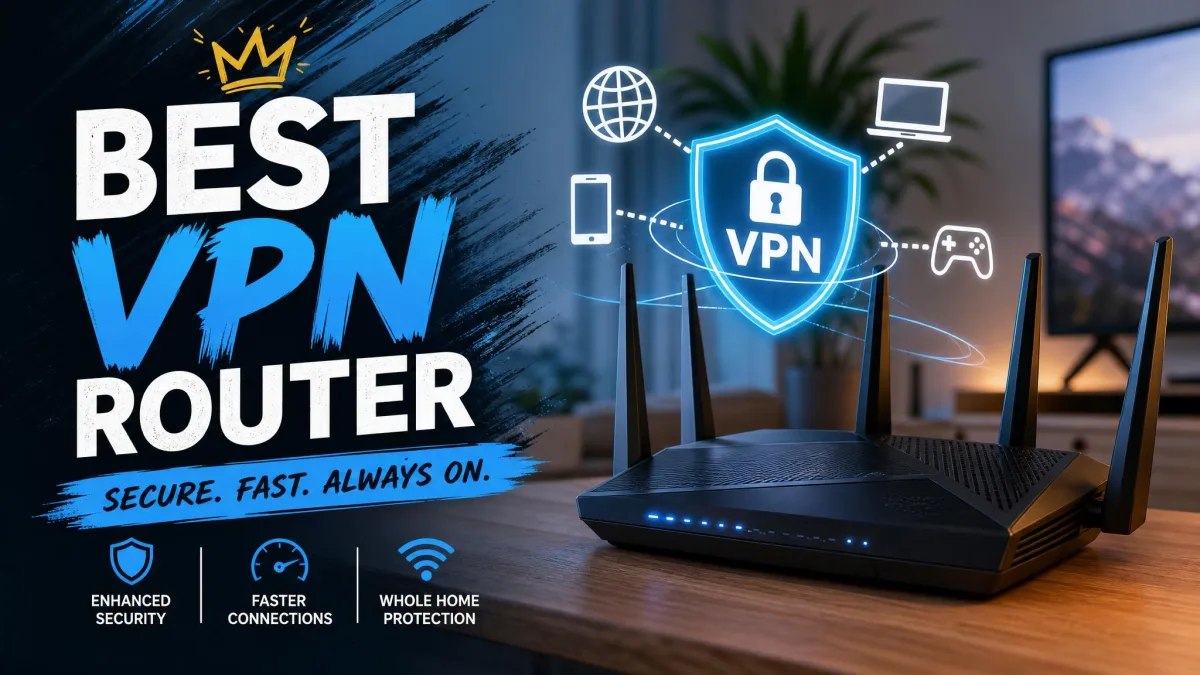
Smart-home gear is often the weakest link on a network. Cameras, plugs, and speakers rarely get security updates, and many can't run a VPN app at all. The fix is to move the VPN up a level, onto the router.
Whole-home coverage via your router
When you install a VPN on your router, every device that connects through it is covered automatically, including the ones with no app of their own. It also means the VPN counts as a single connection no matter how many gadgets sit behind it, which is how CyberGhost's seven-device limit stops mattering. If you want to go this route, our guides to the best VPN routers and what a VPN router is are good starting points.
Install the VPN on your router and every gadget behind it is protected at once, from the work laptop down to the video doorbell that could never run an app.
— From our home-network testing
What to look for in a home VPN
Choosing a home VPN comes down to a handful of criteria. Weigh them against how your household actually uses the internet rather than chasing the longest feature list.
Router and whole-home support
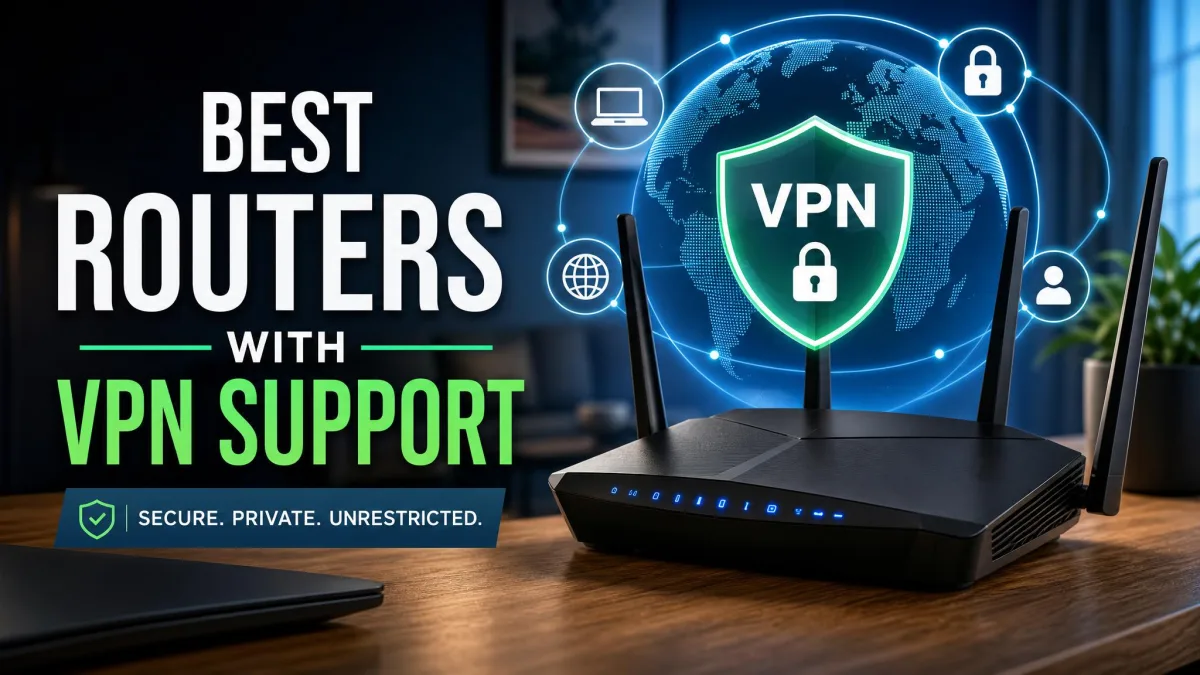
If you want every device protected, confirm the service supports router installation and, ideally, offers its own router or app. ExpressVPN's Aircove is the smoothest example, but all five picks here support router setups. Check our roundup of the best routers with VPN support before you buy hardware.
Simultaneous device connections
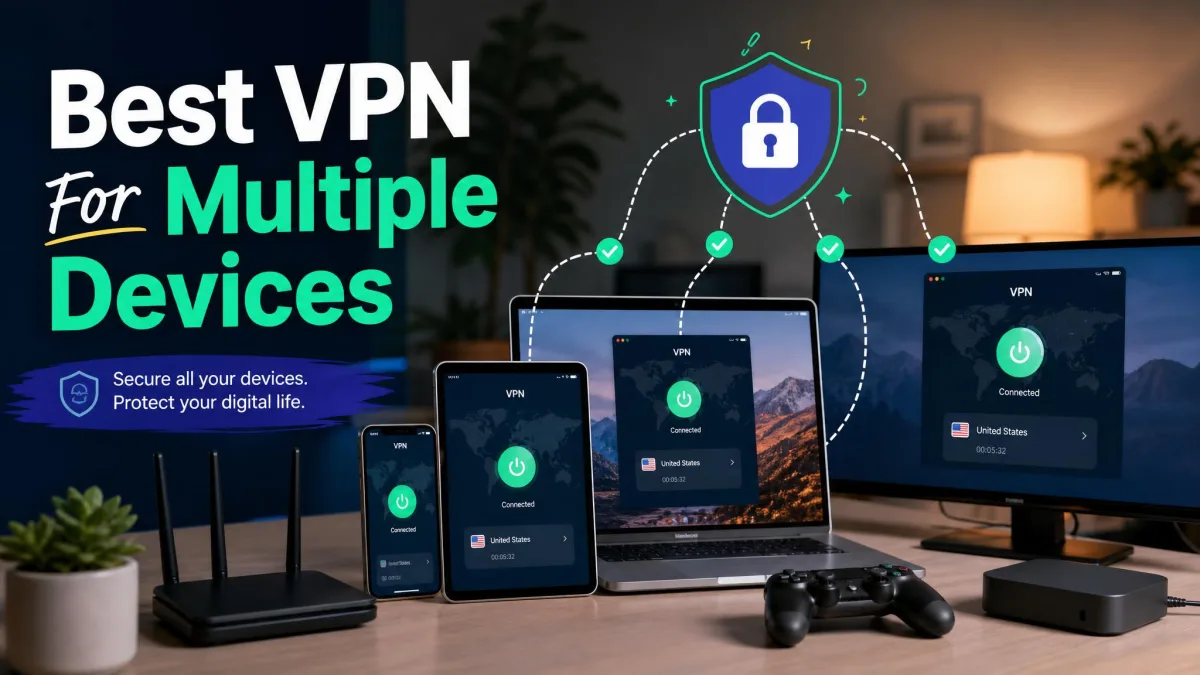
Count your devices, then add a few for growth. NordVPN, ExpressVPN, and Proton allow 10 connections, CyberGhost allows 7, and Surfshark is unlimited. If you have more devices than a plan allows, a router setup solves it in one move. Our guide to the best VPN for multiple devices goes deeper here.
Kill switch and security features
A kill switch cuts your internet if the VPN connection drops, so your real IP and traffic never leak in the gap. Treat it as essential, not optional. Every pick here includes one, and we confirmed NordVPN's, ExpressVPN's Network Lock, and Proton's permanent switch all working. Extras like Threat Protection, CleanWeb, and NetShield add ad and malware blocking on top.
Turn the kill switch on the first time you set up the VPN and leave it on. It is the single feature that stops a dropped connection from quietly exposing your home IP address while you keep browsing.
No-logs privacy and jurisdiction
A no-logs policy means the company doesn't keep records of what you do online. The claim only counts when an independent firm has audited it, and all five of our picks have been audited. Jurisdiction matters too: Proton VPN's Swiss base sits outside the major intelligence-sharing alliances, which is why it leads our best VPN for privacy picks.
Speed for streaming and gaming
Every VPN adds some overhead, but the good ones keep it small. NordVPN's domestic speed loss stayed under about 15% in our testing, and Proton held roughly 90% of download speed on nearby servers. For gaming, latency matters more than raw download speed, so choose a server close to home and test a few. You can run a speed test with the VPN on and off to see the real impact on your line.
Price and value
Headline monthly prices look cheap because they are introductory rates on multi-year plans, and several services raise the price at renewal. Factor that in, and weigh it against the money-back guarantee, which runs 30 days on most picks and 45 days on CyberGhost. Surfshark's unlimited devices make it the best raw value for a busy home.
How to set up a VPN on your home network
You have two ways to protect a home: install the VPN on each device, or install it once on your router. Most households end up doing a bit of both.
Installing on individual devices
Download the app from the service's site or your device's app store, sign in, and connect. Pick a server close to home for the best speed, switch the kill switch on, and you are done. Repeat on each phone, laptop, and tablet you own. This is the quickest way to get protected and gives you per-device control, but it only covers gadgets that can run the app.
Configuring a VPN on your router
Installing the VPN on your router covers everything behind it, including smart-home devices that can't run an app, and it counts as one connection against your plan. The exact steps vary by router, so check that your model supports VPN client mode first, then follow the service's configuration guide. ExpressVPN's Aircove makes this close to plug-and-play, while other routers may need manual setup. Our walkthrough on how to set up a VPN on your router covers the common models step by step.
Before buying a router for VPN duty, confirm it has the processing power to handle encryption at your internet speed. An underpowered router can cap your whole-home connection well below what you pay for.

Verdict: the best VPN for your home network
After a week of hands-on testing across a full house of devices, NordVPN is the home VPN we recommend to most people. It pairs a fast network with the deepest security toolkit here, keeps speed losses small enough that streaming and calls feel normal, and supports router installation so every device gets covered. The audited no-logs policy and post-quantum encryption seal the case.
Pick differently if your priorities differ. Choose ExpressVPN for the smoothest router experience, Surfshark if you want unlimited devices on one plan, Proton VPN for the strongest privacy or a free option, and CyberGhost if streaming is your main reason for signing up.