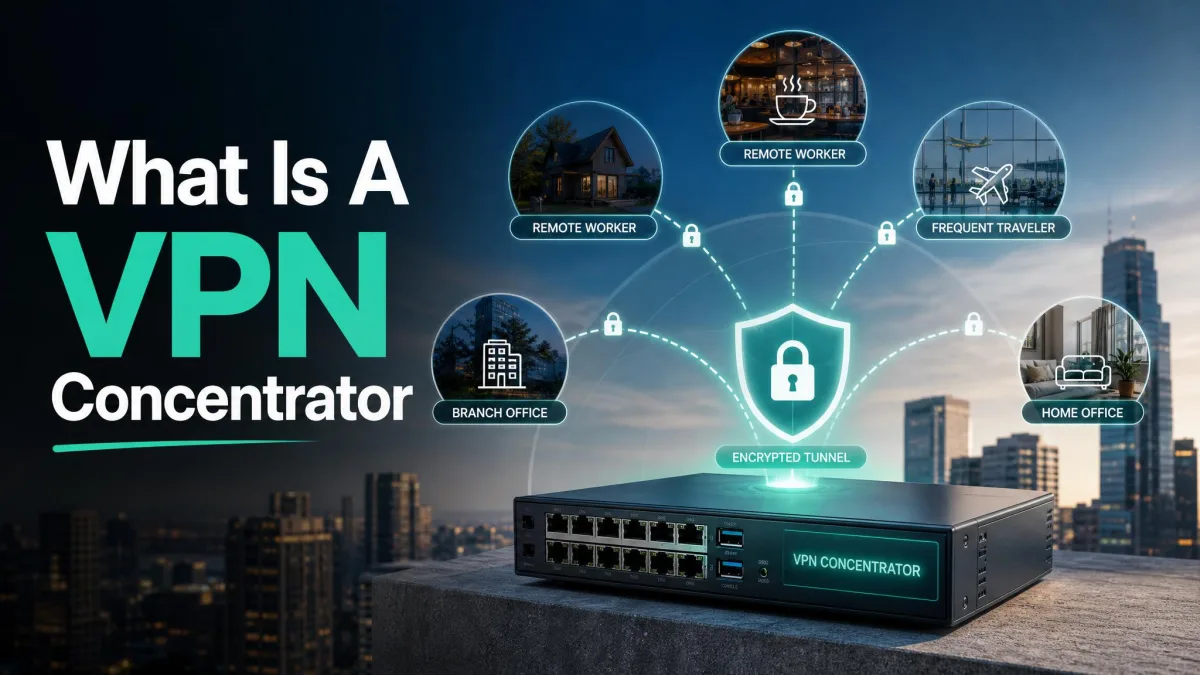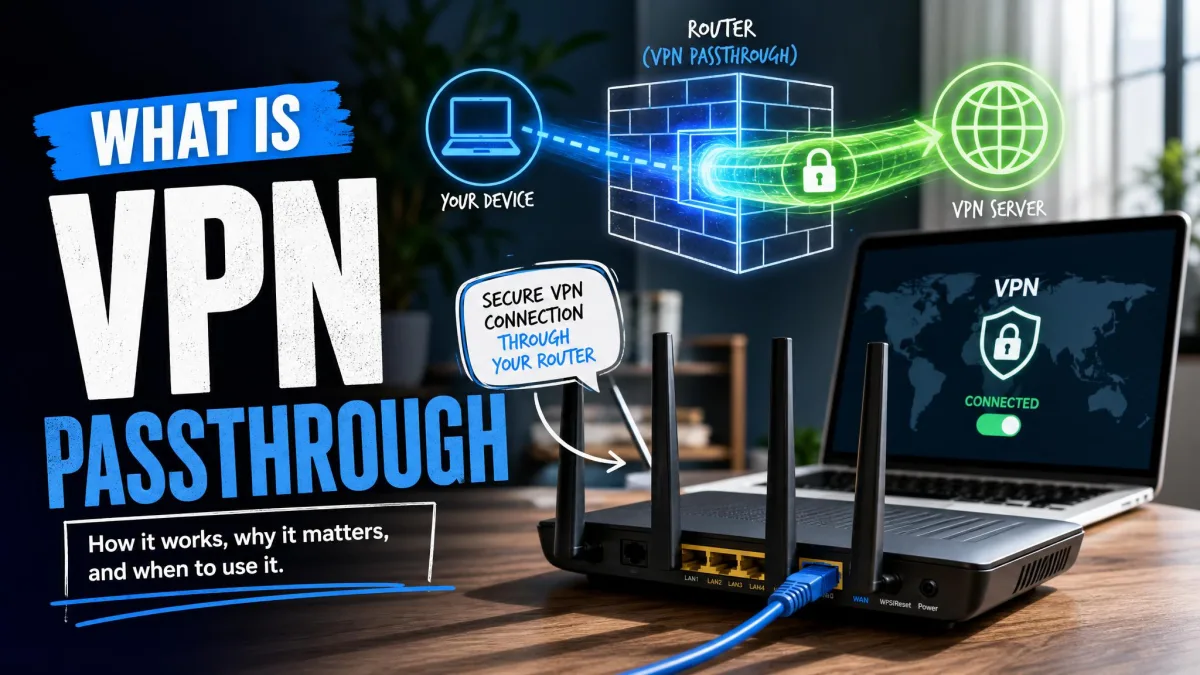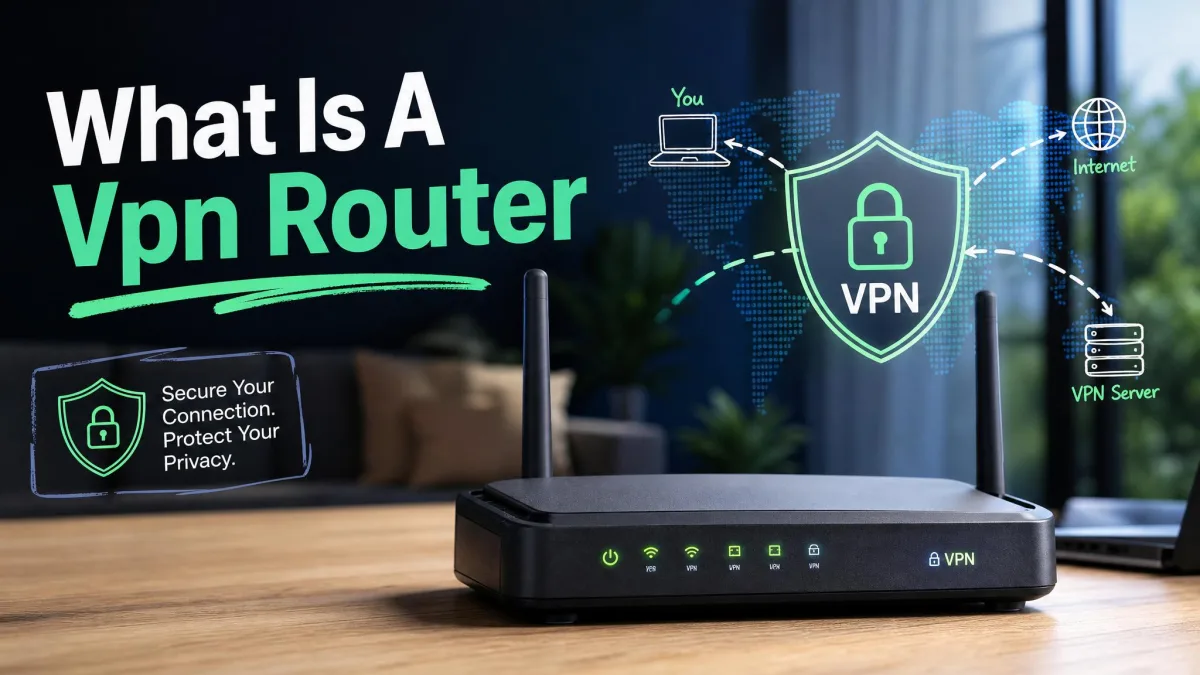
Running a VPN app on your laptop is easy enough, but your smart TV, your games console and your thermostat are still connecting in the clear. A VPN router is a router that runs the VPN connection itself, so every device on the network is covered from the moment it joins the Wi-Fi. Instead of installing software on each phone and computer, you set the tunnel up once at the gateway and forget about it.
Below we explain how a VPN router works, what you gain and lose by moving protection to the router, the three ways to get one, and how to decide whether a VPN router is right for you or whether a normal app on each device is enough.
What Is a VPN Router?
A VPN router is a router that runs VPN client software on the router itself, so all traffic leaving your home is encrypted before it reaches your internet provider. Some routers come with a VPN client out of the box, some are sold pre-configured by a specialist retailer, and some are ordinary routers that owners flash with third-party firmware to add the feature.
If you are new to the underlying technology, it helps to read what a VPN is and how it works first. In short, a VPN encrypts your internet traffic and routes it through a server run by the VPN provider, which hides the contents of your connections from your network and replaces your visible IP address with the server's. A VPN router does exactly the same job, just one step further upstream.
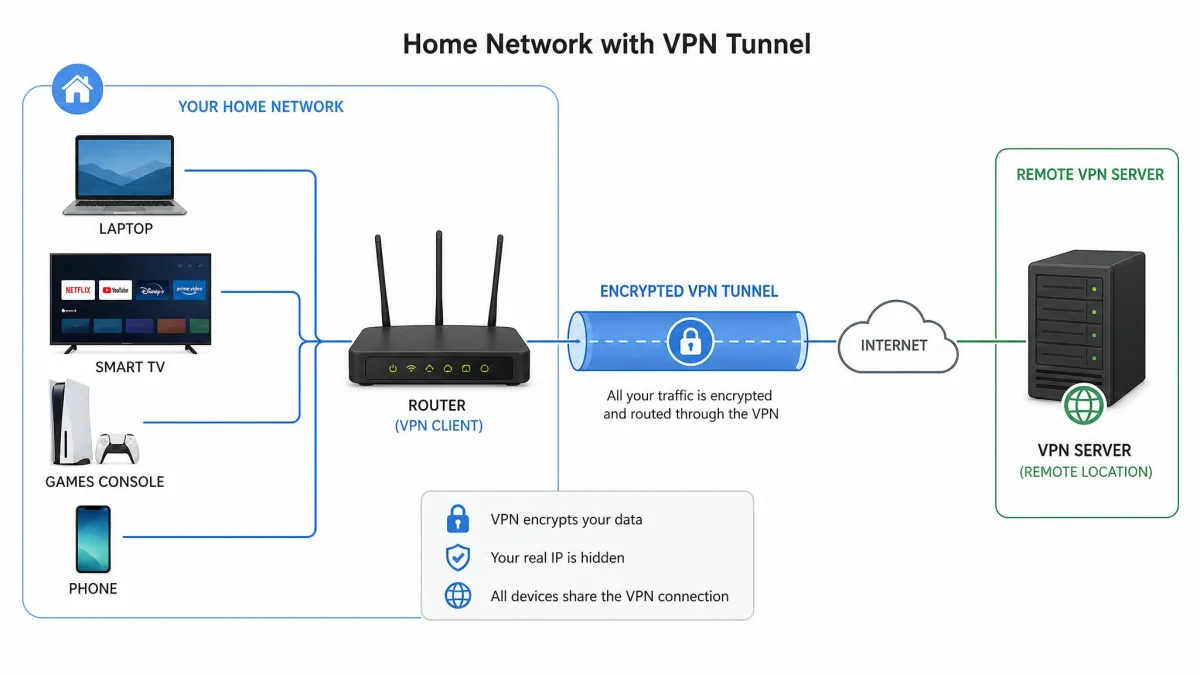
The practical difference is scope. A VPN app protects the single device it is installed on. A VPN router protects the entire network behind it, including hardware that has no app store and no way to install anything.
How Does a VPN Router Work?
A VPN router builds one encrypted tunnel to a VPN server and then pushes all of your household's traffic through it. Nothing changes for the devices themselves. They connect to your Wi-Fi exactly as before and never know a VPN is involved.
Encryption at the gateway instead of on each device
On a normal setup, encryption starts and ends inside the app on your phone. On a VPN router, encryption starts at the router. Your devices send ordinary unencrypted traffic across your own local network, the router wraps it in the VPN protocol, and only the encrypted version travels out to your internet provider.
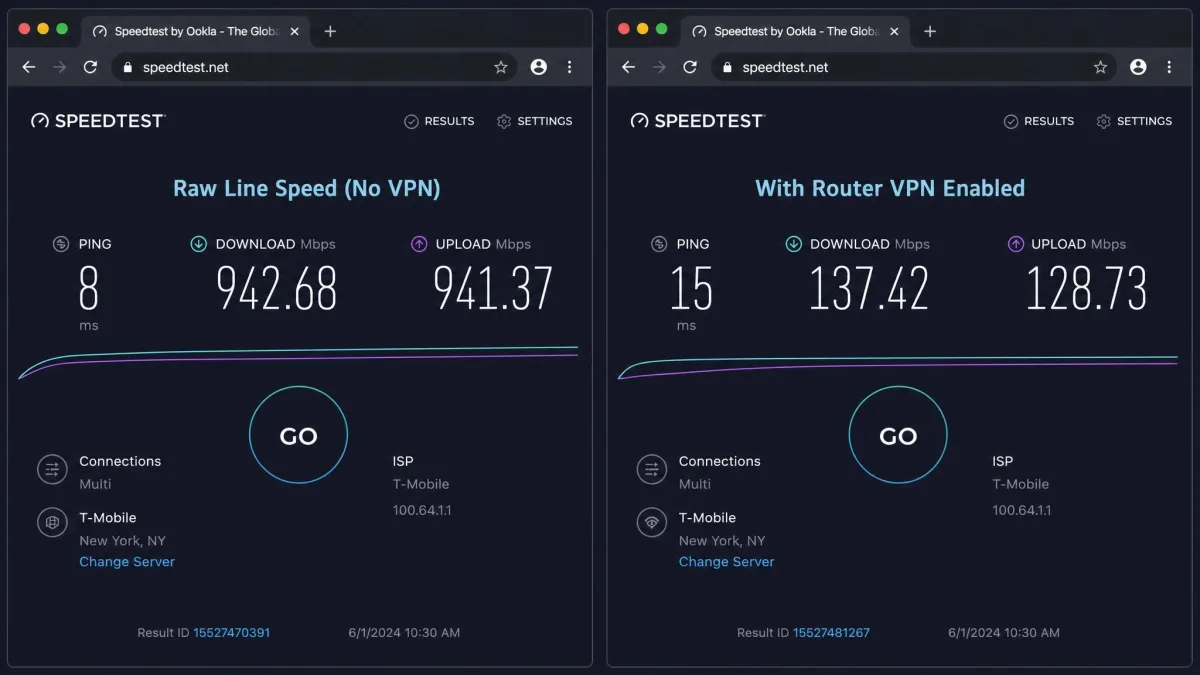
That is why the router's processor matters so much. It is doing the cryptographic work for the whole house rather than a single laptop. WireGuard, the newest of the mainstream protocols, is light enough that it usually costs about 5-10% of your base speed at the router. OpenVPN, the older and more widely supported option, is heavier and typically costs 20-30%. OpenVPN is also single-threaded, which means throughput tracks the speed of one processor core rather than the number of cores, and routers with hardware crypto acceleration hit a much higher ceiling than those without.
What the router handles that a VPN app cannot
Once the tunnel lives on the router, the connection is always on. Every device joins the tunnel automatically without anyone remembering to press connect, which is the single biggest practical benefit we would point to. Good firmware also blocks traffic if the tunnel drops, so nothing leaks out unencrypted while the connection is re-establishing.
Better firmware adds routing choices that no app can offer. You can send some devices through the VPN and let others use the plain connection, or point different groups at different server locations. Many VPN routers can also run in server mode, letting you connect back into your home network securely while you are away.
Devices behind a VPN router still see each other normally. File shares, printers and casting all keep working on the local network, because only traffic heading out to the internet goes through the tunnel.
Benefits of a VPN Router
Every connected device is protected automatically
This is the reason most people buy one. A smart speaker, a robot vacuum and a guest's phone are all encrypted the second they connect, with no software to install and no setup for anyone else in the house to understand. Protection stops depending on whether each person remembers to switch their app on.
Covers devices that cannot run a VPN app
Plenty of hardware has no VPN client available at all. Games consoles, most smart TVs, streaming sticks, IoT sensors and network printers fall into this group. Behind a VPN router they are covered anyway, which is the only straightforward way to get encrypted traffic out of them.
One connection instead of per-device limits
VPN subscriptions cap how many devices you can connect at once. NordVPN allows 10 devices per account, ExpressVPN's allowance depends on the subscription tier bought at checkout so a single number does not describe every account, and Surfshark advertises unlimited simultaneous connections. A VPN-configured router uses one connection slot no matter how many devices sit behind it, so a busy household stops bumping into the limit.
Drawbacks of a VPN Router
Slower speeds from router-level encryption
Router hardware is far weaker than a laptop, so the speed cost is work you can measure. On a 360 Mbps line, a consumer router held roughly 120 Mbps over WireGuard and only 10-20 Mbps over OpenVPN. Weak processors are why the drop can run far past the protocol overhead bands above, and the same subscription on the same line will behave differently on a router with crypto acceleration than on one without. Protocol choice alone can change throughput dramatically on identical hardware.
There is a second speed problem that catches people out. When the VPN server you picked gets overloaded, the whole house slows down at once rather than one laptop.
Harder to switch servers or turn the VPN off
This is the day-to-day annoyance we notice most. Changing your location means logging into the router admin page instead of tapping a button in an app. Streaming services also block VPN traffic often enough that even home-country Netflix can stop working once the entire network sits behind the tunnel, and the fix is a trip back into the router settings every time.
Cost and firmware compatibility risk
Manual flashing takes genuine technical confidence, and a ready-made VPN router costs noticeably more than the same hardware bought unflashed. Compatibility is the other trap: your existing router may simply not support the protocol you want, and no amount of configuration will change that.
Pros
- Every connected device is encrypted automatically, including hardware with no VPN app
- Uses a single connection slot against your provider's device limit
- Always on, with no per-device toggling to remember
- Blocks traffic if the tunnel drops, so nothing leaks unprotected
Cons
- Noticeably slower than running a VPN app on a capable computer
- Switching server locations means a trip into the router admin page
- Streaming services may block the whole network at once
- Compatible hardware costs money, and flashing firmware carries risk
Types of VPN Routers
There are three routes to a VPN router, and they differ mainly in how much work you do and how much control you get.
VPN-compatible routers (built-in VPN client)
Some routers ship with a VPN client already included, so you enter your provider's credentials in the admin interface and you are done. Asus is the best-known example, and its VPN Fusion feature runs more than one tunnel at once, routes chosen clients through the VPN while everything else stays on the plain connection, and supports WireGuard, OpenVPN and IPsec/IKEv2 alongside a VPN server mode.
Compatibility here is decided by firmware version rather than model family. WireGuard in VPN Fusion requires firmware later than 3.0.0.4.388.23000, and plenty of older RT-AC and some RT-AX models cannot run the WireGuard client at all. Asus publishes the supported model and firmware list, and it is worth checking against your exact unit before you buy a subscription.
Provider-built routers are a variation on the same idea. ExpressVPN's Aircove costs around $189 in the US and pairs a 1.2 GHz quad-core processor with 512 MB of RAM and dual-band Wi-Fi 6 rated up to 1,200 Mbps. It sets up in minutes, and device grouping lets a TV sit on one VPN location while a work laptop bypasses the tunnel. The catch is that a vendor-locked router only works with that vendor's service.
Pre-configured (pre-flashed) VPN routers
Pre-flashed routers arrive with third-party firmware and your provider's credentials already installed. This is the lowest-effort route by a wide margin and the one we suggest for anyone who wants the thing working on arrival.
Pre-flashed VPN routers from FlashRouters are the best-known option, shipping with DD-WRT or AsusWRT-Merlin loaded, backed by a 30-Day satisfaction guarantee, a 1 Year open-source hardware warranty and three months of premium support included. Support otherwise runs through a ticket queue with a one to two business day turnaround. What you are buying is a router that works on arrival, and the markup over the same hardware bare is the whole of the cost. Prices start from around $100, though pre-flashed prices move with the hardware model and frequent sales, so treat that as a floor.

Manually flashed routers (DD-WRT, OpenWRT, Tomato)
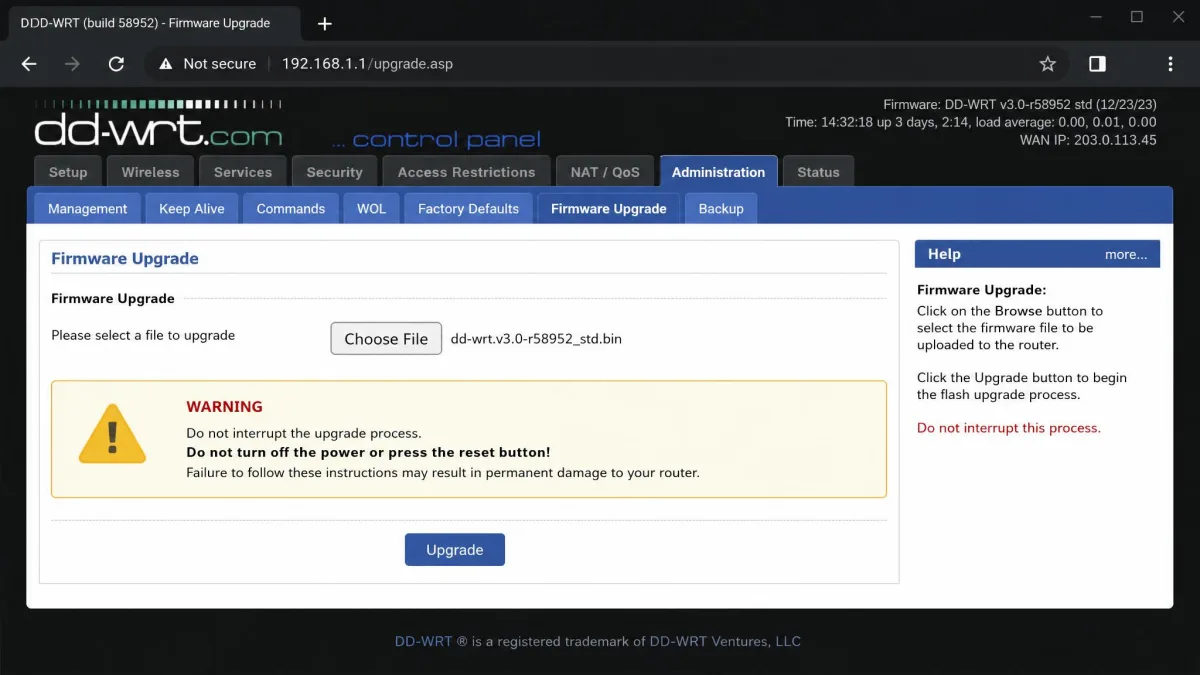
The third route is replacing your router's stock firmware yourself with an open-source alternative. DD-WRT, OpenWrt and Tomato all add VPN client support to hardware that never shipped with it, and this is the cheapest and most flexible path if you are tech-savvy.
DD-WRT ships more than 400 firmware builds per release to cover different hardware, while OpenWrt exposes more than 27,000 installable packages. In practice DD-WRT is gentler to start with and OpenWrt rewards patience, with a far wider package range and a steeper learning curve. The OpenWrt VPN firmware guide is the right starting point for that route, and OpenVPN's own configuration documentation covers the client config files you will be pasting in.
An incorrect flash can brick your router permanently, sometimes beyond recovery without opening the case or using serial recovery hardware, and manufacturers generally treat third-party firmware as an unauthorised modification that ends warranty support. Check your exact hardware revision, not just the model name, because the DD-WRT router database is out of date and revision checking has to be done against current forum build threads.
VPN Router vs. a VPN App on Each Device
The honest answer is that most people should use both. A VPN router gives you coverage across everything and takes the decision out of everyone's hands. A VPN app gives you speed and control, since a modern laptop encrypts far faster than a router and switching servers takes one tap.
| Router type | Typical cost | Setup effort | Flexibility | Who it suits |
|---|---|---|---|---|
| From about $100, plus a premium over bare hardware | Lowest, arrives pre-loaded | Provider often pre-chosen, changeable with work | Non-technical buyers who want it working on arrival | |
| Normal router price, VPN subscription extra | Minutes, credentials entered in the router UI | Limited to protocols the vendor ships | Most households | |
| Cost of a supported router only | Highest, with hardware-revision checks and firmware flashing | Highest, with 27,000 OpenWrt packages and any provider | Tinkerers who want full control |
Most VPN subscriptions let you keep using the apps alongside the router. Set the router to a nearby server for everyday browsing and use the app on your laptop when you need a specific country or full speed.
Do You Need a VPN Router?
Signs a VPN router is worth it
A VPN router earns its place when you have devices that cannot run VPN software, when several people share the connection and cannot be relied on to switch an app on, when you keep hitting your provider's device limit, or when you want remote access back into your home network. Households with a lot of smart-home hardware get the most out of it.
When a device VPN app is enough
If you mainly want privacy on one laptop and one phone, an app is faster, cheaper and easier. The same is true if you travel a lot, since the protection you actually need follows you rather than sitting at home, and if you switch server locations frequently for streaming or work.
How to Choose a VPN Router
Processor and RAM
The processor sets your ceiling. Look for a multi-core chip above 1 GHz and at least 256 MB of RAM for comfortable headroom on a family network. Hardware crypto acceleration matters more than raw clock speed. As a reference point, the Aircove pairs a 1.2 GHz quad-core chip with 512 MB of RAM.
VPN protocol support (WireGuard, OpenVPN, IKEv2)
Prefer a router that supports WireGuard, which is the fastest of the three at router level. OpenVPN is the most widely supported by providers but the most demanding. IKEv2, a protocol that reconnects quickly when a connection changes, sits between the two and is often the quickest option on routers whose hardware suits it. Protocol choice can double or halve your throughput on identical hardware, so check what a router supports rather than assuming.
Firmware and VPN-provider compatibility
Confirm three things before you buy: that your VPN provider publishes router configuration files, that your firmware version supports the protocol you want, and that your exact hardware revision is supported by any third-party firmware you plan to install.
Wi-Fi standard and throughput
Wi-Fi 6 is the sensible floor for new purchases. Range is where cheap VPN router hardware gives up first, and we would look closely at coverage before assuming a compact unit can replace a mesh system. Built-in extras like ad blocking tend to be only partially effective next to a dedicated blocker, so do not pay much for them.
Keep your existing router in place as the modem or gateway and put the VPN router behind it. You get a normal unencrypted network for the devices that need one, plus a VPN network for everything else, without reconfiguring anything each time streaming breaks.
How to Set Up a VPN on Your Router
The exact steps to set up a VPN on your router differ by manufacturer, but the shape is the same everywhere.
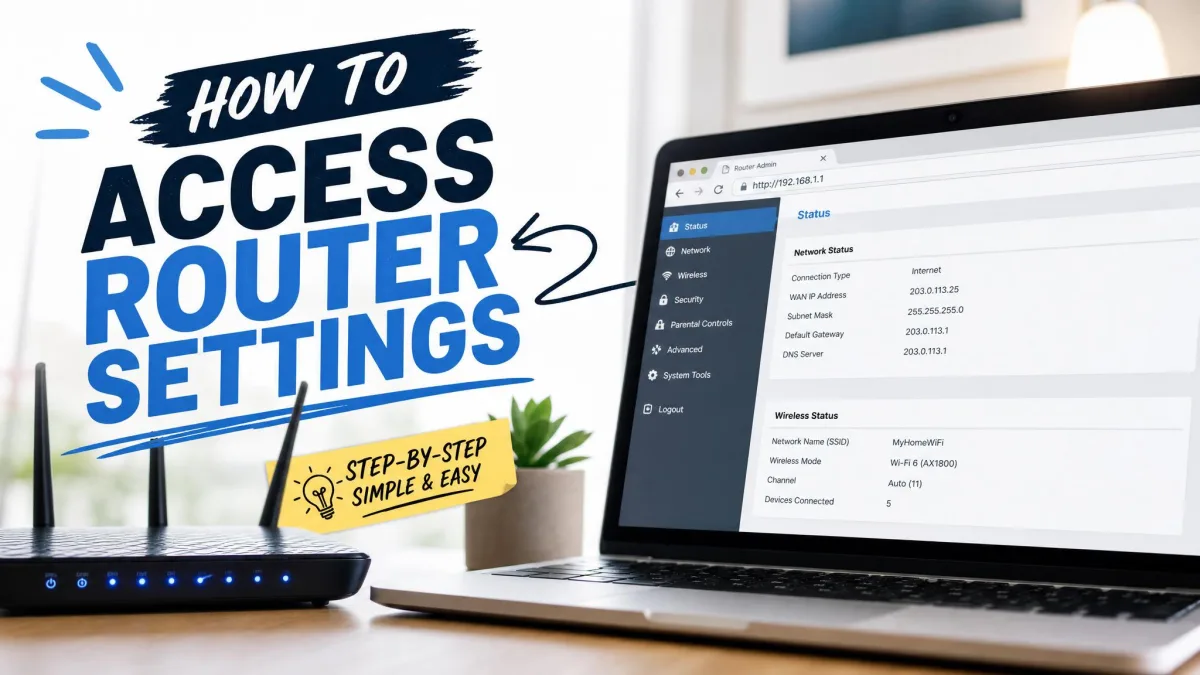
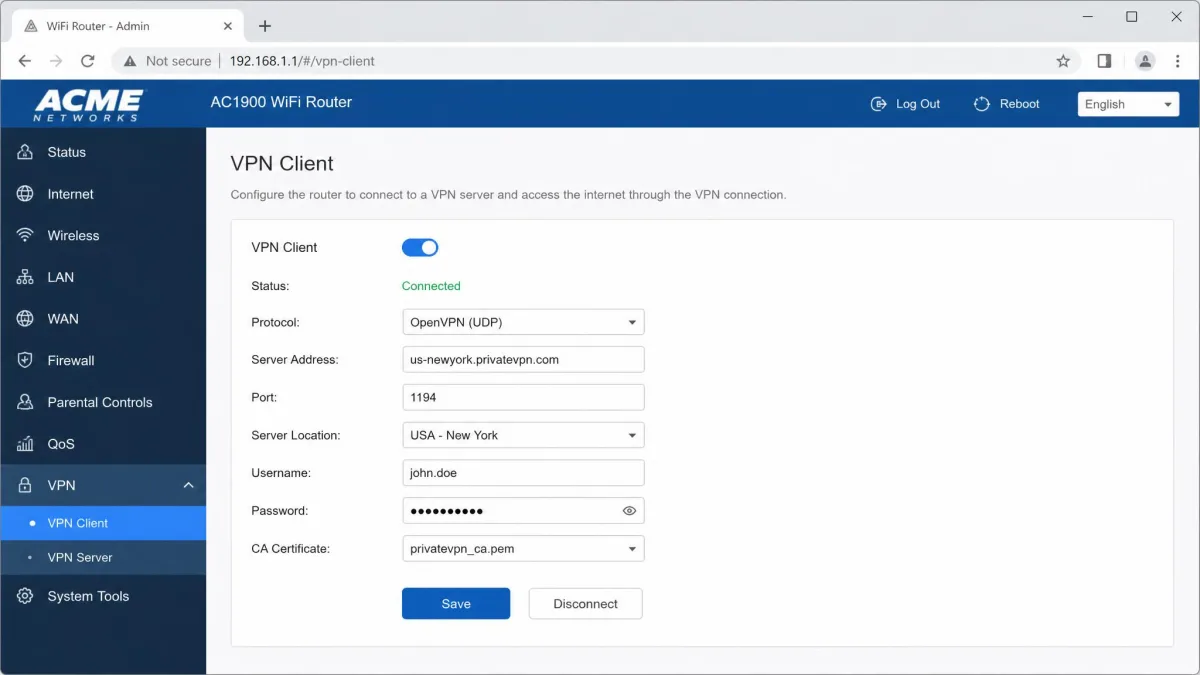
- Sign in to your router's admin page using the address printed on the router, usually something like 192.168.1.1.
- Find the VPN section, which most brands list under Advanced Settings or VPN Client. TP-Link's guide to router VPN clients walks through where its models put it.
- Download the configuration file or credentials for your chosen server from your VPN provider's website. Providers publish these under manual setup or router setup.
- Upload the config file or paste the details into the router, choose your protocol, and save.
- Turn the client on, then check your public IP address from a device on the network to confirm the tunnel is live.
- Run a speed test before and after so you know what the encryption is costing you.
If you are flashing new firmware first, do that step on a wired connection, never over Wi-Fi, and confirm your hardware revision before you upload anything.
The Bottom Line
A VPN router is the most thorough way to cover a home network, and it is genuinely the only way to get encrypted traffic out of a smart TV or a games console. You pay for that in speed and in money, since router hardware is slower than your laptop and capable hardware costs more than the router your provider handed you.
If you have a house full of connected devices, buy a pre-configured router or one with a built-in client and set it once. If you mainly want privacy on a phone and a laptop, a good VPN app does the job better. Many households are best served by running both.