Do you actually need to pay for a PC cleaner, or will a free one do the same job? That is the real question behind this matchup, and the answer is not the same for every machine.
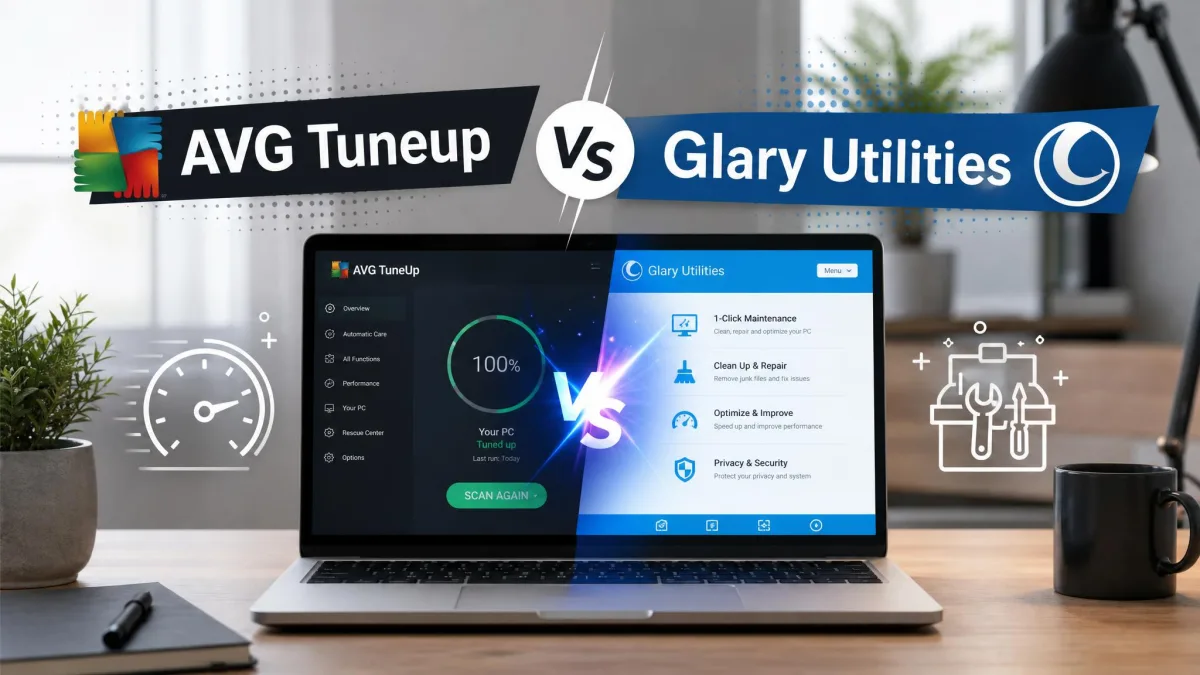
AVG TuneUp is a paid maintenance suite. It cleans junk files, sweeps the registry, manages startup programs, hibernates idle apps, updates software and defragments drives, all from one dashboard. Wise Disk Cleaner is a free Windows utility with a narrower job: find junk files, remove them, defragment the drive and wipe browser traces.
We ran both on Windows test machines over a week of ordinary daily use, on a maintained laptop and on an older desktop that had not been cleaned in months. We measured what each one reclaimed, how long each scan took, and how much nagging we put up with along the way.
The Short Answer: Which One Wins
Wise Disk Cleaner wins on value, and it is the tool most people should install first. It costs nothing, weighs 11.8 MB, and freed more space on our neglected desktop than we expected from a free utility.
AVG TuneUp wins on breadth. If you want startup management, a software updater and automatic weekly maintenance handled for you, it is the only one of the two that does those jobs.
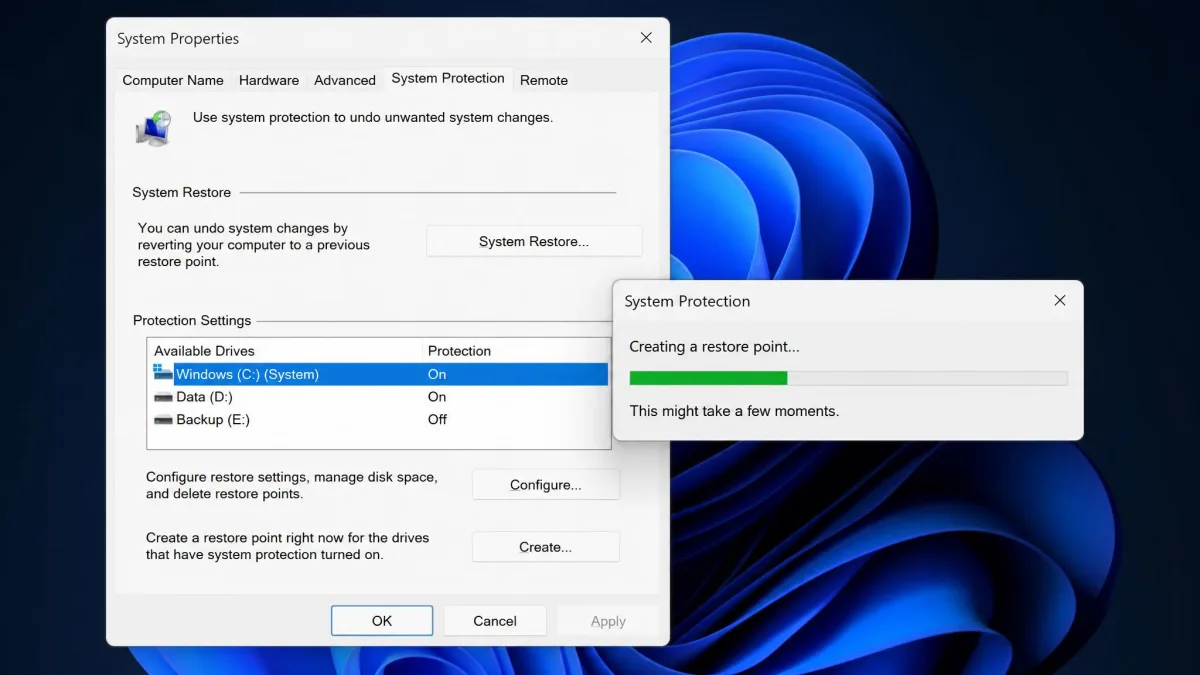
Create a restore point before your first run with either tool. WiseCleaner's own advice is to close your browsers first, and it is good advice for any cleaner.
AVG TuneUp vs Wise Disk Cleaner at a Glance
| Feature | AVG TuneUp | Wise Disk Cleaner |
|---|---|---|
| Junk-file cleaning | Yes, disk cleanup plus automatic maintenance | Yes, Common Cleaner plus Advanced Cleaner deep scan |
| Registry cleaner | Yes | No |
| Startup manager | Yes, plus Sleep Mode app hibernation | No |
| Disk defragmentation | Yes | Yes, with SSD TRIM support |
| Browser and privacy cleanup | Yes | Yes, plus Safe Deletion secure overwrite |
| Software updater | Yes, automatic | No |
| Scheduling and automation | Yes, weekly automatic maintenance | Yes, AutoClean daily, weekly, monthly, at logon or idle |
| Price | Paid subscription, around $35 first year for up to 10 devices | Free |
| Trial and refund | 7 days free, 30-day money-back guarantee | Not applicable |
| Platforms | Windows 7 and later, macOS 10.10+, Android 10+ | Windows 10 and 11 only |
| Latest version | Not published | 11.3.7 |
What Each Tool Actually Does
AVG TuneUp: the all-in-one tune-up suite
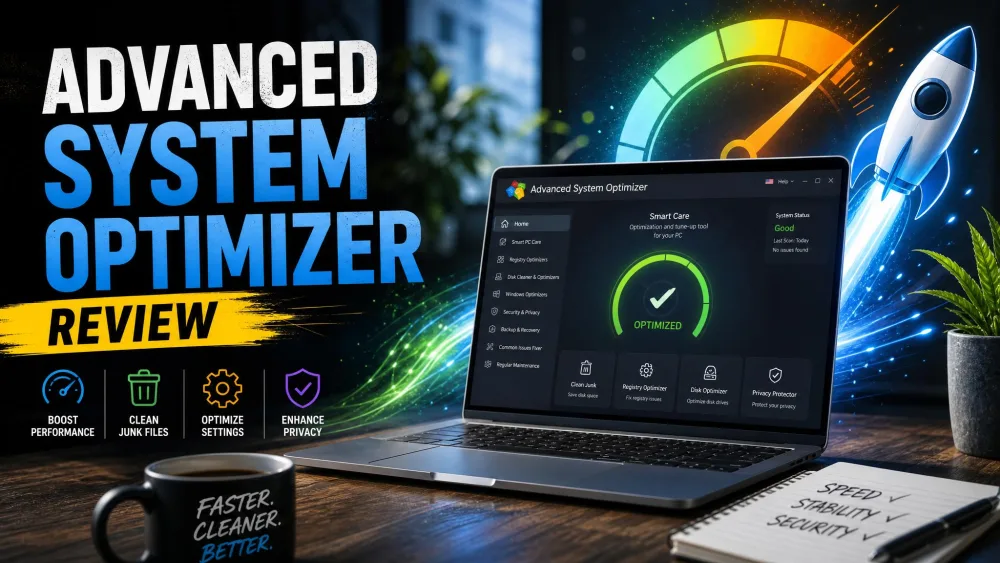
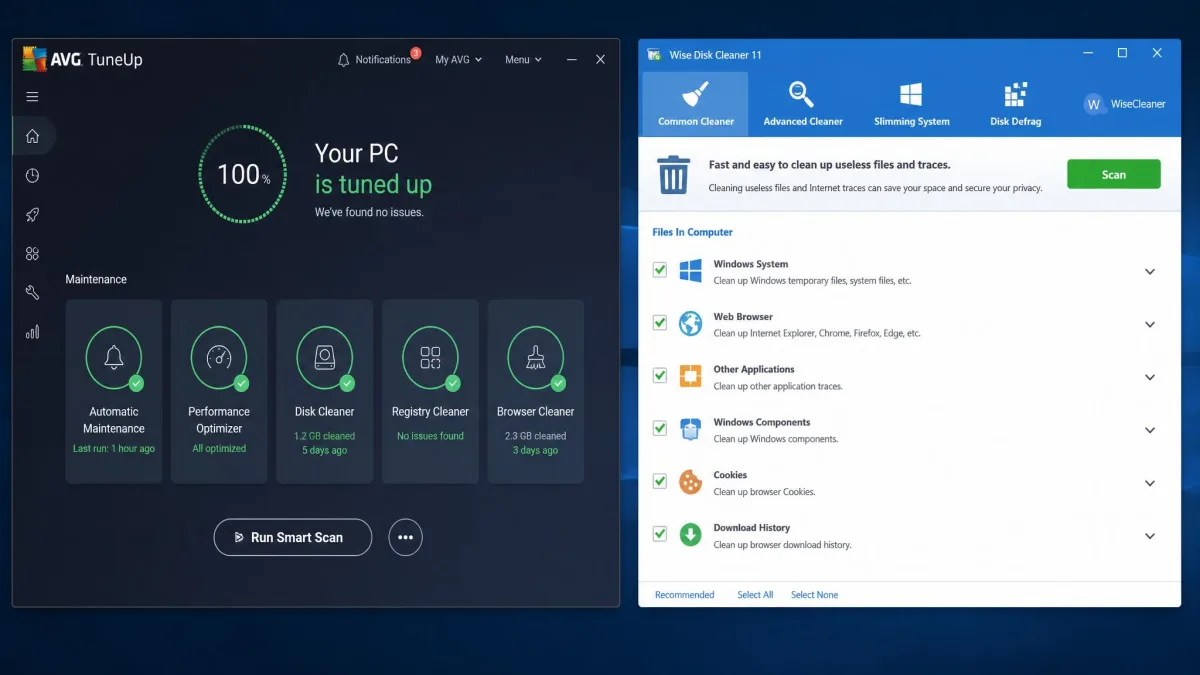
AVG TuneUp bundles ten or so maintenance jobs behind one dashboard. Junk and disk cleanup, a registry cleaner, browser data cleanup, Sleep Mode app hibernation, startup optimization, a bloatware uninstaller, an automatic software updater, disk defragmentation, weekly automatic maintenance and real-time monitoring all live in the same window.
The scan is fast. A full pass finished in around 30 seconds on our test machine, and it picked out junk files, unused applications and outdated programs on a two-year-old Windows PC without any prompting from us.
It runs on Windows 7, 8, 10 and 11. There are also builds for macOS 10.10 and above and for Android 10 or later, which matters if you want one subscription covering a household of mixed devices.
Wise Disk Cleaner: the focused free junk cleaner
Wise Disk Cleaner does fewer things and asks for nothing. The current release is version 11.3.7, the download weighs 11.8 MB, and there is a portable build if you would rather not install anything.
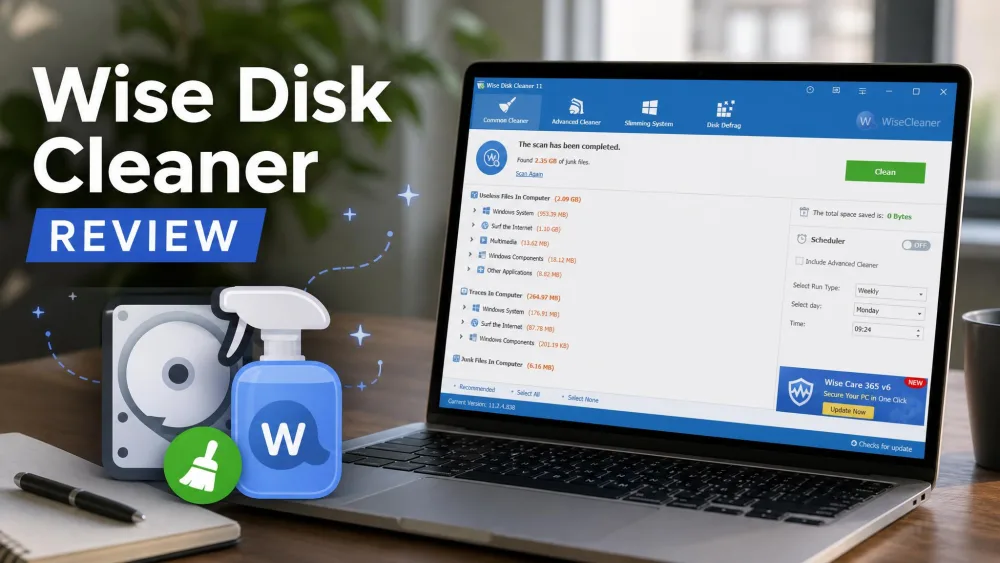
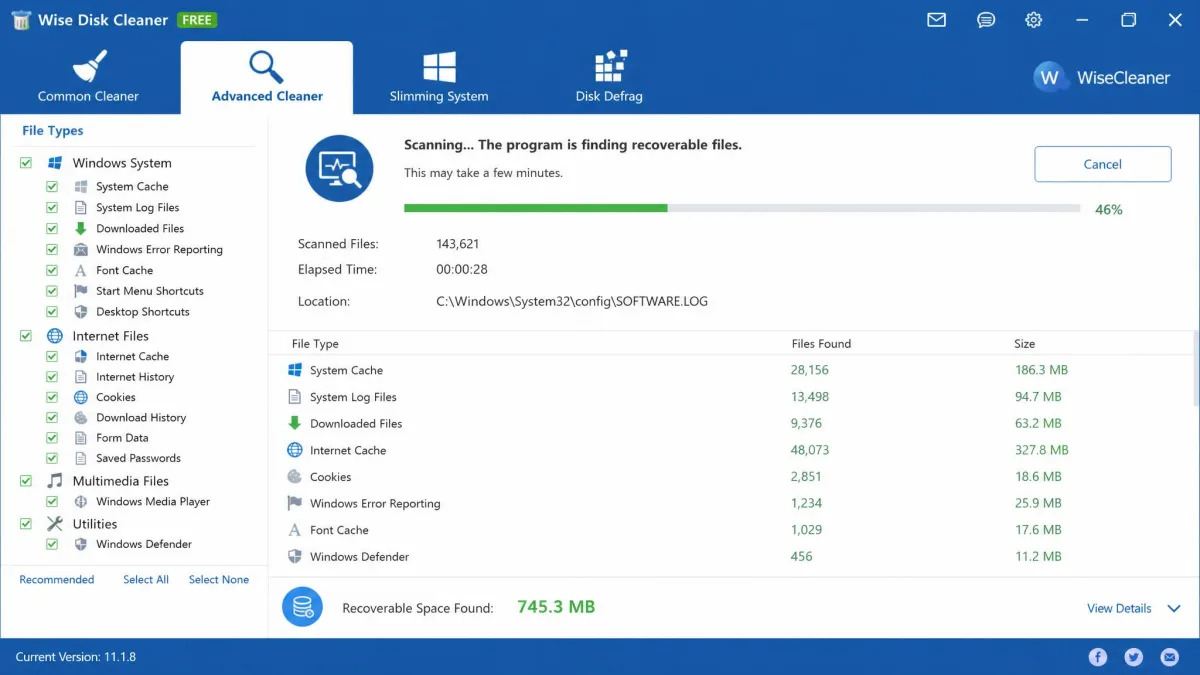
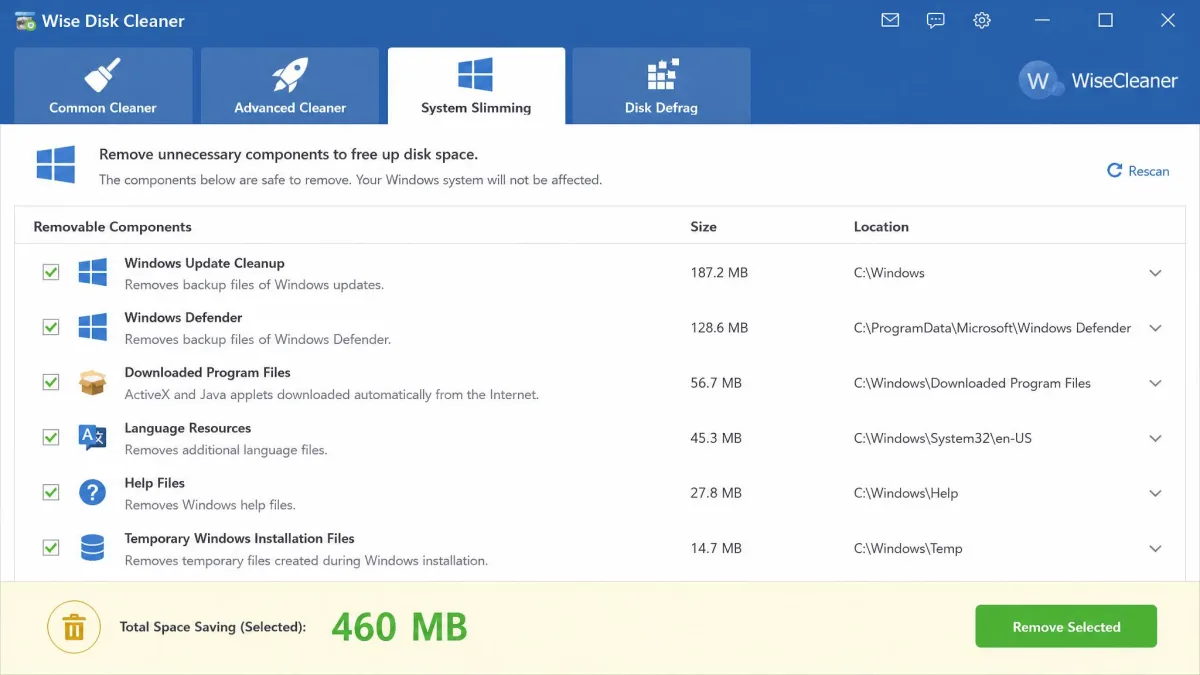
The layout is four tabs. Common Cleaner handles everyday junk, Advanced Cleaner runs a deeper scan across file types you choose, Slimming System strips out removable Windows components, and Disk Defrag handles drives with SSD TRIM support built in.
The workflow is two clicks. Press Scan for the analysis, then press Clean to remove what it listed. It supports Windows 11 and Windows 10 only, so Mac and Android users are out.
Feature-by-Feature Comparison
Junk and temporary file cleaning
This is the only job both tools share fully, and it is closer than the price gap suggests.
Wise Disk Cleaner's standard scan surfaced 630.88 MB on our older test PC, with another 169.8 MB coming from Advanced Cleaner, for roughly 800 MB in total. On the same machine CCleaner found 273 MB. On a maintained laptop the numbers shrank hard: Advanced Cleaner removed 141 files and freed 157.6 MB in a few seconds.
AVG TuneUp finds junk just as readily, and its own lab figures claim 75 GB recovered on a test desktop and 38.5 GB on an Asus Zenbook. Those totals came from machines carrying years of Windows upgrade backups, so treat them as a ceiling rather than an expectation. A maintained PC yields a fraction of that.
Registry cleaning and repair
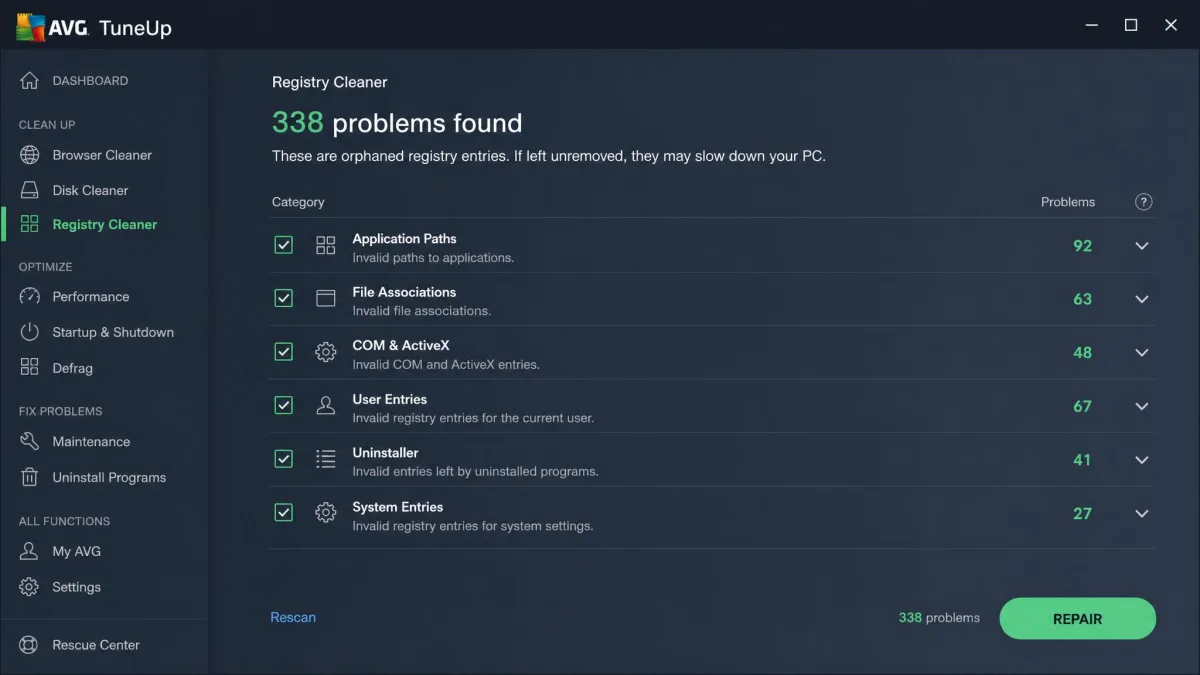
AVG TuneUp includes a registry cleaner. Wise Disk Cleaner does not, and WiseCleaner sells that as a separate product.
Registry cleaning is the riskiest thing any tune-up suite does, and the payoff is small. A modern Windows install does not slow down measurably because of stale registry keys. If you run it, take the backup the tool offers.
Startup and background app management
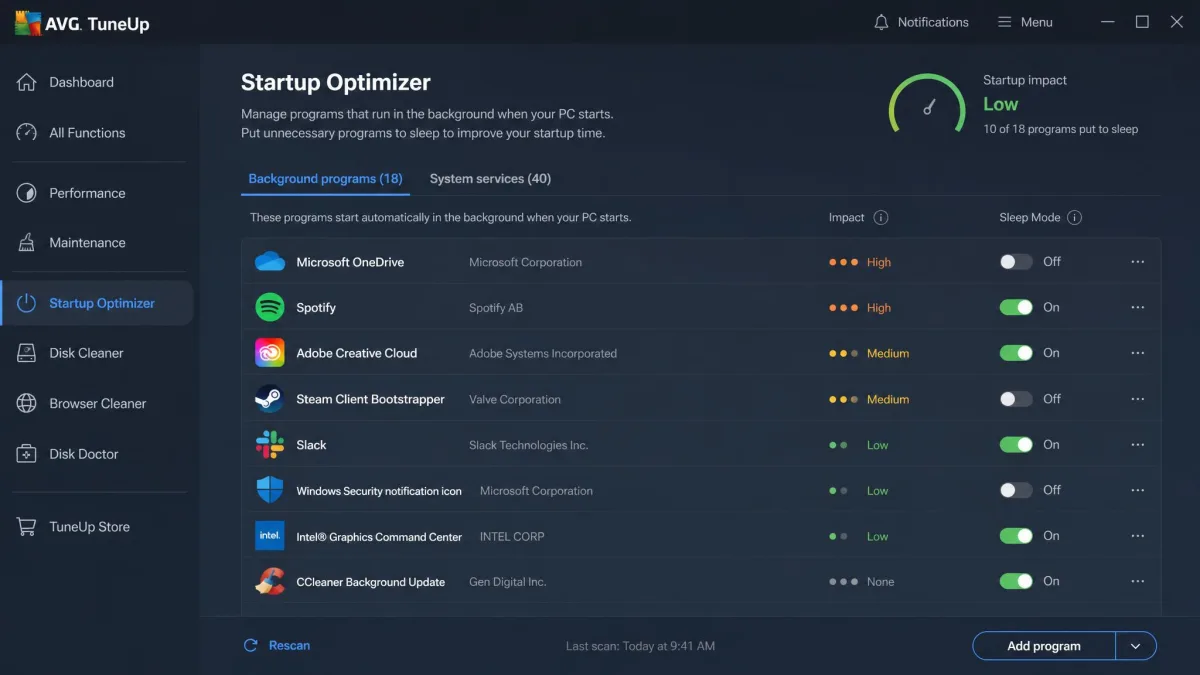
Only AVG TuneUp handles this. Its startup optimizer lists what loads with Windows and ranks the impact, and Sleep Mode hibernates background apps you are not using so they stop drawing resources.
Trimming startup entries shaved a modest amount off boot time on our older machine. On the already-lean laptop the gain was small enough that we would not have noticed it without a stopwatch.
Wise Disk Cleaner leaves startup entries alone entirely. Task Manager already does this job for free.
Disk defragmentation
Both defragment. Wise Disk Cleaner's defrag tool recognises SSDs and issues TRIM instead of a pointless shuffle, which is the correct behaviour on any drive made in the past decade.
AVG TuneUp defragments as part of its maintenance routine. On an SSD, neither tool should be the reason you buy anything.
Browser and privacy cleanup
Both clear browser caches, cookies and history. Wise Disk Cleaner goes further with Safe Deletion, which overwrites files so they cannot be recovered.
One caveat from our runs: Wise Disk Cleaner can leave Chrome cache and Chrome sessions in place even with those boxes checked. Close Chrome before you scan and the results are consistent, or clear it from inside Chrome yourself.
Automation and scheduling
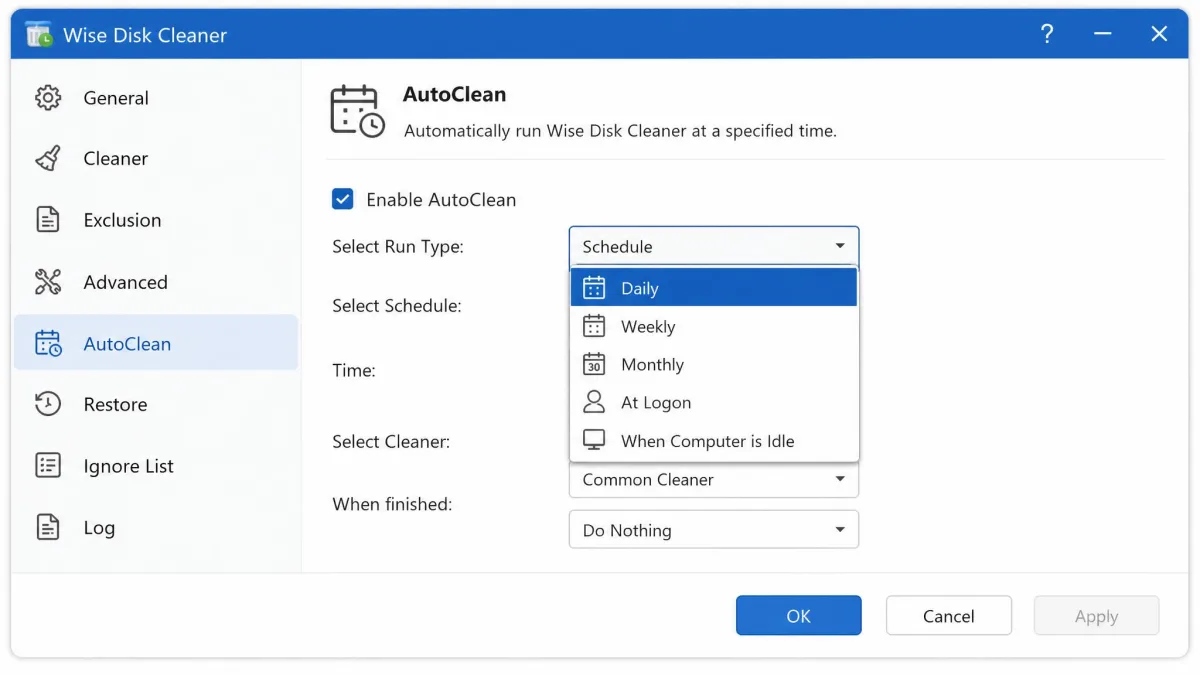
Wise Disk Cleaner's AutoClean can run daily, weekly, monthly, at logon, or when the PC sits idle. There is also a one-click desktop widget that cleans without opening the app.
AVG TuneUp runs automatic weekly maintenance and monitors in real time, which is a step further: it acts on more categories than junk files alone. This is the clearest thing the subscription buys.
The paid suite does not clean deeper than the free one. It cleans wider, and it keeps doing it without being asked.
Performance: How Much Space and Speed Do You Actually Get Back?
Space first. On a neglected desktop, Wise Disk Cleaner reached roughly 800 MB across its two cleaners, with a further 460 MB of removable Windows components waiting in the Slimming System tab. On a maintained laptop the same tool freed 157.6 MB. That range is the honest answer for any cleaner: your result depends entirely on how long the machine has gone untouched.
Speed is the weaker story. AVG's lab claims 53% quicker startup on a 2008 desktop, from 336 seconds to 159, and 77% quicker on an Asus Zenbook, from 38 seconds to 8.7. Those are aged, heavily loaded test machines and do not represent a typical modern PC.
What we can say from using both is plainer. AVG TuneUp's full scan finishes in about 30 seconds. Wise Disk Cleaner cleaned a week's accumulated junk in under two minutes. Neither turned a slow computer into a fast one, and no cleaner does. Fixing a genuinely slow PC comes down to what loads at boot, what runs in the background, and whether the hardware is still up to the job.
Ease of Use and Interface
Wise Disk Cleaner is the simpler app by a wide margin. Scan, then Clean. Light and dark modes are both there, the four tabs are labelled in plain English, and nothing is buried.
It does have one habit that confuses new users. The Recycle Bin is not emptied by default. It sits as an unchecked option under System settings, and it reads as a bug until you find it.
AVG TuneUp is busier. The dashboard is well organised and every module explains itself, but there is more of it, and there are subscription pop-ups and renewal reminders that get annoying during normal use. That noise is the price of the free-trial funnel.
Pricing: Free vs Paid
Wise Disk Cleaner is 100% free. There is no paid tier for the cleaner itself and no feature held back behind an upgrade prompt.
AVG TuneUp is a subscription. Expect roughly $35 for a first year covering up to 10 devices, though AVG's price swings with rotating seasonal promos and region, and the renewal rate is well above the first-year rate. Third-party listings quote $64.99 for a single device and $75.99 to $79.99 for ten. You get 7 days free to try it, with no credit card required, and a 30-day money-back guarantee after that.
AVG TuneUp renews automatically at list price, not at the promotional rate you paid. Diarise the renewal date the day you subscribe. Trial activation can also misfire, with the trial reported as already expired straight after installation, so check your status before the clock starts.
Safety, Bundled Offers, and System Impact
Neither tool tried to install extra software during our week of use, which is more than we can say for a lot of this category.
Both carry the standard cleaner risk: an aggressive pass can remove something you wanted. Microsoft Office installations have been reported to break after a Wise Disk Cleaner run, and the developer's own advice is to close browsers before scanning and create a restore point first. Follow it.
Reputation is mixed on both sides. WiseCleaner holds a 4-star Trustpilot score across 88 reviews, and Snapfiles users average 4 stars across 10 reviews, though WiseCleaner's support draws complaints about refunds on its paid products. AVG Technologies scores 1.9 out of 5 on Trustpilot across 2,536 reviews, a figure that covers the whole company rather than TuneUp alone.
System impact is light for both. Wise Disk Cleaner in particular barely registers, and it updates frequently while carrying your settings across each update.
Pros and Cons
Pros
- AVG TuneUp: the widest feature set of the two, covering registry, startup, updates and defrag in one place
- AVG TuneUp: automatic weekly maintenance means you never have to remember to clean
- AVG TuneUp: covers Windows, macOS and Android on one subscription
- AVG TuneUp: 7 days free with no credit card, plus a 30-day money-back guarantee
- Wise Disk Cleaner: completely free with nothing withheld
- Wise Disk Cleaner: an 11.8 MB download with a portable build available
- Wise Disk Cleaner: found roughly 800 MB of junk on a neglected PC, well ahead of CCleaner's 273 MB on the same machine
- Wise Disk Cleaner: AutoClean scheduling and a one-click desktop widget
Cons
- AVG TuneUp: subscription pop-ups and renewal reminders interrupt normal use
- AVG TuneUp: renewal pricing is much higher than the first-year rate, and the list price is hard to pin down
- AVG TuneUp: trial activation can misfire and report itself as expired
- AVG TuneUp: no measured evidence it cleans deeper than the free option
- Wise Disk Cleaner: Windows 10 and 11 only, with no Mac or Android build
- Wise Disk Cleaner: no registry cleaner, startup manager or software updater
- Wise Disk Cleaner: the Recycle Bin is unchecked by default and easy to miss
- Wise Disk Cleaner: Chrome cache can survive a scan if the browser is open
Which One Should You Choose?
Choose AVG TuneUp if...
You want maintenance handled without thinking about it, across more than one device, and preferably across more than one operating system. The automatic weekly routine, Sleep Mode and the software updater are the parts you cannot get from the free tool. Use the 7-day trial before you commit and set a reminder for the renewal.
Choose Wise Disk Cleaner if...
You want to free up space on a Windows PC and nothing more. That is most people. It costs nothing, installs in seconds, keeps running smoothly in the background on a schedule, and its deep scan finds junk files that lighter cleaners miss.
Consider a different tool if...
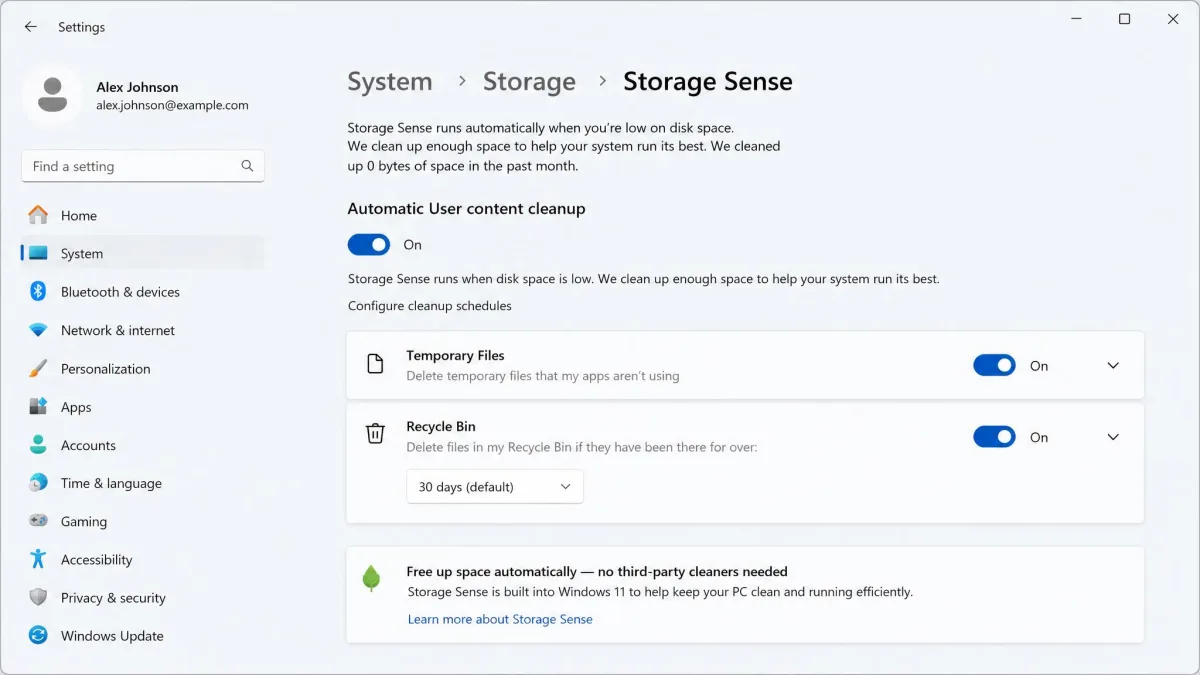
You are not sure you need either. Windows' built-in Disk Cleanup and Storage Sense already handle junk, Task Manager already handles startup entries, and Settings already handles uninstalls.