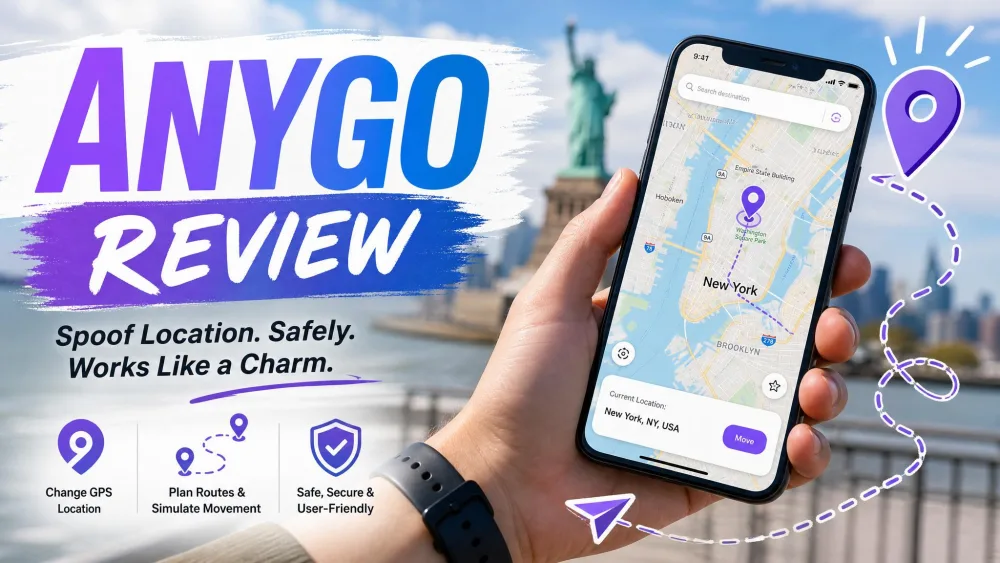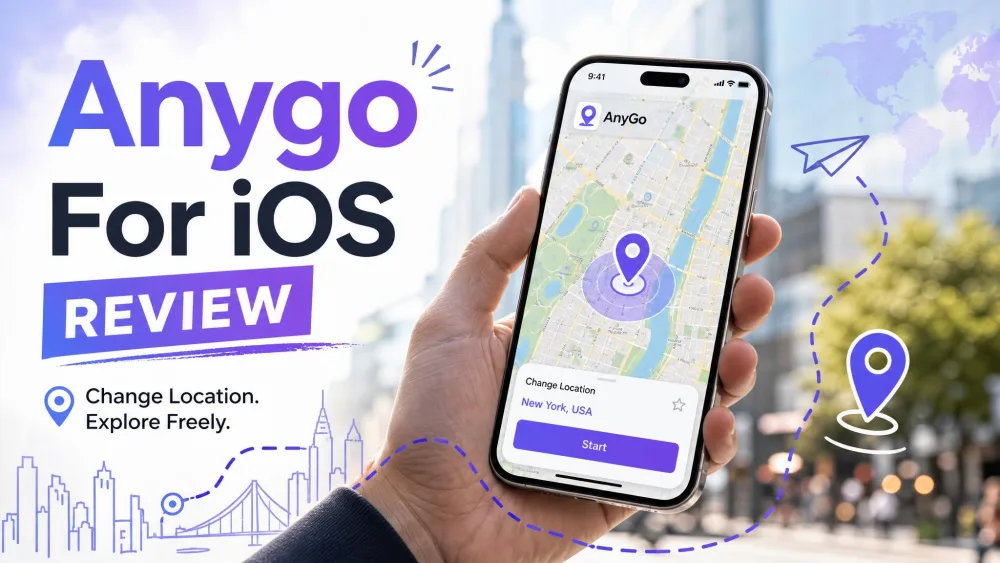
Wondering whether AnyGo for Android actually spoofs your GPS without bans, errors, or a fiddly setup? We installed iToolab AnyGo on Android and ran it through teleport, route, and joystick modes to see how it behaves outside the marketing copy. This review covers what the app does well, where it stumbles on Android specifically, what it costs, and whether it is safe and worth paying for in 2026.
The short version: AnyGo is a capable, user-friendly location changer that spoofs your position on Android without root, but the Android setup is clunkier than the iOS flow and the ban risk in strict games is real enough to plan around. Below we break down the features, the pricing, and the honest trade-offs.
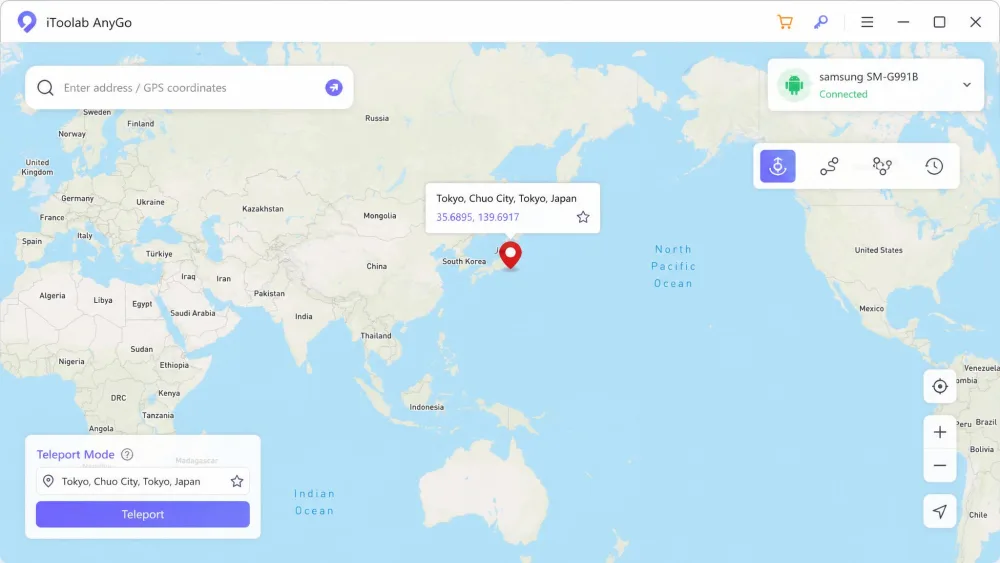
We tested AnyGo on Android through its teleport, two-spot movement, and joystick modes. Teleporting registered as instant, jumping our position from the sofa to downtown Tokyo in a few clicks, and the app did not crash during core teleporting once it was running. The catch is the Android connection: you enable USB Debugging and keep the phone tethered by cable, and the on-screen map felt laggy and slow to load at times.
What Is iToolab AnyGo? (Android Overview)
iToolab AnyGo is a desktop GPS location changer that spoofs the position your Android phone reports to apps and games. You run the AnyGo app on a Windows or Mac computer, connect your phone, and set a fake location that other apps then read as your real one. It works with social apps, dating apps, and AR games without root or jailbreak.
On Android the standout selling points are teleporting to any point on the map, simulating natural movement along a route, and steering with a joystick. It is the same tool many people know as AnyGo for iOS, and iToolab positions it for both platforms.
Is iToolab AnyGo Safe, Legit, and Free to Use?
AnyGo is a legitimate product, not malware. Downloaded from the official website, the app installs cleanly and adds no bundled junk. The download itself is free, but a subscription is required to unlock full functionality, so "free" only covers trying the interface, not spoofing without limits.
The interface is clean and setup is straightforward, which reviewers and non-technical users both describe as easy to follow. In our testing the core spoofing worked, though results can be hit-or-miss depending on your specific device or app version. That inconsistency is worth knowing before you buy.
Spoofing your GPS violates the terms of service of most games and location apps. Even with AnyGo's safeguards, faking your location can still trigger detection or account penalties in strict apps, so never spoof on an account you cannot afford to lose.
Ban and Detection Risk (Pokemon GO / AR games)
For AR games the risk is concrete. AnyGo includes a cooldown timer that spaces out your location jumps to reduce soft-ban and detection flagging in Pokemon GO, which helps but does not make you invisible. Trial users describe the safest-feeling approach as changing location over USB and then walking around a nearby area rather than teleporting long distances.
One limitation for gamers: AnyGo does not resolve Pokemon GO Error 12, a known issue that some players hit regardless of the spoofing tool they use.
Key Features of iToolab AnyGo on Android
AnyGo bundles the full set of location tricks most spoofers advertise, and in practice the range is genuinely useful.
Teleport to Any Location
Teleport is the headline feature. You type an address or drop a pin, click to move, and your Android phone instantly reports that spot. In our testing the jump registered as instant with no visible delay once the app was connected.
Simulate GPS Movement (Two-Spot / Multi-Spot)
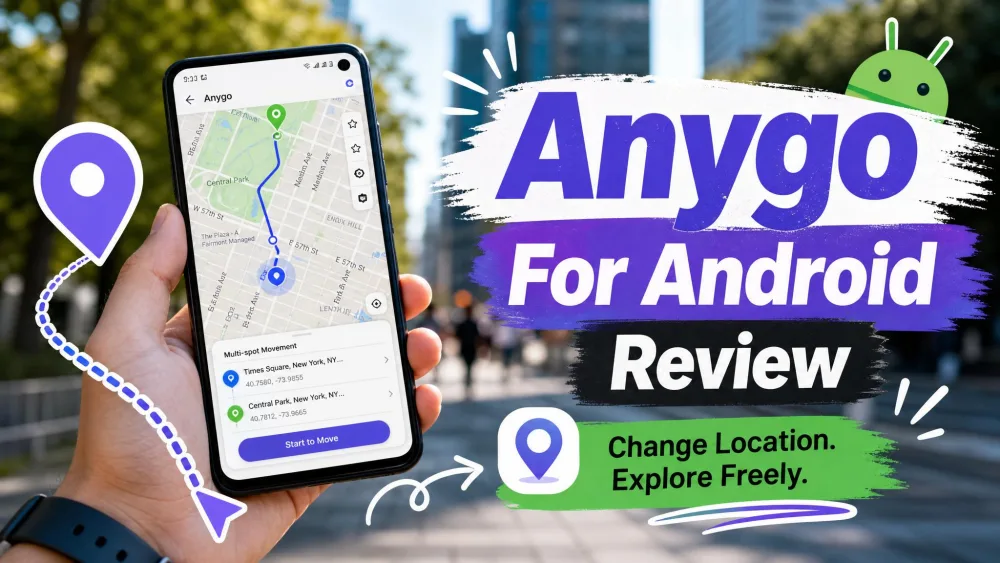
Beyond static teleporting, AnyGo simulates movement between points. Two-spot mode walks you in a straight line between a start and end, while multi-spot lets you plot several stops so the path looks more natural. You can adjust the speed to match walking, cycling, or driving.
Joystick / Custom Route Control
A 360-degree joystick gives you live control of direction as you move, which is handy for games where you want to steer manually instead of following a fixed line. Combined with the speed slider, it makes movement feel less robotic than a straight teleport.
Import GPX Files and Historical Records
AnyGo imports GPX files, so you can load a pre-made route and replay it. It also keeps historical records and favorites, letting you jump back to locations you used before without re-entering coordinates. This is a small convenience that adds up if you spoof the same spots repeatedly.
Multi-Device Support (No Root Required)
None of this needs root or jailbreak. AnyGo also supports controlling up to 15 devices simultaneously from one computer, which is more than most rivals offer and useful if you manage several phones at once.
How to Use iToolab AnyGo on Android (Step by Step)
Setup on Android takes a few more steps than on iOS, mostly because of the USB requirement.
Step 1: Download and Install
Download AnyGo from the official website and install it on your Windows or Mac computer. Launch the app and accept the initial prompts before connecting anything.
Step 2: Connect Your Android Device
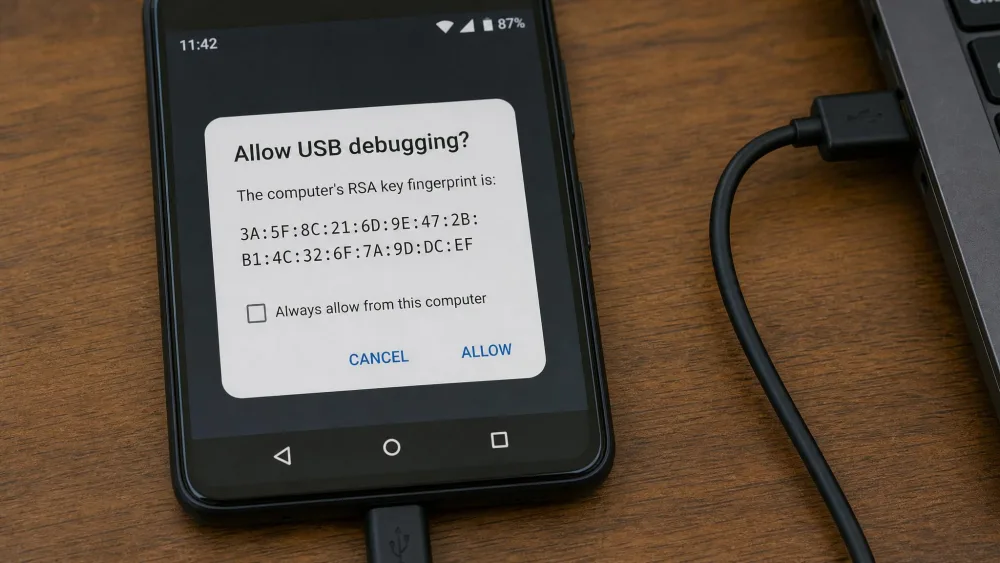
Connect your phone to the computer with a USB cable and enable USB Debugging in Android's developer options. AnyGo walks you through this, and Android relies on the same mock location developer settings under the hood. The phone stays tethered by cable for the session, which is the clunkier part of the Android flow.
Step 3: Change or Simulate Your GPS Location
Once connected, pick teleport, movement, or joystick mode, set your target, and confirm. Your Android location updates immediately. To restore your real GPS, close AnyGo and restart your phone, and the fake location clears.
iToolab AnyGo Android Compatibility and Supported Apps
Supported Android Versions and Requirements
AnyGo supports Android 7.0 and above, so most phones from the last several years qualify. The hard requirement on Android is a USB cable connection with USB Debugging enabled, run from a Windows or Mac computer. There is no Wi-Fi-only path on Android, which is the main platform trade-off versus iOS.
Supported Games and Location-Based Apps
The app works with over 100 mobile games and location-based apps, including Pokemon GO. That covers the usual AR games, dating apps, and social platforms people spoof most. Compatibility spans both iOS and Android, so the same license carries across platforms.
iToolab AnyGo Pricing and Plans
AnyGo is subscription-based, and the pricing rewards longer commitments. The monthly plan runs $9.95/month. Stepping up to quarterly billing drops the effective rate to $6.65/month, and the yearly plan lands at $4.16/month billed annually. There is also a lifetime plan at $59.99 as a one-time payment (regularly $179.99), which covers up to 15 phones and is the best value if you plan to keep spoofing long term.
The free download only lets you explore the interface. Actually spoofing your location requires an active subscription, so budget for at least the monthly plan if you want to test it properly.
iToolab AnyGo Ratings and Real User Reviews
User sentiment is broadly positive but not uniform. Aggregate ratings sit around 4.2 out of 5 across roughly a thousand reviews, though scores differ sharply between review sites, so we treat the exact star number as a range rather than a fixed figure.
The recurring praise is that the app is user-friendly and the location changes work as advertised. On the Pokemon GO spoofing communities, longtime users echo the same practical advice we found in testing.
So far it seems safe to me because the program changes the phone's location via USB. I don't intend to teleport, just to walk around my city.
— Paraphrased from r/PokemonGoSpoofing user sentiment
The common complaints are consistent too: customer support is sometimes slow to respond, and after an app or OS update the tool can stop working properly until a fix ships. Spoofing reliability can also be hit-or-miss depending on your device.
Pros and Cons of iToolab AnyGo for Android
Pros
- No root or jailbreak required on Android
- Clean, user-friendly interface that non-technical users can follow
- Controls up to 15 devices at once
- GPX import, joystick, and multi-spot route simulation
- Works with 100+ apps and AR games, including Pokemon GO
Cons
- Subscription pricing, with no fully free spoofing tier
- Android setup requires a USB cable and USB Debugging
- iOS-first focus, so Android gets the clunkier flow
- Detection and ban risk remains in strict games
- Support can be slow, and updates sometimes break spoofing
Best Alternatives to iToolab AnyGo
If AnyGo's USB tether or pricing does not suit you, two competitors come up most often, and we rank the wider field in our guide to the best location spoofers for Android. iTools Virtual Location is popular in the Pokemon GO community and can detect stops and gyms within a coordinate range, but its virtual location is a paid add-on on top of a base price. Syncios Location Changer supports newer OS versions and also skips root or jailbreak.
| Product | Buy | Price / subscription | Android support | No root | GPX import | Multi-device | Ban risk |
|---|---|---|---|---|---|---|---|
 |
Check price → | $9.95/mo (from $4.16/mo yearly) | Android 7.0+ | Yes | Yes | Up to 15 | Possible; cooldown timer helps |
 |
~$59.95 + $4.99/mo add-on | Yes | Yes | Limited | Not stated | Pokemon GO friendly | |
 |
Subscription (not published) | Up to Android 16 | Yes | Yes | Up to 10 | Possible |
For most Android users who want the widest feature set and multi-device control, AnyGo is still the one we would reach for first.
iToolab AnyGo FAQ
Is iToolab AnyGo free?
Is iToolab AnyGo safe and legit?
Does AnyGo work on both Android and iOS?
Does AnyGo require root or jailbreak?
Can AnyGo get me banned in Pokemon GO or AR games?
How do I restore my real GPS location?
How does the subscription work?
Final Verdict: Is iToolab AnyGo Worth It for Android?
AnyGo does what it promises on Android. Teleporting is instant, the movement and joystick modes are genuinely useful, and setup is simple enough for non-technical users despite the USB tether. The trade-offs are real: the map can lag, updates occasionally break spoofing, support can be slow, and the ban risk in strict games never fully goes away.