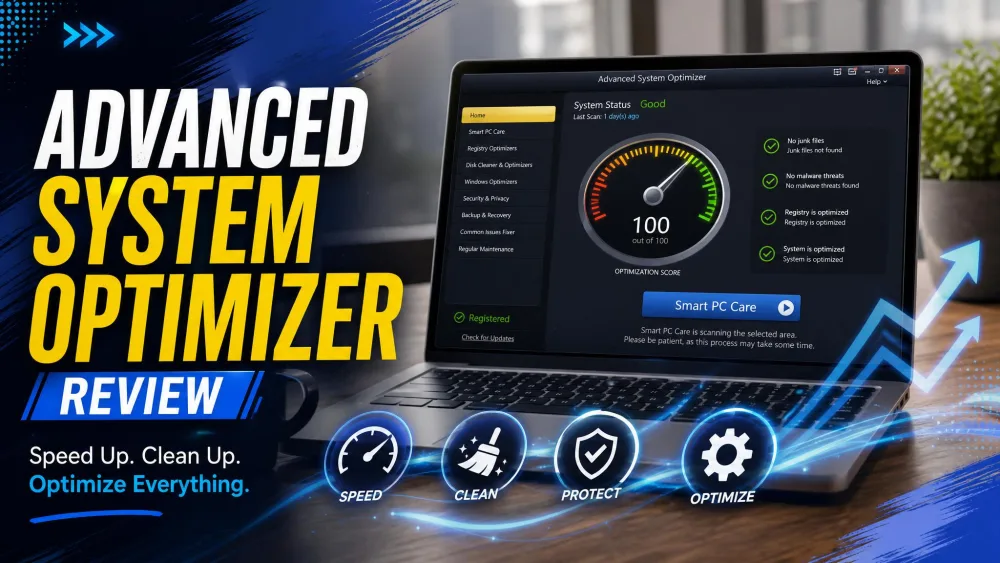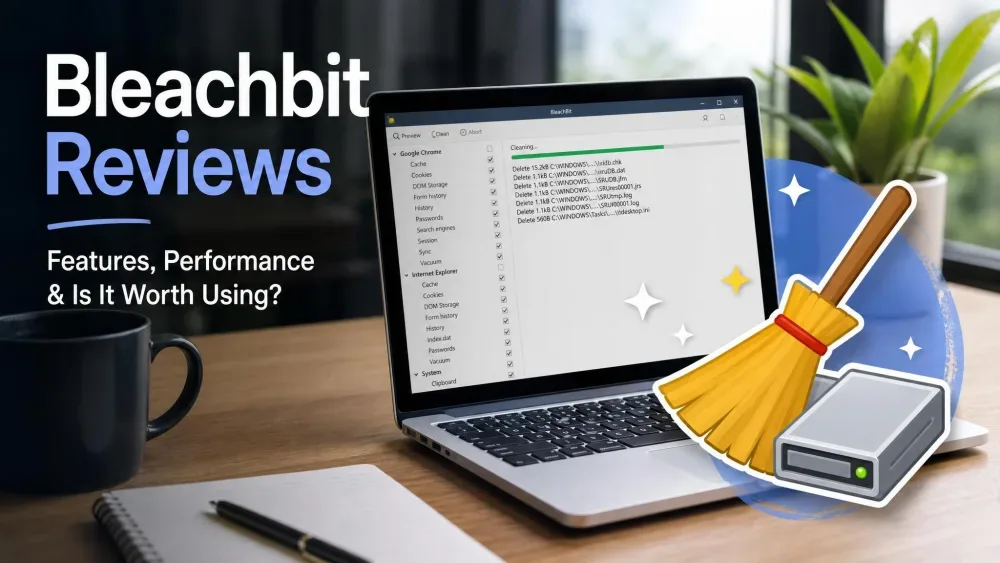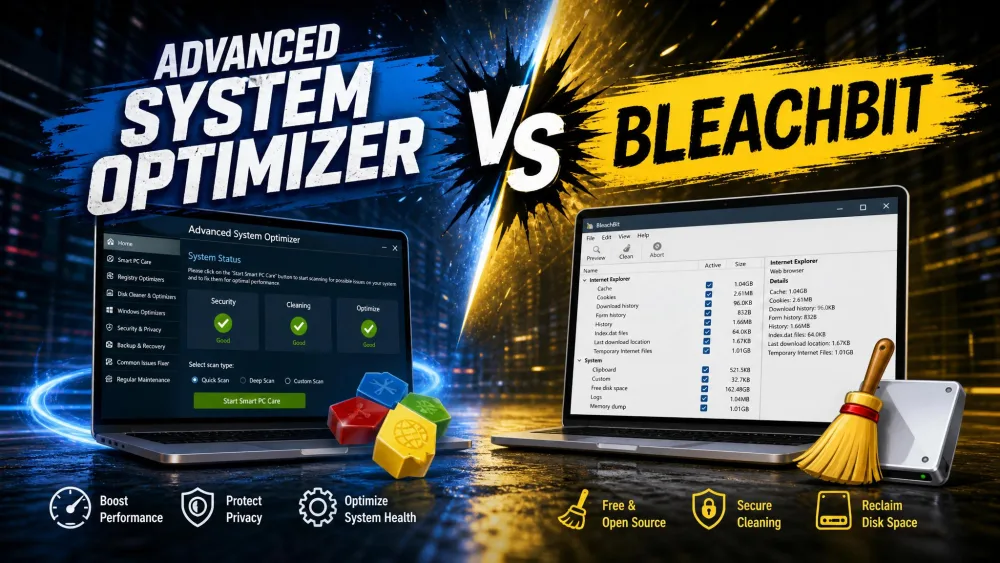
Picking a PC cleaner gets confusing fast, and this pairing shows why. On one side sits Systweak's Advanced System Optimizer, a paid all-in-one Windows tune-up suite. On the other sits BleachBit, a free, open-source privacy cleaner that also runs on Linux. One asks for a yearly license and hands you a full toolbox; the other costs nothing and stays deliberately narrow. That trade-off decides which tool belongs on your machine.
Before we go further, a name check matters. This comparison covers Systweak's Advanced System Optimizer, not IObit's Advanced SystemCare. The two get muddled constantly in search results, yet they are made by different companies with different feature sets. We keep them separate throughout so you know what you are buying.
We put both tools through our usual before-and-after cleanup routine on real, long-used Windows machines, watching what each one reclaimed and how safe it felt. Here is how they compare.
We ran both cleaners on long-lived Windows PCs cluttered with browser caches, temp files, and leftover app data. BleachBit reclaimed a few gigabytes of junk, modest but realistic rather than dramatic, while Advanced System Optimizer bundled the same cleaning into a wider suite. Neither delivered a night-and-day speed jump, so we judged them on depth, safety, and value.
Advanced System Optimizer vs BleachBit at a Glance
Both tools clean junk, but they aim at different users. The table below sums up the split.
Quick comparison table (price, platform, license, best for)
| Product | Buy | Price / licensing | Platform | Core function | Registry cleaning | Best for |
|---|---|---|---|---|---|---|
 |
Check price → | Free, open-source (GPLv3) | Windows 10 and 11, Linux | Privacy cleaner, secure shred | No | Free, transparent cleaning |
 |
Check price | $49.95 promo ($69.95 list), one year | Windows only | All-in-one optimizer | Yes | Paid all-in-one tune-up |
A note on names: Systweak Advanced System Optimizer, not IObit Advanced SystemCare
It is worth stressing again, because the mix-up is everywhere. The subject here is Advanced System Optimizer from Systweak, a paid Windows suite. It is not Advanced SystemCare from IObit, a separate free-tier optimizer. If a review shows a dashboard branded SystemCare, that is IObit's tool.
What Is Advanced System Optimizer?
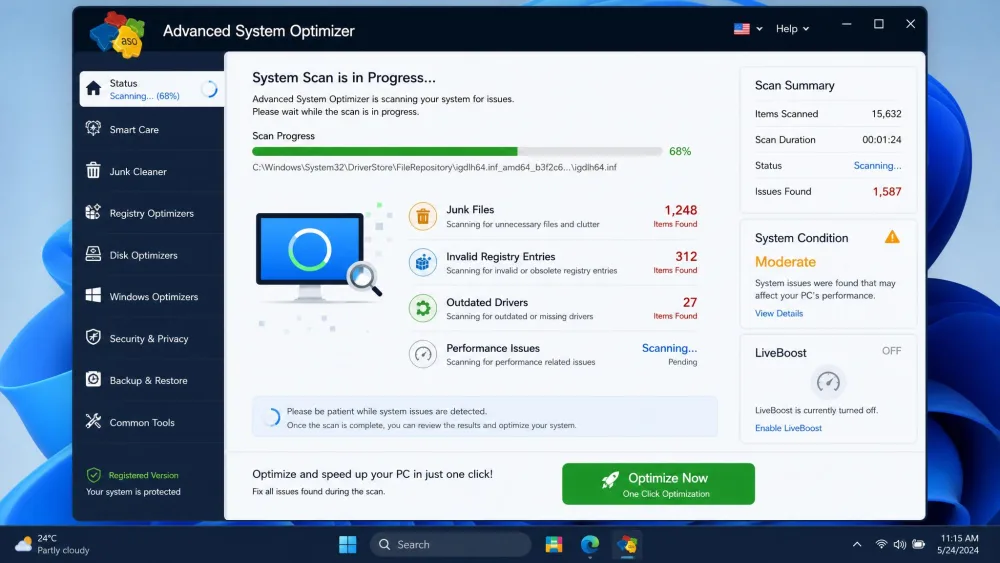
Advanced System Optimizer is Systweak's paid, all-in-one maintenance suite for Windows. It rolls cleaning, defragmenting, driver updates, and privacy tools into one polished interface, so you are not juggling separate apps for each chore.
Key features
The suite is broad. It packs a Registry Cleaner, a System Cleaner for junk and temp files, a Disk Optimizer, a Driver Updater with backup, Secure Delete and Secure Encryptor for privacy, plus a Game Optimizer, a duplicate file finder, and startup manager. A Quick Scan sweeps junk, browser cache, cookies, outdated drivers, and invalid registry entries, while a Deep Scan adds hard-disk defragmenting. It supports Windows 11 back through Windows 7.
Advantages
Bundling all of this in one place is the headline win, and it saves money against separate utilities. In our testing the interface stayed easy to use, with clear control over scan intensity. It also creates a restore point before acting, which makes cleanup reversible.
Limitations
The trade-offs are notable too. It is Windows only and proprietary, and benchmarks showed only a small real-world speed gain from the optimizing passes. Phone support runs weekdays on India time with no weekend calls, and we noticed the odd slowdown during large file backups.
Pros
- Broad all-in-one toolkit: registry, driver, defrag, and privacy tools in one app
- Polished, easy one-click interface with adjustable scan depth
- Creates a restore point before acting, so cleanup is reversible
Cons
- Paid yearly license, and Windows only
- Real-world speed gains were small in testing
- Proprietary code and weekday-only phone support
What Is BleachBit?
Where Advanced System Optimizer bundles everything into one paid suite, BleachBit takes the opposite approach. It is a free, open-source system cleaner focused on privacy. It clears junk, wipes caches, and securely shreds files so deleted data cannot be recovered. It runs on Windows and Linux, which makes it the more flexible tool of the two.
Key features
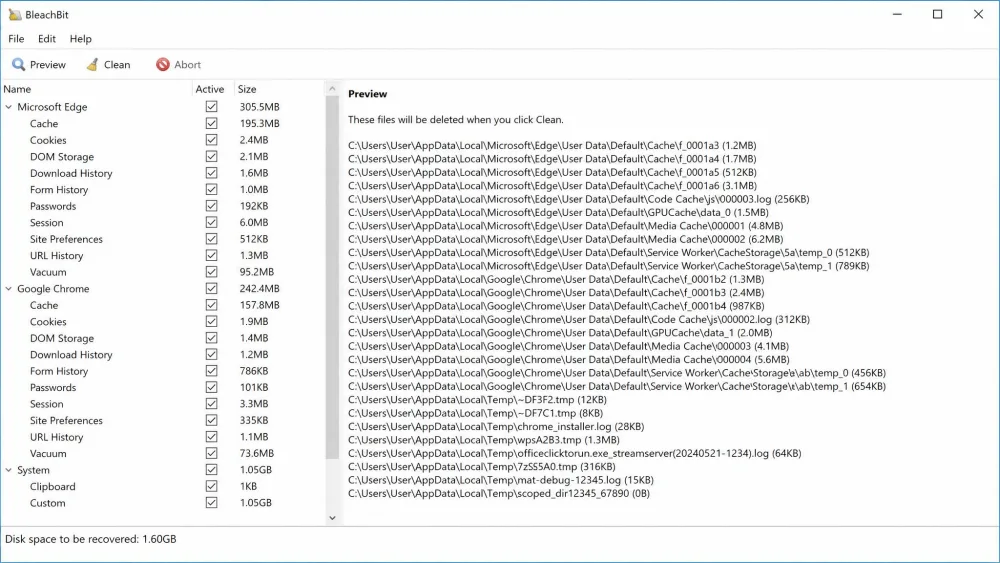
BleachBit erases temp files, browser history, cookies, logs, and application traces, and it can wipe free disk space so old deleted files stay gone. Secure file deletion and saved-password removal round out the privacy side. A Preview button lists exact file paths before anything is removed, and power users can write custom CleanerML rules or automate cleaning from the command line. The current release is version 6.0.2, and a Portable, no-install build is available for Windows.
Advantages
It is completely free and open-source under the GPLv3, with no ads or upsells, backed by 18+ years of active development. In our testing the Preview button was the standout: it listed every file path before deletion, and a second preview afterward confirmed the data was gone. Cross-platform support for Windows and Linux is a bonus no paid Windows suite matches.
Limitations
BleachBit does not clean the Windows registry, by design, so it skips a job the Systweak suite handles. It failed to detect an installed Chrome in one scan and surfaced fewer applications than its docs suggested. The default Gnome-style theme feels out of place on Windows until you change it, and there is no granular control over individual data types. Cleaning is entirely manual and opt-in, which rewards discipline but offers little hand-holding.
Pros
- Free, open-source (GPLv3), with no ads or upsells
- Strong secure delete, free-space wiping, and preview-before-delete
- Cross-platform: runs on Windows 10 and 11 plus Linux
Cons
- No registry cleaner or driver tools
- Manual and opt-in, with a Gnome-style UI that feels un-Windows
- Missed some installed apps during a real scan
Head-to-Head Comparison
Feature by feature, the split stays consistent: broad and paid versus narrow and free. Here is where each one pulls ahead.
Cleaning depth and junk removal
Both clear the usual junk well. On our long-used machines BleachBit reclaimed a few gigabytes from browser caches, temp files, and leftover app data, a realistic result rather than a dramatic one. Advanced System Optimizer covers the same junk and adds registry and disk optimization in one pass.
Privacy and secure file shredding
This is closer than the price gap suggests. BleachBit was built around privacy, with secure delete, free-space wiping, and preview-before-delete at its core. Advanced System Optimizer answers with Secure Delete and Secure Encryptor. If shredding sensitive files is your main goal, BleachBit does it for free.
Registry cleaning and secure deletion are hard to undo. Back up your system and let the tool create a restore point before you run either, especially on the registry side, so a mistaken clean does not cost you data.
Performance and system optimization tools
Here the paid suite pulls clearly ahead. Advanced System Optimizer bundles a defragmenter, a driver updater with backup, a memory optimizer, and a game mode. BleachBit does none of this; it cleans files and stops there. For tune-up tools beyond cleaning, only the Systweak suite delivers.
Ease of use and interface
Advanced System Optimizer gives you a polished one-click dashboard with adjustable scan depth. BleachBit is straightforward but plainer, and its default Gnome-style theme looks out of place on Windows until you switch it. Neither is hard to learn, though the paid suite feels the more finished of the two.
Pricing and licensing (paid vs free/open-source)
This is the deciding line for most people. BleachBit is free and open-source under the GPLv3, with the code open for anyone to inspect. Advanced System Optimizer runs $49.95 on promotion, up to a $69.95 list price, for a one year license, backed by a 60-day money-back guarantee and a 24-hour full trial.
Safety and reputation
Both play it safe in different ways. Advanced System Optimizer creates a restore point before acting, so cleaning is reversible. BleachBit is entirely opt-in, and it pops warnings on risky categories like saved passwords, so it rewards careful use.
Which One Should You Choose?
There is no single winner here, only a better fit for your needs. Match the tool to how you actually maintain your PC.
Choose Advanced System Optimizer if...
You want one paid app that handles cleaning, driver updates, defragmenting, and privacy without stitching together free utilities. The 60-day guarantee and 24-hour trial let you test it risk-free, and the restore-point safety net suits cautious users well.

Choose BleachBit if...
You want a free, transparent cleaner that guards your privacy and runs on both Windows and Linux. It is the pick for shredding sensitive files and reclaiming disk space without paying a cent, as long as you do not need registry or driver tools.
Frequently Asked Questions
Is BleachBit safe to use?
Is Advanced System Optimizer free?
How many PCs does one Advanced System Optimizer license cover?
Is skipping registry cleaning actually safer?
Verdict
For most people, BleachBit wins on value. It is free, open-source, privacy-first, and cross-platform, and in our testing it cleaned reliably and proved exactly what it removed. Advanced System Optimizer earns its price only if you genuinely want the wider toolbox of driver updates, defragmenting, and registry cleaning in one paid app.