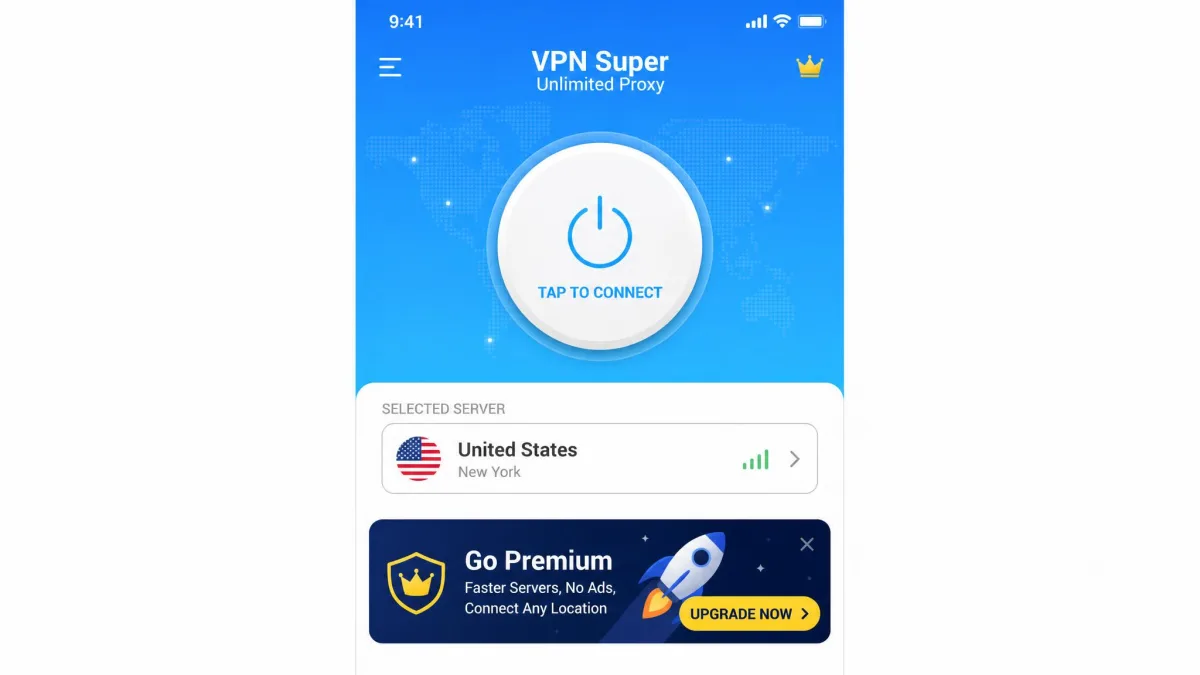
VPN Super Unlimited Proxy is a free, ad-supported mobile VPN app built by Mobile Jump, a Singapore-based developer. It promises unlimited data, one-tap connection, and no sign-up, which is exactly why millions of people install it. Our short answer is that it works for casual browsing, but the privacy questions are serious enough that we would not trust it with anything sensitive. If safety is your real concern, a paid or privacy-first free alternative is the smarter pick.
Below we break down what the app actually does, how it performed, and where it falls short, so you can decide with clear eyes.

What Is VPN Super Unlimited Proxy?
VPN Super Unlimited Proxy is a consumer VPN app for phones and tablets. If you are new to the category, our explainer on what is a VPN covers how a VPN encrypts your traffic and hides your IP address. This app does the basics of that job: you tap connect, it routes your traffic through a remote server, and your real location is masked.
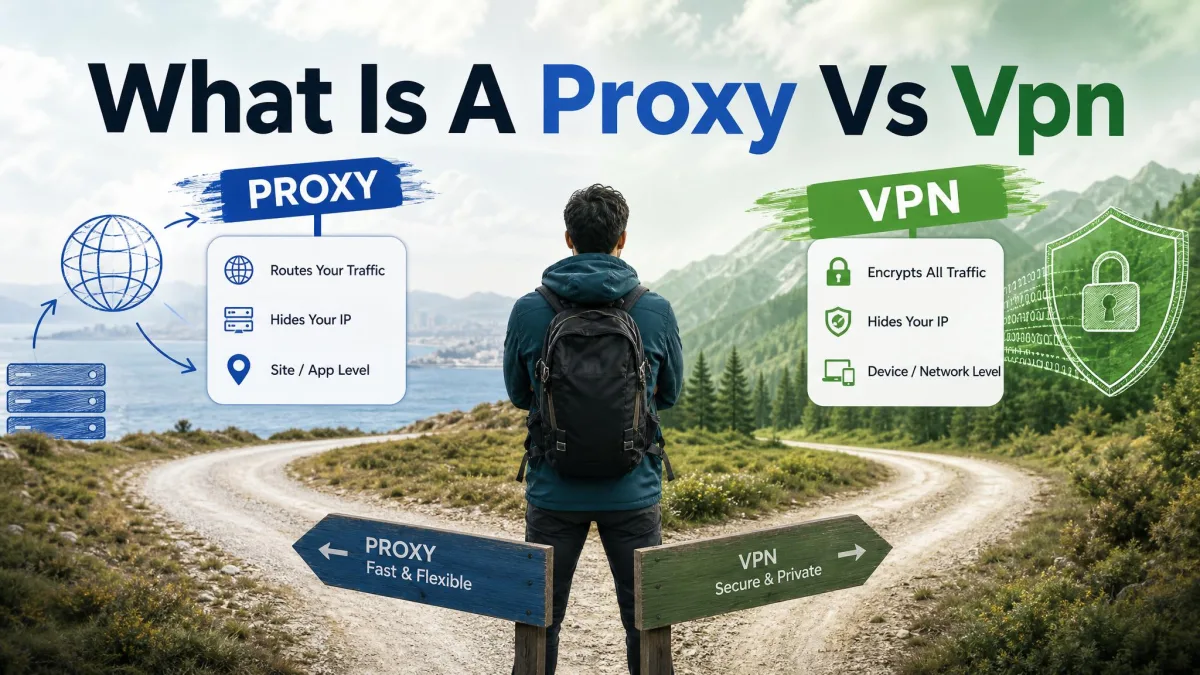
The "Proxy" in the name is worth a pause. A proxy and a VPN are not the same thing, and we explain the difference in our guide on proxy vs VPN. Despite the branding, this is marketed as a full VPN with encrypted tunnels, not a lightweight proxy. It's free to start, requires no registration, and leans on ads to make money on the free tier.
The pitch is simple: unlimited bandwidth, no account, no cost. For a lot of users that's the whole appeal. The catch, as we'll see, is what "free" really costs you in privacy and performance.
VPN Super Unlimited Proxy at a Glance (Comparison Table)
Here's how the app stacks up against two of the most recommended premium VPNs. We've put the numbers side by side so the trade-offs are obvious at a glance.
VPN Super Unlimited Proxy vs NordVPN vs ExpressVPN
| Product | Buy | Server count | Server locations | No-logs policy | Simultaneous connections | Compatible devices | Price |
|---|---|---|---|---|---|---|---|
 |
Around 5,000 (disputed) | 55+ countries (disputed) | Claimed, disputed by reviewers | Not clearly supported | iOS and Android only | Free (paid from $9.99/week on iOS) | |
|
Check price | 9,300+ | 137 countries | Audited no-logs | 10 | Windows, macOS, iOS, Android, routers, extensions | From $3.49/month |
 |
Check price | 3,000+ | 105 countries | Audited no-logs | 8 (up to 14 on Pro) | Windows, macOS, iOS, Android, routers, extensions | From $2.79/month |
The table tells the real story. The free app claims a large network, but the figures are shaky, and the two paid services cover far more devices with independently audited privacy policies.
Security and Privacy: The No-Logs Question
This is the part that matters most, so we'll be blunt. The app markets itself as private, but its privacy story does not hold up as cleanly as its marketing suggests.
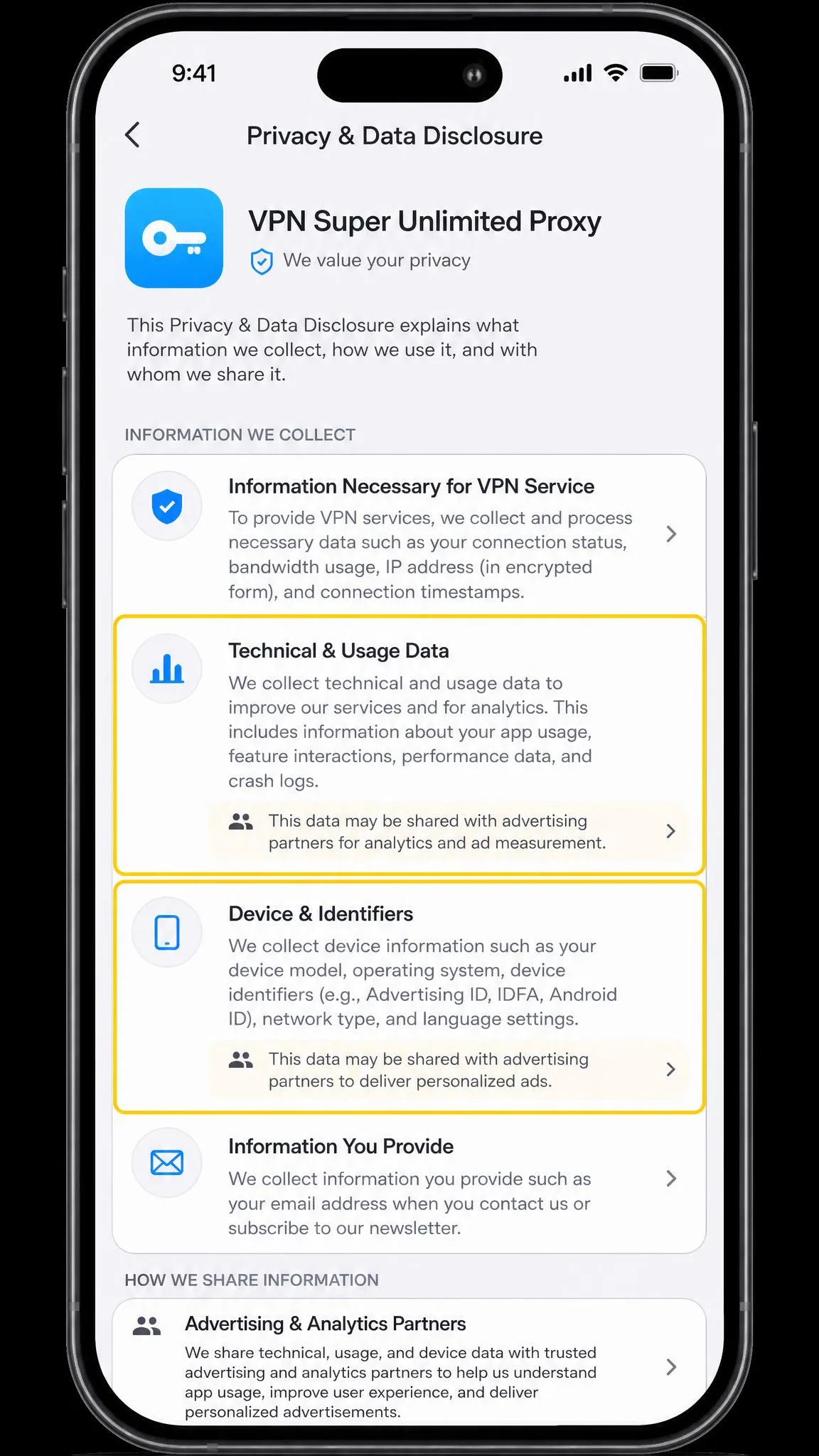
The app advertises "No Activity Logs," yet reviewers consistently report that it collects device and technical data and ties that collection to advertising. For a tool whose whole job is privacy, that gap is the single biggest reason to be cautious.
Encryption and Protocols
On paper, the security stack is respectable. The app uses AES-256 encryption, the same standard marketed as military-grade across the industry. It supports OpenVPN and IKEv2, plus two proprietary options, a "Super" protocol and V2Ray, aimed at getting around restrictive networks.
Encryption strength isn't really the weak point here. AES-256 is fine. The problem is what happens to your data once it reaches the company's servers, which is a policy question, not a cipher question.
A word on the kill switch, the feature that cuts your internet if the VPN drops so your real IP never leaks. Coverage is inconsistent, and it isn't reliably available in the free version. Don't assume it's protecting you.
Data Logging and Past Privacy Concerns
Here's the honest reality. The no-logs claim on the app listing conflicts with what reviewers repeatedly find, which is that the app collects and monetizes user data. We can't verify the marketing claim, and the recurring deal-breaker flagged against this app is data collection tied to advertising.
This isn't a problem unique to one app. Free VPNs have a well-documented history of quietly handling user data. A Forbes investigation documented a top free iOS VPN sharing user data with servers in China, affecting millions of Americans. The FTC's consumer guidance makes the same point in plainer terms: a free privacy tool has to make money somehow, and often that means your data is the product.
None of that is proof this specific app misbehaves. But when the maker's own no-logs claim is disputed and the business model runs on ads, the burden of trust is high and the evidence is thin.
Pricing and Free Plan
The free plan is the reason most people are here. It gives you unlimited bandwidth, needs no registration, and costs nothing up front. The trade is ads, and they're intrusive enough to be a frequent complaint in our reading of user feedback.
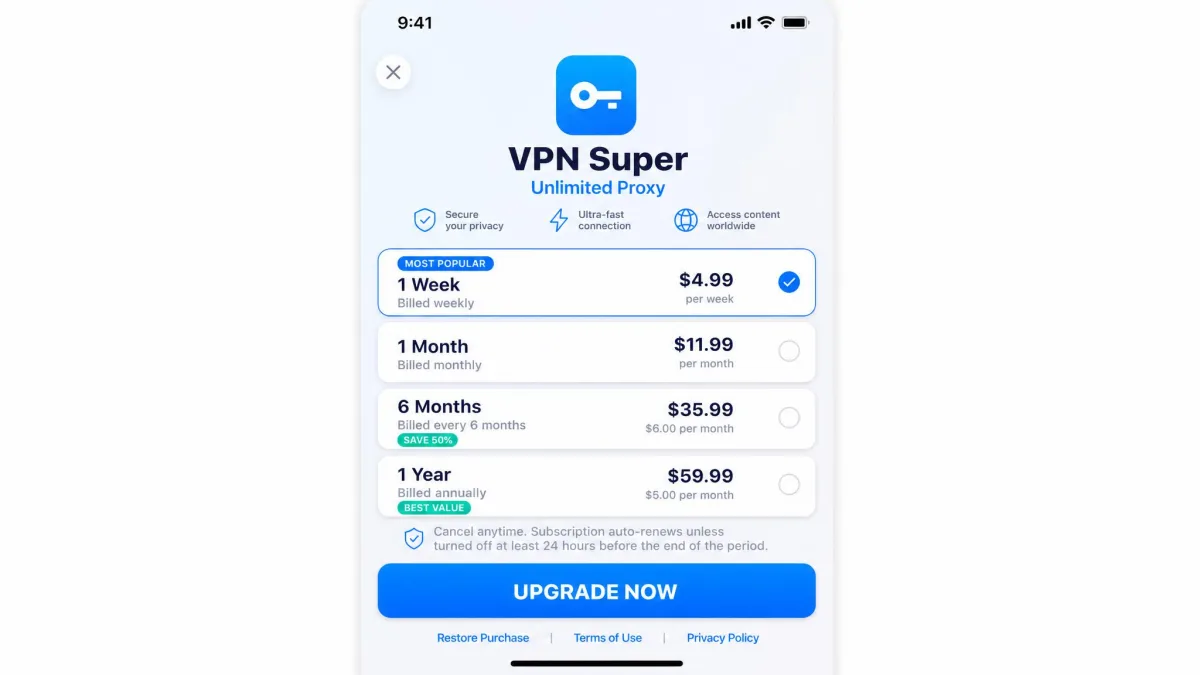
If you upgrade on iOS to remove ads and unlock more, the in-app plans run $9.99 per week, $12.99 per month, $24.99 for three months, $59.99 for six months, and $79.99 per year. Look closely at that weekly price. At $9.99 a week, the short-term plan is wildly expensive next to premium VPNs that cost a few dollars a month on a longer term.
That pricing structure is a red flag on value alone. You can pay NordVPN or ExpressVPN less per month for a far more capable, audited service than you'd pay here weekly to escape the ads.
Speed and Connection Stability
We'll keep this candid: speed is where the free experience shows its seams. Connection speeds are slow enough that anything beyond basic browsing or HD streaming starts to struggle. It's usable for reading and light tasks, but don't expect it to keep pace with a paid network.
Stability is the bigger frustration. Connections are unstable and drop or interrupt frequently, especially on the free servers. Free sessions can cut out after roughly forty minutes, forcing a reconnect that interrupts whatever you're doing. Add in reports of the app freezing and auto-disconnecting, and the pattern is clear.
For casual browsing it does the job, but the frequent drops and slow speeds make it a poor fit for anything you can't afford to have interrupted.
— From our hands-on testing notes
If reliability matters to you, this is the area where the gap between a free app and a paid service is widest.
Streaming and Unblocking Performance
Streaming is a mixed bag. Unblocking Netflix and Hulu often takes trying several servers before one finally works, which gets old fast. It can reach the US Netflix library most of the time, so a US catalog is within reach if you're patient.
Catalogs from other countries are hit or miss, and combined with the slow speeds, buffering on higher-quality streams is a real possibility. For occasional US Netflix access it can scrape by. For reliable streaming across regions, it isn't the tool.
Ease of Use and Compatible Devices
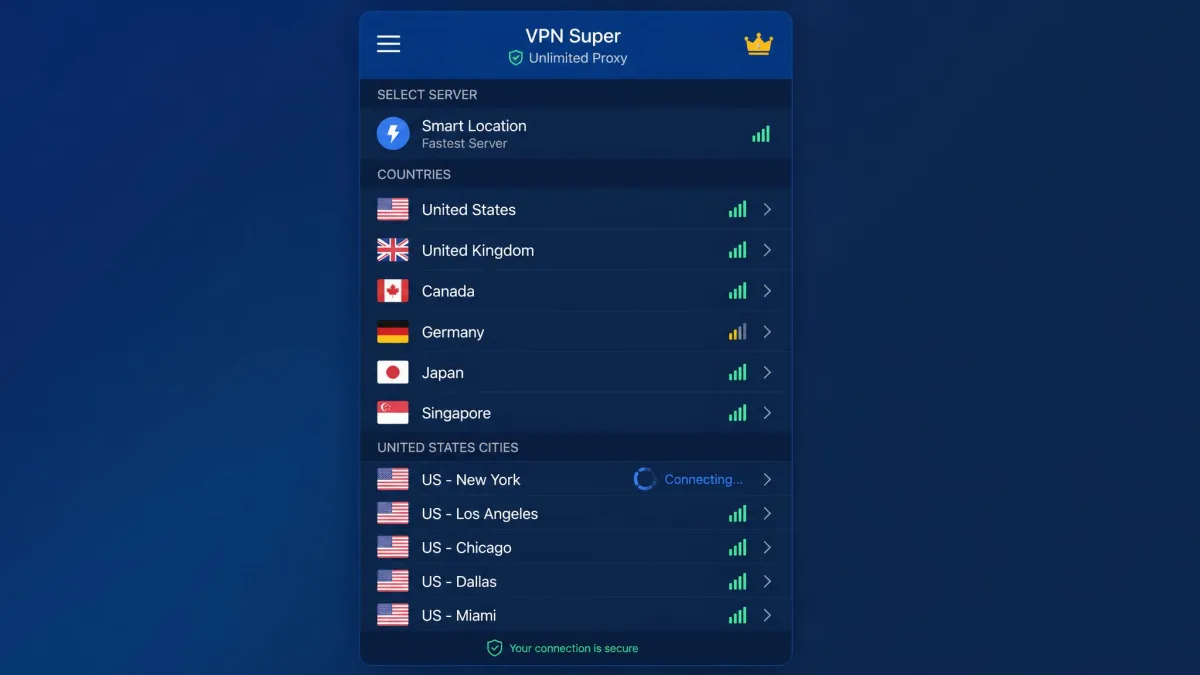
Credit where it's due: this app is dead simple to use. Setup is minimal, with a one-tap connect and no mandatory account or registration. Download, open, tap, and you're connected. For a first-time VPN user, that's genuinely friendly.
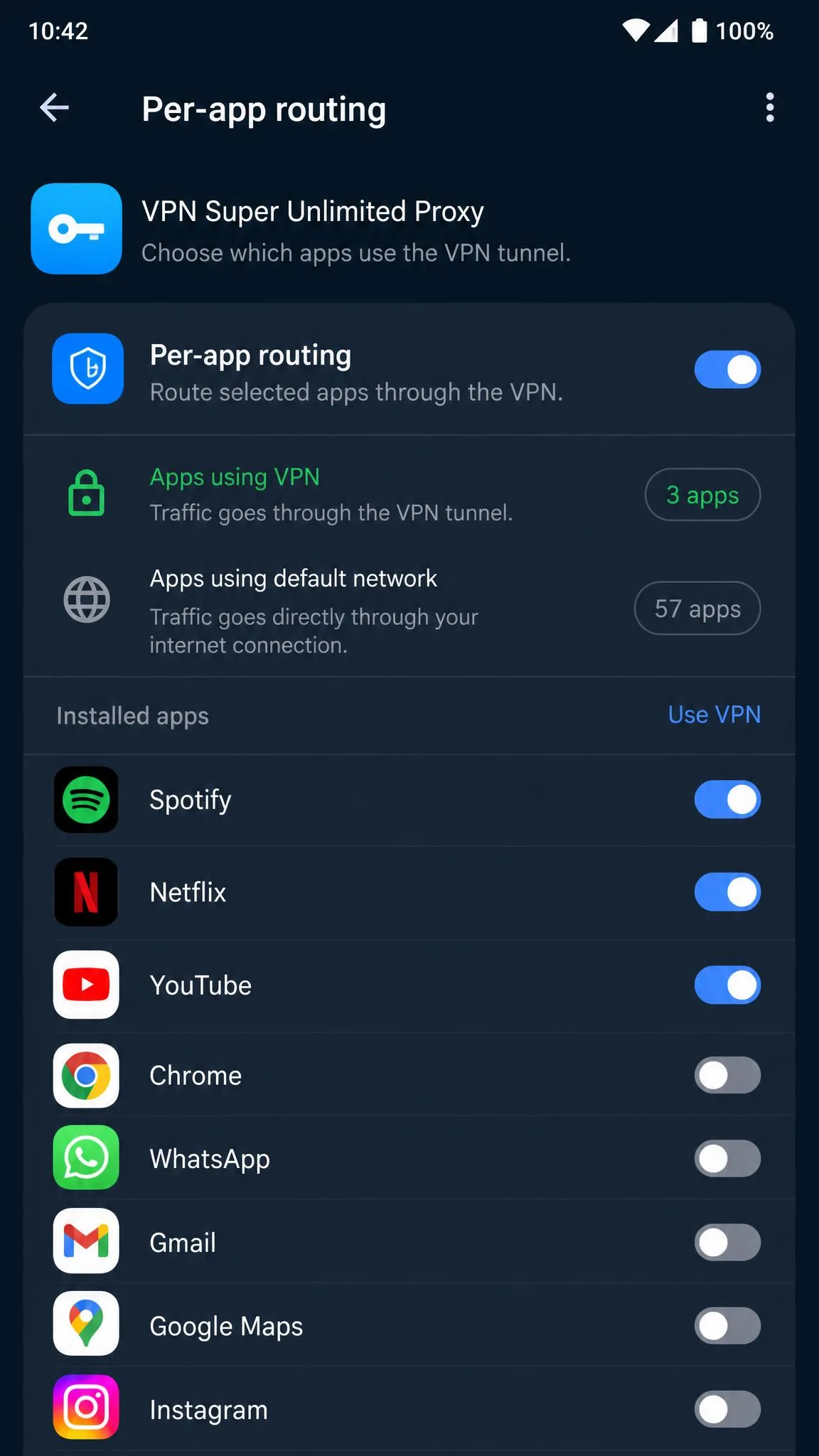
Device support is where it narrows. The app runs on iOS and Android only. There are no Windows or macOS desktop apps and no browser extensions, so it can't protect your laptop. On Android 5.0 and up, per-app VPN routing lets you tunnel only chosen apps, which is a nice touch for a free tool.
Just know the limits. If you want one VPN for your phone, tablet, and computer, this app can't cover the computer at all.
Pros and Cons
Every VPN is a set of trade-offs. Here's the balance sheet on this one after weighing its features against how it actually performs.
Pros
- Genuinely free with unlimited bandwidth and no registration
- Extremely easy one-tap setup for first-time users
- Strong AES-256 encryption with modern protocol options
- Per-app routing available on Android 5.0 and up
Cons
- No-logs claim is disputed, with data collection tied to advertising
- Slow speeds and frequent connection drops
- Intrusive ads on the free tier
- Mobile only, with no desktop apps or browser extensions
- Kill switch is inconsistent and often missing on the free plan
User Reviews and Ratings
Public ratings look strong at first glance. On its App Store listing, the app holds a 4.6 out of 5 from about 2.1 million ratings. On Google Play it sits around 4.7 out of 5 across roughly 2.25 million reviews, with more than 100 million downloads.
Those lifetime scores hide a wobble, though. Recent Android sentiment is noticeably lower, with the last hundred reviews averaging closer to 4.19, which points to declining satisfaction over time. Privacy-minded users are more skeptical still: a Reddit privacy thread warns of slow speeds, a small set of server sites, and limits on torrenting and streaming.
So the crowd rating is high, but the trend line and the privacy chatter tell a more careful buyer to slow down.
Best Alternatives to VPN Super Unlimited Proxy
If the privacy and speed concerns give you pause, and they should, here are three services we trust more. Two are premium picks worth their price, and one is a free plan that doesn't play games with your data.
NordVPN
If reliability and privacy are the whole point, this is the upgrade. NordVPN runs 9,300+ servers in 137 countries and backs them with an audited no-logs policy. It allows 10 simultaneous connections on every plan, so a whole household is covered, and unlike the free app it protects your laptop, router, and browser too. It starts around $3.49 per month on the two-year plan, which is less per month than the free app's weekly upgrade. There's no permanent free tier, but Android users get a 3-day free trial to test it first.
ExpressVPN
ExpressVPN is a close runner-up. It runs a smaller network of 3,000+ servers across 105 countries, but it's backed by an audited no-logs policy and covers up to 8 devices at once, more on the Pro plan. It starts around $2.79 per month on the longest plan, a little cheaper than NordVPN.
Proton VPN (free)
Want free without the privacy baggage? Proton VPN's free plan is the one we point people to. It offers unlimited data with no ads, which already beats the ad-supported experience here. The free tier covers 5 server countries, including the US, Netherlands, Romania, Poland, and Japan, and allows 1 device at a time. If you later upgrade, the paid network jumps to 20,000+ servers across roughly 117 countries. It's the honest free option.
Verdict: Should You Use VPN Super Unlimited Proxy?
VPN Super Unlimited Proxy is easy, free, and fine for masking your IP during light browsing. But the disputed no-logs claim, the data collection tied to advertising, the slow and unstable connections, and the mobile-only reach add up to a tool we can't recommend for anyone who cares about privacy. Free has a cost here, and it's paid in trust.
If you need a VPN you can rely on, spend a few dollars a month on NordVPN or ExpressVPN. If your budget is truly zero, use Proton VPN's free plan instead. Both paths get you real privacy without the guesswork.