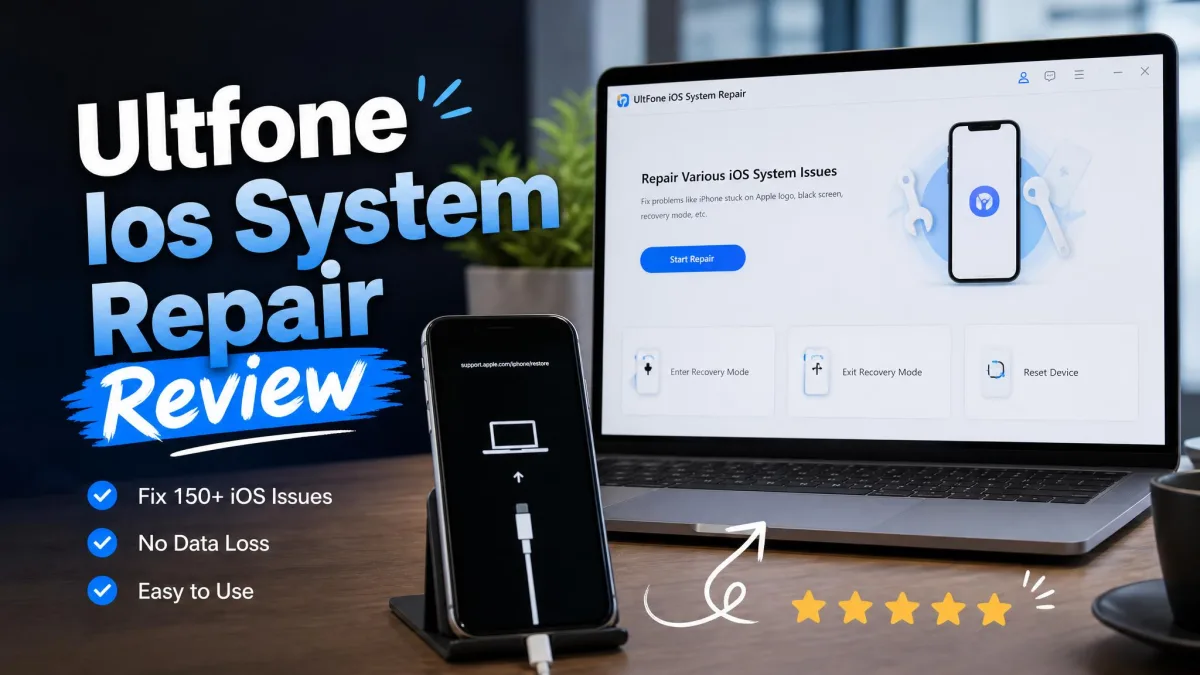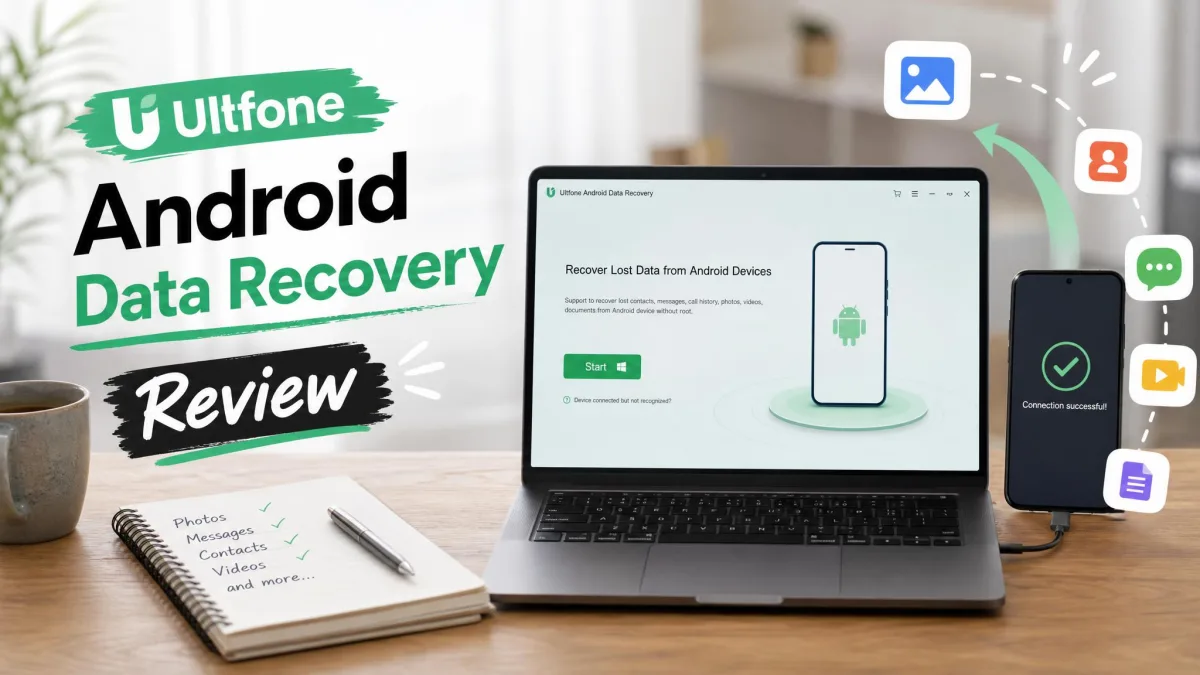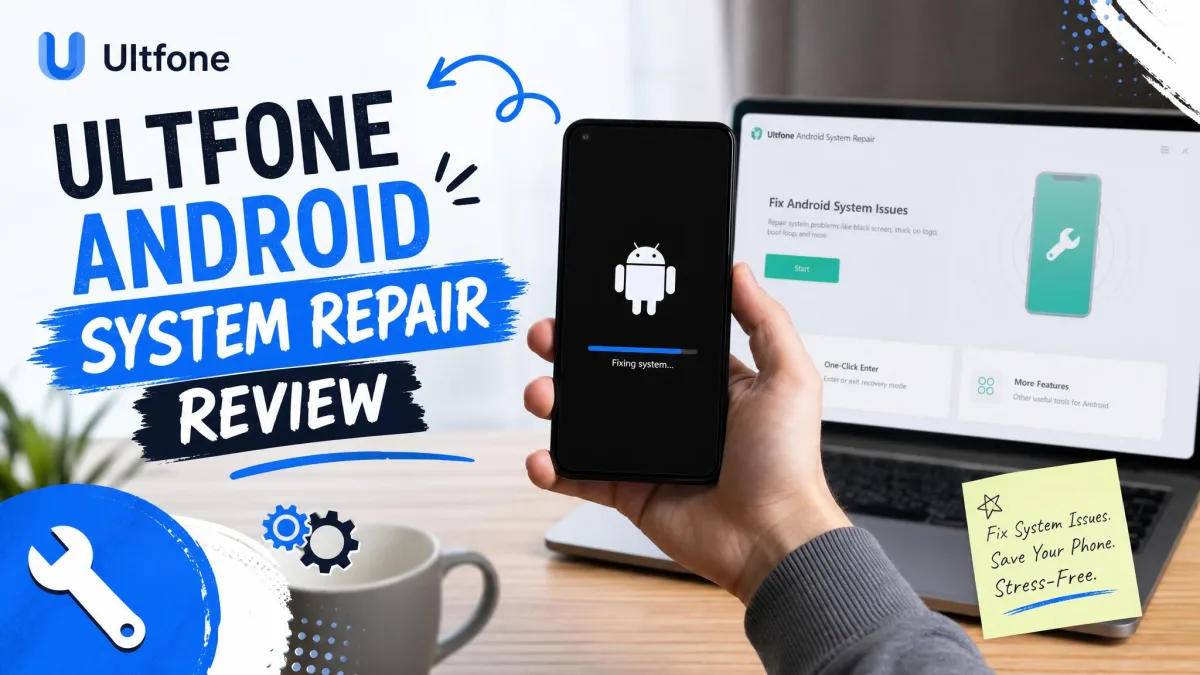
When your Android phone slips into a boot loop, the screen goes black, or it sits on the Samsung logo for an hour, the options feel thin. A repair shop costs money, and a factory reset can erase everything you have not backed up. Software that claims to fix the phone without data loss is an easy sell.
UltFone Android System Repair makes exactly that promise, listing 150+ Android problems and 1,000+ phone models, with no data loss in standard repair. In this review, we cover what the tool does, what it costs, and whether it delivers, then weigh real user feedback, because the honest answer is more complicated.
What Is UltFone Android System Repair?
UltFone Android System Repair is a Windows desktop program from UltFone, the company behind a family of phone repair utilities. You connect the phone by USB, the program downloads the firmware for that exact model, and it flashes it to clear the software fault. It runs on Windows 11 down to Windows 7, with no macOS version, covering Android 2.0 to Android 16.
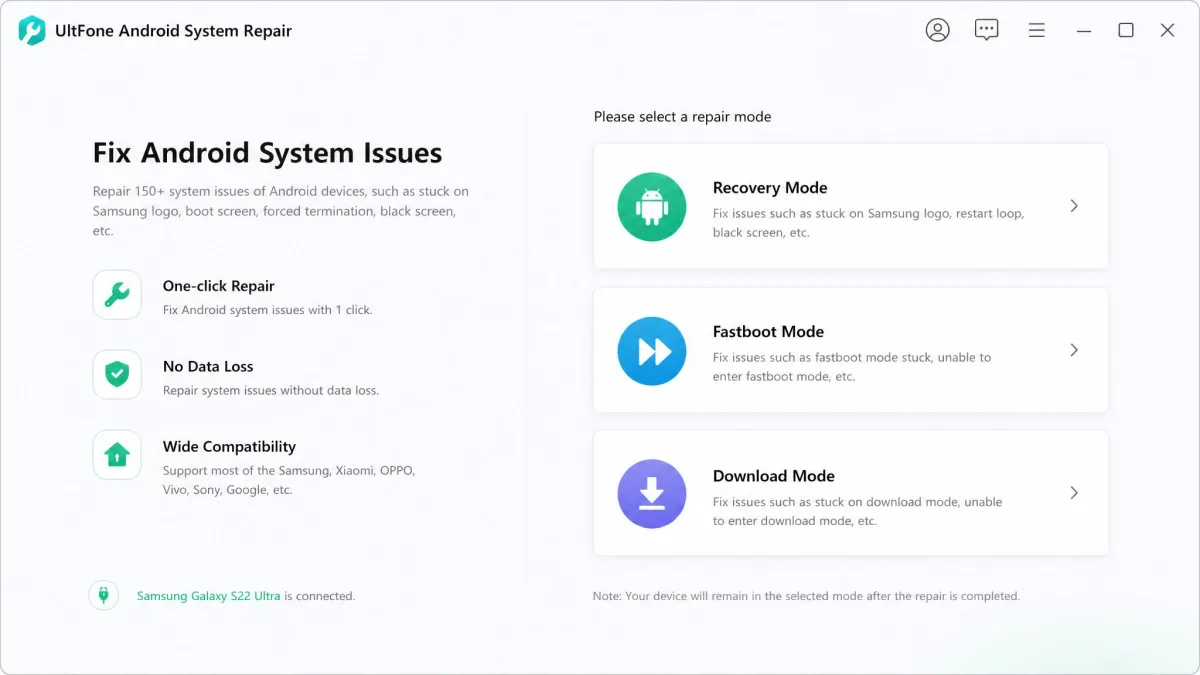
The "Repair Android System" full-repair feature supports Samsung models only. Other brands may be detected but cannot be repaired.
What Android Problems Can It Fix?
The tool targets software faults, not hardware damage, so a water-damaged phone still needs a repair shop. UltFone lists 150+ problems: won't turn on, black screen, stuck in a boot loop, stuck on the Samsung logo, recovery-mode "no command" errors, System UI crashes, app crashes, and failed OTA updates. Samsung phones get extra attention, including the "Do not turn off target" download-mode state.
The Samsung focus is the product's strength and its biggest limit: full repair works only on Samsung models, and the limit lands fast in practice. Huawei and Xiaomi owners find the tool detecting their phone and then refusing to repair it. Marketing lists Samsung, Huawei, Xiaomi, Google, OPPO, vivo, OnePlus, Lenovo, HTC, LG, and Sony as supported brands, yet repair stays Samsung-only.
Key Features of UltFone Android System Repair
- One-click repair that downloads and flashes the right firmware.
- Free mode switching for recovery, fastboot, and download mode.
- One-click cache clearing that leaves your files alone.
- Automated firmware handling, including the "Do not turn off target" fix.
- No root access required from start to finish.
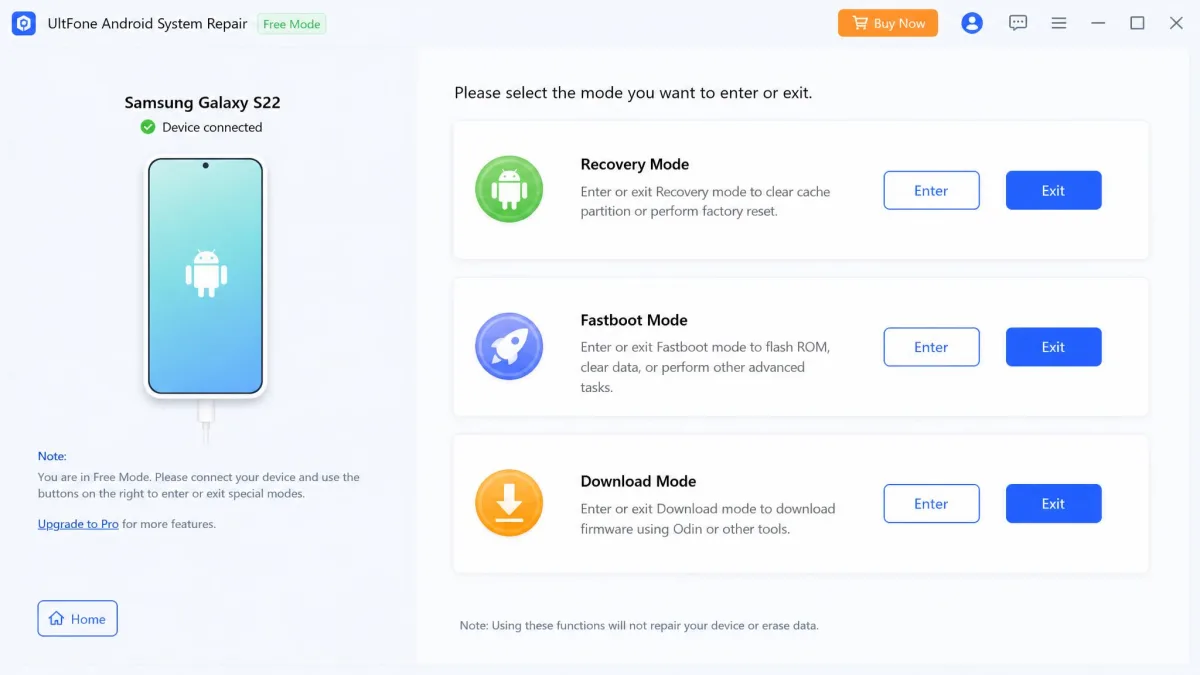
The support list covers 1,000+ phone and tablet models.
UltFone Android System Repair Pricing: Is It Free?
There is a free tier, and it is narrower than it sounds. Entering and exiting recovery, fastboot, and download mode is free. Exiting fastboot and download mode are each capped at 5 free uses. Repairs and one-click cache clearing need a paid license, so a repair is never free.
Plans and license options
| Plan | Price | Devices |
|---|---|---|
| 1 month | $9.95 | 1 PC, 5 Android devices |
| 1 year | $19.95 | 1 PC, 5 Android devices |
| Lifetime | $29.95 | 1 PC, 5 Android devices |
| Business | From $32.95/year | 1 PC, 10 to unlimited devices |
The UltFone Android System Repair official page confirms these prices, though the 1-year tier is the least stable of the three. Business licenses run from $32.95 to $389.00 per year.

Pros and Cons of UltFone Android System Repair
Pros
- One-click repair with automatic firmware download and flash
- Free mode switching for recovery, fastboot, and download mode
- No root access required
- Broad Samsung model support
- Lifetime license at a low one-time price
Cons
- Full repair supports Samsung models only
- Windows-only client with no macOS version
- Large firmware downloads slow the repair down
- Mixed refund and customer-service reports
How to Use UltFone Android System Repair (Step-by-Step)
The workflow has three steps.
- Install the client and connect the phone with USB debugging enabled. The Android platform-tools documentation covers debugging, fastboot, and download mode. Detection is inconsistent, and some phones never register despite the correct drivers.
- Pick the device info: brand, series, model, and country, since this decides which firmware downloads.
- Download the firmware and start the repair. Keep the phone connected until it finishes, since firmware downloads are large and slow.
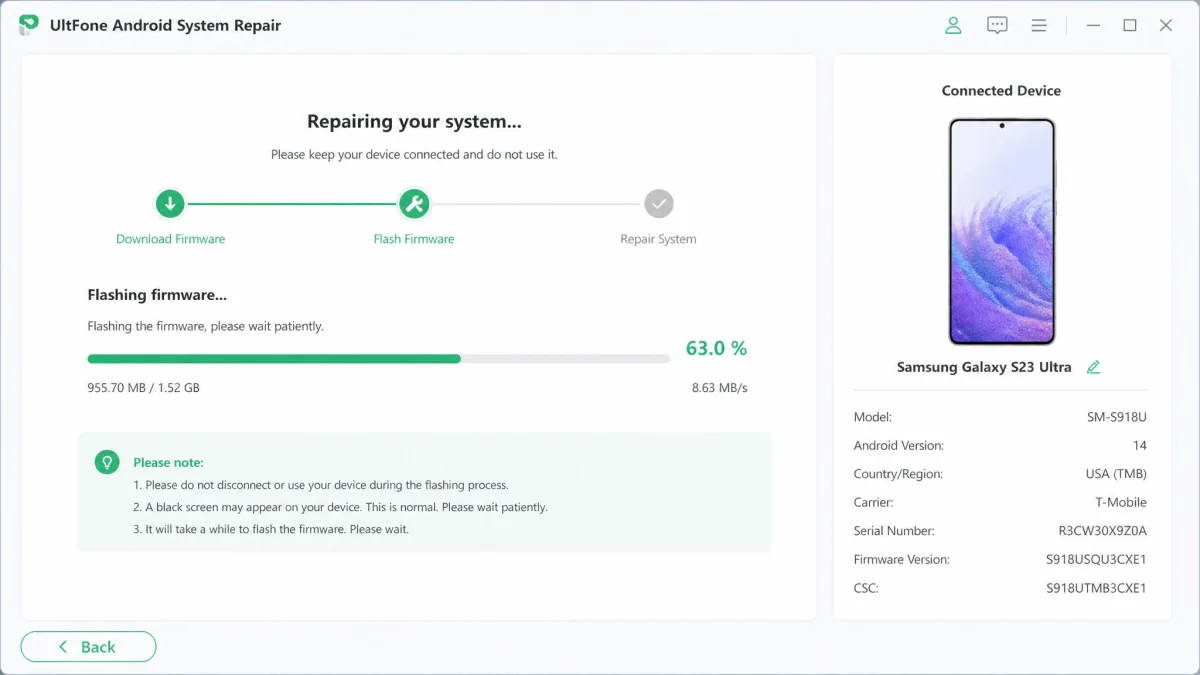
Advanced Mode wipes all device data and does not offer a backup step. Entering the wrong device info, such as the wrong model or country, can leave the phone unresponsive. Back up everything you care about before repairing, and double-check the device details.
What Do Real Users Say About UltFone Android System Repair?
The feedback pattern repeats across Trustpilot, Reddit, and the forums. UltFone's Trustpilot reviews rate the company "Great" at 4.2 out of 5, with about 727 reviews at the time of writing. Trustpilot reviewers often praise fast, responsive support. A smaller group reports billing problems, expired license codes, and refund friction.
Denied refunds are the most common complaint. One repair was refused under a fine-print clause that the fault must be a hardware error. Another refund arrived only after the threat of EU consumer-protection action.
One Galaxy S22 Ultra owner described the phone freezing repeatedly, for stretches from 30 minutes to a full day, before the repair finally went through and the data came back.
— Galaxy S22 Ultra owner on Samsung's EU community forum
Trustpilot, Reddit, and the "Is it a scam?" question
The loudest thread in the scam discussion is Reddit user experiences. One caveat applies: it targets UltFone's iOS repair tool, not the Android product. The poster paid about £30 for a subscription they did not expect, and the tool mostly downloaded firmware and applied it.
The tool mostly downloaded the firmware and applied it, much like iTunes, and the purchase included a subscription the buyer did not expect.
— Reddit r/iphone thread "Avoid Ultfone at all costs"
Read that thread as a company-level warning, not an Android repair test, because the scam label comes from refund friction and subscription complaints, not a broken product. The honest problems are narrower: Samsung-only repair, a free tier that never fixes anything, and marketing that overstates device support. UltFone's review page publishes only five-star testimonials, so real-world success rates stay unverified.
UltFone Android System Repair vs. Top Alternatives
UltFone is the cheapest repair tool here, but price only matters when the tool supports your phone. Two competitors cover more ground: Dr.Fone System Repair (Android) and iMyFone Fixppo for Android. For the iOS side, see our hands-on reviews of Fixppo, Dr.Fone, ReiBoot, and FixGo.
Feature and price comparison
| Product | Buy | Full-repair support | Android versions | Data loss | Price |
|---|---|---|---|---|---|
|
Check price → | Samsung only | Android 2.0-16 | Standard keeps data; Advanced wipes | From $9.95; $29.95 lifetime |
 |
Check price | Samsung, Xiaomi, Redmi, Poco | Android 5.0+ | Mostly avoided | From $19.95/month |
 |
iMyFone website | Samsung, Huawei, Xiaomi, more | Not published | Advanced Mode can erase data | $39.95 shareware; about $41/year |
Best alternative pick
If your phone is not a Samsung, UltFone is not the tool. Dr.Fone System Repair (Android) covers Samsung, Xiaomi, Redmi, and Poco from $19.95 per month, with a 7-day money-back guarantee. Fixppo for Android covers more brands and runs on Windows and macOS, which makes it the pick for Mac users.