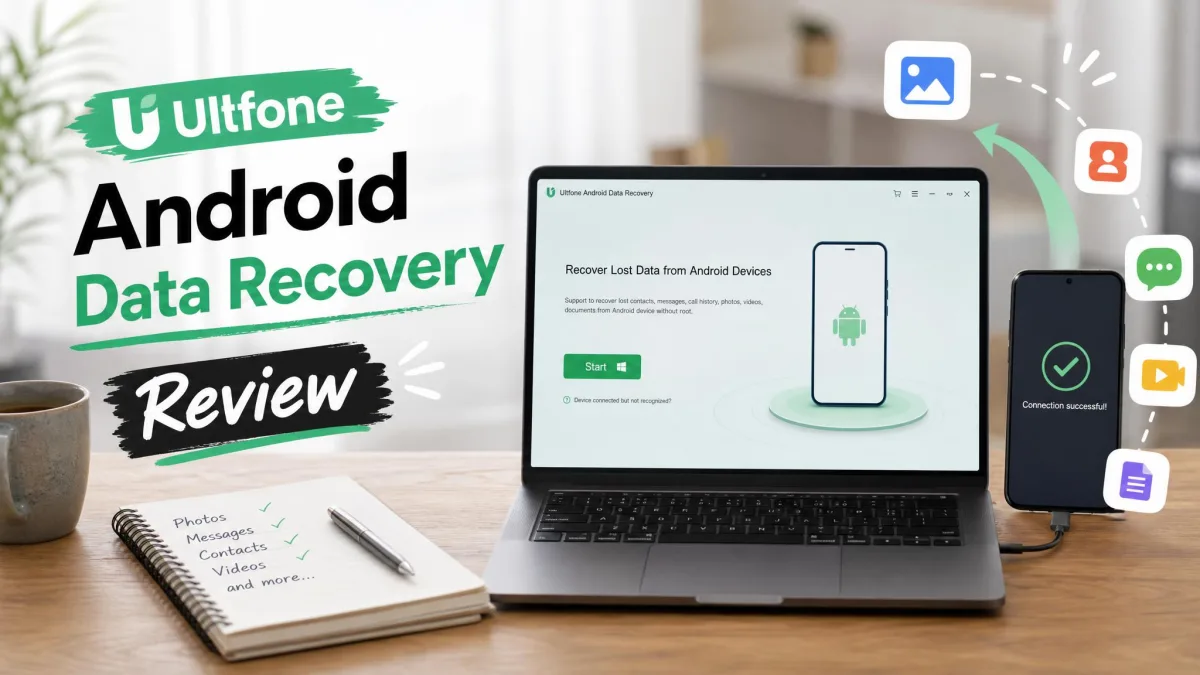
If your Android phone has lost photos, WhatsApp chats, or contacts after a factory reset, a failed update, or an accidental deletion, you have probably searched for recovery software and found UltFone Android Data Recovery near the top of the results. The question most buyers ask next is whether the tool is a scam or a legitimate way to get files back, and whether it is worth the price.
To answer that, we compared the 44 customer reviews on UltFone's own review page, read the ratings on its Trustpilot and Google Play listings, checked independent complaint sites, and verified current pricing against the official buy page. Here is what it does, what it costs, and what users report.
What Is UltFone Android Data Recovery?
UltFone Android Data Recovery is a desktop program for Windows 11/10/8.1/8/7 and macOS 10.10 and above. It connects to an Android phone over USB and scans internal memory and the SD card for deleted files. UltFone lists support for 7,000+ Android phones and tablets, and the desktop software works with Android 4.4 and newer, up to Android 16.
The headline feature is no-root recovery. UltFone claims to be the first Android recovery tool that works without root or backup. WhatsApp recovery works the same way, and a Google Drive backup extractor pulls WhatsApp, contacts, messages, calls, calendar, and WiFi info from Drive backups.
Vendor marketing claims the highest recovery rate in the category and 200K+ users.
Key Features at a Glance
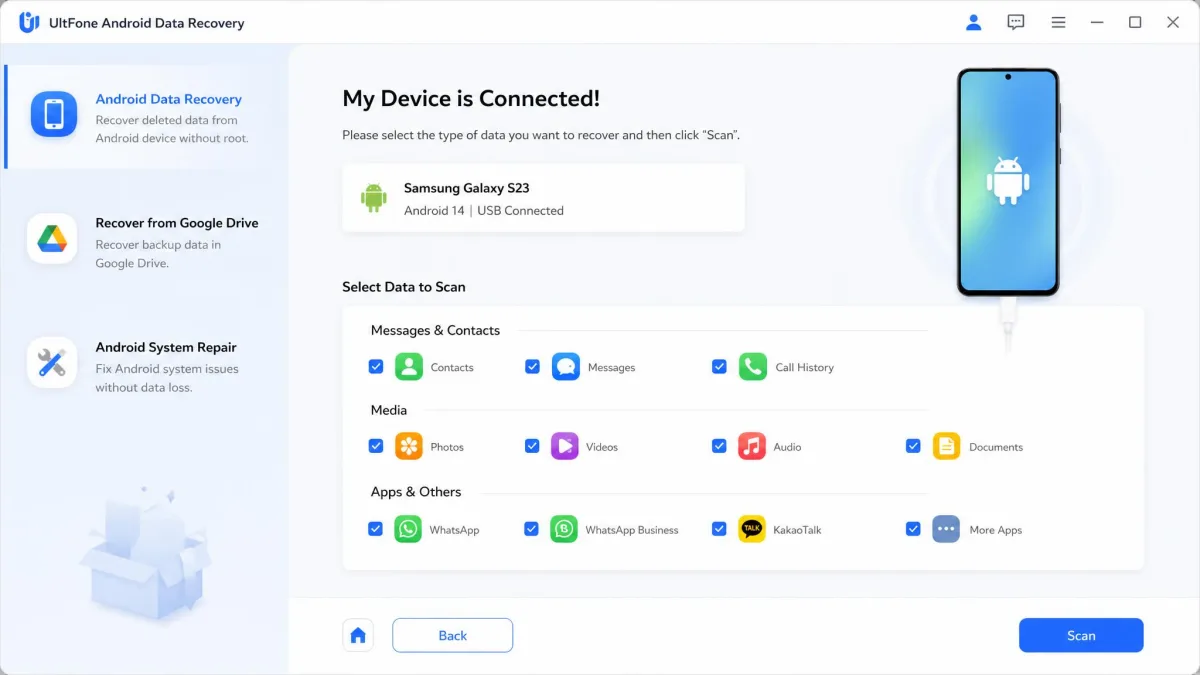
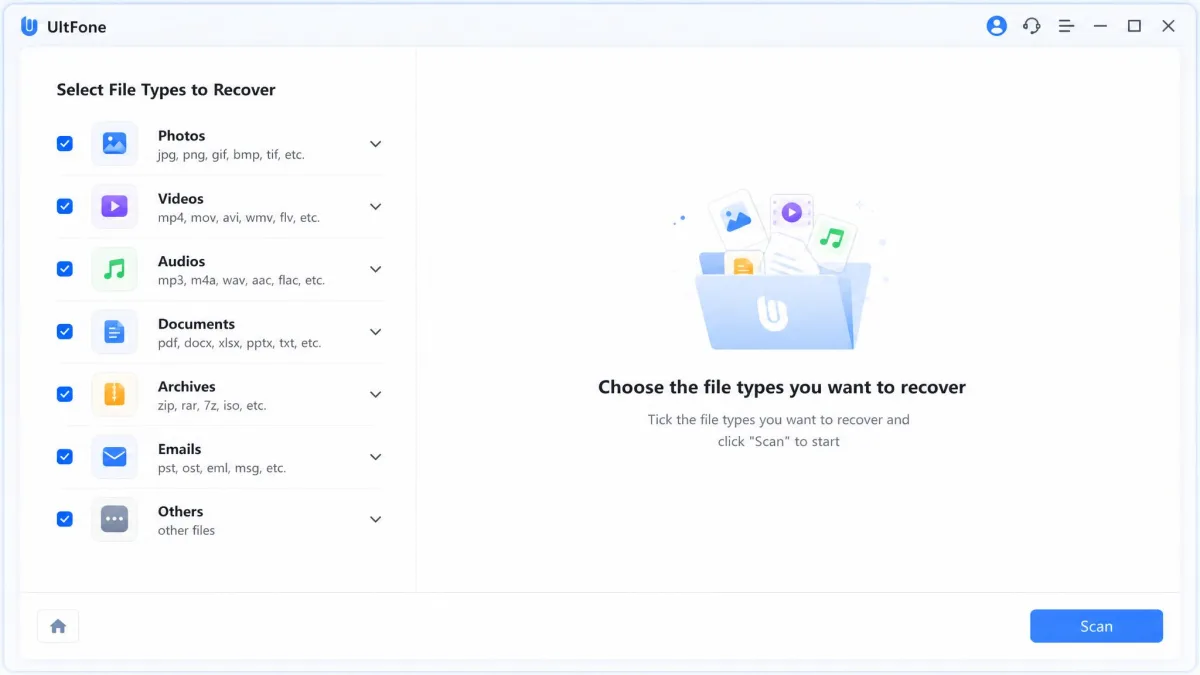
- Recovery of photos, videos, SMS and MMS, contacts, call history, music, documents, and WhatsApp data
- No-root scanning of internal memory and SD cards
- Support for 7,000+ Android phones and tablets, including Android 16
- Free scan and preview before purchase
- Windows and macOS desktop apps
Is UltFone Android Data Recovery Safe?
Yes. UltFone is a legitimate product from a real company, and we found no evidence of malware in the software. The Android companion app is credited on Google Play to PassFab Co., Limited, a Hong Kong developer. UltFone's own About Us page says the company was established in 2010, while some third-party reviews say it has been around since 2015. A third-party security scan of the companion app returned 0/66 antivirus detections.
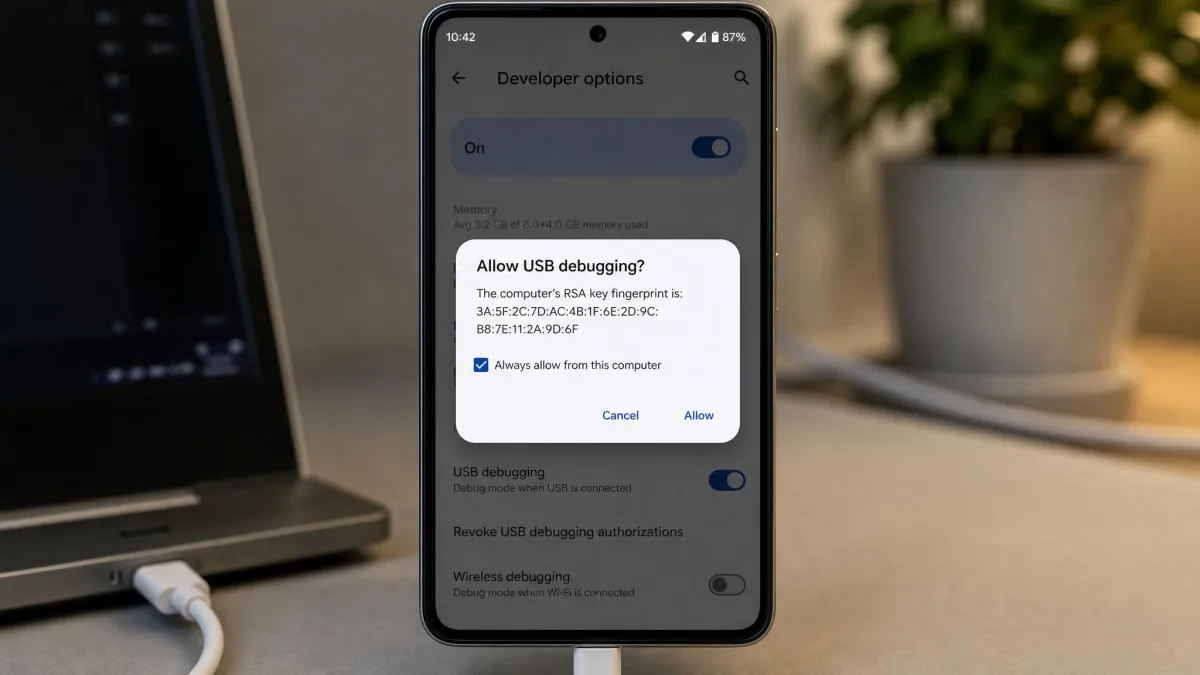
The software needs USB debugging enabled on the phone, and that setting grants deep access to device storage. Keep it on only while you scan.
Skepticism about the category is loud. A "GIANT HOAX?" thread on r/datarecovery and an "Avoid at all costs" thread on r/iphone question whether these tools work at all.
Some sites offer cracked or "free activation" versions of UltFone. These carry malware risk and often stop working after updates. Download only from UltFone's official page.
Is UltFone Android Data Recovery Free?
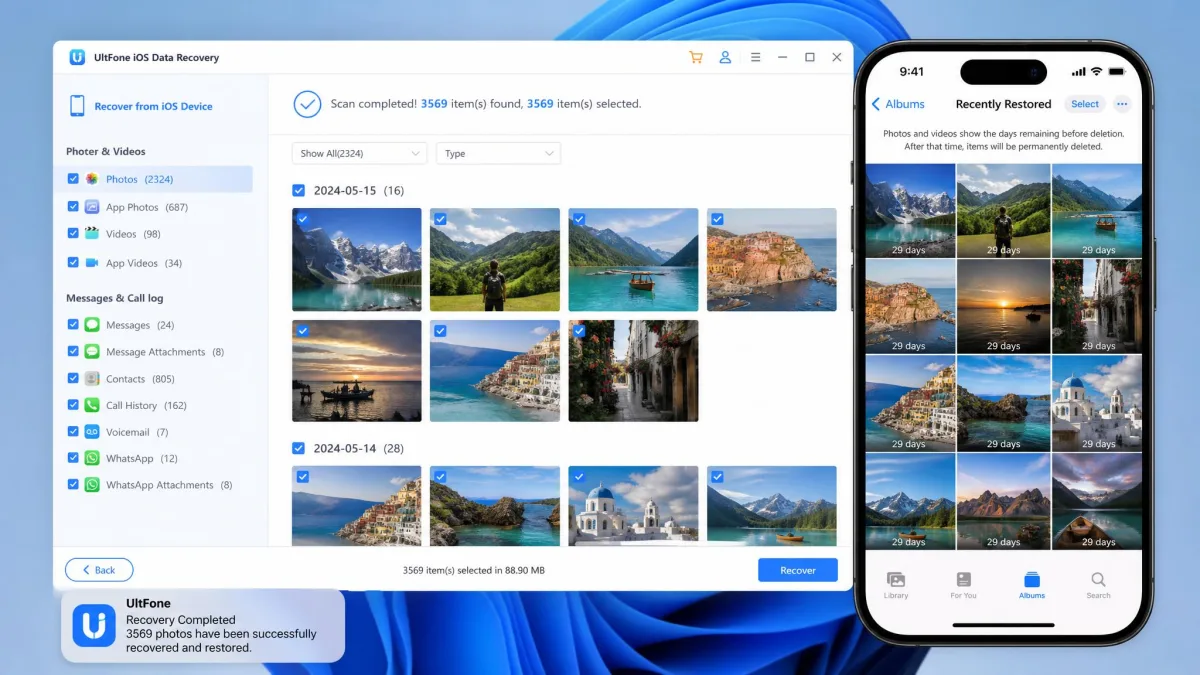
The download, scan, and preview are free, and only the export requires a license.
Run the free scan before buying anything. If the preview shows your deleted photos or WhatsApp chats, the paid license is worth considering. If it shows nothing useful, skip the purchase.
Pricing Plans and Costs
Windows list prices run $79.95 for 1 month, $111.84 for 1 year, and $119.95 for lifetime, with 5 devices and 1 PC. Current sale prices are $35.95, $39.95, and $49.95. Mac sale prices run $55.95, $59.95, and $69.95 for 5 devices and 1 Mac, against list prices of $119.95, $167.84, and $189.95. Every individual plan carries a 30-day money-back guarantee.
Business plans run annually from $52.95 for 10 devices (list $176.00) to $399 for unlimited devices (list $799).
Sale prices come from the official buy page, change with promotions, and differ between Windows and Mac.
How to Use UltFone Android Data Recovery
- Download and install the desktop app from the UltFone site.
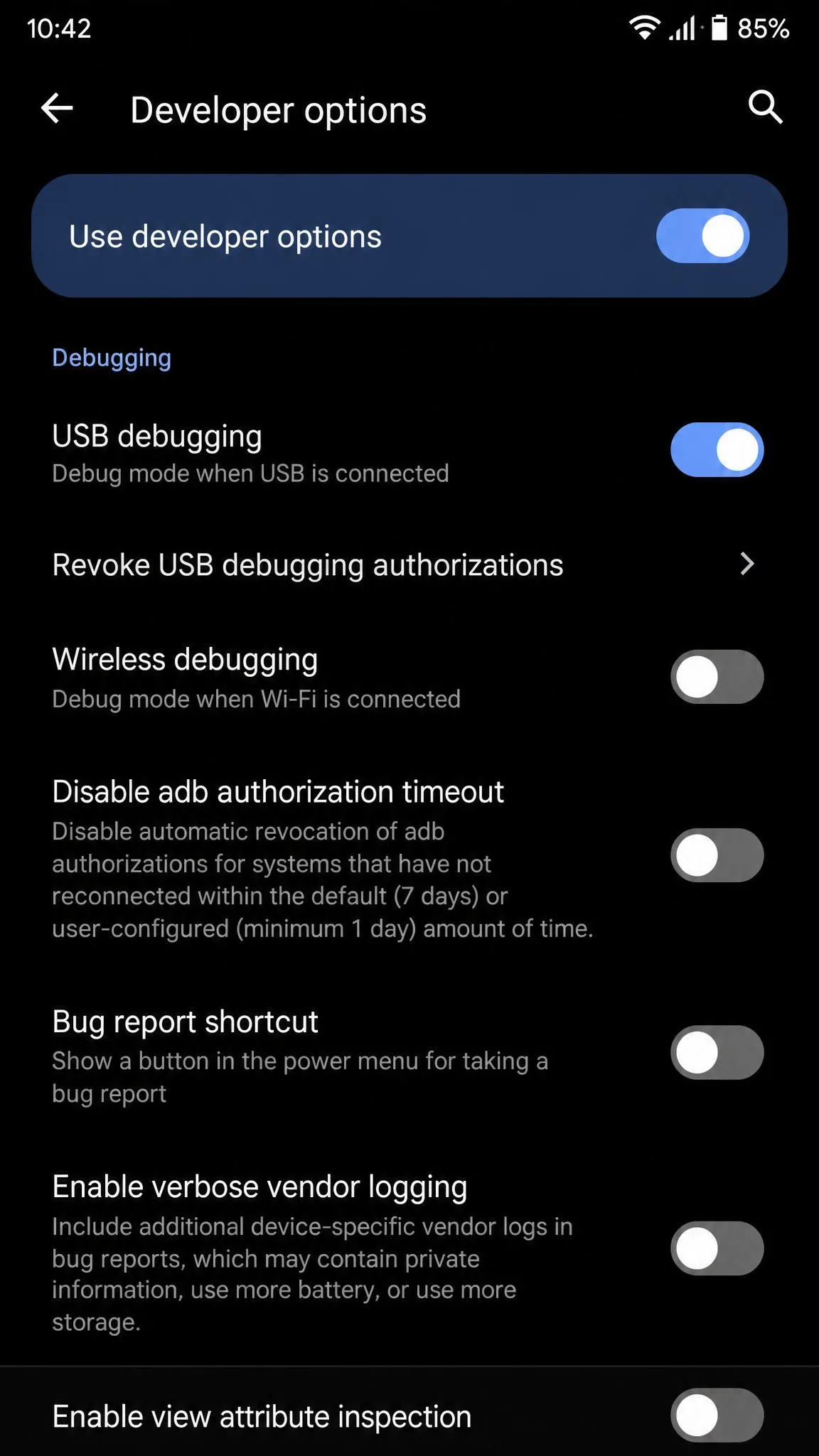
- Open Developer options and enable USB debugging. Android's official adb documentation explains the setting.
- Connect the phone with a USB cable and allow the debugging authorization prompt.
- Select the data types to scan, such as photos or WhatsApp.
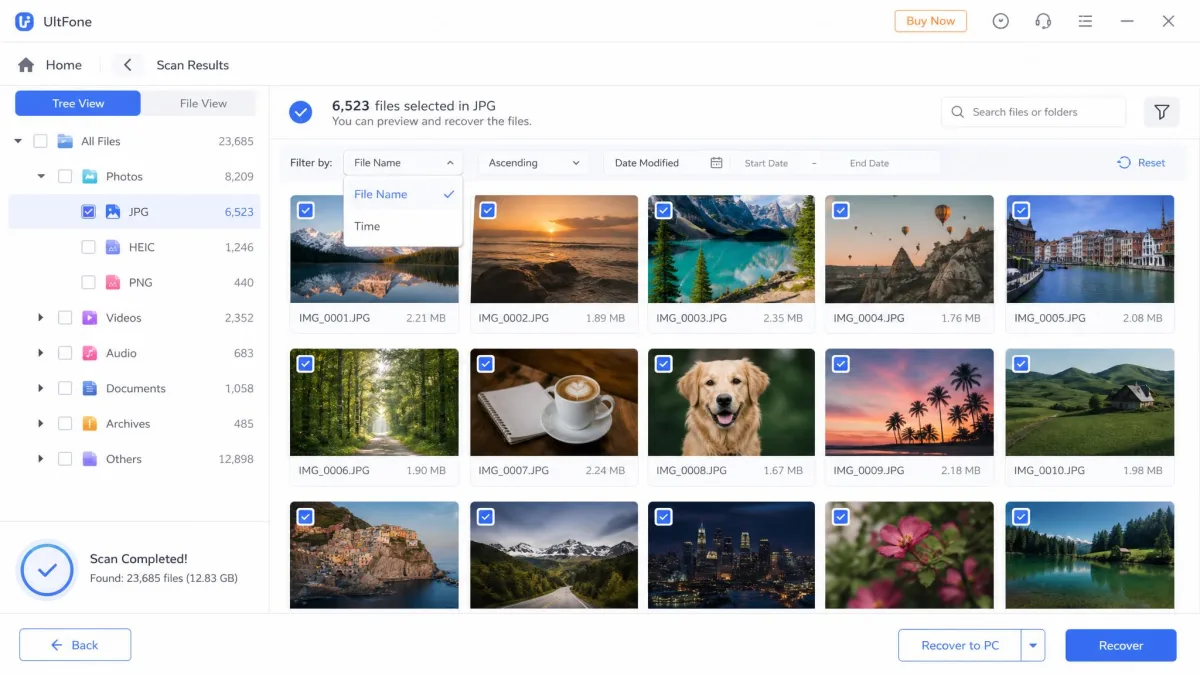
- Run the scan and wait for it to finish.
- Preview the results, and filter by file name or time.
- Purchase a license and export the files you need.
No root is needed for the core recovery, though some features still require a rooted device.
Stop using the phone as soon as you notice files are missing. Every new write occupies space the deleted files used, and overwritten data cannot be recovered.
UltFone Android Data Recovery: Pros and Cons
Pros
- No-root recovery keeps the setup simple
- Free scan and preview de-risk the purchase
- WhatsApp chats recover without root or backup
- Google Drive backups download selectively
- 30-day money-back guarantee on every plan
Cons
- Export requires a paid license, so full results cannot be verified free
- Success varies with overwriting and device compatibility
- Some features need root despite the no-root headline
- Resource-heavy, and the Mac version covers fewer features than Windows
- Refund and support complaints appear across third-party review sites
Does UltFone Android Data Recovery Actually Work? Real User Reviews
The honest answer is yes in many scenarios and no in others. Recovery depends on overwriting and device compatibility.
Outside feedback tells a mixed story. Most buyers call it effective with high success rates, while a minority describes difficult refunds and slow support.
The UltFone app on Google Play holds about 3.5 stars from roughly 63 to 66 reviews, with 10,000+ downloads; storefront figures shift over time.
SmartCustomer is the harshest source, at 2.4 out of 5 from 27 reviews, with 52% one-star ratings. Its most critical entry, from February 2023, describes a paid license that recovered nothing after text-message deletion. Other entries describe complete restores of photos, documents, and WhatsApp conversations.
Is the tool a scam? No. Is it guaranteed to recover your files? No.
Best UltFone Android Data Recovery Alternatives
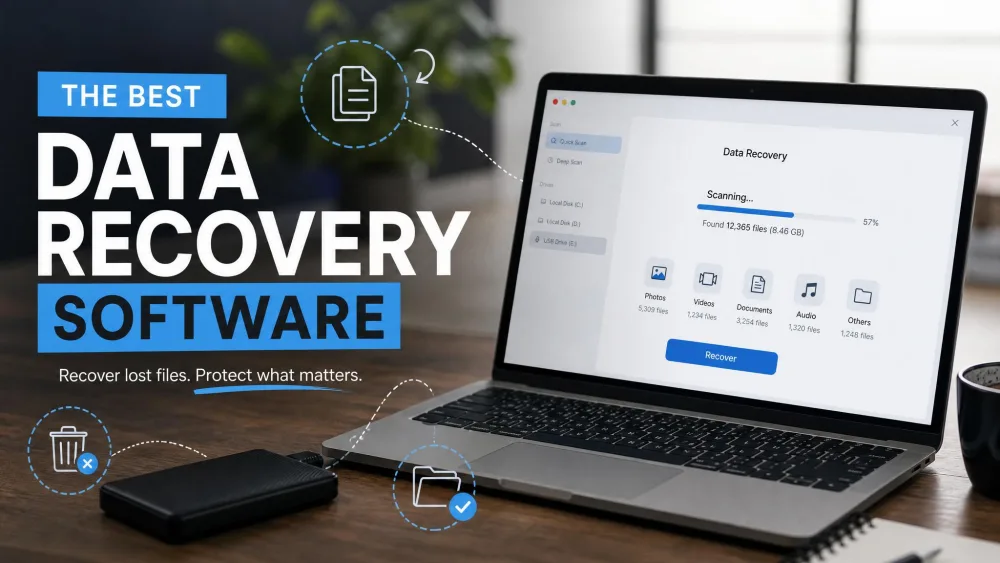
If UltFone does not fit your case, three tools cover the same ground. For the wider field, see our best data recovery software roundup.
MobiKin Doctor for Android is the closest direct competitor. It lists at $69.95 and currently sells for $49.95, with a 30-day money-back guarantee, and it supports 7,000+ devices (8,000+ on one of its own pages). Photos, videos, and audio recover without root; contacts, SMS, call logs, and documents from internal memory need root, while SD-card recovery does not. Choose it if you want a single listed price and accept root for messages.
iMyFone D-Back for Android is the broadest on paper. It claims 11 supported data types and recovers from the device, an SD card, and iTunes and iCloud backups. The Standard plan runs $49.95 for 1 month, $59.95 for 1 year, and $69.95 for lifetime. Choose it if you want the widest claimed data-type coverage.
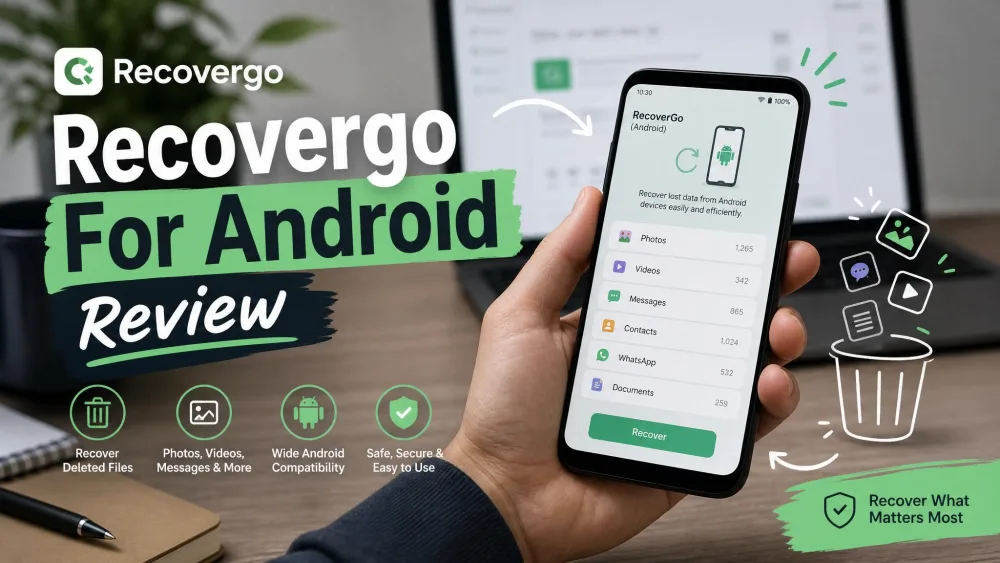
iToolab RecoverGo for Android is the closest price match to UltFone. Plans run $35.95 for 1 month (list $49.95), $39.95 for 1 year (list $79.95), and $49.95 for lifetime (list $99.95). It supports 6,000+ devices from Android 2.0 to 17, rooted or not, and recovers WhatsApp and WhatsApp Business messages without a backup. Choose it if WhatsApp Business matters, since UltFone only partially covers it.
Final Verdict
UltFone Android Data Recovery is legitimate, safe to install, and effective in the scenarios its reviews describe most often: deleted photos, WhatsApp messages, and contacts lost after an update.
For the right scenario, it is worth the money, especially at the Windows sale price of $49.95 for a lifetime license. For the wrong scenario, no software helps: factory-reset data without a backup is gone.
Bottom line: worth it when the preview shows your files, not worth it when your data was lost to a factory reset. Start with the free scan on the official UltFone product page and decide after you see what the tool finds.