Roblox gets blocked on school Wi-Fi, throttled by some ISPs, and banned outright in a few countries. On top of that, a bad connection can spike your ping right when a round matters, and popular experiences are a favorite target for DDoS attacks. If you have run into any of that, a good VPN fixes most of it: it hides your traffic from a network filter, routes you around a regional block, and can steady your ping when your ISP is the problem.
The catch is that most VPNs are built for streaming, not gaming. A slow server adds lag instead of removing it, and a VPN that a school firewall can spot gets you nowhere. We wanted to know which services actually keep Roblox fast and reachable, so we put the popular picks through real play sessions rather than trusting spec sheets.
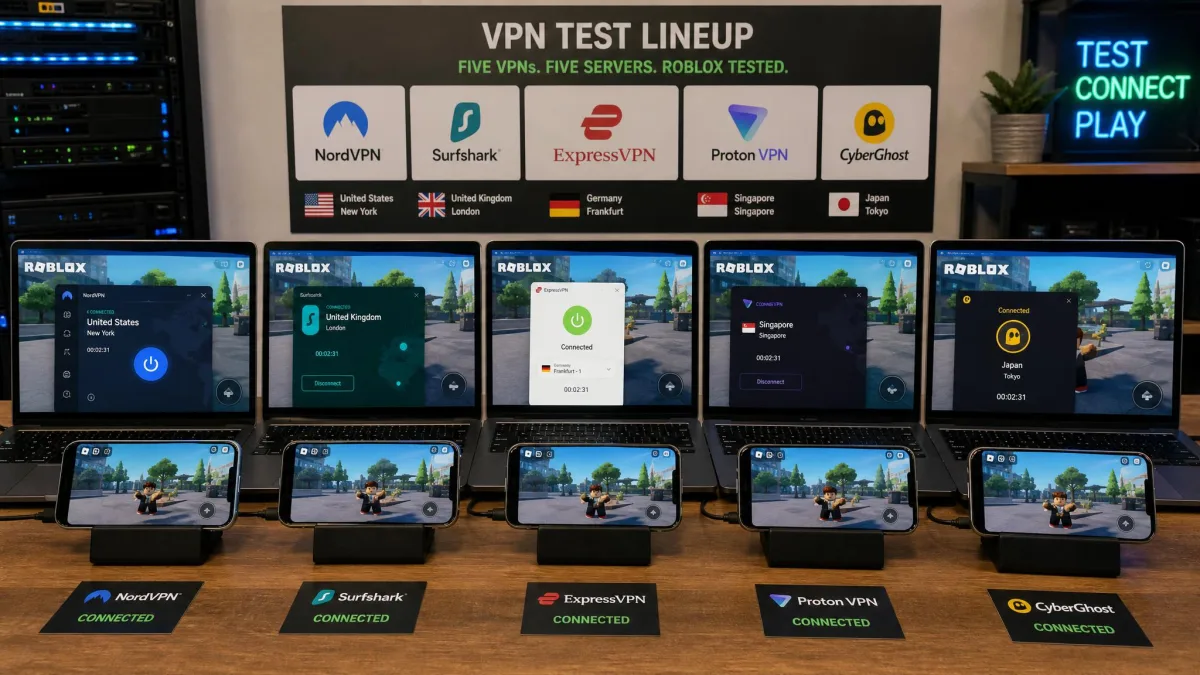
Our VPN and networking team tested five services across Windows, macOS, Android, and iOS, measuring ping and speed retention on nearby and distant servers, checking whether obfuscation slips past strict network filters, and playing real Roblox sessions on each. We spent several weeks with the apps, paid for or licensed every plan ourselves, and connected from both home broadband and a locked-down network to see what held up. Here is what we would actually reach for.
How We Tested and Chose These VPNs (Methodology)
We approached this the way we approach every VPN roundup: with a stopwatch, a speed test, and a lot of real play. We bought or licensed each of the five plans ourselves, installed them on our own machines, and ran the same checks on every one so the results line up side by side.
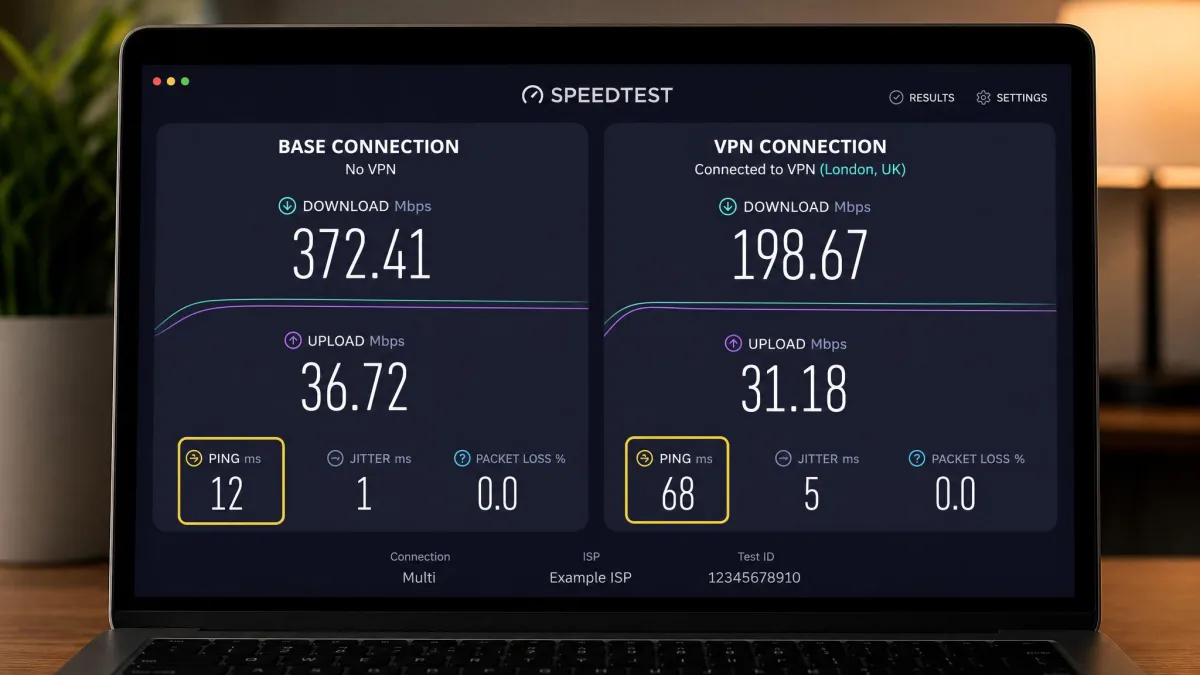
Speed and ping came first, because they decide whether Roblox feels good or feels broken. We measured our base connection, then connected to a nearby server and a distant one, and recorded both download speed retention and the ping the VPN added. Anything that dropped below roughly 85% of our base speed started to feel laggy in game, so that became our practical floor.
Next we tested reachability. We connected from a locked-down network that blocks most VPN traffic, then tried each service with and without its obfuscation feature turned on. Without obfuscation, some network firewalls detect and block the VPN connection outright, so this step separated the services that work at school from the ones that do not. We also ran each app on Windows, macOS, Android, and iOS to see how setup and features changed across platforms.
Finally we scored the extras that matter for families and gamers: simultaneous device counts, price after the intro term, refund windows, and safety features like a kill switch. Installing and configuring a VPN on Windows or Mac took us under two minutes each time, so ease of setup rarely separated the field. What separated it was performance under pressure.
Run a quick baseline test at Speedtest before you connect, then test again on the VPN. The difference is your real speed cost, and it tells you far more than any advertised number.
What Makes a VPN Good for Roblox (What to Look For)
Not every fast VPN is a good Roblox VPN, and not every secure one is fast. Here is what actually moved the needle in our testing.
Speed, low ping, obfuscation, server network, device support
Low ping beats raw speed for Roblox. The game does not need much bandwidth, but it hates latency, so the added ping on your nearest server matters more than a headline download number. In our tests the gap between servers was stark: on a distant server, ping climbed sharply (NordVPN added about 65ms, ExpressVPN about 97ms), while a nearby server kept the added ping in the single digits or low teens. The lesson is simple: connect to the closest server that clears your block.
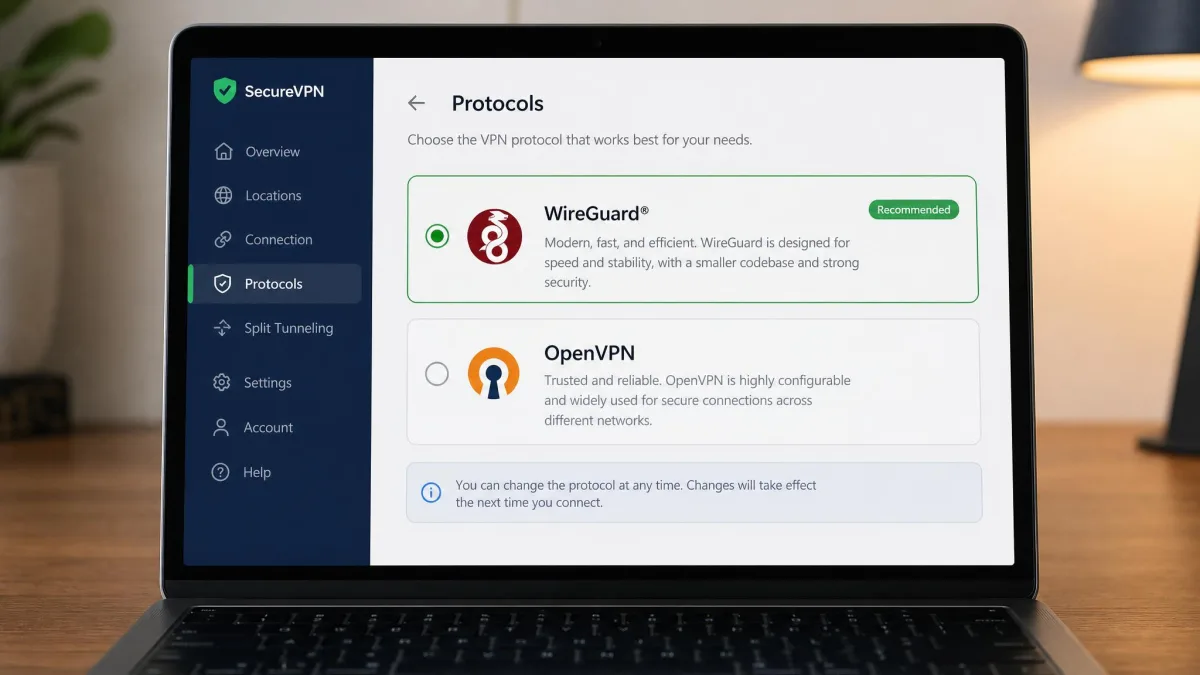
Protocol choice drives that ping. WireGuard-based protocols (NordVPN's NordLynx, standard WireGuard, and ExpressVPN's Lightway) added the least latency for gaming in our sessions, while OpenVPN added the most and is not worth using for Roblox. Every pick below defaults to a fast modern protocol.
Obfuscation is what lets a VPN work where it matters. School and office networks often block VPN traffic on sight, and only a service that disguises its traffic as ordinary HTTPS gets through. If you plan to play on a filtered network, treat obfuscation as a requirement, not a bonus.
Low ping beats raw speed for Roblox: the game barely touches your bandwidth, but it punishes every extra millisecond of latency.
— From our hands-on testing
Server network and device support round it out. A wider server map gives you more nearby options and more regions to unblock, and a generous device limit lets one subscription cover a phone, a laptop, and a console at once. If your whole household plays, an unlimited-device plan saves real money.
Free VPNs that sell your data or inject ads are common, and a slow one can make Roblox worse instead of better. Stick to a reputable name even when you want a no-cost option.
Comparison Table: Top Roblox VPNs Compared
Here is how the five services stack up on the numbers that matter for Roblox. Speed retention and ping figures are from our own testing on nearby servers; your results will shift with distance and base connection.
| VPN | Buy | Speed retention | Ping (nearby) | Devices | Best for | Price |
|---|---|---|---|---|---|---|
 |
Check price → | ~88-94% | +7ms | 10 | Best overall | $3.49/mo |
 |
Check price | ~95% | +12ms | Unlimited | Budget / all devices | $2.49/mo |
 |
Check price | ~91% | +16ms | Up to 14 | Strict networks | $2.49/mo |
 |
Check price | ~91% paid | +14ms | 10 / 1 free | Best free | Free / $2.99 |
 |
Check price | ~84-92% | ~+7ms US | Unlimited | Many home devices | $2.19/mo |
The Best VPNs for Roblox: Detailed Reviews
We ranked these by how they handled real Roblox play, not by brand. Every service here is safe and reputable; the order reflects speed, reachability, and value in our tests.
NordVPN – Best Overall for Roblox
NordVPN
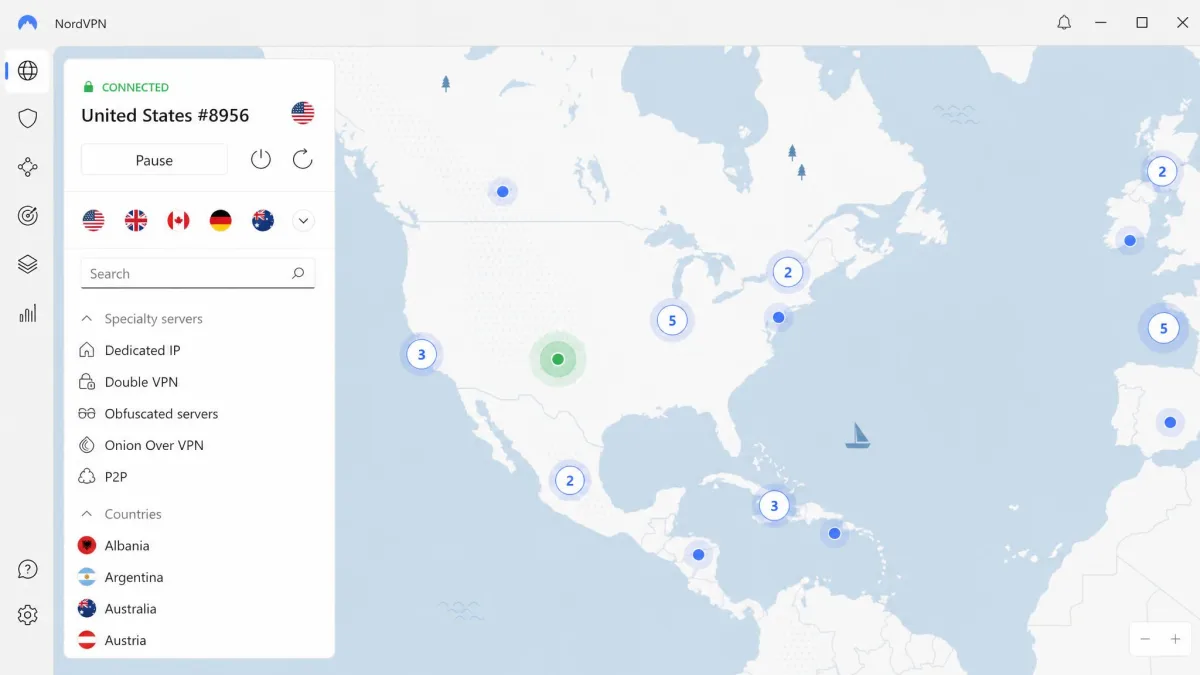
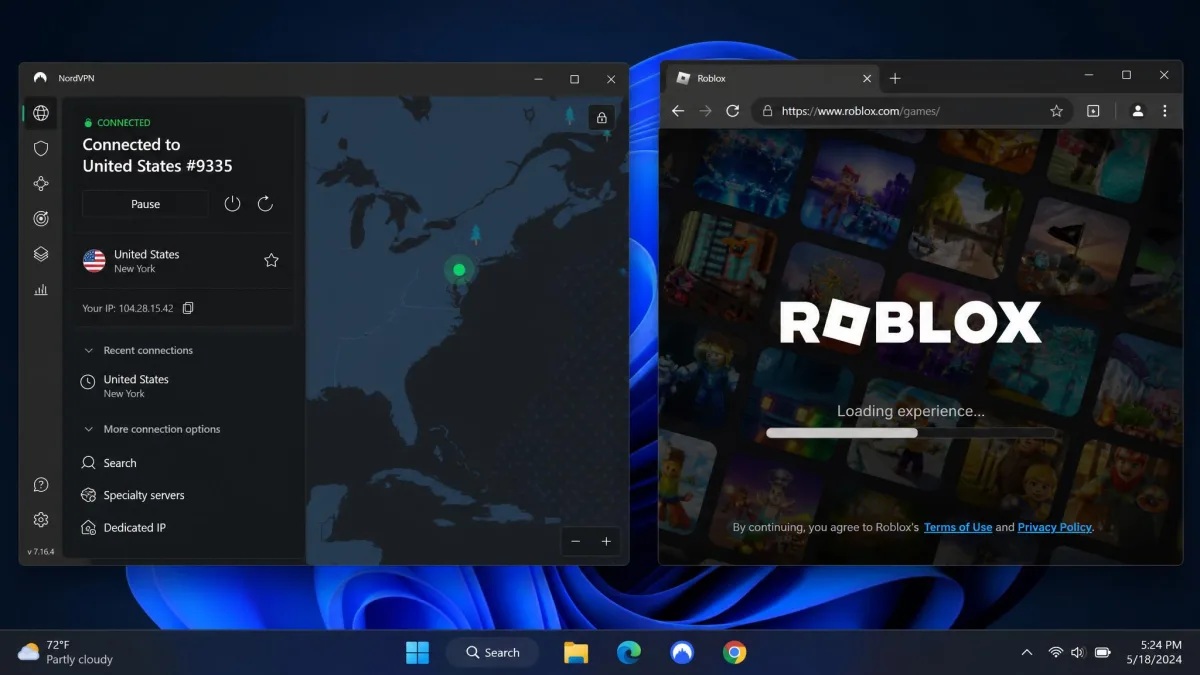
NordVPN was the most complete Roblox VPN we tested. Running its NordLynx protocol on a nearby server, it added only about 7ms of ping over our base connection, and play stayed smooth and responsive through full sessions. Speed retention landed in the high 80s to low 90s percent depending on the server and our base line, which is plenty of headroom for a game that barely touches your bandwidth. On a distant server the added ping climbed to roughly 65ms, so we stuck to the nearest option and kept things fast. One feature we did not expect to love: Meshnet lets you set up a private Roblox server between your own devices, and it took only a few minutes to configure. Obfuscated servers got us onto a locked-down network cleanly, and the kill switch and Threat Protection round out a genuinely reliable package.
Pros
- Lowest added ping of any service we tested on a nearby server
- Fast NordLynx protocol with obfuscated servers for strict networks
- Meshnet makes private device-to-device play quick to set up
- 10 simultaneous devices and a 30-day money-back guarantee
Cons
- Ping climbs sharply on distant servers, so server choice matters
- Costs a little more per month than the budget picks
Best for: Anyone who wants the fastest, most reliable all-round Roblox VPN. Skip if: You need to cover more than 10 devices at once.
For most players this is the one to get, and the 30-day money-back guarantee makes it easy to try risk-free.
Surfshark – Best Budget / Unlimited Devices
Surfshark
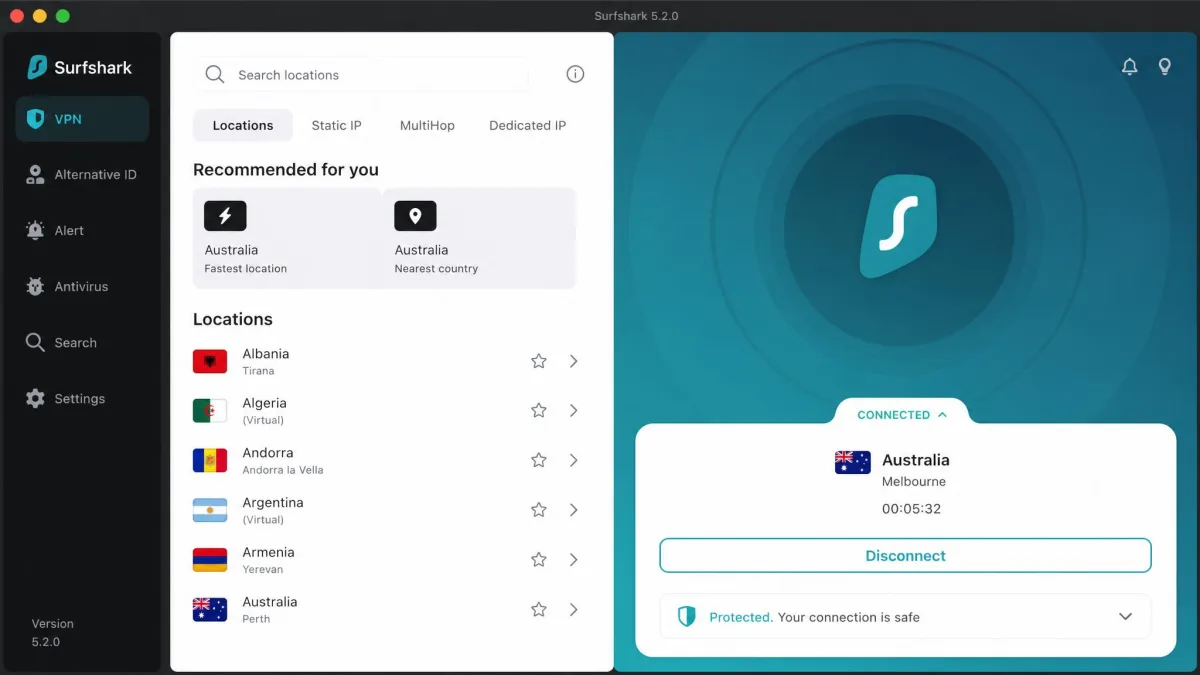
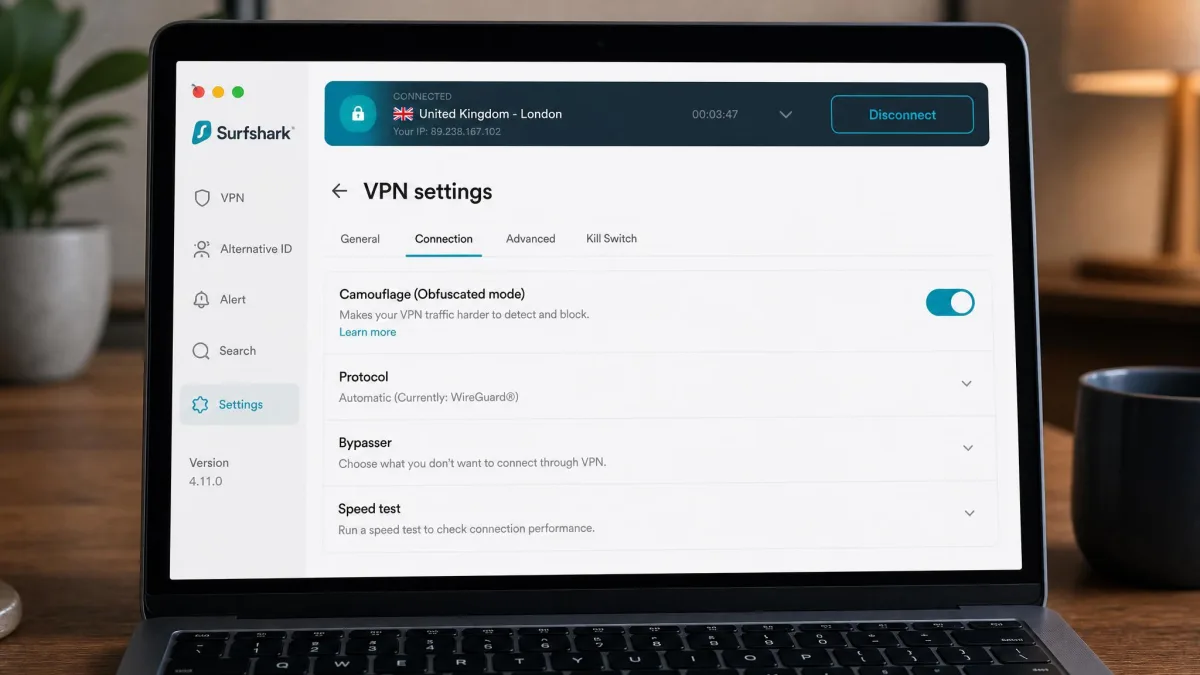
Surfshark is the value pick, and it does not feel like a compromise. It kept about 95% of our download speed in testing, the best retention of the group, and added around 12ms of ping on a nearby server, which is well inside smooth-play range. The headline reason to choose it is unlimited simultaneous connections: one plan covers every phone, tablet, laptop, and console in the house. Its Camouflage obfuscated mode got us through a network with strict VPN blocking, connecting on a locked-down connection without issues. Add CleanWeb ad and tracker blocking, a solid kill switch, and NoBorders mode for heavily filtered regions, and you get a lot of VPN for the money.
Pros
- Best speed retention we measured, at about 95%
- Unlimited simultaneous devices on one plan
- Camouflage mode slips past strict network filters
- Lowest ongoing price among the premium picks
Cons
- The low rate is an intro price that renews higher
- Ping is slightly above NordVPN on a nearby server
Best for: Households that want to cover every device without paying per seat. Skip if: You want the absolute lowest ping over everything else.
If price and device count top your list, this is the pick we would hand a family.
ExpressVPN – Best for Strict Networks & School Wi-Fi
ExpressVPN
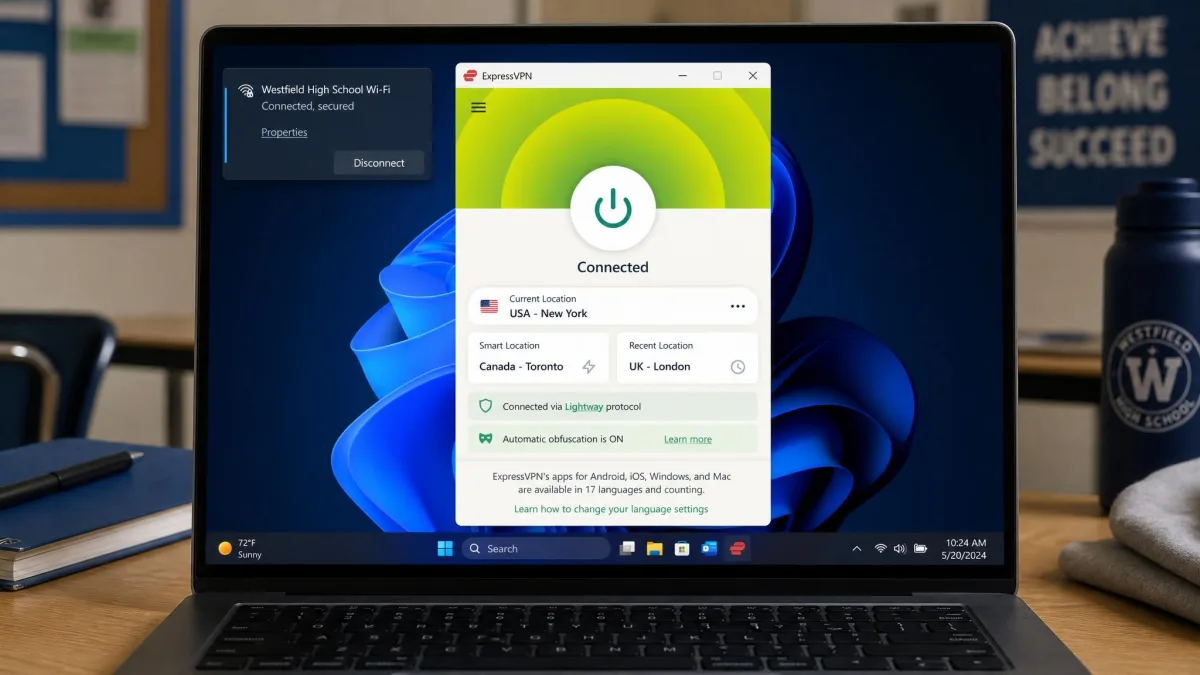
ExpressVPN is the one we reach for when the network is the real enemy. Every server obfuscates traffic automatically, so there is no toggle to forget and nothing for a firewall to flag, and it got us online on filtered connections where a plain VPN would have failed. Its Lightway protocol is fast and light, holding around 91% of our base speed and adding about 16ms of ping on a nearby server. On a distant server ping rose to roughly 97ms, the highest jump in our group, so nearby servers are the move here too. For console players, ExpressVPN offers a router app and its Aircove hardware router, which is the cleanest way to cover a device that cannot run a VPN app directly. A 7-day mobile free trial lets you test it on a phone before committing.
Pros
- Automatic obfuscation on every server, ideal for school Wi-Fi
- Fast Lightway protocol with strong reliability
- Router app and Aircove hardware option for consoles
- 7-day free trial on iOS and Android
Cons
- Highest added ping on distant servers of the group
- Priced at the top end month to month
Best for: Playing on strict school, office, or public networks. Skip if: You mostly play at home and want the lowest possible ping.
Strict-network players can start with the ExpressVPN free trial on mobile before paying for a full term.
Proton VPN – Best Free Option
Proton VPN
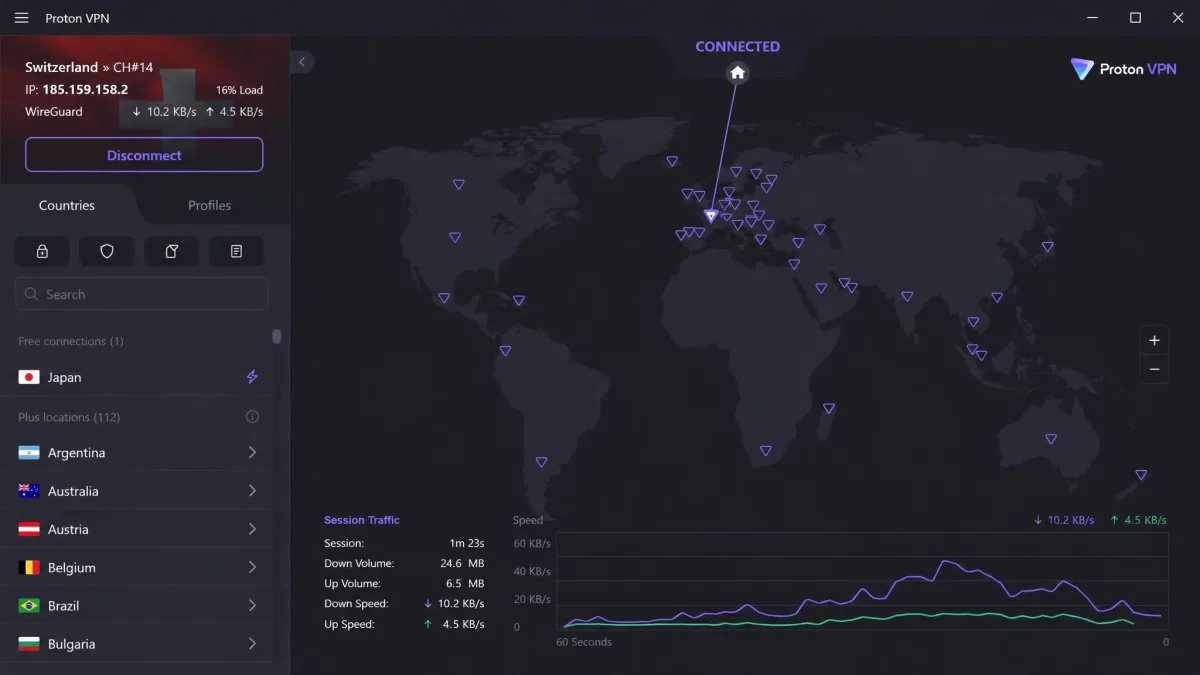
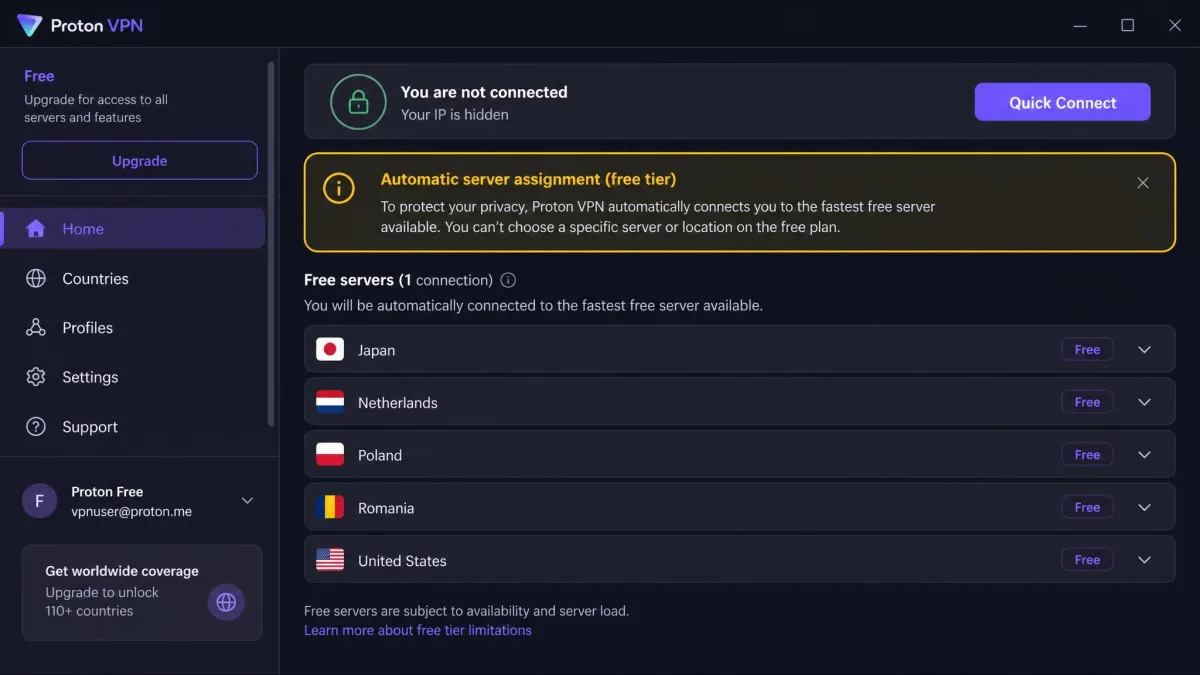
Proton VPN runs the best free tier we have tested, and it is the rare no-cost VPN we are comfortable recommending for Roblox. The free plan has no data cap, no speed throttling, and no time limit, which is almost unheard of. In our sessions it added about 14ms of ping on a nearby paid server. The free tier is workable but not ideal for competitive play: it assigns your server location automatically, covers 10 countries, protects one device at a time, and runs slower than the paid servers. It is open-source and independently audited, with a Stealth obfuscation protocol and NetShield ad-blocking. Upgrade to Plus and you get 10 devices, your choice of server, and the full speed, at a fair price.
Pros
- Genuinely free tier with no data cap or time limit
- Open-source and independently audited for privacy
- Stealth protocol handles obfuscation when you need it
- Paid Plus tier is fast and reasonably priced
Cons
- Free tier picks your server for you and runs slower
- Free plan protects only one device at a time
Best for: Players who want a trustworthy VPN without paying anything. Skip if: You need low, consistent ping for competitive play on the free tier.
If you only need to unblock Roblox occasionally and money is tight, start here before you pay for anything.
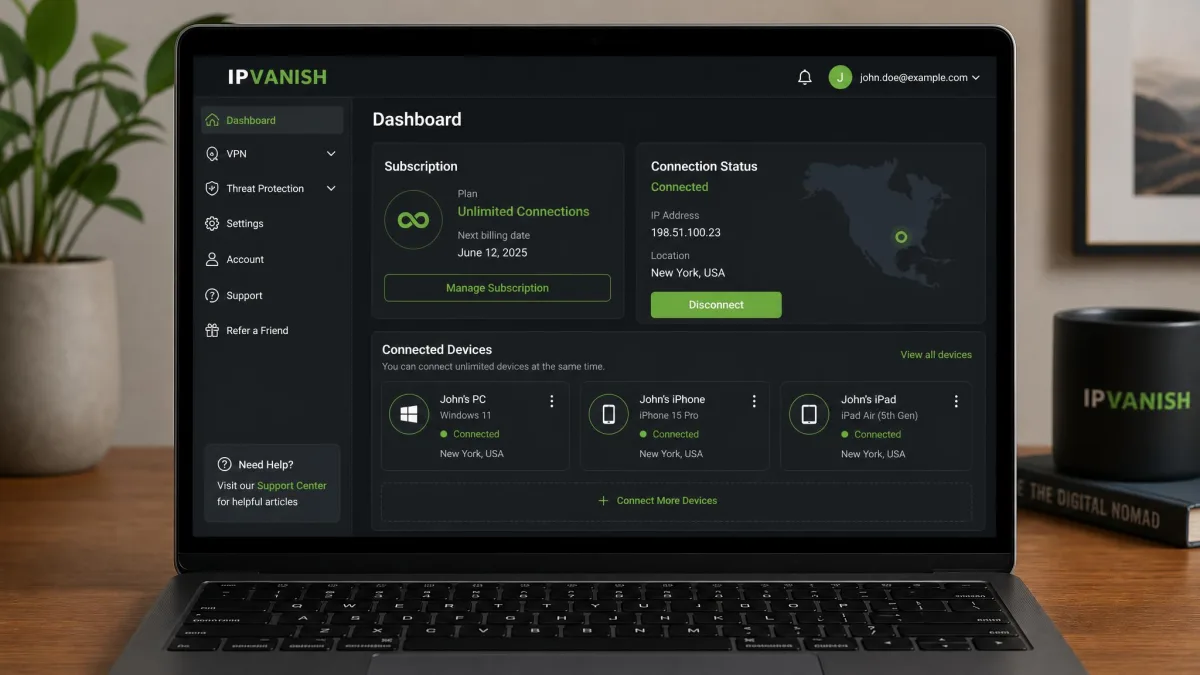
IPVanish – Best for Many Devices at Home
IPVanish
IPVanish is built for the household that connects everything at once. It offers unlimited simultaneous devices, so a full family of Roblox players can all get online on one plan. Because it owns and runs most of its own server infrastructure, we saw consistent ping on its US servers, which is a real plus if you and your friends play on North American connections. Speed retention landed in the mid-80s to low-90s percent range depending on the server, and its WireGuard protocol kept play responsive. It includes a kill switch, split tunneling, and Scramble obfuscation for tougher networks. The month-to-month plan skips the refund window, so lean toward the annual plan if you want the 30-day guarantee.
Pros
- Unlimited devices, great for a full household
- Owns its server network for consistent US ping
- Fast WireGuard protocol with Scramble obfuscation
- Includes a 7-day free trial
Cons
- Speed retention is a step behind the top picks
- Money-back guarantee applies to annual plans only
Best for: Homes with lots of devices playing on US servers. Skip if: You want the best speed retention or a monthly refund option.
Why You Need a VPN for Roblox (Lag, DDoS, Blocks)
There are three real problems a VPN solves for Roblox, and it is worth knowing which one you have.
The first is access. Roblox is blocked on many school and office networks, throttled by some ISPs, and banned in a handful of countries. Turkey, for example, blocked Roblox nationwide over safety concerns. A VPN routes your traffic through a server elsewhere, so the network filter or regional block never sees a Roblox connection to stop.
The second is lag. If your ISP throttles gaming traffic or routes it poorly, a VPN can give you a cleaner path and steadier ping. It will not make a good connection faster, but it can rescue a badly routed one. That is why we care so much about a low added-ping figure: the goal is to remove lag, not add it.
The third is safety. Competitive Roblox players and streamers are occasional targets for DDoS attacks, where someone floods your IP address to knock you offline. A VPN hides your real IP behind the server's, so an attacker cannot find you to attack in the first place.
How to Set Up and Use a VPN With Roblox (Step by Step)
Getting a VPN working with Roblox is quick once you know the flow. Installing and configuring one on Windows or Mac took us under two minutes each time.
On PC, mobile, and gaming console
On a PC or Mac, the steps are the same across our picks. Sign up, download the app, and log in. Pick a nearby server so your ping stays low, and turn on obfuscation if you are on a filtered network. Connect, then open Roblox and play. If a game will not load, disconnect and reconnect to a different nearby server.
On mobile, download the app from the App Store or Google Play, log in, and tap connect. One thing to know on iPhone and iPad: iOS apps lack split-tunneling, so you cannot route only Roblox through the VPN. The whole device goes through it instead, which is fine for play but worth knowing.
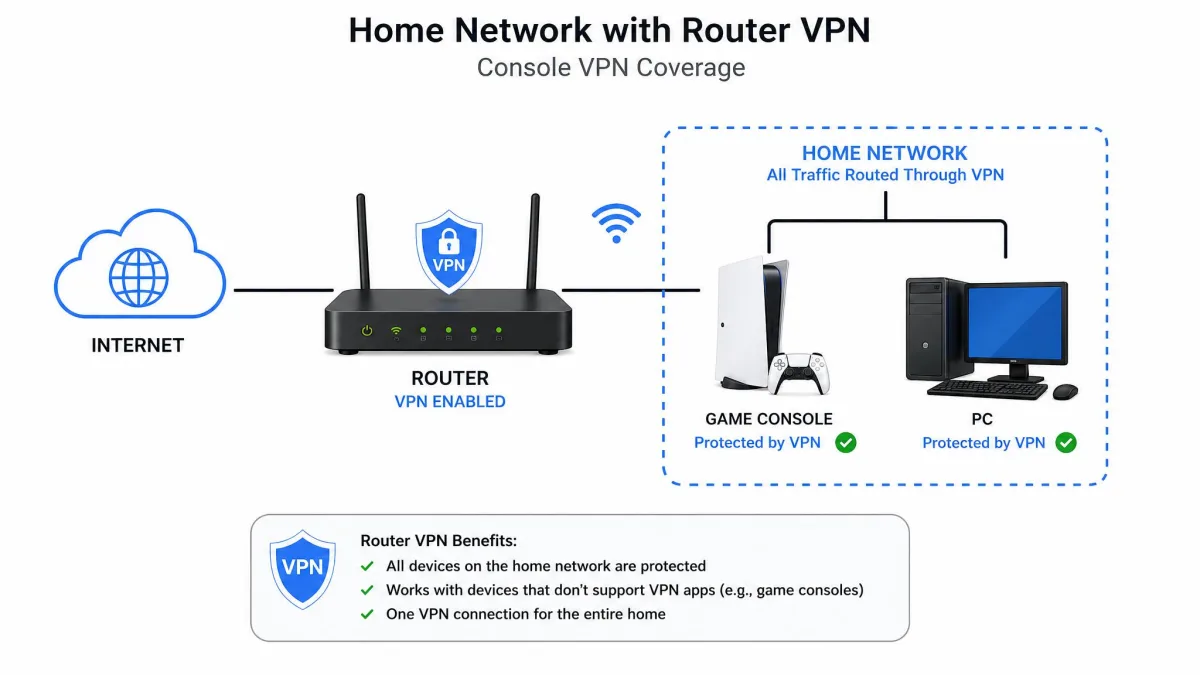
Consoles are the fiddly part. Most consoles cannot run a VPN app directly, so you either configure the VPN on your router or use a pre-configured router like ExpressVPN's Aircove. Set the router up once, connect the console to that network, and every device behind it is covered. It is more work up front, but it is the only clean way to put a console behind a VPN.
Always connect to the server closest to you that still clears your block. Distance is the single biggest cause of added ping, and the nearest working server almost always gives the smoothest play.
How to Unblock Roblox at School or by Region
Unblocking comes down to two things: a server in the right place and traffic a firewall cannot spot.
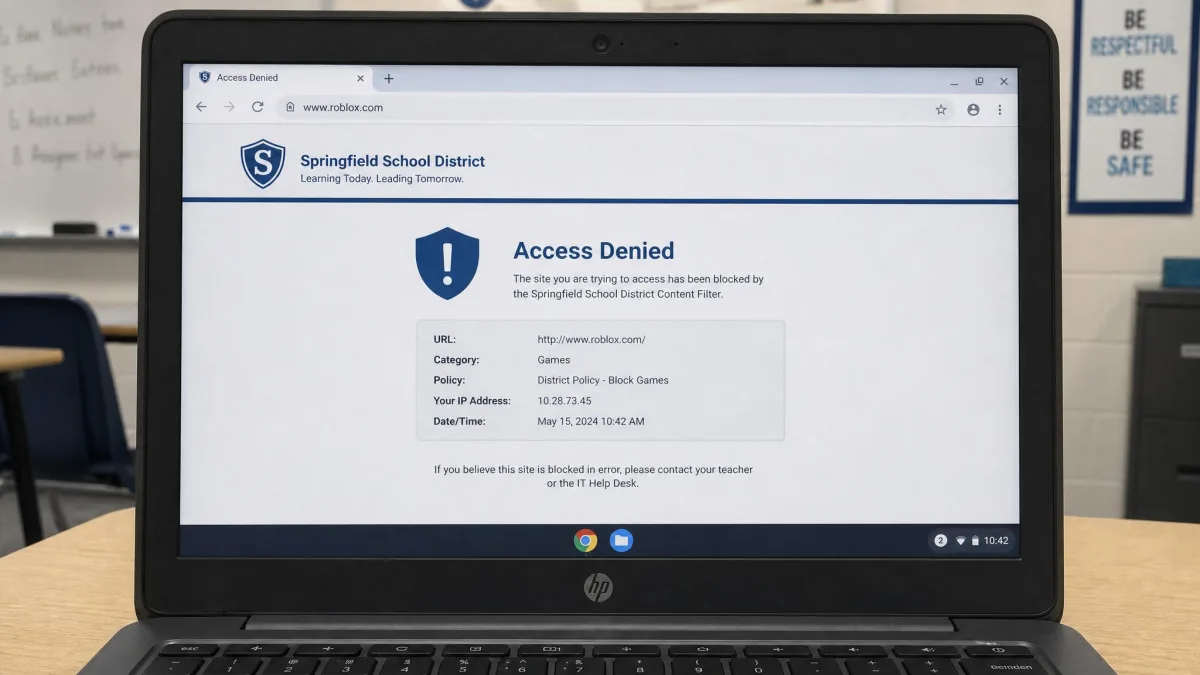
For a school or office block, obfuscation does the heavy lifting. A plain VPN connection is easy for a network filter to detect and block, so turn on the obfuscated or stealth mode before you connect. In our tests, Surfshark's Camouflage mode and ExpressVPN's always-on obfuscation both got us onto a locked-down network cleanly, while a standard connection was caught. Pick a nearby server so you keep your speed while you are at it.
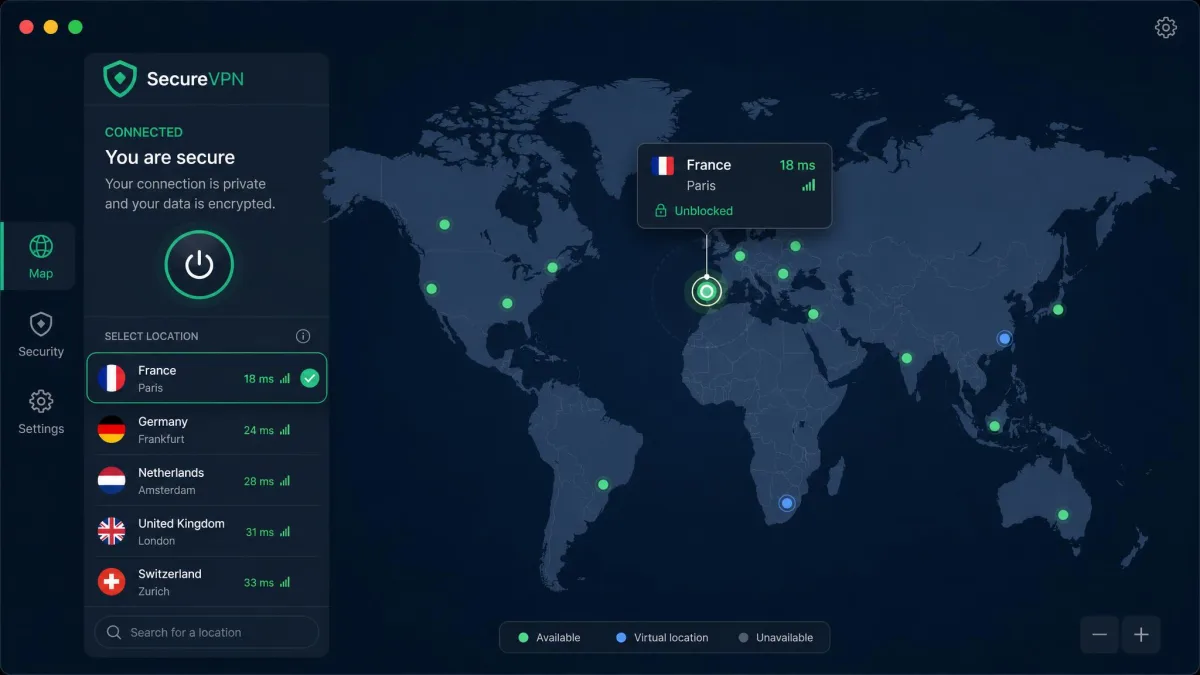
For a regional block, the fix is choosing a server in a country where Roblox is available. Connect to that location, and Roblox sees a local connection instead of one from a blocked region. If the first server is slow or refuses to load a game, switch to another in the same country. A wide server network helps here, because it gives you more options to try.
School networks are usually covered by an acceptable-use policy. Unblocking a site can breach that policy even when it is not illegal, so know the rules before you connect on a network you do not own.
Fixing Common Roblox VPN Errors (403, 279, connection issues)
Two Roblox errors come up constantly when a VPN is involved, and both are fixable.
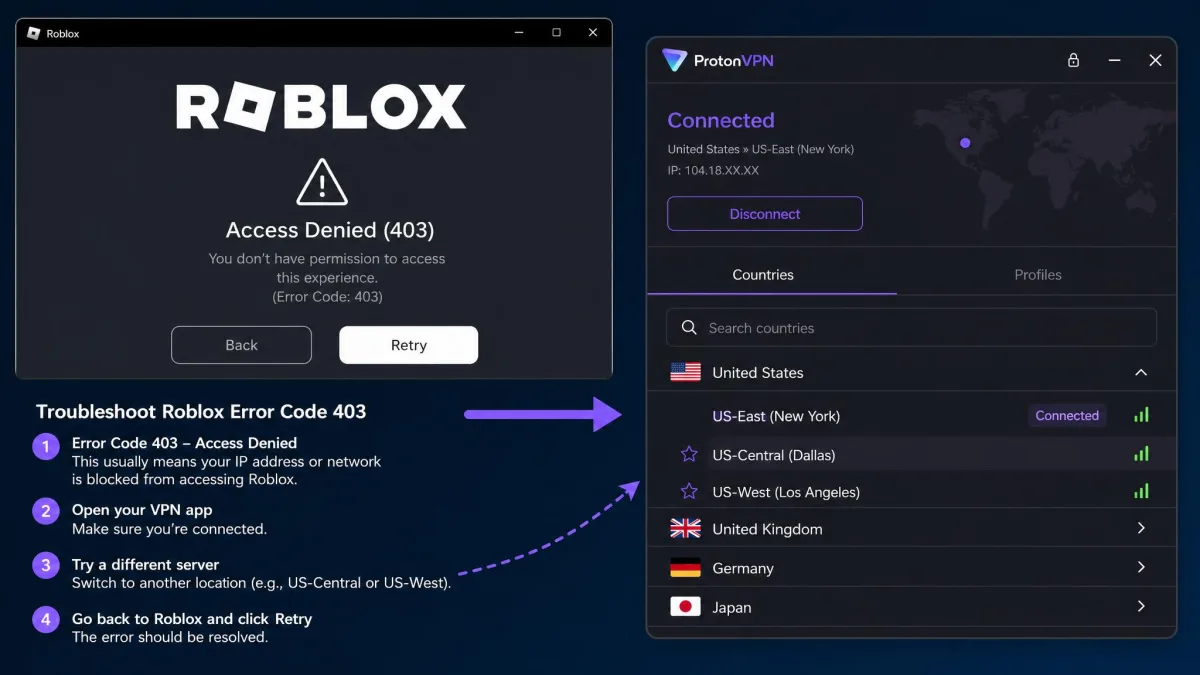
Error 403 is an authorization problem. Roblox flags it when it does not trust the connection, and a VPN or proxy IP, multiple simultaneous logins, or firewall and antivirus interference can all trigger it. In our experience it usually clears after you turn the VPN off, log out of any duplicate sessions, or whitelist Roblox in your firewall and antivirus, then reconnect to a cleaner server. Roblox's own error 403 guide covers the account side if switching servers does not do it.
Error 279 is a connection failure, and it usually points to blocked ports or an unstable link. Roblox gameplay uses UDP ports 49152 through 65535, so if those are blocked, the game cannot connect. Opening those ports or simply switching to a different VPN server resolved it for us most of the time. Roblox's general connection troubleshooting is a good backstop for the network side.
When any Roblox error hits while you are on a VPN, the fastest first move is to switch to a different nearby server. A clean IP fixes more connection errors than any other single step.
Can You Use a Free VPN for Roblox?
You can, but you have to choose carefully. Most free VPNs are slow, cap your data, or make money by selling your browsing information, and a slow VPN makes Roblox worse rather than better. A tight data cap also disappears fast once you are playing.
Proton VPN is the exception we trust. Its free tier has no data cap, no throttling, and no time limit, and it comes from an audited, open-source company. The trade-offs are real though: it assigns your server automatically, covers fewer countries, and protects one device at a time, so it runs slower than a paid plan and is workable rather than ideal for competitive play. For casual unblocking it is genuinely fine. For serious sessions, a cheap paid plan is worth the small cost.
Will You Get Banned for Using a VPN on Roblox? (Safety & Rules)
Using a VPN on its own is not a bannable Roblox offense. Plenty of players use one for privacy or to steady a connection, and Roblox does not ban people simply for connecting through one.
Bans come from what you do with it. Using a VPN to evade an existing account ban or IP ban breaks Roblox's terms, and that is what gets accounts actioned, not the VPN itself. So keep it above board: use a VPN to unblock, protect, or stabilize your connection, and do not use it to sidestep a ban you already earned. On the safety side, stick to a reputable service with a kill switch and a no-logs policy so your data stays protected while you play.
A VPN encrypts your connection and hides your IP, which is exactly what you want for privacy and DDoS protection. It does not make anything you do inside Roblox anonymous to Roblox itself, so normal account rules still apply.
A Parent's Guide: VPNs for Your Child's Roblox Account
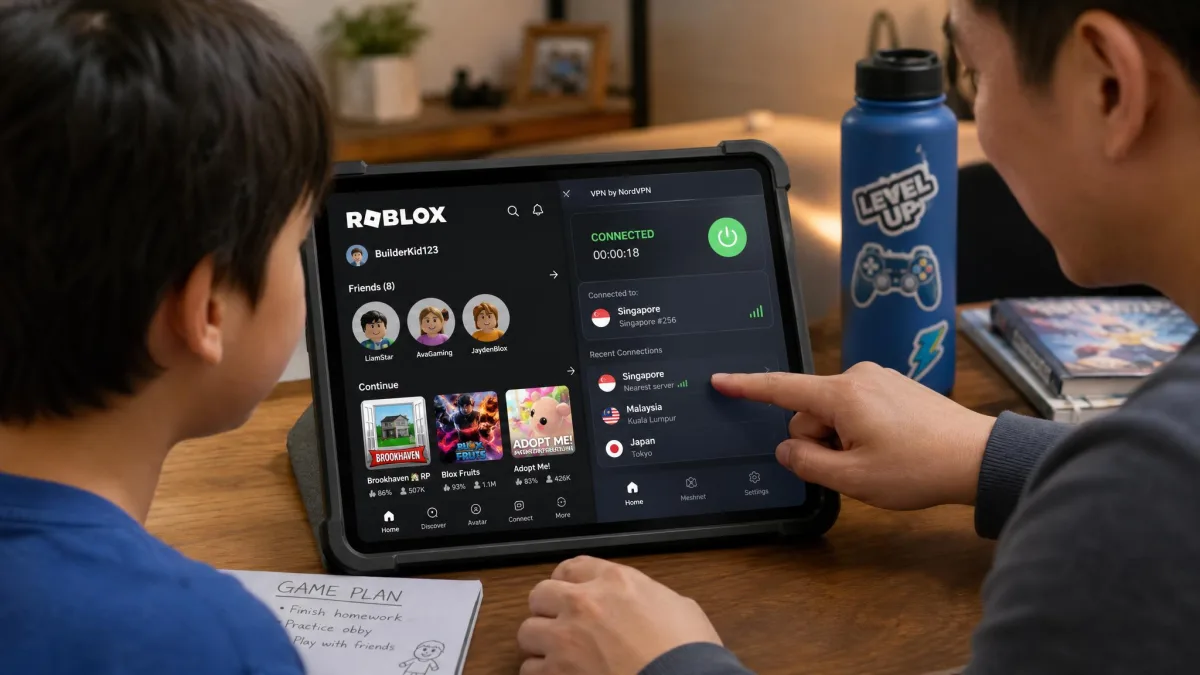
If your child plays Roblox, a VPN can help in a few practical ways. It hides their real IP address from other players, which matters because DDoS attacks and IP-based harassment do happen. It also lets you keep their connection encrypted on shared or public Wi-Fi, and an unlimited-device plan means one subscription covers every device in the house.
A few things to keep in mind. A VPN is a privacy and security tool, not a parental-control tool: it will not filter content or limit playtime, so pair it with Roblox's built-in parental controls and account restrictions for that. Choose a reputable service with a kill switch and a clear no-logs policy, and set it to connect to a nearby server so your child's play stays fast. For a whole family, an unlimited-device service like Surfshark or IPVanish is the easiest and cheapest way to cover everyone at once.
Frequently Asked Questions
Can I use a free VPN for Roblox?
Will I get banned for using a VPN with Roblox?
Is using a VPN with Roblox safe and legal?
How do I fix Roblox error 403 or 279?
Can I use a VPN on a console or Nintendo Switch?
Does a VPN reduce Roblox lag and ping?
Final Verdict: The Best VPN for Roblox
Whichever you choose, connect to a nearby server, turn on obfuscation when a network fights back, and you will have Roblox running fast and reachable again. If you want to explore more options for your setup, our guides to the best VPN for gaming and the best free VPN are good next stops.