Spending hours a day on social media makes it harder to focus on anything else. The best apps to limit social media add friction, set time limits, or block the apps outright. We tested the top ten on iPhone and Android to see which ones hold up in daily use.
We ran each app on a current iPhone and an Android phone, plus a Windows laptop and a Mac for the desktop blockers. Our scoring covered blocking reliability, setup friction, cross-device coverage, and how easy each app was to bypass.
None of the ten is a family or parental-control product, so the bench stayed on our own devices. The spread was forced by the app set: eight of the ten apps require an iPhone, and seven require an Android phone. Jomo runs only on Apple hardware, and Cold Turkey is Windows- and macOS-only, so the desktop blockers ran on both laptops.
Quick Answer: The Best Apps at a Glance
Freedom is our overall pick for cross-device hard blocking. One Sec is the best friction tool, and Opal is the strongest all-in-one suite.
Why You Need an App to Limit Social Media
The problem is not willpower; the apps are built to win. Notifications, infinite feeds, and pull-to-refresh keep you scrolling, so quitting on your own means fighting the same interface. A good blocker changes the game instead of asking you to be stronger.
The stakes are measurable. Deloitte's mobile consumer survey found Americans check their phones roughly 80 times a day. Much of that time lands on the same few apps. One randomized study gave 467 people a two-week block on their phone's internet, and screen time fell from 314 to 161 minutes a day.
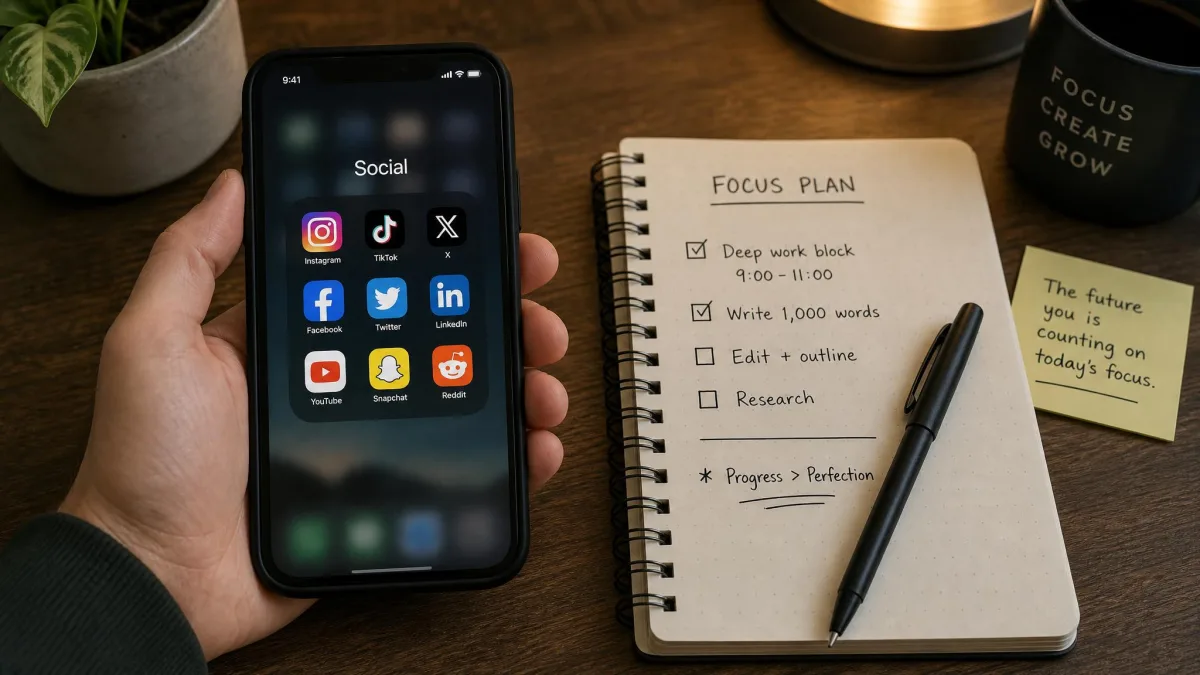
Hard Blocking vs. Friction-Based Blocking
Every app in this roundup works one of two ways.
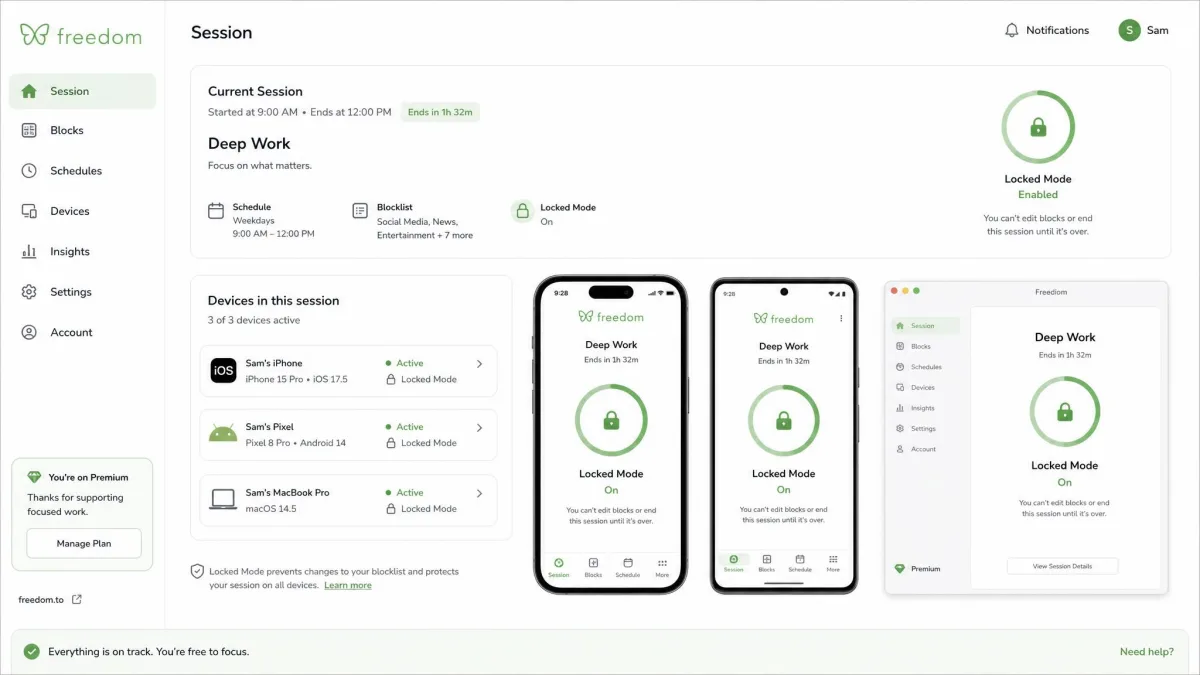
Hard blocking makes the app unreachable. Once live, you cannot open the target without permission, and the strongest versions survive uninstalls. Cold Turkey and Freedom both call this Locked Mode, and it is the nuclear option for people who will work around anything.
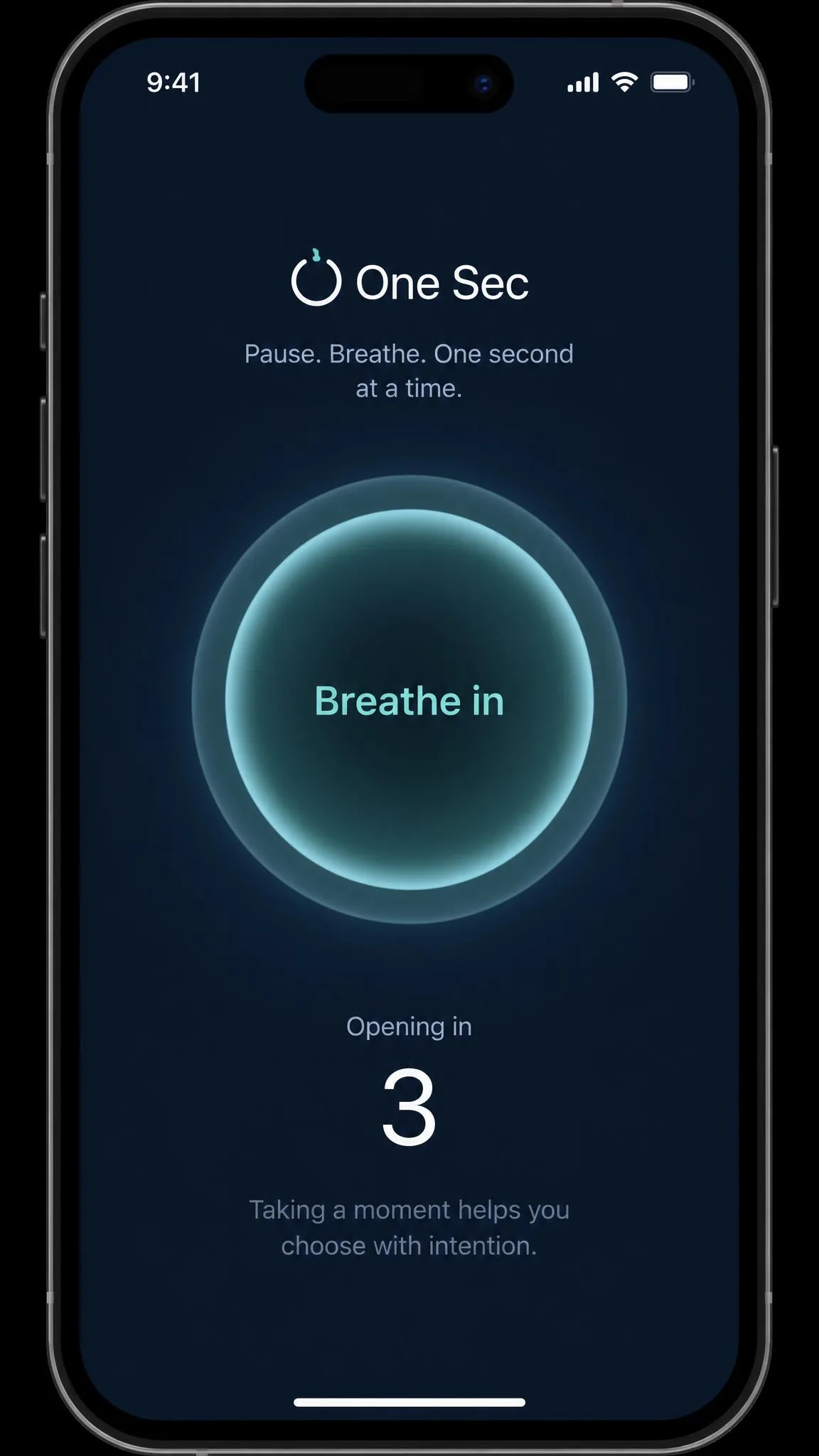
Friction blocking adds a pause instead. One Sec, ScreenZen, and Jomo insert a breathing screen, a question, or a countdown before a distracting app opens. Most people find friction easier to live with, since it interrupts the impulse rather than forbidding the app.
The 10 Best Apps to Limit Social Media
The ten reviews below cover how each app behaved in daily use, what it costs, and who it is for.
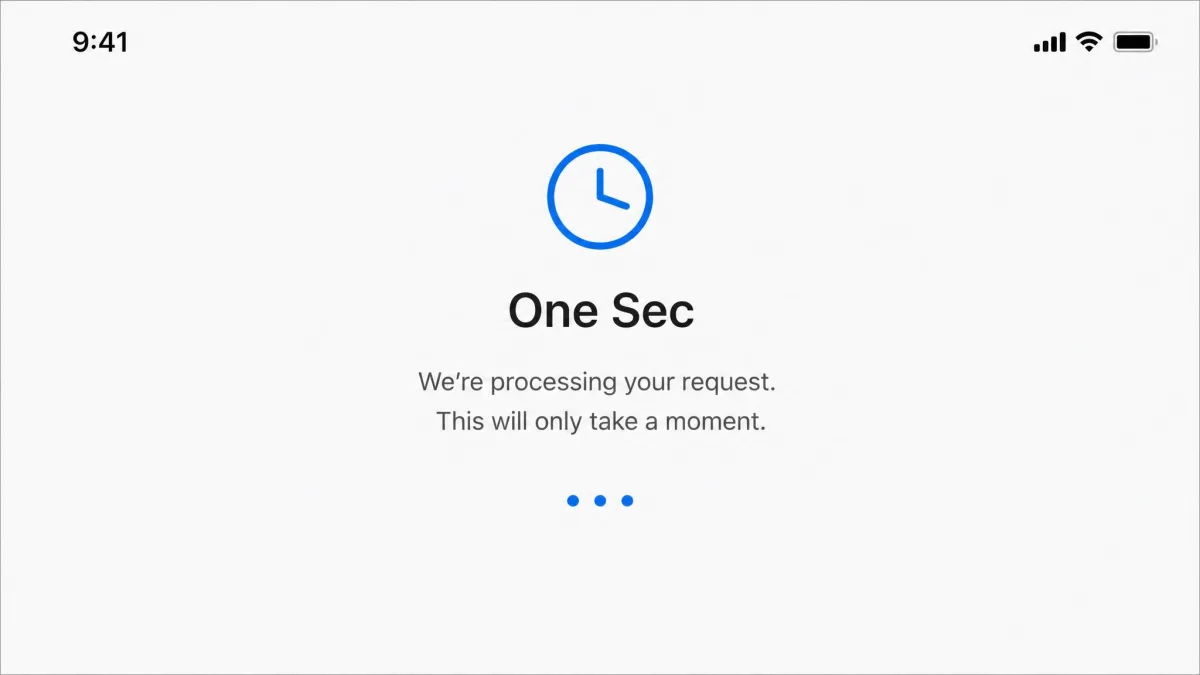
1. One Sec: Best Friction-Based App

One Sec
Within a few weeks the pause became just another screen to tap through. Setup on iOS is fiddly, and Android battery optimization can shut the intervention down in the background. The attempt counter mattered more than the prompt. Get it on One Sec on the App Store or One Sec on Google Play.
Pros
- Free tier protects one app
- Interrupts the impulse before each open
- ADHD-friendly with Safari extension
Cons
- No time limit once the pause is over
- One free app sends scrolling elsewhere
Best for: Breaking the impulse open. Skip if: You need hard blocking.
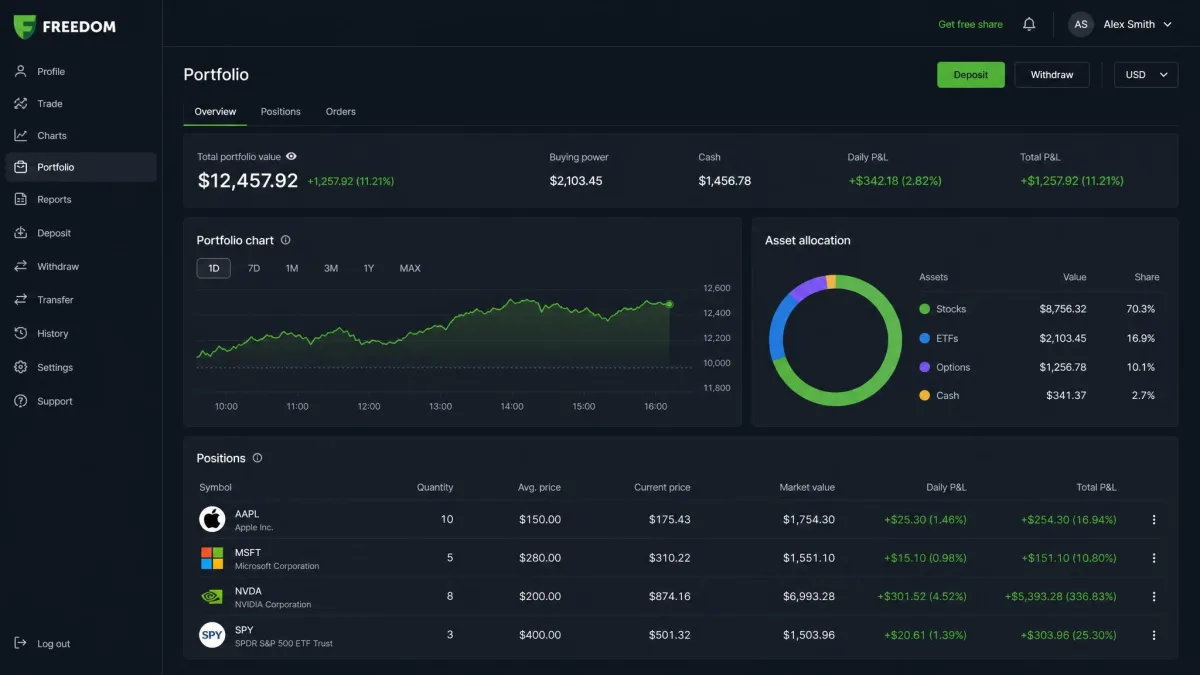
2. Freedom: Best Overall App to Limit Social Media

Freedom
Freedom earned its top spot on scheduled blocking, and it was not a flawless run. We set a session for our deep-work hours, left the app unopened for a day, and the block silently failed to fire; a manual tap on Sync Freedom started it. Once running, one session covered every device on our bench, though blocked apps still slipped through in some of our sessions, so the schedule needs a check-in now and then. Available on Freedom on the App Store and Freedom on Google Play.
Pros
- Blocks apps, sites, or the whole internet
- One subscription covers every device
- Locked Mode stops early session quits
Cons
- Scheduled blocks can silently fail to fire
- iOS blocking drains battery through a VPN
Best for: Cross-device hard blocking. Skip if: You only need one phone.
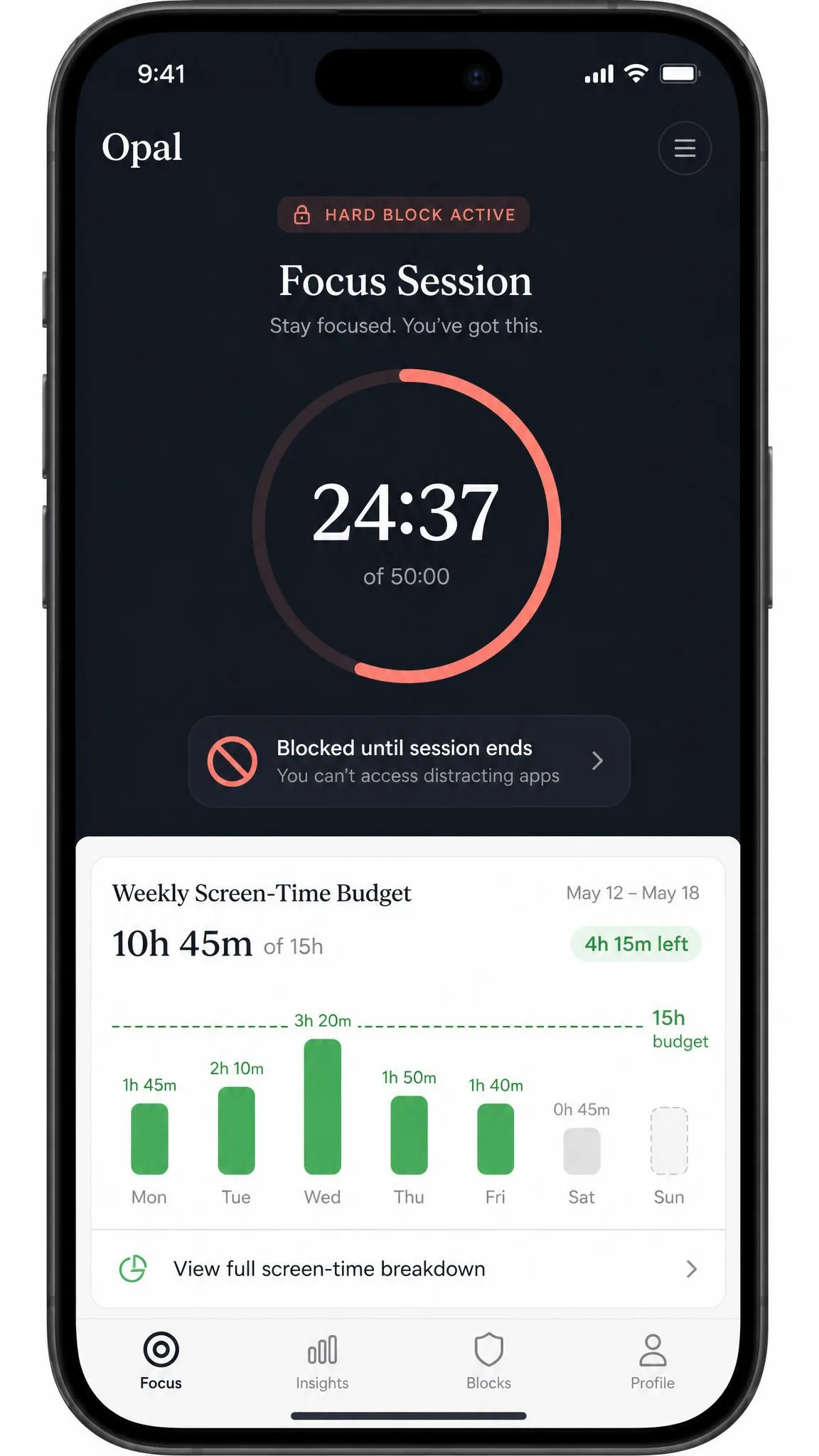
3. Opal: Best All-in-One Focus Suite

Opal
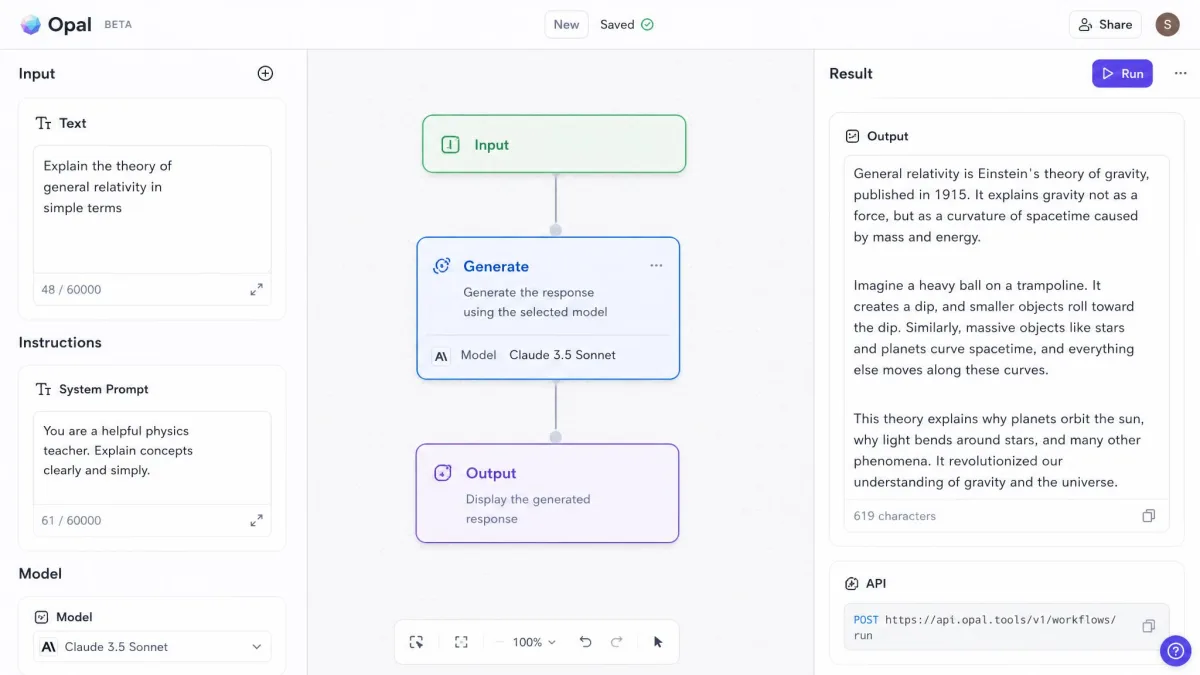
Opal is the app we most wanted to recommend, and the 4.2 redesign made that harder. We set a weekly screen-time budget and then watched the tracker count time the phone spent on the charger, and our weekly report came back with hours missing. Only Hard Mode kept the new bypasses locked, so we ran most sessions with the strictest setting switched on.
Pros
- Combines friction, focus, and cross-device blocking
- Opal Score tracks sleep, focus, and wellbeing
- Hard Mode blocks bypasses
Cons
- Redesign added bypasses that weakened blocks
- Screen-time tracking miscounted our hours
Best for: All-in-one suite across iPhone, Mac, and Android. Skip if: You want set-and-forget blocking.
4. AppBlock: Best Strict Blocker for Android
AppBlock
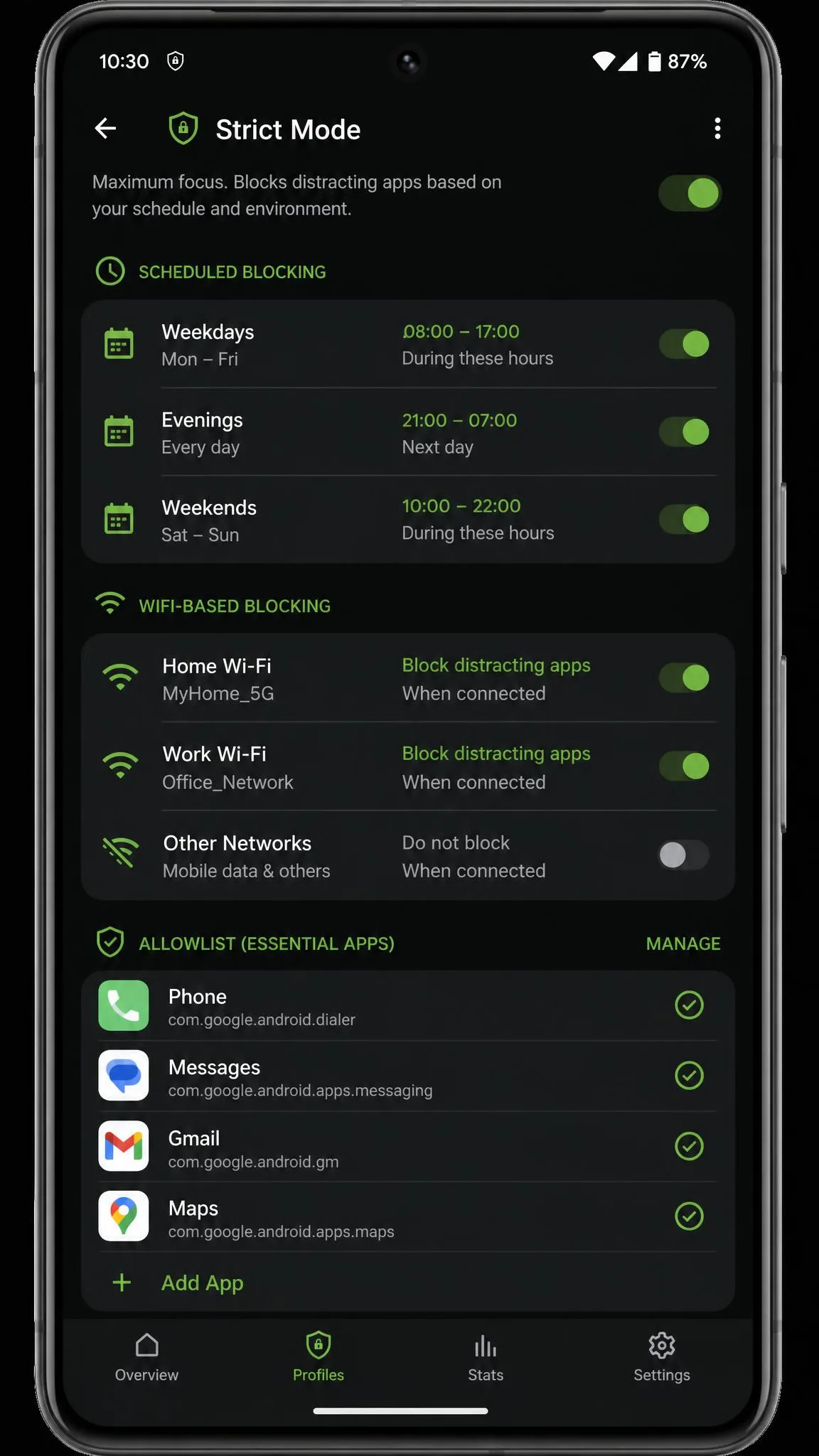
Strict is the point of AppBlock, and its Strict Mode lives up to the name. AppBlock on our Android phone withstood every bypass we tried, and then went further than we wanted: because it also blocks Device Settings, our banking apps locked up the moment they asked for a fingerprint authenticator. Profiles schedule by time, location, or Wi-Fi, and Allowlist Mode blocks everything except essentials, but battery optimization can stop the app on some phones and let blocks vanish before the session ends.
Best for: Strict Android blocking. Skip if: You want a gentler approach.
5. ScreenZen: Best Free Friction Tool

ScreenZen
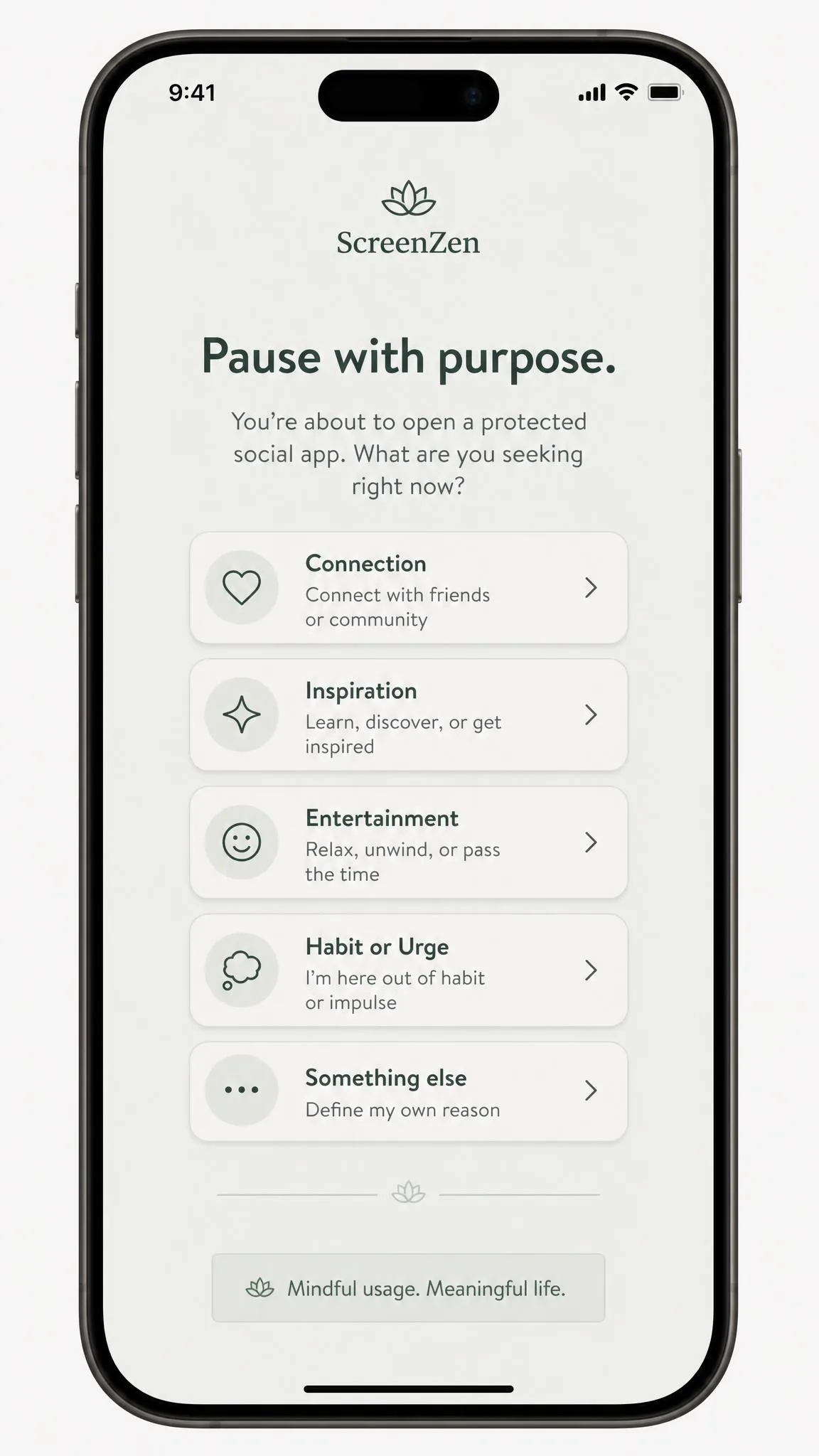
ScreenZen is the best free option, donation-supported with no premium tier. We set a short delay and a what-are-you-seeking prompt on our most-opened social app, and for the first week the pause worked as advertised. Within two weeks it had become routine, another screen to wait through, and we could simply wait out the countdown and open the app anyway, so ScreenZen slows the impulse but never really stops it.
Pros
- Completely free with no subscription
- Customizable delay and prompts
- Works on iOS, Android, macOS, and Windows
Cons
- No controls once past the pause
- A determined user can wait it out
Best for: A genuinely free friction tool. Skip if: You need hard blocking.
6. Forest: Best Gamified Focus Timer

Forest
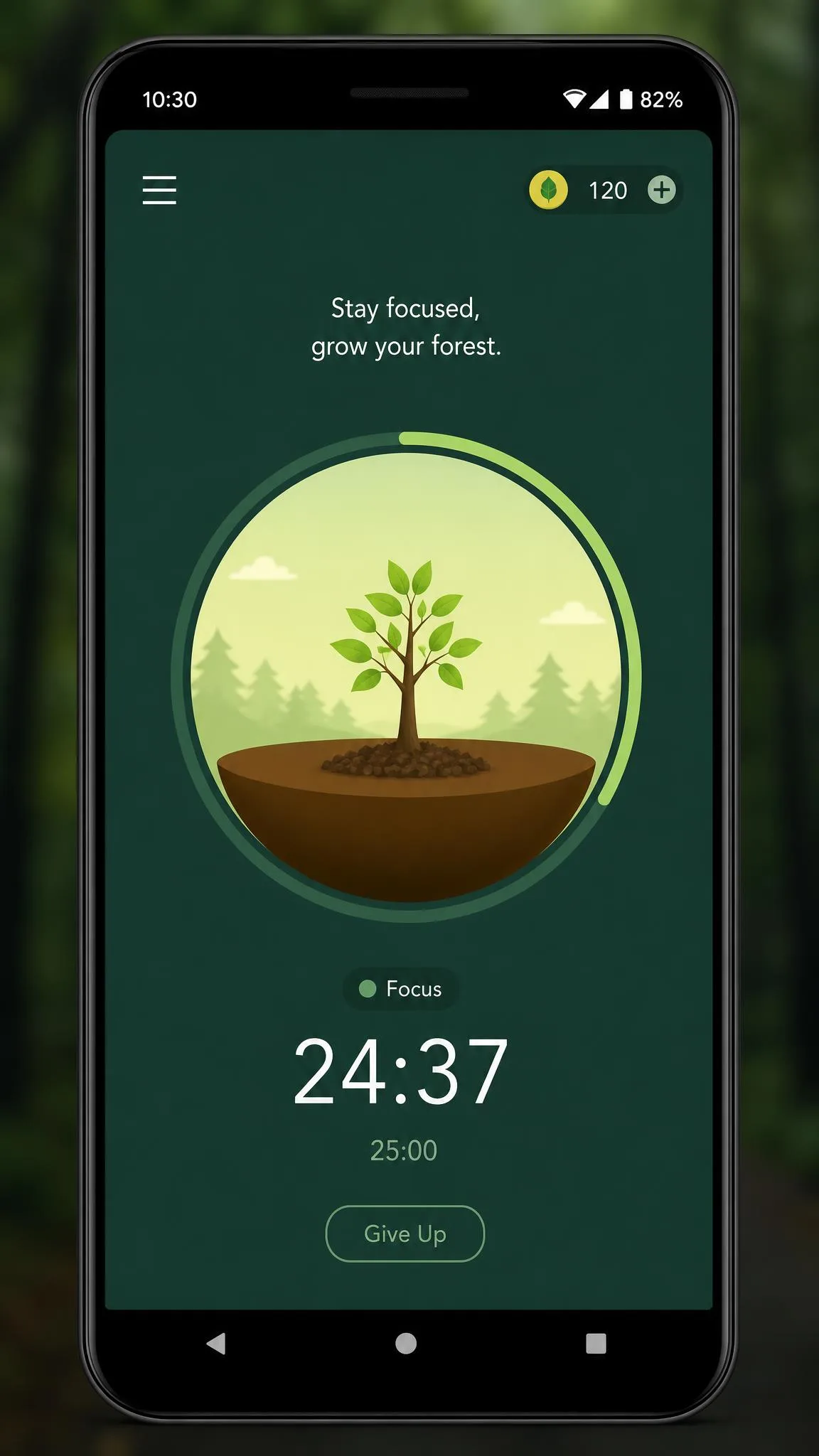
Forest gamifies focus, and the tree is both the hook and the trap. We planted one for a two-hour writing session, switched to check a message, and came back to a dead tree with the session gone; one accidental leave wipes hours of progress. More than 60 million people have downloaded it, but Forest is a focus timer first: sessions end without a break timer or auto-restart, and we re-set everything by hand between rounds. That makes it a poor social blocker on its own.
Best for: Gamified focus sessions. Skip if: You need strict blocking, not a timer.
7. StayFree: Best Free Android Tracker

StayFree
StayFree is tracking-first: it shows where your time goes before it limits anything, and the Android usage dashboards are detailed. We set a per-app limit on our most-used app and then watched the same feature on iOS fall apart, with a save loop resetting the screen and focus mode sometimes never activating. On Android it earns a 4.6 store rating from over 270,000 reviews; on iOS, plan on the free tier's ads and a much rougher ride.
Pros
- Detailed Android usage dashboards
- Per-app limits and scheduled time away
- Free tier with no hard paywall
Cons
- iOS version is noticeably less reliable
- Free tier shows ads
Best for: Free tracking and limits on Android. Skip if: You are on iOS.
8. Apple Screen Time & Android Digital Wellbeing: The Built-In Option
Apple Screen Time & Android Digital Wellbeing
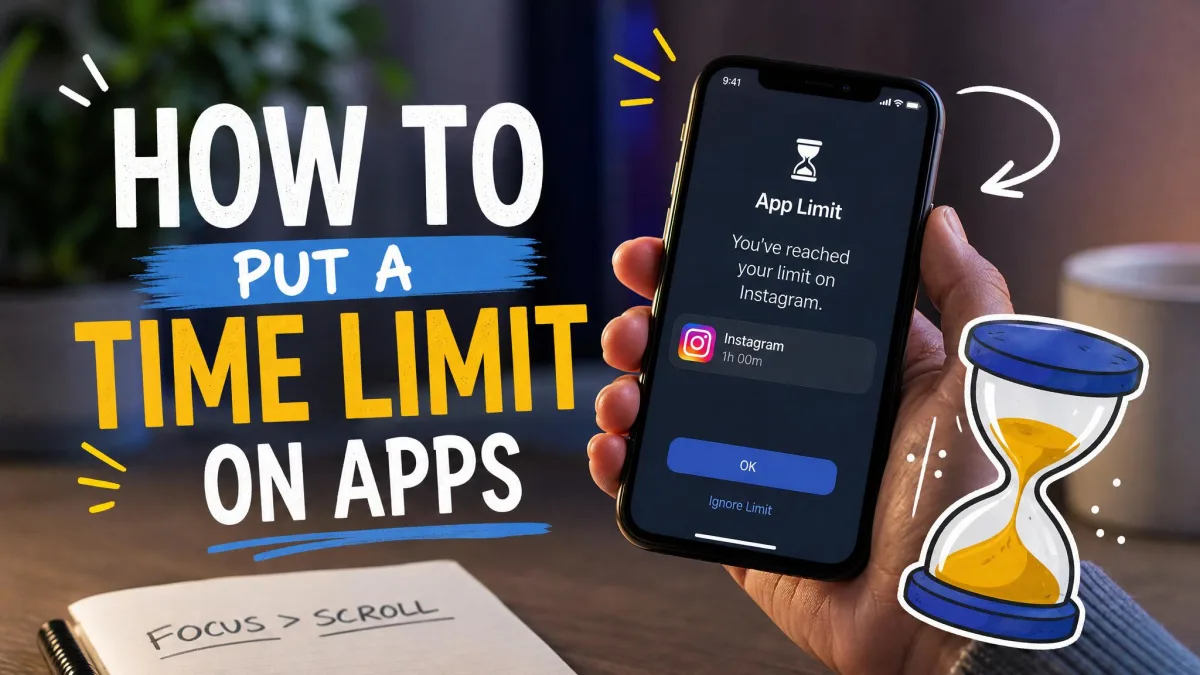
Try what is already on your phone before you pay for anything. Apple Screen Time and Android Digital Wellbeing both offer app limits, downtime, and focus modes for free. In our testing the built-ins work best when you tighten them: we set an App Limit and then tapped Ignore Limit out of habit, because that button sits on by default until you switch on Block at End of Limit. App Limits also carry a long bug history, from limits not blocking apps to limits not resetting at midnight, so check the daily report now and then.
Pros
- Free and already installed
- App Limits, Downtime, and Focus modes
- App timers can be PIN-locked
Cons
- Anyone can tap Ignore Limit
- App Limits have a history of bugs
Best for: A no-install start. Skip if: You need strict blocking.
9. Cold Turkey Blocker: Best Desktop Hard Blocker

Cold Turkey Blocker
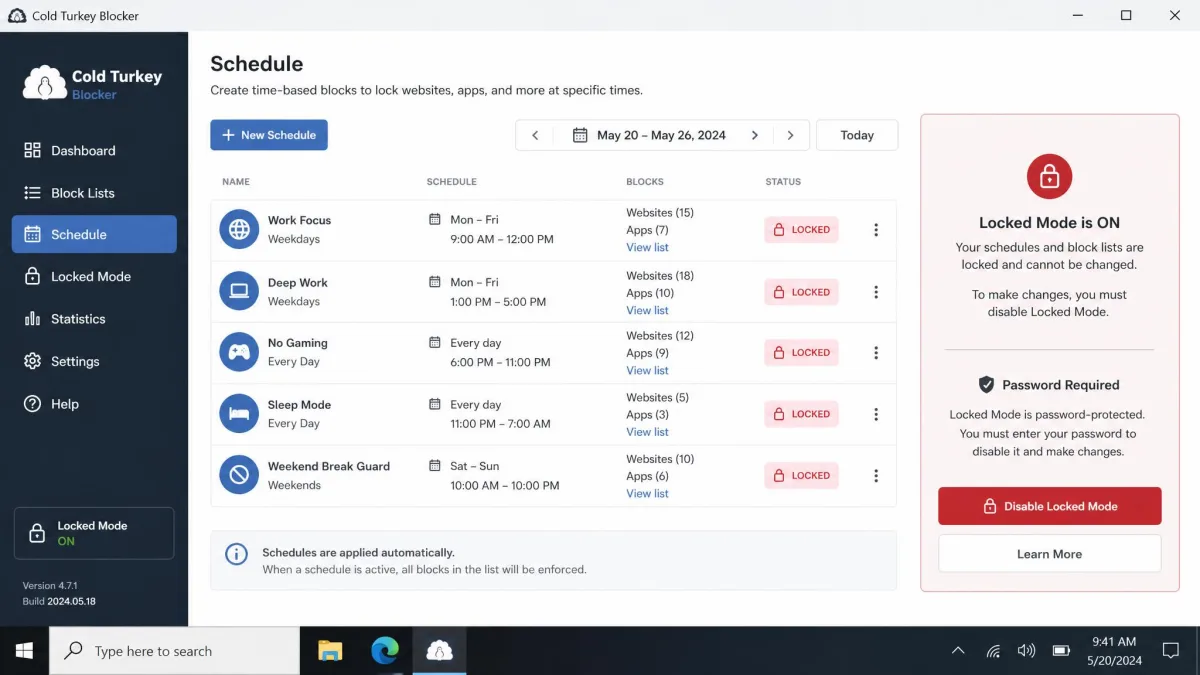
Cold Turkey Blocker is the nuclear option for Windows and Mac. We locked a browser session and then tried to quit it mid-morning for a call; the block held, uninstalling the app did not lift it, and there was no graceful override until the session ended. That is the real risk: an over-aggressive block can lock the whole machine rather than just the browser, so we scoped ours to specific sites before going broad. It is one-time software with a 7-day Pro trial, which is exactly the window you need to test whether that rigidity suits you.
Best for: Desktop hard blocking. Skip if: Your habit lives on a phone.
10. Jomo: Best Minimalist iPhone Pick

Jomo
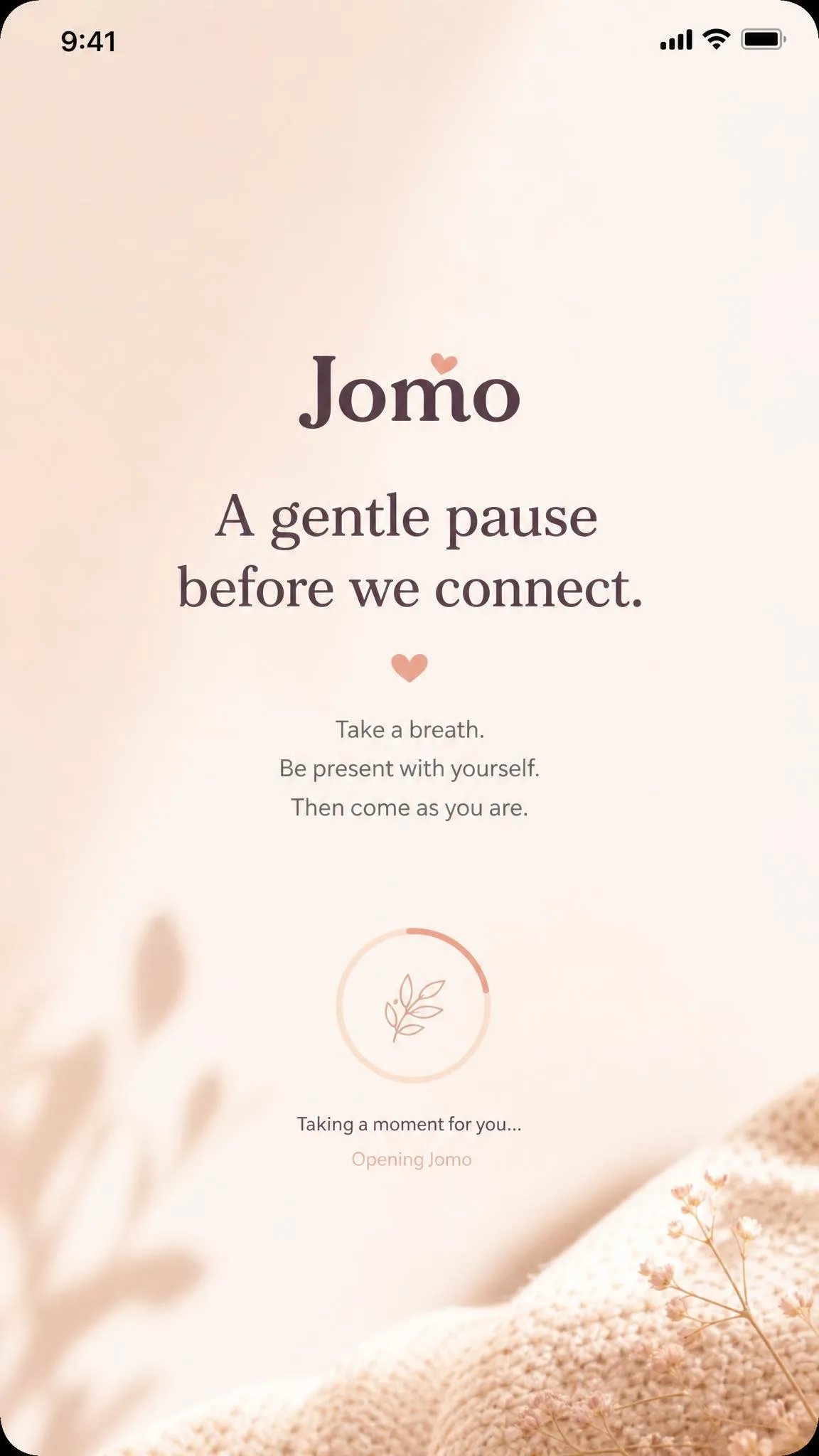
Jomo is the minimalist option for iPhone users who want softer limits. We set a Limit on Instagram, watched it fail to hold, and then found the fix in Jomo's own help docs, which tell you to use a Lock instead because it is much more reliable. Apple's Screen Time API makes things worse, capping selections at 49 apps and 49 websites so over-selecting silently breaks blocking, and the free plan covers just one session and one action or limit.
Best for: A soft limit tool on iPhone. Skip if: You need Android or strict blocking.
Comparison Table: The Best Apps Side by Side
Here is how the ten apps stack up on the axes that matter most.
| App | Buy | Platform | Blocking approach | Price | Best for |
|---|---|---|---|---|---|
|
Check price → | iOS, Android, macOS, Windows, Chromebook, Linux | Hard blocking + Locked Mode | Freetier; $39.99/yr; Forever $199 | Cross-device hard blocking |
|
Check price | iOS, Android, Safari | Friction pause before each open | Freefor 1 app; Pro $19.99/yr | Breaking the impulse open |
|
Check price | iPhone, Mac, Android | Friction waits + focus sessions | Free$99.99/yr; $399 lifetime | All-in-one iPhone suite |
|
Check price | Android, iOS, Chrome/Edge/Brave | Hard blocking + Strict Mode | Free$29.99/yr; $89.99 lifetime | Strict Android blocking |
|
Check price | iOS, Android, macOS, Windows | Friction pause + per-app limits | Free | Free friction tool |
|
Check price | iOS, Android, Chrome/Firefox | Gamified focus timer | FreePlus ~$39.99/yr | Gamified focus sessions |
|
Check price | Android, iOS, desktop, browsers | Tracking + limits + schedules | Free(ads); ~$20/yr | Free Android tracker |
 |
Check price | iOS / Android 9.0+ | OS limits + downtime + focus mode | Free | No-install limits |
|
Check price | Windows, macOS | Hard blocking + Locked Mode | FreePro $39 one-time | Desktop hard blocker |
|
Check price | iPhone, iPad, Mac | Friction soft locks + limits | Free$29.99/yr | Minimalist iPhone pick |
How to Choose the Right App for You
Match the app to the device you actually open most, and be honest about whether you need friction or a hard block.
Best for iPhone
Apple Screen Time is the free starting point, and One Sec or ScreenZen adds a friction layer. Opal is the strongest paid all-in-one, and Jomo is the minimalist option.
Best for Android
AppBlock offers the strictest blocking, while StayFree is the best free tracker. Digital Wellbeing covers the basics, and One Sec works the same as on iOS.
Best for Desktop
Cold Turkey Blocker is the best desktop blocker, with Locked Mode that survives uninstalling. Freedom also blocks on desktop and syncs with your phone.
Best Cross-Platform
Freedom is the only app we tested that runs on every platform you own. Opal and ScreenZen also span the phone-to-desktop divide.
Tips for Making It Stick
Start gentle, since the apps that win long-term are the ones you stop noticing. Watch the attempt counter in One Sec; it mattered more to us than the pause. Make the off-switch harder with Block at End of Limit and PIN-locked timers. Track before you block, and keep a scheduled window for real needs like messages and maps. A goal like no mindless scrolling before noon gives the block a purpose instead of a countdown.
The most common failure is starting too strict and quitting by day three. Start with friction, then add a hard block for the one app that wins anyway.
FAQ
What is the best free app to limit social media?
Do social media blocker apps actually work?
Do friction-based apps limit how long you scroll?
Can I block social media on my phone and computer at the same time?
Is it better to block social media or set a time limit?
Can I still use social media in an emergency?
The Verdict: Take Your Day Back
Take the hour back. That is what every app on this list is really selling, and you do not need a perfect setup to get it.