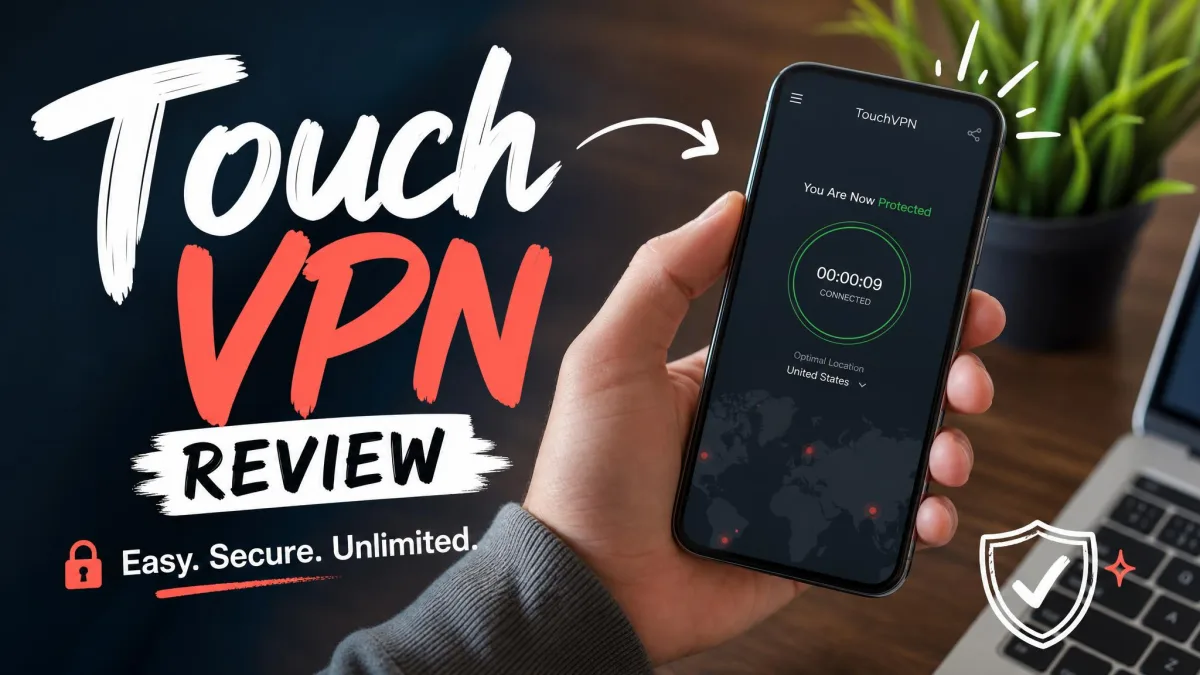
Touch VPN is a free, cross-platform VPN service owned by Aura, the same company behind Betternet and Hotspot Shield. It runs on Windows, macOS, iOS, and Android, and it adds browser extensions for Chrome, Firefox, and Edge. The pitch is simple: one tap, unlimited connections, and no account required to get online through an encrypted tunnel.
We spent time with the free plan and the paid tier to answer the one question most people arrive with. Is Touch VPN safe? The short version is that it is easy to use and fine for casual, low-stakes browsing, but its logging policy, its jurisdiction, and its missing kill switch make it a poor choice if privacy is the reason you want a VPN at all. It works, but it asks you to trust a company that collects more data than a privacy tool should.
We test every VPN the same way, against real speed, leak, and streaming benchmarks, before it earns any recommendation from us. Here is what Touch VPN did on our test machines, and where it fell short.
Quick Verdict & Key Findings
Touch VPN is best understood as a convenience tool rather than a privacy tool. If you want to flip on an encrypted connection at a coffee shop with one tap and get back to reading email, it does that job without fuss. The apps install cleanly, connect quickly, and never ask you to configure anything.
The trouble starts once you look at what a VPN is supposed to protect. Touch VPN keeps logs that include your IP address, device identifiers, and the times you connect, and it shares anonymized data with third parties. That is not a true no-logs policy, and it undercuts the entire reason most people install a VPN.
The service is owned by Aura, the company behind Touch VPN, which also owns Betternet and Hotspot Shield. That family history matters, because these products share a business model built on data collection rather than paid subscriptions alone. Knowing who runs a VPN, and how they make their money, tells you a lot about whose interests the service is really built around.
Our test setup was consistent across every VPN we review. We ran Touch VPN on a Windows 11 laptop and an Android phone on a 500 Mbps home connection, testing local and long-distance servers at different times of day. For leak testing we checked the public IP, DNS resolvers, and WebRTC endpoints before and after connecting, and we deliberately dropped the connection to see whether the real IP leaked. Streaming tests used fresh browser sessions against each service's own player.
Touch VPN Pros and Cons
Touch VPN is a study in trade-offs. The good parts are real conveniences, and the bad parts are exactly the things that matter most when you are choosing a security product. Here is how the balance shook out for us.
Pros
- Genuinely free to start, with no account required
- Fast, one-tap setup that first-timers can handle
- Local download speeds stay quick for everyday browsing
- Wide device coverage plus Chrome, Firefox, and Edge extensions
- Unlimited bandwidth on the paid plan
Cons
- Weak privacy: collects IP addresses, device IDs, and access times
- US-based, inside the 5 Eyes intelligence-sharing alliance
- No kill switch, so a dropped connection can expose your real IP
- Fails to unblock Netflix and most major streaming services
- Free plan capped at 500 MB per day
- Expensive paid plan for the feature set
The pattern is clear. Everything in the Pros column is about ease and access, and everything in the Cons column is about trust and protection. That is the core tension in this review, and how you weigh it depends entirely on why you want a VPN in the first place.
Pricing & Plans
Touch VPN offers a free tier and a paid subscription. The free plan is the reason most people show up, and it is capped at 500 MB of data per day. In practice that is a small allowance. A few pages with images, a short video, or a couple of app updates in the background, and you have burned through it before lunch.
The paid plan lists at $12.99 per month on the 1-month option, which is expensive next to premium VPNs that routinely undercut that figure on longer terms. The annual pricing is where it gets murky. On Touch VPN's website the annual figure is quoted inconsistently, and the total varies by promotion and billing period, so treat any single yearly price as a moving target rather than a fixed number. Paid plans come with a 45-day money-back guarantee and 5 simultaneous connections.
One caution on that refund. In practice, requesting your money back triggered repeated demands for card details with no simple cancellation path, so the guarantee is not as clean as it sounds. Budget the time to chase it if you decide the paid tier is not for you.
The 45-day money-back guarantee exists, but getting a refund was not straightforward. Keep records of your purchase and be prepared to push if you want your money back.
For the money, the paid plan mainly removes the data cap and adds unlimited bandwidth. It does not add the kill switch, the audited no-logs policy, or the streaming muscle that paid VPNs at this price are expected to bring. That is the crux of the value problem. You are paying a premium monthly rate for the same feature set as the free plan, minus the cap. Compared against services in the same price bracket, which routinely bundle a kill switch, split tunneling, tracker blocking, and reliable streaming access, the paid tier looks thin. Unlimited bandwidth is welcome, but on its own it is not enough to justify the sticker price when the underlying privacy and feature gaps stay exactly where they were on the free plan.
Ease of Use: Apps & Device Support
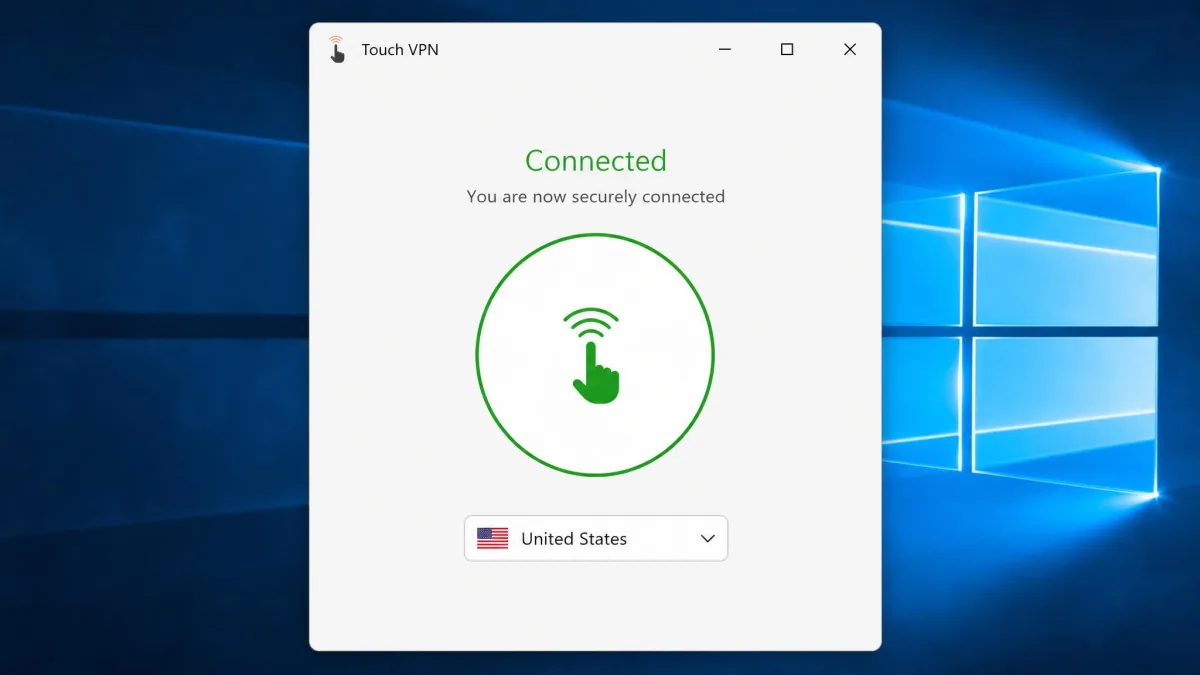
This is where Touch VPN earns its keep. The apps install and connect with one tap, so setup is genuinely easy even for someone who has never used a VPN before. There is a single large connect button, a location list, and very little else to get wrong. For a nervous first-timer, that simplicity is a feature, and it is clearly the reason casual users like the service.
Device support is broad. Touch VPN runs on Windows, macOS, iOS, and Android, and it offers browser extensions for Chrome, Firefox, and Edge. That covers the machines and browsers most people use day to day. What it does not cover is Linux, routers, or Smart TVs, so it is a personal-device tool rather than a whole-home one.
The Windows app is the weak link. It felt unstable in our testing and offered little in the way of customization, with no way to pick a protocol. Casual users clearly forgive this, since app-store ratings stay high: the App Store rating comes in at 4.6/5, with Google Play at 4.5/5 and the Microsoft Store at 4.6/5. Those scores reward the simplicity, not the security. They let you know how a first-time user feels after one tap, not how the service holds up once you press on its privacy and its feature set.
Touch VPN covers phones, laptops, and the three major browsers, but there is no Linux client, no router support, and no Smart TV app. If you want VPN coverage across a whole household, you will need something else.
We also noticed the vendor's own site mislabels itself as "WVPN" in places, which reads as sloppy for a product that is asking you to trust it with your traffic. Small details like that shape how much confidence a security tool earns, and they add up.
Speed & Performance
Speed is the test we run first, because a VPN you switch off because it is slow protects nothing. Touch VPN's results were split down the middle.
Local-server download speeds held up well, dropping only single-digit percentages, so everyday browsing and streaming on nearby servers felt quick. If you connect to a server in your own region and mostly read, scroll, and watch, you are unlikely to notice much slowdown.
The picture changes on distant servers. Upload speeds collapsed, falling anywhere from roughly a quarter to nearly all of the baseline depending on the server and time of day, and ping climbed high enough that gaming connections timed out. Latency in the 150 to 300 millisecond range is fine for reading a webpage and useless for anything real-time. Absolute speed numbers vary sharply depending on the server and the time you connect, so we weight the pattern over any single figure: fast local downloads, poor long-distance uploads, high ping.
Touch VPN's local download speeds hold up well, but upload speeds and ping fall apart the moment you connect to a distant server.
— From our hands-on testing
For browsing and casual video, the performance is acceptable. For uploads, video calls, or gaming across regions, it is not. If your work involves pushing large files up to the cloud or joining video meetings through the tunnel, expect friction rather than a smooth experience.
Streaming: Can Touch VPN Unblock Netflix?
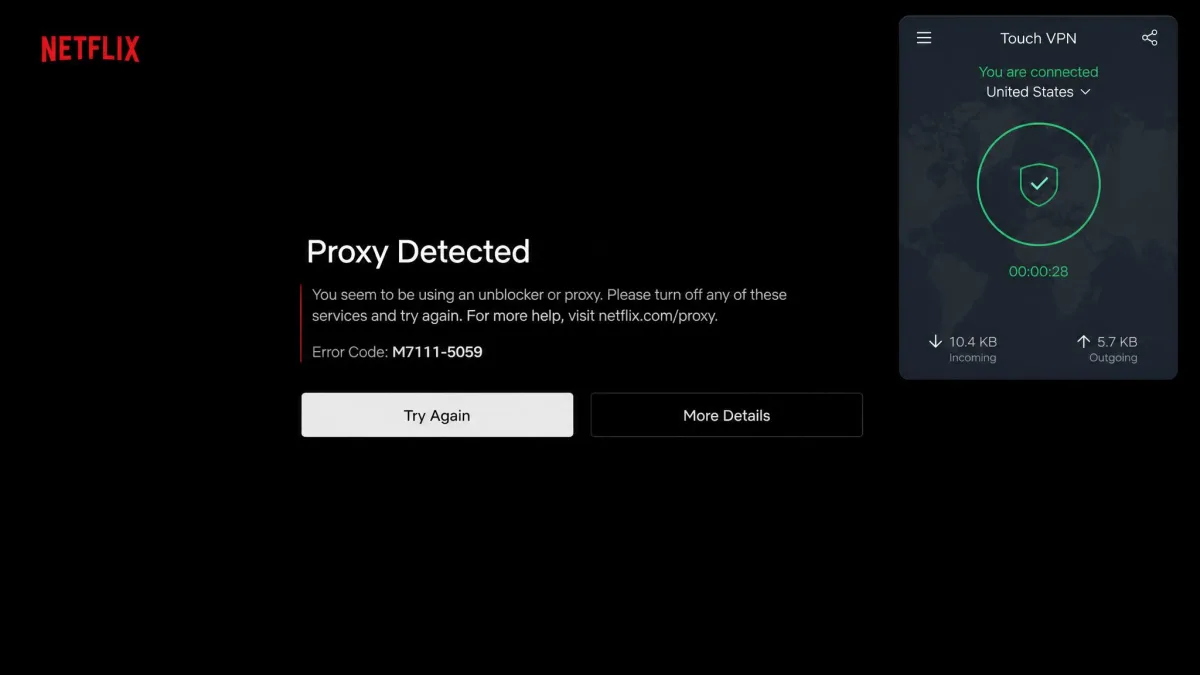
No. This was one of the clearest results in our testing. Netflix, BBC iPlayer, Hulu, HBO Max, Disney+, and Prime Video all stayed blocked. The only service that loaded was ITV Hub. Everything else served the familiar proxy error or simply refused to play.
If unblocking a streaming library is your reason for wanting a VPN, Touch VPN will disappoint you, on the free plan and the paid one alike. The service does not maintain the kind of constantly refreshed streaming servers that the major paid VPNs use to stay ahead of detection.
There is a knock-on effect for the free plan too. Even if streaming did work, the 500 MB daily cap would stop you partway through a single episode. The data allowance and the streaming block point the same direction: this is not a media-unblocking tool, and no amount of server-hopping changed that in our tests.
Server Network & Locations
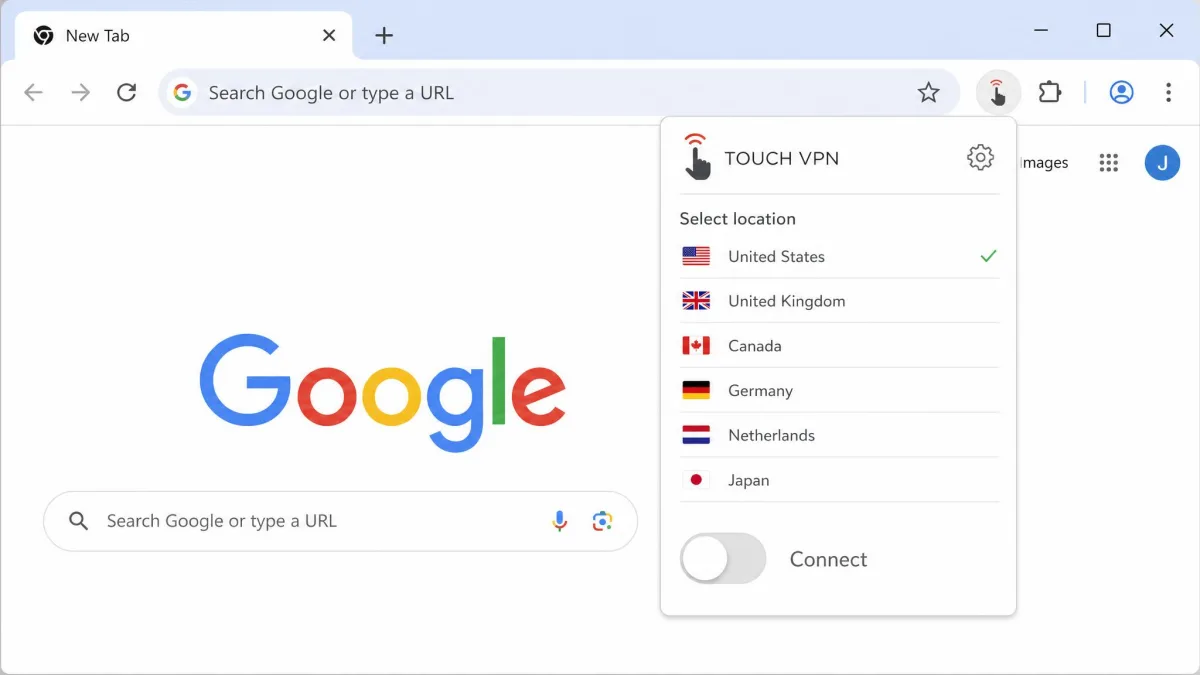
Touch VPN's network claims are hard to pin down. The vendor advertises a large network, citing 5,900 or more servers across 90 or more countries, but the figures are unreliable. The vendor's own site shows conflicting country counts, listing both 30 and 90 countries in different places, and the reachable network is far smaller than advertised, as low as 40 servers across 30 countries in our checks. We could not confirm a hard number, so we treat the marketing figure with skepticism.
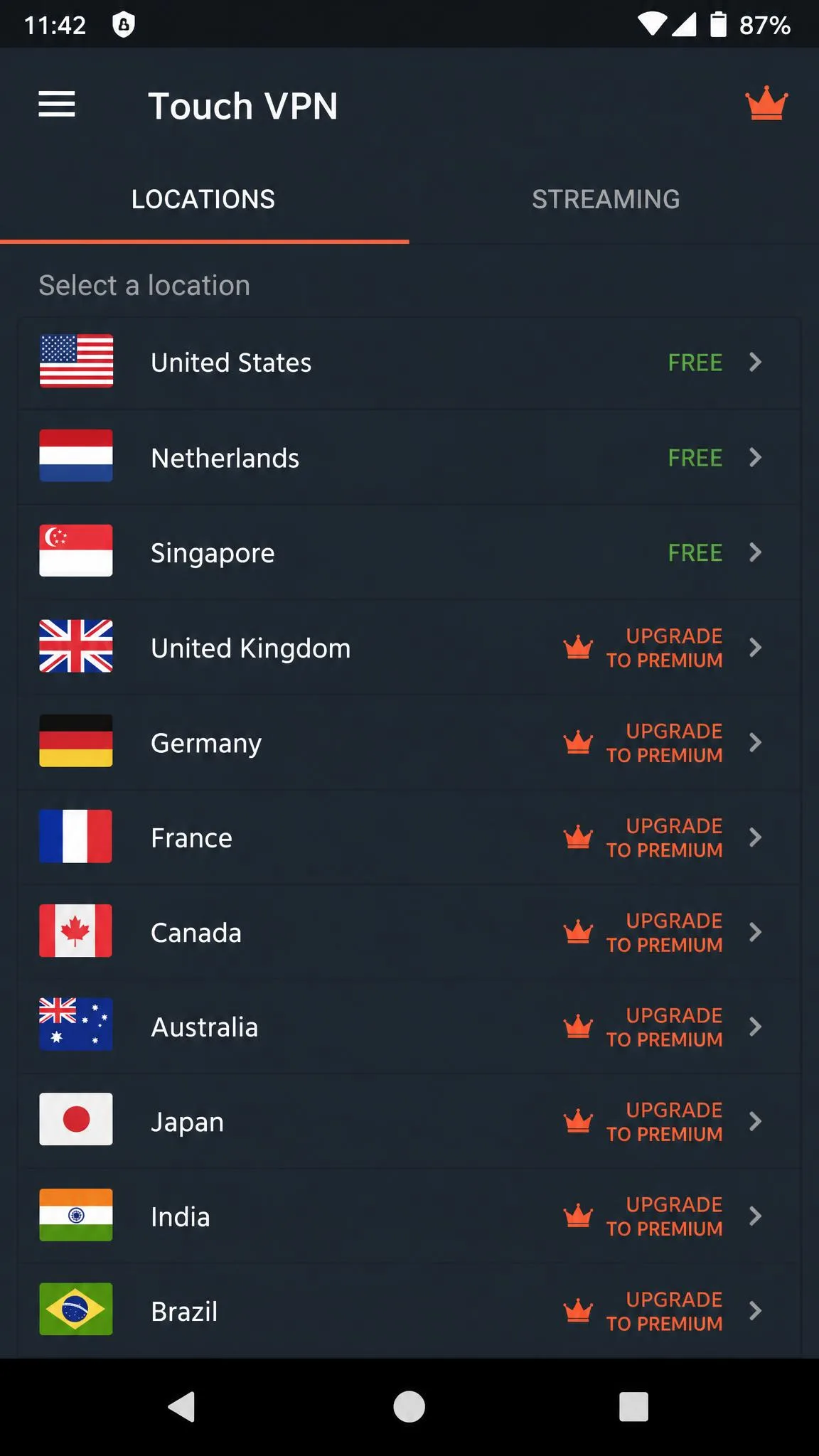
Free users see even less. Browser extensions expose only a handful of locations, around seven in our checks, while the Android app shows closer to twenty-one, and the free tier as a whole is limited to a few servers, with the count varying by app and platform. In practice, free users are choosing from a short list, not a global map, and the specific locations on offer shift depending on which app you open. When we compared the desktop extension against the phone app side by side, the two did not even present the same set of countries, which makes it hard to plan around a server you actually want.
Server count matters more than it looks, because it is what lets you route around congestion and pick a location close to whatever you are trying to reach. A padded number that comes apart under testing does the opposite: it sets an expectation the service cannot meet. The takeaway is that you should not choose Touch VPN on the strength of its server count. Test the locations you actually need rather than trusting the number on the marketing page, because the reachable network is smaller and murkier than the headline suggests. A large advertised network means little if the servers you can actually reach are few and far between.
Security Features
Security is where a VPN either justifies its existence or does not. Touch VPN's security story has some real gaps, so we broke it down into the three pieces that matter: what encrypts your traffic, whether that traffic leaks, and what happens when the connection drops.
Encryption & Protocols
We could not pin down a single encryption standard, and that itself is a problem. The implementation appears to rely on a weaker SSL-based scheme rather than the AES-256 standard that premium VPNs use, and Touch VPN is not transparent enough to confirm exactly what is protecting your data. For a security product, that ambiguity is a mark against it.
On protocols, the mobile apps use OpenVPN and Catapult Hydra, Aura's proprietary protocol, while the Windows app offers no protocol choice at all. You connect with whatever it decides to use, with no way to switch. That lack of control compounds the encryption uncertainty, because you cannot even opt into a protocol you trust.
IP/DNS Leak Tests
We checked the public IP address, the DNS resolvers, and the WebRTC endpoints before and after connecting on both Windows and Android. While the connection held, the tunnel masked the assigned IP as expected. The real risk here is not a leak while connected but what happens when the connection drops, which brings us to the next point.
Kill Switch & Extras
Touch VPN has no kill switch. This is the single most consequential gap in the feature set. A kill switch cuts your internet if the VPN connection fails, so your real IP address is never exposed during the gap. Without one, a dropped connection can briefly send your traffic over the open internet with your real IP attached, and you may never know it happened.
Beyond that, the extras are thin. There is no split tunneling to speak of on desktop, no multi-hop, and none of the ad or tracker blocking that many rivals bundle in. What you get is a basic tunnel and little else.
There is no kill switch on Touch VPN's desktop app. If the connection drops, your real IP address can be exposed without warning. If that risk matters to you, this is a dealbreaker.
Privacy & Logging Policy
This section decides the review. A VPN's whole value is that it stands between you and anyone watching, and that only works if the VPN itself is not watching and recording.
Touch VPN's logging policy collects IP addresses, device identifiers, operating system and ISP details, access times, and bandwidth usage, and it shares anonymized data with third parties. That is a substantial amount of information about who you are, what you use, and when you connect. It is not a true no-logs policy, and it directly undercuts the privacy pitch on the marketing page.
Jurisdiction makes it worse. Touch VPN is US-based, in California, which places it inside the 5 Eyes intelligence-sharing alliance. A privacy-focused VPN ideally combines a genuine no-logs policy with a jurisdiction outside those alliances. Touch VPN has neither. It keeps data, and it is based somewhere that data can be compelled.
Set against the ownership picture, this is consistent rather than surprising. Aura's free VPNs have long relied on data as part of the business, and Touch VPN fits that pattern. If your threat model is anything more serious than hiding your traffic from the coffee-shop network, this policy should give you pause.
Torrenting & P2P
Torrenting is a genuinely mixed answer here, so we will not pretend otherwise. In our testing, P2P connections sometimes went through and sometimes did not, and Touch VPN publishes no dedicated P2P policy that would let you plan around it either way. Nothing on Touch VPN's site spells out where torrenting is allowed or blocked.
Even where P2P connections go through, we would not recommend Touch VPN for torrenting. The reason is not throughput, it is the combination of weak privacy and no kill switch. Torrenting exposes your IP to every peer in the swarm, and without a kill switch a dropped connection sends that IP into the open. The moment the tunnel drops, your traffic comes out over the open internet with your real address attached, and every peer you are connected to can see it. Pair that with a logging policy that records your IP anyway, and the privacy math does not work.
If torrenting is your use case, look for the features that actually protect a P2P session: a verified no-logs policy, a working kill switch, and servers the vendor explicitly optimizes for P2P. Touch VPN offers none of those with any clarity, so this is not the tool. The convenience that makes it appealing for casual browsing becomes a liability the instant you start sharing files.
Does Touch VPN Work in China?
The honest answer is that we could not confirm working access from inside China. Touch VPN's support has claimed it works there, but the wording is vague, and we found no evidence of it getting through in practice. China's network filtering aggressively blocks VPN protocols, and only a handful of services keep up with it using obfuscation that Touch VPN does not advertise.
What comes with that uncertainty is real risk if you are counting on the connection. Travelers who rely on a VPN inside a censored network need a service that publishes obfuscated servers and a track record of getting through, and Touch VPN offers neither. A vague support-desk assurance is not the same as a tested feature, and betting your access on it can leave you cut off at the worst moment, with no working fallback and no way to reach the sites you need.
Given the stakes of relying on a VPN in a heavily censored network, we would not count on Touch VPN there. If reliable access inside China is your requirement, choose a service with a documented, tested track record for it, not one that only offers a vague support claim.
Customer Support
Support is email-only, available 24/7, with no live chat. There is a limited FAQ, but it is reachable only through the Windows app rather than on an open help site, which is an odd choice that makes quick answers harder to find. Burying the help content inside the app also means you cannot search for a fix before you install, which is exactly when a lot of people have questions.
In practice, the email replies came across as vague and short on detail. When we combine that with the refund experience, where cancelling triggered repeated requests for card details, the overall support picture is below what we expect even from a free service. A slow, thin support channel is easy to shrug off when everything works, but it is the feature you lean on hardest when something breaks, and this is where Touch VPN lets you down. If you value being able to get a fast, clear answer, this is another weak spot, and it fits the broader pattern of a service built for the happy path rather than the moment things go wrong.
Touch VPN Alternatives
If Touch VPN's convenience appeals but its privacy record puts you off, you have better options, and most of them are just as easy to use. The table below sets Touch VPN against two premium services we rate highly. We route competitor detail to our full reviews rather than repeating specs here.
| Product | Free plan | Kill switch | Netflix | Logging |
|---|---|---|---|---|
| Touch VPN | Yes, 500 MB/day | No | Fails | Collects data, US / 5 Eyes |
| NordVPN | No | Yes | Yes | No-logs (audited) |
| CyberGhost | No | Yes | Yes | No-logs |
If it is specifically a free VPN you are after, the more useful comparisons are within Touch VPN's own family and its direct rivals. We have hands-on reviews of Betternet VPN and Hotspot Shield, both Aura-owned, along with Hola VPN, which carries its own serious privacy caveats. For a broader shortlist, our guides to the best free VPNs, tested and the best free VPN alternatives point to services that do not trade your data for the free tier. It is also worth reading our Avast SecureLine VPN review and AVG Secure VPN review if you want paid options from names you already know.
Final Verdict: Should You Use Touch VPN?
Touch VPN makes the most sense for one specific person: someone who wants a one-tap connection on a spare device for low-stakes browsing on an untrusted network, and who is clear-eyed that it is not protecting their privacy. If that describes you, the ease of setup and the quick local speeds genuinely deliver, and the high app-store ratings reflect exactly that experience.
For everyone else, the trade is not worth it. Anyone who installs a VPN to keep their traffic private, unblock a streaming library, or stay connected inside a censored network will hit a wall here, and the paid tier does not move any of those walls. If you want the same one-tap simplicity without giving up privacy, the single strongest alternative to reach for is NordVPN, which pairs an audited no-logs policy and a working kill switch with reliable streaming. Spend your time with one of the tested alternatives instead. The convenience is not worth what Touch VPN asks you to give up for it.