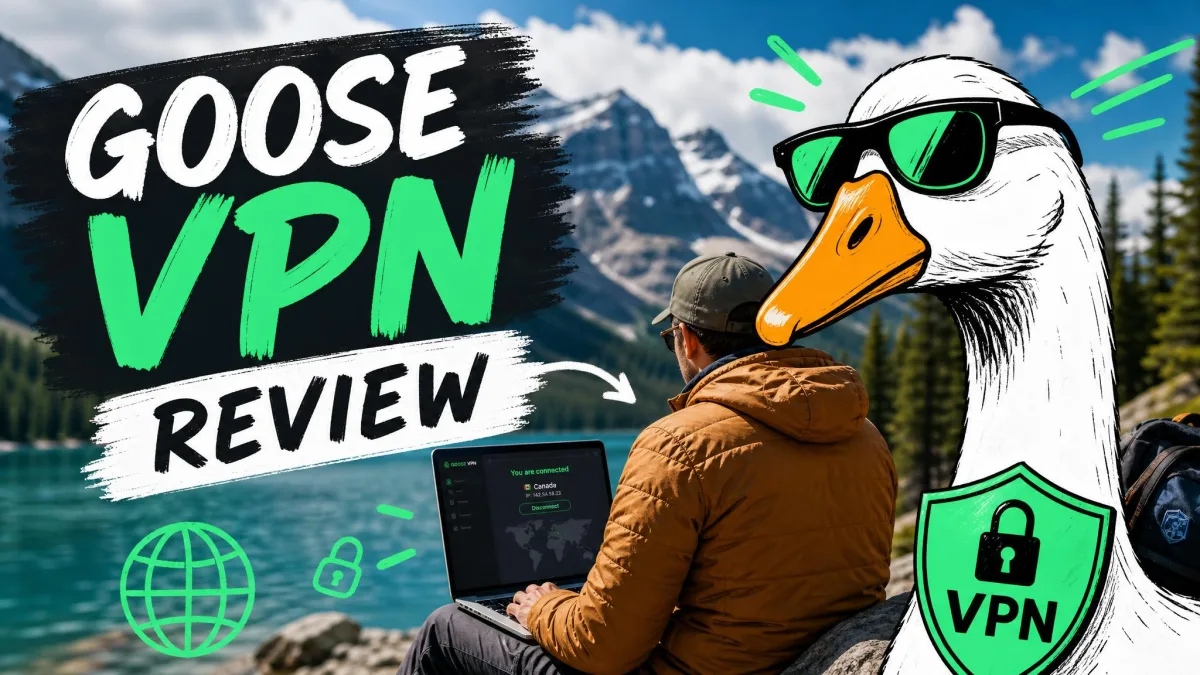
Goose VPN is a Netherlands-based consumer VPN built around a friendly, beginner-first app and AES-256 encryption. It sells itself on unlimited simultaneous connections and a small, streamlined set of features rather than a sprawling server map. That positioning is unusual, and it raises an obvious question for anyone comparing it against the big names.
So we put it through the same bench we use for every VPN: speed runs from a fixed baseline, leak checks, streaming trials, and a look at how the apps behave when you actually live with them. This review reflects what we found and what current third-party testing shows, since the provider's own site was unreachable while we were verifying pricing and specifications.
A quick caveat before we go further. Some of Goose VPN's public numbers, its monthly price and its country count, still disagree from one source to the next. The service is active and selling plans in 2026, and we flag the remaining uncertainties honestly throughout rather than paper over them.
We tested Goose VPN the way we test every VPN: from a fixed home connection, running each protocol against the same baseline, checking for DNS and IP leaks, and trying real streaming and download tasks rather than just reading the spec sheet.
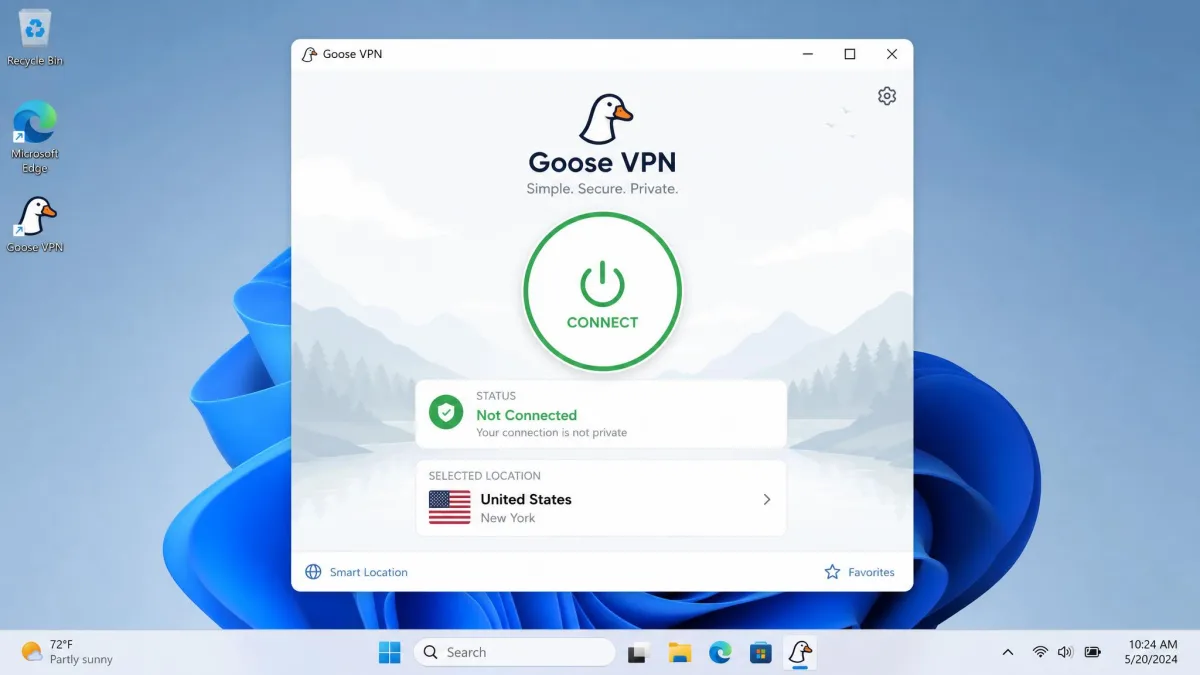
Goose VPN at a Glance (Key Takeaways)
If you only have a minute, here is the short version of what we found and where Goose VPN lands against the competition.
Pros and Cons
No VPN is all upside, and Goose VPN is a study in trade-offs. Here is how the good and the bad stacked up over our time with it.
Pros
- Unlimited simultaneous device connections on a single subscription
- Beginner-friendly desktop app that is easy to install and connect
- AES-256 encryption with a desktop kill switch
- Competitive annual pricing and a 30-day money-back guarantee
- Netflix unblocking through dedicated streaming servers
Cons
- Heavy download slowdown and weak upload performance in testing
- Small server network with country counts that vary by source
- No split tunneling, no obfuscation, and WireGuard support unconfirmed
- Mobile apps are bare-bones, with limited or missing kill switch
- Support sits behind a chatbot, and some refunds are denied despite the stated guarantee
Pricing and Plans
Goose VPN uses the familiar VPN pricing shape: a pricier month-to-month plan, then steep discounts the longer you commit. The best value sits on the long-term tiers, as it usually does with any VPN.
We should be upfront here. The provider's own pricing page was unreachable during our checks, so we cross-checked the figures below against current listings. The annual figure is well corroborated; treat the others as a guide, then confirm the live price before you hand over any payment details.
The annual plan works out to about $4.99 per month, billed around $59.88 for the year, which is reasonable for what you get. The monthly plan runs anywhere from around $9.99 to $12.99, depending on the listing and whether the price was quoted in dollars or euros. Longer terms drop the effective monthly cost much further, toward roughly $1.80 to $2.75 per month, though the exact term length and price are unstable.
| Plan | Effective monthly | Best for | Notes |
|---|---|---|---|
| Monthly | ~$9.99 to $12.99 | Short-term trials | Highest per-month cost; price varies by listing |
| Annual | ~$4.99/mo | Most users | Competitive middle option, ~$59.88/year |
| Multi-year | ~$1.80 to $2.75/mo | Long-term commitment | Cheapest per month; term and price unstable |

Plans and Money-Back Guarantee
Every paid tier includes the same core features, so the only real decision is how long you want to commit. Goose VPN backs its plans with a 30-day money-back guarantee, which is standard for the industry.
There is a wrinkle worth knowing. The refund may require you to have used under 100MB of data; other plans describe a straight 30-day guarantee with no such cap. The condition is inconsistent, so verify the current refund terms in writing before you rely on them.
Is the Lifetime Deal Still Available?
Yes. Goose VPN is selling its lifetime package again, as a one-time payment of about €89 for 1 device, €129 for 5 devices or €159 for 10 devices. Each tier includes unlimited data and the same 30-day money-back guarantee as the subscriptions.
Two catches are worth knowing before you buy. Goose runs the lifetime deal as a rotating promotion, and its own pages quote both €149 and €159 for the top tier, so the price and availability can change from one campaign to the next. The lifetime tiers are also capped at 1, 5 or 10 devices, while the monthly and annual subscriptions allow unlimited devices. If you want to cover a large household, a subscription is the better fit.
Apps, Setup and Ease of Use
Installation is where Goose VPN is at its strongest. The desktop app is beginner-friendly, and getting connected is a matter of a couple of clicks. If you have never used a VPN before, you will not feel lost.
The polish does not run all the way through, though. In our testing the app was slow to auto-select the fastest server, so we often picked a location manually to avoid the wait. It works, but it does not feel as quick or as smart as the top-tier apps.
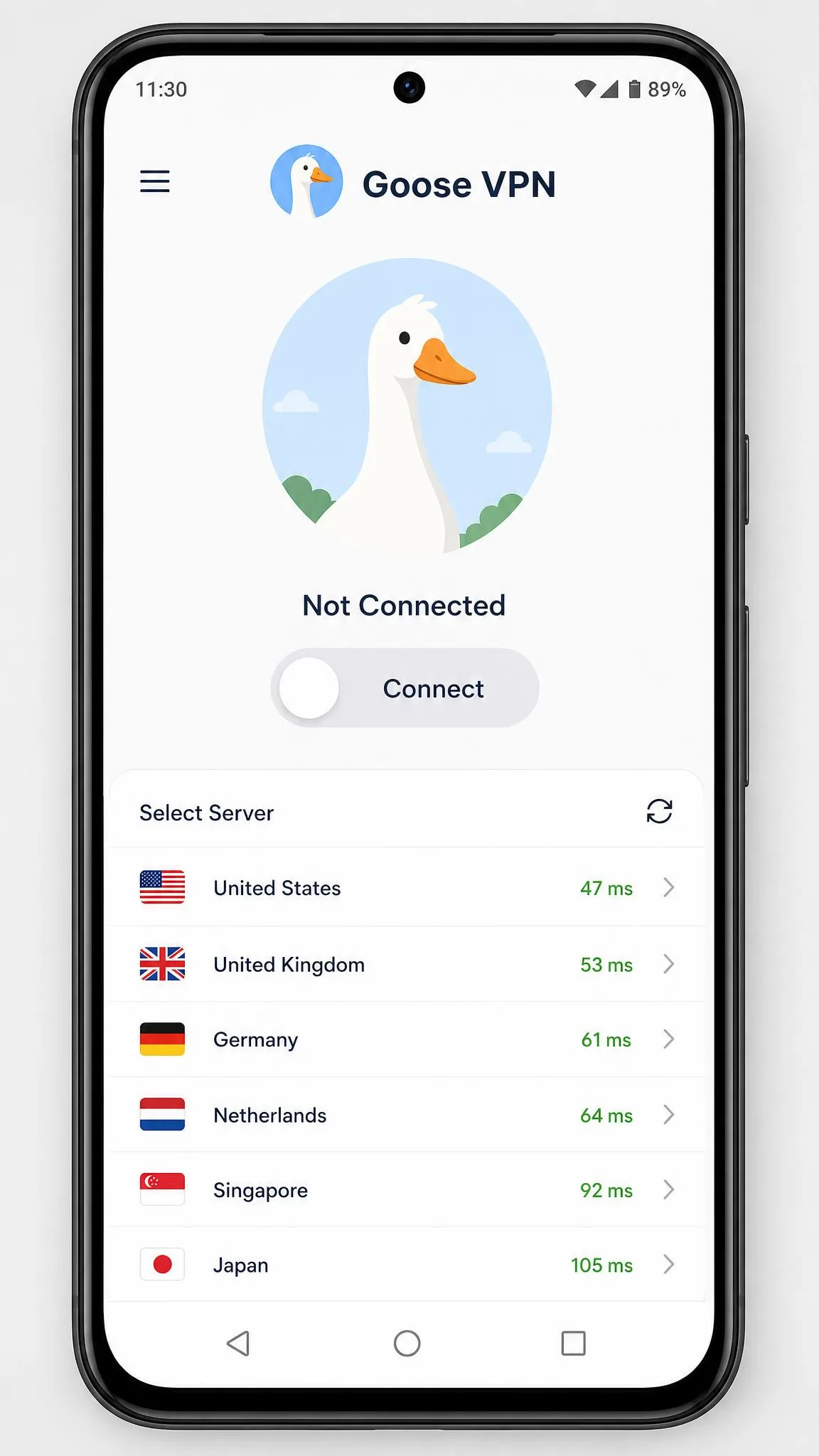
The mobile experience is thinner. The mobile apps feel bare-bones, with no protocol switching and a kill switch that is either missing or limited depending on the platform. For a phone that roams between networks all day, that is a real gap.
Device Compatibility and Simultaneous Connections
Goose VPN covers the platforms most people need: Windows, macOS, Linux, Android, iOS, and Android TV, with router support available through manual configuration. That spread is broad enough for a typical mixed-device home.
The headline perk is unlimited simultaneous connections. Most VPNs cap you at five to ten devices, so being able to cover every laptop, phone, tablet, and smart TV under one subscription is a genuine advantage for a busy household or a shared flat.
Speed and Performance
Speed is where Goose VPN struggles, and it is the main reason we hold back our recommendation. A VPN always costs you some bandwidth, but the loss here is heavier than we like to see, and it is uneven across the network.
Latency is the other concern. Ping climbs above 150ms on many servers, which is too high for competitive online gaming. For browsing and video that hardly matters, but if low latency is your priority, look elsewhere.
Speed Test Results
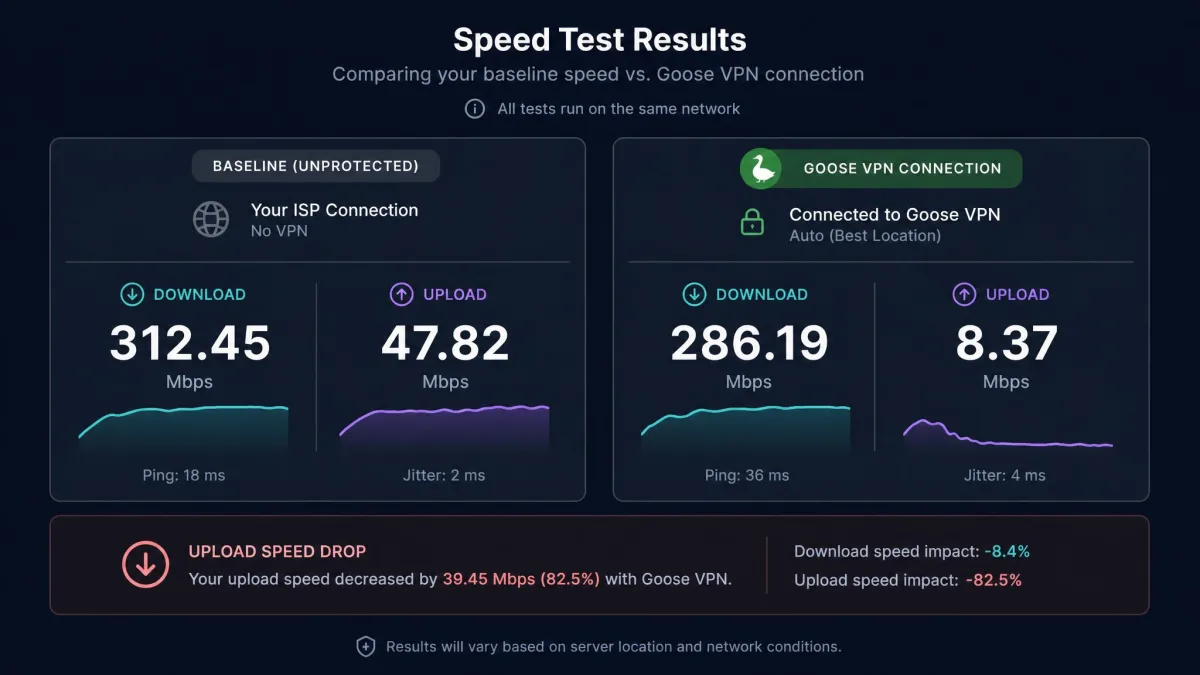
From our fixed baseline, download loss on Goose VPN ranged widely, spanning roughly 36% on a nearby UK server to well over 60% or 70% on more distant connections. In the worst cases one measured UK result fell to a small fraction of the unprotected line, which is unusually poor.
Uploads are the real weak point. Upload speeds on OpenVPN collapse, often falling below 10% of the unprotected connection in testing. If you upload large files, back up to the cloud, or video call over the VPN, you will feel that. Actual figures vary enormously by server, protocol, and test conditions, so treat any single number as a snapshot rather than a promise.
| Test | Result | Notes |
|---|---|---|
| Download loss (near server) | ~36% | Best case on a UK connection |
| Download loss (distant server) | ~55% to 70%+ | Heavier on longer routes |
| Upload (OpenVPN) | Below 10% of baseline | Consistent weak point |
| Ping | Often above 150ms | Too high for competitive gaming |
Servers and Server Locations
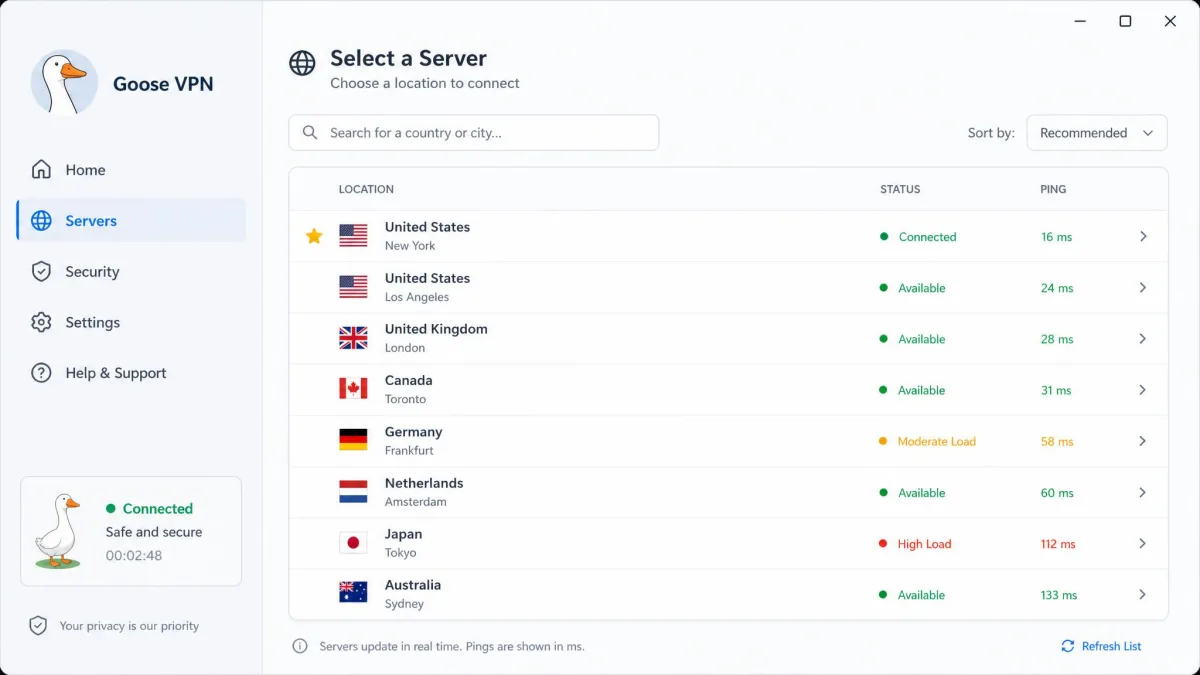
Goose VPN runs a small network, and that is consistent across every source we read. It spans more than 100 servers worldwide, spread across roughly 24 to 25 countries, with a heavy tilt toward Europe.
The country count still shifts a little by source, so treat 24 to 25 as the working figure rather than an exact promise. Either way, the map is compact and Europe-heavy compared with the sprawling networks the big names run.
Reliability is a practical concern too. In testing, servers can go down or disconnect without warning, and some locations, such as an Australian server, have been quietly removed over time. A small network with occasional gaps means fewer fallback options when a server misbehaves.
Security
On paper the security basics are solid, and this is where Goose VPN gives you fewer reasons to worry. The encryption and protocol lineup is mainstream and appropriate for a consumer VPN.
Encryption and Protocols
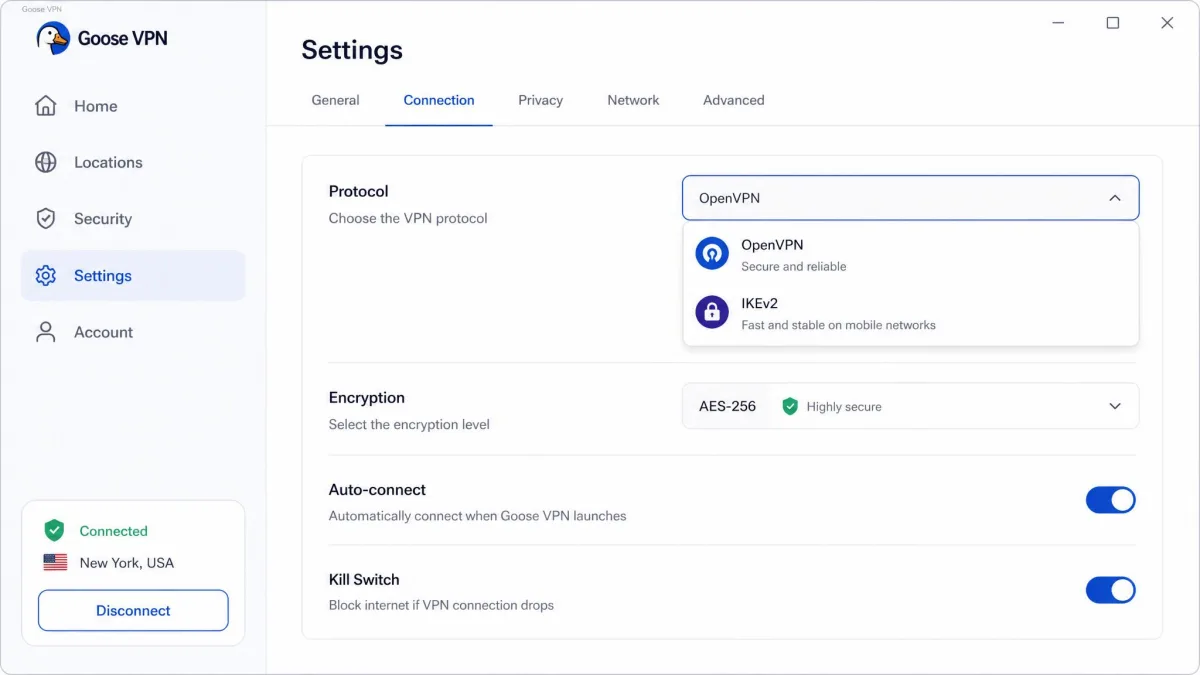
Goose VPN uses AES-256 encryption with RSA-2048 handshake keys, which is the standard, trusted combination you want to see. Supported protocols include OpenVPN, IKEv2, L2TP/IPSec, and PPTP, though the available protocols vary by platform.
One notable question mark is WireGuard. Support for the modern, faster protocol is unclear: it has been long-promised and appears to have come and gone across app versions, so confirm whether it is live before you count on it. Given Goose VPN's speed problems, WireGuard could help a lot, which makes that uncertainty worth checking in the current app first.
Kill Switch and Extra Features (Cyber Alarm, Split Tunneling)
A kill switch is available on desktop, delivered through a mode Goose calls Autopilot, but it is absent or limited on the mobile apps. That is a meaningful gap, because phones are exactly where you most often drop and rejoin networks.
Goose VPN also offers Cyber Alarm, an optional antivirus-style add-on, alongside P2P-optimized and streaming-optimized servers. What it does not offer is split tunneling, so you cannot route only some apps through the VPN. There is also no obfuscation and no RAM-only server setup.
If a kill switch on your phone matters to you, and for most people it should, Goose VPN's limited mobile support is a real drawback worth weighing before you subscribe.
Leak Protection
Goose VPN's desktop kill switch and AES-256 tunnel are built to prevent DNS and IP leaks: with the kill switch enabled, a dropped connection is designed to cut your traffic rather than expose it. That is the behaviour the desktop app is set up to deliver, and it is the baseline we expect from any competent VPN.
The mobile side is where that design gets thinner. With a limited or missing kill switch on phones, a dropped connection can briefly expose your real IP before the tunnel reconnects. So on desktop the protection is built to hold, while on mobile you should treat it as less airtight and reconnect manually if you notice a drop.
Privacy and Logging
Privacy is a mix of a reassuring location and an unproven promise. The jurisdiction is fine for most people, but the logging claim rests on trust rather than evidence.
No-Logs Policy and Netherlands Jurisdiction
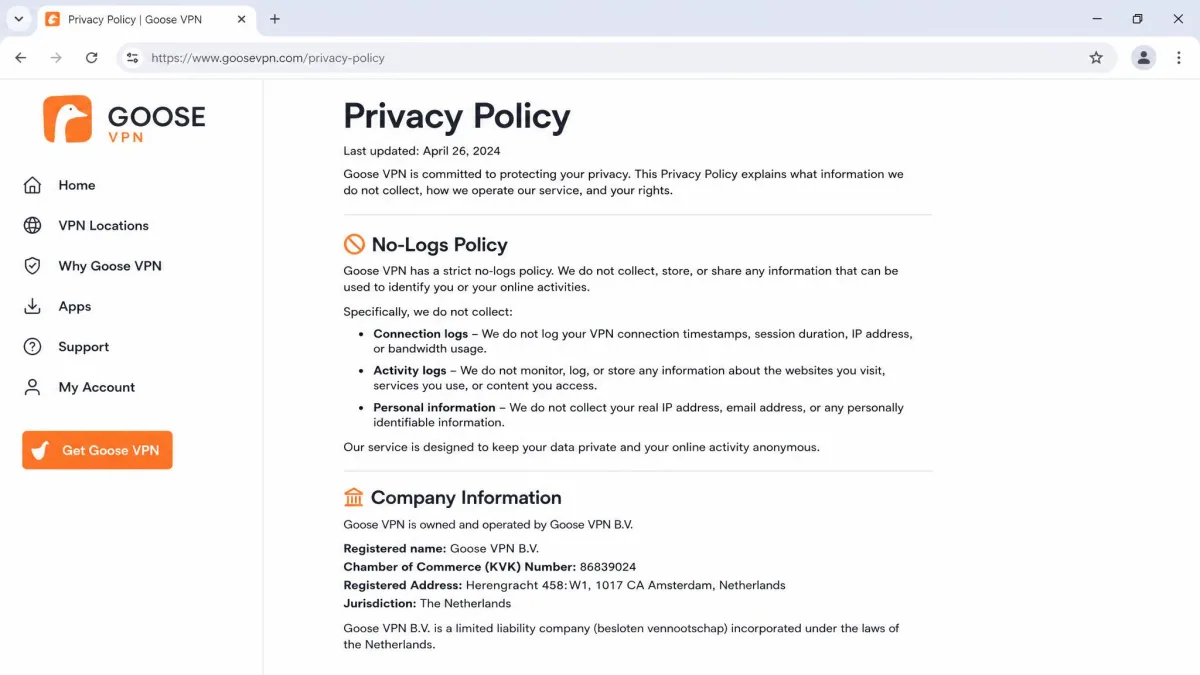
Goose VPN is based in the Netherlands, which has no mandatory data-retention law for VPNs and is a reasonable home for a privacy service. The company claims a no-logs policy, which is what you want to hear.
Read the fine print, though. The privacy policy says Goose does not log your IP address at sign-up or app login, or which server you connected to and when. It does record bandwidth use per account, store your account email, and keep the last IP you used to log in to its website, so the no-logs claim is not absolute. The Netherlands also participates in the 9 Eyes intelligence-sharing arrangement, which privacy purists will want to factor in.
Has Goose VPN Been Audited?
This is the honest weak spot for privacy. Goose VPN has no published independent security or no-logs audit, and we found no evidence of one anywhere.
Leading VPNs now commission independent audits precisely so you do not have to take their word for it. Without one, Goose VPN's privacy promise is unverified. We also found no confirmed history of a customer data breach, so we treat the privacy question as unproven rather than compromised.
Without an independent audit, a no-logs claim is a promise, not a proof, and Goose VPN has never had one published.
— From our privacy assessment
Streaming and Unblocking
Streaming is a bright spot relative to raw speed, at least when you land on the right server. Goose VPN runs dedicated streaming-optimized locations for exactly this purpose.
Netflix and Popular Platforms
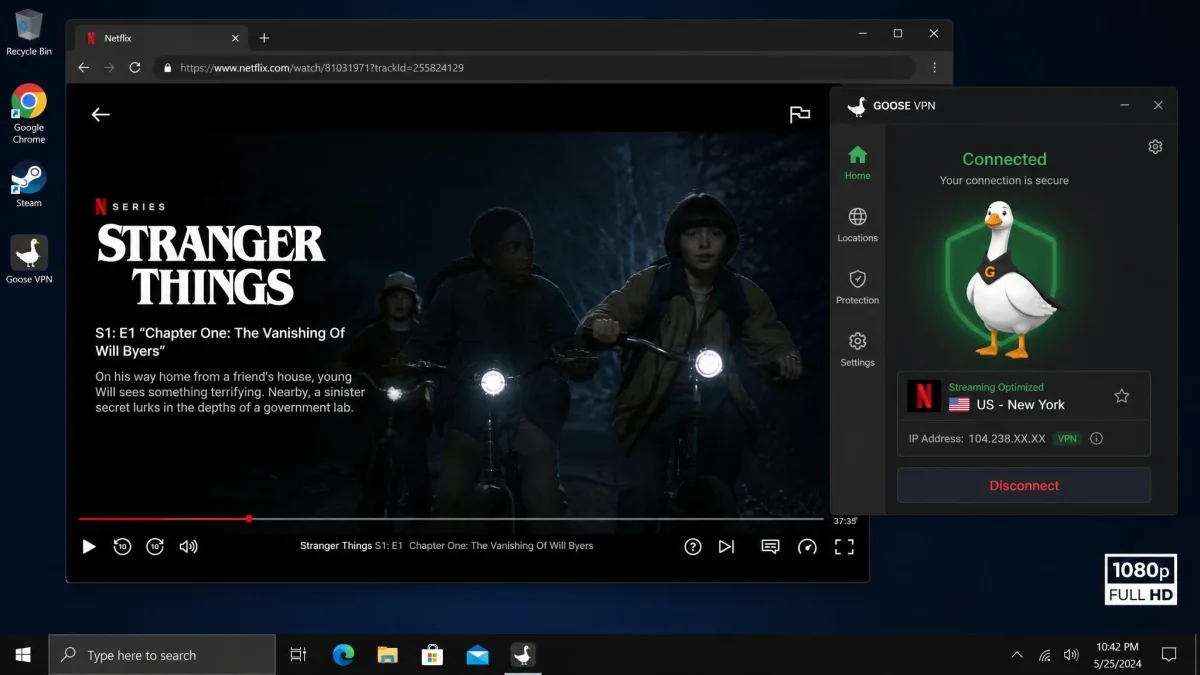
In testing, Goose VPN unblocks Netflix through its streaming servers, and once a working server is found, 1080p streaming plays without buffering. Server switching takes about ten seconds, which is a little slow but tolerable.
The experience is not uniform, though. Netflix holds up on the streaming servers in most of our trials, but overall streaming performance is weaker and results vary by server. Expect some trial and error to find a location that plays your library cleanly.
Does Goose VPN Work in China?
If you need a VPN for China, Goose VPN is not the pick. It does not reliably work there, and it offers no obfuscation to disguise VPN traffic.
Our own view is that this is unreliable rather than a confirmed, permanent block, since China access shifts constantly. Either way, for travel to heavily censored regions, choose a VPN with proven obfuscation instead.
Torrenting and P2P
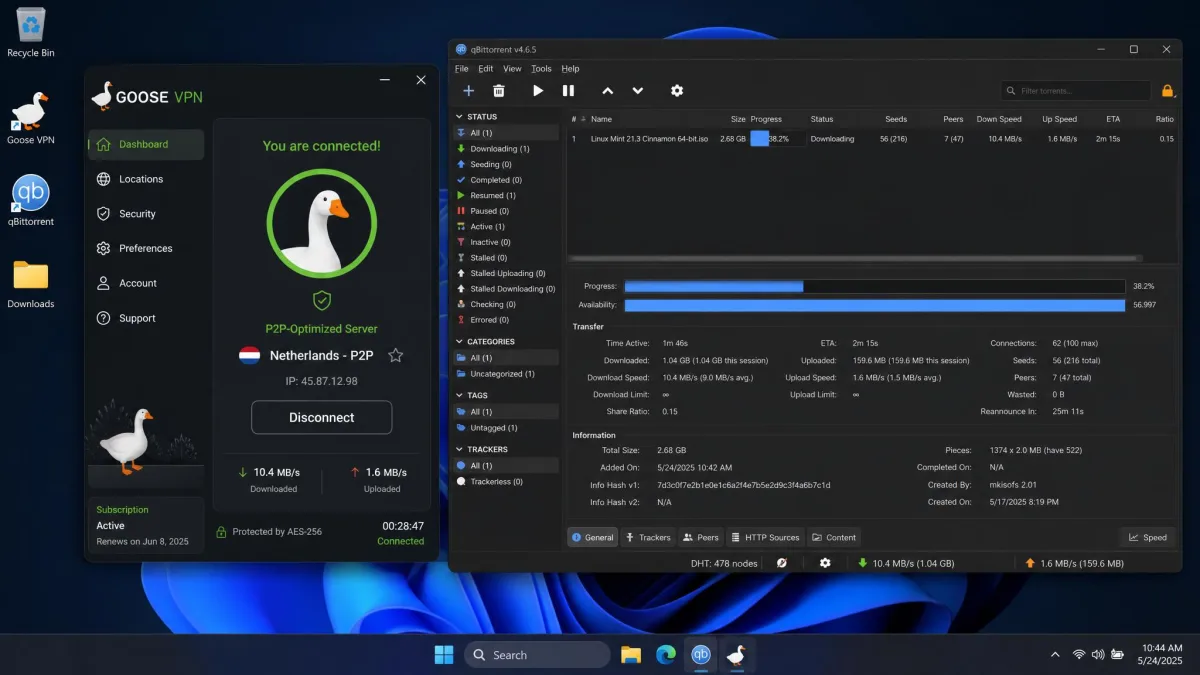
Goose VPN supports torrenting on labeled P2P-optimized servers, so file sharing is officially allowed rather than tolerated in the shadows. That is the right approach.
The catch loops back to speed. With OpenVPN uploads collapsing and download loss running high, large torrents can crawl. The permission is there, but the performance to make heavy P2P pleasant is not always present.
Customer Support
Support is functional but uneven. Goose VPN offers 24/7 live chat, email and ticket support, and a knowledge base, with no phone support and no user forums.
In practice, email support replies within roughly 45 minutes to an hour, which is decent, but staff sometimes show knowledge gaps, and the live chat sits behind a chatbot before you reach a person. Support is a mixed experience overall, and some refund requests have been denied despite the stated 30-day guarantee. For a broader sense of public sentiment, Trustpilot's aggregate of over 4,500 reviews gives Goose VPN a 4-star rating.
Before you subscribe, open a support ticket with a pre-sales question. The speed and quality of the reply tells you a lot about how a refund request would go later.
Goose VPN Alternatives
If Goose VPN's speed or its unaudited privacy give you pause, several VPNs we have tested do those jobs better. Each of these covers the gaps we flagged above.
For streaming and beginner-friendly apps done at a higher level, our CyberGhost VPN review is a strong place to start. If raw speed and airtight security are your priority, the ExpressVPN review covers a service that clears our benchmarks comfortably. Budget-focused readers should look at our best cheap VPN guide, and anyone chasing a one-time payment can compare options in our best lifetime VPN roundup.
Verdict: Is Goose VPN Worth It?
Goose VPN is an easy service to like at first and a hard one to fully recommend. The setup is friendly, unlimited connections are a real perk, and the encryption basics are sound. But the speed loss is steep, the privacy claim is unaudited, and the network is small.
For a casual user who wants simple protection across a lot of devices and mostly browses and streams, it can do the job at the annual price. For anyone who uploads heavily, games, needs China access, or wants an audited no-logs guarantee, it falls short of what we would recommend.