Your Mac feels slower than it did a year ago and the storage bar keeps creeping toward full. Much of that comes down to junk files: caches, browser leftovers, download folders, and duplicate photos that pile up over months of use. CCleaner is one of the oldest names in cleanup software, and its Mac version promises to clean up your Mac and free up disk space in a few clicks.
We put CCleaner for Mac through real before-and-after cleanup runs on a working MacBook to see how much it recovers, how safe the process feels, and whether the paid tier earns its price. The short answer: it finds plenty of clutter, but the experience and the company's history both come with caveats worth knowing first.
What Is CCleaner for Mac?
CCleaner for Mac is a system cleanup tool that removes junk files, clears browser data, finds duplicates, and manages apps and startup items. It comes from Piriform, the studio behind the long-running Windows version, and aims to reclaim disk space and tidy the parts of macOS that fill with cache.
CCleaner for Mac runs on macOS from Sierra (10.12) through recent releases, so it works on both older Intel machines and newer hardware. It ships in a free version plus paid Professional tiers that unlock extra modules.
CCleaner for Mac at a Glance (Pros and Cons)
Here is how the good and frustrating stacked up across our cleanup sessions.
Pros
- Genuinely free tier that performs real cleaning
- Unusually deep control over exactly what gets removed
- Strong junk and browser-cache cleaning in one pass
- Duplicate finder surfaces large amounts of wasted space
- App uninstaller and startup manager in one place
Cons
- Interface is functional but clunky and dated
- Limited next to native macOS tools and rivals
- Historical trust and privacy concerns under Avast ownership
- No built-in help; you get bounced to an external FAQ
- Even Pro has no malware protection
Key Features (Hands-On)
Across our cleanup runs, CCleaner never struggled to find clutter. The friction was in the details: tedious selection, a dated layout, and a few modules that do less than the marketing suggests.
Clean Clutter and Junk Files
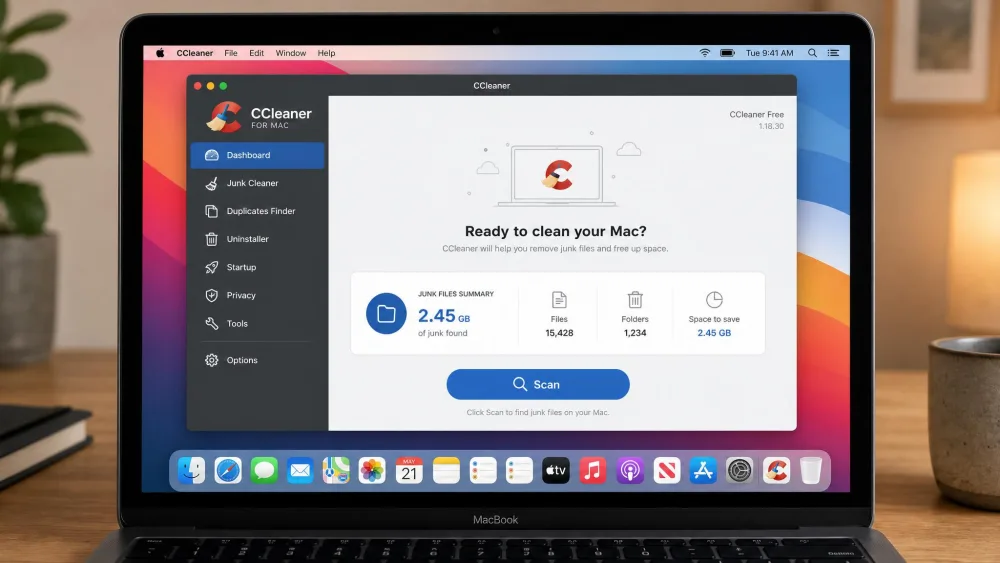
This is the core of the app. The Clean Clutter module targets system junk and download files, and our first scan on a MacBook surfaced dozens of gigabytes of junk. In one Quick Clean pass it cleared about 6.5GB of cache files, a meaningful chunk of space back on a crowded drive.
The trade-off is friction. We had to quit several running apps mid-clean before their clutter could be removed. On the upside, the tool gives you unusually deep control over exactly what gets deleted, so cautious users can review categories before committing.
Browser and Privacy Cleaning
The Browser Cleaner handles history, cookies, and autofilled passwords across your installed browsers. In a single pass it found about 2.01GB of cache and cookies, so it does real work on the privacy side and frees up disk space. It is one of the more reliable parts of the app.
Find Duplicates and Analyze Photos
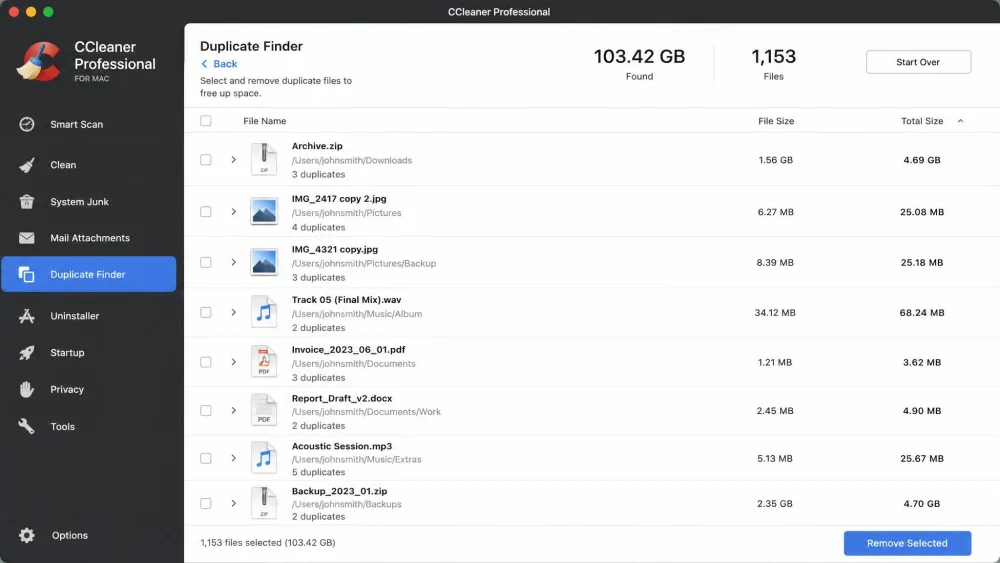
The Duplicate Finder was effective to the point of being overwhelming, flagging over 100GB of duplicate files across the system in our testing. That is a lot of recoverable space, but the results need careful manual review, and selecting items is tedious because you have to click a tiny checkbox rather than the filename.
Analyze Photos, which surfaces blurred, poorly lit, and similar shots, was the most surprising and genuinely useful module we tested. It is a Professional-only feature, but it does something native tools do not, and it earns its place if your photo library is a mess.
App Uninstaller and Startup Manager
CCleaner rolls an app uninstaller and a startup manager into one window. The uninstaller works but leaves some leftover files behind, so it is not as thorough as the best dedicated tools. The Manage Startups feature was more impressive: in our testing it caught malware remnants that other cleaning utilities had missed.
The catch is context: the startup list shows running processes with little explanation of what disabling each one does, so less technical users may hesitate.
Is CCleaner Safe for Your Mac?
Safety is the question that follows CCleaner everywhere. Its developer, Piriform, was acquired by Avast in 2017, and that ownership has shaped the brand's reputation ever since.
The bigger issue is history. In 2017, CCleaner suffered a serious supply-chain compromise: attackers slipped a backdoored, validly signed installer through Piriform's own download channels between August and September, and roughly 2.27 million users downloaded the malicious build. See the full account of CCleaner's 2017 supply-chain compromise for details. It happened weeks after the Avast acquisition, and though the current software is not that build, it is why many Mac users still approach the brand with caution.
The macOS version you download today is not the compromised 2017 build, but the episode is a real part of CCleaner's record. If trust is your top priority, weigh it against alternatives with cleaner histories.
CCleaner for Mac Pricing (Free vs Professional)
The free version does real cleaning, which sets CCleaner apart from rivals that only offer a trial. The paid upgrade mainly adds Analyze Photos and Auto Browser Cleaning, so the gap between tiers is narrow.
Pricing is where things get murky. The Mac Professional plan is commonly cited at around $39.95 a year for one Mac, but the exact cost is unstable: it varies by source and promotion, and the official Mac page shows no figure. Paid plans do come with a 30-day money-back guarantee, which softens the risk of committing.
The free tier is capable enough for most cleanup needs. Upgrade only if Analyze Photos or automatic browser cleaning genuinely fit your routine, since the paid modules are narrow.
Best Alternatives to CCleaner for Mac
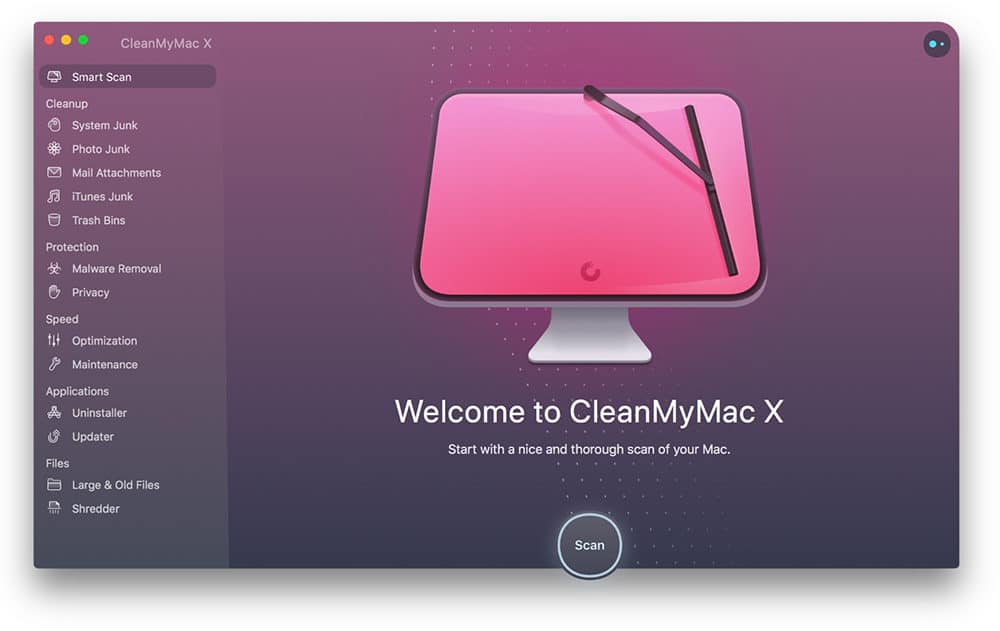
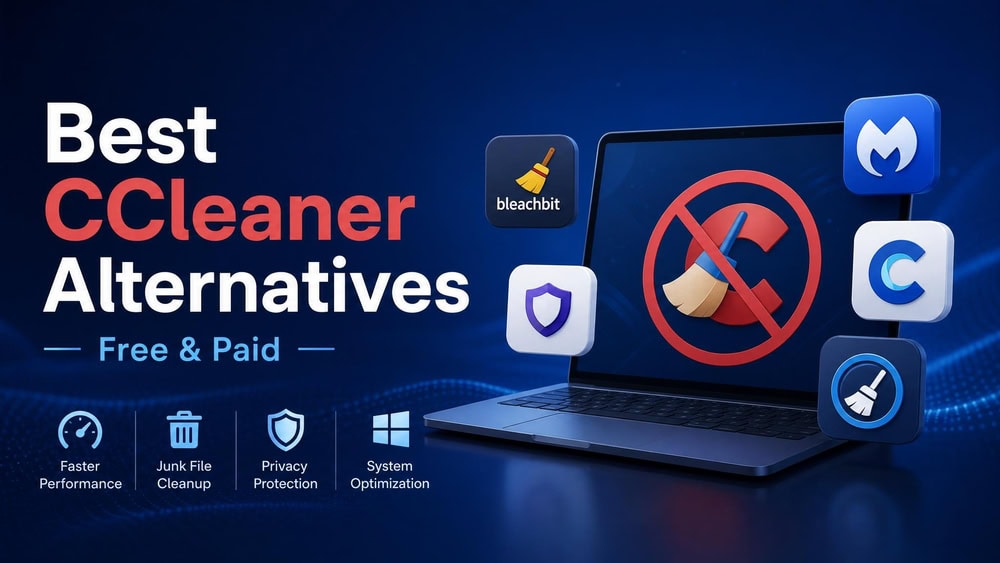
If the trust history or dated interface puts you off, two rivals came up repeatedly in our comparison, alongside MacCleaner Pro, often named for clearer startup and duplicate management.
| Product | Buy | Free tier | Paid price | Malware scan | Best for |
|---|---|---|---|---|---|
 |
Check price → | Yes (limited) | Around $39.95/yr (varies) | No | Deep control over cleanup |
 |
Check price | Trial only | Around $47.50/yr or $119.95 once | Yes | A polished all-in-one cleaner |
 |
Check price | Trial (up to 3 GB) | Around $25.99 lifetime (sale) | No | One-time purchase value |
CleanMyMac is the polished all-rounder, adding real-time malware scanning, an uninstaller that removes leftovers, and a one-click Smart Care routine. It rates 4.9 stars from 539 reviews and needs macOS 11 or later. BuhoCleaner is the value pick, with a one-time lifetime license and a free trial that clears up to 3 GB before you pay.
Frequently Asked Questions
Is CCleaner safe for Mac?
Is CCleaner still trustworthy in 2026?
Is CCleaner free on Mac?
Is CCleaner worth the price on Mac?
What are the best alternatives to CCleaner for Mac?
Final Verdict: Is CCleaner Worth It on Mac?
CCleaner for Mac does the core job well. It finds real clutter, clears browser cache, and its startup manager even caught malware remnants other tools missed. The deep control is a genuine strength. But the clunky interface, tedious duplicate selection, thin support, and the company's trust history hold it back, and the paid tier adds little.