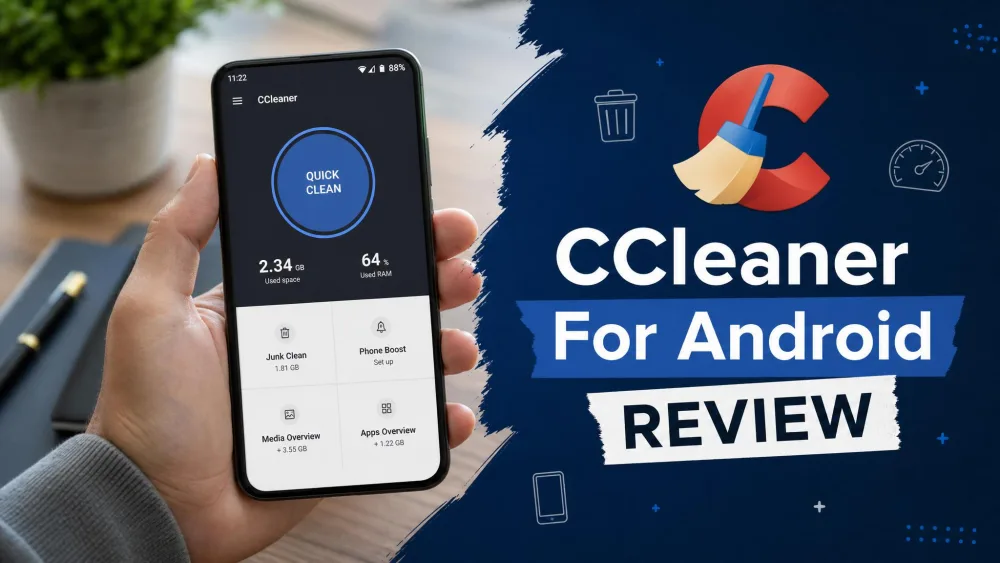
Your Android is filling up and slowing down, CCleaner promises a quick fix, and the two questions that stop most people short are whether it is actually safe to install and whether it is worth it in 2026. The name carries some baggage, and any cleaner that wants access to your storage deserves a careful look first.
So we spent time with the free app to answer both plainly, covering what CCleaner clears, whether it speeds up your phone, how its safety record holds up, what Pro costs, and how it compares with the alternatives.
We ran the free app on a well-used daily-driver Android phone, the kind that has been in service a couple of years on a recent Android build and picked up the usual clutter, and took it through a full Quick Clean scan and cleanup in a single hands-on session. The scan finished in well under a minute, which set the tone for the rest of our testing: the cleaning is fast, but the numbers deserve a second look.

CCleaner for Android at a Glance
CCleaner for Android is a free phone-cleaning app from Piriform, the developer behind the long-running Windows tool, now part of Avast and Gen Digital. It holds a rating of 4.54 out of 5 on Google Play, drawn from roughly 2.8 million ratings, though Play tallies drift over time.
The app is free to use, with an optional Pro tier, and install figures sit in the "100M+" bucket on Google Play. The build we looked at was version 26.12.2, and CCleaner typically asks for Android 10.0 or higher.
What Is CCleaner for Android?
CCleaner started life as a Windows cleanup utility, and the Android version brings that idea to your phone. It scans for files you can safely remove, such as app cache, browser history, clipboard contents, and old call logs, then reclaims that space in one sweep. It also bundles a storage analyzer, an app uninstaller, a system monitor, and app hibernation, but the core draw is the one-tap junk clean.
How We Tested CCleaner for Android
We installed CCleaner from the Google Play listing and ran it through the same before-and-after routine we use for any cleanup tool, watching what it flagged and what it actually removed. We paid particular attention to the safe categories, cache and junk, and treated its performance and RAM claims with more skepticism.
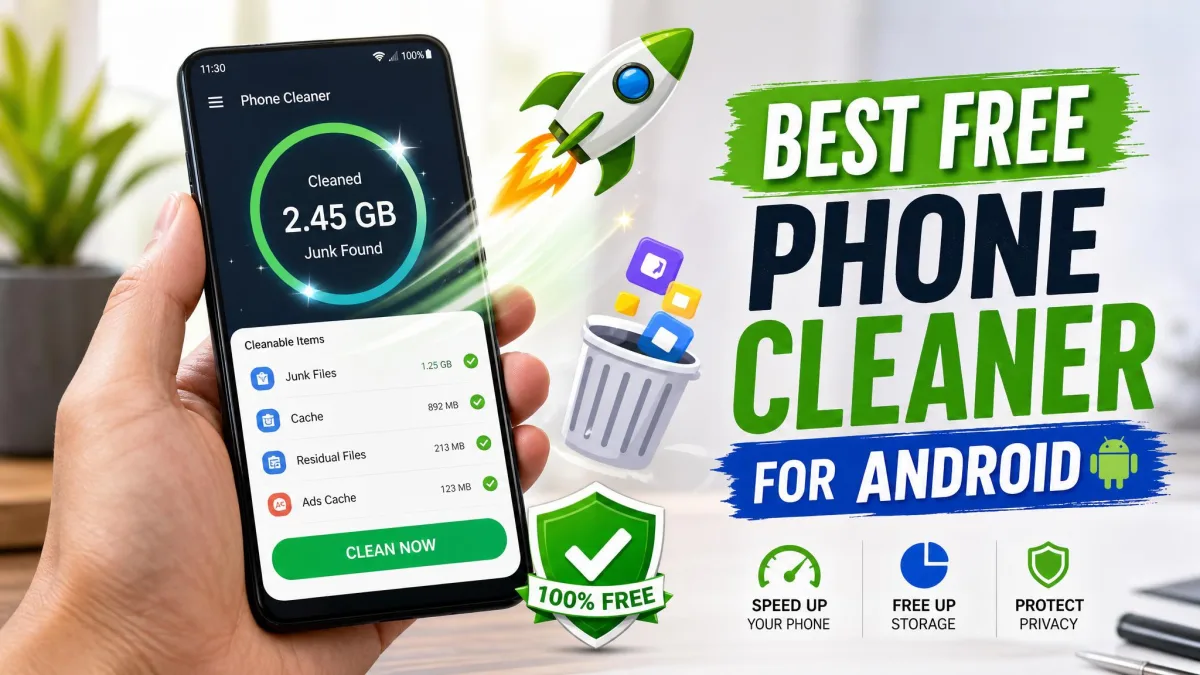
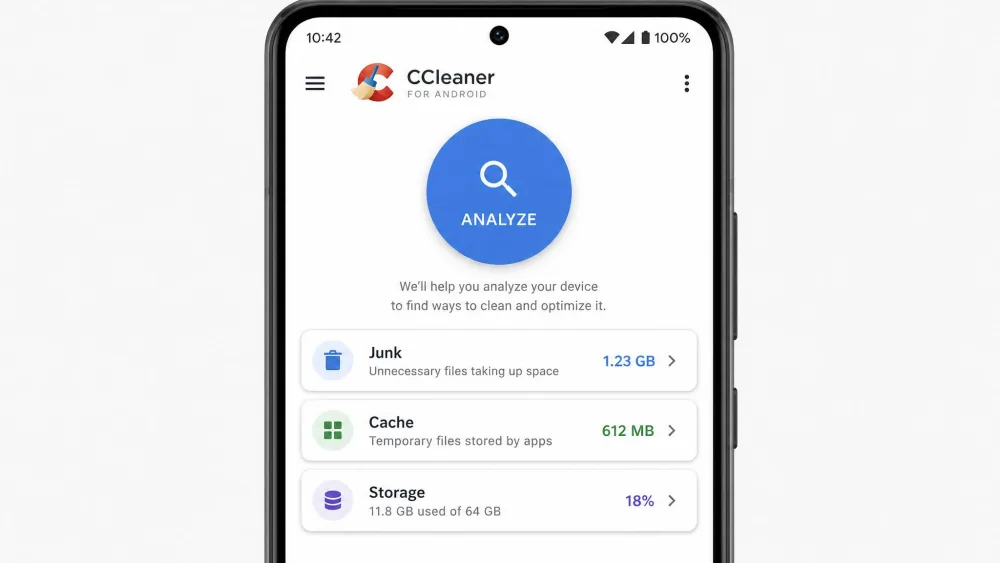
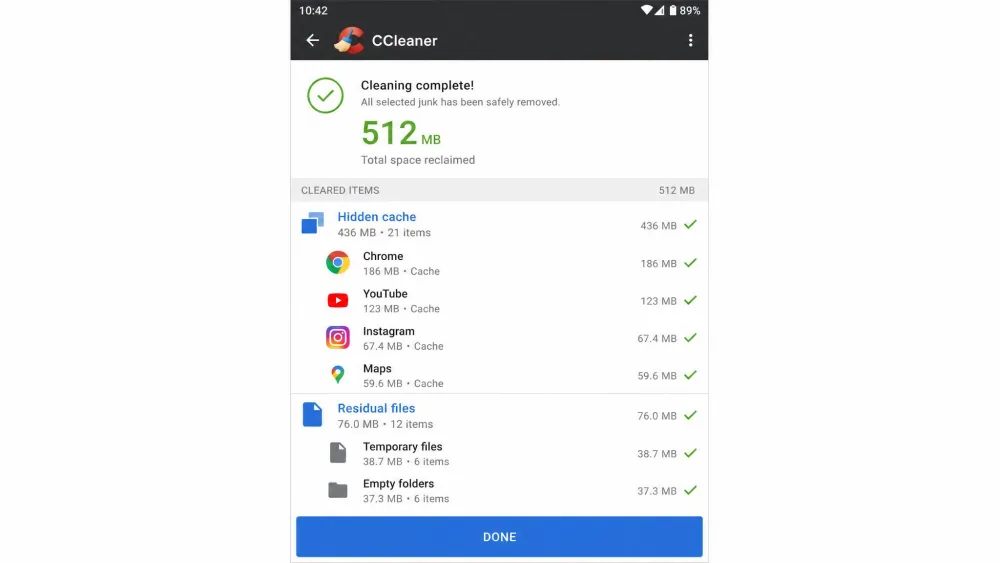
On our well-used test phone the junk scan flagged on the order of a gigabyte or two, itemized into categories such as app cache, empty folders, downloads, thumbnails, and browser history, so we could tick exactly what to clear. The clean itself ran in a few seconds. The catch showed up when we checked free storage afterward: the space actually reclaimed came in lower than the total CCleaner reported cleaning. That is expected behavior, not a bug, because Android regenerates cleared caches almost immediately as empty containers, so we learned to treat the on-screen "cleaned" figure as optimistic rather than as real space back in the tank.
We approach any optimizer the same way: run a real before-and-after clean, then check whether the on-screen numbers translate into a phone that behaves better. With cleaners, the honest answer is usually that cache clearing helps and the rest is marketing, and CCleaner mostly fits that pattern.
Key Features
Junk and Cache Cleaning
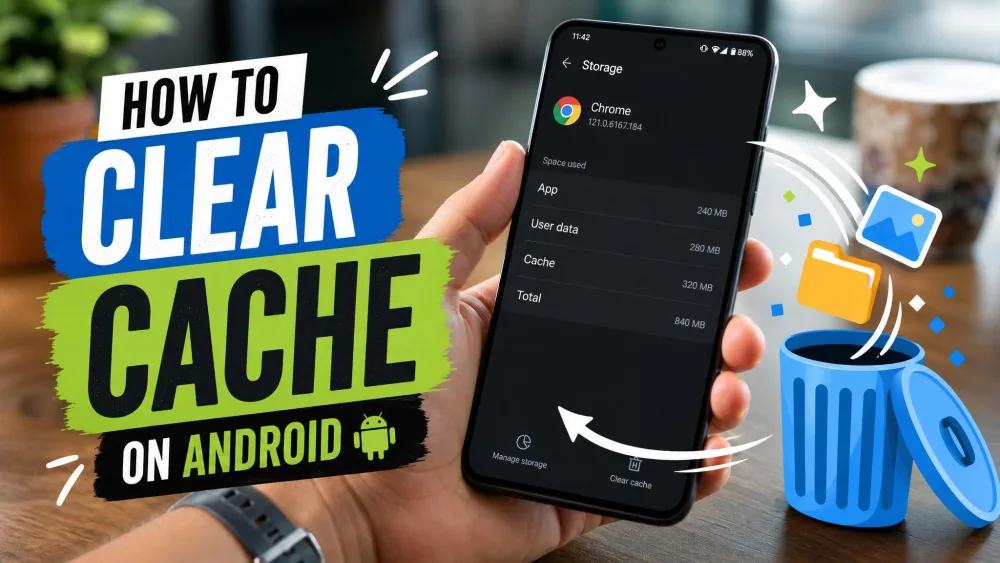
This is the heart of the app and the part that works. CCleaner scans for accumulated app cache, browser history, clipboard data, and old logs, then clears them in a few taps. It is also the safest thing any cleaner does, since app cache rebuilds itself and orphaned files from uninstalled apps are genuinely disposable.
Storage and App Analyzer
The storage analyzer breaks down what is eating your space and surfaces large or residual files, while the app uninstaller removes several apps in one pass, a real convenience when your phone is close to full.
App Hibernation and Performance Boost
CCleaner offers app hibernation and a performance boost aimed at freeing memory, and this is where we temper expectations. Task-killing and RAM-boosting are largely counterproductive on modern Android, which manages memory on its own, and Google has restricted this from Android 14 onward. Hibernating a battery-hungry app can help, but a blanket boost rarely delivers a lasting speedup.
System, CPU, and Battery Monitoring
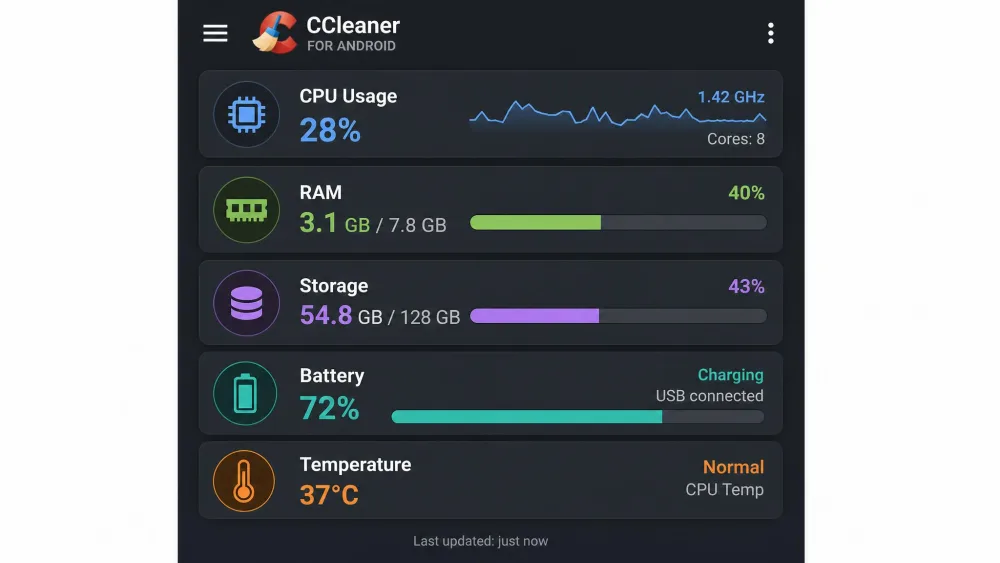
The system monitor reports live CPU, RAM, storage, battery, and temperature readings, which is informative if you like watching your phone's vitals. It runs in the background, though, and like any background process it consumes some resources itself, quietly offsetting the very speedup the app promises on older phones.
Is CCleaner for Android Safe?
This is the question the name provokes, so let us be direct. On Android, CCleaner has kept a clean security record when downloaded from Google Play. The incident people remember, the 2017 supply-chain malware compromise, hit the Windows desktop version, not the Android app.
That said, any cleaner you grant storage access to carries a small inherent risk, since permission to delete files brings a slight chance of unintended data loss. No major incidents are documented for CCleaner on Android, and sticking to the cache and junk categories keeps you safe.
The 2017 CCleaner malware scare that still shadows the brand was a compromise of the Windows desktop installer, not the Android app. Android CCleaner has a clean record, but always install it from the official Play listing rather than a random APK mirror. You can review exactly what it accesses in the app's Google Play Data safety section before installing.
Performance: Does It Actually Speed Up Your Phone?
The honest answer splits in two. Clearing cache and junk can help a phone genuinely choked with clutter, and freeing storage on a nearly full device often relieves the sluggishness that comes with it. The official CCleaner Android page frames the app around reclaiming space, and that framing is fair.
The speed-up promise beyond that is shakier. Memory optimization and task-killing do not deliver durable gains on modern Android, and the app's own background monitor can eat into whatever it frees. The safe, lasting wins from any cleaner are the same: clear cache, delete junk and orphaned files, remove duplicates, and uninstall apps you no longer use.
Pros and Cons
Pros
- Free to download and use
- Effective, fast junk and cache cleanup
- Clean Android security record, separate from the Windows incident
- Simple, easy-to-use interface with a helpful storage analyzer
Cons
- Heavy ads and upsell in the free app
- Lacks secure delete, deep memory tools, and root features rivals offer
- RAM boost and task-killing add little on modern Android
- Increasingly redundant next to built-in device care
The biggest day-to-day complaint is the ads. On recent Android builds the volume of advertising can make the free app feel nearly unusable, and that friction is what pushes people toward alternatives.
Pricing: Free vs Pro (Is It Worth It?)
The free version covers what most people actually want, junk cleaning, the storage analyzer, and the app manager, all funded by ads. CCleaner also sells a Pro tier that adds no new cleaning tools. On the phone, Pro removes the ads and enables automatic, scheduled background cleaning, running the same clean the free app does without you opening it. Pricing, though, is murky. CCleaner's official plans page lists only desktop tiers, with no Android Pro price published, so the figures you see come from resellers. Those quotes swing with each promotion, from around $8.99 during a sale up to roughly $26.99 a year for a single device, so treat any single figure as unstable and check the in-app upgrade price before you buy.
Is Pro worth it? For a cleaner whose free tier already handles the safe, useful cleaning, a yearly subscription is a hard sell. The main draw is removing ads, and free ad-free alternatives already exist.
If the ads are your main reason to consider Pro, weigh that yearly cost against Files by Google, which does clean, cache-clearing cleanup with no ads and no fee.
CCleaner vs Other Android Cleaners
CCleaner is not the only option, and a couple of rivals do the job better for specific needs. Power users who want granular, root-level control tend to prefer SD Maid, which digs into hidden caches and adds automation and deduplication CCleaner lacks. For a clean, ad-free everyday experience, Files by Google is the easy pick.
| App | Buy | Best for | Key features | Ads/Price |
|---|---|---|---|---|
|
Check price → | Simple one-tap junk and cache cleanup | Junk/cache clean, storage analyzer, app uninstaller, system monitor | Free (ads); Pro tier |
 |
Check price | Power users wanting deep control | CorpseFinder, deep AppCleaner, dedupe, automation | Free (no ads) |
 |
Check price | Clean, ad-free everyday cleanup | Smart cleanup suggestions, file manager, offline sharing | Free (no ads) |
 |
Check price | Junk cleanup plus battery and photo tools | Large-file finder (>5MB), photo dedupe, battery saver, app manager | Free (ads); Pro tier |
 |
Check price | Basic file and app cleanup | File cleaner and app deleter only | Free (ads for Norton apps) |
CCleaner sits in the comfortable middle: easier than SD Maid, more capable than Norton Cleaner, but noisier with ads than Files by Google.
How to Install and Use CCleaner for Android
Getting started takes a couple of minutes.
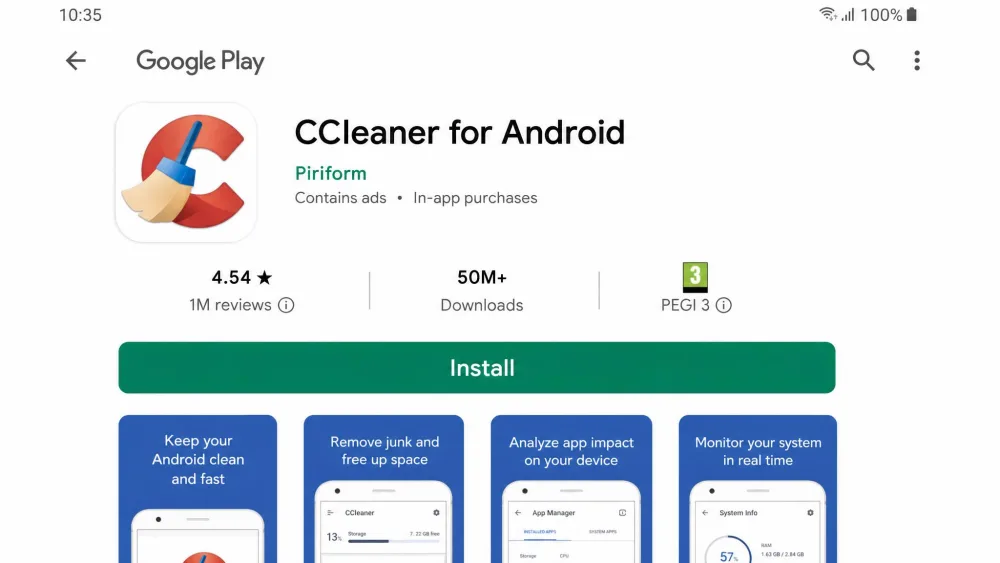
- Open the Play Store, search for CCleaner or go straight to the official listing, then tap Install.
- Launch the app and grant the storage permission so it can scan for junk.
- Tap Analyze on the home screen and let it scan your cache, junk, and residual files.
- Review what it found, uncheck anything you want to keep, then tap Clean.
- Optionally, open the storage analyzer or app manager to clear large files or uninstall unused apps.
Stick to the flagged cache and junk categories on your first pass, and check what is about to be removed before you confirm.
Frequently Asked Questions
Is CCleaner for Android safe?
Is CCleaner for Android free?
Does CCleaner actually speed up an Android phone?
How does CCleaner compare to Files by Google or built-in cleanup?
Does CCleaner for Android need root?
Is CCleaner worth it in 2026?
Verdict: Should You Use CCleaner for Android?
CCleaner for Android is safe, free, and good at the one thing that matters most from a cleaner: clearing cache and junk in a few taps. The security record is clean, and the storage analyzer is a genuine convenience when your phone is nearly full.
The caveats are just as real. The free app is heavy with ads, its RAM-boosting claims do not hold up on current Android, and modern phones increasingly bundle native device care that covers the same ground. If your phone has no built-in cleanup tool, CCleaner is a reasonable free pick. Otherwise, a cleaner, ad-free alternative will serve you better.