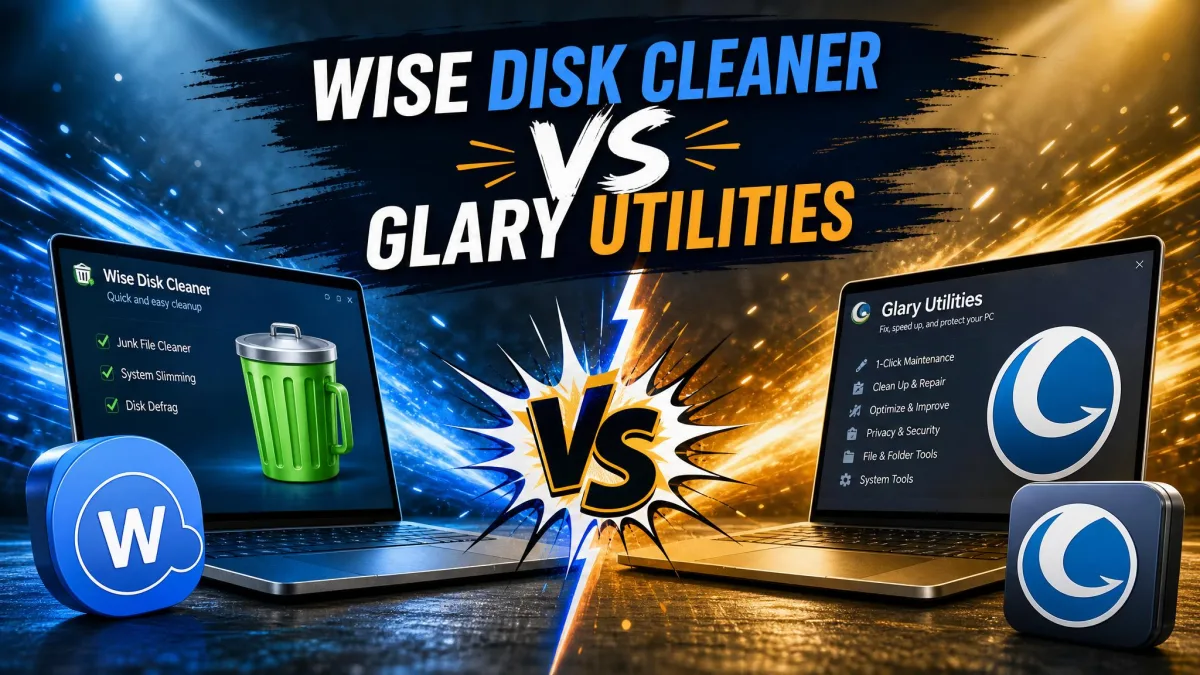
Advanced System Optimizer is Systweak's all-in-one Windows tune-up suite, and Wise Disk Cleaner is WiseCleaner's focused disk-cleanup tool. Both clear junk files and speed up your PC, but they take very different routes: one is a broad toolbox with registry, driver, and startup modules, the other a single-purpose cleaner. Pricing splits them too: Wise Disk Cleaner is free, while Advanced System Optimizer starts with a 24-hour trial and then runs as a paid suite.
Junk files pile up as you browse, install software, and run updates, and the PC slows down with them. We ran both tools on our Windows test machines to see which one clears that mess faster and which one is worth paying for.
Advanced System Optimizer: Overview and Key Features
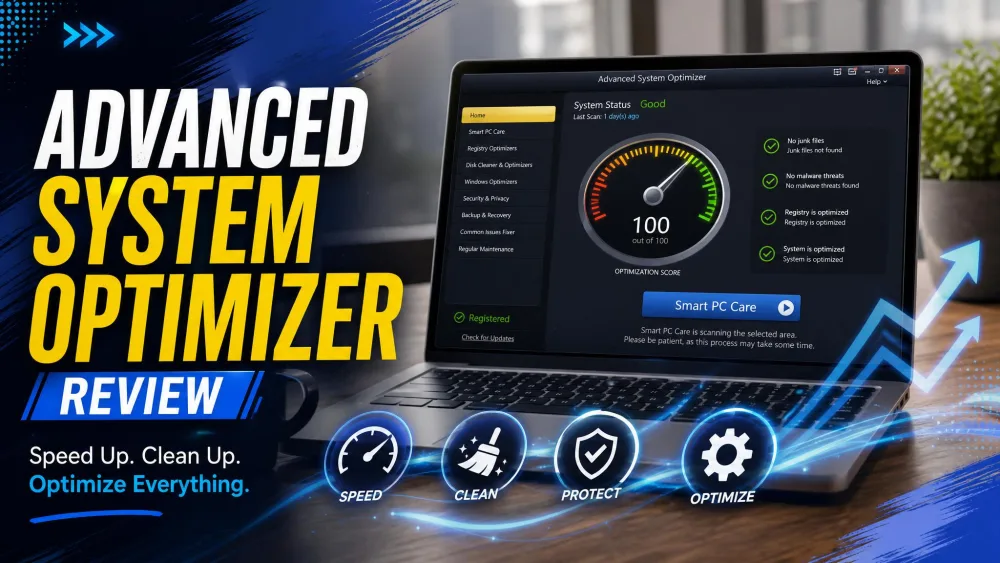
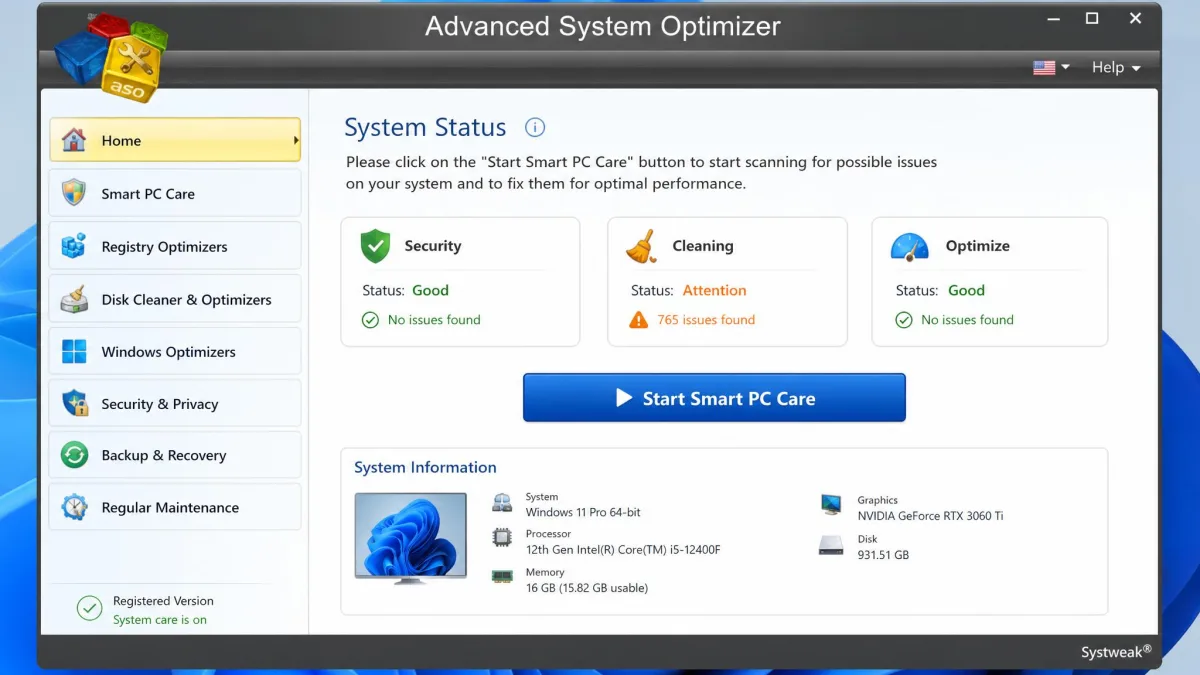
Systweak Advanced System Optimizer is the flagship suite from Systweak Software, founded in 1999 in Jaipur, India. Version 3.9 ships in a 16 MB installer, and the module list runs from One Click PC Cleanup and Startup Manager through Driver Updater, Game Optimizer, Memory Optimizer, duplicate file removal, and even data recovery.
In our testing, a full deep scan took well over an hour, while the quick scan wrapped up in under half a minute. The tools sit in about eight well-structured menus, so finding a module is easy, but the breadth brings more of a learning curve than a single-purpose cleaner.

Wise Disk Cleaner: Overview and Key Features
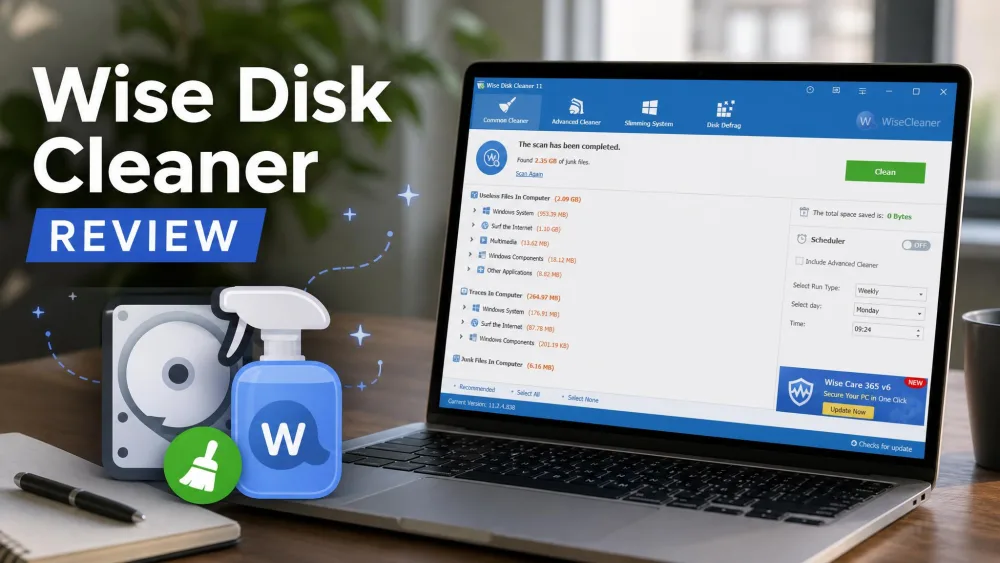
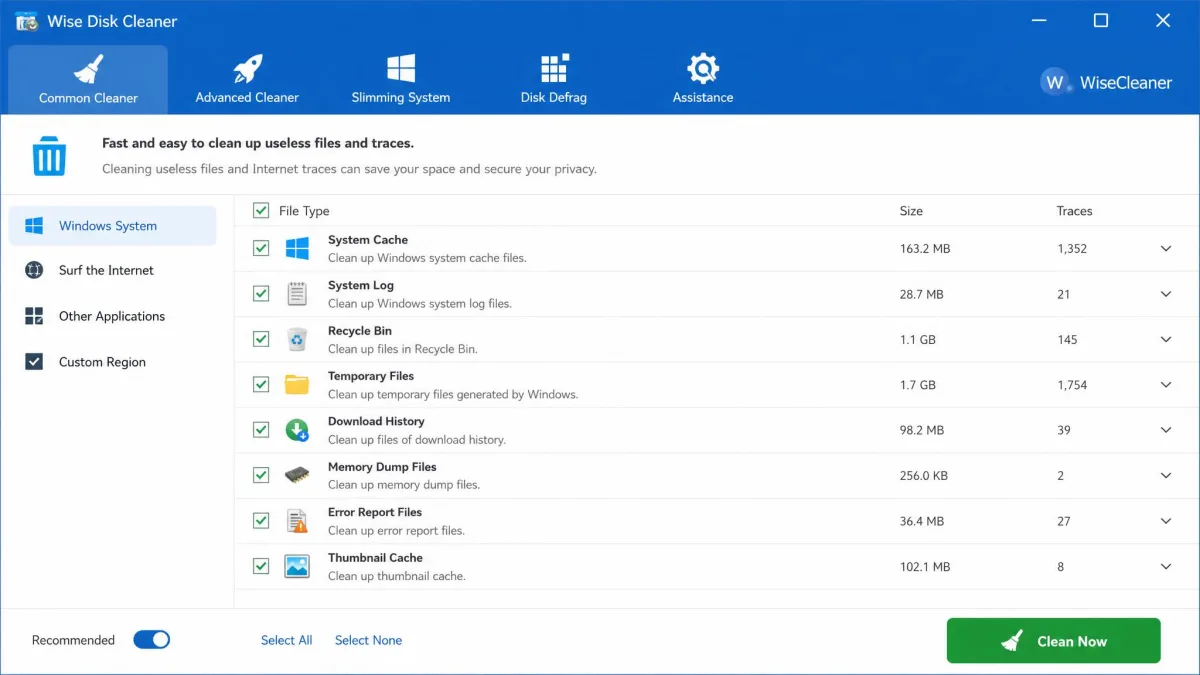
Where Advanced System Optimizer is a toolbox, Wise Disk Cleaner is a specialist. Version 11.3.7 is an 11.8 MB download from WiseCleaner, founded in 2005 and best known for this cleaner and its companion registry product. The tool is free.
A common-cleaner scan finished in a few seconds on our test machine, and the tool stayed light on CPU and RAM during daily use. The Advanced Cleaner is the part to watch: on one pass it swept up game caches and open browser sessions we had not unchecked, so we check the defaults first now. Wise also offers Wise Care 365 as a wider alternative.

Advanced System Optimizer vs Wise Disk Cleaner: Head-to-Head
| Product | Buy | Junk-file cleanup | Privacy & browser-trace cleaning | Registry cleaning | Startup & boot optimization | Defrag | Ease of use | Price |
|---|---|---|---|---|---|---|---|---|
|
Check price → | Common Cleaner, Advanced Cleaner, System Slimming, about 50 file types | Browser cache, history, and cookies, plus Safe Deletion | None; registry work is a separate product | None; AutoClean schedules cleaning | Dedicated Disk Defrag, quick and deep modes, SSD TRIM | Tabbed interface, one-click clean widget, fast scans | Free |
|
Check price | System Cleaner and One Click PC Cleanup, scheduled scans | Privacy Protector for history and cookies | Registry Cleaner and Optimizer, 12 error categories, backup | Startup Manager | Disk Optimizer for HDD and SSD | One-click Smart PC Care, menu-based suite | Paid: 24-hour trial, then about $49.95-$69.95 for 1 PC |
Disk Cleanup and Junk-File Removal
Both tools clear the standard suspects: temporary files, logs, the Recycle Bin, and browser cache. Advanced System Optimizer's System Cleaner handles daily junk on a schedule, plus One Click PC Cleanup for a single maintenance pass. Wise Disk Cleaner goes deeper: about 50 disposable file types in Common Cleaner, type and size scans in the Advanced Cleaner, and System Slimming for Windows update backups and WinSxS redundancy. It is not flawless: in our testing the Advanced Cleaner could report the same junk as recurring, about 249 MB in one case.
Privacy and Browser-Trace Cleaning
Both products clean what a browser leaves behind, but they frame it differently. Advanced System Optimizer's Privacy Protector clears browsing history and cookies, and its scans flag tracking cookies as issues, which can worry people who do not know what they are. Wise Disk Cleaner quietly removes browser cache, history, cookies, and Quick Access entries, and Safe Deletion overwrites deleted files in multiple passes. If you would rather install nothing extra, Microsoft PC Manager bundles the same one-click cleanups.
Performance and Startup Optimization
Startup is where the two split most clearly. Advanced System Optimizer has a Startup Manager for disabling unneeded boot programs, plus Memory Optimizer and Game Optimizer modules. Wise Disk Cleaner has no startup tools; AutoClean schedules cleaning passes, and the cleaner registers a scheduled task so it starts with Windows. AutoClean can also fail silently when the PC is asleep or when antivirus or battery settings block its startup. Scanning stays light: copying a 1 GB file during an Advanced System Optimizer scan took 55 seconds against 41 with the scanner idle.
Registry Cleaning and System Maintenance
Registry cleaning is the sharpest difference. Advanced System Optimizer's Registry Cleaner detects and deletes 12 categories of registry errors, takes a backup before changing anything, and can run on a schedule. Wise Disk Cleaner does no registry work; that job lives in Wise Registry Cleaner, the companion product WiseCleaner has shipped since 2006.
Defragmentation and Disk Optimization
Both tools include disk optimization, but the depth differs. Advanced System Optimizer bundles a Disk Optimizer for HDD and SSD defragmentation. Wise Disk Cleaner runs a dedicated defrag engine with quick and deep modes and scheduled defrag, applying native TRIM to SSDs instead. One caution from our testing: it does not auto-detect SSDs, so on a mixed-drive machine an HDD-style defrag can land on an SSD unless you uncheck it manually.
Ease of Use and Interface
Wise Disk Cleaner is the easier tool to live with: simple tabs, a one-click clean widget, light and dark themes, and a portable version. It is more manual and detail-oriented than one-click rivals. Advanced System Optimizer answers with Smart PC Care, a one-click scan-and-repair pass, but its menu-heavy design asks more of you up front.
Pricing: Free vs Paid
Wise Disk Cleaner is free: the official page markets it as completely free with no paid tier, and the only paid listing is a $19.95 Professional edition in a reseller directory. Advanced System Optimizer unlocks everything for a 24-hour trial, then only a few features keep working and the recommended repairs sit behind a license. Current listings put a 1-PC license at roughly $49.95 to $69.95, depending on the channel and promotion. Download both tools from their official pages, since older releases of Advanced System Optimizer shipped bundled with third-party software and ShouldIRemoveIt's tracked users uninstall the suite at a 62 to 68 percent rate.
Pros and Cons
Advanced System Optimizer Pros and Cons
Pros
- All-in-one coverage: driver updates, memory and game optimization, and backup tools
- Smart PC Care and One Click PC Cleanup for single-click maintenance
- Secure Delete for shredding files, Undelete for recovering them
Cons
- Deep scans take well over an hour
- The free tier is scan-only after the 24-hour trial
- Heavy module depth brings a learning curve
Wise Disk Cleaner Pros and Cons
Pros
- Completely free, with no paid tier on the vendor page
- AutoClean schedules cleaning without reminders
- Portable version, light and dark themes
Cons
- Advanced Cleaner can sweep up game caches and open sessions unless unchecked
- Defrag does not auto-detect SSDs on mixed-drive machines
- More manual than one-click rivals
Which Should You Choose?
If you want a free, low-maintenance cleaner that runs a few times a week and stays out of the way, Wise Disk Cleaner fits that routine. If your PC feels slow at boot, you suspect registry clutter, or you want driver updates and data recovery under one license, Advanced System Optimizer is the more complete answer. For a third point of comparison, see our Advanced System Optimizer vs CCleaner head-to-head.
Frequently Asked Questions
Is Wise Disk Cleaner safe to use?
Is Advanced System Optimizer free?
Do I need both a disk cleaner and a system optimizer?
Conclusion
Both tools have a place in a Windows maintenance routine, and the choice comes down to how hands-on you want to be. A free focused cleaner handles the weekly upkeep most PCs need, and a suite covers the deeper work when a machine starts misbehaving. Whatever you pick, run it on a schedule.