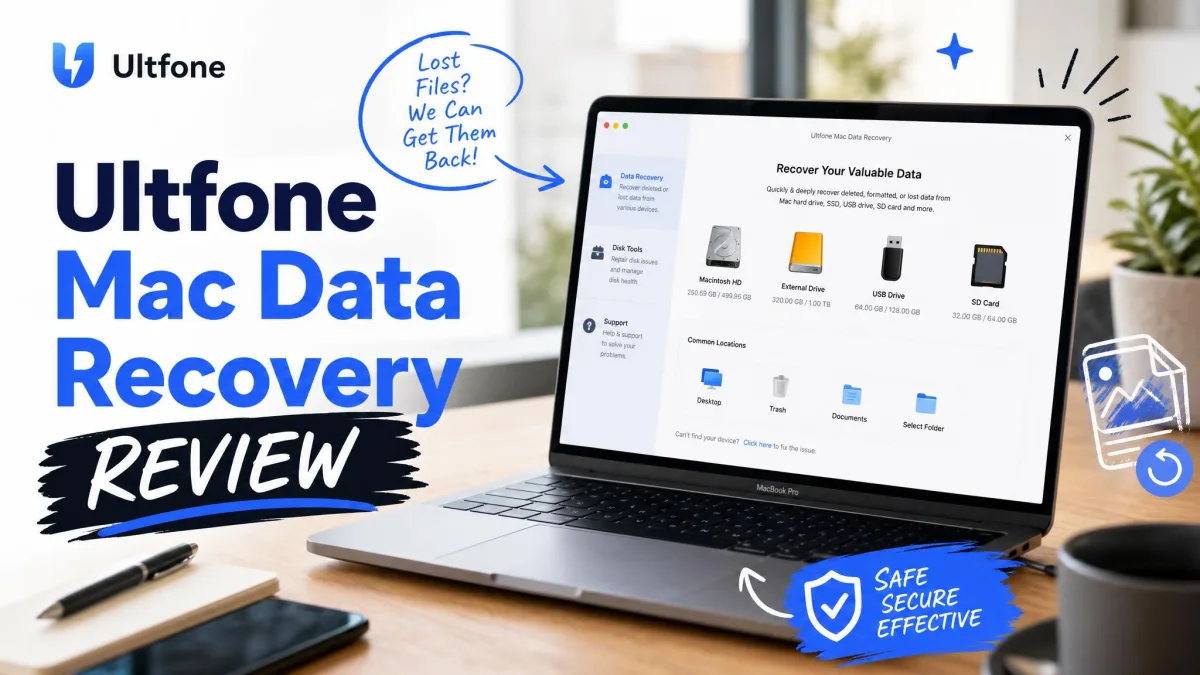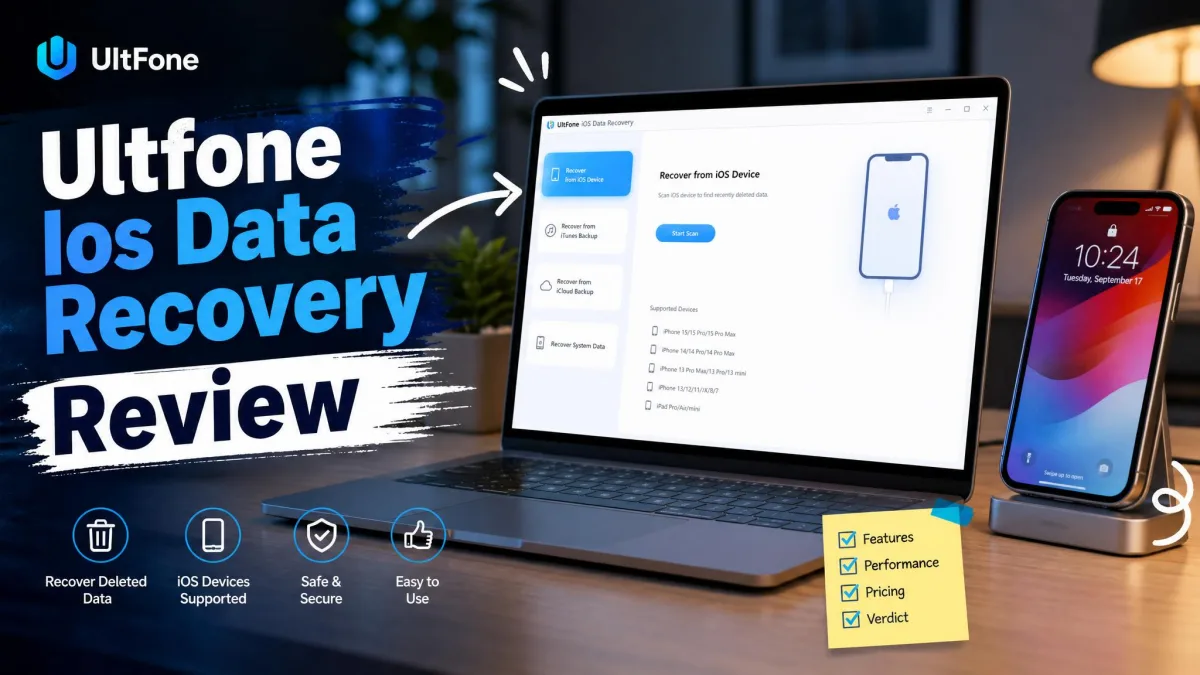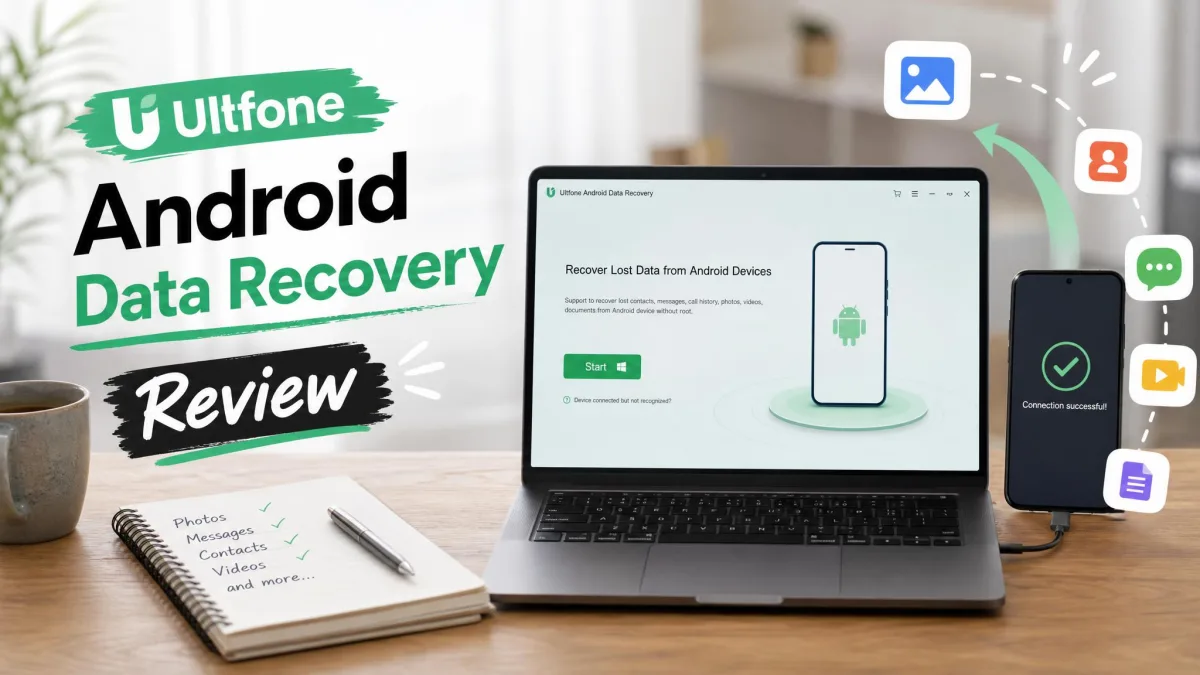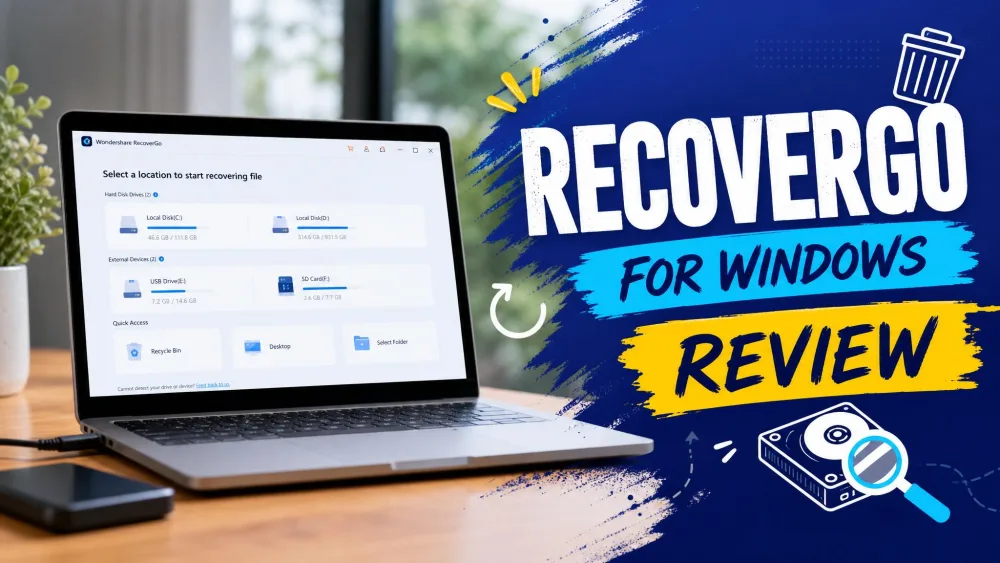
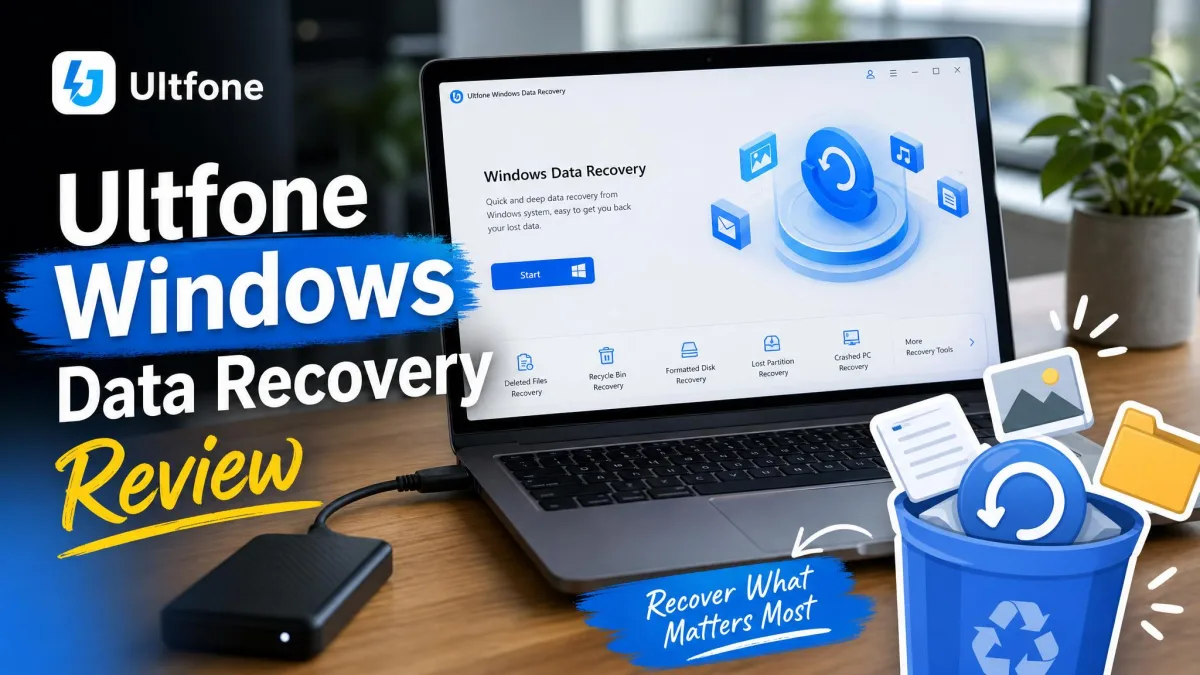
UltFone Windows Data Recovery is a tool for restoring deleted files on Windows PCs, hard drives, SD cards, and USB drives. The company has sold it since 2010, and it promises to bring back photos, videos, documents, and email archives after accidental deletion, formatting, or a virus attack.
Most buyers ask whether it is safe, whether it works, and whether the company stands behind its product. This review answers all three. We went through reviews on Trustpilot, Sitejabber, and Reddit and tested the free version. Here is what we found.
What Real Users Say: Review Analysis
Positive Reviews
Straightforward recoveries do succeed: deleted photos from a Windows 10 PC, Word documents from a second drive, and around 50 GB from a hard drive all came back.
— From UltFone's published customer reviews
Complaints: Refunds, Subscriptions, and Scam Reports
The complaints cluster around billing and support. Auto-renewal subscriptions can charge without the promised reminder. Renewal-day refund requests get refused on "system limitation" grounds. A Reddit thread warning to avoid UltFone describes a repair purchase that set up a subscription. The tool mostly downloaded device firmware. Advertised device compatibility does not always hold, and that discovery often comes after payment. Support can go silent mid-resolution, and ComplaintsBoard lists 8 unresolved complaints.
Refund requests are often declined in practice, even when the software fails to do the job, despite the advertised 30-day guarantee.
— From customer complaints on Trustpilot and Sitejabber
Is UltFone Windows Data Recovery Safe and Legit?
Downloading from the official UltFone site is safe. None of the complaints we read accused the software of being malware. The company behind it is real, established in 2010 and still running an active product line. The "scam" accusations are about billing, not the software. Subscriptions charging without reminders and support that stops replying are the recurring themes. Read the refund policy before you pay.
What Is UltFone Windows Data Recovery?
UltFone Windows Data Recovery is a standalone program from UltFone, a company founded in 2010. It scans drives and removable media for files the system marked as deleted but has not yet overwritten. That is the core of how data recovery fundamentally works: the file data stays until something else writes over it. It covers accidental deletion, Shift+Delete, formatting, partition loss, RAW drives, and virus attacks. Supported systems are Windows 11/10/8.1/8/7 and Server 2008-2019.
How We Tested UltFone Windows Data Recovery
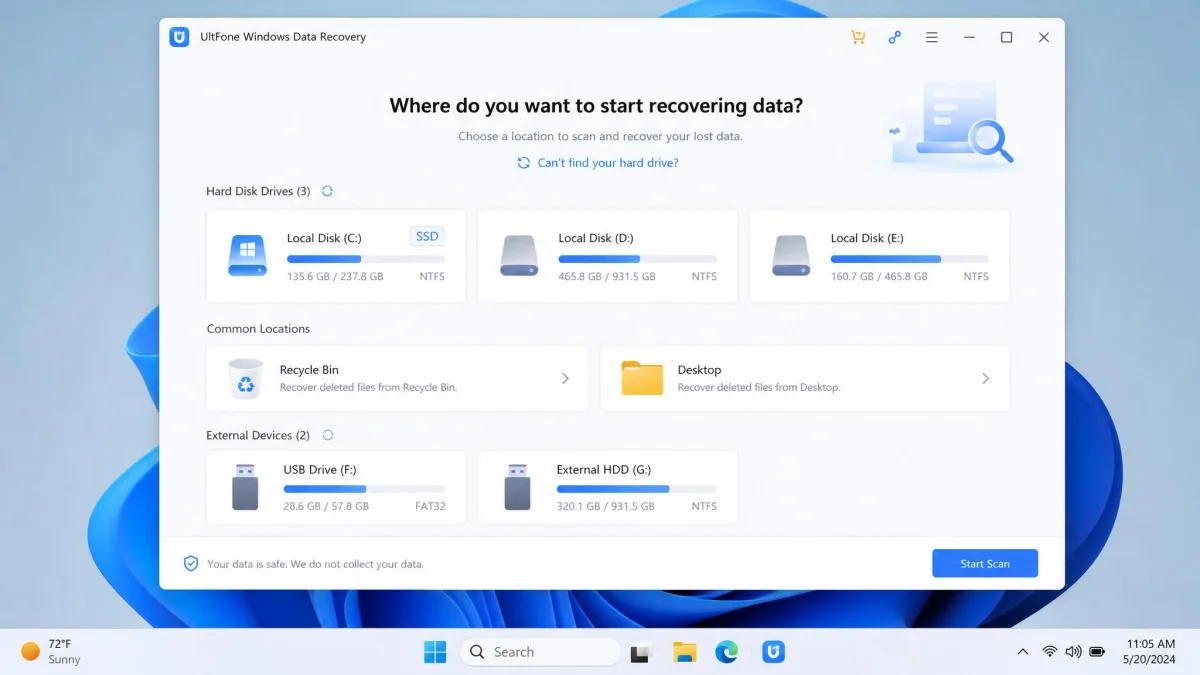
We read customer reviews on Trustpilot, Sitejabber, and Reddit, plus complaints on ComplaintsBoard, and checked them against UltFone's documentation. We also downloaded the free version and ran its scan workflow on a Windows 11 test machine.
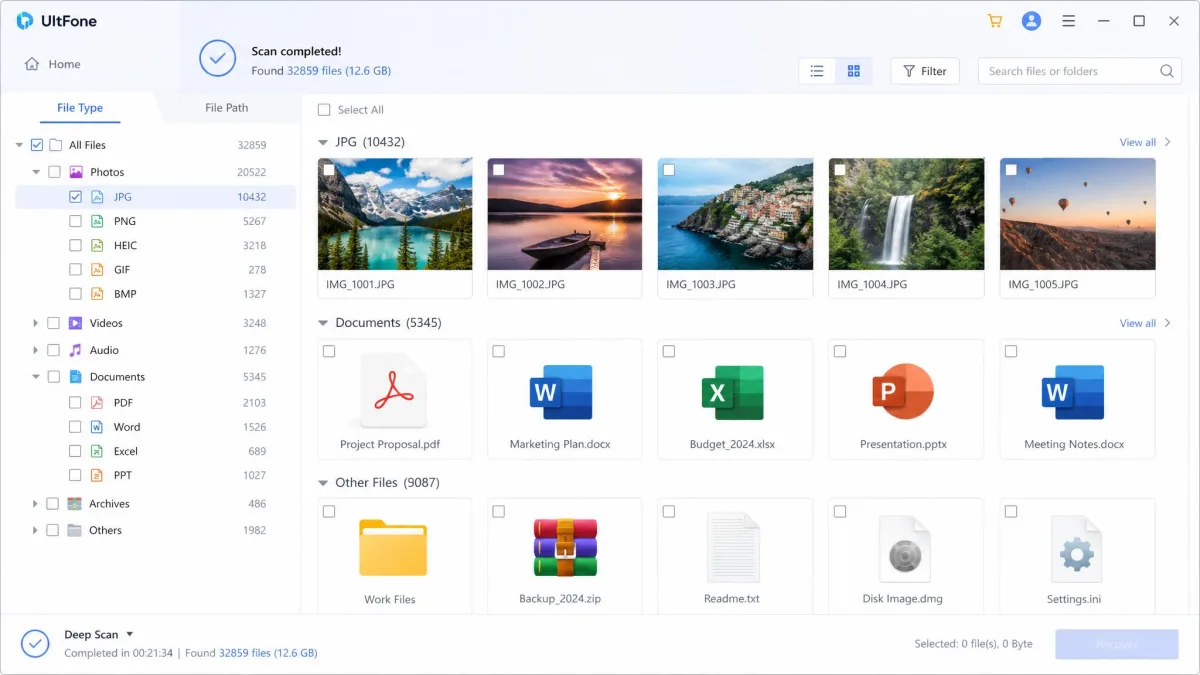
On our Windows 11 test machine, the free version did what it promises right up to the paywall. A quick scan of the Recycle Bin finished fast and listed the files we had emptied. A deep scan of a formatted USB stick crawled along noticeably. It surfaced more than the quick pass had.
Deleted data does come back in real use. We recovered files from an emptied Recycle Bin, a deleted partition, and a formatted USB stick. The limit is the save step.
The free tier scans and previews at no cost. When we tried to recover, the program opened a comparison prompt. It blocked the action until a license was purchased. The free-version test confirms your files are findable, but it does not hand them back.
Completed scans can be saved into history and reloaded later. That spared us a rescan of the same drive. UltFone's own FAQ says a deep scan of a 500 GB drive takes around 2-4 hours. The review platforms we read matched that.
Deep scans can stall, and the progress bar does not always reflect what is happening. Results depend on acting fast: recovery success drops quickly if the drive keeps being written to. Saving recovered files back onto the damaged drive can destroy what remains.
Key Features
Scanning Modes and File Support
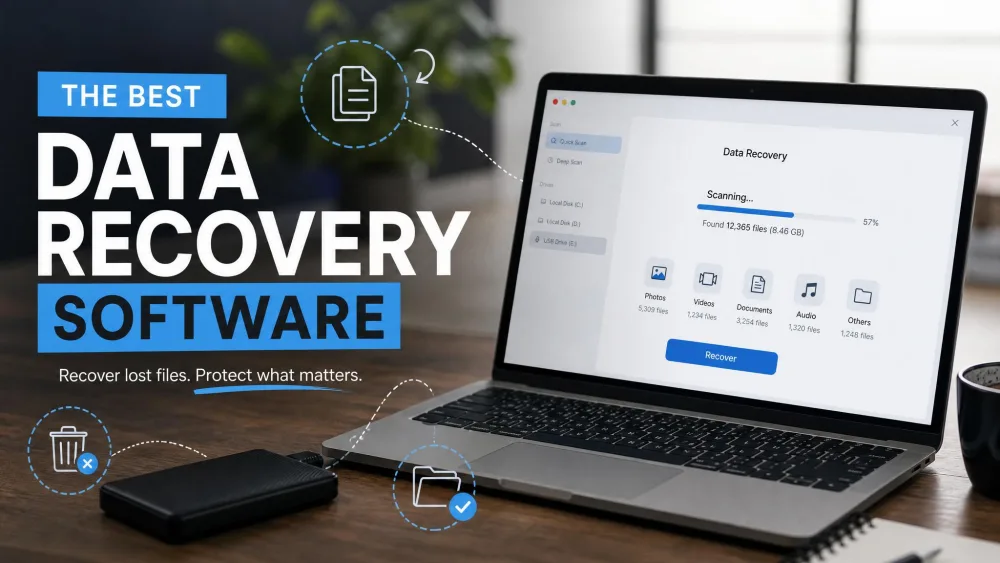
Quick Scan targets recently deleted files, while Deep Scan digs into formatted, corrupted, or RAW drives. Both modes let you pause and resume with progress saved. Filters target the Recycle Bin, Desktop, or a single partition. Files preview before recovery, and a repair tool fixes corrupted photos and video. UltFone claims 1,000+ file formats on its product page. Its own tech-spec page says 200+, so the exact count is unclear. Email archives in PST, OST, DBX, and EMLX formats are covered.
Devices and Storage Media
Supported hardware includes internal HDDs and SSDs, plus external drives from WD, Seagate, and Hitachi. USB drives from SanDisk, Kingston, and Transcend are also covered. SD and CF cards, cameras, camcorders, and RAID arrays round out the list. File systems include FAT16, FAT32, exFAT, NTFS, EXT2-4, and HFS+.
Free Version vs Paid Plans
The free version downloads, scans, and previews files at no cost. Recovery requires a paid license, and UltFone publishes no fixed free-recovery allowance.
UltFone Windows Data Recovery Pricing and Refund Policy
UltFone sells three personal licenses, all for one PC. Prices are $89.95 for a month, $119.95 for a year, or $159.95 for lifetime access. Ongoing promotions cut them to roughly $45.95, $55.95, and $65.95, but prices rotate.
The refund policy reads well on paper. It promises a 30-day money-back guarantee. Refund requests are answered within 24 hours. Refunds return to the original payment method in 2-4 business days.
The fine print matters. Change of mind and "misunderstood product functions" are not refundable, and renewal fees are only refunded if you cancelled first.
Pros and Cons
The short version of our analysis:
Pros
- Broad device support, from SSDs to RAID arrays and SD cards
- Quick Scan and Deep Scan modes with pause and resume
- Beginner-friendly three-step workflow
- Photo and video repair built in
- Official Windows 11 and Server 2008-2019 support
Cons
- Refund requests often declined in practice
- Auto-renewal subscription complaints
- Deep scans are slow and can stall
- Device support can fall short of advertising
UltFone Windows Data Recovery vs Alternatives
UltFone's edge is device breadth. RAID arrays, camcorders, and email archives are rare at this price. Its weak spot is the billing and refund record discussed above. The table below compares licensing and entry prices, with the caveat that promo prices drift. For a wider field, see how it stacks up in our best data recovery software roundup.
| Product | License | Entry price | Free tier |
|---|---|---|---|
|
One-time or 1-month/1-year | $159.95 lifetime (from $65.95 on sale) | Free scan and preview |
 |
Free + Pro subscription | Free / $24.95 per year | Unlimited free recovery |
 |
One-time | $49.95 (1-yr Pro, promo) | Limited free recovery |
 |
Subscription or lifetime | From ~$100 lifetime | Trial |
Our Verdict
We scored UltFone Windows Data Recovery 7.0/10. The software does the core job. It finds deleted files, previews them, and recovers them in straightforward cases. What drags the score down is the billing and support experience around it. Most Trustpilot reviews concern UltFone's iOS and Android products rather than Windows Data Recovery itself. Weigh the 4.1/5 accordingly.
Who Should Buy UltFone Windows Data Recovery
Buy it for a one-off Windows recovery. That means a formatted external drive, an emptied Recycle Bin, or an SD card of photos. Skip it if you need free unlimited recovery, where Recuva wins, or if you cannot take the risk of billing disputes.
Frequently Asked Questions
Is UltFone Windows Data Recovery safe to download?
Is UltFone legit or a scam?
What happens when you try to recover on the free version?
Can I get a refund from UltFone?
Is the UltFone registration code safe?
How long does a scan take?
Final Verdict
UltFone Windows Data Recovery is a real tool that recovers real files. If we were recovering a drive today, we would run the Quick Scan first and preview what turns up. Then we would verify the device is supported and buy the license that fits. We would save recovered files elsewhere and set up a backup, since recovery is never guaranteed.
Stop using the drive the moment you realize files are gone. Every new write can overwrite the data you are trying to recover.