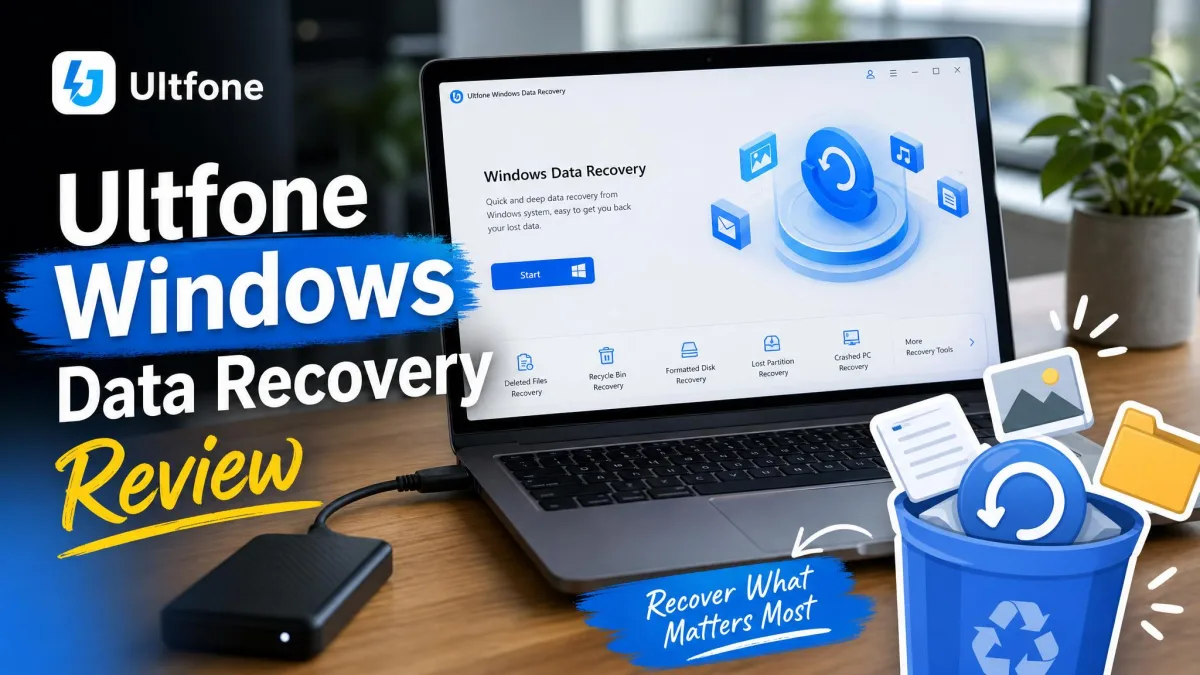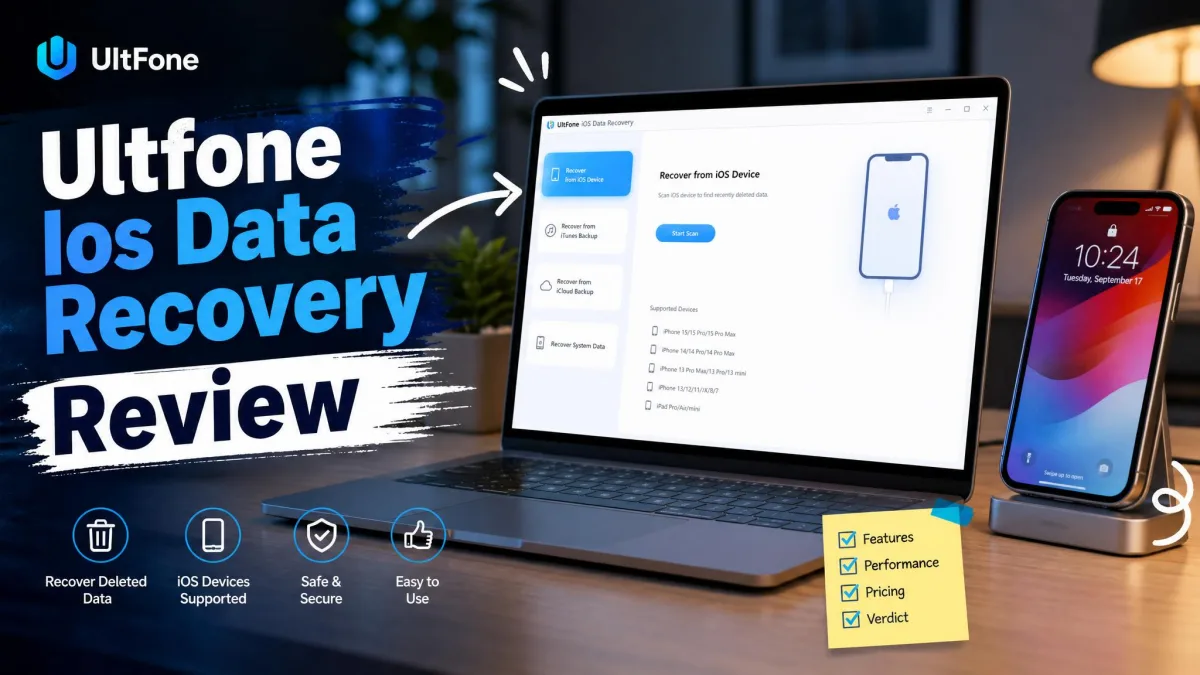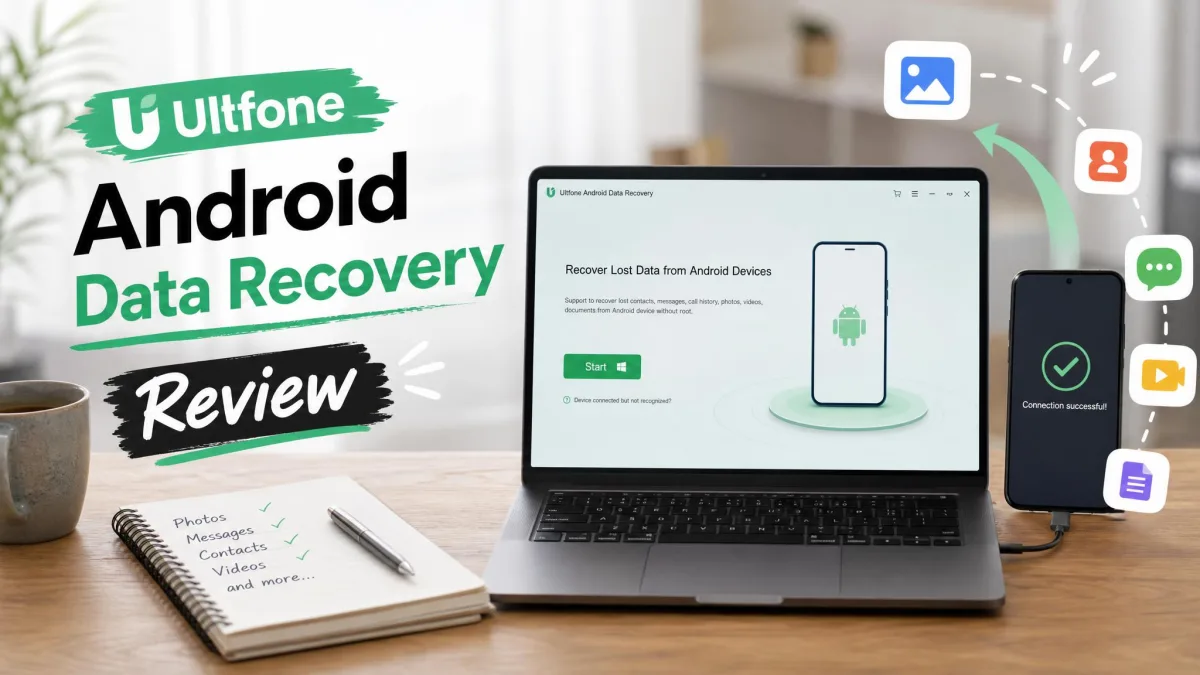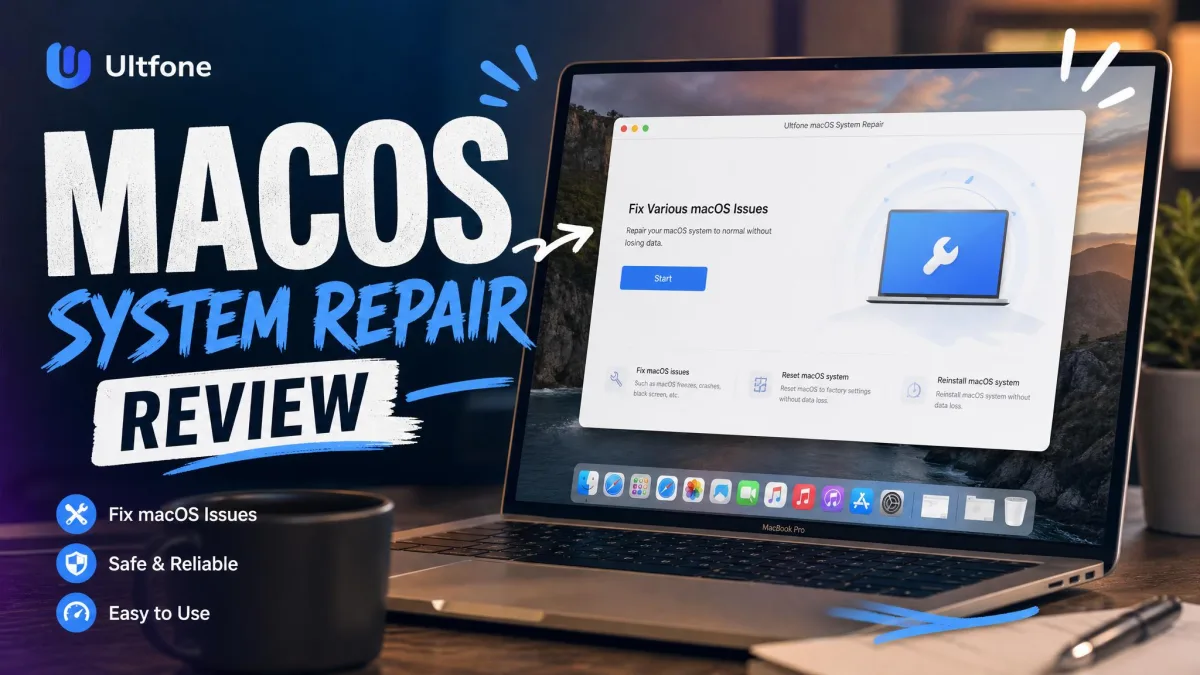
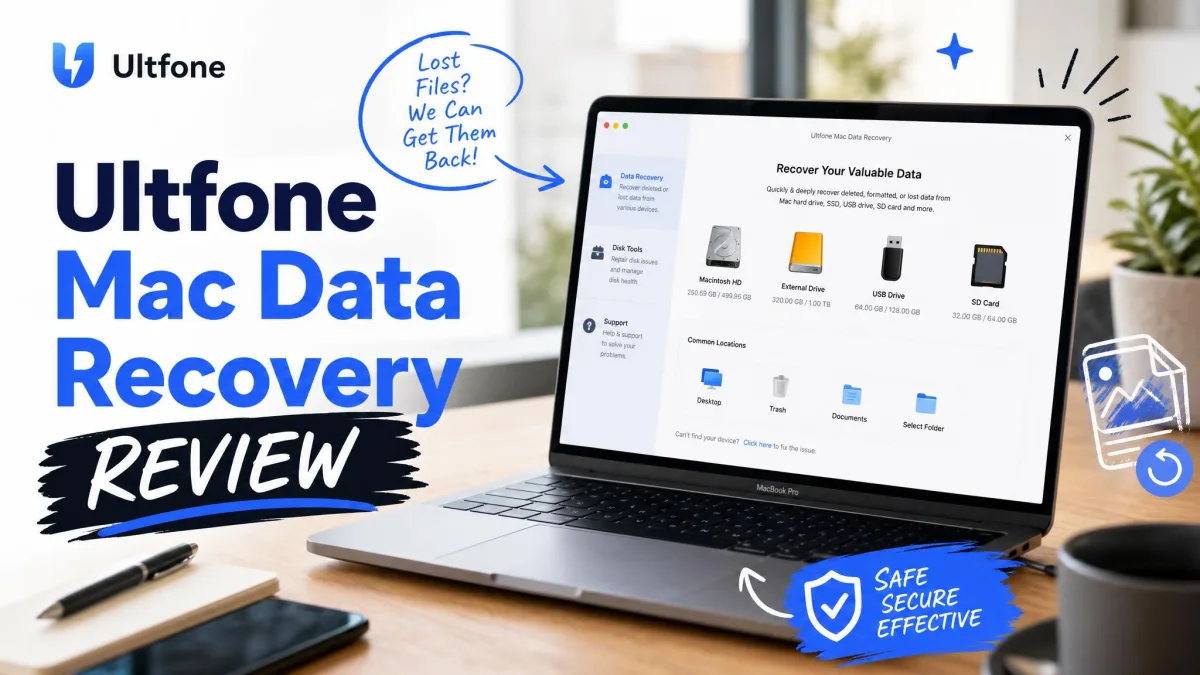
UltFone Data Recovery for Mac is software for bringing back lost files. It targets the Mac's hard drive, the emptied Trash, and external drives. It is built for the moments when files are gone. Those moments include accidental deletion, a formatted card, and a drive that stopped mounting. The tool supports macOS 10.10 through macOS 15 and downloads free.
We answer the questions buyers ask first. Is UltFone safe to install? Is disabling System Integrity Protection a real risk? Is the company legitimate? Does the refund policy hold up? Is it worth its price when the reviews disagree this sharply? The answer depends on which side of the record you read. We evaluated UltFone on documented evidence. That evidence covers the vendor's own pages, the MacUpdate listing, and user reviews across four platforms. Those platforms are Trustpilot, SmartCustomer, MacUpdate, and Reddit. We weighed the vendor's claims against the user record.
At a Glance: UltFone Mac Data Recovery Rating
What Real Users Say: UltFone Reviews Across Platforms
User sentiment on UltFone splits sharply by platform. Trustpilot rates the company 4.2/5 from roughly 100 reviews. Most reviewers describe the software as effective and easy to use. SmartCustomer's record is far harsher, with 52% one-star reviews across 27 total.
One caveat shapes the whole picture. Most SmartCustomer negatives concern UltFone's iOS tools, not the Mac data recovery product. Only the MacUpdate review and the vendor's testimonials speak directly to the Mac software.
Positive Reviews (Trustpilot, MacUpdate, Vendor Reviews)
Trustpilot carries the strongest praise. UltFone reviews on Trustpilot describe the software as effective, intuitive, and smooth-running. The company replies to 94% of negative reviews, usually within two weeks.
"It helped me to recover 1GB photos."
Negative Reviews (Sitejabber, Reddit: Refunds, Subscriptions)
"It is difficult to determine whether the problem you encounter is caused by our software."
That line sits inside one refund refusal. The same record includes the guarantee called "only a marketing ploy." A reply said the company "did not agree to refund my money." Another review describes a checkout that "force[s] you onto a subscription model."
The remaining Trustpilot complaints cover device limits that did not match reality. Update logouts triggered "exceed max user" errors. The r/mac discussion of UltFone safety centers on one question. Is it safe to disable System Integrity Protection for a scan?
What Is UltFone Mac Data Recovery?
The product behind those reviews is a recovery tool from UltFone. The company also sells iOS repair and location apps. The Mac software is sold on the official UltFone Mac Data Recovery page. It scans the internal hard drive, external drives, USB sticks, SD and CF cards, digital cameras, and the emptied Trash. It covers accidental deletion, formatting, corrupted drives, and virus damage.
The supported list covers more than 2,000 file types, including:
- Photos: JPG, PNG, RAW, NEF, CR2, DNG
- Video: MOV, MP4, MKV
- Office documents: DOC, XLS, PPT, PDF
- Mail and audio: PST, EMLX, MP3, WAV
- Archives: RAR, ZIP, DMG
The workflow runs scan, preview, recover. A Windows edition exists under the same brand. Scanning and previewing cost nothing.
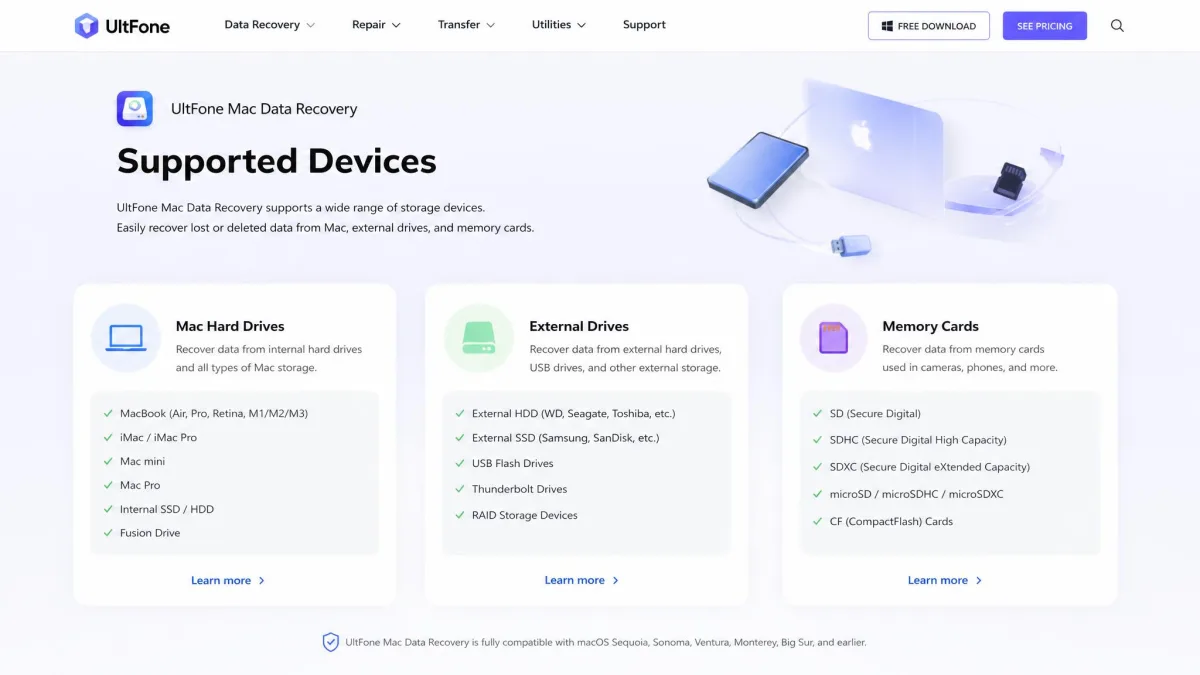
How We Evaluated UltFone Mac Data Recovery
We did not run a lab test for this review, and we say so plainly. No independent lab has published hands-on results for the Mac edition. The vendor's page publishes no dollar price. We evaluated the software on documented evidence instead.
We read the vendor's feature list, compatibility claims, and refund policy in full. We checked pricing against the MacUpdate listing. We collected the user reviews this article quotes.
Does UltFone Mac Data Recovery Actually Work?
The vendor claims a 95% or higher recovery rate for a recently deleted photo. That holds when nothing new has been written to the drive. Recovery works that way in general. Deleted files stay on the disk until new data overwrites them.
The user record supports a moderate verdict. The single MacUpdate review reports a successful photo recovery. Trustpilot's positive majority speaks to software that does its job.
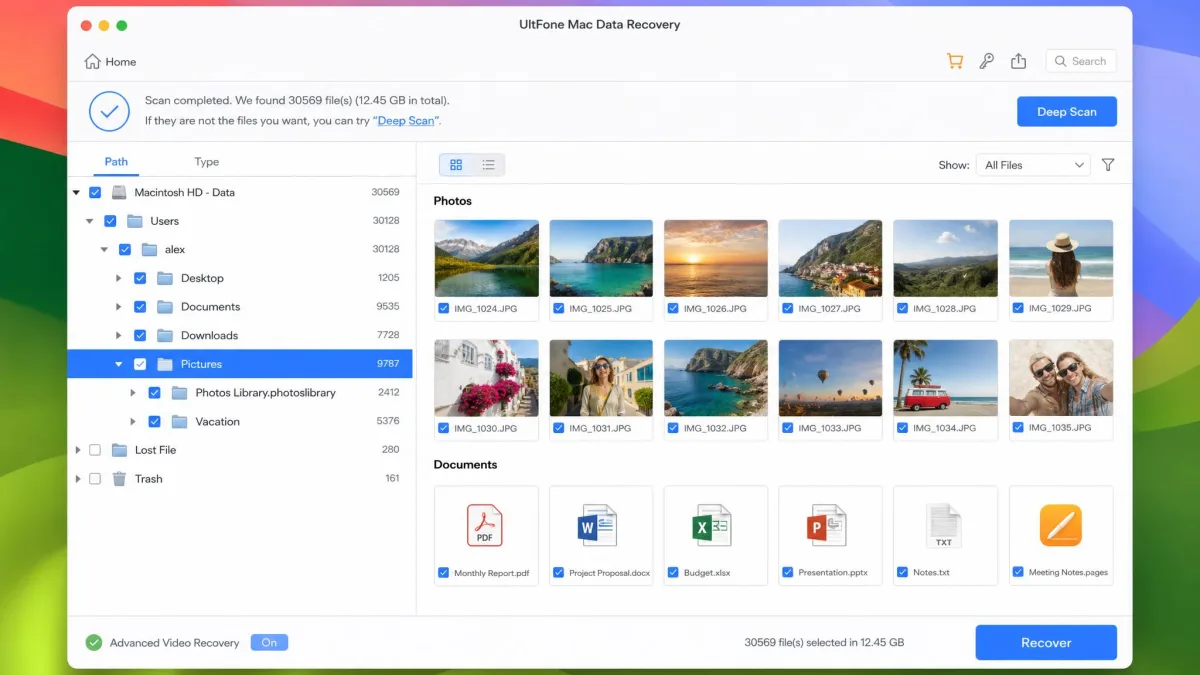
Is UltFone Mac Data Recovery Safe and Legit?
Safety: SIP, Permissions, and Malware Checks
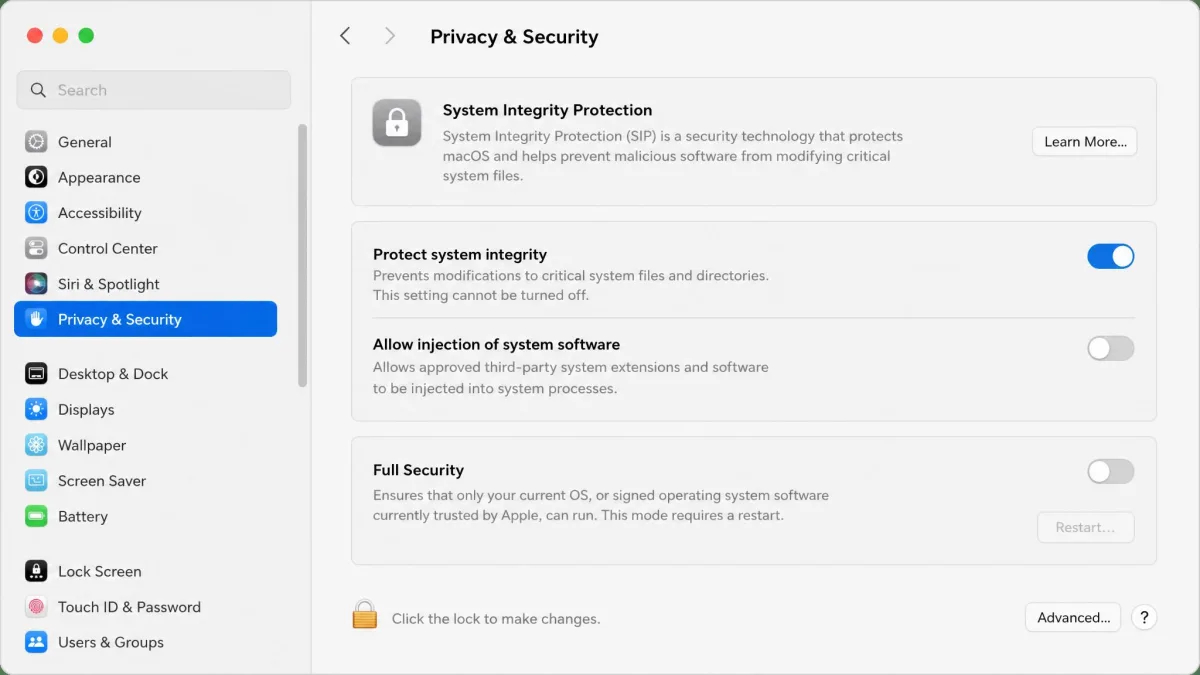
The safety question is about System Integrity Protection, not malware. The vendor's own how-to guide requires SIP to be disabled on macOS 10.13 and later. Only then can the software recover files from the Trash.
Apple's documentation on System Integrity Protection explains why that matters. SIP protects critical system locations even from root access. Apple ships it on by default.
Disabling SIP removes a high level of protection. Most recovery work does not need it: user folders, external drives, and memory cards scan fine with SIP on. Only Trash access triggers the requirement.
We found no reports of malware tied to the official download in any source we reviewed.
Legitimacy: Company Reputation and Refund Policy
UltFone is a Shenzhen, China operation. Its About Us page says the company was established in 2010. A Chinese business directory lists the operating company as registered in 2014. That company is Shenzhen Ruanniu Technology Co., Ltd.
UltFone's refund policy is where legitimacy gets tested. The 30-day money-back guarantee covers listed circumstances only. The list includes a duplicate purchase, a wrong product, and an overcharge. It also covers a missing registration code and an auto-renewal after cancellation. An unresolved technical problem counts if you cooperated with support. Change of mind is explicitly non-refundable.
The refund refusals documented on SmartCustomer show the guarantee applied strictly in practice.
UltFone Mac Data Recovery Pricing and Plans
The software is free to download. Scanning and previewing cost nothing. MacUpdate lists the price at $55.95 for version 3.3.1.10. The vendor's own page publishes no dollar price. It runs frequent discounts, so treat that as a list price. Check the current offer before buying.
Here is what the purchase includes, per the vendor:
- Free scan and preview on every supported Mac
- Recovery of the files the scan finds, after the paid upgrade
- Video and photo repair for damaged files
- A Windows edition of the same tool under the same brand
The purchase flow pushes a subscription, per the SmartCustomer record. That happens even for what looks like a one-time fix. Read the plan selection carefully before you confirm.
UltFone Mac Data Recovery Pros and Cons
Pros
- Scan and preview 100% free before you pay
- More than 2,000 supported file types across drives, cards, and cameras
- Runs on macOS 10.10 through macOS 15
- Mostly positive Trustpilot record, with replies to 94% of negative reviews
Cons
- Trash recovery requires disabling SIP on macOS 10.13 and later
- Refund policy excludes change of mind, and refusals are common
- Support answers slowly; 22 of 27 SmartCustomer reviews cite it
- Thin third-party review base for the Mac edition specifically
UltFone Mac Data Recovery vs. Alternatives
UltFone is not the only option on a Mac. The main alternatives are Disk Drill and EaseUS Data Recovery Wizard for Mac. Disk Drill PRO runs $89 as a one-time license. EaseUS charges $99.95.
The free tiers draw the clearest line. UltFone gives an unlimited preview but no free recovery. EaseUS recovers up to 2 GB free with no expiry. Disk Drill caps free recovery at roughly 0.5 to 2 GB.
| Product | Buy | List price | Free tier | Money-back guarantee | Review record |
|---|---|---|---|---|---|
|
Check price → | $55.95 | Free scan and preview; paid recovery | 30-day, limited circumstances | Trustpilot 4.2/5; SmartCustomer 2.4/5 |
 |
$89one-time | Free scan and preview; recovery capped at roughly 0.5 to 2 GB | Lifetime license non-refundable | Established review base | |
 |
$99.95one-time | Free 2 GB recovery, no expiry | Not verified | Established review base |
UltFone Mac Data Recovery FAQ
How do I recover permanently deleted files from my Mac?
Will UltFone Mac Data Recovery recover all my data?
How do I know whether UltFone Mac Data Recovery will find my lost files?
How to recover unsaved Word documents on Mac?
Is it safe to disable SIP to let UltFone scan the Trash?
Final Verdict: Should You Buy UltFone Mac Data Recovery?
UltFone Mac Data Recovery is a legitimate product. It fits the common cases: emptied Trash, formatted cards, deleted documents. If we were making the call today, we would run the free scan first. We would buy only if the preview shows the files.
Our recommendation is measured. Buy it if the free scan finds your files. You need to accept a strict refund policy. Skip it if you want a no-questions guarantee. A deep third-party review base also matters. Disk Drill and EaseUS offer that at a higher price.