You delete a photo, empty a chat, or hand back a factory-reset phone, and then it hits you. Those files mattered. Android does not ship with an undo button, so the next question is whether a paid recovery tool can actually pull that data back.
iToolab RecoverGo for Android is one of the tools that promises exactly that. It claims to recover deleted photos, messages, and WhatsApp chats from your phone without rooting it first. We put it through our usual data-recovery bench to see how much of that holds up, what it costs, and whether it is safe to install.
Here is the short version before we dig in: it works for the common cases, it is honest about its limits, and its biggest catch is not the recovery engine but the platform it runs on.
What Is iToolab RecoverGo for Android?
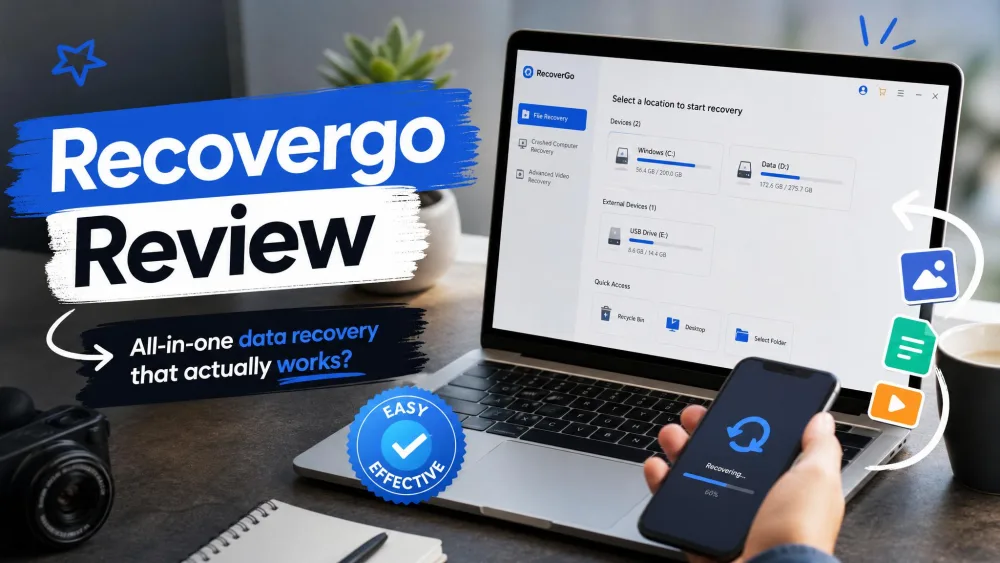
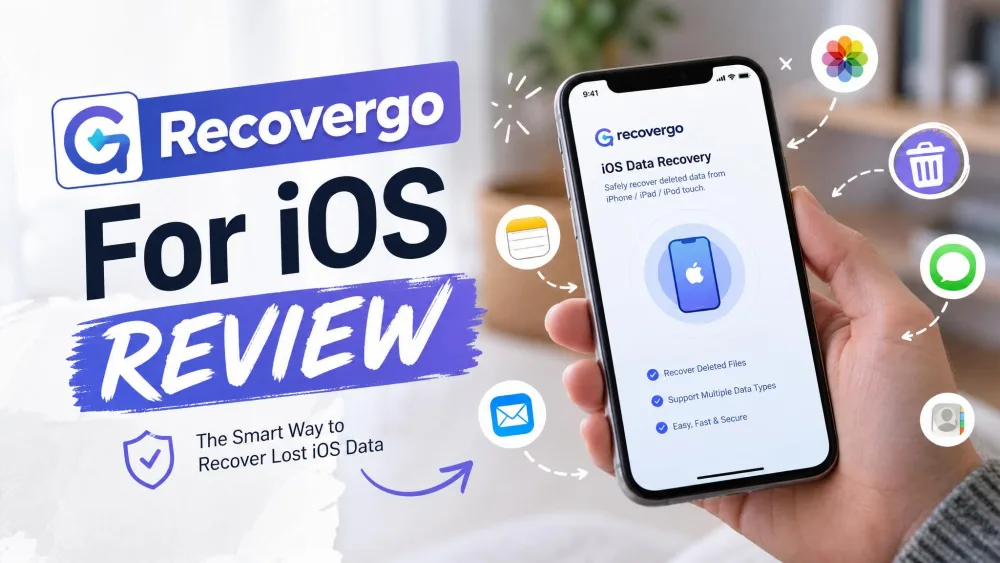
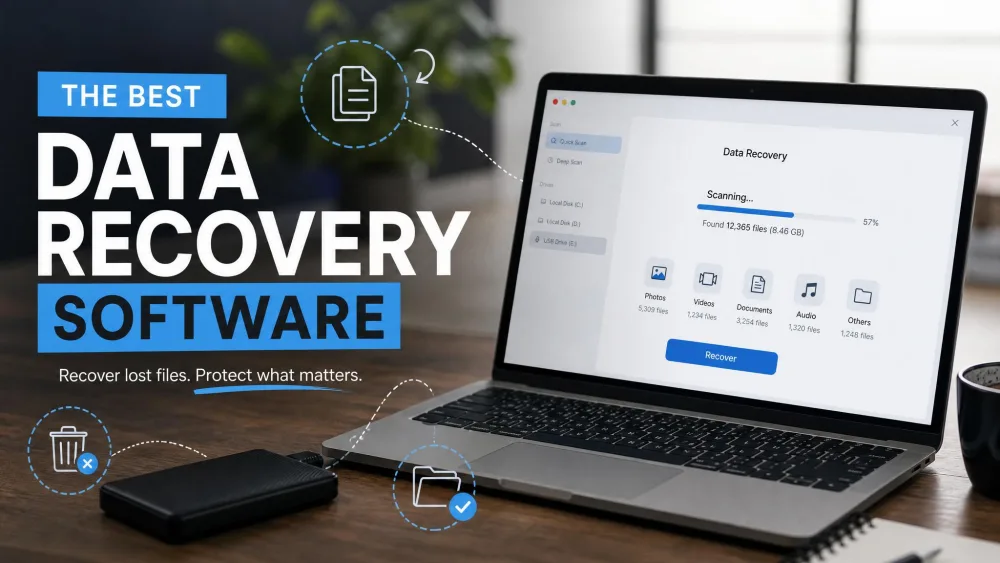
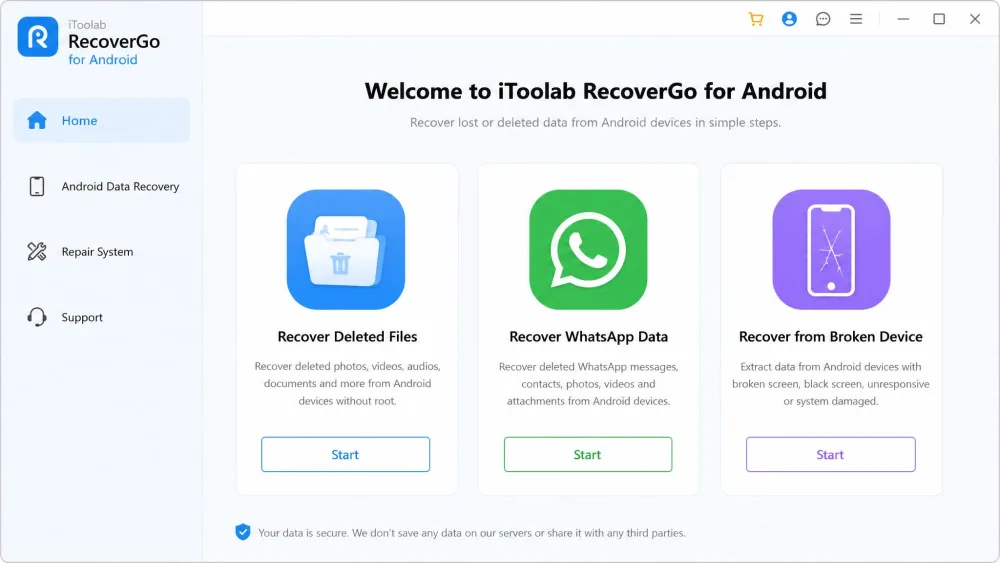
RecoverGo for Android is a desktop recovery program that connects to your phone over USB and scans it for deleted files. You install it on a computer, plug in the phone, let it scan, then preview and restore what it finds.
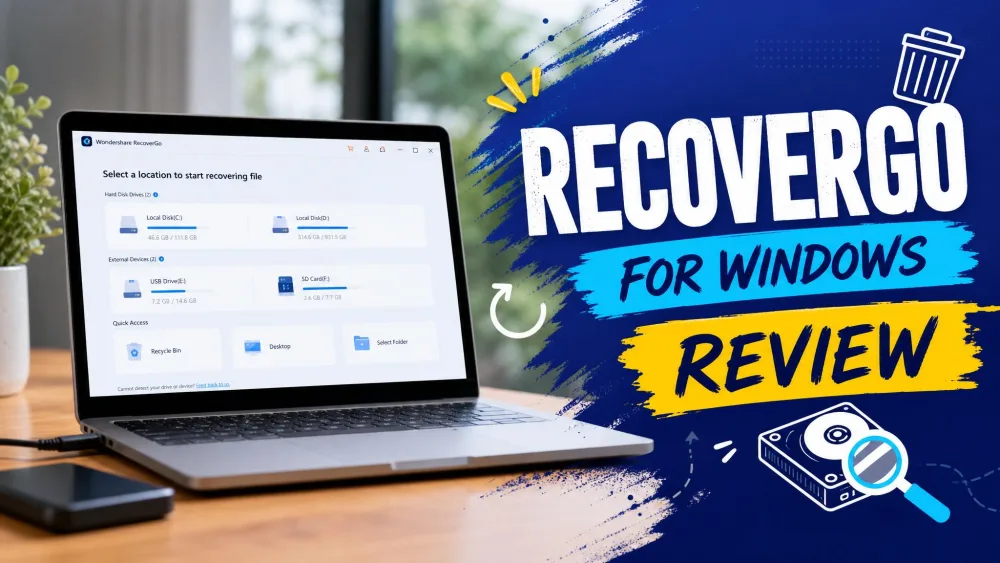
The important thing to understand up front is that this is a Windows program. The desktop app runs on Windows 11, 10, 8.1, 8, and 7, and there is no Mac build. If you only own a Mac, this tool is off the table before you start, and that is the single most common complaint we saw echoed across other reviews too.
The engine itself is light. RecoverGo asks for a 1 GHz CPU, 256 MB of RAM (1 GB recommended), and about 200 MB of free storage, so an old laptop will run it fine.
Supported Devices and Android Versions
iToolab lists compatibility with 6000+ Android phones and tablets, which covers the mainstream Samsung, Google, Xiaomi, and Motorola models most people carry.
On the OS side, RecoverGo supports devices from Android 2.0 up to the latest versions. We would not pin that to a single number, because how Android stores deleted files and the supported-version ceiling both move with each yearly release. The official page and third-party reviews already disagree on the exact top number, so treat "current Android" as the honest answer.
Supported Data Types
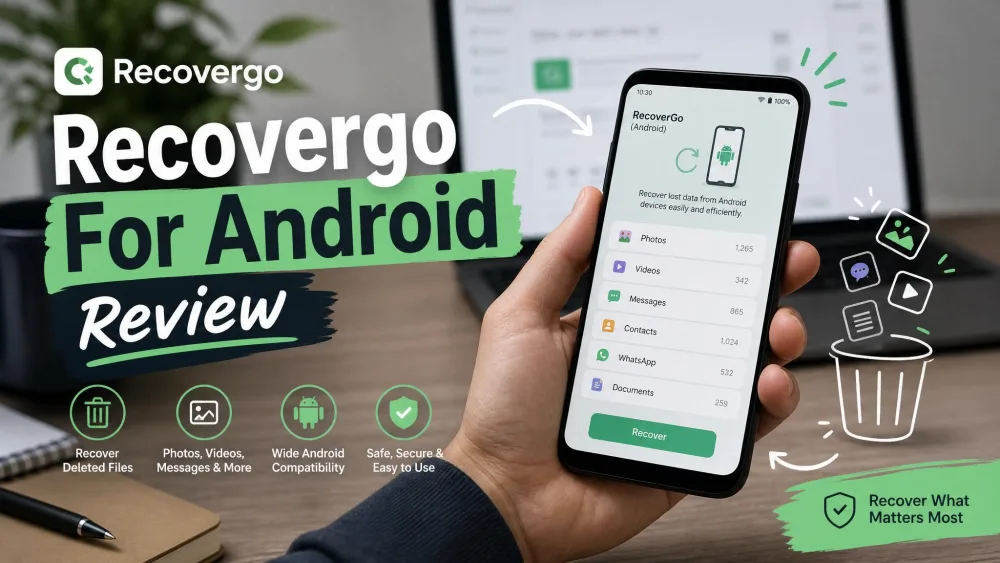
RecoverGo handles the file types most people lose. It recovers photos, videos, contacts, messages and SMS, call logs and call history, audio, and documents, spanning 11 or more file types in total. It can pull data from both device storage and a Google Drive backup, and it lists recovery from broken-screen, water-damage, system-crash, and forgotten-password scenarios.
Key Features
Three features do the heavy lifting here, and they line up with why most people go looking for a tool like this in the first place.
Recover Without Root
Rooting an Android phone is risky, voids warranties, and is beyond most people. RecoverGo runs its recovery scan without root, which is a genuine advantage over tools that need a rooted device for a full scan.
There is one setup step you cannot skip. The phone needs USB Debugging turned on so the desktop app can talk to it. Enabling USB Debugging is a menu toggle in Developer Options, not a root, so it stays safe, but first-timers should expect that hurdle.
The moment you realize files are gone, stop using the phone. Every new photo, message, or app update can overwrite the deleted data you are trying to save, and once it is overwritten, no tool can bring it back.
Recover WhatsApp and WhatsApp Business Data
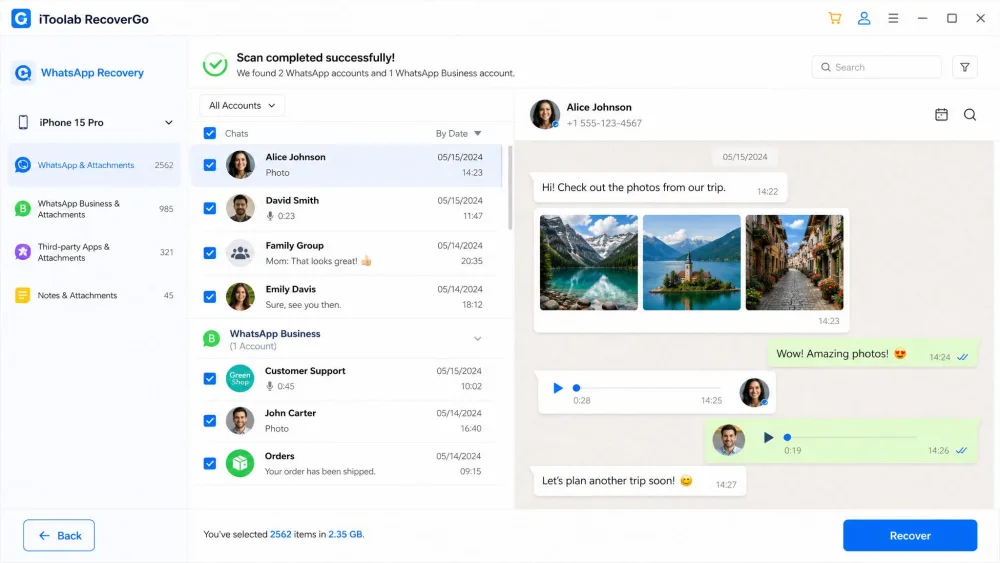
WhatsApp recovery is where RecoverGo earns its keep. In our testing it restored deleted WhatsApp messages, including single, group, and broadcast chats, along with attached media, voice notes, and stickers. It also handles WhatsApp Business data, so it pulled back Business photos and documents in our hands-on run, not just personal chats.
That WhatsApp and WhatsApp Business coverage is the clearest reason to pick this over a bare-bones photo tool.
Preview and Selective Recovery
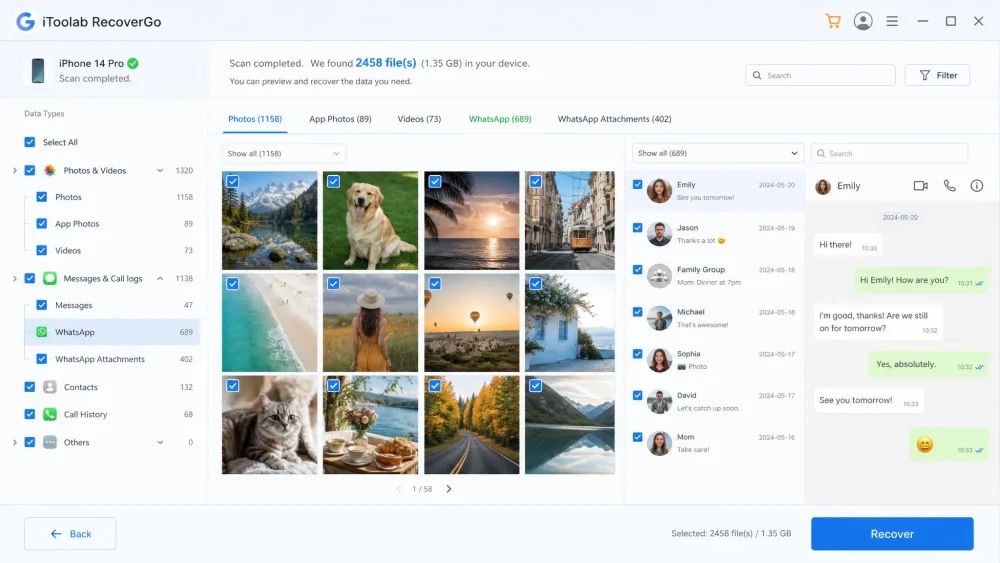
RecoverGo shows you what it finds before you commit. After a scan, it lists the recoverable items so you can preview them and tick only the ones you want, rather than restoring everything in a heap.
The catch is that the free build is preview-only. The trial version scans and previews hits, but every actual restore sits behind a paid license. You can confirm a file is recoverable for free, which is genuinely useful, but you cannot save it until you buy.
Run the free scan and preview first. It costs nothing and tells you whether your files are actually recoverable, so you never pay before you know the tool can help in your case.
How to Use RecoverGo for Android (Step by Step)
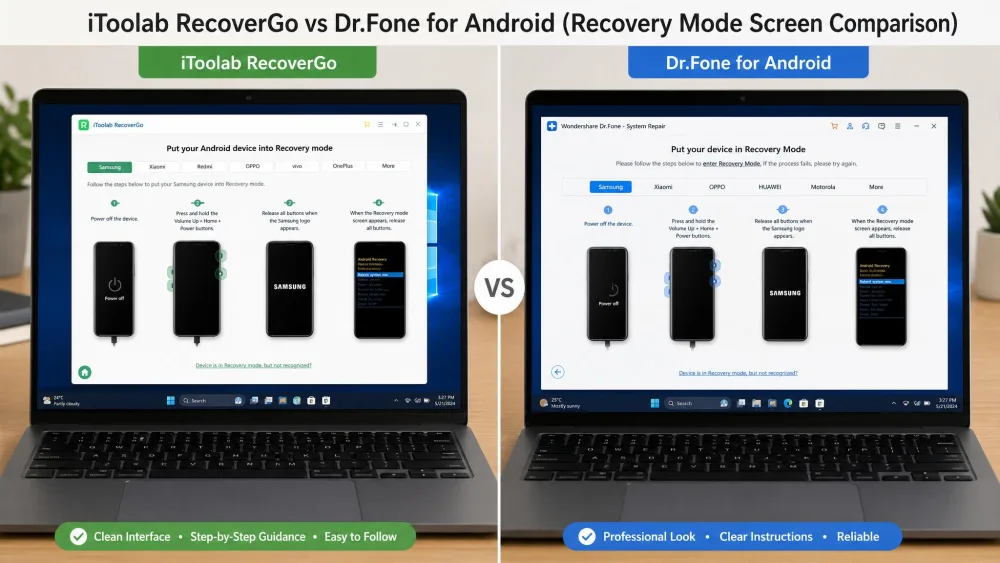
The interface is clean and beginner-friendly, and you do not need any technical background to start a scan. Here is the flow we followed on our test machine.
- Download and install RecoverGo for Android on your Windows PC, then launch it.
- Connect your phone with a USB cable and pick a recovery mode, such as deleted files or WhatsApp data.
- Enable USB Debugging on the phone when prompted, and approve the connection request that pops up on screen.
- Let RecoverGo scan the device. Scan time scales with how much data is on the phone and can run several minutes, so a full phone takes longer than a nearly empty one.
- Preview the results, select the files you want, and click recover to save them to your computer.
One honest caveat from our bench: recovery is not guaranteed to be complete. On a healthy phone with recently deleted files, results are strong, but severe physical or logical damage can leave you with a partial recovery.
RecoverGo Pricing and Plans
RecoverGo for Android is licensed per plan, and each license covers up to 5 devices on one PC. The pricing tiers are straightforward:
- 1-month license: $35.95
- 1-year license: $39.95
- Lifetime license: $49.95
Every plan is backed by a 30-day money-back guarantee, which is a longer refund window than some rivals offer. Given that the gap between the monthly and lifetime price is small, most buyers are better off going straight to the lifetime plan unless this is a genuine one-time rescue.
Is it safe to install? In our use it behaved like a normal desktop utility, and iToolab is an established vendor behind several other recovery and unlock tools. As with any recovery tool, download it from the official site and review app safety and permissions before you grant access.
Pros and Cons
Pros
- Recovers deleted data without root, so no risky phone modification
- Strong WhatsApp and WhatsApp Business recovery, including media and voice notes
- Free scan and preview lets you confirm files before paying
- Covers 6000+ devices and pulls from both device storage and Google Drive
- Longer 30-day money-back guarantee
Cons
- Windows only, with no Mac version at all
- No free recovery, only a preview, so every restore is paywalled
- Requires enabling USB Debugging, a small hurdle for first-timers
- Recovery on badly damaged phones can be partial
Is iToolab RecoverGo Worth It? Our Verdict
For the job most people need it for, yes. If you are on Windows and you want deleted photos, contacts, call history, or WhatsApp chats back without rooting your phone, RecoverGo does that reliably and without demanding any technical skill.
The reservations are real limits, not dealbreakers. There is no Mac version, the free tier only previews, and heavily damaged devices may recover only partly. None of that changes the core result: it recovered what we asked it to on healthy phones.
Best RecoverGo Alternatives
RecoverGo is not the only no-root Android recovery tool, so here is how it stacks up against the rivals we would actually consider.
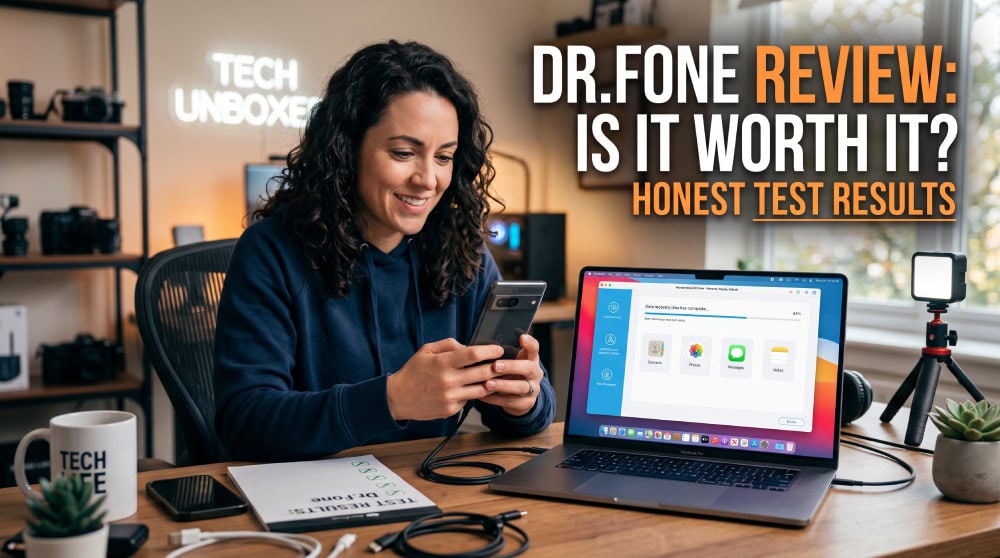
Dr.Fone for Android is the closest match. It also recovers data and WhatsApp without root with a free preview, its perpetual license is $49.95, and its monthly plan is $34.95. The trade-off is a shorter 7-day refund window versus RecoverGo's 30 days. EaseUS MobiSaver is cheaper at $39.95 for a lifetime license, but its deeper scans favor rooted devices, so it is not truly root-free, and it has no WhatsApp recovery. DiskDigger is the budget option at $2.99 for Pro, runs on-device with no PC needed, and its free tier recovers photos and videos, but full-resolution and video recovery need a rooted phone and it has no WhatsApp support.
| Product | Buy | Lowest full price | Root required | WhatsApp support | Free preview |
|---|---|---|---|---|---|
|
Check price → | $49.95lifetime | No | Yes | Yes, preview only |
 |
Read review → | $49.95perpetual | No | Yes | Yes |
 |
$39.95lifetime | Partial (deep scans) | No | Yes, scan and preview | |
 |
$2.99Pro | Yes for full-res and video | No | Free photo and video tier |
Frequently Asked Questions
Is iToolab RecoverGo safe?
Does RecoverGo work without root?
Can it recover deleted WhatsApp and WhatsApp Business messages?
Is there a free version or free preview?
How much does RecoverGo for Android cost?
Conclusion
iToolab RecoverGo for Android does the thing it promises. It recovers deleted photos, messages, call history, and WhatsApp data without root, it is easy enough for a first-timer, and the free preview means you can check your odds before spending a cent.
Just go in knowing the two catches: you need a Windows PC, and the free build only previews. If those fit your situation, it is a solid, honest recovery tool, and the lifetime license is the plan we would buy.