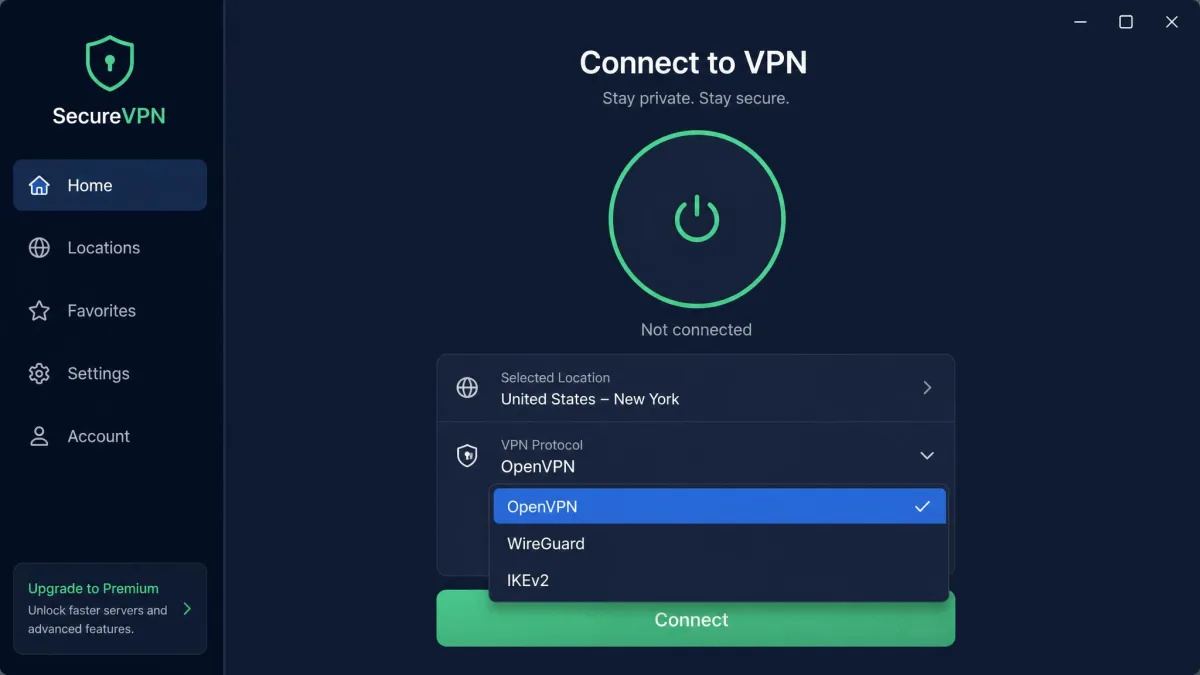
If you have been comparing VPN apps and kept seeing "OpenVPN" listed as a protocol option, you have probably wondered whether it is actually safe to trust with your data. It is a fair question. The name sits in the settings menu of nearly every major VPN service, yet most apps never explain what it is or why it matters. So before you flip that toggle, it is worth knowing what OpenVPN really does to your connection.
The short version is that OpenVPN is one of the most trusted VPN protocols out there, and it has held that reputation for more than two decades. It uses strong encryption, its code is open for anyone to inspect, and it has survived several rounds of independent security review. That does not make it perfect, and it does not mean every setup is equally secure. This guide walks through how OpenVPN protects you, where the real risks are, and whether it is still the right choice in 2026.
We tested OpenVPN across desktop and mobile the way most people actually use it: through a commercial VPN provider's app and, separately, as a hand-configured connection. Our notes below draw on that hands-on time, including where the connection held up and where it frustrated us. The goal is a practical answer, not a spec sheet.
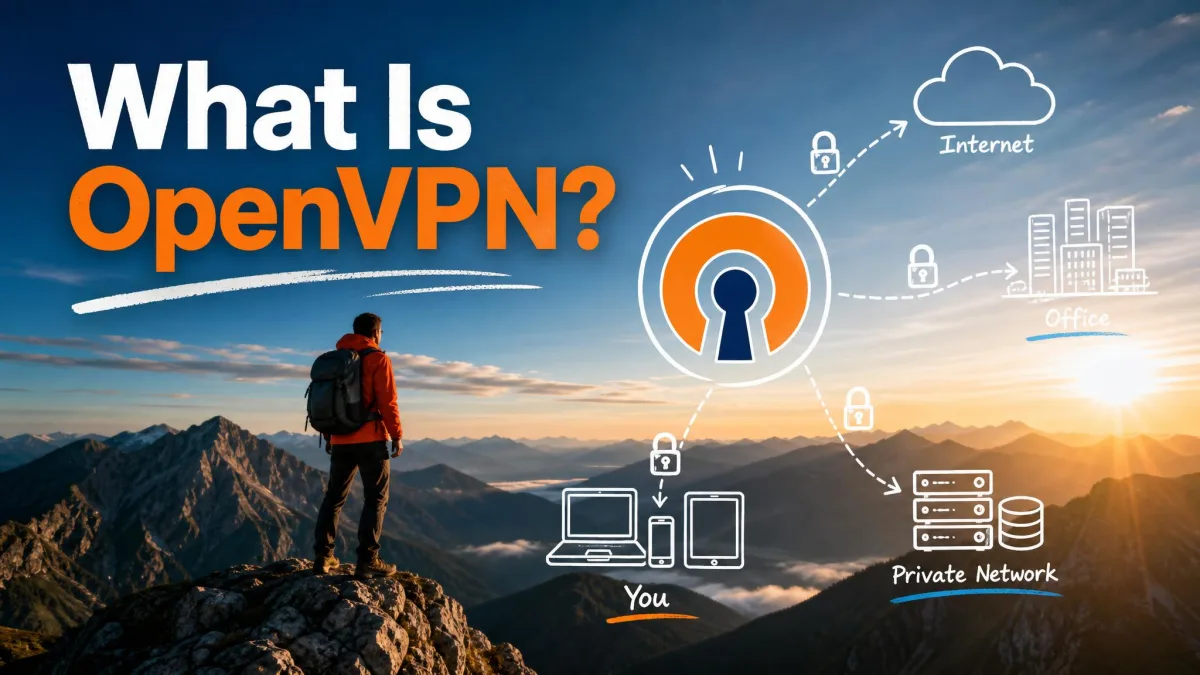
What Is OpenVPN?
OpenVPN is an open-source VPN protocol, and also the name of the software that runs it. A protocol is simply the set of rules that decides how your device and a VPN server talk to each other and how they scramble the data in between. When a VPN app says it is "connecting over OpenVPN," it means it is using those rules to build an encrypted tunnel between you and the server.
The project first appeared in 2001, which makes it one of the oldest VPN protocols still in wide use. That age is a feature, not a flaw. Two decades of real-world use means the protocol has been poked, prodded, and patched more thoroughly than almost any alternative. The current software is maintained as the official OpenVPN project, which ships the free Community Edition that powers most third-party apps.
OpenVPN runs on almost every operating system you can name, from Windows and macOS to Linux, Android, iOS, and a long list of routers. No operating system ships it built in, though, so a client always has to be installed first. That is why you download an app rather than flip a switch that is already there.
Is OpenVPN free and open-source?
Yes. OpenVPN is free and open-source, released under the GNU GPLv2 license, with commercial licenses also available for businesses that want them. Anyone can download, run, and study the software without paying a cent. You can read OpenVPN's open-source code on GitHub line by line if you want to, and security researchers regularly do exactly that.
That openness matters for safety more than it might seem. With closed-source VPN protocols, you have to take the vendor's word that the encryption is sound and that there is no hidden backdoor. With OpenVPN, the code is public, so the claim is checkable. When thousands of independent eyes can inspect software, hidden flaws are far harder to keep buried. For a fuller history of the project, the OpenVPN entry on Wikipedia is a solid starting point.
How Does OpenVPN Work?
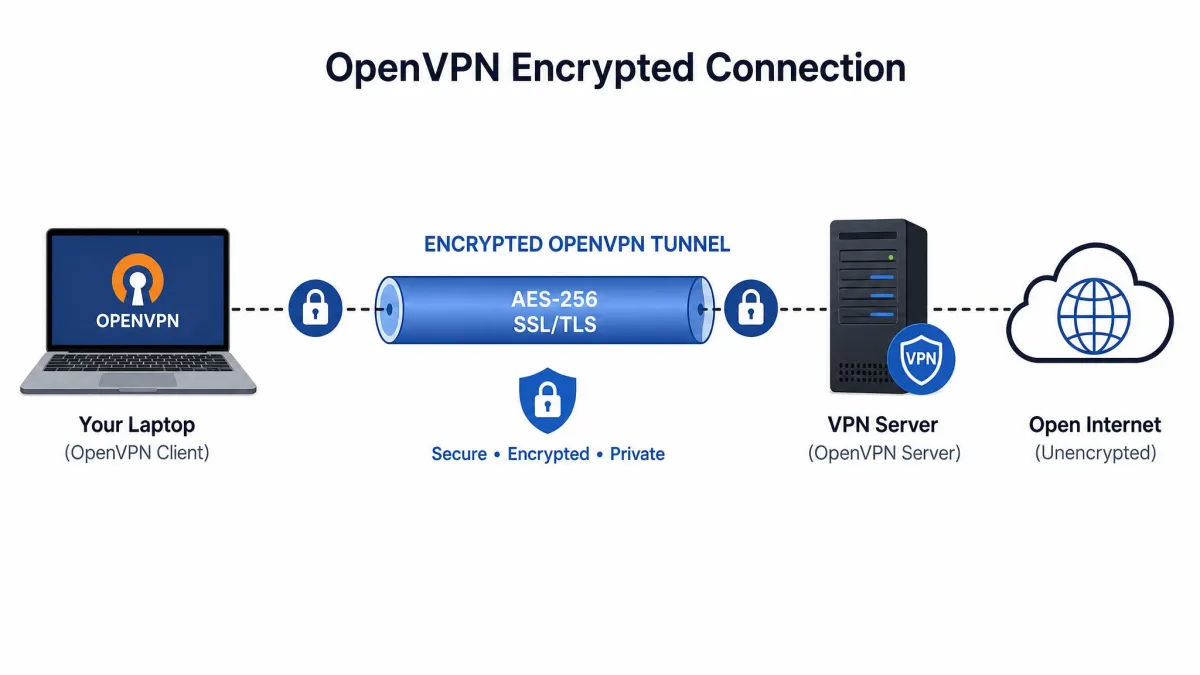
At a high level, OpenVPN does three things: it verifies that you are talking to the right server, it agrees on a set of secret keys, and it then wraps every packet of your data in encryption before sending it out. The result is a private tunnel through an otherwise open network. Anyone watching the connection, whether an internet provider or someone on the same public WiFi, sees only scrambled traffic.
The protocol leans on the OpenSSL library to handle its cryptography. OpenSSL is the same battle-tested toolkit that secures a huge share of the web, which means OpenVPN inherits well-studied, widely trusted encryption rather than rolling its own. That reuse is one reason the protocol earned trust so quickly.
SSL/TLS key exchange and tunneling
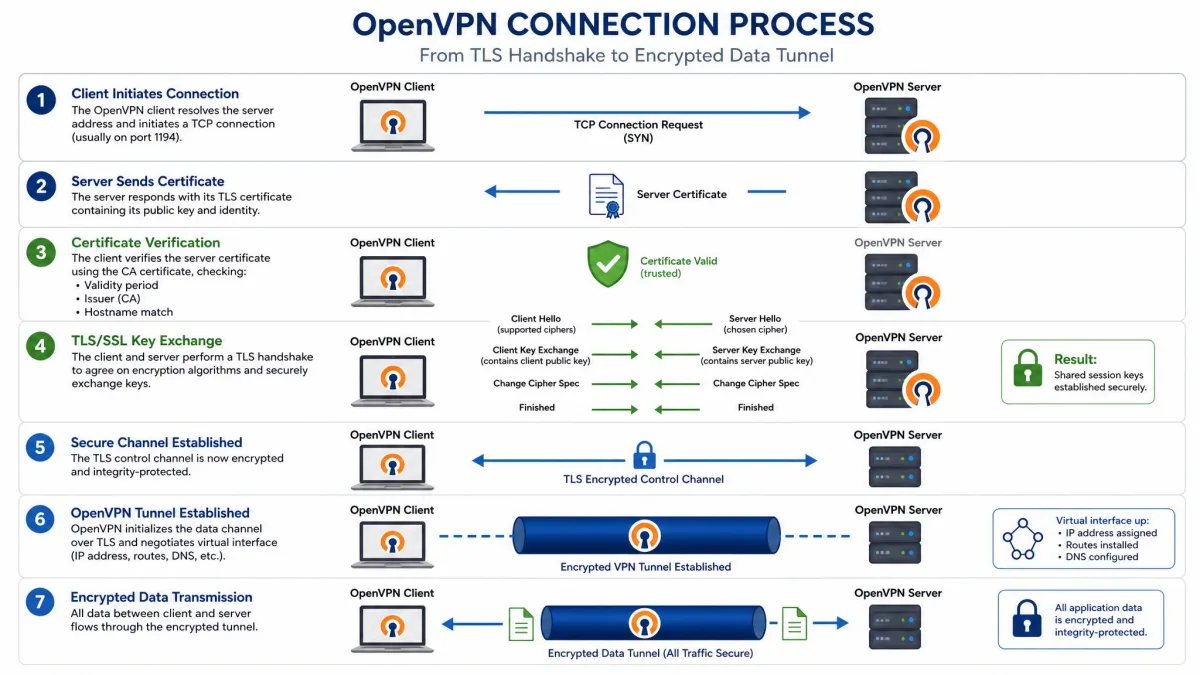
The heart of OpenVPN's security is its SSL/TLS key exchange. This is the same technology that protects online banking and any site whose address starts with HTTPS. When your device connects, it and the server run a handshake that lets them agree on secret encryption keys without ever sending those keys across the network in a form an attacker could read.
Once the keys are set, OpenVPN builds the tunnel and starts moving your data through it. Every packet that leaves your device is encrypted before it goes and decrypted only at the far end. OpenVPN also implements Perfect Forward Secrecy, which means it generates fresh keys on a regular basis. If one key were ever compromised, an attacker still could not use it to unlock past or future sessions. That is a meaningful layer of protection that weaker setups skip.
Authentication and certificates
Encryption alone is not enough. You also need to be sure you are connecting to the genuine server and not an impostor set up to intercept your traffic. OpenVPN handles this with authentication, and it supports several methods: certificate-based authentication, pre-shared secret keys, username and password, and even smart cards through the PKCS#11 standard.
Certificates are the strongest and most common approach. Each side presents a cryptographic certificate that proves its identity, and the connection only proceeds if both check out. This is what stops a man-in-the-middle attack cold. In practice, when you use a commercial VPN app, all of this happens automatically in the background, and you never see a certificate file. If you configure OpenVPN yourself, generating and managing those certificates becomes your responsibility, which is one of the trickier parts of a manual setup.
TCP vs. UDP
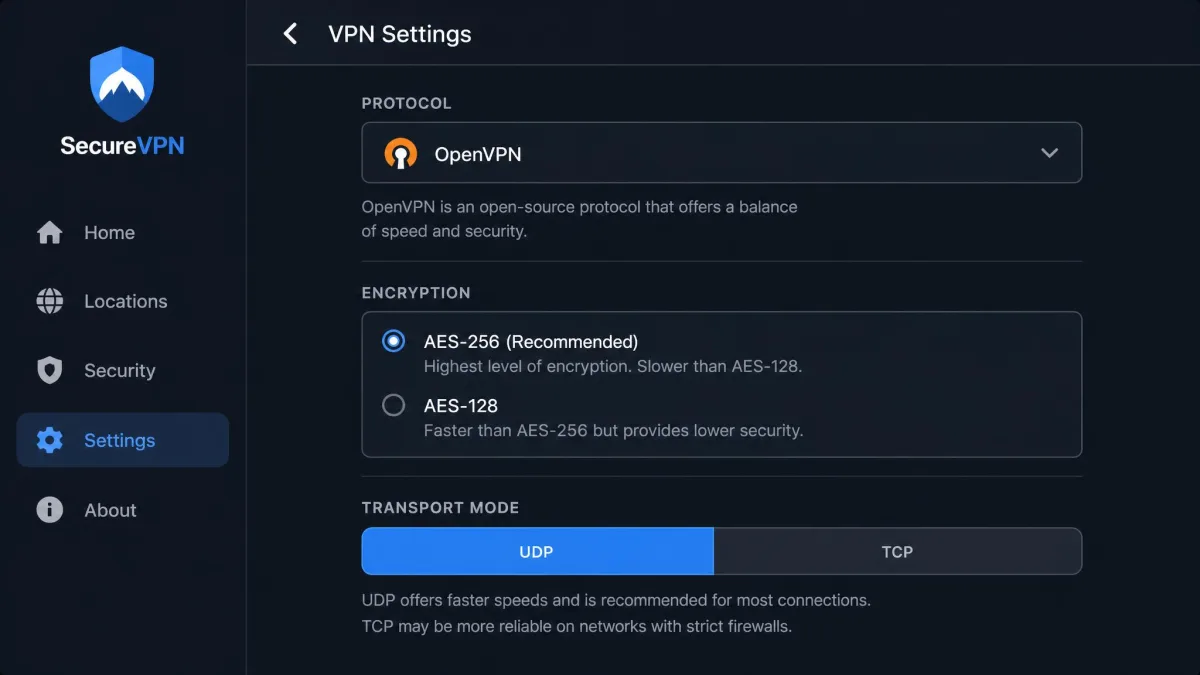
OpenVPN can run over two different transport protocols, TCP and UDP, and the choice affects both speed and reliability. UDP is the faster option and the default for most connections. It sends data without waiting for confirmation that each packet arrived, which keeps latency low and suits streaming, gaming, and video calls.
TCP is the more reliable option because it checks that every packet arrives and resends anything that gets lost. The trade-off is speed. TCP can also run into the "TCP meltdown" problem, where stacking one reliability layer on another causes severe slowdowns when bandwidth is tight. The real advantage of TCP is disguise. Running OpenVPN over TCP on port 443, the same port normal HTTPS traffic uses, lets the connection pass as ordinary web browsing. In our testing this is what let OpenVPN slip through restrictive firewalls that blocked other protocols outright. Port 1194 is the official IANA-assigned port for OpenVPN, but that flexibility to move to 443 is a big part of why it travels so well.
If a network is blocking your VPN, switch OpenVPN to TCP on port 443 before giving up. Disguised as HTTPS, it gets through firewalls that stop UDP connections and other protocols.
OpenVPN Pros and Cons
No protocol is perfect for every situation, and OpenVPN is no exception. After using it across desktop and mobile, here is the honest balance sheet. The strengths are mostly about security and reach; the weaknesses are mostly about speed and setup effort.
Pros
- Strong, well-studied encryption with AES-256 and ChaCha20 ciphers
- Open-source code that anyone can audit for hidden flaws
- Excellent at bypassing firewalls by mimicking HTTPS on port 443
- Runs on almost every operating system and router
- Free to use, with more than two decades of proven track record
Cons
- Slower than newer protocols like WireGuard
- Manual configuration is complex and not beginner-friendly
- No operating system includes it, so a client must be installed
- Connections can drop intermittently, especially on mobile
- Detectable by deep packet inspection unless obfuscated
Is OpenVPN Safe? The Short Answer
Yes, OpenVPN is safe. When it is set up correctly, it is one of the most secure VPN protocols available, and it is the default choice for security-conscious VPN services for good reason. It provides strong encryption, its code is open to inspection, and the flaws that have been found over the years were patched quickly. If you connect through a reputable provider, you are getting protection that stands up to serious scrutiny.
The caveats are worth stating plainly, though. "Safe" depends on keeping the software up to date, on the trustworthiness of the VPN provider you use, and on a sound configuration. OpenVPN gives you excellent tools, but tools still have to be used correctly. The sections below break down each piece of that answer.
Encryption standards (AES-256, ciphers)
OpenVPN supports encryption up to 256 bits, including the AES-256 cipher and the modern ChaCha20 cipher. AES-256 is the same standard trusted by governments and banks to protect classified and financial information. There is no known practical way to break it by brute force, and there will not be for the foreseeable future. This is the ceiling of what consumer encryption offers, and OpenVPN reaches it.
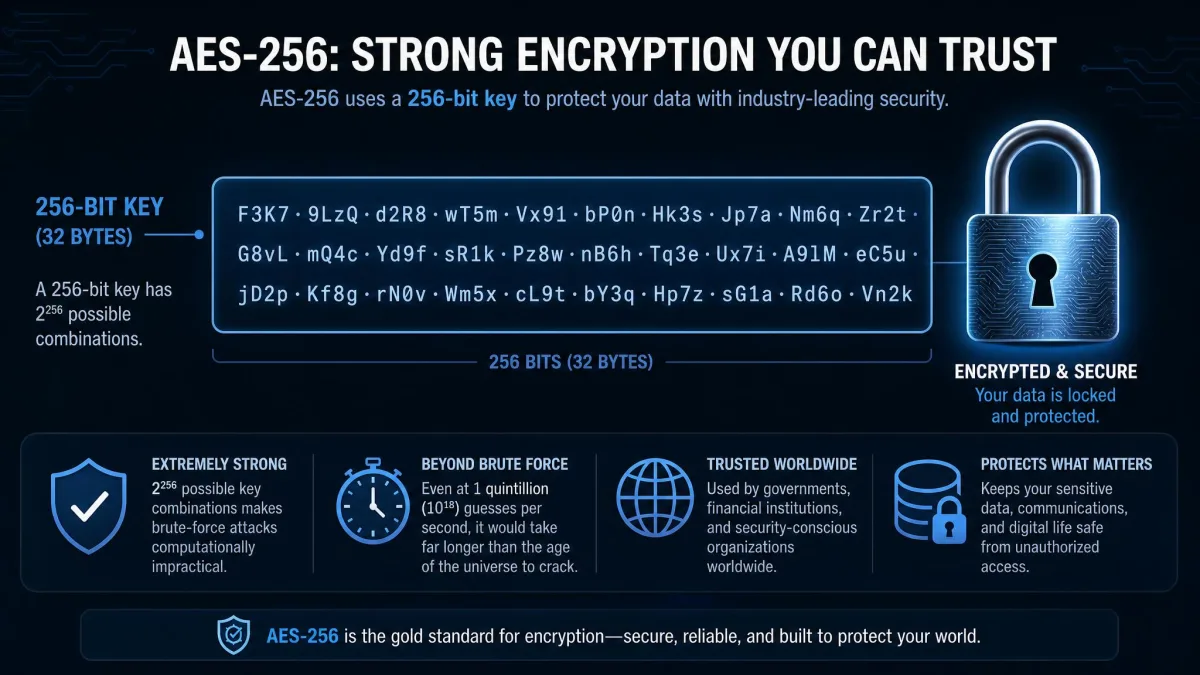
The protocol pairs that cipher strength with the Perfect Forward Secrecy we mentioned earlier, so keys rotate and a single compromised key never unravels your whole history. Taken together, the encryption side of OpenVPN is not the part you need to worry about. It is genuinely strong.
Open-source security and independent audits
Open-source software is only as trustworthy as the scrutiny it receives, and OpenVPN has received plenty. In late 2016 and early 2017, the protocol went through a formal independent security audit carried out by QuarksLab and cryptographer Matthew Green's team, funded by the Open Source Technology Improvement Fund. The reviewers examined OpenVPN 2.4.0 in depth.
The results were reassuring. The audit found no catastrophic backdoors or fundamental design flaws. It surfaced a couple of remotely triggerable denial-of-service bugs and some minor issues, all of which were fixed within weeks. That is exactly how a healthy open-source security process is supposed to work: expert eyes look hard, problems get found, and patches ship fast. Few VPN protocols have been examined this openly.
The 2017 audit found no backdoors and no fundamental design flaws. The bugs it did surface were patched within weeks, which is open-source security working as intended.
Known vulnerabilities and how they were patched
No software of this age is flaw-free, and it would be dishonest to pretend otherwise. The 2017 audit turned up two denial-of-service bugs, tracked as CVE-2017-7478 and CVE-2017-7479, which were fixed in versions 2.4.2 and 2.3.15 in May 2017. More recently, in August 2024, researchers disclosed a chain of four vulnerabilities at the Black Hat conference that could, under specific conditions, lead to remote code execution and local privilege escalation.
The important context is the response. Those 2024 issues affected versions before 2.6.10 and were patched in releases 2.6.10 and 2.5.10. Anyone running current software was protected. You can track these disclosures through the OpenVPN security advisories page, and the 2024 chain is documented in detail in Microsoft's vulnerability write-up. The pattern across both events is the same: flaws were found, disclosed responsibly, and fixed. That cycle is the strongest argument that OpenVPN is safe, not the weakest.
The single most important thing you can do for OpenVPN security is keep it updated. Every serious vulnerability found so far was patched in a newer release. Running an outdated client is the real risk, not the protocol.
Because OpenVPN relies on the OpenSSL library, historically significant OpenSSL flaws are sometimes raised in this context too. The 2014 Heartbleed bug in OpenSSL is the one people most often ask about. The key thing to understand is that Heartbleed (CVE-2014-0160) was a flaw in the OpenSSL library's TLS heartbeat handling, not in OpenVPN's own code. OpenVPN was affected only because it links against OpenSSL for its encryption and TLS key exchange, so builds tied to a vulnerable OpenSSL, meaning versions 1.0.1 through 1.0.1f, were exposed after the bug was publicly disclosed in April 2014. The fix was straightforward: upgrade the underlying OpenSSL to 1.0.1g or later, which on Windows meant moving to OpenVPN 2.3.2-I004 or newer, and then regenerate keys and certificates since private key material could have leaked. What we can say cleanly is that keeping both OpenVPN and its underlying libraries current is what closes these doors.
Does OpenVPN log or track your activity?
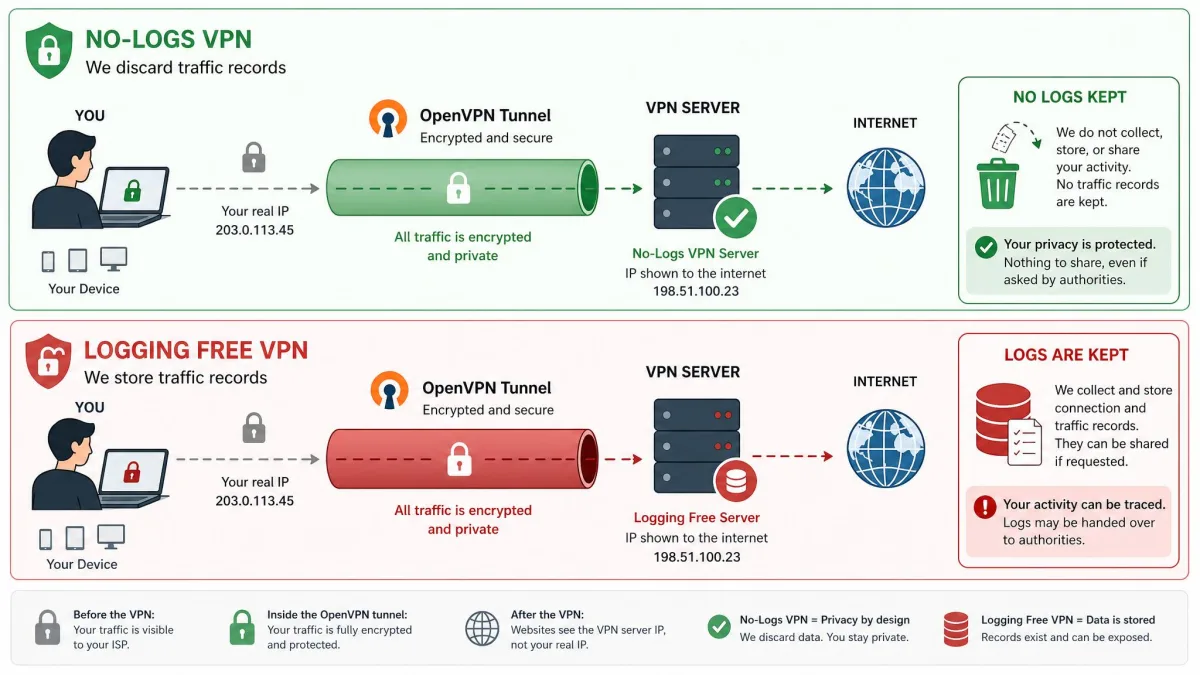
This is where a common misconception needs clearing up. The OpenVPN protocol and software do not log your browsing activity. OpenVPN is the tunnel, not the company at the other end of it. Whether anything about your traffic is recorded depends entirely on the VPN provider or server operator you connect through.
That distinction matters. If you use OpenVPN through a provider with a strict, independently audited no-logs policy, your activity is not being stored. If you use it through a shady free service, that service could log everything regardless of how strong the encryption is. The encryption protects your data in transit; it cannot protect you from the party you have chosen to trust. Choosing a reputable provider is therefore as important as the protocol itself.
OpenVPN vs. Other VPN Protocols
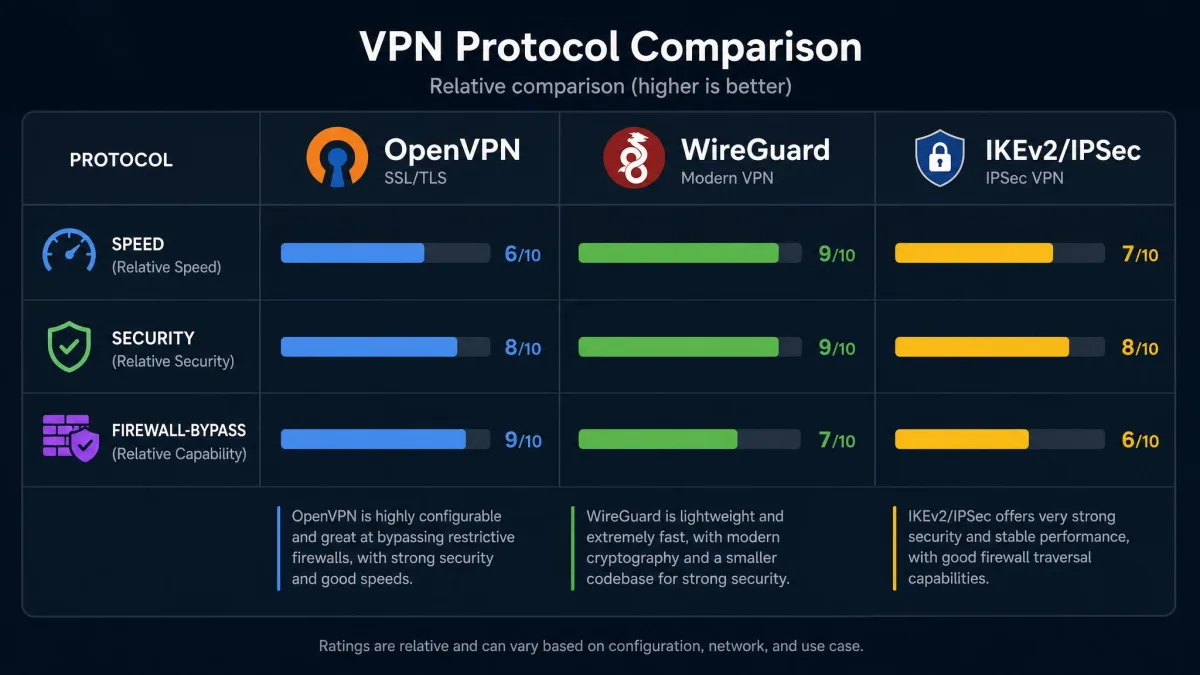
OpenVPN does not exist in a vacuum. The two protocols most people weigh it against are WireGuard and IKEv2/IPSec, and each makes different trade-offs. The table below sums up how they compare on the factors that matter most, and the sections after it explain what those differences mean in daily use.
| Protocol | Speed | Security | Open-source | Firewall bypass | Device support |
|---|---|---|---|---|---|
| OpenVPN | Slower, higher overhead | AES-256 / ChaCha20, heavily audited | Yes (GPLv2) | Excellent (TCP 443 / arbitrary ports) | Almost every OS via client |
| WireGuard | Fastest | ChaCha20, modern | Yes | Limited (UDP only) | Broad and growing |
| IKEv2/IPSec | Fast | Strong (AES) | Varies by implementation | Weaker (fixed ports) | Native on many mobile OSes |
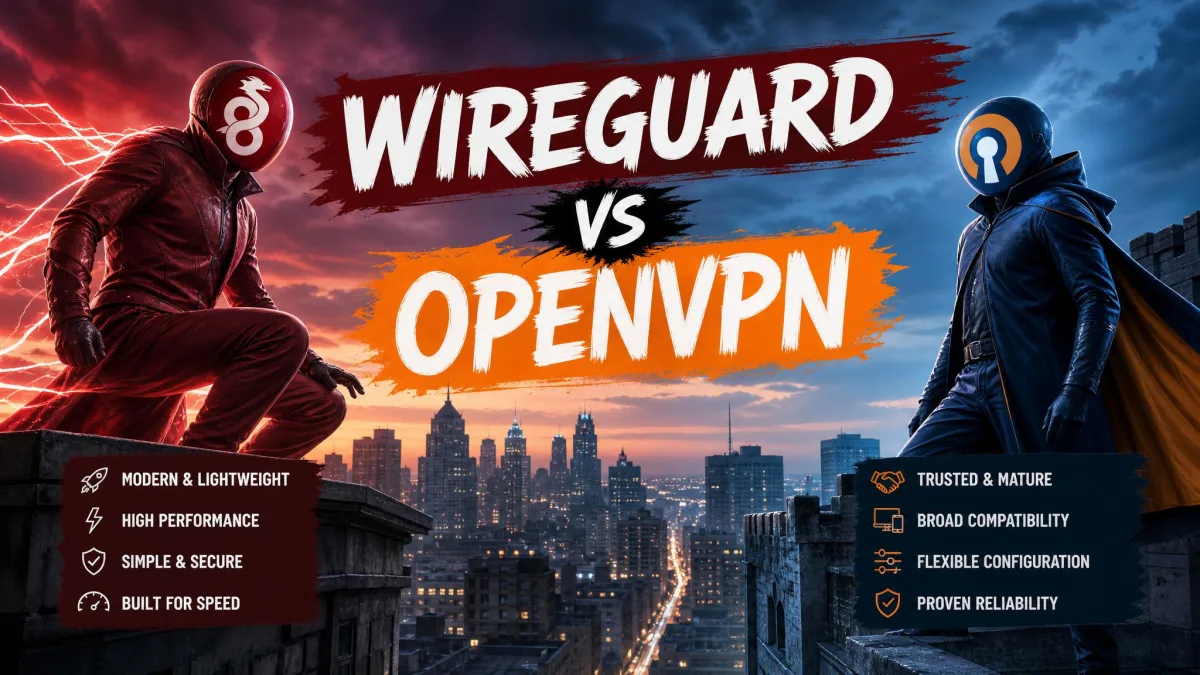
OpenVPN vs. WireGuard
WireGuard is the newer protocol, and its headline advantage is speed. It is generally faster than OpenVPN thanks to a much leaner codebase and modern cryptography built around the ChaCha20 cipher. In everyday use that smaller code footprint also makes WireGuard easier to audit, since there is simply less of it to review. For streaming, gaming, and anything where raw throughput matters, WireGuard often wins.
OpenVPN answers with maturity and flexibility. It has a longer audit history, it supports more authentication methods, and it is far better at bypassing firewalls because it can hide on TCP port 443 where WireGuard, being UDP-only, cannot. Neither is universally "safer." WireGuard is fast and clean; OpenVPN is proven and adaptable. For a deeper look at how the two protocols stack up, our WireGuard versus OpenVPN comparison goes further into the details.
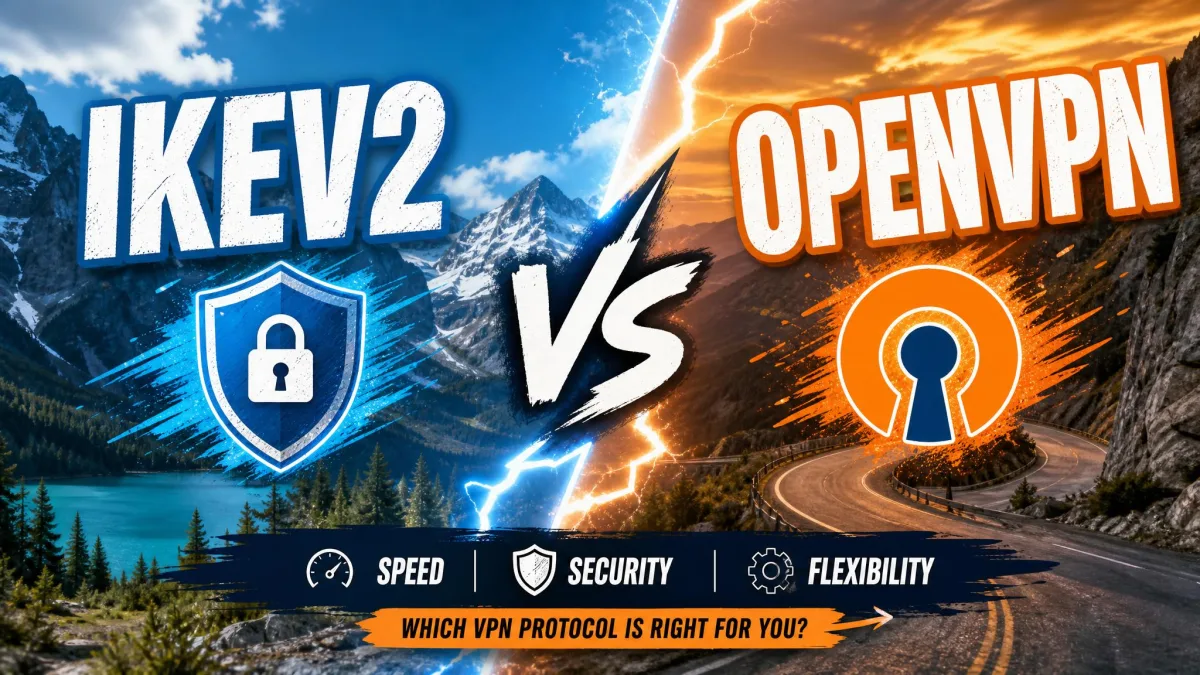
OpenVPN vs. IKEv2/IPSec
IKEv2/IPSec is the protocol you have probably used without realizing it, because it is built natively into many mobile operating systems. Its strengths are speed and stability on the move. IKEv2 reconnects almost instantly when your phone switches between WiFi and mobile data, which makes it a favorite for mobile VPN apps. It also uses strong AES encryption.
Where OpenVPN pulls ahead is transparency and firewall evasion. IKEv2/IPSec relies on fixed ports that networks can block easily, and its implementations vary in how open they are to inspection. OpenVPN's fully open codebase and its ability to disguise itself as HTTPS give it the edge in restrictive environments. On a stable home connection the difference is small; on a locked-down office or hotel network, OpenVPN is the one more likely to get through.
How to Use OpenVPN Safely
Knowing OpenVPN is safe by design is one thing; using it safely is another. There are two realistic paths, and they differ enormously in effort. The right one for you depends on how much control you want and how comfortable you are with technical setup.
Using OpenVPN through a trusted VPN provider
For almost everyone, this is the way to go. Setup through a commercial VPN provider is genuinely simple: you download the app, install it, and log in. The provider has already handled the certificates, the server configuration, and the encryption settings, so OpenVPN just works when you select it. In our testing this took a couple of minutes from download to connected.
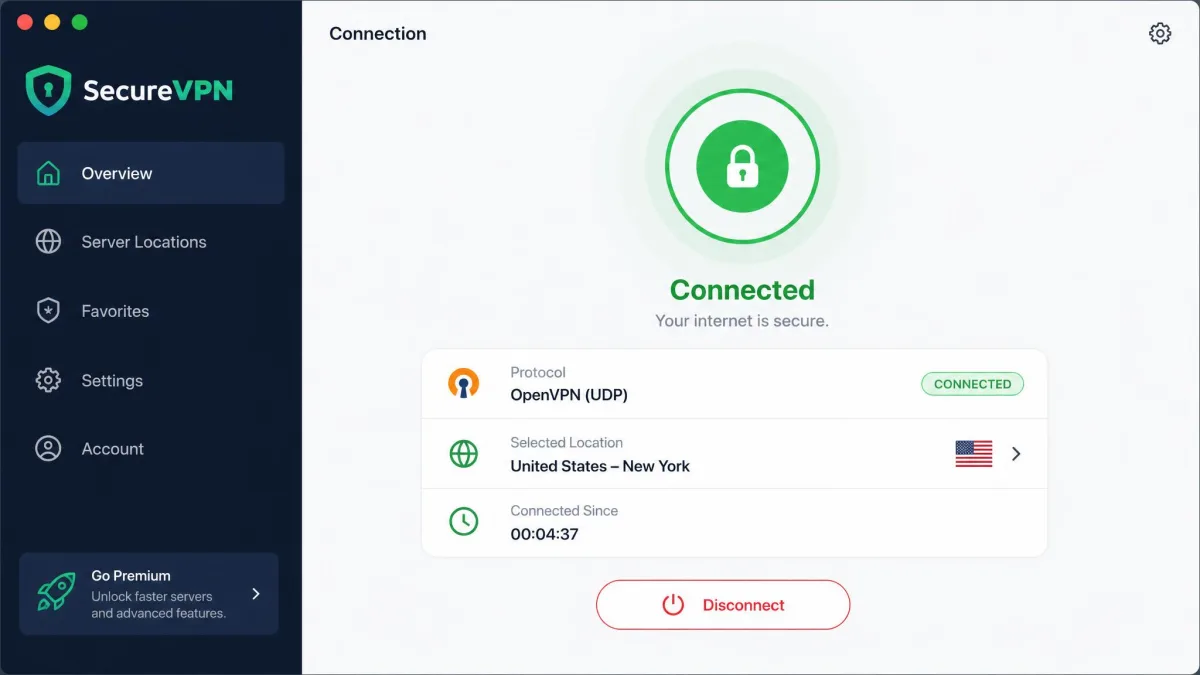
The catch is that you are trusting the provider, so choose carefully. Look for an independently audited no-logs policy, a good security track record, and support for the current OpenVPN releases. A trustworthy provider turns OpenVPN's raw strength into real, everyday privacy. A careless one undermines it no matter how good the protocol is. This is also the path where the protocol's rough edges get smoothed over, since a good app manages reconnection and updates for you.

Configuring OpenVPN yourself
The do-it-yourself path gives you total control, and it is the harder road by a wide margin. Configuring OpenVPN by hand is not beginner-friendly. It means setting up a server, generating and managing certificates, and wiring up authentication yourself, all through configuration files rather than a friendly interface. When we walked through a manual setup, the certificate generation and server config were easily the most error-prone steps.
That effort buys real benefits for the right person. You control every setting, you are not trusting a third party with your traffic, and you can host your own server. It is an excellent option for a home lab, a small business, or anyone who wants to route into their own network. For most people looking for simple privacy, though, it is more work than the payoff justifies. If you go this route, keeping the software patched is entirely on you.

The Bottom Line: Is OpenVPN Safe to Use?
OpenVPN is safe to use, and after our hands-on time with it we would recommend it without hesitation for security-focused users. It combines AES-256 encryption, SSL/TLS key exchange, and Perfect Forward Secrecy with something rarer: an open codebase that has been independently audited and repeatedly patched in the open. The vulnerabilities found over the years were fixed quickly, which is a sign of a healthy protocol, not a broken one. Its standout strength is getting through firewalls that stop everything else.
It is not flawless. It is slower than WireGuard, and in our testing the connection could drop intermittently, especially on Android where performance was less stable. We measured download speeds around 40 Mbps on most servers, roughly a 17% dip from our baseline, and distant servers added real latency, with Australian servers near 245ms of ping versus under 100ms in Europe. We also saw the official mobile app leak the odd unencrypted packet when switching between WiFi and mobile data, and screen sleep occasionally dropped the connection over WiFi. Those are reasons to pick a well-built provider app, not reasons to avoid the protocol.
Our verdict is simple. For most people, OpenVPN through a reputable, audited, no-logs VPN provider is one of the safest choices you can make in 2026. If you need maximum speed and your network is not blocking VPNs, WireGuard is a fine alternative. But if privacy, transparency, and the ability to get through firewalls matter most, OpenVPN remains the protocol to beat.