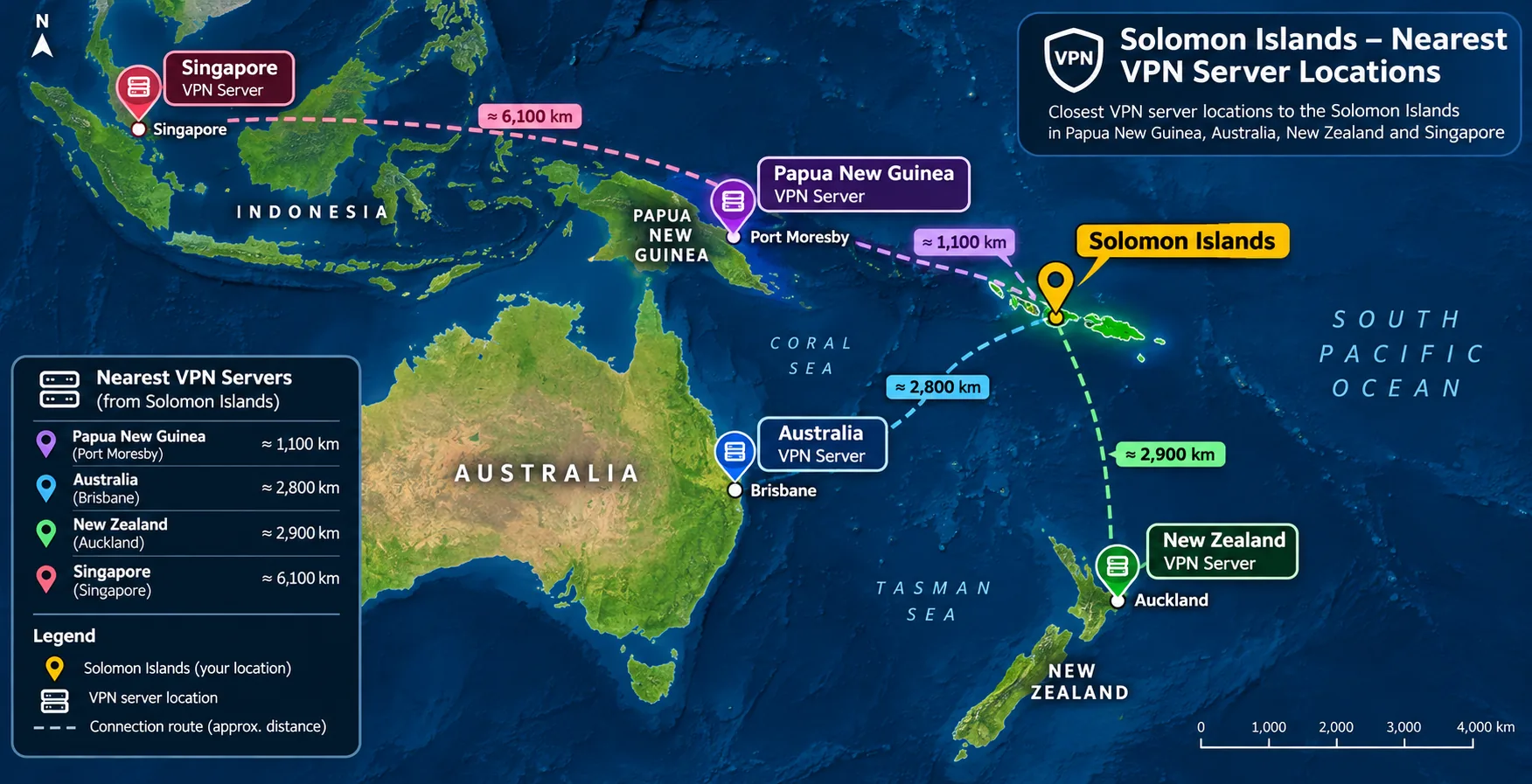
If you need a VPN for Solomon Islands to protect your traffic on public networks, NordVPN is the one we would start with. It pairs a fast protocol with nearby servers in Australia, New Zealand and Singapore. Choose by server distance, connection stability, privacy features and the real cost after renewal. Below are five picks and a short guide to setting up and checking your connection.
Best VPNs for Solomon Islands at a glance
None of the five providers lists a Solomon Islands server in its official location list, so a VPN here gives you privacy and access to other countries' content, not a local Solomon Islands IP address.
| Product | Buy | Best for | Nearest regional servers | Devices | Price |
|---|---|---|---|---|---|
 |
Everyday use and streaming | Australia, New Zealand, Singapore, Papua New Guinea | 10 | $3.49/moequivalent on a 27-month offer | |
 |
Households with many devices | Australia, New Zealand, Singapore | Unlimited | $2.49/moequivalent on a 27-month offer | |
 |
Simple setup | Australia | 10 on Basic | $2.99/moequivalent on a 28-month offer | |
 |
Privacy controls and a free tier | Australia, New Zealand, Singapore | 10 paid, 1 free | $3.49/moequivalent on a 24-month offer | |
 |
Tweakers on a budget | Australia, New Zealand, Singapore | 10 premium, 1 free | $2.33/moequivalent on a 30-month offer |
Our five VPN picks for Solomon Islands
Every price below is an introductory offer. The offer depends on your region and the promotion running at checkout, so confirm the total at purchase. All five advertise a 30-day money-back guarantee, which gave us room to test before committing.
1. NordVPN
NordVPN is our top pick because it is the only one of the five whose official server list includes Papua New Guinea alongside Australia, New Zealand and Singapore. In our testing, NordLynx kept latency low with limited jitter, and connections to recommended servers maintained useful speeds on slow, fluctuating links. App-based split tunneling made it easy to keep selected Windows and Android apps outside the tunnel.
The limitation is price. The long-term offer renews at $139.08 a year, and Australian Prime Video can fail to load.
2. Surfshark
Surfshark suits households because paid plans allow unlimited simultaneous devices. The apps look consistent across desktop and mobile, and regional services such as BBC iPlayer, 9Now and 10 Play worked smoothly for us. Its kill switch blocked leakage when we forced a disconnection.
The catch is that strict kill-switch mode can bring CAPTCHAs and blocked pages, and a software crash can still expose unencrypted traffic. Turn the kill switch on yourself, because the Windows home screen makes a disabled switch easy to miss.
3. ExpressVPN
ExpressVPN is the easiest to get running. Normal Lightway connected promptly, and installation was straightforward on major platforms, although a laptop may need a restart. UK and Australian free-to-air streaming worked with little server switching.
Only Australian cities are confirmed on its server list, so we cannot say it reaches New Zealand or Singapore. Lightway Turbo gives strong throughput but disables split tunneling, and some Netflix regions remain unreliable.
4. Proton VPN
Proton VPN is the pick for privacy features. Its kill switch stayed effective in forced-failure tests and now works alongside split tunneling on current Windows builds. WireGuard performed strongly, while OpenVPN was noticeably slower.
Use of the free plan has no data limit, but it supports one device and chooses your server automatically. NetShield blocks ads well but can miss phishing sites, so do not treat it as a full threat filter.
5. hide.me
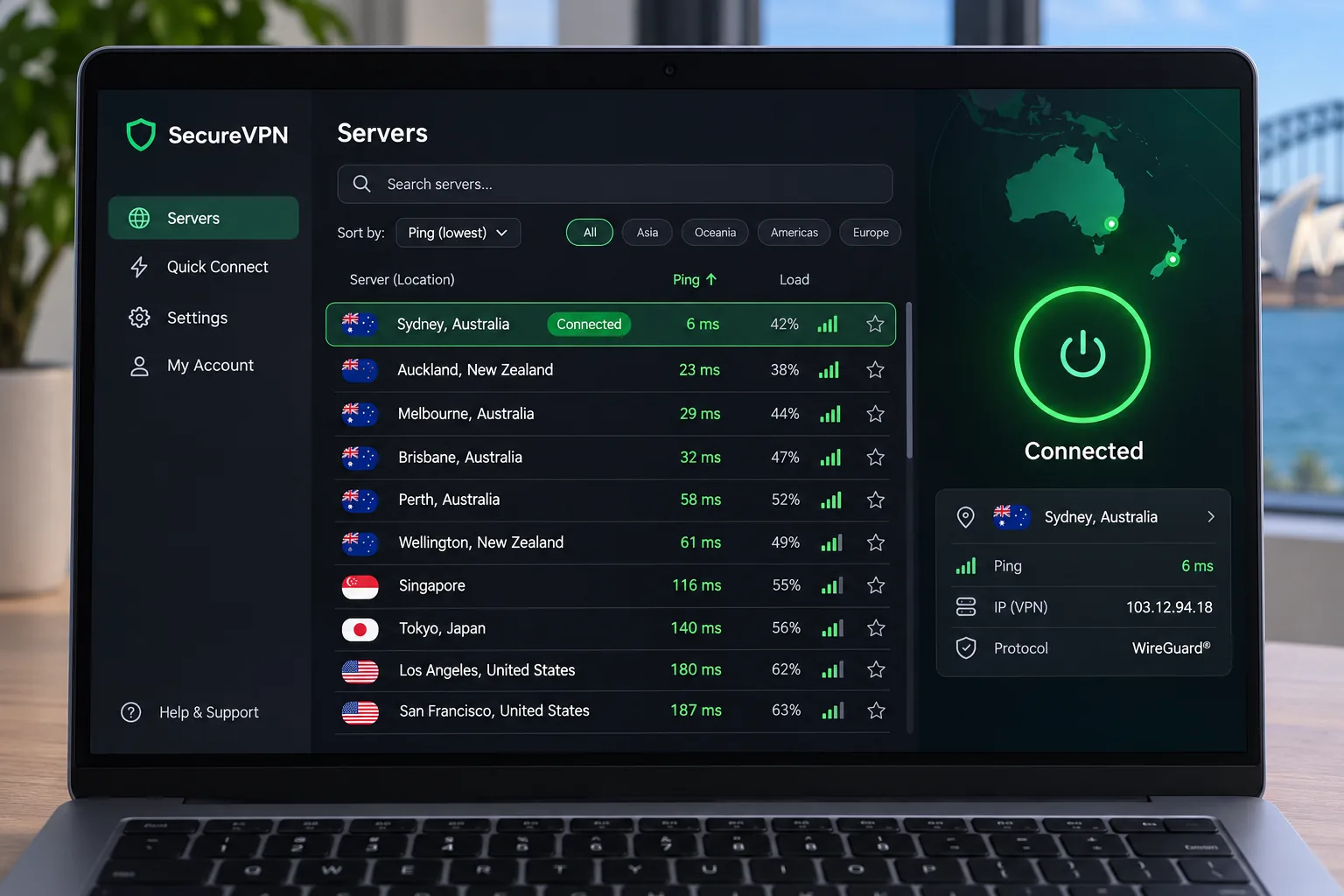
hide.me gives tweakers the most control. You can rearrange dashboard tiles and sort servers by ping, country and distance. Bolt improved Windows speeds slightly. The menus can overwhelm beginners, though.
Speeds vary a lot, and the free plan, which has no data cap, can feel slow. Netflix and Disney Plus can fail even when Prime Video and BBC iPlayer work.
How to choose a VPN for Solomon Islands
Regional servers, speed and connection stability
Pick a provider with servers close to you, since distance drives latency. For Solomon Islands that means Australia, New Zealand, Singapore or Papua New Guinea. We could not confirm any in-country speed figure for these services, so we will not promise one. SISCC operates submarine cable capacity for the country, so the link you start with varies by carrier.
On an unstable connection, choose a modern protocol such as NordLynx, WireGuard or Lightway and keep the kill switch on.
Privacy, security, apps and total subscription cost
Check that the apps cover your devices and operating systems. NordVPN lists iOS 17.0 or later, while ExpressVPN lists Android 7 and Proton VPN supports Windows 11 and 10.
Compare the renewal price, not the headline. Those low monthly rates require full-term payment upfront, and renewals can rise sharply.
Why use a VPN in Solomon Islands?
A VPN encrypts your traffic, which protects you on public Wi-Fi at cafes, hotels and shared networks. It also hides your browsing from the local network and lets you reach content from countries where its servers sit. It will not make a slow internet connection faster.
How to set up and check your VPN connection
- Choose a plan and download the full-device app, since a browser extension only covers browser traffic.
- Sign in, then connect to a recommended server in Australia, New Zealand or Singapore.
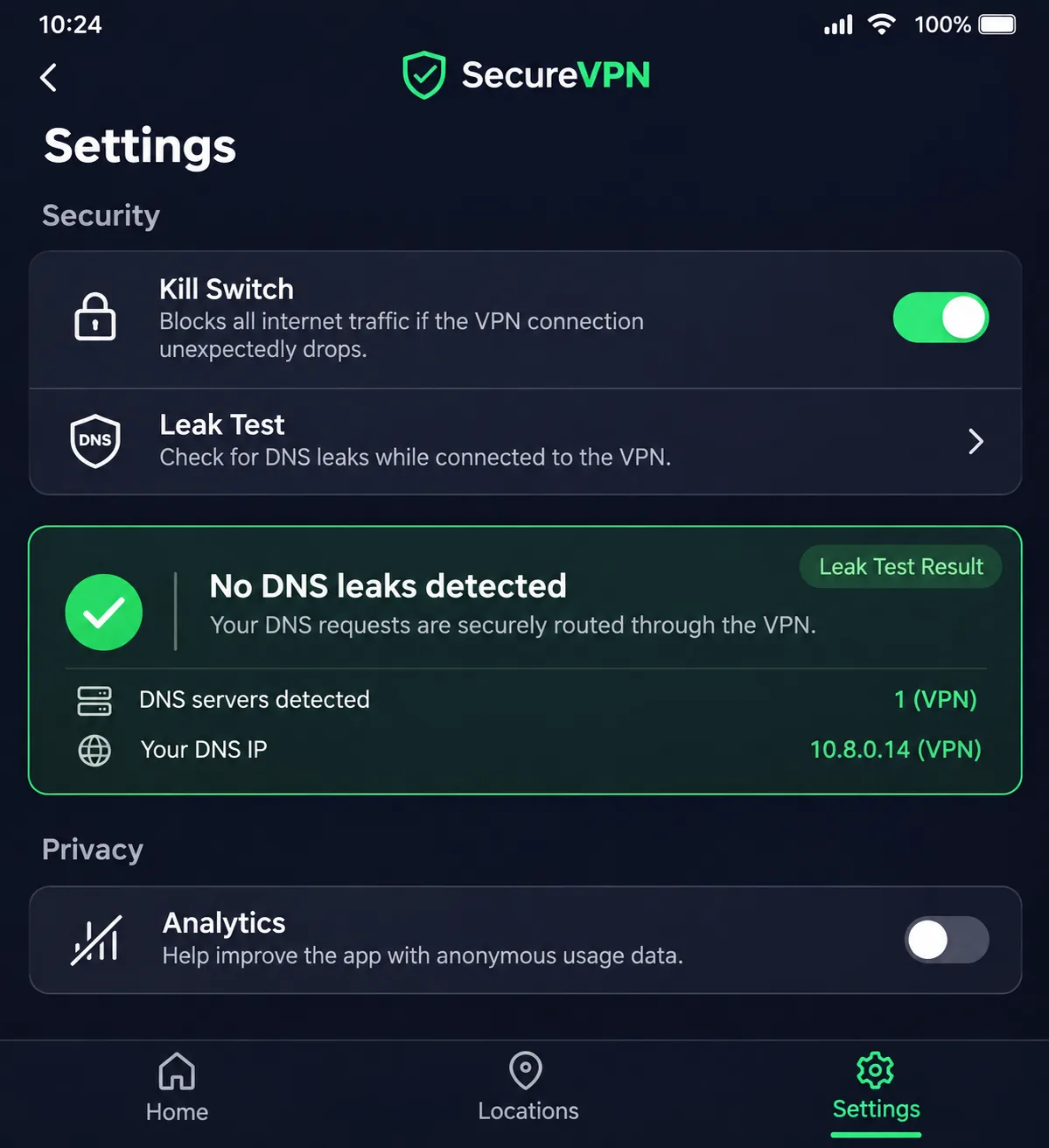
- Turn on the kill switch and any auto-connect option.
- Open an IP checker and confirm the address shows the VPN server's country.
- Run a DNS and WebRTC leak test to confirm nothing escapes the tunnel.