
If you are living in or visiting the Marshall Islands, a VPN protects your traffic on hotel, cafe and public networks, and it keeps your browsing private from the local connection. We put NordVPN first because it balances fast connections with everyday controls. Surfshark, ExpressVPN, Proton VPN and CyberGhost each fit a different need. Below we cover what each does well, where it falls short, and how to set it up.
Best VPNs for the Marshall Islands at a glance
| Provider | Buy | Best use | Regional locations we checked | Main limitation | Intro offer |
|---|---|---|---|---|---|
 |
Check price → | Streaming and everyday use | Japan, Fiji | Cramped mobile interface | EUR 94.23for 27 months |
 |
Check price | Many household devices | Japan | Kill switch is off by default | EUR 67.23for 27 months |
 |
Check price | Simple controls | Japan, Australia | Speed varies by protocol | USD 83.72for 28 months |
 |
Check price | Free or privacy-first use | Japan (paid) | Feature gaps between apps | USD 83.76for 24 months |
 |
Check price | Longer refund window | Japan | Uneven long-distance speed | USD 61.32offer |
None of the five lists a Marshall Islands server in its official location list. Prices are promotional and depend on your checkout region, so confirm the total at checkout.
How we selected these VPNs
Privacy, app support, and total subscription cost
We compared features, platform support and refund terms from official provider pages, then read hands-on reviews to learn how each app behaves in daily use. We weighed the kill switch, split tunneling and no-logs claims. We also looked at total cost over the first term and at renewal, since the introductory price is rarely what you keep paying.
Server locations, connection speed, and streaming
We checked each official server list for Marshall Islands, Japan, Fiji and Australia. We did not run speed tests from the islands, so we make no claim about the fastest provider there. Streaming results below come from reviews and change by service and date.
Our five VPN picks for the Marshall Islands
1. NordVPN
NordVPN reliably opens streaming sites in our experience, and it keeps everyday controls easy to reach. The deeper tools, such as Double VPN and split tunneling, add some complexity. Its mobile interface can feel cramped, which matters when a phone is your main device on the islands.
Apps cover Windows, macOS, Linux, Android and iOS, and one subscription connects 10 devices. Its 30-day refund covers the first purchase. The server list includes Fiji and Japan, which are the nearest options we found.
2. Surfshark
Surfshark suits households because it allows unlimited simultaneous devices. It also adds ad blocking, split tunneling and MultiHop. Expect minor difficulties using the mobile interface.
Check the kill switch before you rely on it. Surfshark's kill switch is off by default, and leaks have been seen on macOS in kill-switch testing. Turn it on yourself before you connect on public Wi-Fi. The 30-day refund applies to the first website purchase only.
3. ExpressVPN
Where Surfshark favours households, ExpressVPN favours beginners. It has the simplest controls across platforms, so it is the easiest pick for someone new to VPNs. Its core service works well for streaming, but its feature set is narrower than some rivals.
Speed depends on your device and protocol. Lightway Turbo performs strongly over long distances on Windows, while standard Lightway is less impressive. The Basic plan covers 10 devices. The Android app needs Android 7 and the iOS app needs iOS 15. It has a 30-day refund for first-time users.
4. Proton VPN
Proton VPN takes a different route from ExpressVPN, trading some polish for a free tier. It offers good connection speeds, though the available features differ between its apps. Its redesigned list makes choosing a country straightforward.
It is the only pick with a useful free plan. The free tier has unlimited data and no ads, but it covers 1 device and assigns the country automatically. Paid plans, listed on Proton VPN pricing, cover 10 devices with a 30-day guarantee and add streaming support, P2P and Secure Core.
5. CyberGhost
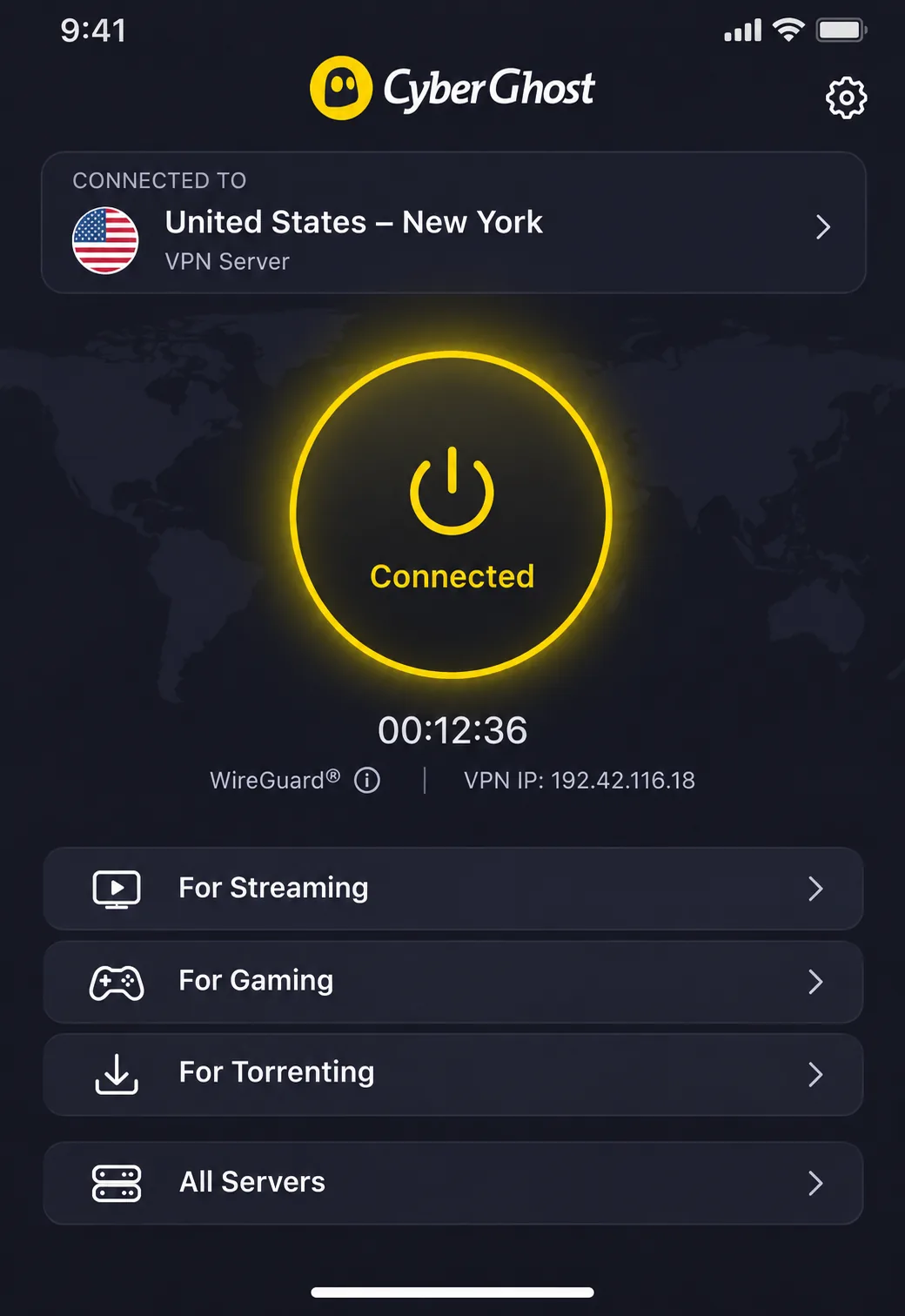
CyberGhost contrasts with Proton VPN on refunds, offering the longest refund window: 45 days for plans of six months or more and 14 days on the monthly plan. Setup on iOS is simple. You install the app, log in, and tap the quick-connect button, and the connected server appears at the top of the screen. That short path makes it a comfortable first VPN on an iPhone.
Its long-distance speeds are inconsistent and the interface can feel dated. Netflix loads without buffering in good conditions, but BBC iPlayer and Disney+ can fail even on its streaming servers. Treat streaming with CyberGhost as hit or miss. It allows 7 devices.
Why use a VPN in the Marshall Islands?
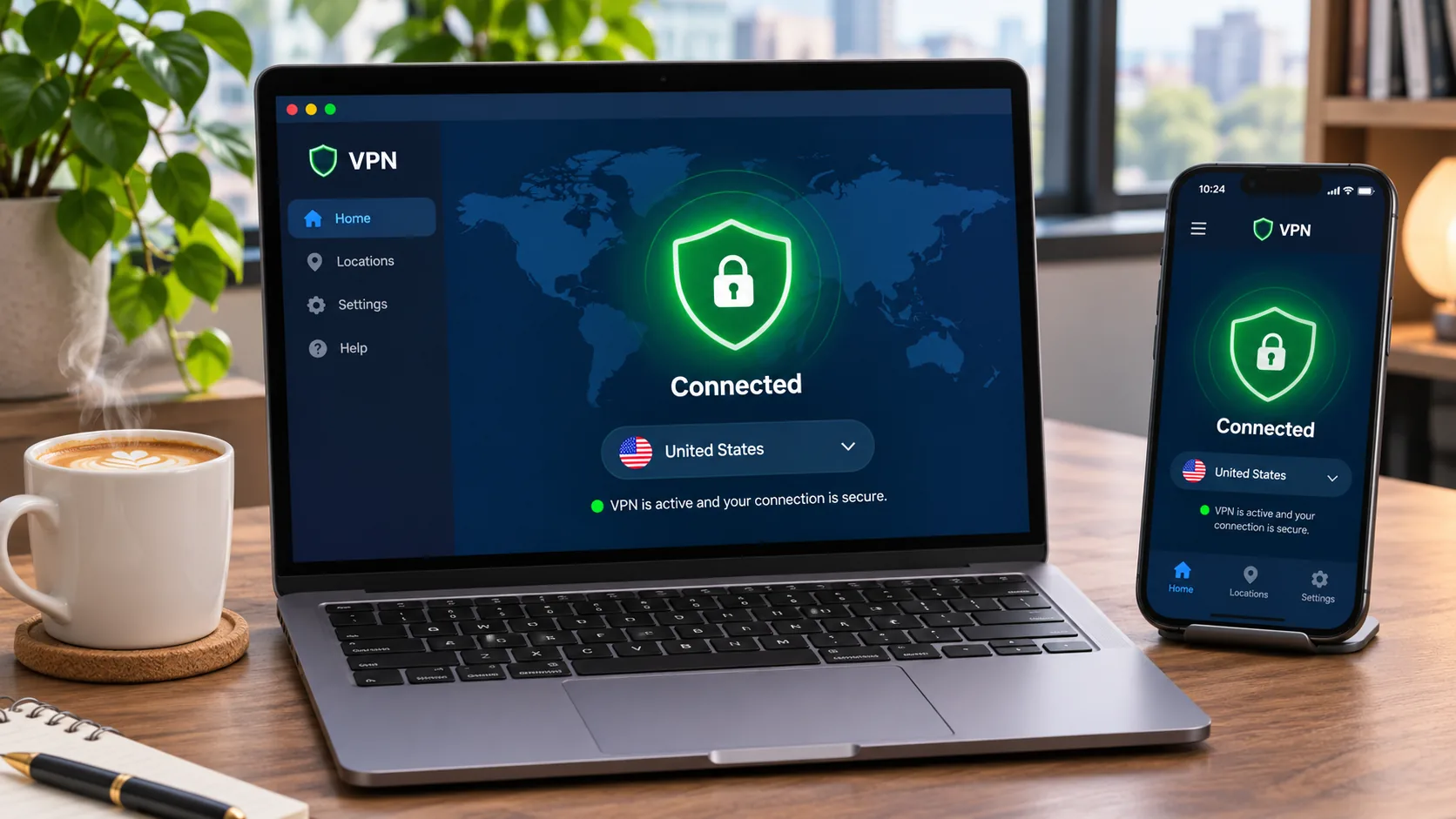
A VPN encrypts traffic on the path to its server and changes your visible IP address. That helps on shared hotel and cafe Wi-Fi and on public networks. A kill switch blocks traffic if the tunnel drops, and split tunneling lets chosen apps skip the VPN.
We did not find a primary legal source settling consumer VPN use. The Council of Europe's Marshall Islands profile covers privacy and interception offences but says nothing VPN-specific. It is worth checking current local rules before you travel.
Using a VPN while in the country is different from getting a Marshall Islands IP address. None of the five providers lists that location, so plan on a nearby or home-country exit instead.
How to set up a VPN in the Marshall Islands
- Subscribe from the provider's own site and note the refund window.
- Install the app for your system. A browser extension only protects browser traffic.
- Open Settings and turn on the kill switch.
- Choose WireGuard or the provider's fast protocol if offered.
- Connect with the quick-connect or automatic option first.
- Switch to another server if the route feels slow.
On a phone, a VPN works over mobile data as well as Wi-Fi. If you use an eSIM, finish activation first, because VPN routing can interfere with eSIM setup. Make sure the eSIM line is the active data connection before you turn the VPN on.







