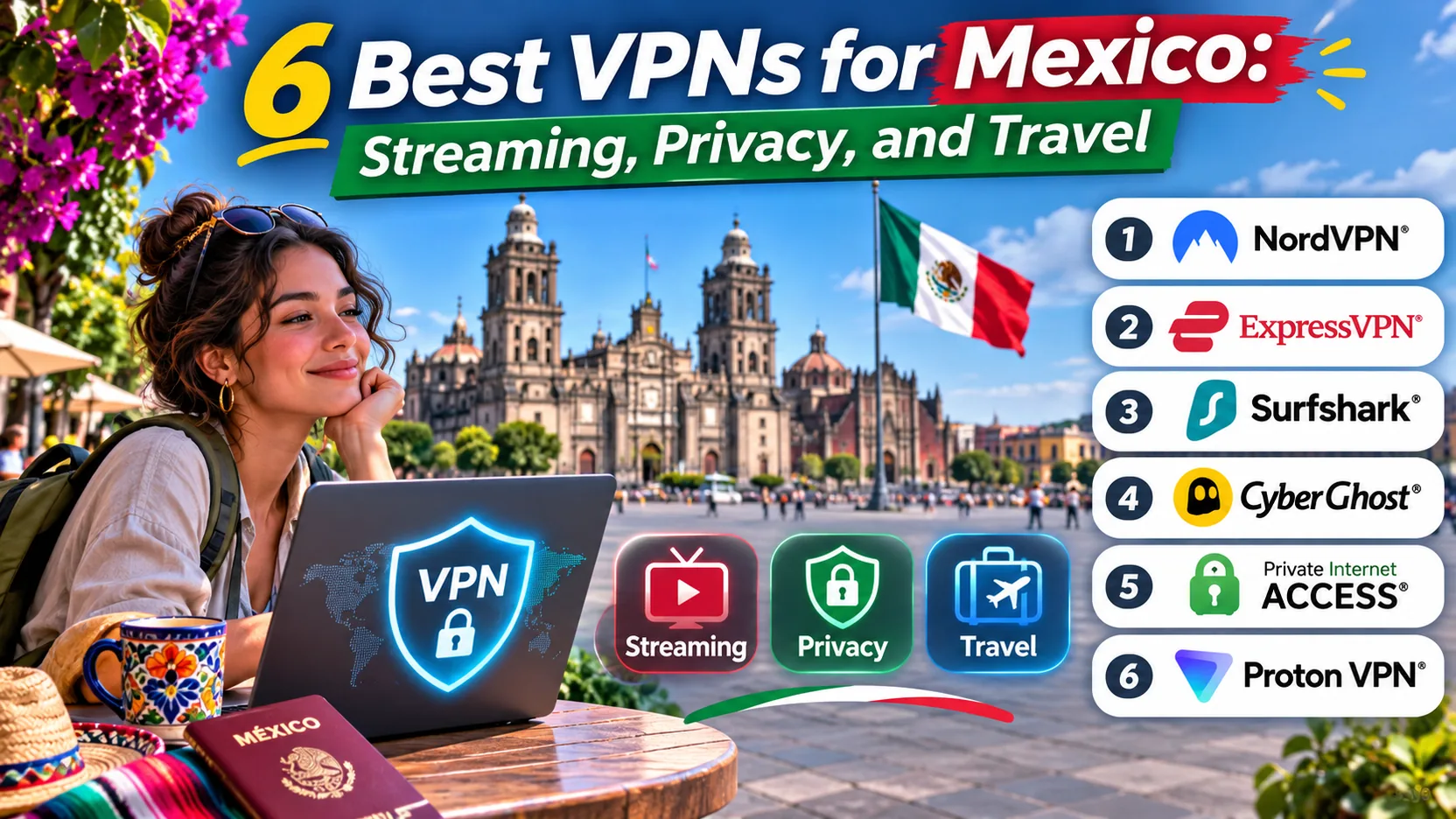
Two very different readers search for a VPN for Mexico. One is landing in Cancun or Mexico City and wants private browsing on hotel Wi-Fi, plus a way to keep home streaming apps and banking sites working. The other lives abroad and wants a Mexican IP address so Mexican TV and Netflix libraries load as they would at home. Our top pick for both is NordVPN.
The other five picks in this guide (ExpressVPN, Surfshark, Proton VPN, Private Internet Access, and CyberGhost) each stand out for a more specific need, from device count to refund length. We compared them using their own Mexico pages, pricing, and apps. Throughout this guide, we distinguish between using a VPN while in Mexico and connecting through a Mexican server from abroad. Prices below were checked on 2026-11-07 and change often, so confirm them at checkout.

Best VPNs for Mexico at a glance
Here is the short version of how the six compare for a Mexico trip or Mexican content abroad. We ranked them on how well the Mexican connection works, how many devices you can cover, how clearly the security evidence is documented, and what you really pay after the introductory term ends.
- NordVPN: best overall for Mexican streaming and steady connections.
- ExpressVPN: easiest apps and quick Mexican connections, with more device tiers.
- Surfshark: best for big households, with unlimited devices and 32 servers in Queretaro.
- Proton VPN: best for privacy-minded users who want open-source apps and a no-logs report.
- Private Internet Access: best for tinkerers, with deep controls and a reliable kill switch.
- CyberGhost: best for a long refund window and trial options before you pay.
Compare the best VPNs for Mexico
The table covers the same criteria for all six providers. Intro prices come from each vendor's own checkout on 2026-11-07, so treat them as offer-specific. Where a vendor does not publish a clear physical-versus-virtual label for its Mexican location, we say so rather than guess.
| Product | Buy | Mexican location | Device limit | Security and audit evidence | Intro price (USD) | Refund |
|---|---|---|---|---|---|---|
| Check price → | Mexico; hosting not confirmed | 10 | PwC and Deloitte logging reviews | $94.23for 27 months | 30-day |
 | Mexico City; hosting not confirmed | Basic 10, Advanced 12, Pro 14 | PwC and KPMG logging reviews | $83.72for 28 months (Basic) | 30-day, direct purchase only | |
 | Check price | Queretaro; hosting not labeled | Unlimited | Deloitte logging assurance, separate infrastructure audit | $67.23for 27 months | 30-day, exclusions apply |
 | Mexico City and Queretaro; hosting not confirmed | Plus 10, Free 1 | Securitum no-logs examination | $3.49/monthon two-year Plus | 30-day advertised | |
 | Virtual Mexico, hosted in Florida | Unlimited | Deloitte configuration and logging review | $2.03/monthequivalent over 40 months | 30-day | |
 | Mexico City; hosting not confirmed | 7 | Deloitte configuration and logging review | $61.32initial charge | 45-day on long plans, 14-day monthly |
All six offer apps for Windows, macOS, Android, and iOS. NordVPN, ExpressVPN, Proton VPN, and Private Internet Access add Linux, and ExpressVPN and Proton VPN add TV apps. Every provider here supports a kill switch, which we cover in the setup section.
A "Mexican IP" means your traffic exits from a server the provider labels as Mexico. Some providers run virtual locations, where the IP is registered to one country while the machine sits in another. Private Internet Access states this openly for Mexico. For the other five, the Mexican page we checked did not clarify the hosting location, though this distinction rarely matters for streaming or privacy.
The 6 best VPNs for Mexico reviewed
Each review below covers what the provider offers for Mexico, how it behaved in our use, and who should pick or skip it. Our internal guide on NordVPN's safety record and our reviews of ExpressVPN, Proton VPN, and CyberGhost go deeper if you want the full picture of any one service.
1. NordVPN
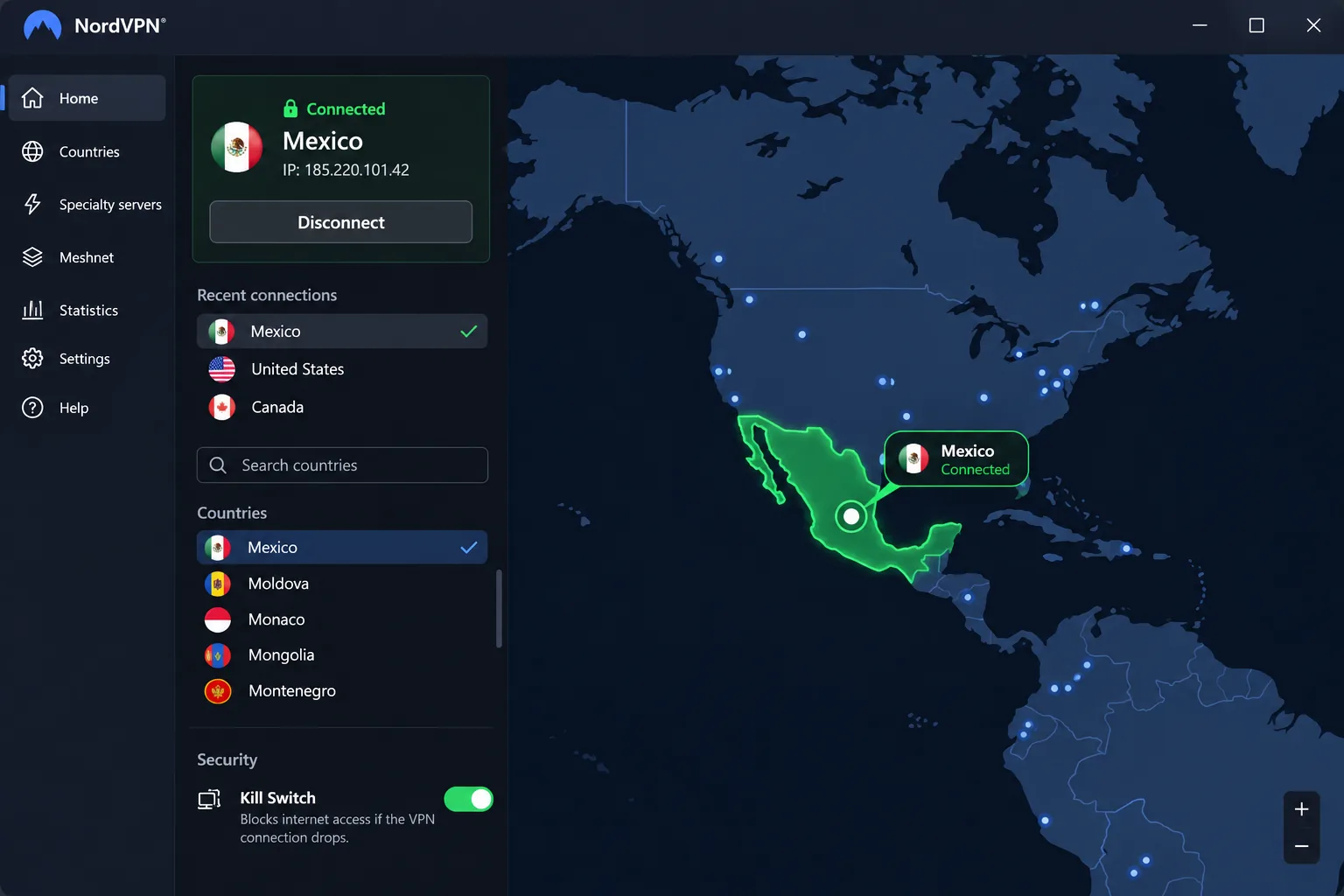
NordVPN is the provider we rank first for Mexico. Connecting to a Mexican server is straightforward: you pick Mexico from the map or the country list and the app does the rest. In our use, Mexican Netflix and local TV streams loaded smoothly, and connections held steady across different times of day. That consistency usually separates a good Mexico VPN from a frustrating one.
NordVPN allows 10 simultaneous connections, which covers a phone, a laptop, a tablet, and a TV with room to spare. The apps run on Windows, macOS, Linux, Android, and iOS, with browser extensions too. Security tools include a kill switch, split tunneling, private DNS, Double VPN, Onion Over VPN, and obfuscated servers. Nord also says it has had successive no-logs assurance reviews from PwC and Deloitte, which cover logging practices and supporting systems rather than every possible security risk.
The tradeoff is the app itself. The many extra controls make it less minimal than a connect-only VPN, so a first-time user will see more buttons than they need. NordVPN's server count for Mexico also depends on where you look. Its own Mexico page lists 60 servers, while independent counts are closer to 30, and the fleet changes.
On price, NordVPN's Mexico-localized Basic offer showed $94.23 for the first 27 months, about $3.49 a month, with renewal at $139.08 a year. Promotional prices and regional billing vary, so check the term length before you compare. New subscribers get a 30-day money-back guarantee, and renewals are excluded unless local law requires otherwise.
Pros
- Mexican Netflix and local TV streams loaded smoothly for us
- Mexican connections stayed steady at different times of day
- 10 simultaneous connections and apps for five operating systems
- Double VPN, obfuscated servers, and a kill switch for travelers on public Wi-Fi
Cons
- The many controls make the app busier than a basic connect-only VPN
- Published Mexico server totals disagree, and renewal costs more than the intro price
Best for: Mexican streaming and everyday privacy on one plan. Skip if: you want the most minimal app possible or need unlimited devices.
2. ExpressVPN
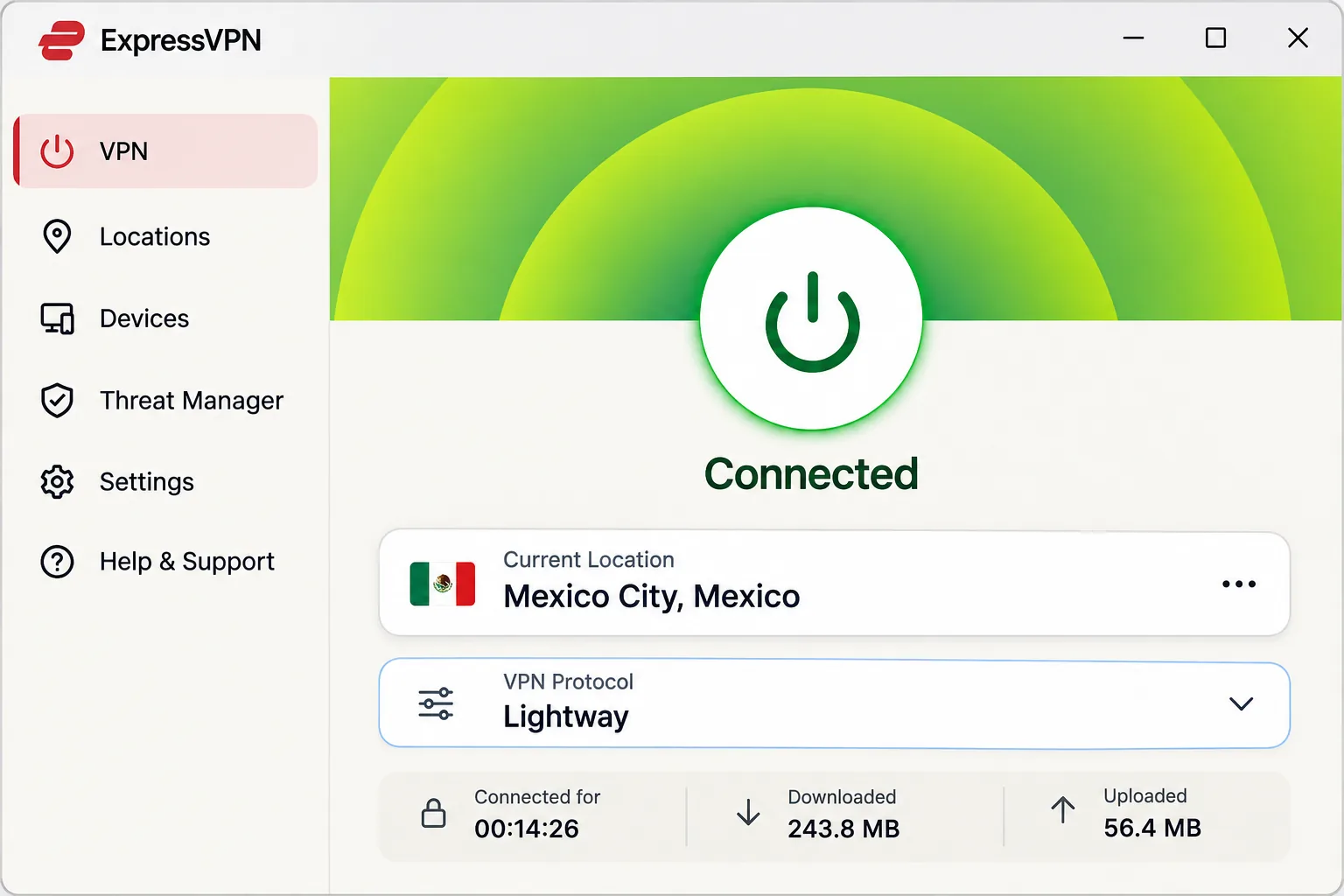
Where NordVPN leads on Netflix, ExpressVPN leads on live Mexican TV and simplicity. It is the easiest of the six to pick up. The apps are easy to navigate and connect quickly to Mexican servers. Mexico City appears in its official location-selection instructions, though that page does not say whether the server is physically in Mexico.
For Mexican content abroad, ExpressVPN worked with TV Azteca, TUDN, and Clarovideo in our use. Netflix, Disney+, and BBC iPlayer also worked smoothly in its wider streaming suite. Mexican Netflix was the weak spot, with less consistent access than on NordVPN, so we would favor NordVPN for streaming that specific catalog.
Device limits depend on the tier: Basic permits 10 simultaneous devices, Advanced permits 12, and Pro permits 14. The apps cover Windows, macOS, Linux, Android, iOS, and TVs. They include the Lightway protocol, a kill switch, private DNS, and leak safeguards. ExpressVPN also runs TrustedServer RAM-only infrastructure, and it points to independent no-logs reviews by PwC and KPMG.
Treat prices as offer-specific, since they vary by checkout. The Basic plan showed $2.99 a month equivalent, $83.72 for 28 months, then $99.95 annually, while Advanced showed $4.49 a month equivalent, $125.72 for 28 months, then $119.95 a year. A 30-day guarantee applies to first-time customers who buy directly, and Android and iOS in-app purchases are handled by the app stores instead.
Pros
- Easy apps and quick Mexican connections
- TV Azteca, TUDN, and Clarovideo worked from abroad in our use
- Device tiers of 10, 12, or 14 connections
- RAM-only TrustedServer infrastructure and audited no-logs claims
Cons
- Mexican Netflix was less consistent than on NordVPN
- Higher device counts require a pricier tier
Best for: people who want a simple app and Mexican TV from abroad. Skip if: Mexican Netflix is your main reason for buying.
3. Surfshark
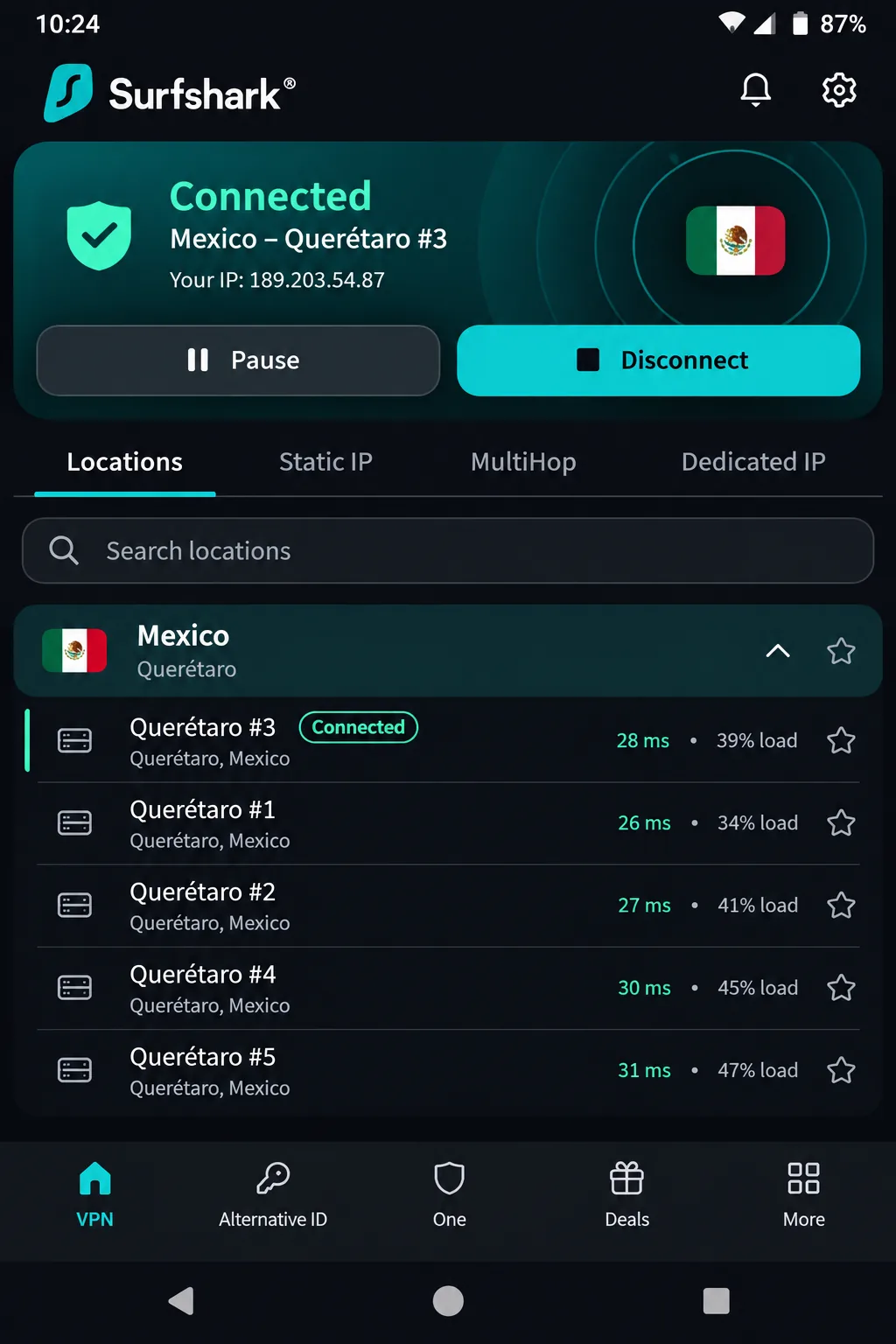
Where ExpressVPN charges more for extra devices, Surfshark charges nothing for them. It is the value pick for households. It allows unlimited simultaneous device connections, so a family sharing one plan across phones, laptops, and a television never runs out of slots. Its official Mexico page lists 32 servers in Queretaro, though it does not label them physical or virtual.
Streaming went well for us. Mexican Netflix access worked well, and download speeds on Mexican servers were fast enough for demanding streaming and large files. Performance had two caveats. Long-distance speed trails the strongest competitors, and upload performance is less impressive than download performance. Mobile connections also occasionally hang before connecting.
The apps cover Windows, macOS, Android, and iOS, and the feature list includes a kill switch, RAM-only network, ad blocking, obfuscation, NoBorders, and MultiHop. Surfshark supports WireGuard, OpenVPN, and IKEv2. Its trust center lists a Deloitte no-logs assurance and a separate SecuRing infrastructure examination, and those two reviews have different scopes.
The Starter and One plans each displayed $2.49 a month equivalent, or $67.23 for the first 27 months, per Surfshark's published plan prices. The renewal total is not shown on the official pricing page, so expect a higher amount when the term ends. A 30-day guarantee covers the initial purchase but excludes recurring payments and some resellers, payment methods, and add-ons.
Pros
- Unlimited simultaneous device connections
- 32 servers in Queretaro
- Mexican Netflix worked well and Mexican downloads were fast
- Lowest introductory price among the first four picks
Cons
- Long-distance speed and uploads trail the leaders
- Mobile connections occasionally hang, and its app list has no Linux client
4. Proton VPN
Pros
- Open-source apps and a published Securitum no-logs examination
- Approachable advanced settings
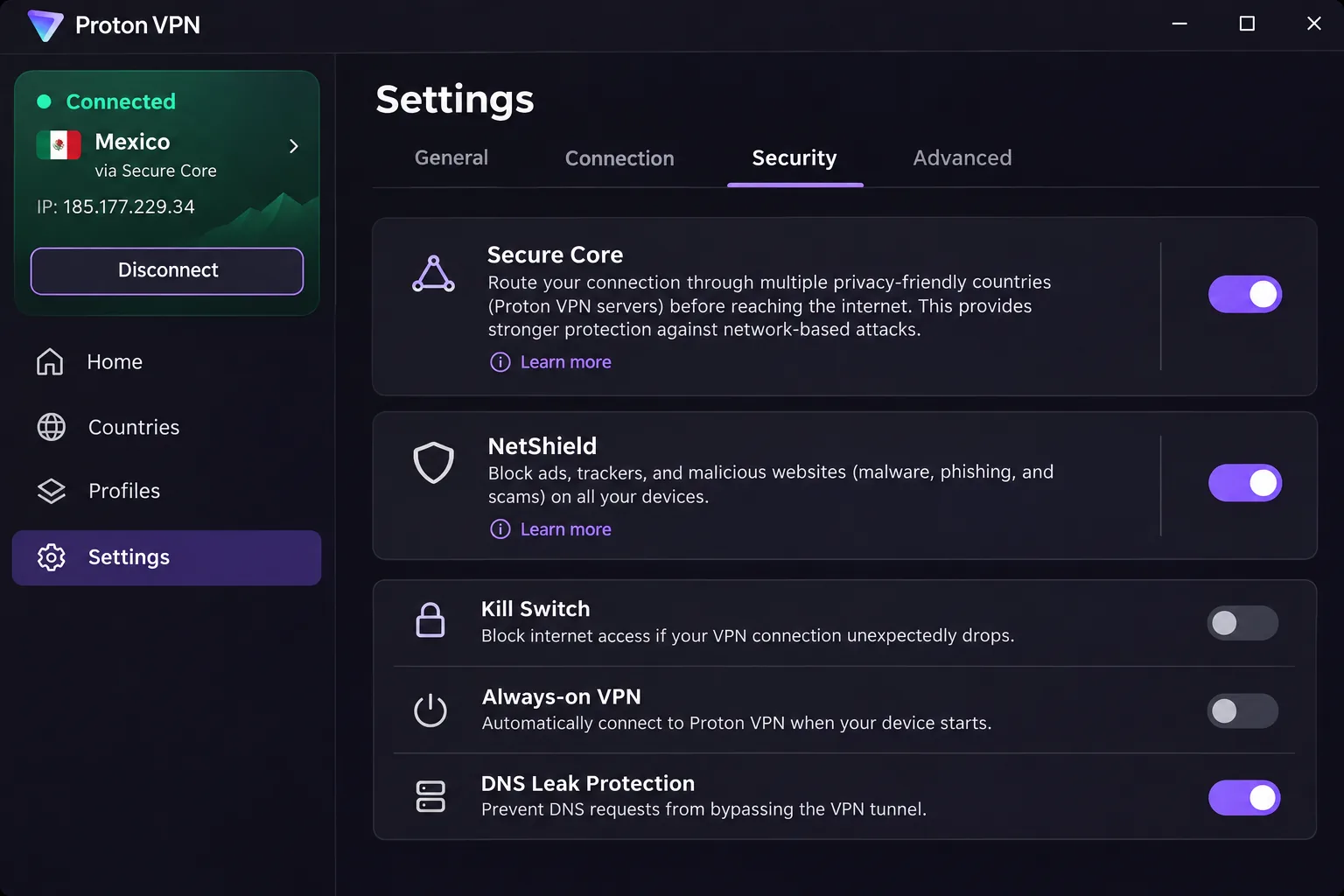
- Plus covers 10 devices with Secure Core and NetShield
- Azteca and Disney+ worked on the paid service
Cons
- Short-distance speeds lag NordVPN and ExpressVPN
- Renewal price and detailed refund terms are unclear
Where Surfshark leads on price, Proton VPN leads on transparency. It is the privacy-first option. Keeping advanced settings approachable with a privacy-focused feature set is harder than it sounds, but Proton VPN manages it. Mexican connections held steady enough for ordinary streaming and browsing, and Azteca and Disney+ worked through the paid service.
Speed is its soft spot. Short-distance speeds lag ExpressVPN and NordVPN, so Proton is not the one to choose if raw speed on a nearby connection matters most. The apps are open source and cover Windows, macOS, Linux, Android, iOS, and TVs, with WireGuard, a VPN Accelerator, and unlimited bandwidth. The paid Plus plan adds streaming, P2P, NetShield, and Secure Core, and it protects 10 devices at once.
For auditing, Proton VPN's no-logs audit announcement links its latest Securitum report. The review looked at configurations, procedures, and staff interviews, and found no activity or identifiable connection records in the examined infrastructure. Server counts for Mexico range from over 30 on the official country page to 160 in an outside count, so treat any single figure as a snapshot. Both Mexico City and Queretaro are listed, but the hosting locations remain unconfirmed.
The two-year Plus selector displayed $3.49 a month, and Plus advertises a 30-day money-back guarantee. Promotions differ between landing pages and the renewal price has not been established, so confirm the total before paying. Proton Free protects 1 device at a time; we discuss this plan in the free VPN section.
Best for: privacy-focused travelers who value open-source apps. Skip if: you want the fastest nearby connection.
5. Private Internet Access
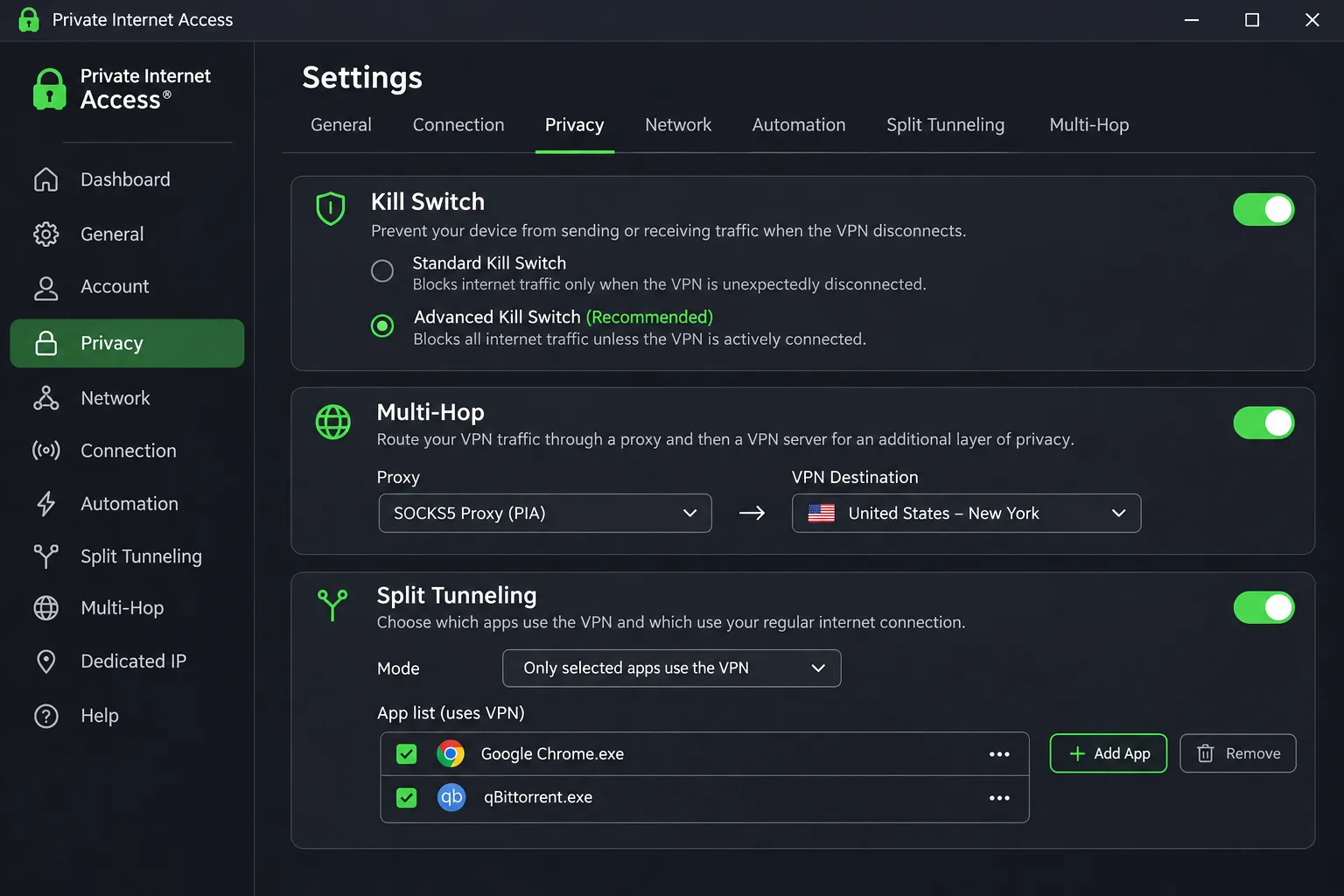
The first limitation to know about Private Internet Access, or PIA, is its virtual Mexican location, physically hosted in Florida. Its Mexican IP does not imply a Mexican data center. That honesty is part of why it is the most configurable of the six. For streaming Mexican content from abroad that is usually fine, but it is worth knowing if latency matters.
Connecting from Mexico is straightforward, and Netflix and YouTube TV can be accessible while you are in the country. Those results are not uniform, though. Streaming unblocking is uneven and connections are slower than leading alternatives, so we would not make PIA the pick for a heavy streamer. The many configuration controls also make its apps comparatively complex.
PIA does a good job of providing a safety net. The kill switch behaves reliably, which matters on hotel and airport Wi-Fi. Other features include WireGuard and OpenVPN, split tunneling, DNS filtering, automation, proxy-based Multi-Hop, obfuscation, DNS leak protection, and port forwarding on selected servers. Simultaneous connections are unlimited, and apps cover Windows, macOS, Linux, Android, and iOS. PIA describes a Deloitte review of server configurations, management systems, and dedicated-IP technology against its no-logs policy.
Pricing showed about $2.03 a month equivalent for three years plus four months, renewing at $81.20 every three years. An annual option was $47.88, and monthly was $11.95. New subscribers get a 30-day money-back guarantee, while app-store purchases follow store terms.
Pros
- Reliable kill switch for public Wi-Fi
- Unlimited simultaneous connections
- Deep controls for people who like to adjust settings
- One of the cheapest long-term plans
Cons
- Virtual Mexico location hosted in Florida
- Streaming is uneven and speeds trail the leaders
Best for: tinkerers who want control and a dependable kill switch. Skip if: you want simple apps or consistent Mexican streaming.
6. CyberGhost
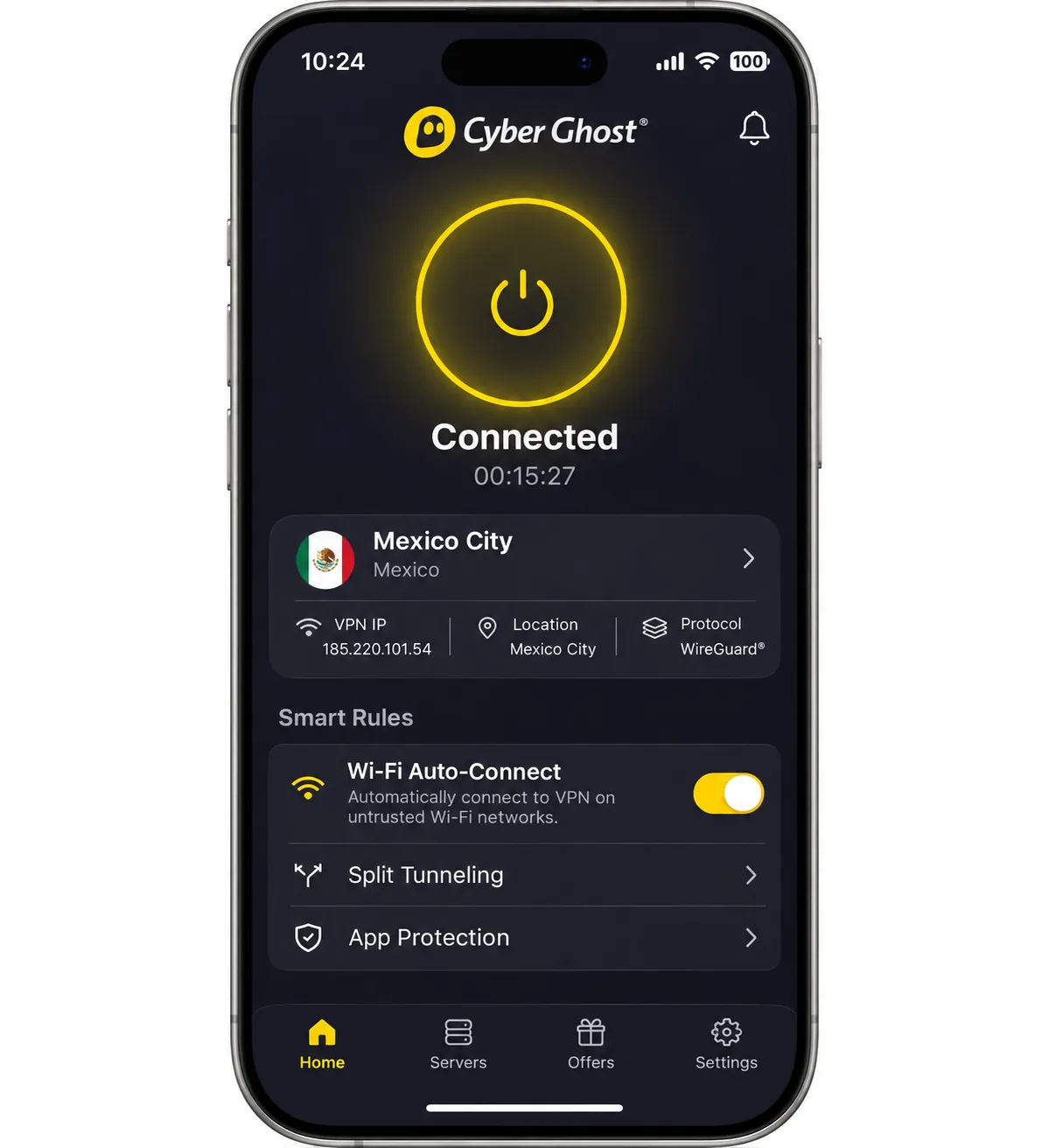
Where PIA offers control, CyberGhost offers a 45-day refund on long plans and free trials on every platform. That generous setup earns its spot. Netflix and Prime Video played smoothly from Mexico for us, even with slower internet throughput. Its Mexico City location supports P2P, and the apps cover Windows, macOS, Android, and iOS with an automatic kill switch, split tunneling on supported apps, and Wi-Fi auto-connect.
It has rough edges. The iOS app offers fewer useful controls than the desktop app, and the built-in ad blocker is weak. Live chat responds promptly, while the support articles are less helpful. The 7-device allowance is the lowest here, and the device registration limit can require removing an old device before you add a new one.
The refund policy is its best selling point. Six-month and long-term plans carry a 45-day money-back guarantee, and monthly plans get a 14-day guarantee. You can also try it before buying: the 24-hour desktop trial needs no payment card. The 3-day Android and 7-day iOS trials both require a payment method, and you must cancel before they expire to avoid billing.
The checkout page showed $2.19 a month, with a $61.32 initial charge and a $61.32 annual renewal, plus $41.94 for six months and $12.99 monthly. The same page carries conflicting two-, three-, and four-bonus-month labels, so confirm the exact term before paying. CyberGhost describes a Deloitte Romania review of server architecture and internal controls against activity logging.
Pros
- 45-day refund on long plans and free trials on every platform
- Netflix and Prime Video played smoothly from Mexico
- Wi-Fi auto-connect helps on hotel networks
Cons
- Only 7 devices, and old registrations may need removing
- Weaker iOS app and ad blocker than the desktop experience
Best for: people who want to try before they commit, with the longest refund window. Skip if: you need more than seven devices or a strong iPhone app.
How we evaluate VPNs for Mexico
We built the ranking around the questions a Mexico-bound reader actually has. How well does a Mexican connection work, how easily can you stream, and what do you give up in privacy, apps, and price? We checked each provider's own Mexico pages and pricing and then used the apps for Mexican connections and streaming.
We did not invent a scoring formula, and we do not publish numerical ratings here, because no single figure for speed or streaming success in Mexico holds across different routes and devices.
Mexican servers, nearby connections, and speed
Server location matters: a Mexican server gives you a Mexican IP, while a server in your home country lets you use home services while traveling. We looked at whether each provider lists Mexico, which city it names, and whether it discloses virtual hosting. Only Private Internet Access clearly states it.
Speed is hard to compare across routes. We noticed that Surfshark's Mexican downloads were fast while its long-distance speed trailed, and that Proton VPN lagged NordVPN and ExpressVPN at short range. We treat those as patterns from our use, not guarantees.
Streaming access in Mexico and abroad
We tried each provider with Netflix and with local Mexican services where relevant, and we noted which catalogs opened from abroad and which did not. Streaming services change their blocking often, so a result today may not hold next month.
Privacy, security, apps, and value
For privacy we looked at kill switches, DNS handling, and the evidence behind each no-logs claim. All six point to independent reviews, and those reviews cover logging practices rather than every possible risk. We also counted device limits and compared the introductory price with the renewal price, since the second number is what you will pay for most of the plan's life.
How to use a VPN in Mexico
Setup takes a few minutes on any of these providers. Install the app on every device you will carry and sign in. Before picking a server, decide whether you need a VPN while in Mexico or a Mexican IP abroad.
Connect locally or choose a server in your home country
If you are traveling in Mexico and want hotel Wi-Fi protection, connecting to a nearby Mexican server is usually the fastest option, because the traffic does not have to travel far. If you want home-country streaming or your bank to recognize you, pick a server in your home country instead. ExpressVPN's Mexico guide documents how to select a location and connect, and the same idea applies to all six apps.
Install and sign in before you leave home. Some banks and streaming accounts ask for extra verification when a login comes from a new country, and it is easier to sort out on your home Wi-Fi than in an airport.
Enable the kill switch and check your connection
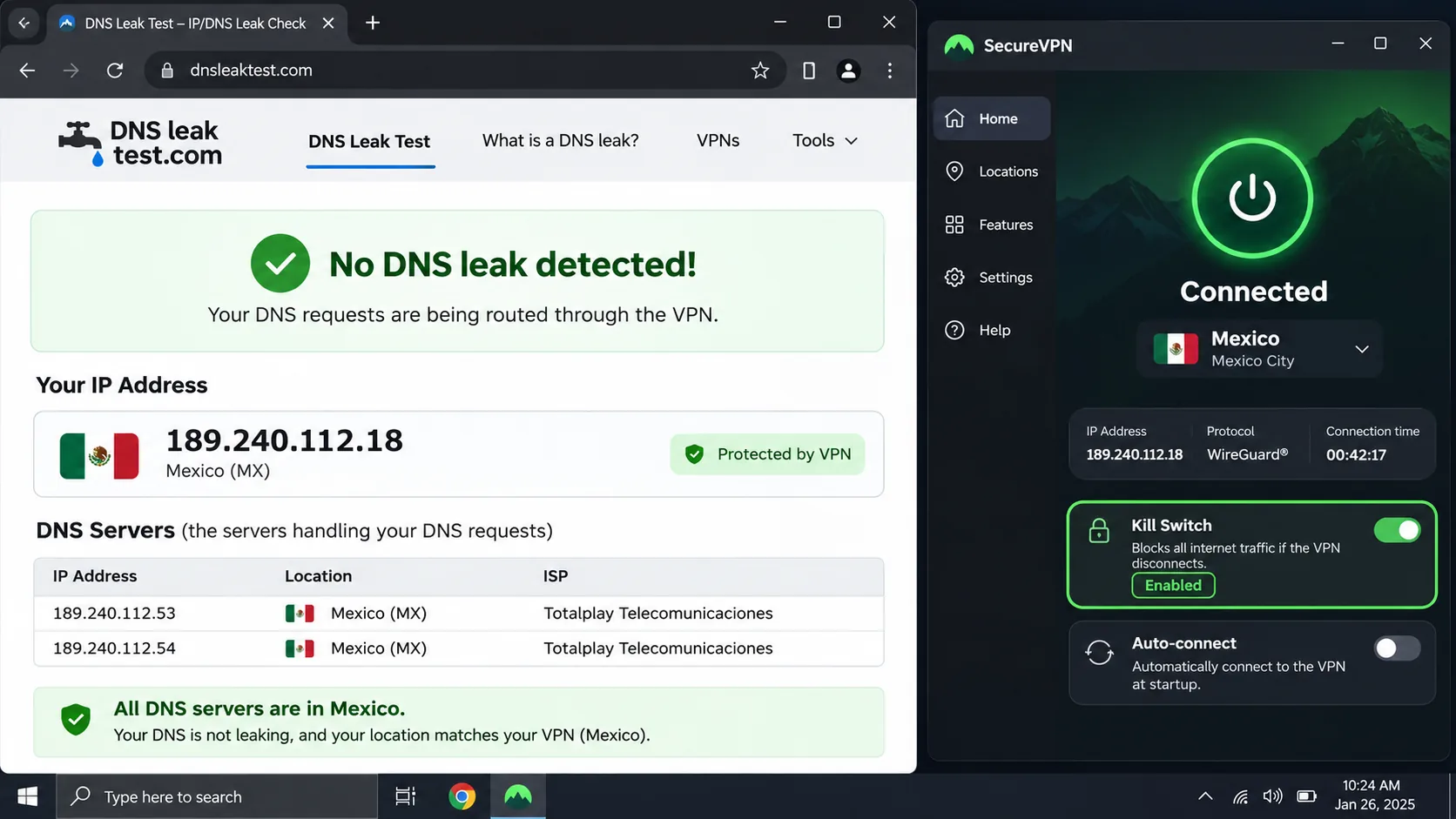
A kill switch blocks internet traffic if the VPN drops, so nothing leaks on public Wi-Fi. NordVPN documents its kill switch and a DNS leak test, and we recommend turning on the kill switch first on any app you use abroad. After you connect, check that your visible IP matches the country you chose, then open a site you use daily. Mexico's national cybersecurity team CERT-MX advises considering a VPN when financial transactions on public Wi-Fi are unavoidable.
Why use a VPN in Mexico?
A VPN is most useful in Mexico for the same reasons it is useful anywhere: you are on networks you do not control, and you may need access to services from another country.
Public Wi-Fi, travel, and banking access
Hotels, airports, and cafes often run open networks. A VPN encrypts the path between your device and the VPN server, so someone sharing that network cannot read your traffic. It also lets you reach home-country streaming and banking from a server in your home country. Keep in mind that some banks flag foreign logins whether or not a VPN is involved.
What a VPN can and cannot protect
A VPN encrypts the path to the VPN server and changes your apparent IP address, but it shifts trust to the VPN operator. It does not guarantee anonymity, protect you from malware, or unlock every streaming service, as the EFF's guide to choosing a VPN explains. Pair a VPN with updated software and careful clicking.
A VPN moves your trust from the network you are sitting on to the company you are paying, so the audit evidence and the kill switch matter more than any server count.
Can you use a free VPN for Mexico?
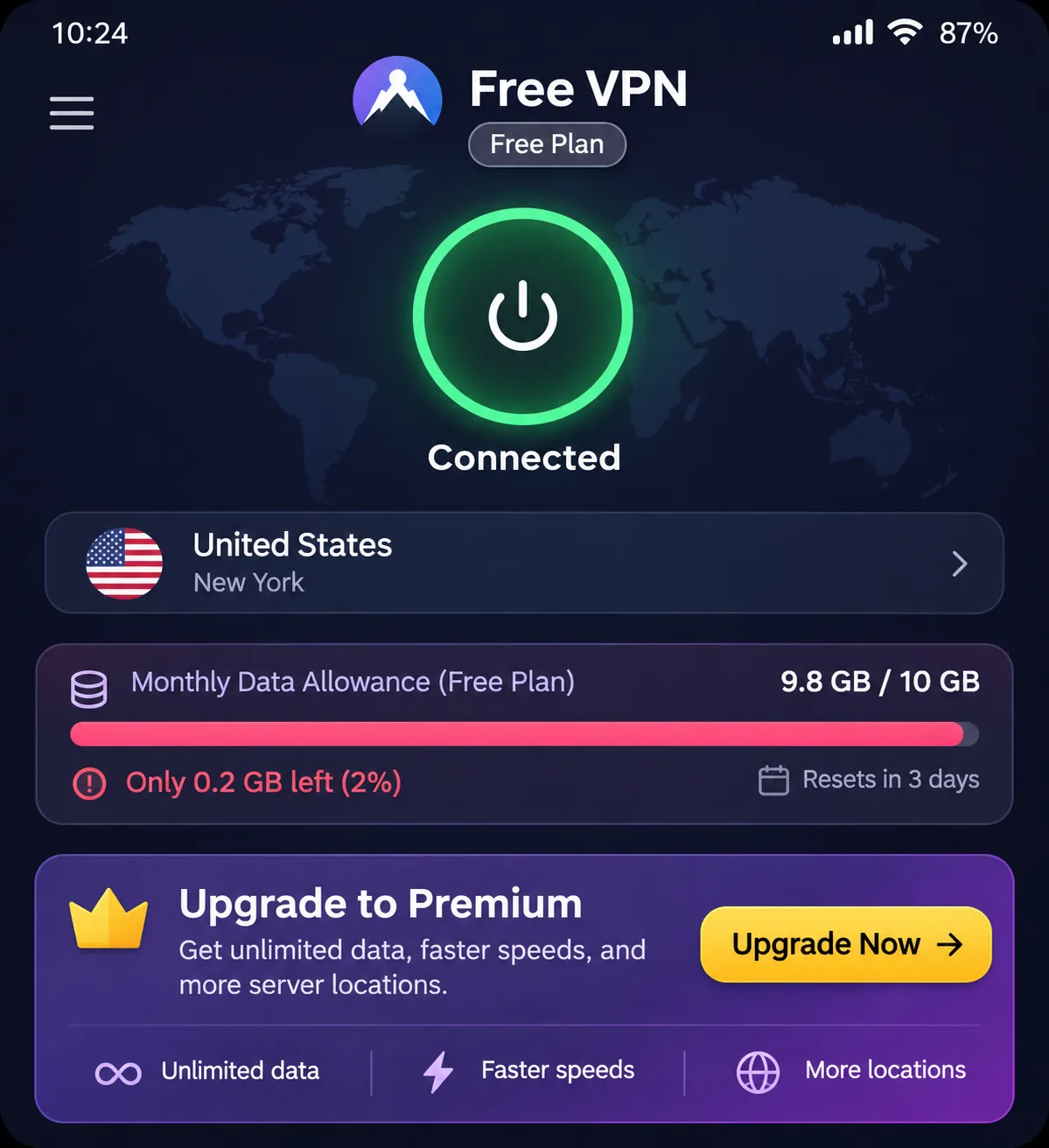
Usually not for what Mexico readers want. Free plans tend to limit data, locations, or devices, and none of our six paid picks offers an ongoing free plan, apart from Proton VPN Free.
Do not assume a free plan lets you choose a Mexican server. Free tiers often assign locations automatically, and free plans can restrict streaming and speed.
Free Mexican servers versus a refund-backed paid plan
Proton VPN Free has unlimited data and protects 1 device at a time. Its support pages include Mexico in the free pool, but the app starts on the fastest free server, then randomly selects servers with cooldowns between changes. You cannot reliably choose Mexico on demand. PrivadoVPN Free provides 10GB per 30 days and includes Mexican IP access among its limited locations, though we did not put it in the top six.
A refund-backed paid plan is the safer way to try before you commit. NordVPN, ExpressVPN, Surfshark, Proton VPN Plus, and Private Internet Access each advertise a 30-day guarantee, and CyberGhost offers 45 days on long plans.
Data limits, server selection, and privacy tradeoffs
A 10GB monthly cap lasts a few hours of video, so free tiers suit email and browsing rather than streaming. Free services also have to be funded somehow, so read the privacy policy before you rely on one. For a short trip, a paid plan with a refund is worth the cost to avoid the hassle.
How to get a Mexican IP address abroad
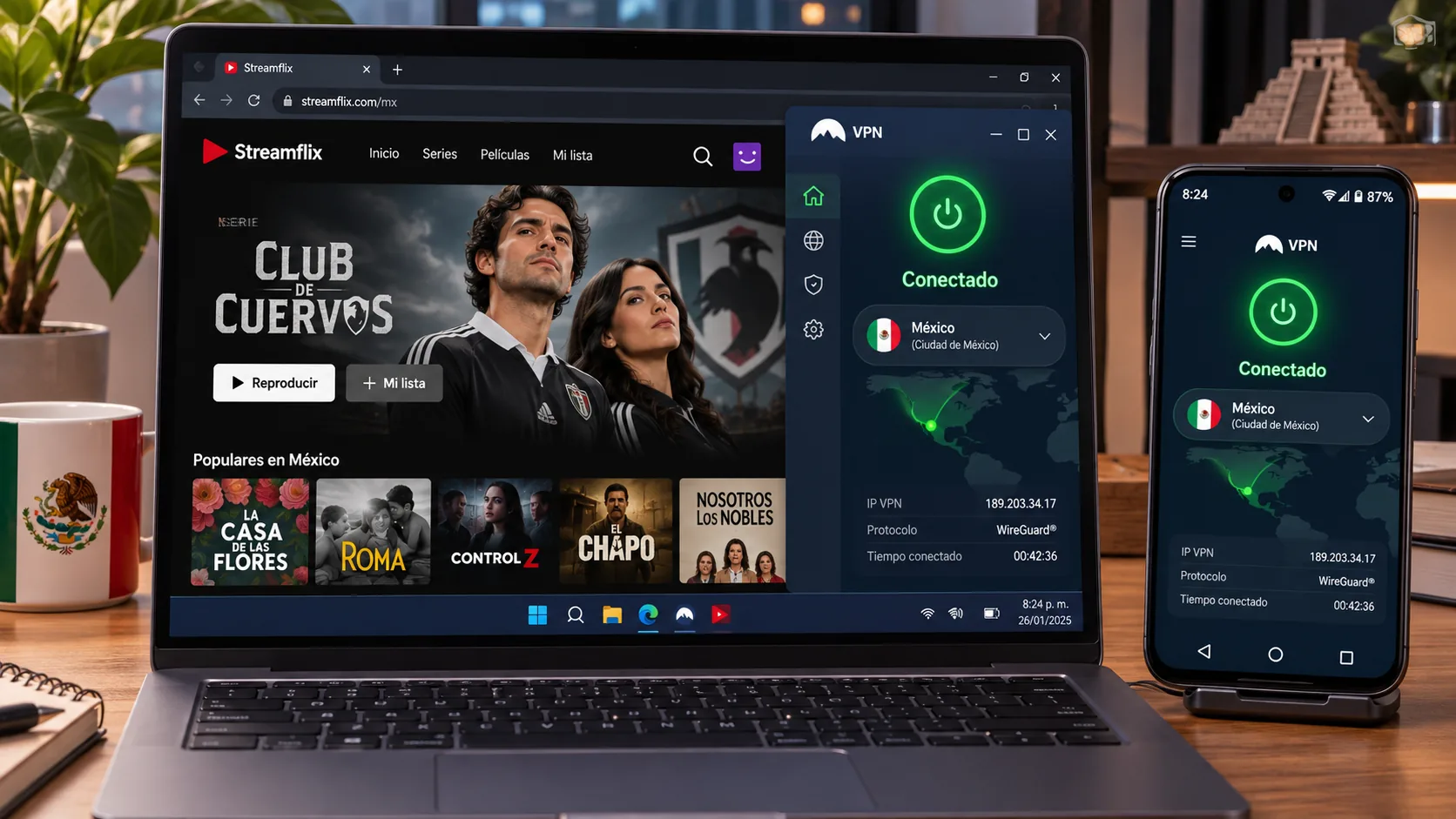
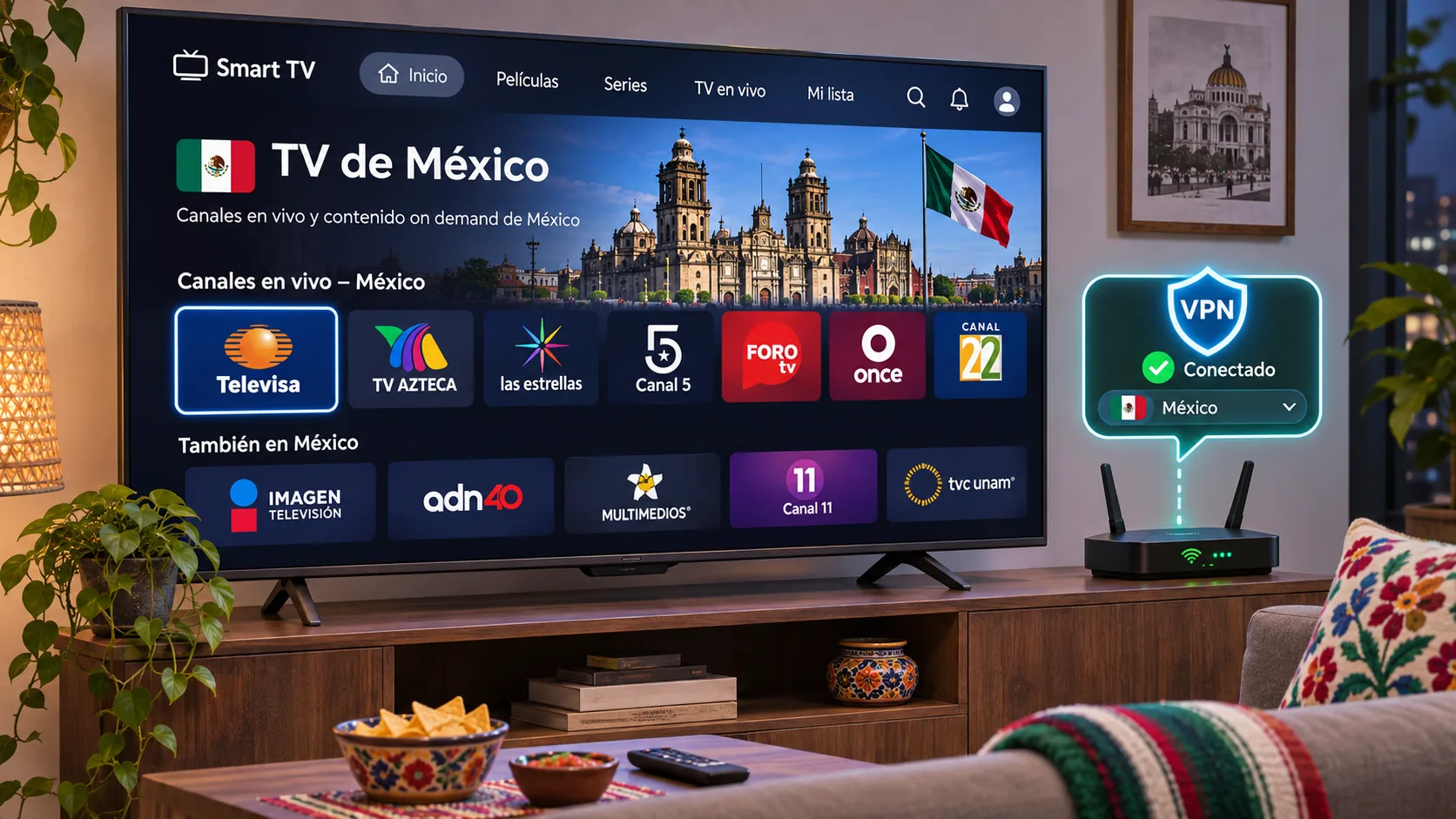
If you live outside Mexico and want Mexican content, you need a server that the provider labels as Mexico. Install the app, choose Mexico from the location list, confirm your IP shows Mexico, and then open the streaming service.
Mexican TV, Netflix, and other streaming services
In our use, ExpressVPN opened TV Azteca, TUDN, and Clarovideo from abroad, Proton VPN handled Azteca and Disney+ on the paid plan, and NordVPN handled Mexican Netflix and local TV best. Netflix's own help center says VPN users may be limited to titles licensed worldwide, and that VPN use is unsupported for live events and ad-supported viewing, so none of these results is a promise.
What to check when a streaming service blocks your VPN
Switch to another Mexican server, since blocks often hit single IP addresses. Clear your browser cache or restart the app, and make sure DNS leak protection is on. If streaming still fails, contact live chat; CyberGhost responds promptly. If nothing works, use the refund window rather than paying for a service that does not unlock your content.
Which Mexico VPN should you choose?
Pick by situation. Choose ExpressVPN if you want the simplest app and Mexican TV, Surfshark if you have many devices, and Proton VPN if open-source apps and audit transparency matter most. Pick Private Internet Access if you like adjusting settings and want a reliable kill switch, and CyberGhost if you want a free trial and the longest refund window before committing.