You are in Tbilisi on a café network and want your traffic kept private, or you are abroad and your favorite Georgian channel refuses to load. Both problems send people searching for a VPN, but they are different jobs. Using a VPN from Georgia means protecting your connection and reaching sites from the country. Getting a Georgian IP address means picking a Georgia server so websites see you as a local. This guide covers Georgia the country, not the US state, and ranks five providers for both jobs.
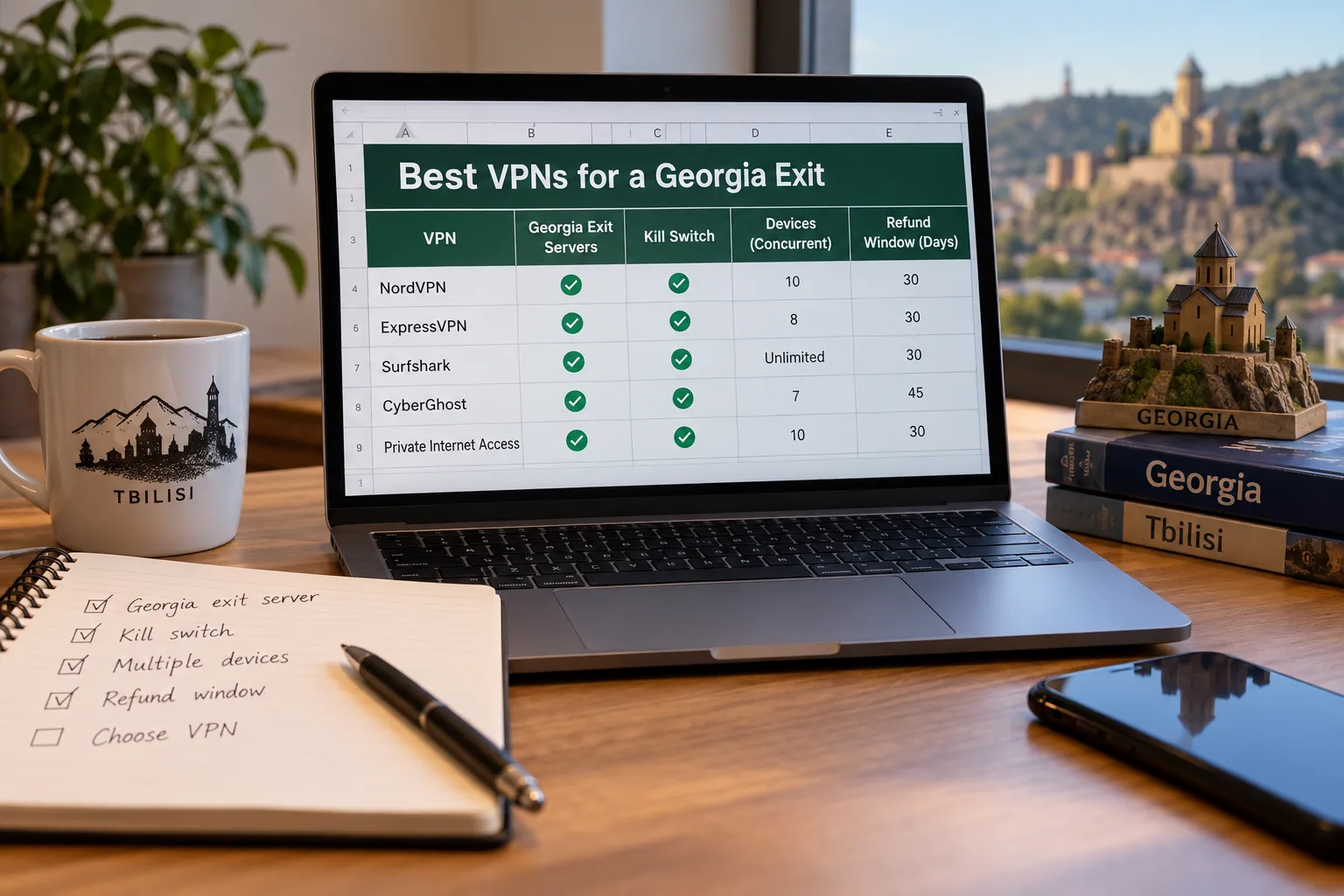
Best VPNs for Georgia at a glance
Every provider below offers a Georgia location in its official server list, but that does not mean the hardware sits in Georgia. Several of these exits are virtual, which we explain in the selection section. We will not claim that every VPN on the market offers a Georgian IP, because many do not.
| Product | Buy | Georgian IP | Location type | Devices | Refund window | Entry price basis |
|---|---|---|---|---|---|---|
 | Check price → | Yes | Not confirmed | 10 | 30-day | $3.49/mo equivalent, 27 months prepaid |
 | Yes | Not confirmed | Unlimited | 30-day | $2.49/mo equivalent, 27 months prepaid | |
 | Yes | Not confirmed | 10 on Basic | 30-day for new users | $2.99/mo equivalent, 28 months prepaid | |
 | Yes | Virtual Tbilisi | Unlimited | 30-day for new subscribers | $2.03/mo equivalent, 3 years plus 3 months | |
 | Yes | Virtual | 7 | 45-day on 6+ month plans | $2.19/mo equivalent, $56.94 upfront |
Prices are introductory monthly equivalents that we observed on each provider's own pricing page. Regional currency, taxes and promotions change the final bill, and every renewal costs more than the first term, so confirm the total at checkout.
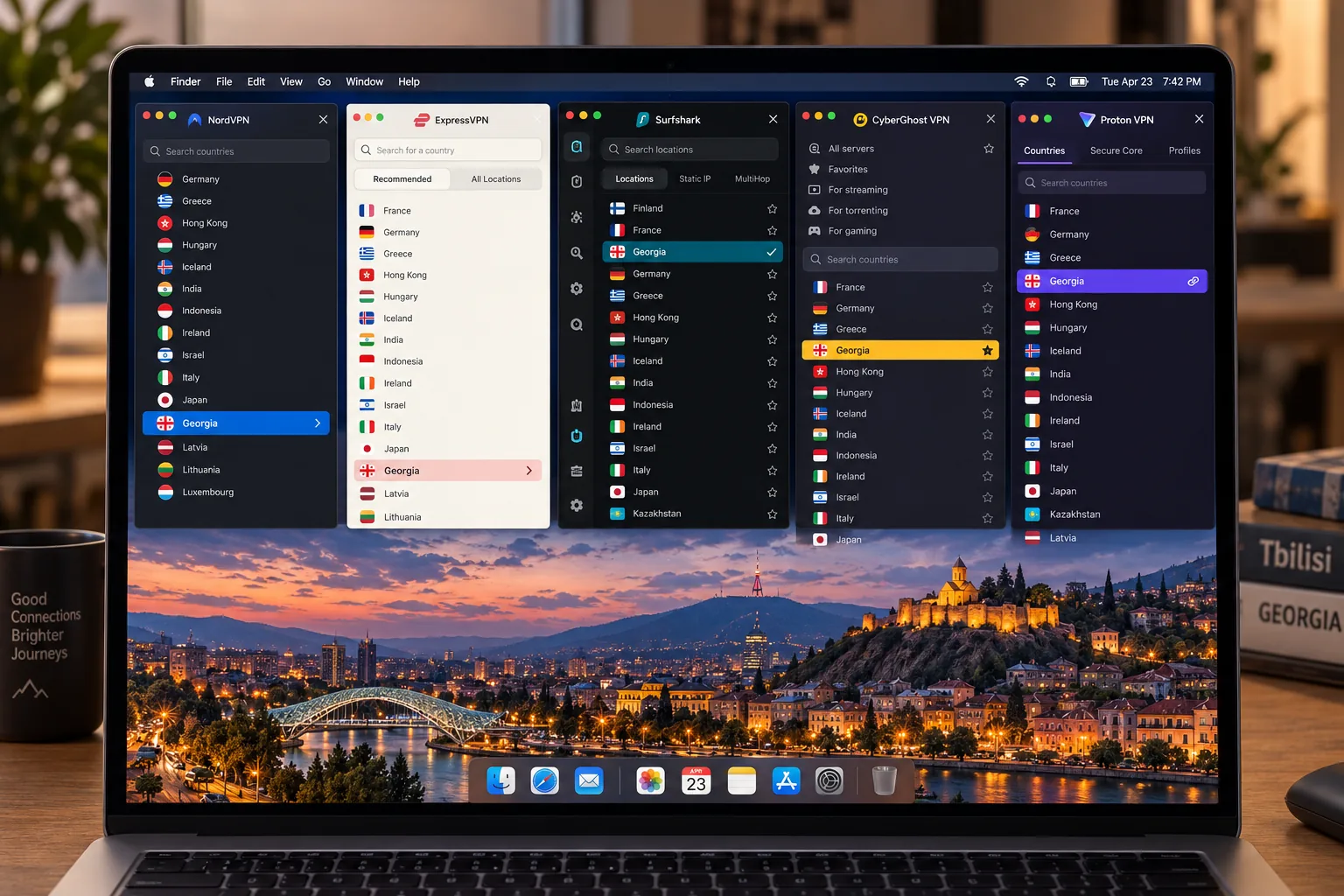
How we selected the best VPNs for Georgia
We started with one question: can the provider give you a Georgian IP, and can it also protect an ordinary connection? Every provider here lists Georgia in its official locations, and we checked each vendor's own server, pricing and support pages for the details. Then we compared apps, device allowances, refund terms and the features that matter on public networks.
We did not rank on server counts or marketing claims. Instead, we weighed whether a VPN has a Georgia exit, how its apps behave and what protection remains when something goes wrong. We also considered what the plan really costs after the first term, since all these factors determine whether it works for you in Georgia.
Georgian server availability and physical versus virtual locations
A physical server sits in the country. A virtual location issues an IP associated with that country while routing traffic through equipment elsewhere. Both can give a website a Georgian address, but only a physical server also gives you latency that reflects Georgia.
Servers in nearby countries such as Turkey, Armenia or Azerbaijan do not give you a Georgian IP. Only a location labeled Georgia does, and even that may be virtual. PIA and CyberGhost disclose theirs as virtual. For NordVPN, Surfshark and ExpressVPN, the official pages confirm the Georgia exit but not the location type.
Privacy, connection performance, apps, and total cost
On privacy we looked for a kill switch, a no-logs policy and leak behavior. For performance, we favored providers that stayed smooth in streaming and everyday browsing. We also checked platform coverage, since a provider that runs on Windows 10 but is awkward on your phone is a poor fit. Finally, we compared total cost, meaning the introductory price, the renewal and the refund window together.
1. NordVPN
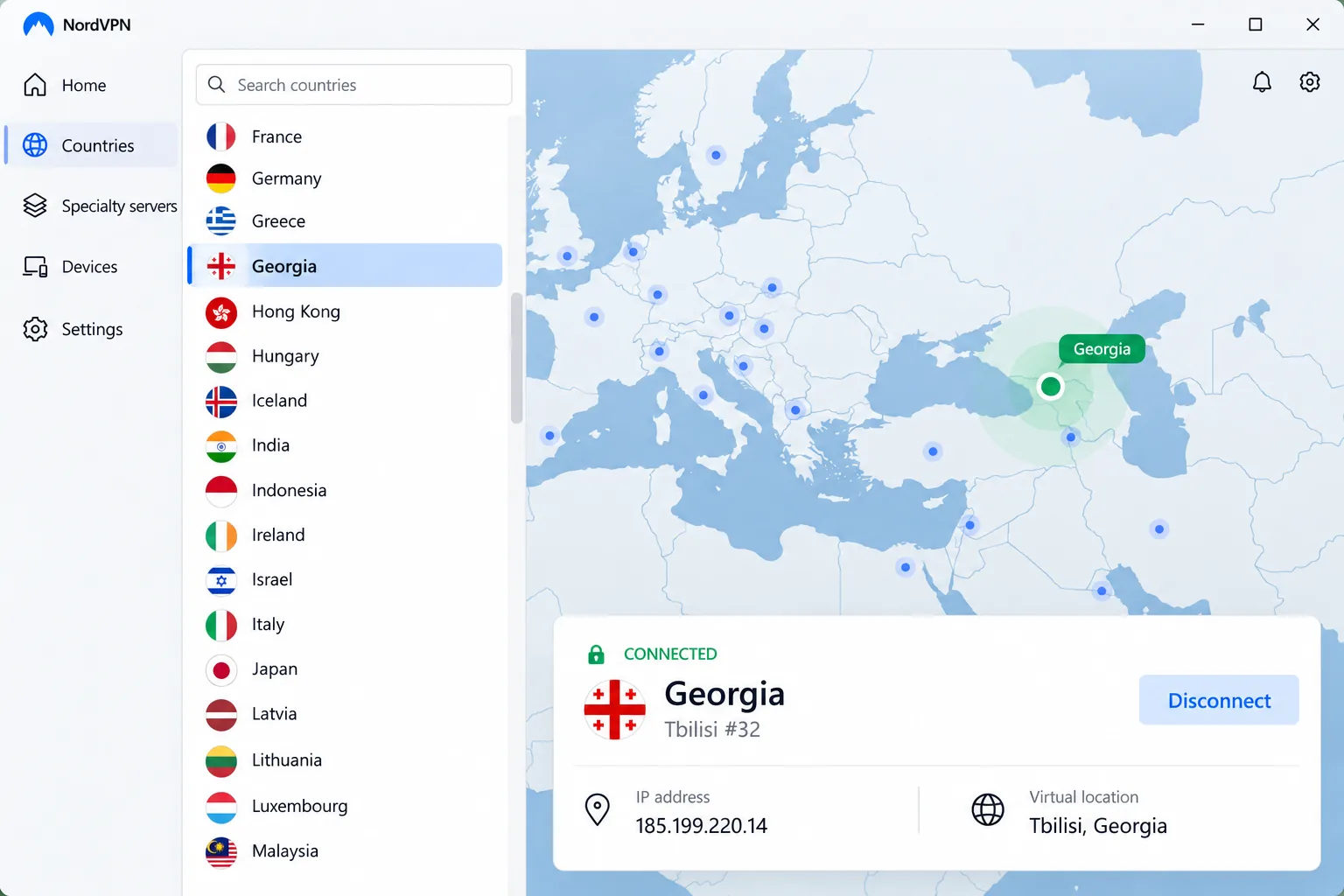
NordVPN is our first pick for most people because it covers both jobs well. Selecting Georgia from the app map or server list gives you a Georgian IP, and the same subscription handles everyday protection on up to 10 devices. In our streaming checks NordVPN kept playback smooth on many major services without recurring buffering or dropped connections. It is not perfect, though. When we tried Prime Video with an Australian location in the setup we reviewed, the stream did not work. Nothing else about the connection looked wrong, since the app showed a normal connected state. The lesson is that a VPN can succeed on many services and still miss one regional library, so do not assume any VPN unlocks everything.
Apps cover Windows, macOS, Linux, Android, iOS and browsers. The Windows app runs on Windows 10 (64-bit, version 1607 or later) and Windows 11. NordVPN includes a kill switch, split tunneling, a no-activity-logging policy and optional dedicated IPs. Security extras differ between operating systems, which makes switching devices a little less consistent than we would like. The mobile screens feel cramped, although the apps are stable and easy to navigate.
On price, we observed an introductory Basic offer equal to about $3.49 a month, paid as $94.23 up front for 27 months, with renewal at $139.08 a year. The official page we checked localized to euros, so your currency and any VAT will vary. The discounted monthly figure is not a month-to-month billing option, and a 30-day money-back guarantee covers new purchases.
NordVPN offers a Georgian IP, but we could not confirm whether its Georgia exit uses a physical server in the country or a virtual location. Treat the location type as unconfirmed.
Pros
- Georgia selectable straight from the app map or server list
- Kill switch and split tunneling included
- Smooth streaming on many major services
Cons
- Security features vary between operating systems
- Failed on Prime Video Australia in our streaming checks
- Renewal price is noticeably higher than the introductory offer
Best for: Most readers who want one VPN for streaming and a Georgian IP. Skip if: Your streaming depends on one specific regional library, since it can miss some.
2. Surfshark
Where NordVPN limits you to 10 devices, Surfshark has no cap, making it the pick for a household with many devices. Phones, laptops and TVs can all stay protected at once. Choosing the Georgia exit gives you a Georgian IP. The app is easy to start with, since country selection is searchable and the disconnect control is clear.
Browsing speeds were fast for us. Streaming was less consistent across services than raw browsing performance, although Netflix and BBC iPlayer worked well in our setup. If your main goal is to access one specific broadcaster through a Georgian IP, plan to try the connection before committing to a long subscription.
Features include a kill switch, Bypasser split tunneling, MultiHop, CleanWeb ad blocking and a no-activity-logging policy, with apps for Windows, macOS, Linux, Android and iOS. The kill switch held up in ordinary use, but we saw desktop traffic remain unencrypted after a device crash or restart. Do not rely on it alone for sensitive work. Support articles cover most setup tasks, though a few lag behind app changes. Live chat resolves routine problems quickly, and detailed technical questions take longer.
Pricing is where you should read carefully. The starter offer shows about $2.49 a month, or $67.23 up front for 27 months, and renewal is reported at around $79 for a year. That renewal is a separate charge, and your account shows the amount that applies to you. A 30-day money-back guarantee applies. The Georgia exit provides a Georgian IP, but its physical or virtual status is unconfirmed.
Pros
- No connection cap for a busy household
- Searchable country list makes picking Georgia quick
- Lowest introductory price of the top three
Cons
- Streaming access varies by service
- Desktop traffic can be exposed after a crash or restart
- Renewal jumps well above the starting price
Best for: Families and anyone connecting many devices. Skip if: Reliable unblocking of every streaming site is your top priority.
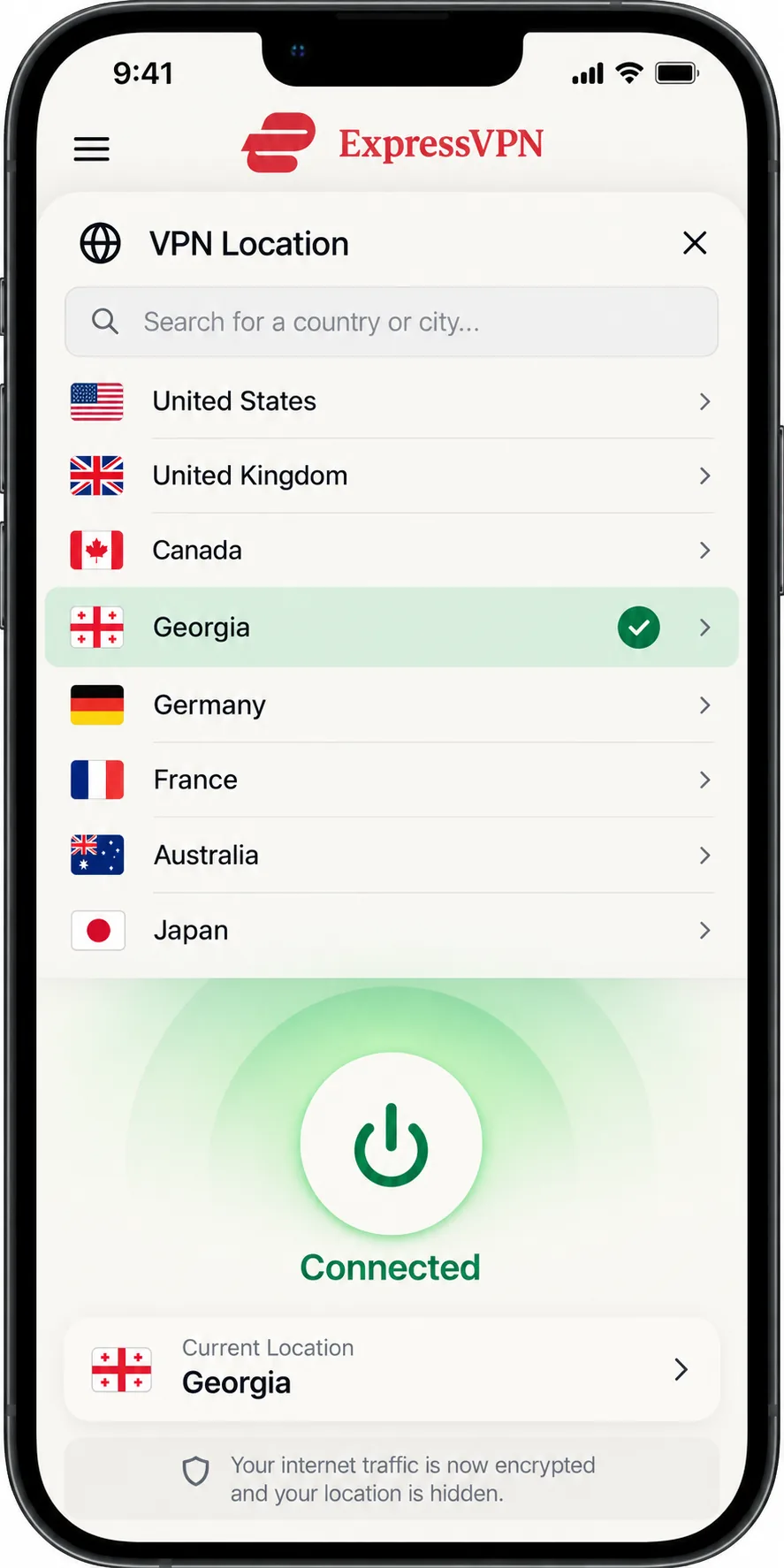
3. ExpressVPN
Where Surfshark emphasizes connecting many devices, ExpressVPN suits readers who want minimal setup. Georgia appears in its official server list and supplies a Georgian exit. The apps are approachable and need little technical knowledge, which matters if you are setting up a VPN for a relative. Apps cover Windows, macOS, Linux, Android and iOS, plus router support. The current Windows app requires Windows 10 or above, and the Android app requires Android 7 or above.
Speed depends on the protocol and device. Lightway Turbo performed strongly for us on Windows, while standard Lightway was noticeably slower on other devices. ExpressVPN supports many major streaming services, but access depends on your platform and the destination. It also does not label streaming locations as a separate optimized category, so you pick a server and test.
ExpressVPN includes a kill switch, split tunneling, private encrypted DNS, threat blocking and a no-logs policy. The Basic plan allows 10 simultaneous devices, Advanced 12 and Pro 14. We saw Basic priced at about $2.99 a month equivalent ($83.72 for 28 months), renewing at $99.95 a year, with higher tiers costing more. Tax is added at checkout. New users get a 30-day money-back guarantee.
The sources we checked do not establish whether the Georgia exit is physical. Georgia is absent from ExpressVPN's virtual-location documentation, but that absence alone proves nothing.
Pros
- Simple apps that need little setup knowledge
- Georgian exit listed in the official server list
- Router support for covering a whole home network
Cons
- Speeds depend on protocol and platform
- Streaming locations are not labeled separately
- Higher tiers cost noticeably more
Best for: Beginners who want a polished, low-effort app. Skip if: You need unlimited devices or the lowest price.
4. Private Internet Access
After ExpressVPN's polish, Private Internet Access, or PIA, is the tinkerer's option. It exposes more configuration options than most rivals, so you control protocol choices, split tunneling and kill-switch behavior. It offers WireGuard and OpenVPN, P2P support, MACE DNS-level blocking and router configuration. One subscription covers unlimited devices on Windows, macOS, Linux, Android and iOS.
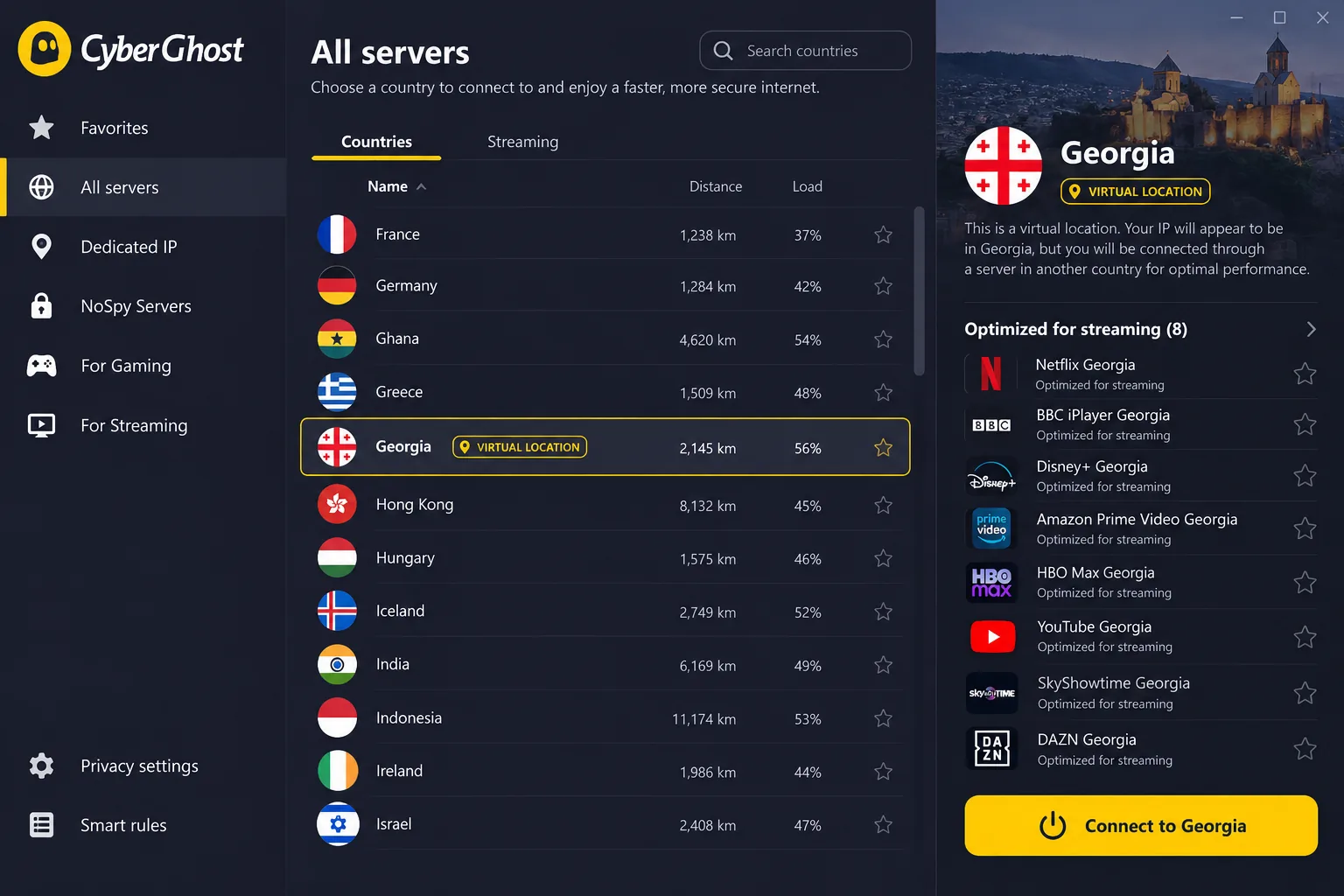
The Georgian IP here is clearly labeled. PIA provides a virtual Tbilisi location, and the physical equipment sits outside Georgia. That is a legitimate way to get a Georgian IP address for accessing local sites, but it means your traffic physically exits elsewhere. Websites generally see Georgia, while the latency you get reflects the real hardware location. Earlier third-party records place that hardware in different cities, and PIA's own page confirms only that it is outside the country.
In the testing we rely on, PIA kept IP and DNS traffic inside the tunnel while the connection was established. The weak spot is a system restart. In the reviewed setup we saw the kill switch enabled and the VPN working normally. When the system was restarted, traffic leaked unencrypted during the reboot. Ordinary loss of internet and a VPN-app crash did not leak, so the gap is specific to restarts. Customer support responses can also be slow.
Pricing shows roughly $2.03 a month for three years plus three extra months, renewing at $79 every three years. The annual plan is $47.88, and monthly is $11.95. We could not verify the first lump-sum charge on the long plan, so check it at checkout. Direct purchases carry a 30-day money-back guarantee, while app-store purchases follow store rules.
Pros
- Deep control over protocols and behavior
- Protocol and kill-switch settings you can adjust
- Georgian location clearly disclosed as virtual
Cons
- Traffic can leak during a system restart
- Customer support can be slow
- Hardware is outside Georgia
Best for: Users who like to configure their own VPN. Skip if: You want a hands-off app or a physically local exit.
5. CyberGhost
Unlike PIA's settings maze, CyberGhost is the beginner-friendly choice. It offers a virtual Georgia exit that supplies a Georgian IP, with apps for Windows, macOS, Linux, Android, iOS and selected smart TVs. Server selection is straightforward, and its optimized locations worked well for streaming and gaming in the setups we looked at.
CyberGhost uses RAM-only infrastructure and adds WireGuard, DNS leak protection, a no-logs policy and live support. The native Windows app supports Windows 10 and 11. One quirk we ran into came during setup on Windows. The installer failed to initialize on the first attempt. We ran it again, and the second attempt finished and the app opened, so a failed first run is not a dead end.
Device management is the main friction. You get 7 simultaneous connections, and device registration also consumes an account slot. Once the allowance is full, you must unlink a registered device before adding another, which gets annoying if you rotate between machines.
The refund terms are the best here, but read them closely. Direct subscriptions of six months or longer carry a 45-day window, while the one-month plan has only 14 days. Purchases through Google Play, the Apple App Store or the Amazon Appstore are excluded. CyberGhost's Georgia marketing says every plan has 45 days, which the support terms contradict. Pricing shows $2.19 a month, with $56.94 upfront and the same amount on renewal. The buy page has conflicting bonus-month labels, so confirm the final term at checkout.
Pros
- Generous refund terms on longer plans
- Easy server selection for beginners
- Optimized locations for streaming and gaming
Cons
- Only 7 devices, with registered-device management
- Georgia exit is virtual
- Windows installer sometimes needs a second try
Best for: Beginners who want the most forgiving refund terms. Skip if: You rotate between many devices.
Why use a VPN in Georgia?
A VPN encrypts your connection and hides your real IP address from the sites you visit. In Georgia, that helps most when you use public networks in your home country or want content tied to a particular country.
Public Wi-Fi and everyday privacy
Cafés, hotels and airports share open networks that anyone nearby can try to snoop on. A VPN wraps your traffic in encryption before it leaves your device, so other people on the same network see scrambled data. It also stops your internet provider from watching which sites you open. This protection works with any of the five apps above, and you do not need a Georgian server for it. Just pick the fastest nearby location.
Turn on the kill switch before you travel. Of the five, Surfshark and PIA showed gaps after a crash or restart, so also reconnect the VPN manually after rebooting.
Streaming abroad and accessing Georgian services
Georgian broadcasters often limit programs by region. A notice from Georgian First Channel in 2020, for example, restricted its UEFA Nations League matches to Georgian territory. The restriction shows that rights are decided programme by programme; it does not mean every show is blocked everywhere. A Georgia server gives you the best chance of being treated as a local, but it guarantees nothing. Streaming sites also detect and block some VPN addresses, so results vary by service and over time.
How to use a VPN in Georgia and get a Georgian IP address
The steps are the same whichever provider you pick. The choice that changes is the server.
Choose the server location for your task
If you are in Georgia and want privacy, pick a nearby server for speed. If you want to reach a service in another country, choose that country instead. If you are abroad and want to look like a local, select Georgia. Using a neighboring country will not work, since those exits do not supply Georgian IPs.
Install, connect, and check your IP address
- Sign up with your chosen provider and install its app on your device.
- Sign in, then search for Georgia in the country list.
- Connect, then wait for the app to show a connected state.
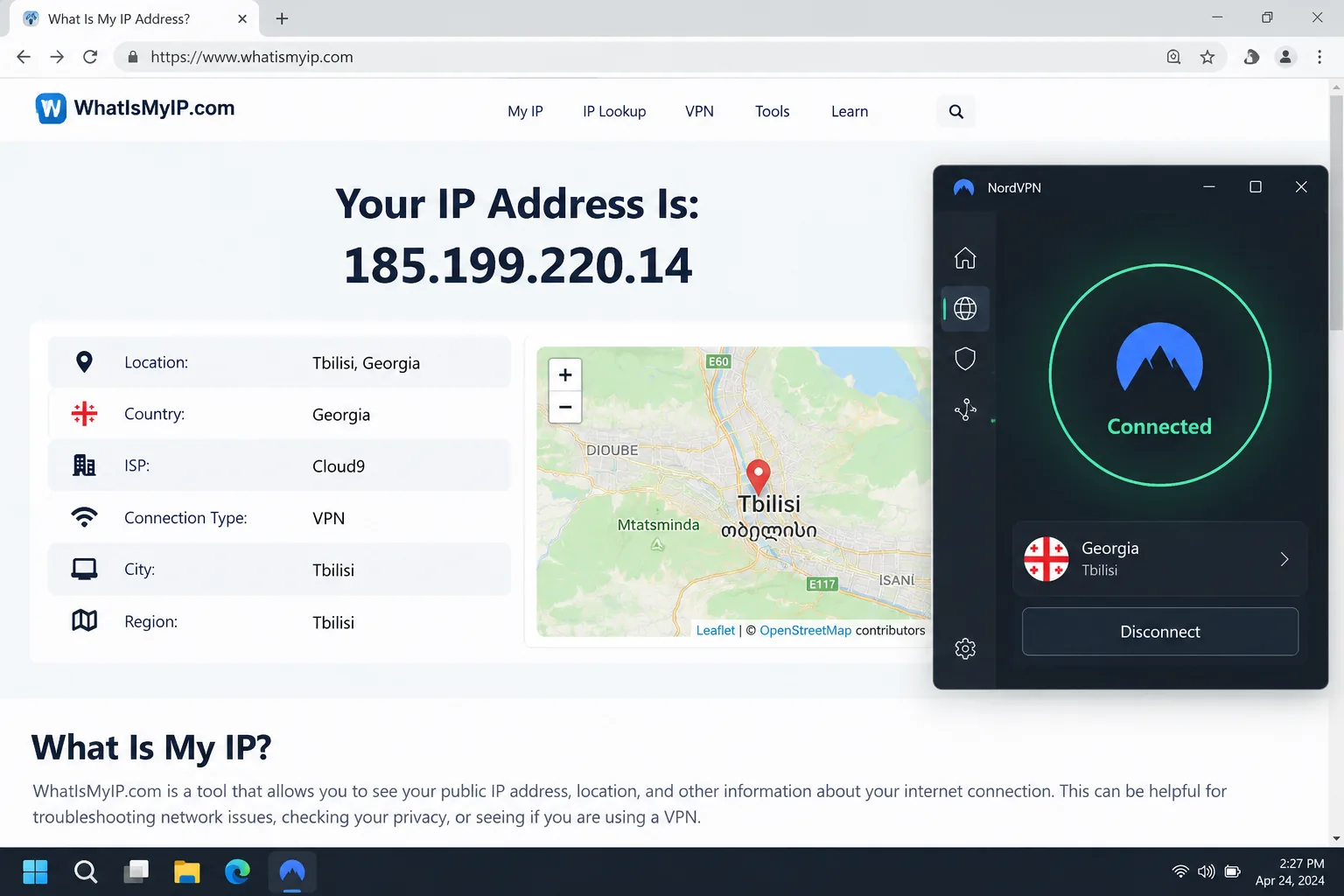
- Open a site such as the IPLeak IP and DNS check to check the IP address and DNS servers visible to websites.
The IP check confirms what address you appear to have, though it cannot prove where the server physically sits. For a closer look at leaks, our guide to testing for DNS leaks walks you through the process.
Can you use a free VPN in Georgia?
You can use a free VPN in Georgia for basic browsing, but it will not give you a Georgian IP. The best-known free tier, Proton's, has no data cap and no activity logs, and it connects to a fast free server automatically. Its free locations are the Netherlands, Japan, Romania, Poland, Norway, Switzerland, Singapore, Mexico, Canada and the United States, per Proton's list of free server locations. Georgia is not among them.
Basic browsing versus a Georgian IP address
For safer browsing on a café network, a free tier is a reasonable start. For anything that depends on looking like a Georgian user, you need a paid plan with a Georgia location. Free plans also tend to limit locations and speeds, and you will notice those limits when streaming or downloading large files. All five paid providers above include a money-back window, which is a lower-risk way to try a Georgian exit than searching for a free one.
Which Georgia VPN should you choose?
Choose NordVPN if you want one plan that handles a Georgian IP, streaming and ordinary protection. Choose Surfshark if you have many devices and want unlimited connections. Pick ExpressVPN for the simplest apps, PIA if you want deep control and are happy with a virtual Tbilisi exit, and CyberGhost if the 45-day refund on longer plans matters most.
Whatever you choose, use the refund window. Connect to Georgia, load the services you actually care about, and cancel if the exit fails you.