If you are browsing from inside Ukraine, you need a VPN that keeps a connection stable on public Wi-Fi and shared networks. If you are abroad and want Ukrainian sites, banking or TV, you need a Ukrainian IP address instead. Those are two different jobs, and the right provider depends on which one you have. We compared five services on server locations, privacy protections, device limits, streaming access and total cost. Below you will find the shortlist, a plain explanation of how a Ukrainian IP works, and an honest answer on whether a free VPN can do the job.
Best VPNs for Ukraine at a glance
Three of these providers give you a Ukrainian exit IP through a Kyiv listing, one routes it through Poland, and one through Romania. Only Proton VPN has a permanent free plan, and that plan does not include a Ukrainian server. A money-back guarantee is not a free plan, so we keep the two separate in the table.
| Product | Buy | Ukrainian IP / location | Free-plan access | Devices | Subscription / refund |
|---|---|---|---|---|---|
 |
Check price → | Kyiv listed; physical hosting unconfirmed | No permanent free plan | 10 on the official plan | 30-day money-back guarantee |
 |
Check price | Kyiv listed; physical hosting unconfirmed | 7-day trial, no permanent plan | Unlimited | 30-day money-back guarantee |
 |
Check price | Paid Kyiv servers | Free plan, no Ukrainian servers | 1 free, 10 paid | Full refund within 30 days |
 |
Check price | Virtual Ukraine, hosted in Poland | 3-day mobile trial | 10, 12 or 14 by tier | 30-day refund, first-time subscribers |
 |
Check price | Virtual Ukraine, hosted in Romania | 7-day app-store trial | Unlimited | 30-day guarantee, new subscribers |
How we selected the VPNs for Ukraine
We started with providers that list a Ukraine location, then compared them on what each one documents and how the apps behaved in use. We found no comparable measurements of disconnect rates or recovery times for Ukrainian connections, so we cannot provide those figures or make claims about them.
Ukrainian servers, privacy protections, and connection reliability
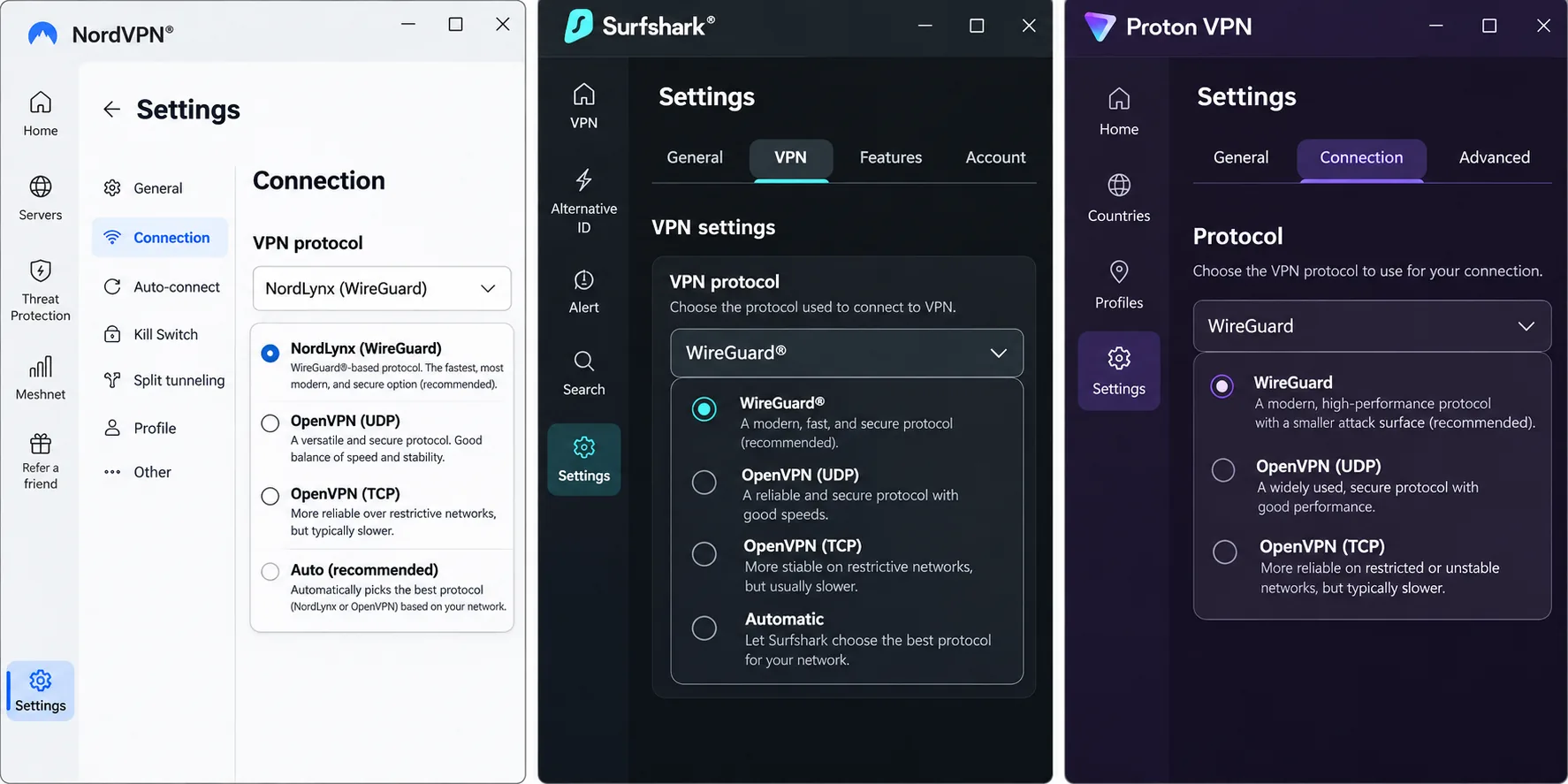
We checked whether each provider offers a Ukrainian exit IP, and where the hardware sits. For privacy, we looked at no-logs claims, RAM-only servers, kill switches and protocol choice. For reliability, we weighed how stable each app was in routine use.
Device support, streaming access, and total subscription cost
We checked the minimum Android, iOS and Windows versions each app needs, how many devices one plan covers, and how streaming held up. Prices come from official pages and appear in different currencies, so they are examples, not a ranking. We could not confirm renewal totals for every provider, and we say so where it applies.
The 5 best VPNs for Ukraine
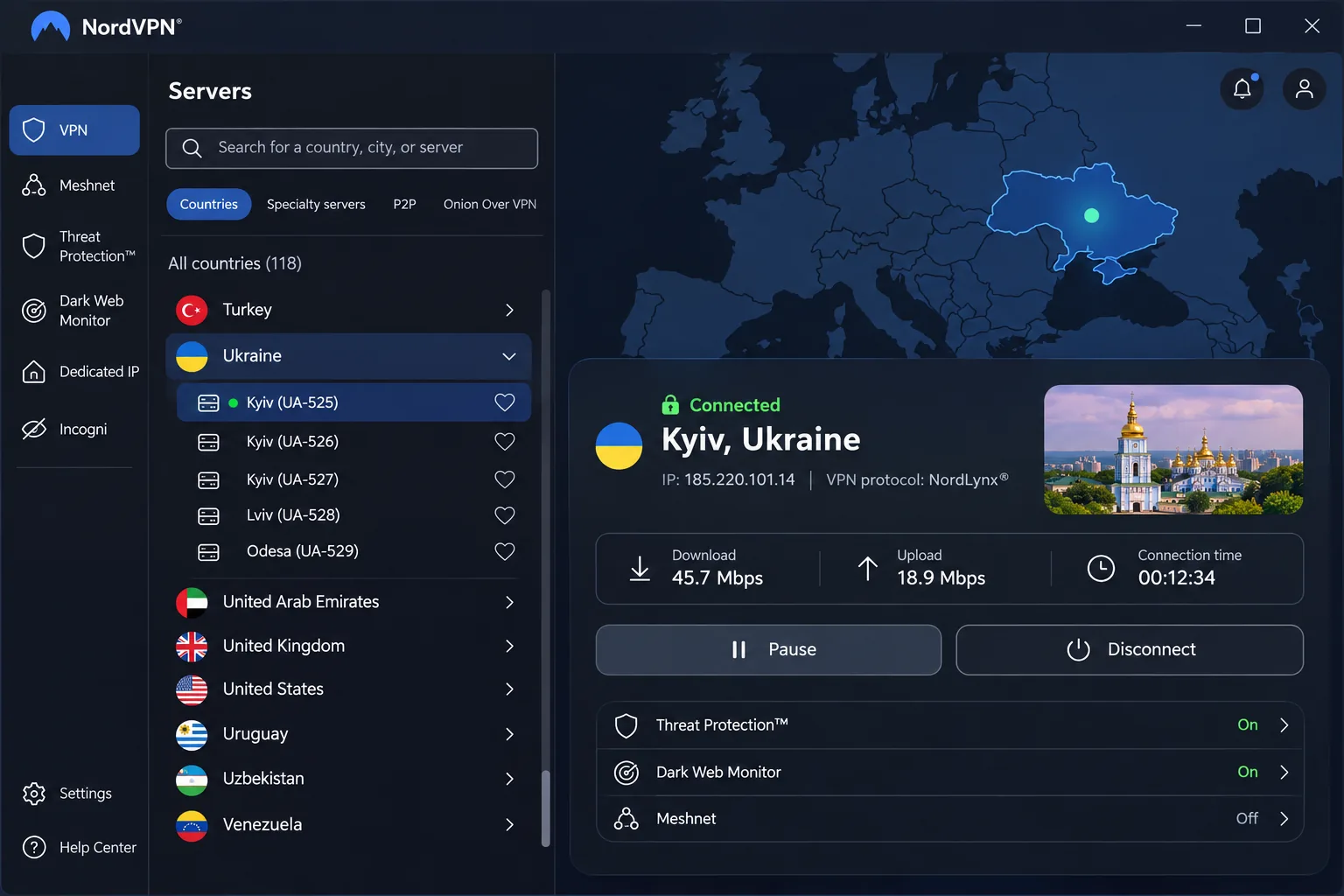
1. NordVPN
NordVPN is our first pick because it balances speed, streaming access and ease of use better than the others on this list. In our testing it handled HD streaming without frequent buffering, and its apps remained easy to use despite their many features. NordVPN's Ukraine page lists a Kyiv location, so you can pick a Ukrainian IP directly. The same page lists Double VPN, P2P and Onion Over VPN categories, though not every feature is available on the Ukrainian location.
The interface is denser than Surfshark's or ExpressVPN's. It looks busier at first, but extra settings are easier to find once you know where to look. If you need to get around network blocking, the obfuscated servers require the OpenVPN protocol and may vanish from the list until you select it. That mode also costs speed, so use it only when a normal connection fails.
The official plan allows 10 simultaneous devices. Apps run on Windows, macOS, Linux, Android and iOS. The current Android app requires Android 9 and the iPhone app requires iOS 17.0. Windows 10 and Windows 11 are supported. In our review of pricing, the regional Basic offer was PLN 323.73 upfront for the first 27 months, and the monthly Basic plan was PLN 51.19. Taxes and promotions vary by region, and we could not confirm the renewal total. We could also not confirm a free trial length, so treat the 30-day guarantee as your safety net.
Pros
- Kyiv location for a Ukrainian IP
- Fast connections with broad streaming compatibility
- 10 devices on the official plan
- 30-day money-back guarantee
Cons
- Denser interface than Surfshark or ExpressVPN
- Obfuscated servers need OpenVPN and cost speed
- No permanent free plan
2. Surfshark
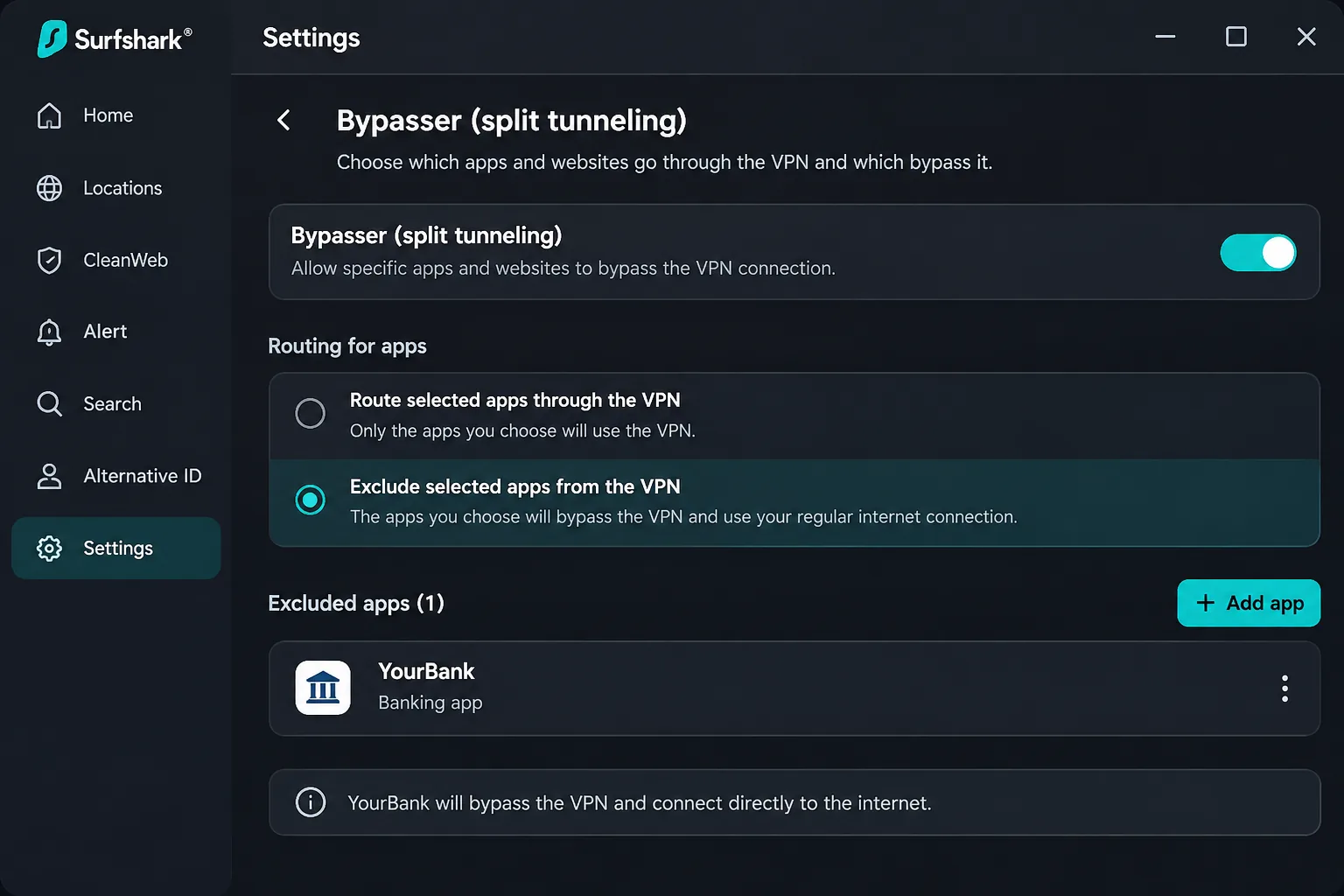
Surfshark's interface is easier to navigate than NordVPN's. It is the best fit for a household with many phones, laptops and tablets. It allows unlimited simultaneous connections, and Surfshark's Ukraine server page lists a Kyiv location that provides a Ukrainian IP. We found the apps intuitive and stable in routine use, with strong streaming access. The Bypasser split-tunneling control is versatile if you want a banking app outside the tunnel while everything else stays protected.
The privacy toolkit is broad. It includes RAM-only infrastructure, WireGuard, OpenVPN and IKEv2, a kill switch, obfuscation, NoBorders, Dynamic MultiHop and CleanWeb. Its anti-censorship options also help on restrictive networks. Bundle features vary across the Starter, One and One+ tiers. The apps prominently display extras outside the base subscription, and this can feel like a sales pitch.
Under stress testing, the kill switch ran into trouble, though it did not expose the real IP. The settings also offer less depth than power users may want. The current Google Play app requires Android 7.0 or newer. The regional Starter promotion was PLN 242.73 for the first 27 months. VAT may apply, and the renewal amount was not confirmed. Surfshark's 7-day trial is time-limited access, not a permanent free plan, and the 30-day guarantee is a separate refund.
Pros
- Unlimited simultaneous connections
- Kyiv location with a Ukrainian IP
- Bypasser split tunneling and anti-censorship options
- Stable, intuitive apps
Cons
- Prominent upsell space inside the apps
- Kill switch trouble in stress testing
- Less customization than power users want
3. Proton VPN
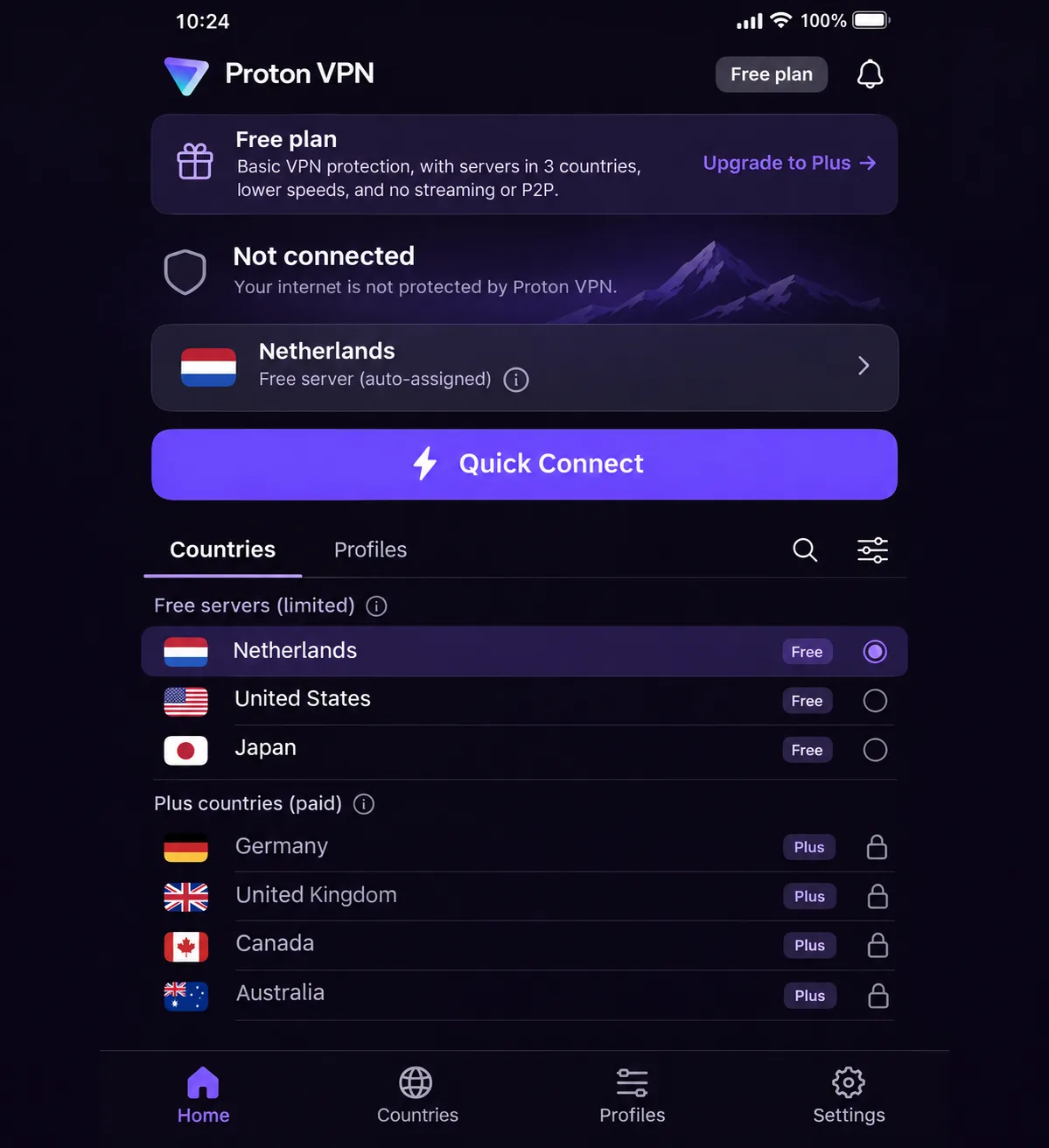
Unlike Surfshark, Proton VPN offers a permanent free plan, the only one on this list. That makes it the right starting point if budget matters most. The catch is important. Proton's Ukraine page says the free plan offers unlimited bandwidth but no Ukrainian servers. Quick Connect assigns a free location, and Change server picks randomly, so you cannot choose a country. We found that automatic assignment frustrating whenever a specific country is needed.
Paid Kyiv servers supply Ukrainian IPs, streaming, P2P and ad blocking. Secure Core can route your traffic through Switzerland before it reaches Ukraine. The free plan covers 1 device at a time, while VPN Plus covers 10. Windows support covers Windows 11 and 64-bit Windows 10 build 19045. Proton advertises a full refund within 30 days for paid plans, separate from the free tier. The $3.49 monthly figure comes from the official comparison, but the initial term and renewal were not confirmed, so check the checkout page before you buy.
Performance depends on the protocol. Proton is fast with WireGuard and noticeably slower with OpenVPN. Streaming is strong, though NetShield can interfere. Saved Profiles make it easy to switch settings by activity. The clean app design and helpful explanations suit beginners, although the many controls and long FAQ can still overwhelm a first-time user.
Pros
- Permanent free plan with unlimited bandwidth
- Paid Kyiv servers and Secure Core routing
- Fast with WireGuard
- 10 devices on VPN Plus
Cons
- No Ukrainian server on the free plan
- Free plan covers one device and assigns the location
- NetShield can interfere with streaming
- Slower with OpenVPN
4. ExpressVPN
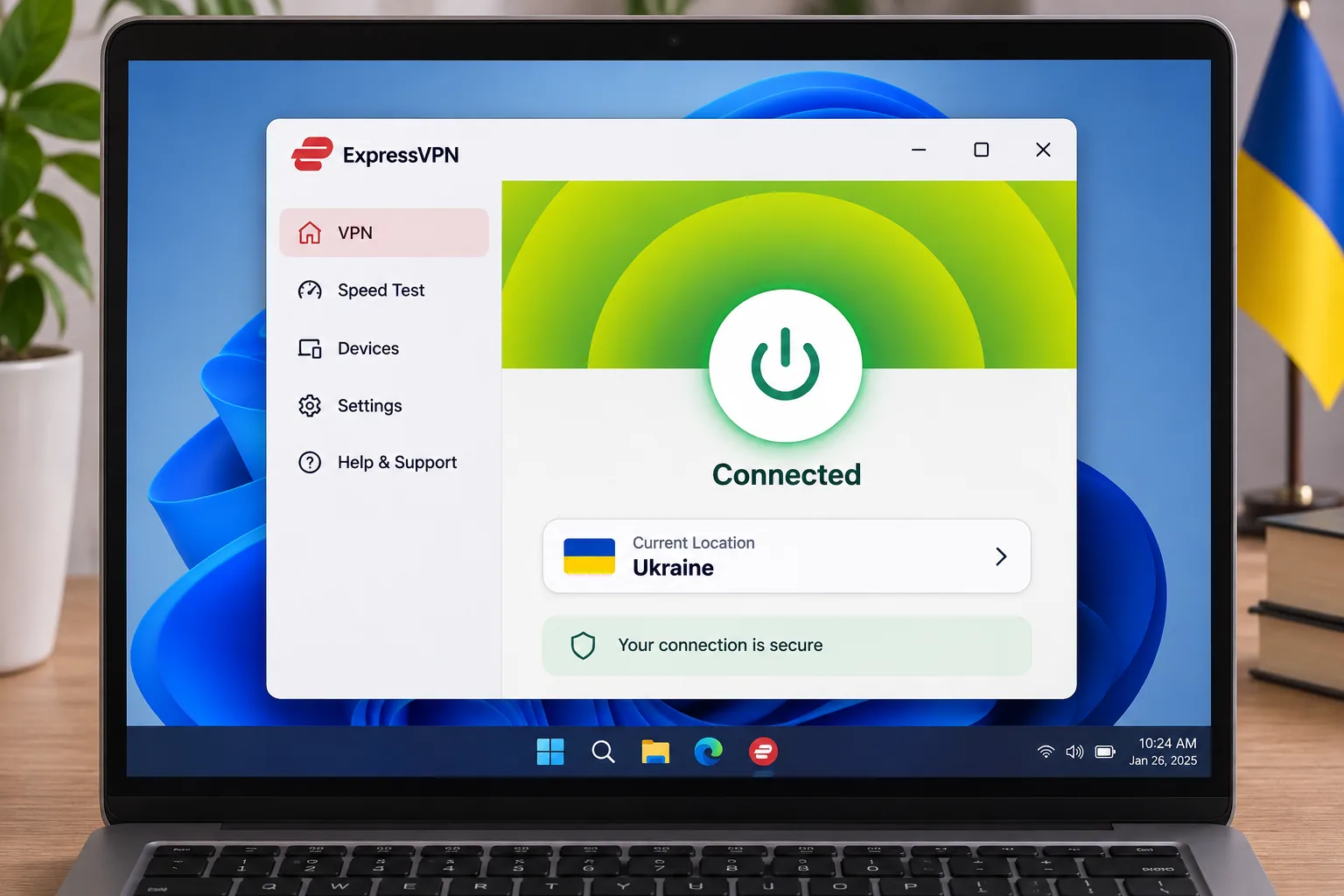
While Proton VPN offers many controls, ExpressVPN's easy setup and reliable streaming suit anyone who wants a hassle-free experience. Its support documentation makes setup approachable, and its live chat answers quickly. The most important detail is where the server sits. ExpressVPN's Ukrainian exit IP comes from a virtual Ukraine location physically hosted in Poland. You still get a Ukrainian IP, but the hardware is in a neighboring country.
Device allowance depends on tier. Basic covers 10, Advanced 12 and Express Pro 14. Platform coverage is wide, including Windows, macOS, Linux, Chromebook, Android, iOS, Amazon Fire, supported routers and smart TVs. Depending on your device, the apps require Windows 10 or newer, Android 7 or iOS 15. The fastest Lightway Turbo performance is limited to Windows, and iOS lacks the same automation and split-tunneling options.
The Basic offer we saw in euros cost EUR 69.72 for the first 28 months, equivalent to EUR 2.49 a month, and renewed at EUR 79.95 a year. That is a EUR quote, not a verified Ukrainian or USD price. New subscribers get a 30-day refund on request, and a separate 3-day trial runs through the App Store or Google Play. Neither is a permanent free plan.
Pros
- Easy navigation and clear support documentation
- Reliable streaming connections
- Wide platform and router coverage
- Responsive live chat
Cons
- Ukrainian IP is hosted in Poland
- Fastest speeds are Windows-only
- Device limits and features vary by tier
5. Private Internet Access
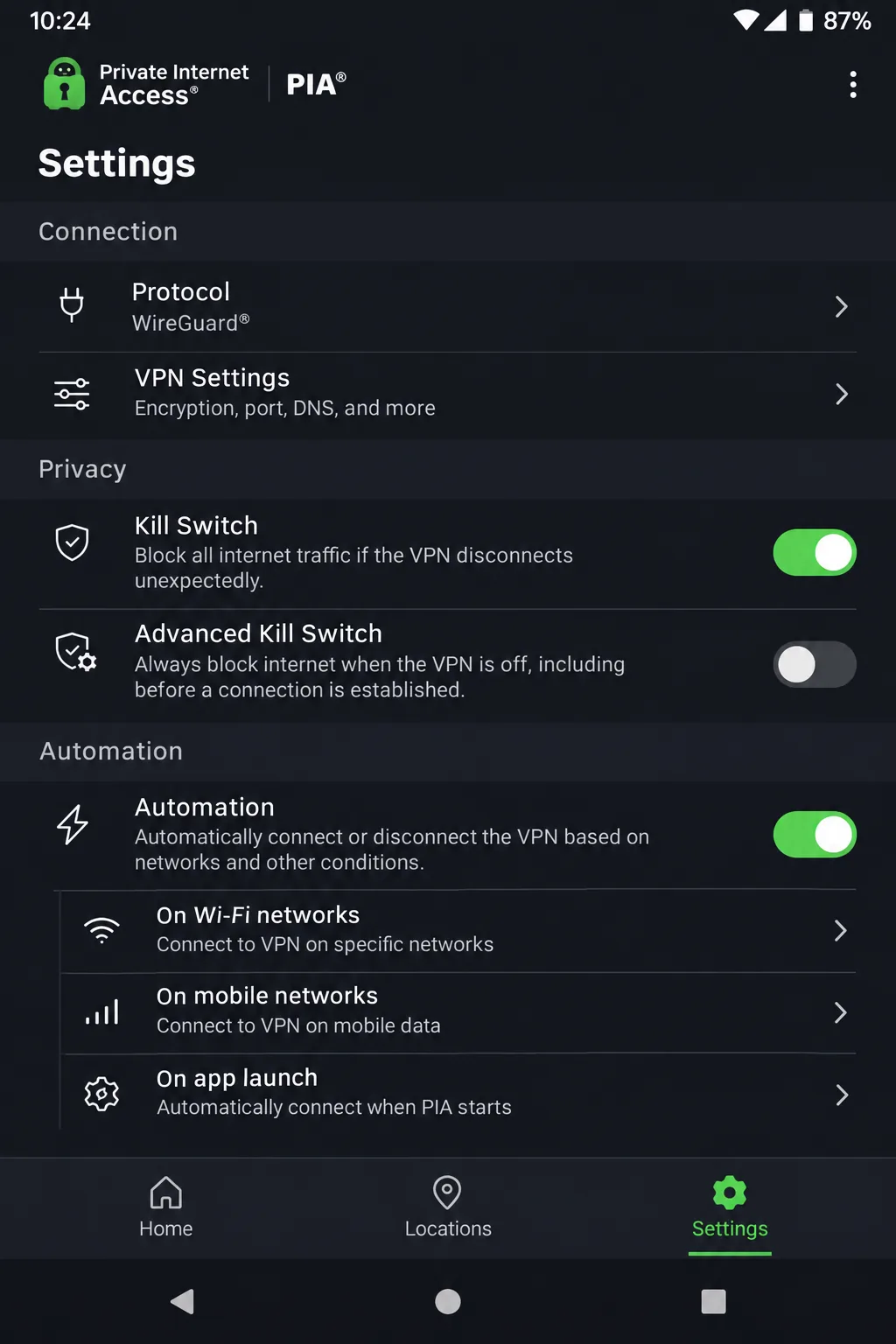
Where ExpressVPN keeps things simple, Private Internet Access suits people who want to tune their own configuration. PIA's Ukraine VPN page describes a Ukrainian IP from servers physically in Romania, plus unlimited device connections, RAM-only servers, open-source apps and an audited no-logs policy. The kill switch is dependable, and the Android redesign adds useful automation controls and a dark mode.
We would not pick it first, because it is slower than the leading rivals and can struggle with some streaming services. The apps can feel complicated, support can be slow to respond, and phishing protection is weak. The annual plan costs $47.88 initially and at renewal, and the monthly plan is $11.95. The longer plan costs the equivalent of $2.03 a month for about three years and four months, then renews at $81.20 every three years. New subscribers get a 30-day guarantee, while app-store refunds follow store terms. The 7-day free trial applies only if you subscribe through Google Play or the Apple App Store.
Windows 10 and 11 are supported, Android needs 7.0 or newer, and iOS needs 12.1 or newer on 64-bit devices.
Pros
- Unlimited device connections
- Detailed configuration and a dependable kill switch
- Audited no-logs policy and open-source apps
- Low annual price
Cons
- Slower than leading rivals
- Can struggle with some streaming services
- Apps feel complicated and support can lag
Why use a VPN in Ukraine?
A VPN encrypts the connection between your device and the server, and it changes the IP address websites see. Ukraine's State Special Communications Service recommends VPNs for public Wi-Fi, remote work and access to resources blocked on occupation-linked networks. That covers most everyday needs. A VPN does not make you anonymous, and it does not protect you from phishing or from signing in to accounts that identify you.
How to get a Ukrainian IP address
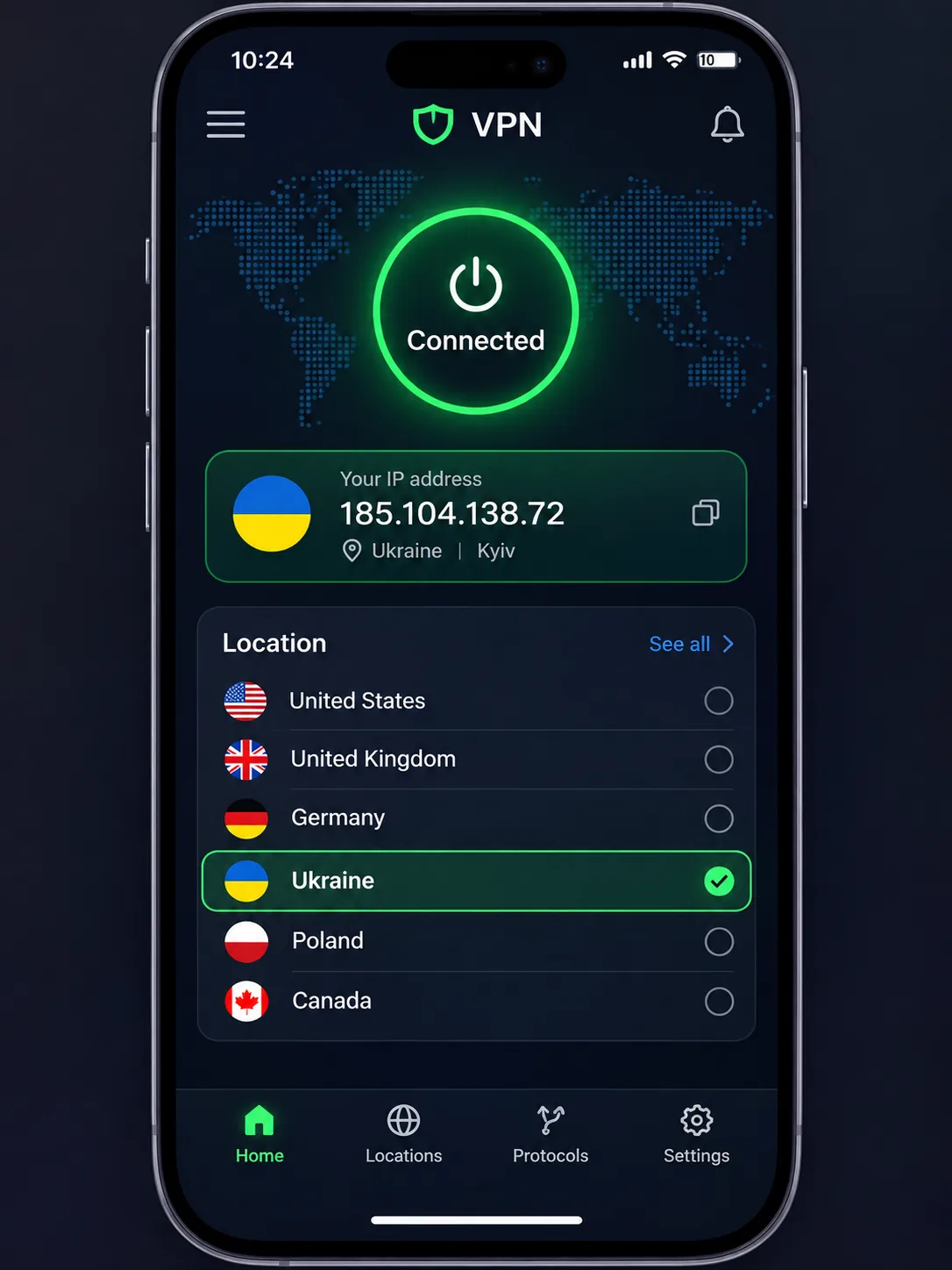
Open the official app from your provider, sign in, choose Ukraine or Kyiv in the location list, then connect. Your outward IP now appears Ukrainian to websites. Three ideas are easy to mix up here. A Ukrainian exit IP is what a site sees. A physical server location is where the hardware sits: Poland for ExpressVPN and Romania for PIA. Free-plan eligibility is a third matter, since Proton's free plan has no Ukrainian server at all.
If you are inside Ukraine and want fast browsing, picking the nearest server is a different choice from picking the Ukraine location. Choose a nearby server for speed, and choose Ukraine only when a site needs a Ukrainian address.
We could not verify whether each provider unblocks Megogo or Ukrainian Netflix, because we found no reproducible results. Streaming access also changes as services update their blocking, so test while you are still within the refund window.
Can you use a free VPN for Ukraine?
Yes, but only in a limited way. Proton's free plan gives unlimited bandwidth and covers one device, but it assigns a random location, so it will not give you a Ukrainian IP. That makes it useful for safer browsing on public Wi-Fi, but a poor choice for accessing Ukrainian services from abroad. For a Ukrainian address you need a paid plan.
Free plans versus trials and money-back guarantees
A free plan has no expiry. A trial is time-limited, and a money-back guarantee requires a purchase and a refund request. Surfshark and PIA offer 7-day trials, ExpressVPN offers 3 days on mobile, and all five providers publish a 30-day refund window in some form. If you want a Ukrainian IP without paying long term, the guarantee is the cleaner route. Refunds through app stores follow store terms, which can differ from buying direct.
Test the Ukraine location on the first day of any trial or refund window, and test the specific services you need before the window closes.
FAQs about VPNs for Ukraine
Is it legal to use a VPN in Ukraine?
Ordinary VPN use is generally legal in Ukraine. Government guidance recommends VPNs, and Proton's Ukraine FAQ states that using one is legal. That covers the tool, not every activity you do through it, and enforcement on occupied territories can differ.
Will a VPN slow down my connection in Ukraine?
Can you watch Ukrainian TV from abroad with a VPN?
What should you do if your Ukraine VPN keeps disconnecting?
Should I use a nearby server or the Ukraine location on mobile data?
Conclusion
Pick NordVPN for a balance of speed and streaming, Surfshark for households with many devices, and ExpressVPN for easy setup. Choose Proton VPN if a free plan matters, but pay for it if you need a Ukrainian IP. PIA fits people who want detailed control and accept slower speeds.