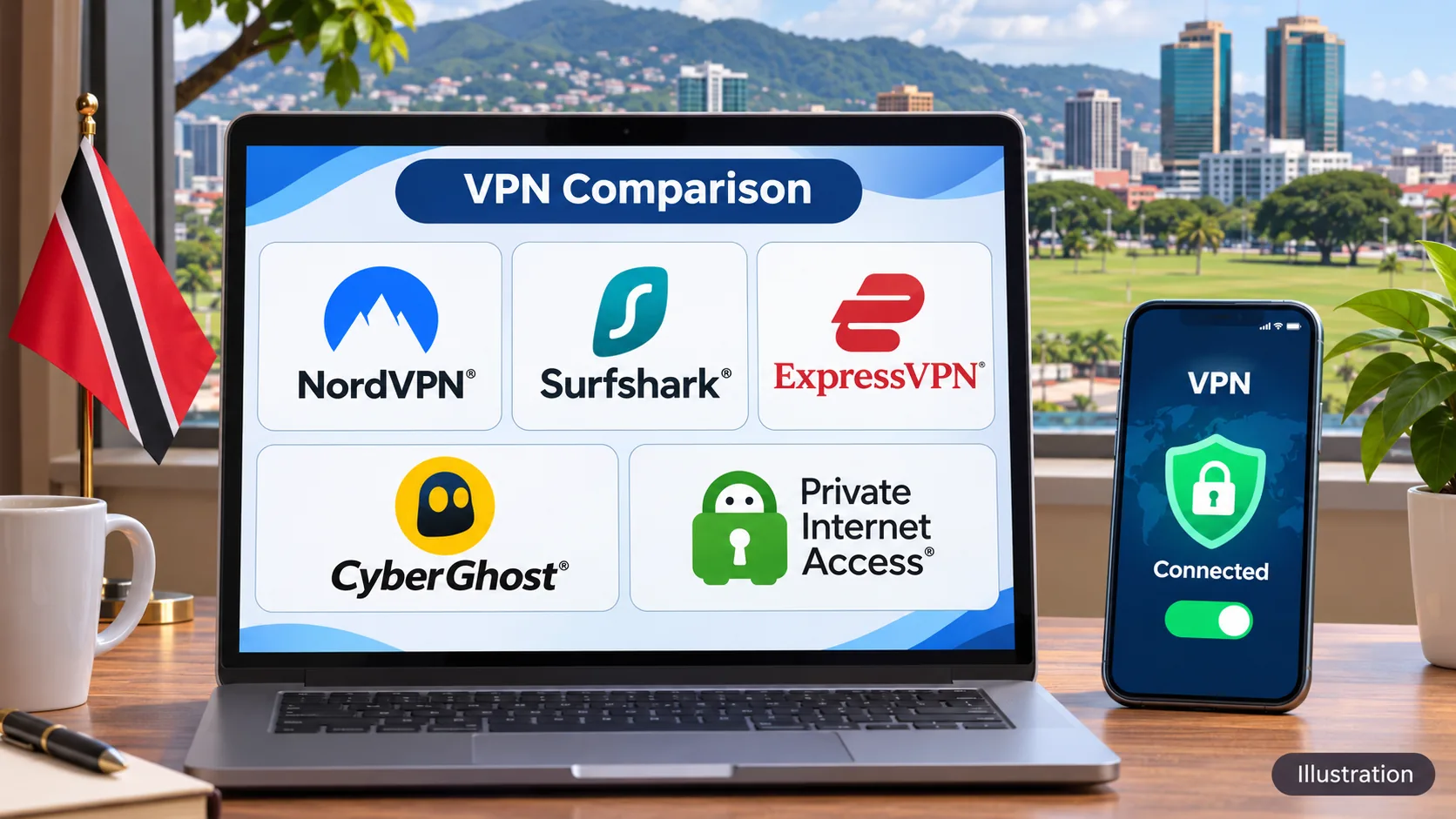
Public Wi-Fi at a café in Port of Spain, a streaming library that changes when you travel, and an internet provider that can see which sites you visit all point to the same need. A VPN encrypts your traffic and hides your browsing from the local network, though it cannot promise access to every service. We compared five providers on server options, apps, device limits, refund terms and cost. NordVPN is our top pick for Trinidad and Tobago, with Surfshark, ExpressVPN, CyberGhost and Private Internet Access behind it.
Only NordVPN and ExpressVPN list a Trinidad and Tobago exit location in the official material we reviewed, and both are virtual. We say so plainly in each section instead of implying that all five can give you a local IP address.
We drew on provider documentation, official checkout pages and our own hands-on observations of app behavior on desktop and mobile. We did not run a Trinidad-based speed lab, so we make no claims about Flow or Digicel route speeds.
Best VPNs for Trinidad and Tobago at a glance
The table shows verified details only. A "virtual" exit means the IP address shows Trinidad and Tobago while the physical server sits elsewhere.
| Product | Buy | Local exit | Server options | Devices | Intro price (USD) | Refund |
|---|---|---|---|---|---|---|
| Check price → | Yes, virtual (hosted in US) | Trinidad and Tobago, Miami, Jamaica, Panama, Puerto Rico | 10 simultaneous | $94.23for 27 months | 30-day |
 | Not listed | Miami, Panama, Puerto Rico | Unlimited | $67.23for 27 months | 30-day | |
 | Yes, virtual | Trinidad and Tobago | 10 on Basic | $83.72for 28 months | 30-day | |
 | Not listed | US, virtual Panama, streaming locations | 7 | $61.32long plan | 45-day on longer plans | |
 | Not confirmed | US locations in all 50 states | Unlimited | $47.88per year | 30-day |
Prices are promotional and change often. Tax, currency and renewal rates can alter what you pay.
How we selected VPNs for Trinidad and Tobago
We started from a shortlist of well-known providers and kept five that sell worldwide, publish a server directory and support the apps most readers here use. Our assessment combines official documentation with hands-on observations of the apps, and we state where a detail comes from provider material alone.
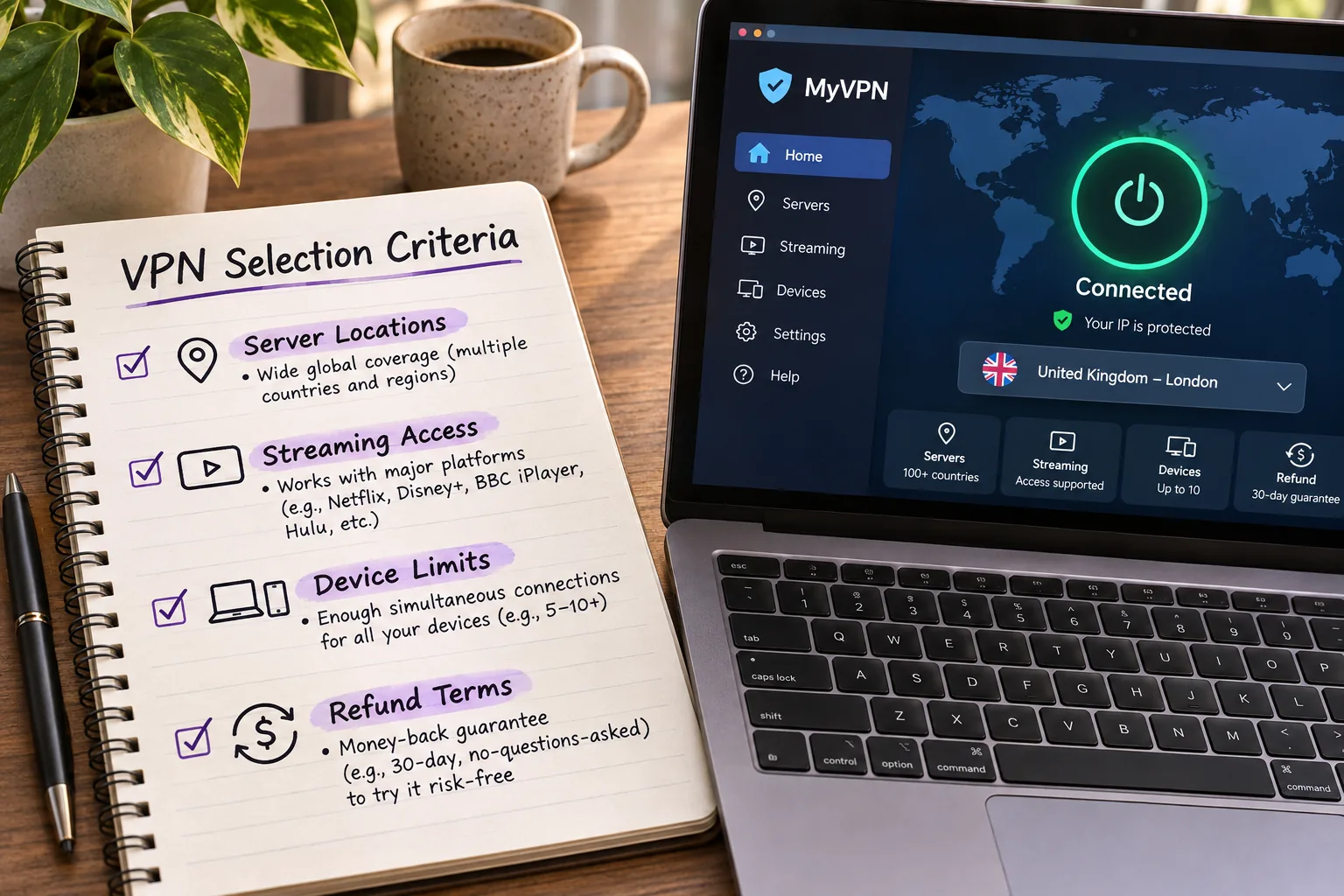
Server locations, speed and streaming reliability
We checked each official server directory for Trinidad and Tobago and for nearby options such as Miami, Jamaica, Panama and Puerto Rico. A local exit mattered, but so did a short, stable route. We have no Trinidad-specific speed measurements for Flow or Digicel, so we do not rank on speed numbers. We looked at streaming behavior in our app use and at dedicated streaming locations where a provider offers them.
Privacy, app support and overall cost
We checked logging policies, kill switches, encryption and the privacy controls each app exposes. We then compared platform coverage, device limits, minimum Android versions and refund terms. Our cost comparison uses the official USD checkout pages, which show promotional prices with higher renewal rates. We did not convert to Trinidad and Tobago dollars, and a checkout total can differ.
1. NordVPN
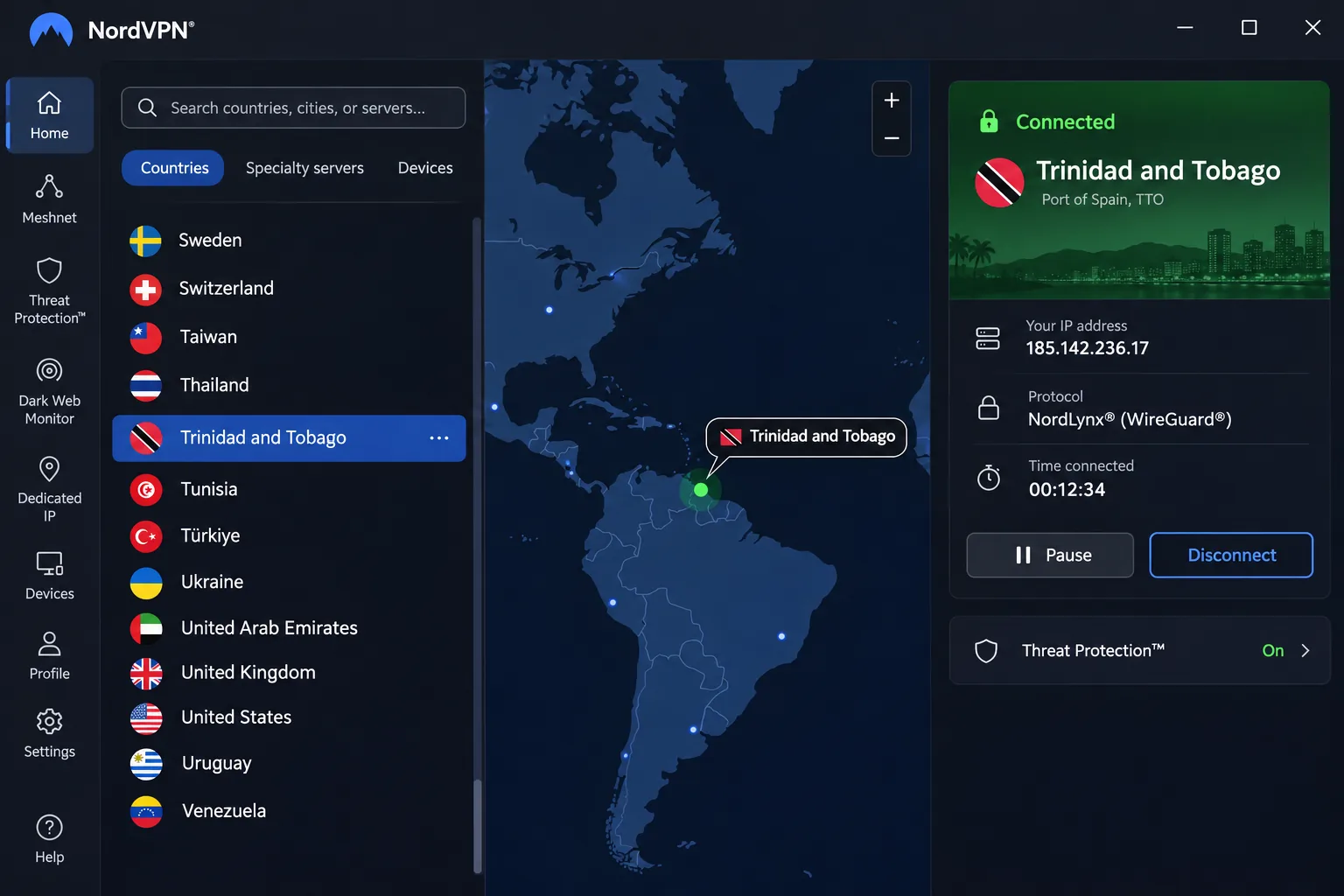
NordVPN is the provider we would start with, mainly because it covers the two things most readers here ask about. It offers a Trinidad and Tobago virtual exit, and it opens major streaming services such as Netflix, Hulu and Disney+ reliably. The physical server for that location is in the United States. You get a Trinidad and Tobago IP address, but not hardware on the islands.
The server list also includes Miami, Jamaica, Panama and Puerto Rico, which gives you nearby options when you want a shorter route. One account covers 10 simultaneous devices. Native apps cover Windows, macOS, Linux, Android and iOS, with extensions available for Chrome, Firefox and Edge. The current Android app needs Android 9 or later, and Android 7 and 8 use a separate sideloaded app.
In daily use, the Windows app connects quickly and does not put noticeable strain on a laptop. We found the mobile interface crowded on smaller screens. When we wanted to end a session, we tapped around the main screen looking for a Disconnect button before finding it tucked inside the Pause control. It is a small thing, but it is the most basic action in a VPN app, and it should not take a second look. OpenVPN is slower than NordLynx and the other faster protocols, so we keep the app set to one of those alternatives. Features include a kill switch, split tunneling on supported apps, Double VPN and private DNS.
The Basic plan works out to $3.49 per month, with a prepaid bill of $94.23 for 27 months. Renewal is $139.08 per year, and tax may apply. Those are promotional figures that can change. The 30-day money-back guarantee covers the initial purchase, not renewals.
Pros
- Trinidad and Tobago virtual exit plus nearby Miami, Jamaica, Panama and Puerto Rico servers
- Reliable streaming access to Netflix, Hulu and Disney+
- 10 simultaneous devices and apps for five platforms
Cons
- Crowded mobile interface on smaller screens
- Renewal costs far more than the intro price
- The local exit is hosted in the US
Best for: first-time VPN buyers who want a local IP option and dependable streaming.
2. Surfshark
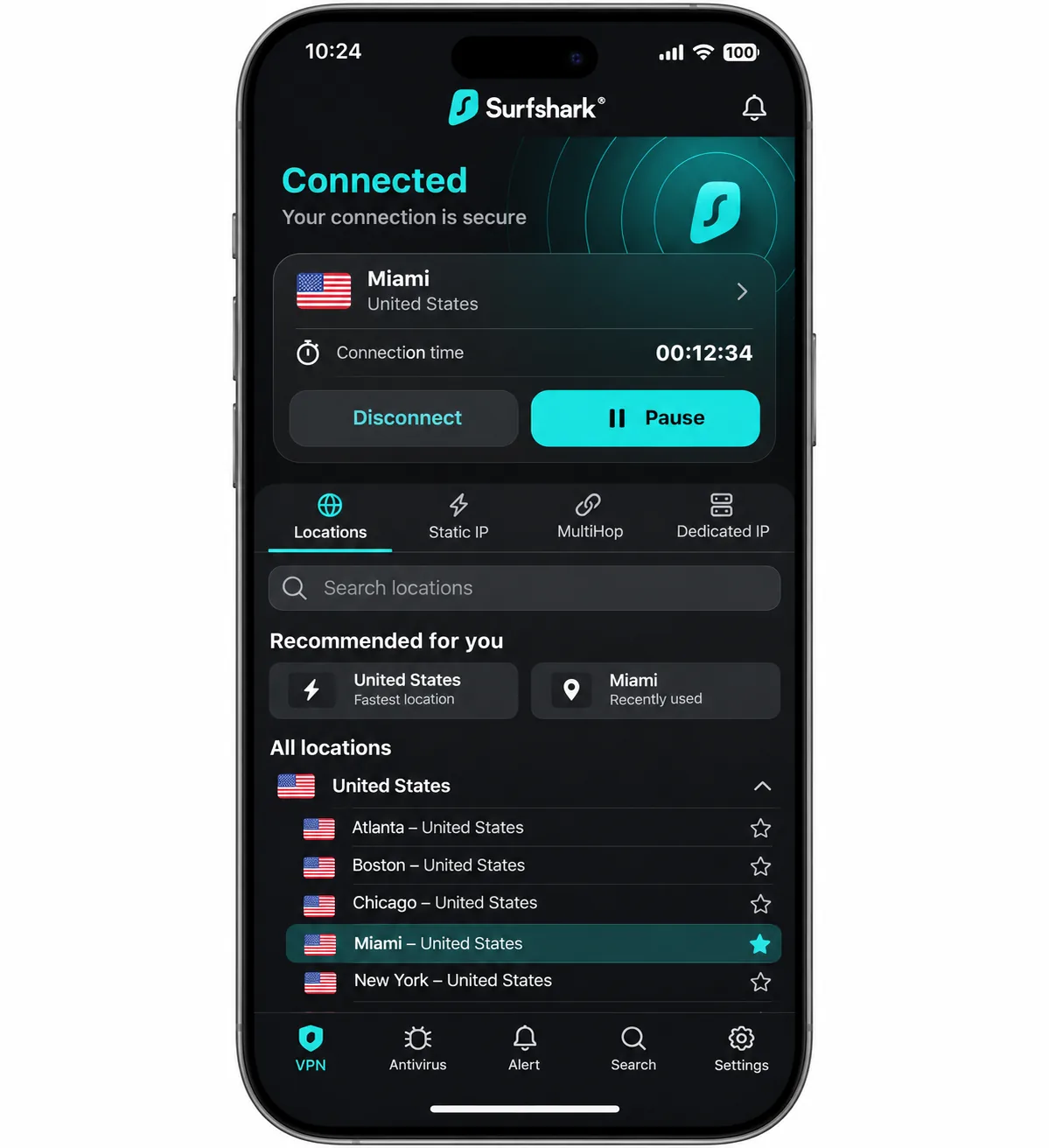
Where NordVPN caps you at 10 devices, Surfshark suits households. It allows unlimited simultaneous VPN connections on Starter, One and One+, so a family can protect every phone, laptop and TV without counting. Antivirus licensing is separate.
The limitation matters for this guide. Trinidad and Tobago is not listed in the server directory we retrieved. The official list includes Miami, Panama and Puerto Rico, which are the closest options. If you need a Trinidad and Tobago IP address, Surfshark is not the right fit.
Installation handles configuration automatically and shows a welcome walkthrough for new features. The layout is consistent across devices, so switching from a laptop to a phone is straightforward. The app keeps paid-suite tools visible even if you only subscribe to the VPN, which adds clutter. The app opens Netflix and other major streaming platforms without repeated troubleshooting, though Disney Plus and ITV can be fiddly even when Netflix works well. Live chat and email support gave useful, timely answers.
Extras include CleanWeb blocking for ads, trackers and malicious sites, NoBorders for restrictive networks, Dynamic MultiHop and a kill switch. There are apps for Windows, macOS, Linux, Android, iOS, Apple TV, Android TV and Fire TV, and the current Google Play app supports Android 7.0 and newer.
The Starter offer works out to $2.49 per month, with $67.23 prepaid for the first 27 months. VAT may apply, and we could not confirm the exact price that applies when the plan renews. The 30-day money-back guarantee comes with the paid plans.
Pros
- Unlimited simultaneous device connections
- Lowest introductory price among the first three picks
- Consistent apps across many platforms
Cons
- No Trinidad and Tobago location in the retrieved directory
- Streaming can be inconsistent on Disney Plus and ITV
- Paid-suite tools add clutter for VPN-only users
Skip it if a Trinidad and Tobago IP address is a requirement.
3. ExpressVPN
Where Surfshark skips the local exit, ExpressVPN lists one. It is the other provider offering a listed Trinidad and Tobago exit IP, also through a virtual server location. Its official page does not tell us which country hosts it, so treat it as an IP location rather than an on-island server.
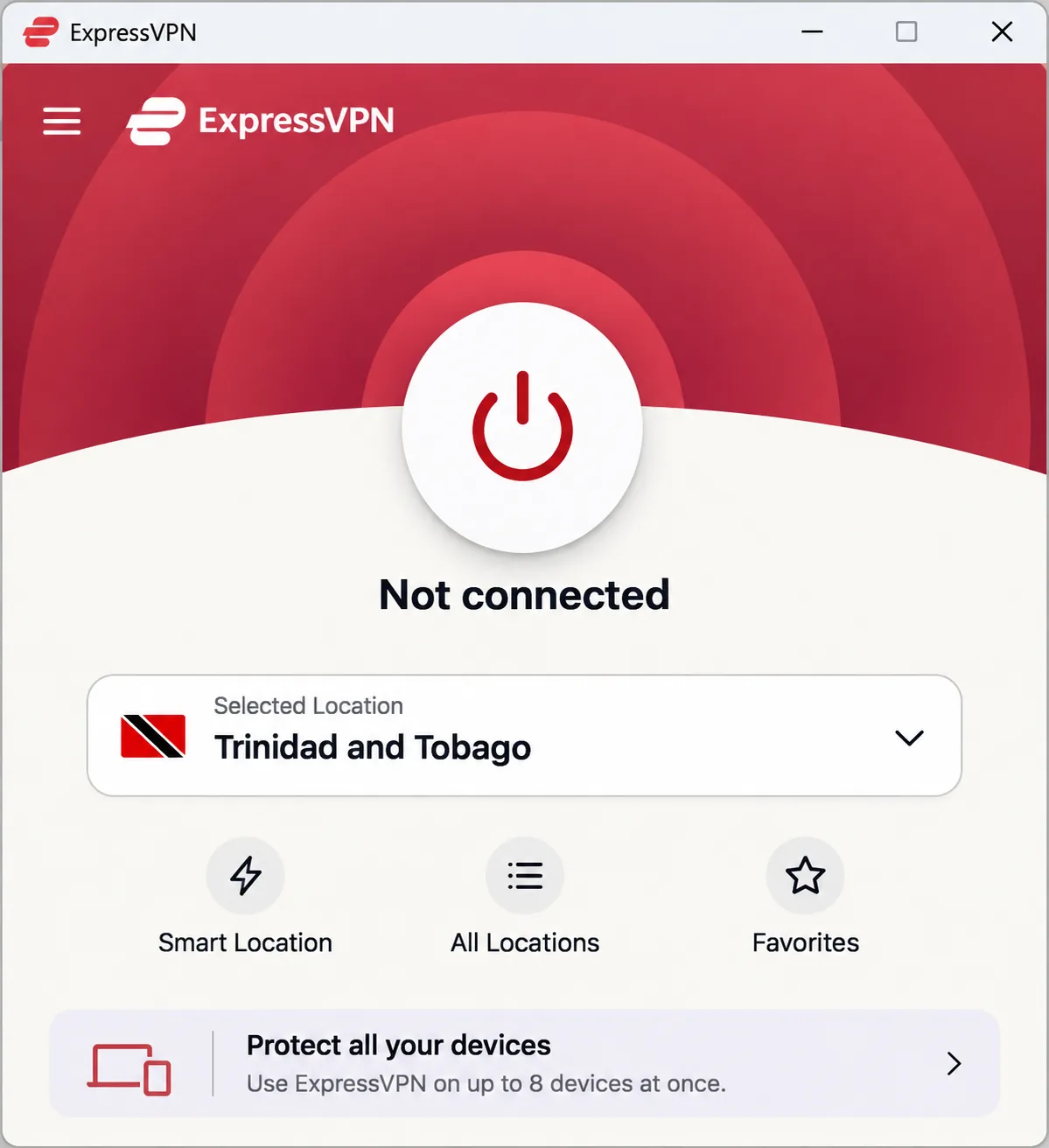
The apps are the draw. The installer handles networking components without manual configuration, and the main screen makes connecting obvious. The design stays consistent across desktop and mobile, which helps if you move between a laptop and a phone often. It also supports switching between Wi-Fi and mobile networks through Lightway, though the VPN only uses your existing internet connection and does not provide mobile service.
There are trade-offs. The app does not split locations into streaming-specific lists, so you may need to try another server when a streaming service refuses a connection. Lightway Turbo on Windows gives its strongest speeds, and other platforms do not reach the same peak. The iOS app lacks split tunneling and the automatic connection controls available elsewhere. Apps are available for Windows, macOS, Linux, Android and iOS, along with router support. The Android app supports Android 7.0 and newer.
ExpressVPN has the most tiered pricing here. Basic is $2.99 per month as an equivalent, with $83.72 prepaid for 28 months and then $99.95 per year. It allows 10 simultaneous connections, while Advanced allows 12 and Pro allows 14. Sales tax may apply. A 30-day money-back guarantee covers new users, and app-store purchases follow those stores' refund rules.
Pros
- Trinidad and Tobago virtual exit
- Clear, easy apps on desktop and mobile
- Higher device allowances on Advanced and Pro
Cons
- Streaming may need a server change
- iOS app lacks split tunneling
- Peak speed depends on Windows and Lightway Turbo
Best for: people who want the simplest app and a local IP option. Skip it if you rely on iPhone split tunneling.
4. CyberGhost
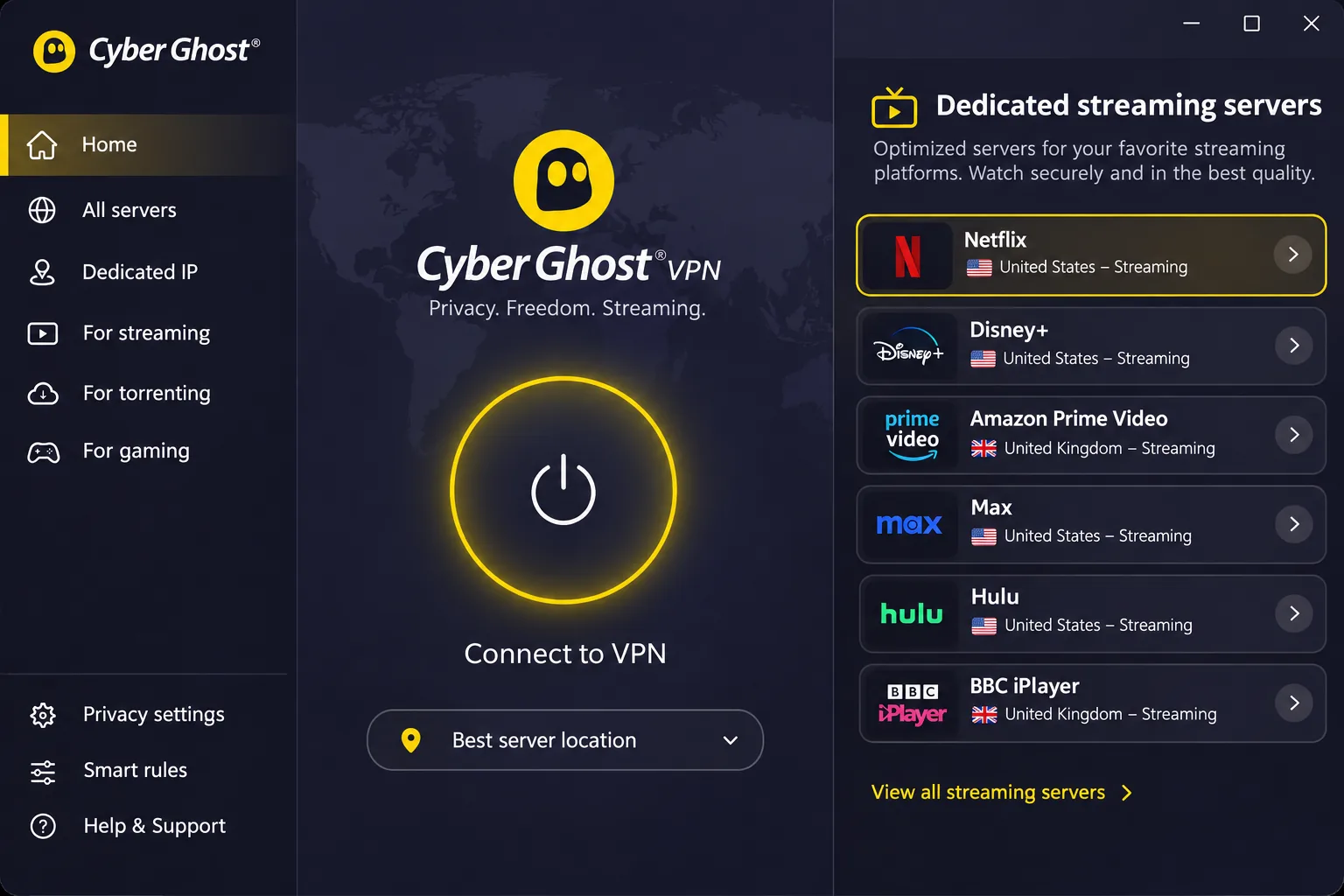
Compared with ExpressVPN's single server list, CyberGhost takes an almost opposite approach, making it easy to choose a streaming server. It offers dedicated streaming, gaming and P2P server categories, so you pick a location built for the service you want instead of guessing. Trinidad and Tobago is not listed in the retrieved directory. The list shows United States locations and a virtual Panama location.
Installation is straightforward on Windows and mobile, with little configuration before the first connection. Settings are scattered across different menus, which makes privacy controls harder to find than the main connect button. Setting up the Linux version is harder than setting up the graphical desktop apps, since it requires command-line or manual configuration.
The biggest annoyance is device management. The plan covers 7 devices. When we wanted to put the app on an eighth, we had to leave the app, sign in to the account area, remove an existing device and then go back to install. Doing that once is fine, but it makes frequent swapping cumbersome. Other features include an automatic kill switch, encryption, split tunneling on supported apps, unlimited bandwidth and a no-activity-logging policy. Apps cover Windows, macOS, Android and iOS, with support for Android TV, Fire TV and compatible routers. The Android app requires Android 7.0 or newer.
CyberGhost has the longest refund window in this list. A 45-day money-back guarantee covers the six-month and long-term plans, and the monthly plan has a 14-day guarantee. The long plan shows $2.19 per month and $61.32 upfront, but the checkout labels disagree on the initial duration, so confirm it in your final order summary. The monthly plan is $12.99, and the six-month plan is $41.94 per six months.
Pros
- 45-day refund window on longer plans
- Dedicated streaming server locations
- Low-cost long plan
Cons
- Seven-device allowance with account-based swapping
- Settings spread across menus
- No Trinidad and Tobago location in the retrieved directory
5. Private Internet Access
Private Internet Access asks the most of beginners, and it gives the most back to people who like to tune things. It offers unlimited simultaneous connections, open-source apps, RAM-only servers, a no-logs policy, WireGuard, split tunneling, port forwarding on Windows in supported locations and multi-hop through an additional proxy server. US server locations span all 50 states.
We could not confirm a Trinidad and Tobago exit. The official directory did not show a complete country list, so the missing entry does not prove that exit is unavailable. Still, we would not count on it. Check the in-app list before you buy.
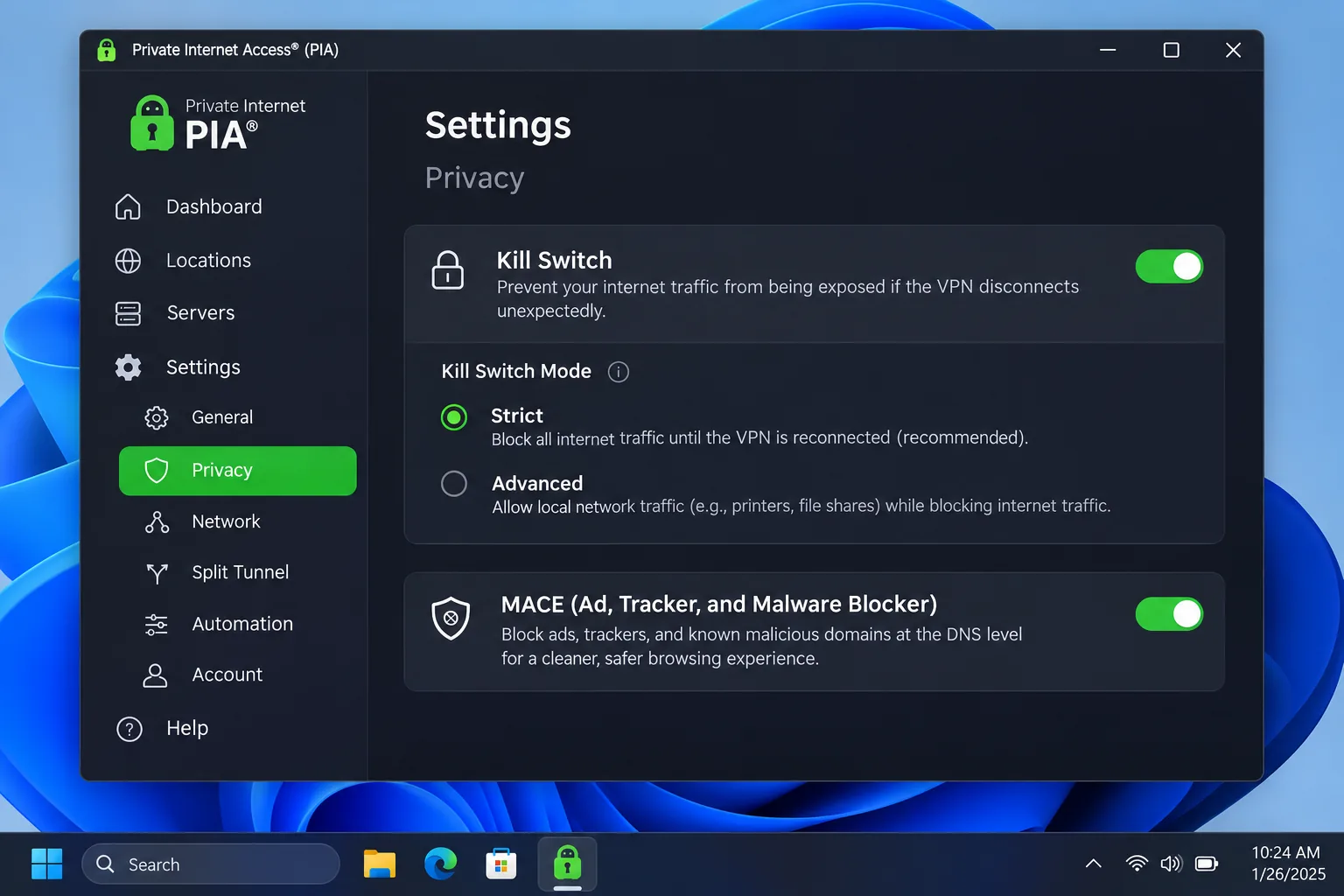
That depth comes at a cost: the complex app can slow beginners down. Streaming-optimized locations are more dependable for streaming than the general-purpose locations. When ITV refused to play, the culprit turned out to be PIA's own MACE ad blocker. We switched MACE off in the settings, and playback came back. Without that tip, it is easy to blame the server or the streaming service. Android requires 7.0 or newer, and apps cover Windows, macOS, Linux, Android and iOS.
Security behavior deserves a careful read. PIA conceals the IP address and DNS traffic during an established connection. Its Windows kill switch blocks traffic after a connection interruption and promptly attempts to reconnect. Reboot behavior is the weak spot: unencrypted traffic can leak during a system reboot even though interruption and application-crash tests did not expose leaks. So we would not call it leak-proof in every scenario.
Pricing is the lowest on paper. The annual plan bills $47.88 initially and each following year. The long offer works out to $2.03 per month for 3 years plus 4 months, renewing at $81.20 every 3 years. We could not confirm the initial total for the long offer. The monthly plan renews at $11.95. A 30-day money-back guarantee covers new subscribers, and third-party app-store purchases follow the store's terms.
Pros
- Unlimited simultaneous connections
- Granular controls, RAM-only servers and open-source apps
- Low annual price
Cons
- Complex apps can slow beginners
- Possible traffic leak during a reboot
- Trinidad and Tobago exit not confirmed
Best for: privacy-minded users who like tuning settings. Skip it if you want a simple app or a confirmed local IP.
Why use a VPN in Trinidad and Tobago?
A VPN is a privacy tool first. It encrypts traffic between your device and the VPN server, and the sites you visit see the VPN's IP address instead of yours. Your local internet provider and anyone on the same network see far less.
Public Wi-Fi, privacy and streaming access
On a hotel, airport or café network, encryption keeps other users from reading your traffic. A VPN also hides the sites you visit from the network owner. Streaming is a secondary benefit. Netflix may restrict VPN viewing to globally licensed titles, and it does not support VPNs for live events or the ad-supported plan. If your home catalogue disappears, disabling the VPN may restore it.
A browser-only proxy or extension protects browser traffic and nothing else. Use the full app if you want every app on the device covered.
Using a VPN locally versus getting a Trinidad and Tobago IP address
You do not need a local exit to protect your traffic from within Trinidad and Tobago. Any overseas server will encrypt it. To get a Trinidad and Tobago IP address specifically, you need a provider that offers that location.
A Trinidad and Tobago virtual exit gives you a local-looking IP, while the hardware is elsewhere. NordVPN hosts its Trinidad and Tobago location in the United States. A local IP does not guarantee that a bank, government portal or local TV service will accept the connection.
How to set up a VPN in Trinidad and Tobago
Buy the plan, install the app for your platform, sign in, pick a server and connect. For a local IP, choose Trinidad and Tobago in NordVPN's or ExpressVPN's location list. Otherwise, a nearby option such as Miami or Puerto Rico works well for general privacy.
Choose a server and check your connection
Connect to a server, then open a site that shows your IP address and confirm it matches the location you picked. Check that your usual apps still work.
Start with the app's automatic or recommended server, then try a nearer location if pages load slowly. Geographic distance alone does not guarantee the fastest route through your internet provider.
Fix slow speeds or connection problems
Longer routes add latency and can reduce throughput. Work through these steps in order.
- Switch to a nearer server or the automatic option.
- Change protocol, for example to NordLynx on NordVPN or Lightway on ExpressVPN, and avoid OpenVPN when a faster option exists.
- Move between Wi-Fi and mobile data to see whether the slowdown is on your local connection.
- If a streaming service blocks you, try another location, or a streaming-specific server on CyberGhost or PIA.
- Turn off ad blockers such as PIA's MACE if a service fails to play.
- Reinstall the app and contact support if the connection still fails.