If you need private access to the open internet in Tanzania, a VPN is the practical tool for the job. It encrypts your traffic, hides your browsing from the network you are on, and lets you reach content from other countries. The catch is that Tanzania has its own VPN rules and a record of blocking during political tension, so the right choice depends on more than speed.
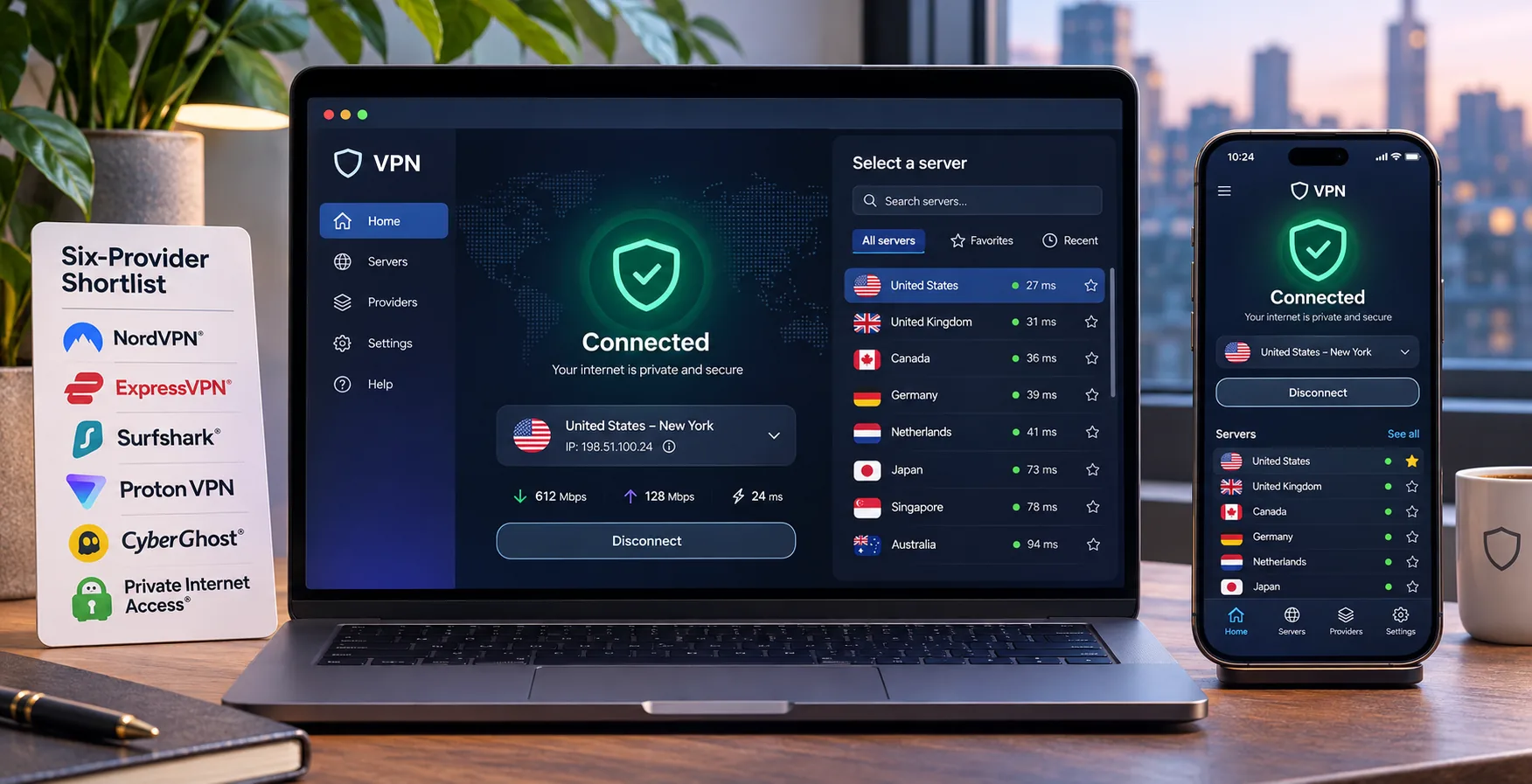
We compared six well-known services on privacy features, streaming access, device support and cost. Our picks start with NordVPN and Surfshark, and we clearly explain each provider's limitations below. We also explain how to set one up and what to try when it will not connect.
Best VPNs for Tanzania at a glance
Here is the shortlist side by side. Prices are introductory offers that change at checkout, so treat them as a guide to relative cost and confirm the final total before you pay.
| Product | Buy | Device allowance | Intro offer | Refund | Our take |
|---|---|---|---|---|---|
 | Check price → | 10 | $94.23 for 27 months | 30-day | Best all-round pick |
 | Unlimited | $67.23 for 27 months | 30-day | Best for many devices | |
 | Unlimited | $52.56 for two years | 30-day on annual plans | Simple, strict kill switch | |
 | 10 to 14 by tier | EUR 69.72 for 28 months | 30-day | Easiest to use | |
 | 7 | EUR 61.32 upfront | 45-day on long plans | Clear streaming servers | |
 | 10 | About $2.00 a month over 36 months | 30-day | Beginner-friendly, uneven streaming |
None of the six providers is a guaranteed fit for Tanzanian conditions. We could not find comparable tests across Tanzanian mobile carriers or fixed-line providers, so we do not quote local speeds. What we describe comes from how each app behaves in everyday use and what each vendor publishes.
How we choose VPNs for Tanzania
We started with services Tanzanian readers can realistically buy and use. We judged each on privacy features (kill switch, no-logs policy, split tunneling, obfuscation), streaming access, device support, refund windows and total cost, including both introductory and renewal prices. We read vendor pages for prices, refund terms and device limits, and we used each service's apps to judge setup and day-to-day reliability, including how often we had to change servers. We did not measure speeds from Tanzanian networks, and we do not claim to.
Streaming deserves a caveat. Netflix may limit VPN connections to globally licensed titles, so no service can promise every show.
1. NordVPN
We would start with NordVPN for its tool set: a kill switch, split tunneling, Double VPN, obfuscated servers, private DNS and Onion over VPN. A no-logs policy and live chat support back up those features.
The official account limit is 10 simultaneous devices, so a phone, laptop, tablet and a few family devices fit comfortably. Some older Tanzania guides still say six, but the current account documentation says 10. Apps cover Windows, macOS, Linux, Android and iOS, plus Chrome, Firefox and Edge extensions.
Location is where NordVPN stands out for this country. Its current official server list includes Tanzania, with one city, alongside South Africa. Older guides say the opposite, and a listed location does not prove that hardware sits physically inside Tanzania. Treat it as a useful option to try, not a guarantee.
The app is not perfect. On our phones the interface felt cramped, and customization for advanced users is limited. Features also vary by platform, making it awkward to switch devices. Keyboard-only operation is also limited, even though the apps are otherwise straightforward.
The basic offer works out to about $3.49 a month, billed as $94.23 upfront for 27 months, and it renews at $139.08 a year. Promotions, currency, taxes and renewal terms depend on the checkout offer, so check the final screen. The 30-day refund window gives you time to test it on your own network.
Pros
- Strong streaming access and good everyday speeds
- Kill switch, split tunneling, obfuscated servers and Double VPN
- 10 simultaneous devices and a 30-day money-back guarantee
Cons
- Mobile interface feels cramped
- Feature availability differs between platforms
- Renewal price is much higher than the introductory offer
2. Surfshark
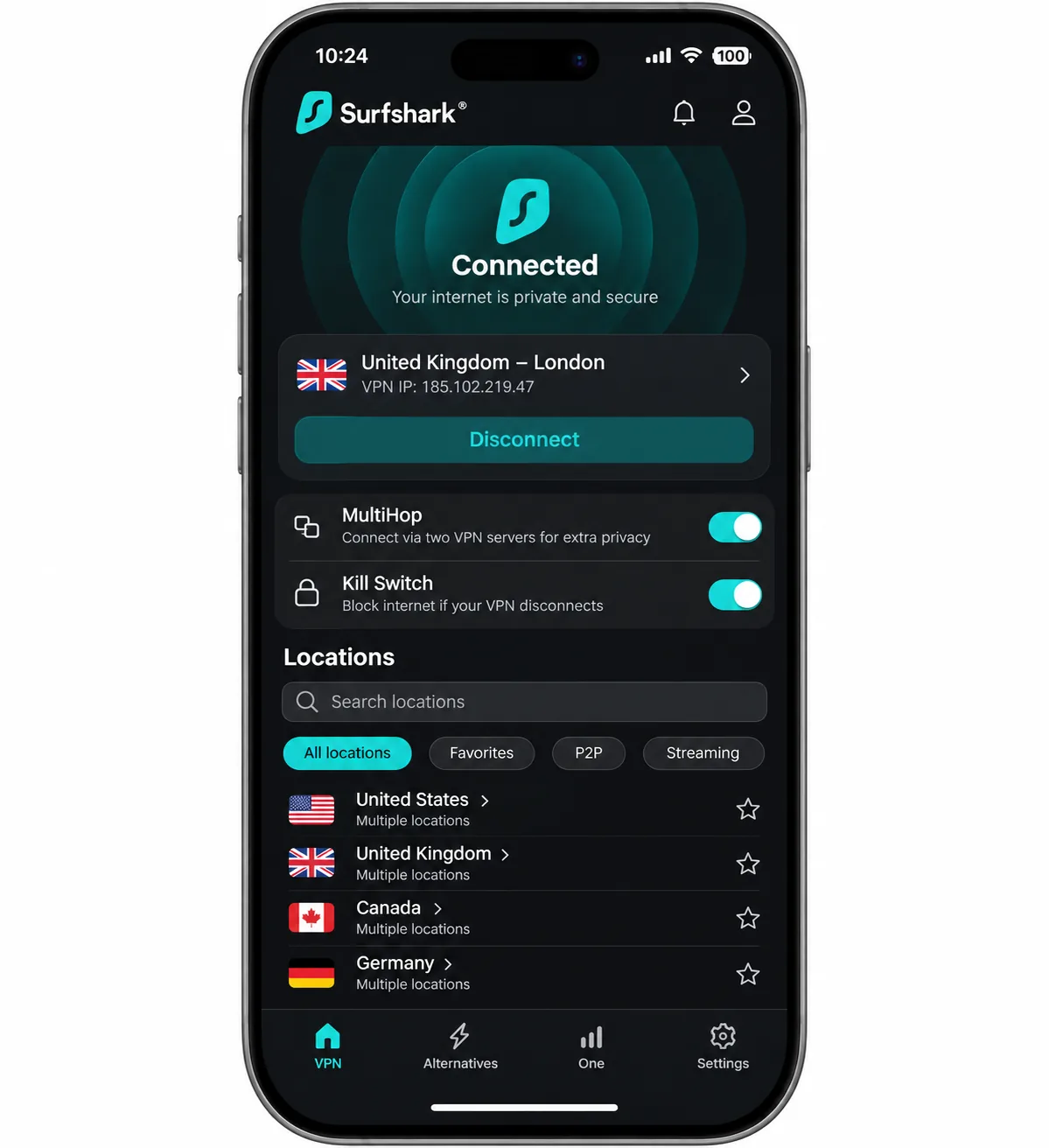
Where NordVPN caps you at 10 devices, Surfshark allows unlimited simultaneous connections, making it our pick for households with many devices. Netflix and BBC iPlayer worked well for us, though other streaming services were less consistent. Support was helpful, and speeds stayed steady through extended mixed use.
Its privacy kit includes Dynamic MultiHop, obfuscation, Bypasser split tunneling, a kill switch, NoBorders, CleanWeb and a static IP option. Feature availability varies by platform. Apps are available for Windows, macOS, Linux, Android and iOS, with browser extensions and manual router setup for everything else.
There are two drawbacks worth knowing. On mobile, connections can take longer to establish, and the small-screen interface can feel cluttered. More importantly, on macOS the kill switch does not activate while you change servers, so traffic can briefly be exposed during that transition. If you use a Mac, connect to your server first and avoid switching mid-session when privacy matters.
Surfshark's retrieved location list shows South Africa but not Tanzania. The starter offer is about $2.49 a month, or $67.23 for the first 27 months, and the 30-day refund applies to eligible first purchases. Renewal pricing was not confirmed, so check it before you commit.
Pros
- Unlimited simultaneous devices
- Works well with Netflix and BBC iPlayer
- Unlimited devices at a low introductory total
Cons
- Slower mobile connections and a cluttered small-screen layout
- Kill switch does not activate during server changes on macOS
- Renewal price is unconfirmed
3. IPVanish
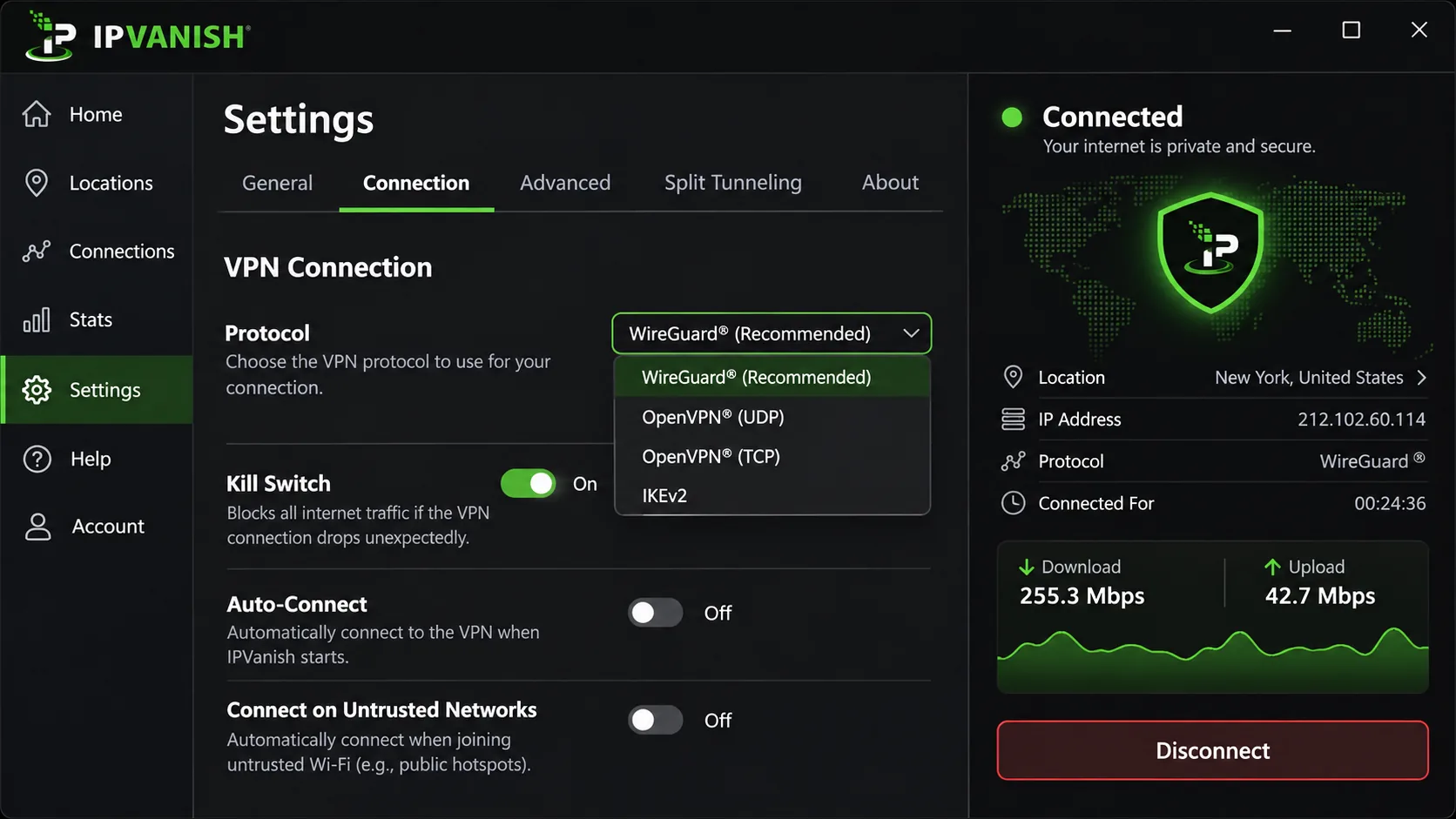
Surfshark is feature-heavy, while IPVanish suits people who want something simple and strict. Setup is straightforward with no manual configuration, and the interface exposes the protocol and connection status so you can see what the app is doing. It supports WireGuard, OpenVPN and IKEv2, includes split tunneling, a SOCKS5 proxy and DNS leak protection, and allows unlimited devices.
The kill switch is the defining trait. When enabled, it blocks all internet access whenever the VPN is disconnected, including when you disconnect on purpose. That is excellent for privacy and annoying when you just want to turn it off for a minute. We would leave it on for public Wi-Fi and switch it off at home.
Streaming takes more effort. With IPVanish, you sometimes have to change server locations to open a streaming service, and Amazon Prime Video or Hulu may require switching servers manually. On iOS, some features cannot run together, which limits how you combine protection settings.
Pricing is the hardest to pin down. The promotional offer is about $2.19 a month, or $52.56 upfront for two years, then $99.99 a year, but sources disagree between $2.19 and $2.99. The 30-day guarantee covers annual and two-year plans and excludes monthly plans. Official vendor pages were not available when we checked, so confirm the terms at checkout.
Pros
- Unlimited devices and a very low introductory price
- Straightforward setup with visible protocol and status
- Strict kill switch with SOCKS5 and DNS leak protection
Cons
- Streaming often needs server retries
- Kill switch also blocks traffic after intentional disconnects
- Some iOS features cannot be combined
4. ExpressVPN
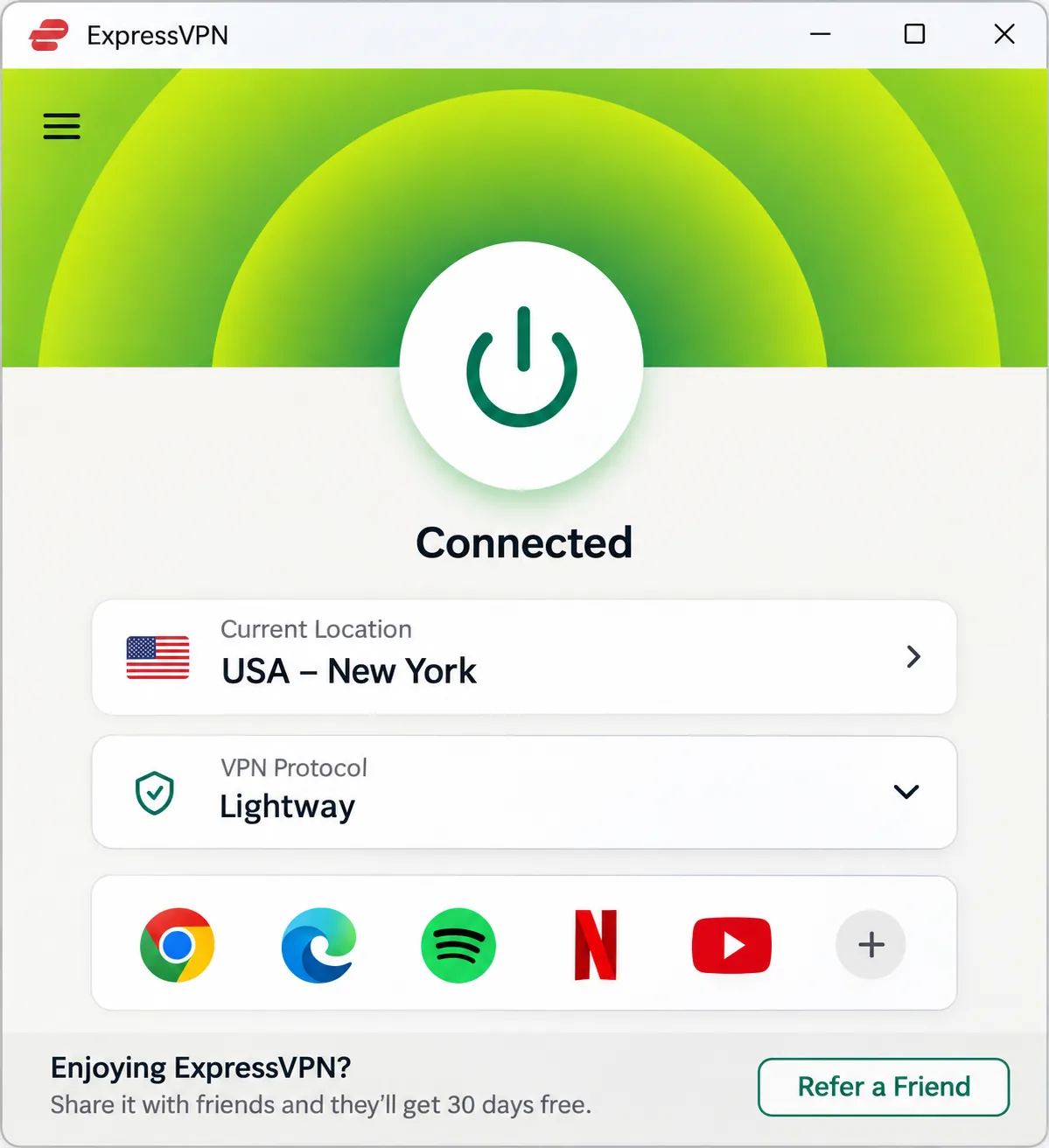
ExpressVPN is the easiest service here to start using. Its controls are clear and the apps are approachable, so you can get connected without learning advanced settings. Streaming performs well, and the core VPN controls are dependable.
Speed depends on platform. Lightway Turbo is particularly fast on Windows, while standard Lightway on other platforms can lag behind. The feature range is narrower than that of some rivals, and some platform-specific features are missing. You do get post-quantum protection, a built-in speed test and ad, tracker and malicious-site blocking.
Device limits depend on the tier: Basic allows 10, Advanced allows 12 and Pro allows 14. A dedicated IP is available as an add-on with Basic and Advanced, and comes included with Pro. New users get a 30-day money-back guarantee.
The Basic offer we retrieved was priced in euros, at EUR 2.49 a month or EUR 69.72 for 28 months, renewing at EUR 79.95 a year. USD or Tanzanian checkout amounts may differ. ExpressVPN lists Kenya as a virtual location, but we did not find Tanzania in its list.
Pros
- Clear controls and approachable apps
- Strong streaming performance
- 10 to 14 devices depending on tier
Cons
- Speed and features differ by platform
- Narrower feature range than some rivals
- Regional pricing makes cost comparison harder
5. CyberGhost
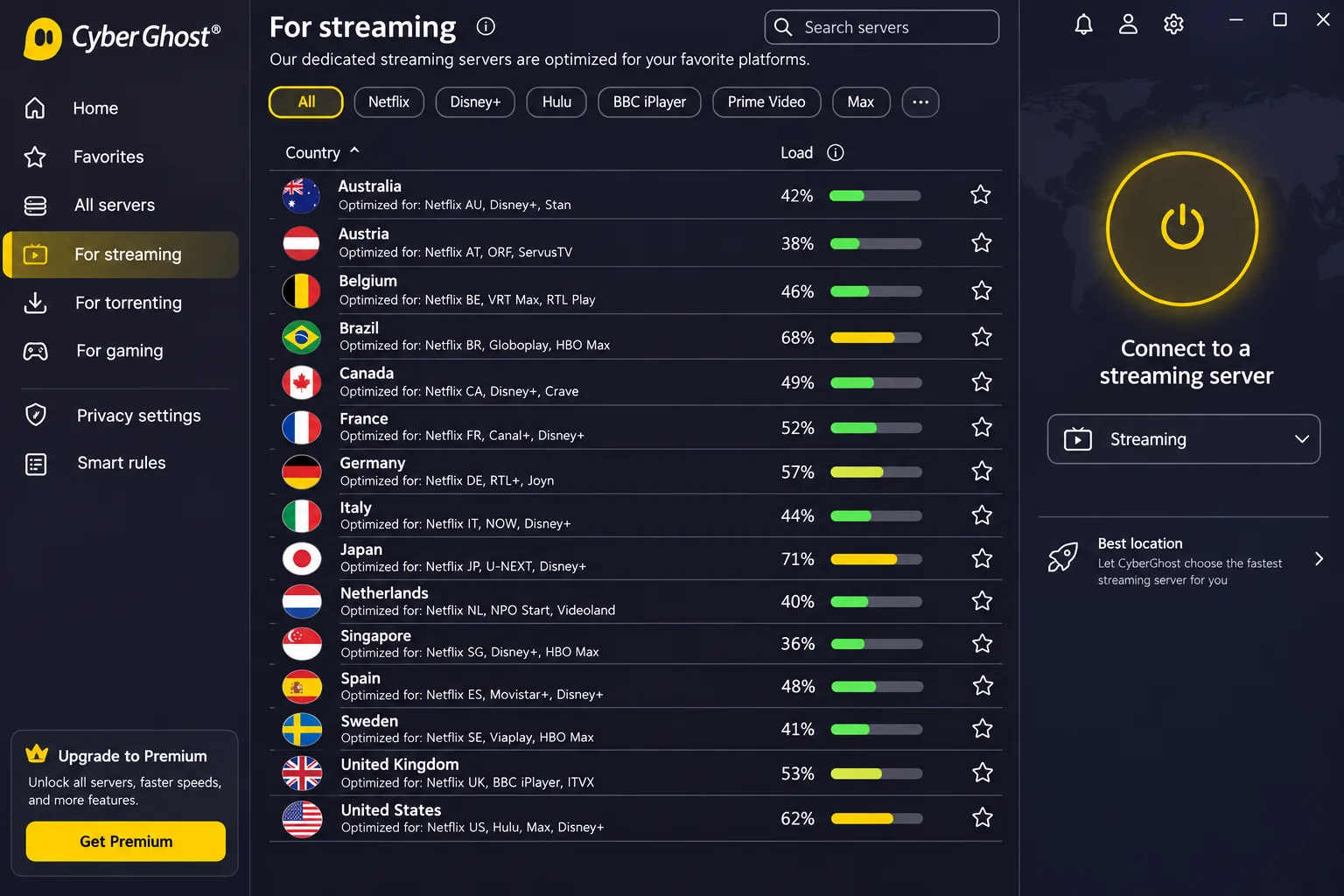
CyberGhost makes server choice easy. Its task-specific server categories for streaming, gaming and P2P take the guesswork out of picking a location, which is helpful if you are new to VPNs. Automatic kill switch, split tunneling, a no-logs policy, unlimited bandwidth and live chat are all included, and a dedicated IP is optional.
Support is a mixed bag. Live chat responds quickly, but the support documentation can be less useful when you need a specific answer. On iOS, the app offers fewer capabilities than the desktop apps, and the ad blocker is weak.
The 7-device allowance is the biggest inconvenience in everyday use. Device registration limits are inconvenient when you rotate through different phones and laptops, so it suits individuals more than families. The refund policy is the best of the six: a 45-day money-back guarantee on six-month and longer plans, and 14-day on monthly plans.
Pricing was shown in euros at EUR 2.19 a month, or EUR 61.32 upfront, though the page contained inconsistent bonus-month labels. CyberGhost lists Kenya (Nairobi) as a nearby location, but we did not find Tanzania.
Pros
- Task-specific server categories simplify streaming choices
- 45-day refund on longer plans
- Fast live chat
Cons
- 7-device registration limit
- Fewer features on iOS and a weak ad blocker
- Support documentation is thin
6. PrivateVPN
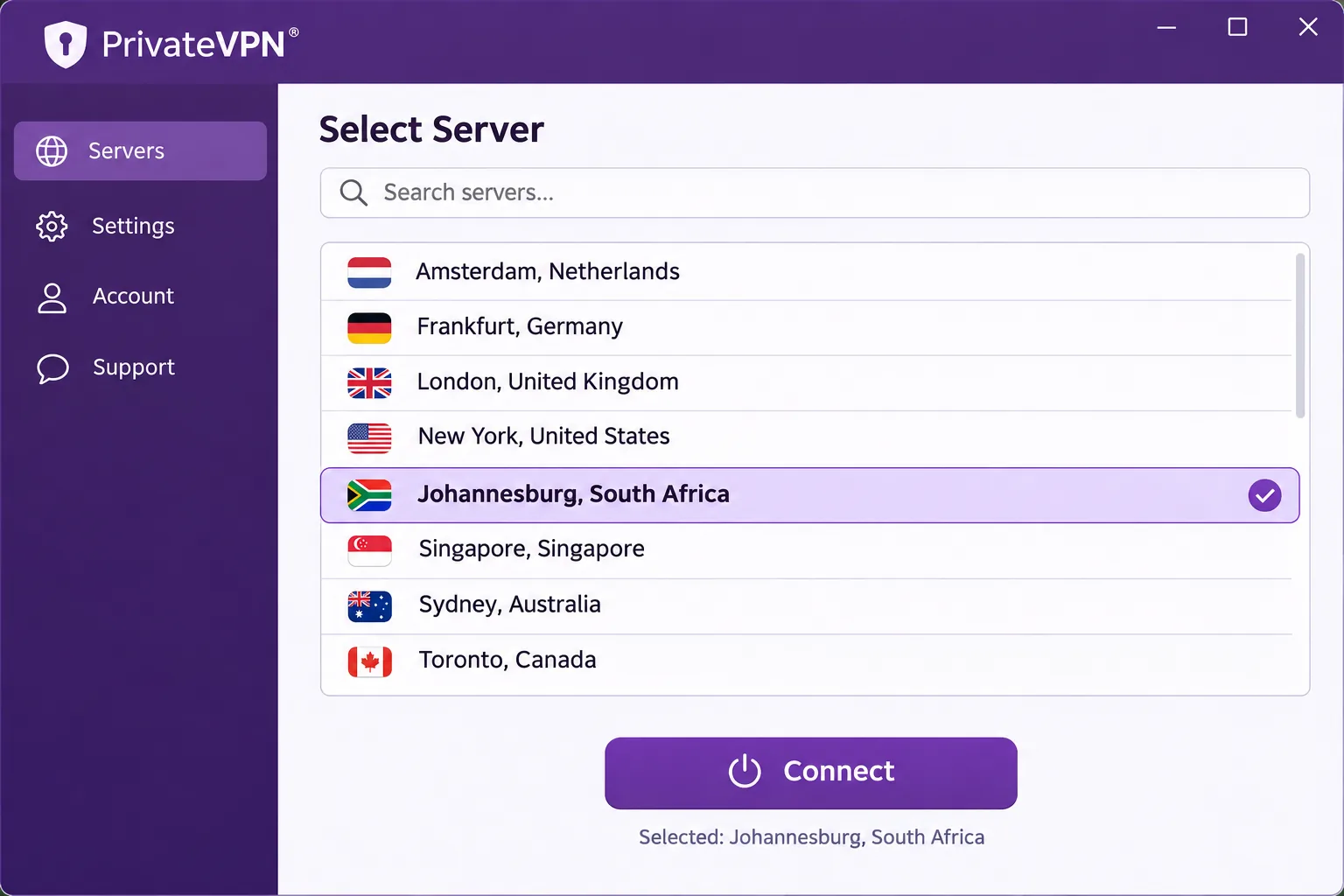
Even leaner than IPVanish, PrivateVPN is an option for beginners. The apps are simple and easy to navigate, with a kill switch, encryption, a no-log policy, P2P support and port forwarding. It allows 10 simultaneous devices and offers a 30-day guarantee to new customers who cancel before the end of day 30. You must give a reason when you ask for a refund, and support processes the request.
Streaming results are mixed. On working routes it opened BBC iPlayer and loaded US Netflix, Max, Peacock and Hulu smoothly. On other routes BBC iPlayer and Amazon Prime Video failed, while Disney+ worked again after we changed servers and reconnected. Congestion can slow distant servers and cause buffering on some routes. That matters in Tanzania, where many exits are far away.
PrivateVPN's official African list includes Johannesburg and Lagos, but not Tanzania. WireGuard support is unclear because, depending on the app version, it may be built in or require manual setup. Pricing is about $2.00 a month over 36 months, but the vendor checkout was not accessible, so the current total and renewal remain unconfirmed.
Pros
- Simple apps that beginners can navigate
- 10 devices, port forwarding and P2P support
- Opens BBC iPlayer and US Netflix on working routes
Cons
- Congestion on distant servers
- Inconsistent BBC iPlayer and Prime Video access
- Checkout price and WireGuard support unconfirmed
How to use a VPN in Tanzania
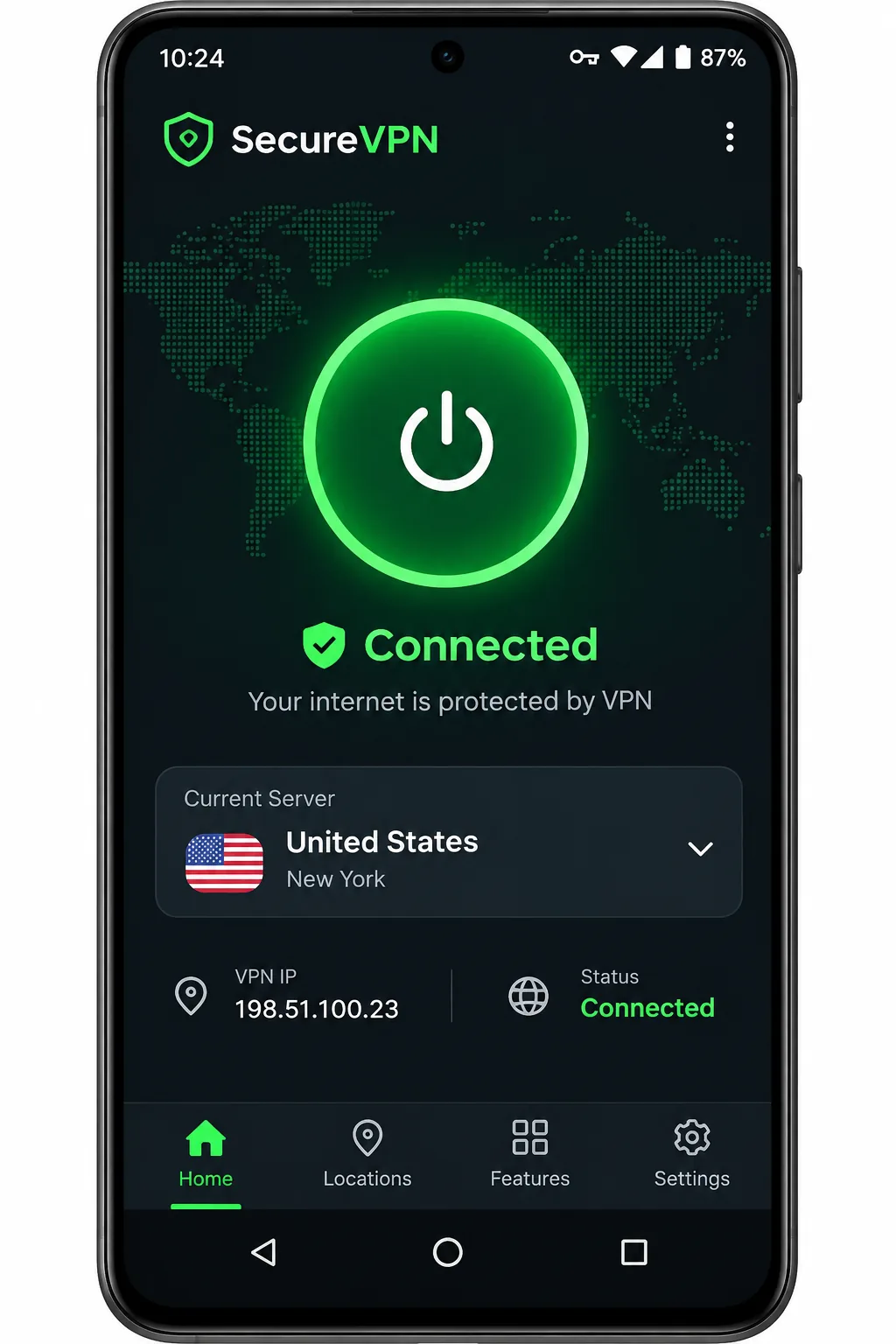
The setup is the same for all six services. Subscribe, install the provider's app, sign in, pick a server and connect. Do this before you need it. Provider websites, app downloads and VPN traffic can themselves be blocked during a disruption, so installing on every device ahead of time matters more than any feature on this list.
Choose a server for your location and purpose
Choose a server based on what you want to do. For general privacy on public Wi-Fi, choose a nearby location such as South Africa or Kenya where a provider lists one, because closer servers are usually faster. For overseas content, choose the country of the service you want to watch.
A Tanzanian exit is a separate matter, covered in the section on getting a Tanzanian IP address below.
Keep the kill switch on whenever you use public Wi-Fi. If your provider, such as NordVPN or Surfshark, offers obfuscated servers, switch them on if a normal connection is being blocked.
What to try if the VPN will not connect
Work through these in order, and stop when it connects.
- Switch to a different server in the same country, then try a different country.
- Change protocol in the app's settings if your provider offers more than one.
- Turn on obfuscation if your app has it, since it makes VPN traffic harder to identify.
- Restart the app and your phone or router, then reconnect.
- For a blocked streaming page, change servers or clear your browser cookies. Provider support can also suggest a working location.
Exact menu paths differ by app and version, so use the settings screen rather than a fixed path.
Why use a VPN in Tanzania?
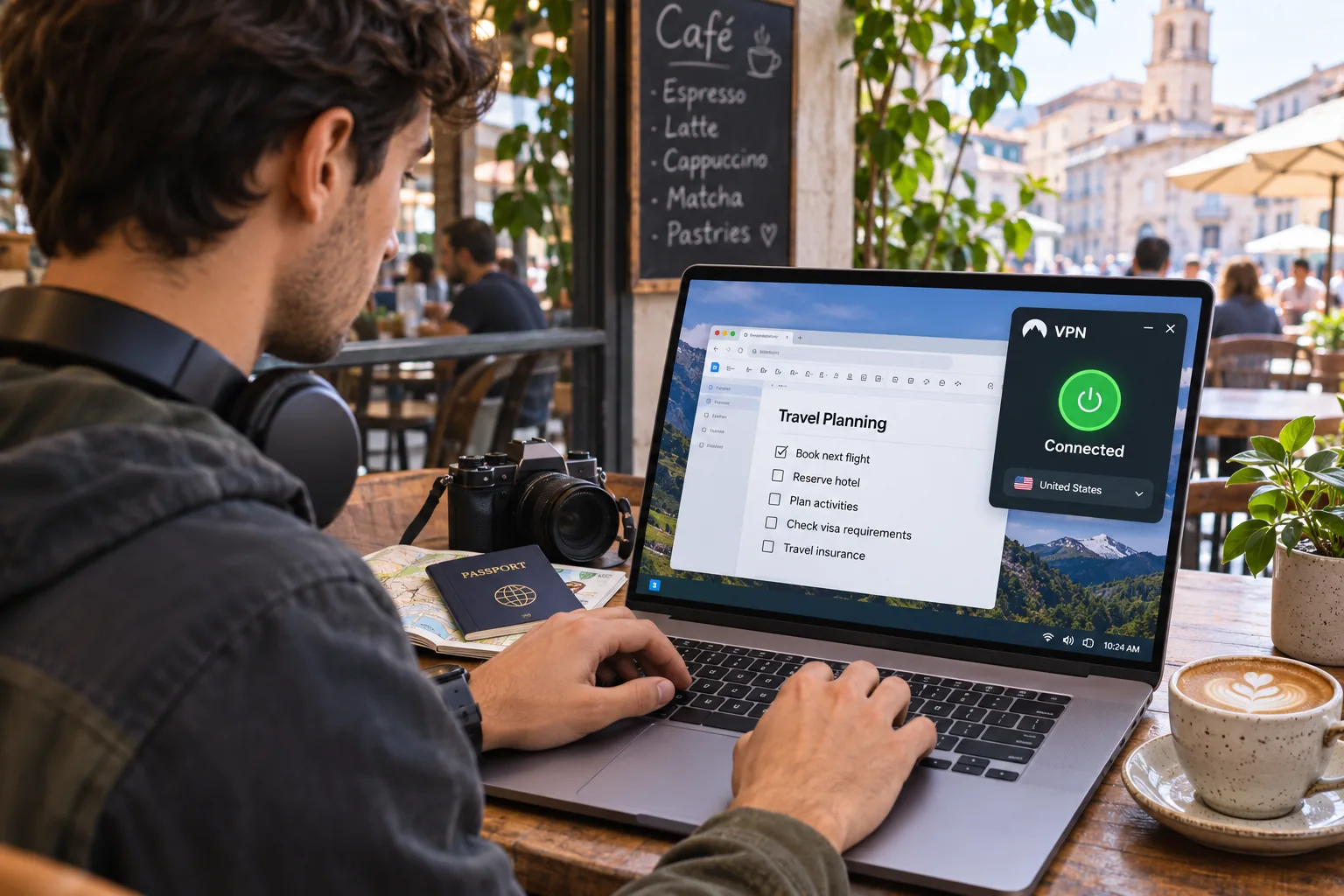
A VPN gives you privacy on networks you do not control and a way around some blocks. The main reasons Tanzanian users turn to one are public Wi-Fi safety, reducing what a network operator can see, and reaching sites that are filtered.
Public Wi-Fi, privacy and access restrictions
On cafe, hotel and airport Wi-Fi, a VPN encrypts your traffic so the network cannot read it. Access restrictions are a serious concern. Freedom House's 2025 Tanzania assessment describes social-media policing, prosecutions related to expression, and shutdowns or blocks during political tension. A VPN can help with selective website blocks, which is why many people install one before they expect trouble.
Using a VPN in Tanzania versus getting a Tanzanian IP address
Most people searching for a VPN in Tanzania want one of two things. The first is privacy and access while physically in the country, which any provider on this list can offer through an overseas exit. The second is a Tanzanian IP address from abroad, which requires a provider with a Tanzanian exit. NordVPN lists one, but the physical hosting is unresolved, and the other five did not show Tanzania.