A VPN does two different jobs for South Africans. Inside the country, it encrypts your traffic and hides your activity on public Wi-Fi. From abroad, it can give you a South African exit IP so local services see a familiar address. NordVPN is our top pick for most people because it combines selectable South African servers, strong streaming access to overseas services and a 30-day money-back guarantee. Surfshark, ExpressVPN, Proton VPN and Private Internet Access each win for a narrower need, and the table below shows which one fits yours.
Best VPNs for South Africa at a glance
All five providers offer a South African exit location on their paid plans. They differ in device limits, plan structure and pricing, and each has a particular weakness. We have not converted prices into rand because the storefronts we checked displayed euros, zlotys or dollars, so treat every figure below as an introductory offer in the currency shown.
| Product | Buy | Platform | Price | Key spec | Material limitation |
|---|---|---|---|---|---|
| Check price → | Windows, macOS, Android, iOS, Linux | EUR 94.23for 27 months | South African servers, 10 devices | Server switching can be slow |
 | Windows, macOS, Android, iOS, Linux | PLN 242.73for 27 months | Johannesburg exit, unlimited devices | Latency varies by route | |
 | Windows, macOS, Android, iOS, Linux, routers | $84for 28 months | Johannesburg exit, 10 to 14 devices by tier | Less compact desktop interface | |
 | Windows, macOS, Linux, Android, iOS | $83.76for 24 months | Free plan plus paid South African servers | Free plan cannot pick South Africa | |
 | Windows, macOS, Linux, Android, iOS | $2.03/monthequivalent for 40 months | Unlimited devices, open-source apps | Streaming gaps and a reboot leak |
The best VPNs for South Africa: detailed picks
We ranked these five by South African exit location availability, streaming performance, clarity of pricing and renewal terms, and the problems we encountered when we pushed them. Where a price depends on region or promotion, we say so.
1. NordVPN
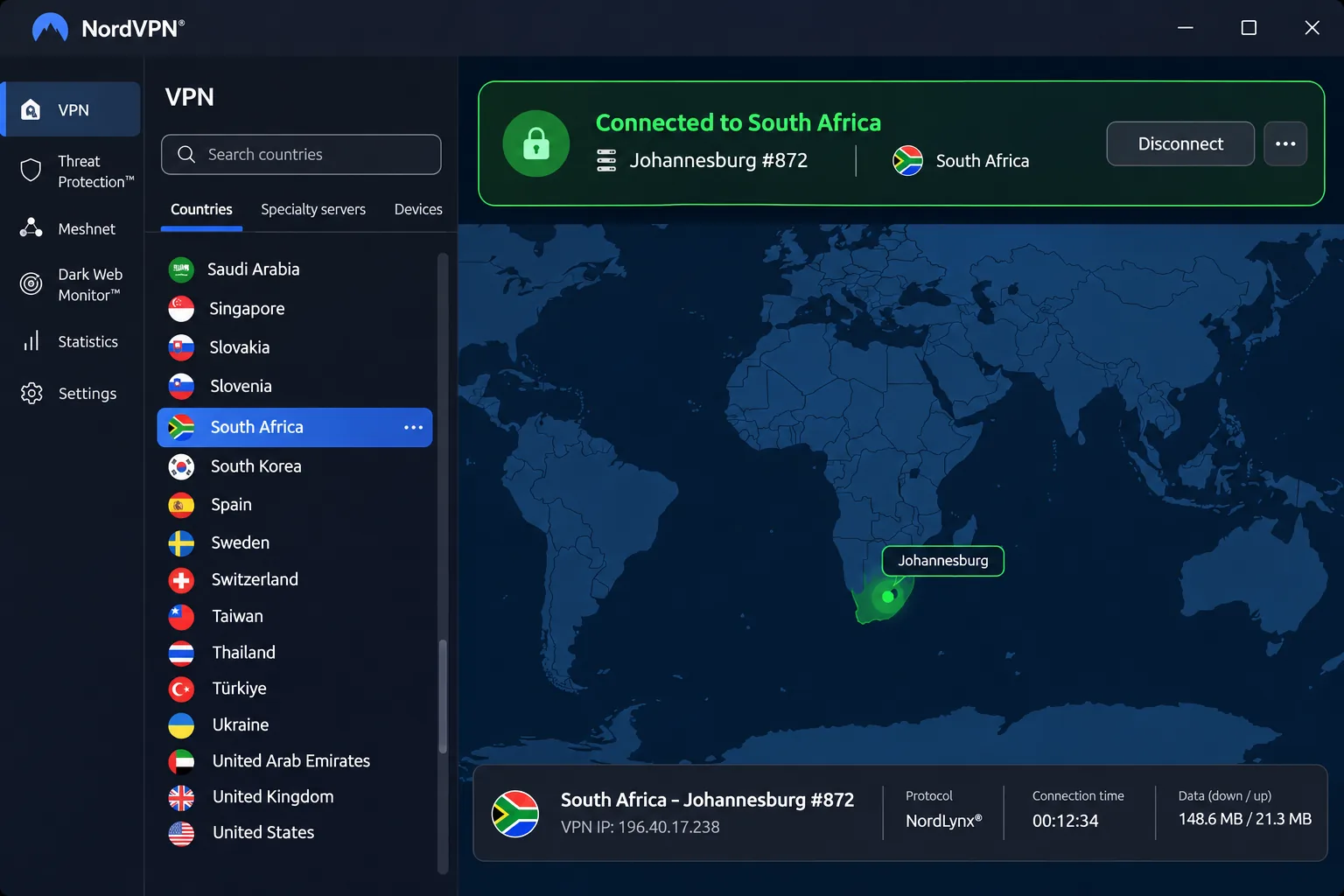
NordVPN gave us the strongest streaming access of the group. It handled Netflix, Disney+ and BBC iPlayer well from South African routes, while Prime Video and YouTube US were more troublesome and sometimes needed a different server. It lists selectable South African servers and exit IPs, so you can choose a local address when you are traveling. The official country page shows 16 local servers, though the count changes as the provider replaces infrastructure.
Setup is simple, and one account covers 10 simultaneous devices. If you keep an older handset going, check its Android version: the current app needs Android 9 or later, while Android 7 and 8 phones require a sideloaded app. The Windows app can pick between NordLynx, NordWhisper and OpenVPN on its own, and you can override that choice when a site misbehaves. Extras include a kill switch, split tunneling, Double VPN and a dedicated-IP option.
We did notice that switching servers can take longer than expected, and the Android interface is less immediately approachable than simpler competitors. The displayed EUR offer costs EUR 94.23 upfront for a 27-month plan, equivalent to EUR 3.49 a month. The renewal we saw was EUR 139.08 a year. That is a regional offer and not a rand quote, and VAT may apply. The 30-day money-back guarantee comes through a refund request after payment, which is different from a free plan.
Pros
- Strong streaming access to overseas services
- Selectable South African servers and exit IPs
- 10 simultaneous devices and a 30-day money-back guarantee
Cons
- Server switching can be slow
- Prime Video and YouTube US are route-dependent
- Renewal costs more than the introductory offer
Best for: Streaming and general use with a local exit IP. Skip if: You want a simple Android interface or a permanent free plan.
2. Surfshark
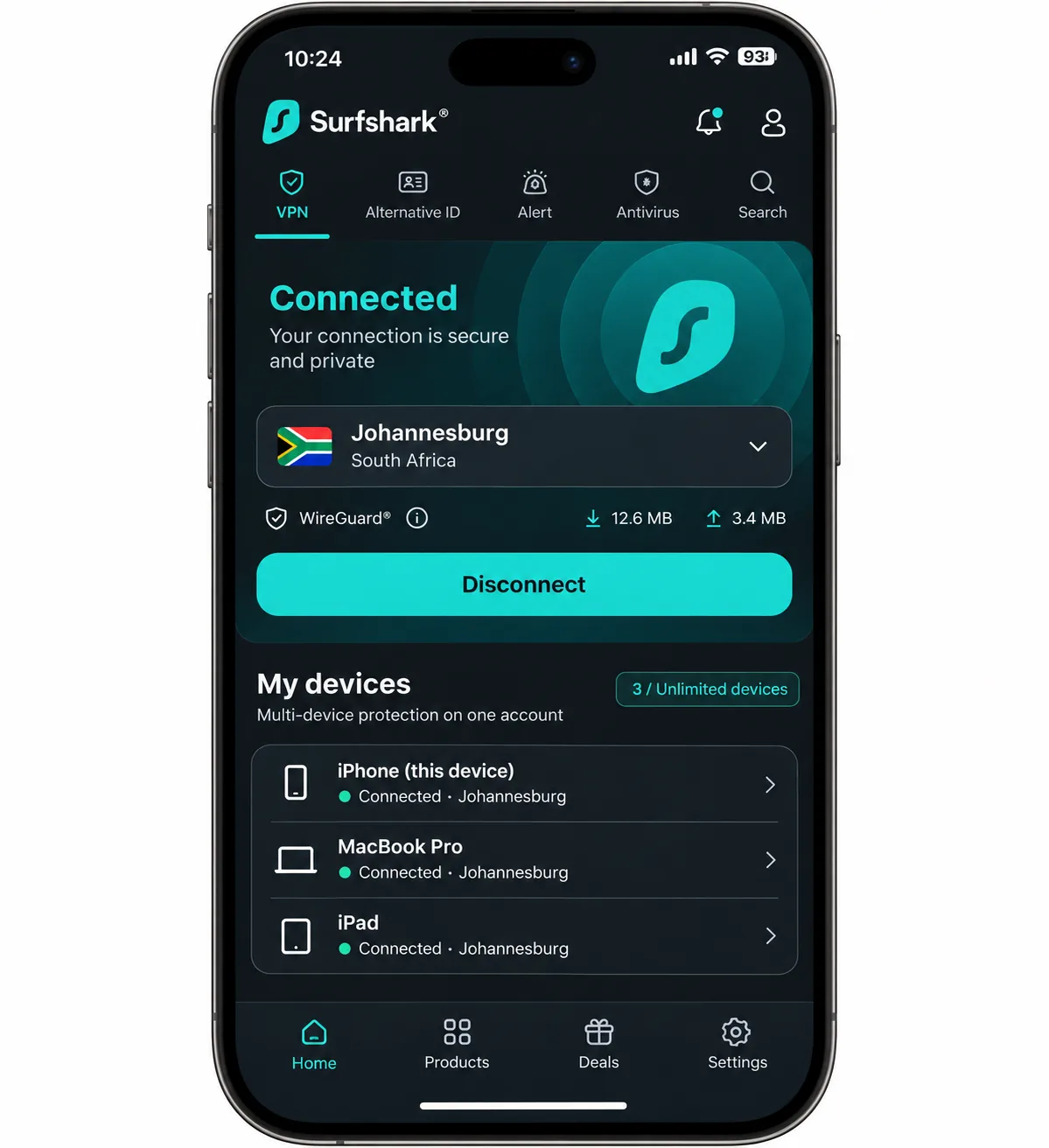
Surfshark is the pick for crowded households. Paid plans allow unlimited simultaneous connections, so phones, laptops, a TV and a relative's tablet can all stay connected under one account. It offers a Johannesburg exit location, and its servers run on RAM-only infrastructure. Official pages list six Johannesburg servers, while other published counts are higher, so the location is more certain than the exact server count.
In our testing Surfshark played Netflix, Prime Video, BBC iPlayer and Peacock smoothly on working routes. Speeds vary with the location you choose. Its latency is less competitive than its download throughput, a difference you would notice more in gaming or video calls than in streaming. The feature list is deep: kill switch, CleanWeb, obfuscation, MultiHop, rotating IP, split routing and Alternative ID. Antivirus, breach monitoring and data removal depend on the tier you buy.
Surfshark's terms are worth reading closely. It has a 30-day money-back guarantee, and it offers a 7-day trial on qualifying 12-month and 24-month subscriptions. The trial covers three compatible devices, and payment starts afterward unless you cancel. The trial sign-up page was harder to find than the ordinary purchase flow. The retrieved storefront showed PLN 242.73 upfront for 27 months, and we could not confirm the exact renewal total. The Windows app supports Windows 10 and 11, while older versions and x86 machines use a legacy app.
Pros
- Unlimited simultaneous connections on paid plans
- Johannesburg exit location
- Smooth streaming on working routes
Cons
- Latency lags behind download speed
- Trial sign-up is easy to miss
- Renewal total was not clear on the pricing page
Best for: Households with many devices. Skip if: You mainly play latency-sensitive online games.
3. ExpressVPN
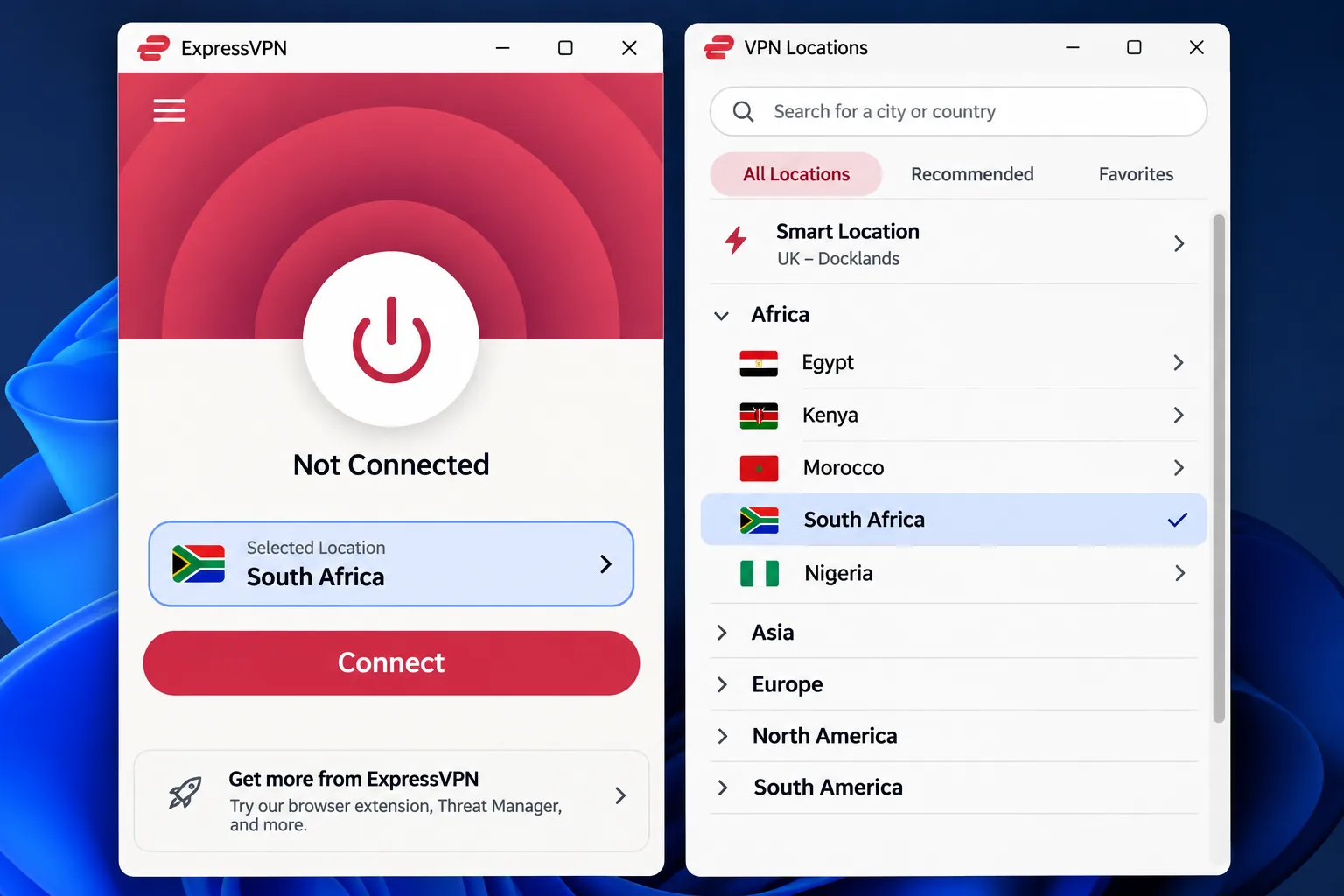
ExpressVPN is the easiest of the five to use for a first-time VPN customer. Choosing South Africa and connecting takes a few taps. Installation was straightforward across mainstream desktops and phones, though a laptop may need a restart before first use. The activation code is a nice touch because you can add another device without typing your account password again. It uses a Johannesburg exit IP and also supports routers, which helps if you want every device in a flat covered.
Device limits depend on the plan. Basic permits 10 simultaneous devices, Advanced 12 and Pro 14, so older reviews that mention eight devices are out of date. The newer desktop interface spends space on a noninteractive map, which makes it less compact than the older layout. Under the hood it offers Lightway, WireGuard and OpenVPN, an Internet Kill Switch on supported platforms, leak safeguards, ad and tracker blocking, and an optional dedicated IP.
Pricing is where you need care. In US dollars, the plan costs $3 a month: $84 for the first 28 months, then $99.95 a year. In euros, it costs EUR 70 for 28 months, then EUR 79.95 a year. Taxes may be added at checkout. The 30-day money-back guarantee applies to first-time customers who buy directly, and iOS and Android store purchases follow the store's refund rules instead.
Pros
- Simple setup for beginners
- Johannesburg exit IP and router support
- Tiered device limits from 10 to 14
Cons
- Renewal price is higher than the introductory rate
- Less compact desktop interface
- Refund rules differ for app-store purchases
Best for: Beginners who want the least friction. Skip if: You want the lowest long-term price.
4. Proton VPN
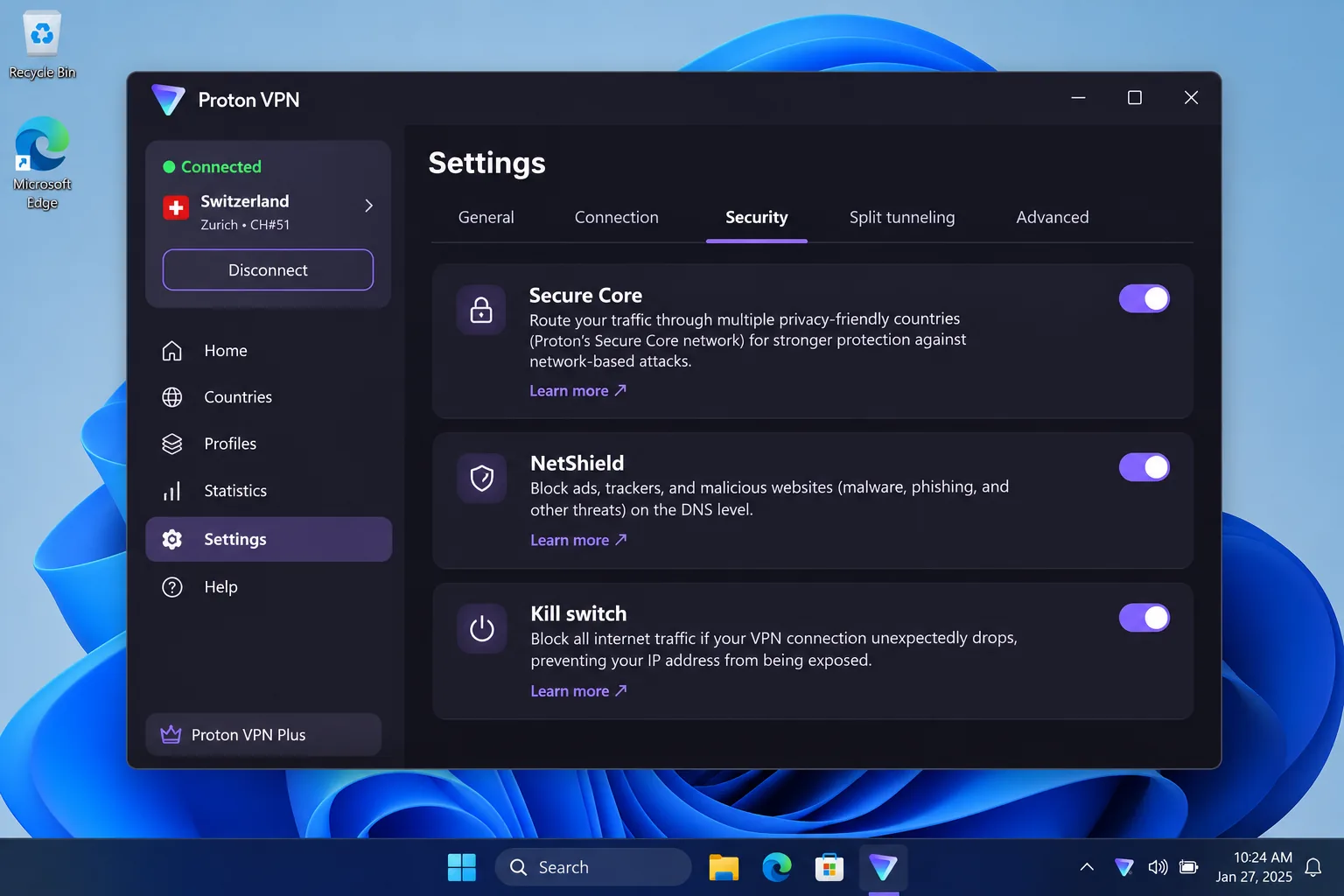
Proton VPN is the choice when privacy features matter more than streaming performance. Its apps are open source, its no-logs design has been independently audited, and it adds Secure Core multi-hop, Stealth obfuscation, a kill switch and NetShield filtering. Paid plans include South African servers and a local exit IP, plus WireGuard and VPN Accelerator. The Windows app supports Windows 11 and Windows 10 64-bit build 19045, so older or 32-bit systems have a different support status.
In our testing, Proton VPN Plus handled major Netflix regions, Prime Video, Disney+ and regional British services well on working servers. It also supported Netflix, BBC iPlayer and Peacock, but its speeds trailed NordVPN and Surfshark on comparable routes. To make the most of its advanced settings, read the detailed help material instead of relying on the first connection screen. VPN Plus covers 10 devices at once, and there is a 30-day money-back guarantee on paid subscriptions, subject to its terms.
The displayed USD offer was $3.49 a month equivalent, paid as $83.76 upfront for the first 24 months. It then renews at $83.88 for every 12 months, so the renewal period is shorter and the cost per month rises. Treat that as an introductory offer, since regional checkout pages can differ.
Pros
- Open-source apps and an audited no-logs design
- Secure Core multi-hop and Stealth obfuscation
- A permanent free plan with no data or time cap
Cons
- Speeds trail NordVPN and Surfshark
- The free plan has no South African exit
- Renewal period is shorter than the introductory term
Best for: Privacy-focused users and anyone who wants a free option to start with. Skip if: Speed is your top priority.
5. Private Internet Access
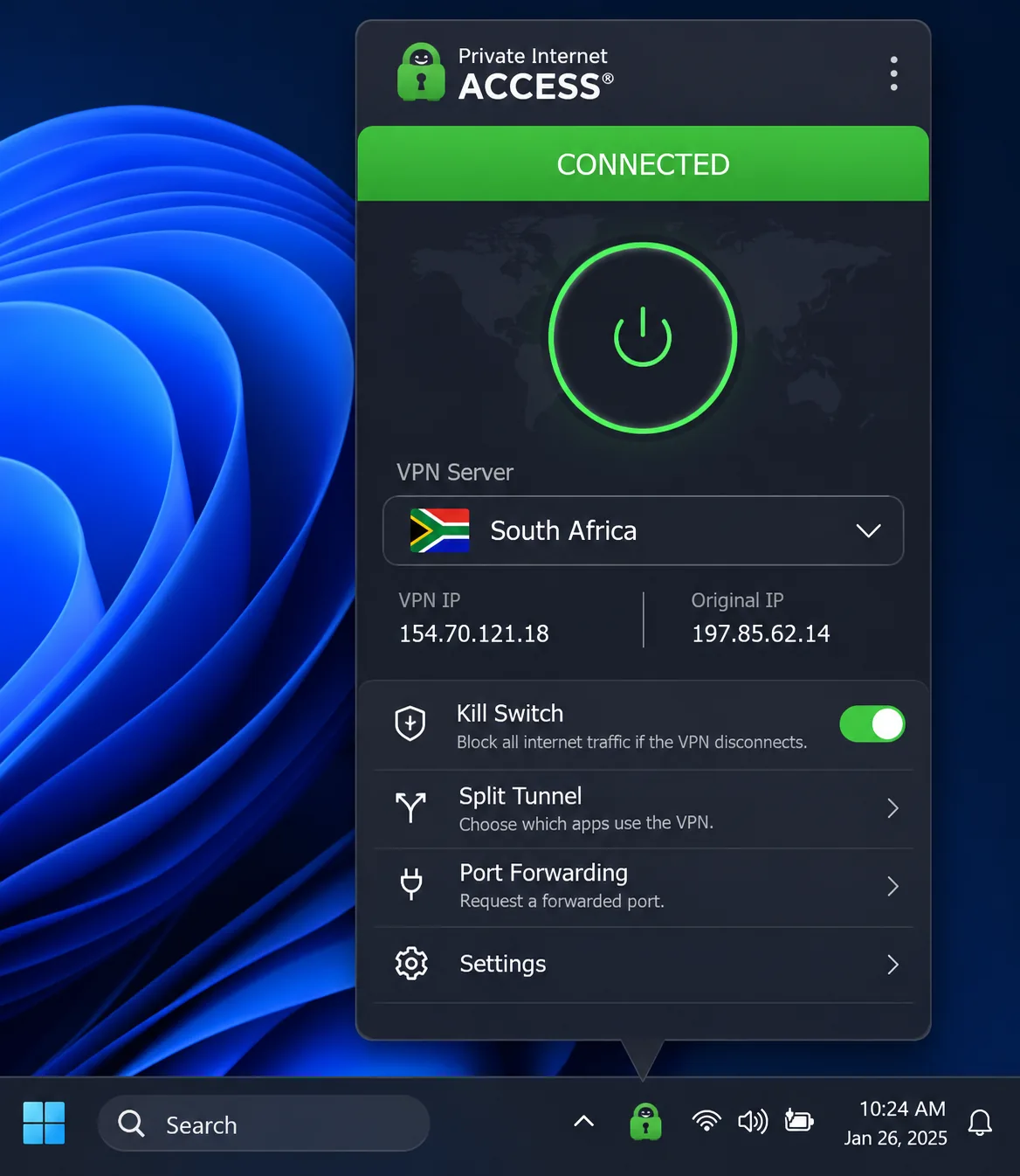
Private Internet Access (PIA) gives you the most control at the lowest headline price. It has a South African exit location, unlimited device connections and bandwidth, RAM-only servers, open-source apps and an independently audited no-logs policy. Split tunneling, port forwarding and a customizable interface appeal to people who like to tune things. Its essential controls are easy to find, but the panel closes when you click elsewhere because it is attached to the Windows tray by default. You can change that behavior in the general settings. Live support was responsive and the help guides cover detailed configuration.
Streaming is mixed. PIA reached Netflix and Prime Video but failed on Hulu and Disney+, so it is a weaker choice if overseas streaming is your main reason to buy. On privacy, it kept IP and DNS information inside the tunnel during ordinary use. The kill switch blocked leaks when the internet connection dropped and when the VPN software crashed, but unencrypted traffic could leak after a system reboot even with the kill switch enabled. If you switch off your computer often, keep that in mind.
The price is attractive on paper: an offer of $2.03 a month equivalent for three years plus four extra months, renewing at $81.20 every three years. A one-year plan was $47.88 and a monthly plan $11.95. The extra months lower the effective monthly cost, so compare the renewal and not the headline. The 30-day money-back guarantee covers new direct subscribers. First-time mobile users subscribing through Google Play or the Apple App Store can get a 7-day trial, with the iOS trial tied to an annual plan.
Pros
- Unlimited devices and a low introductory price
- Open-source apps and an audited no-logs policy
- Detailed customization and responsive support
Cons
- Fails on Hulu and Disney+
- Can leak after a reboot despite the kill switch
- Promotional extra months inflate the headline saving
Best for: Tinkerers on a budget with many devices. Skip if: Streaming overseas catalogues is the main goal.
How to choose a VPN for South Africa
Start with what you need the VPN to do, since your needs determine the shortlist. If you live in South Africa and want privacy on public networks, any of the five will do, and you can focus on price and ease of use. If you travel and want local content, the exit location and the broadcaster's rules matter more than the brand.
South African servers and local IP addresses
Check that the provider lists South Africa as a selectable location on the plan you are buying. Proton VPN is the clearest example of why: its free plan offers neither manual country selection nor a South African exit, while Plus offers both. Also keep in mind that published server counts disagree. NordVPN's official page and third-party guides give different local totals, and the same is true for Surfshark, so look for confirmed location availability and not a big number.
Speed, streaming and device compatibility
Speed depends on distance to the exit server, and the provider's lab figures say little about your connection. Surfshark and Proton VPN both showed route-dependent speeds in our testing. For streaming, work out which services you use, since the same VPN can work with Netflix but fail with Prime Video. Then check the platforms you own, and see our best VPN for Android picks if you mainly use a phone. NordVPN needs Android 9 for its current app, Surfshark's current app needs Windows 10 or 11, and Proton VPN supports Windows 11 and 64-bit Windows 10.
Using a VPN while you are in South Africa and getting a South African IP address are different things. Connecting to a nearby server protects your traffic at home, but only a South African server gives you a local exit IP. Choose an overseas server when you want that country's catalogue. Likewise, a free plan is not the same as a refundable paid plan: a money-back guarantee means you pay first and ask for the refund within the window.
Privacy protections and total subscription cost
Look for a kill switch, leak protection and an independently audited no-logs claim, but remember that a feature on the box does not guarantee protection in every failure scenario. PIA's reboot leak illustrates this limitation. For cost, compare renewals and not first-term prices. Most of the offers we saw bundle 24 to 40 months upfront at a low monthly equivalent, then renew at a higher rate or over a different period. Final rand totals, local tax treatment and card conversion fees were not confirmed for any provider, so check your own checkout page before paying.
Why use a VPN in South Africa?
Public Wi-Fi in cafes, airports and malls gives you an everyday reason. A VPN encrypts the connection between your device and the VPN server, so other people on the same network cannot read your traffic. It also hides your IP address from the sites you visit, and it stops your internet provider from seeing which sites you browse, though the provider can still see that you are connected to a VPN.
The wider climate is relatively open. Freedom House's 2025 South Africa assessment classifies the country as Free with 73/100 for internet freedom. That is a good score, and it means most South Africans use a VPN for privacy and streaming access and not to get around blocks. Travelers are the other big group, since a South African exit IP lets them reach home services while abroad, subject to the provider's rights.
How to get a South African IP address and use your VPN
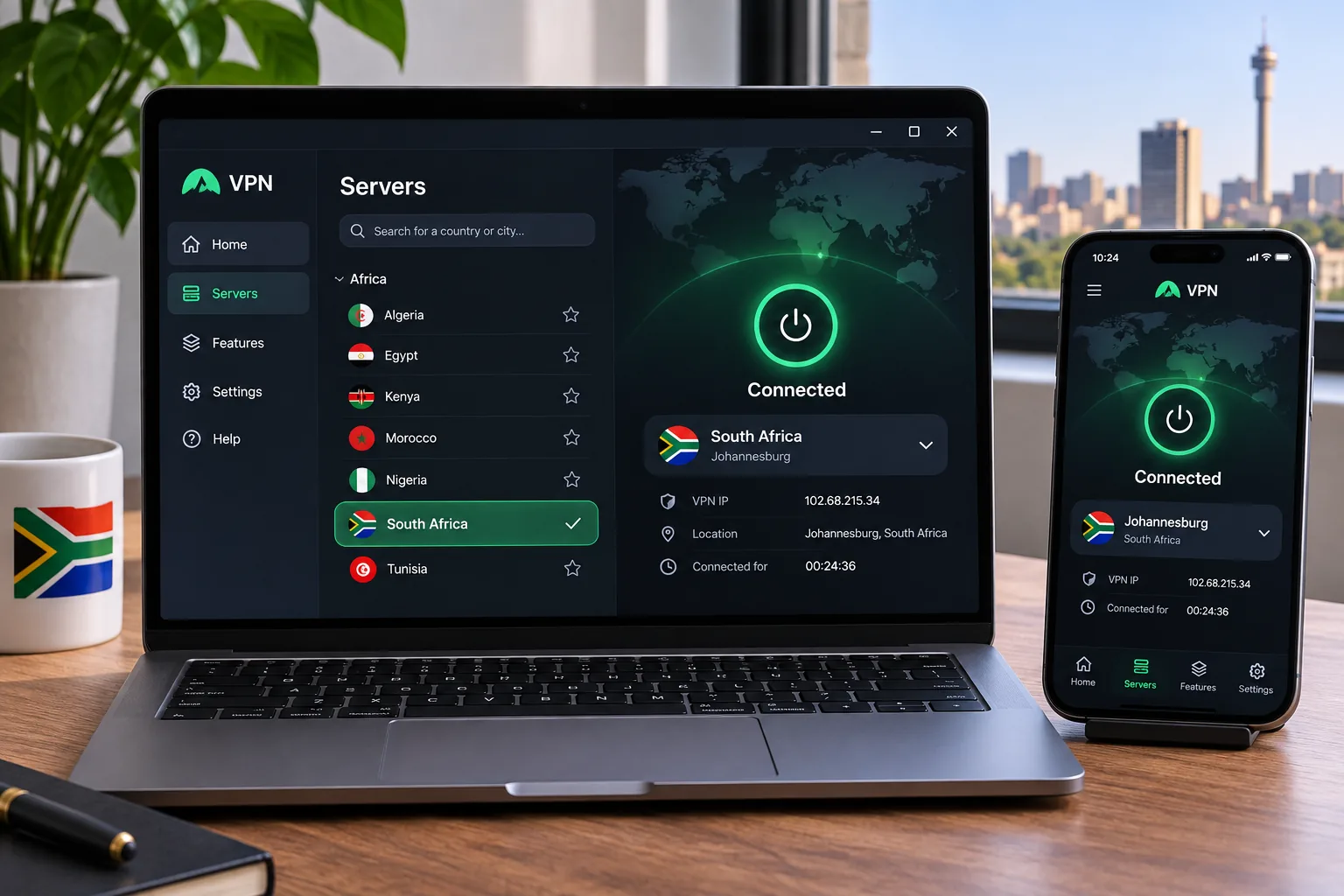
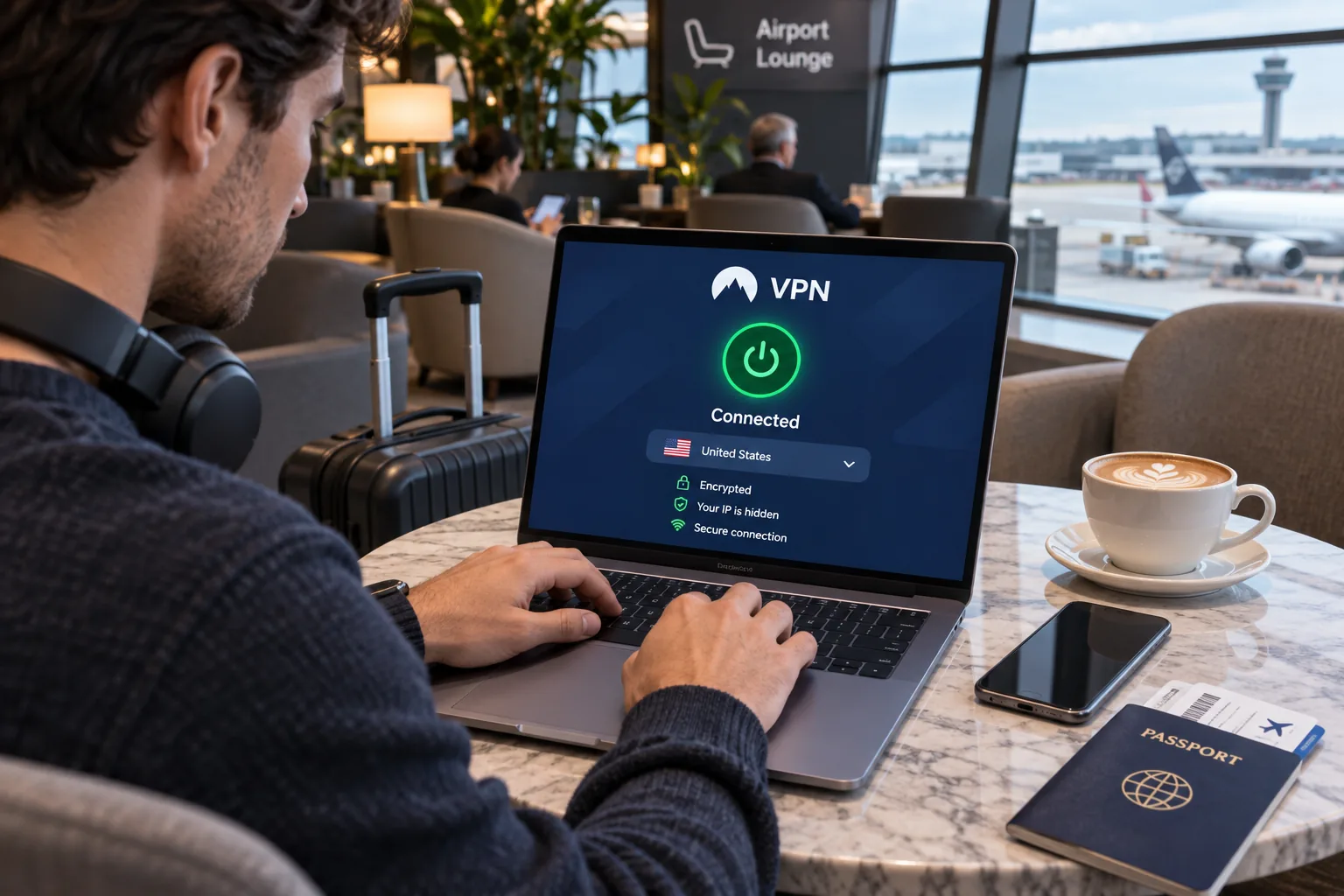
The process is the same on every provider we covered. Pick a plan, install the official app on your device, sign in, choose South Africa or Johannesburg from the location list, and connect. When the app shows the connection as active, your traffic exits through a South African server and websites see a local address. Choosing an overseas server instead gives you that country's exit location.
Install the app on each device you use, because a router-level or per-device setup is the only way to cover everything. ExpressVPN supports routers, while Surfshark and PIA allow unlimited connections. These options make covering a whole household easier. If a site still treats you as foreign after you connect, disconnect, clear the site's cookies and reconnect to a different South African server before trying anything else.
Use the money-back window properly. Install the app on the device you care about most, test the services you actually use on day one, and ask for a refund inside the 30-day window if one of them fails.
Can you use a free VPN in South Africa?
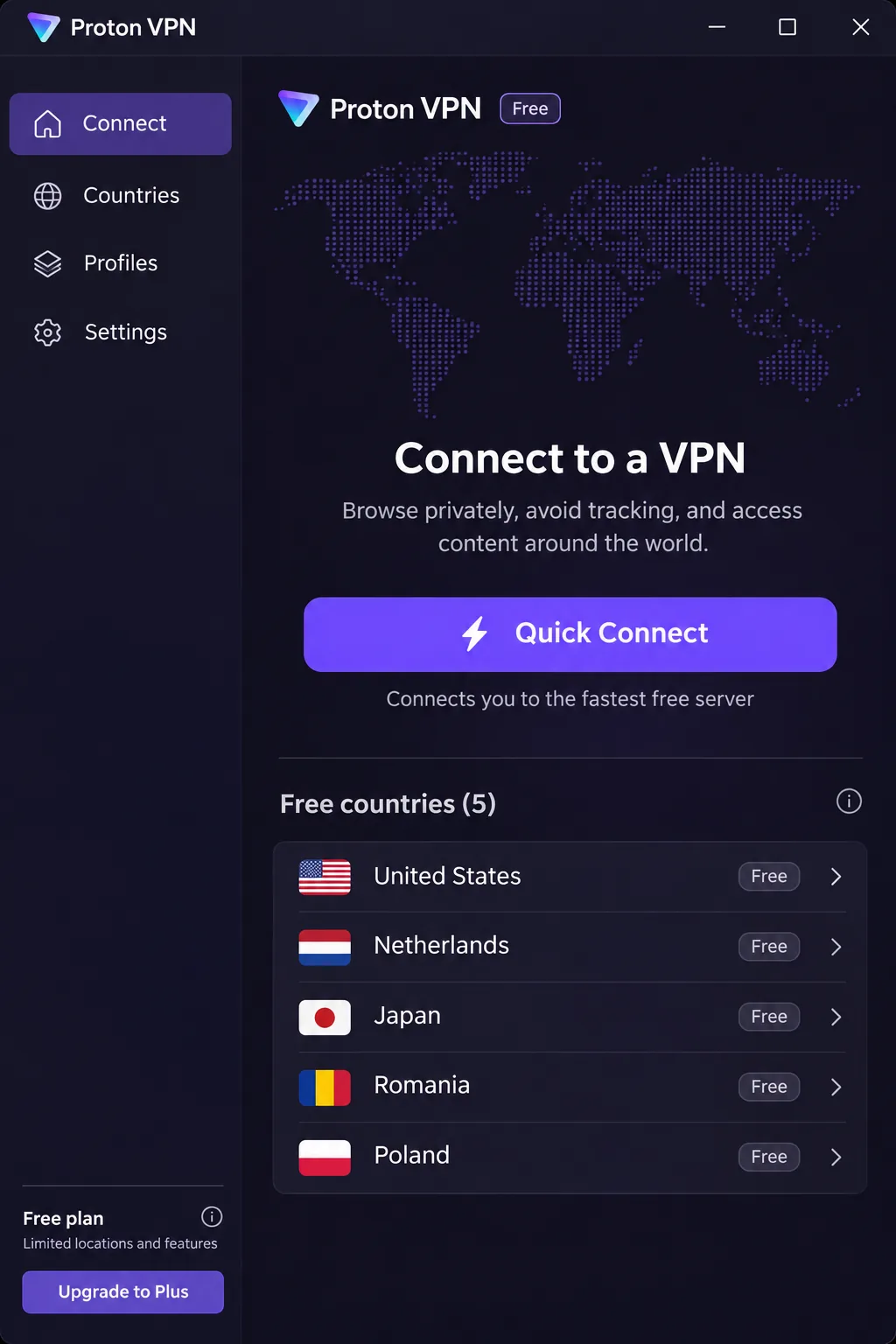
Yes, but a free VPN will rarely get you a South African IP address. Proton VPN offers an ongoing free tier with no data or time cap and no ads, which makes it the most useful free option here. The catch is that you cannot pick a country manually, and the free plan has no South African exit. Proton lists 10 free countries: the Netherlands, Japan, Romania, Poland, Norway, Switzerland, Singapore, Mexico, Canada and the United States. Older reviews list five, so they are out of date.
Free locations also make targeted streaming awkward. Access to US Netflix through the free plan does not mean Disney+, Prime Video or Canadian services will work. So Proton VPN Free suits basic privacy on public Wi-Fi, but not watching South African TV from abroad.
Free plans, trials and money-back guarantees
The other four providers do not offer an ongoing free plan that we could verify. What they offer instead are trials and refunds. Surfshark has a 7-day trial on qualifying 12-month and 24-month plans, and PIA has a 7-day trial for first-time mobile subscribers through the app stores. Every provider here has a 30-day money-back guarantee on direct purchases, and app-store purchases follow the store's refund rules. Because the trial and the refund work differently, read the cancellation terms before you enter payment details.
Final recommendations
Choose NordVPN if you want one dependable pick with South African servers, strong streaming access and 10 devices. Choose Surfshark for a busy household, ExpressVPN if you want the simplest setup, and Proton VPN if privacy and a free starting point matter most. Pick Private Internet Access if you want maximum customization on a budget and can live with its streaming gaps and reboot leak.
Whichever you choose, buy directly from the vendor so the 30-day money-back guarantee applies, and test your own streaming apps in the first week.