If you are abroad and want Slovak TV, banking or home services, you need a Slovak IP address. If you live in Slovakia and want privacy on café or hotel Wi-Fi, you need a reliable VPN with good apps, and the server country matters much less. Those are two different jobs. A Slovak IP needs a server in Slovakia, because a nearby Czech or Austrian server gives you that country's address instead. NordVPN is our top pick for both jobs, and Surfshark follows close behind. All five VPNs below list a Slovakia endpoint.
We compared each provider's Slovakia server page, apps, plans and refund terms, and we weighed how each one behaved in streaming, setup and daily use. Prices change often, so treat every figure here as the offer we saw on the provider's site on the day of writing.
Best VPNs for Slovakia at a glance
The table shows the basics side by side. Prices reflect the introductory offers we saw, in the currency each site displayed. Convert them to the same currency before comparing them.
| Product | Buy | Slovak endpoint | Best for | Devices | Refund | Price |
|---|---|---|---|---|---|---|
 |
Check price → | Yes, Bratislava | Streaming and privacy | 10 | 30-day | $3.49/mo, 27-month prepay |
 |
Check price | Yes | Many-device households | Unlimited | 30-day | $2.49/mo, 27-month prepay |
 |
Check price | Yes | Simple setup | 10 on Basic | 30-day | EUR 2.49/mo, 28-month prepay |
 |
Check price | Yes | Streaming server choice | 7 | 45-day | $2.19/mo, long prepay |
 |
Check price | Yes | Linux and detailed controls | Unlimited | 30-day | $47.88 first year |
A "Slovakia endpoint" means the provider lets you pick Slovakia in its app and gives you a Slovak IP. We could not confirm whether each provider uses physical machines inside Slovakia or a virtual location, so we make no claim either way.
The 5 best VPNs for Slovakia
Each section below covers the best-fit user, what the service supports and one limitation worth knowing before you pay.
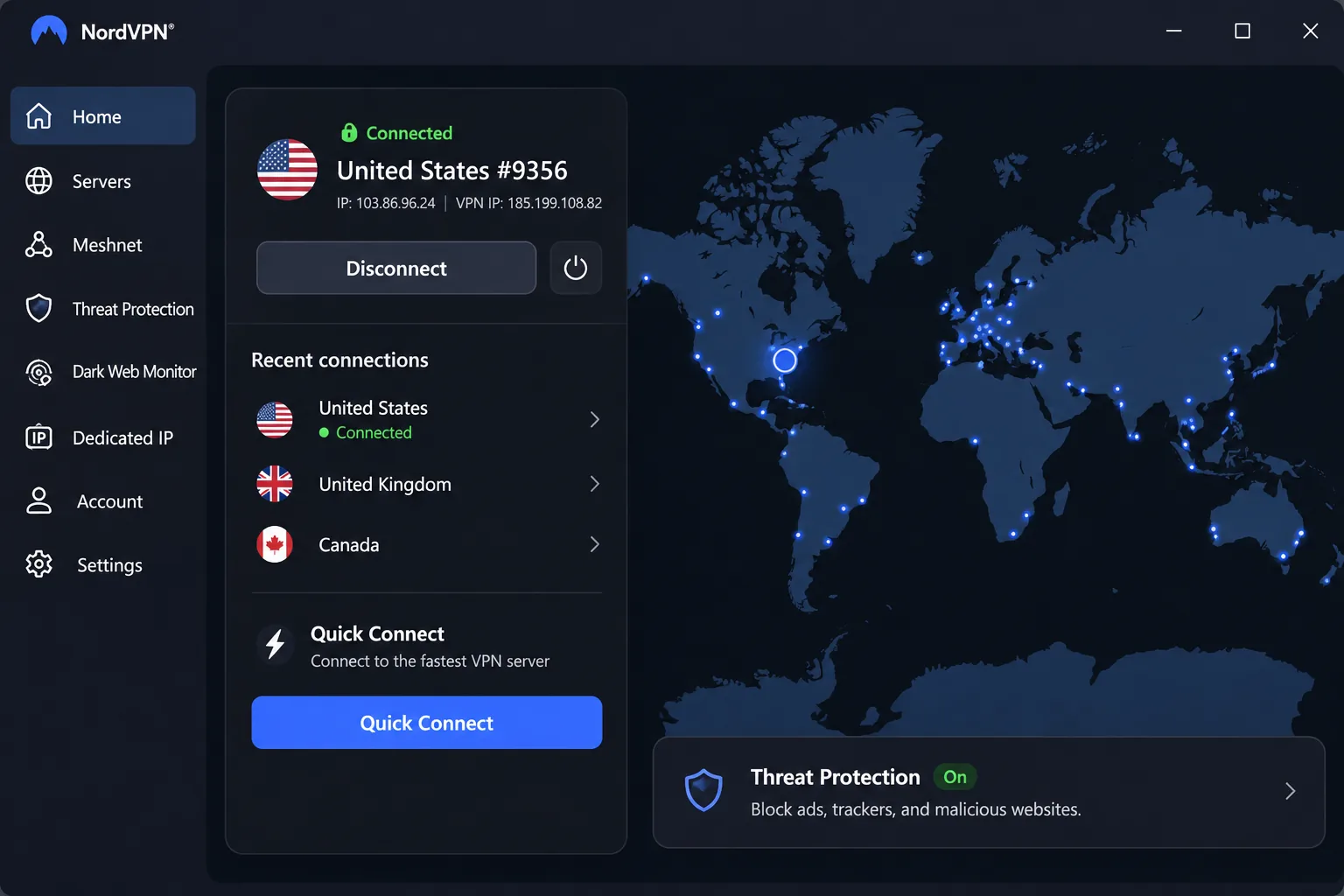
1. NordVPN
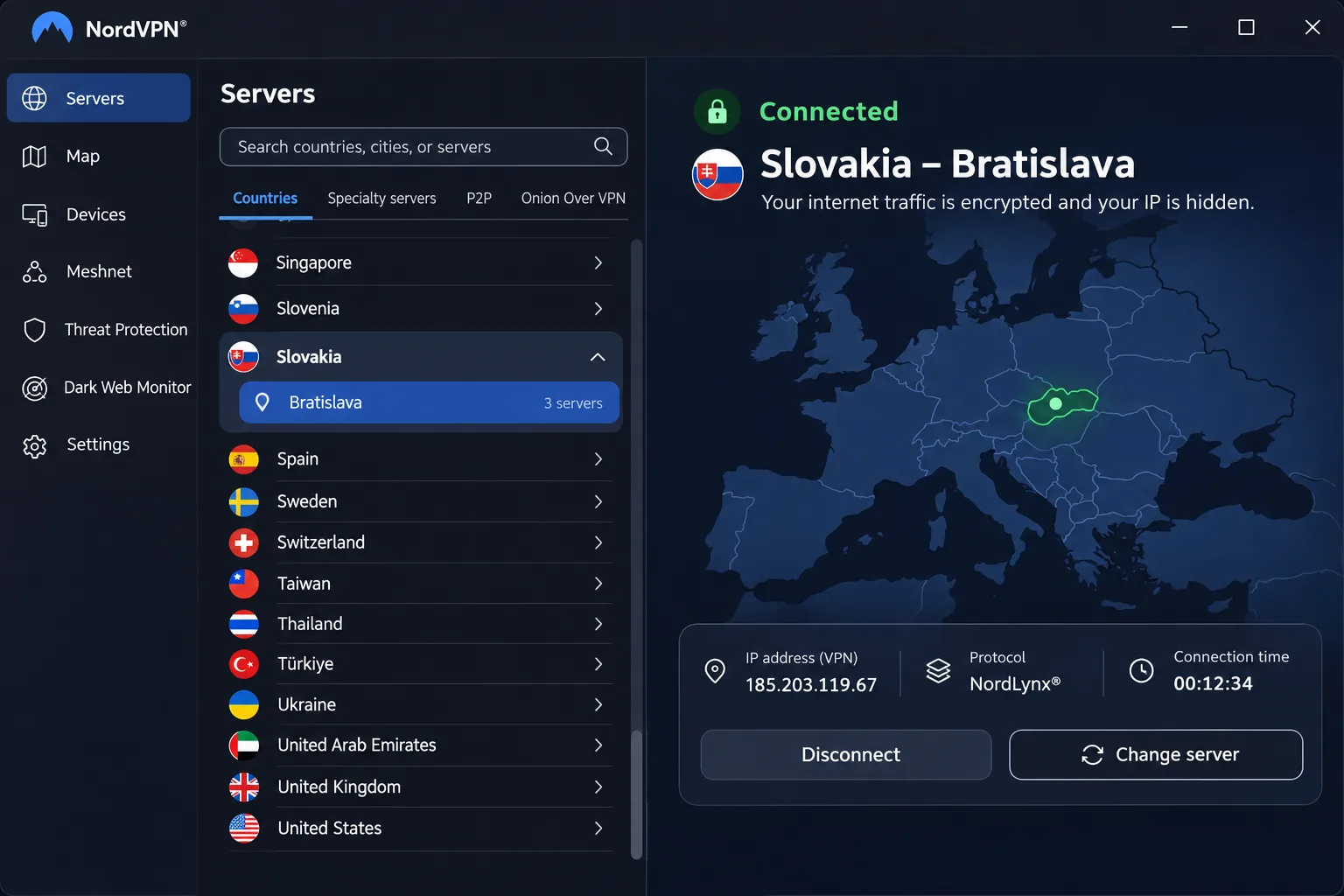
NordVPN is the service we would install first. Its Slovakia page lists a Bratislava location you can select in the app, and the apps cover Windows, macOS, Linux, Android and iOS. One account protects 10 simultaneous devices, which is enough for a phone, laptop, tablet and a couple of family devices.
Streaming access is reliable across the major services in our testing, which matters if you want to watch Slovak channels or your home libraries from abroad. The kill switch, split tunneling and Double VPN are there for privacy. Specialty features such as Double VPN are not necessarily offered on Slovak endpoints, so check the server list before you count on them.
The apps are clean and efficient, though feature availability changes from one platform to another. The mobile interface can feel cramped on a small phone. Advanced configuration is less flexible than it is with Private Internet Access. The Windows app needs Windows 10 64-bit version 1607 or later. On Android the main app needs Android 9 or newer. Older Android versions use a separately sideloaded app.
On price, the basic offer we saw was $3.49 a month. That was on a 27-month prepaid plan. The displayed renewal was $139.08 a year. Bonus months, taxes and renewal rates depend on your billing region. New subscriptions carry a 30-day money-back guarantee.
Best for: Travelers and expats who want the safest all-round choice for Slovak content and privacy.
Skip if: You want deep manual configuration or need more than 10 devices.
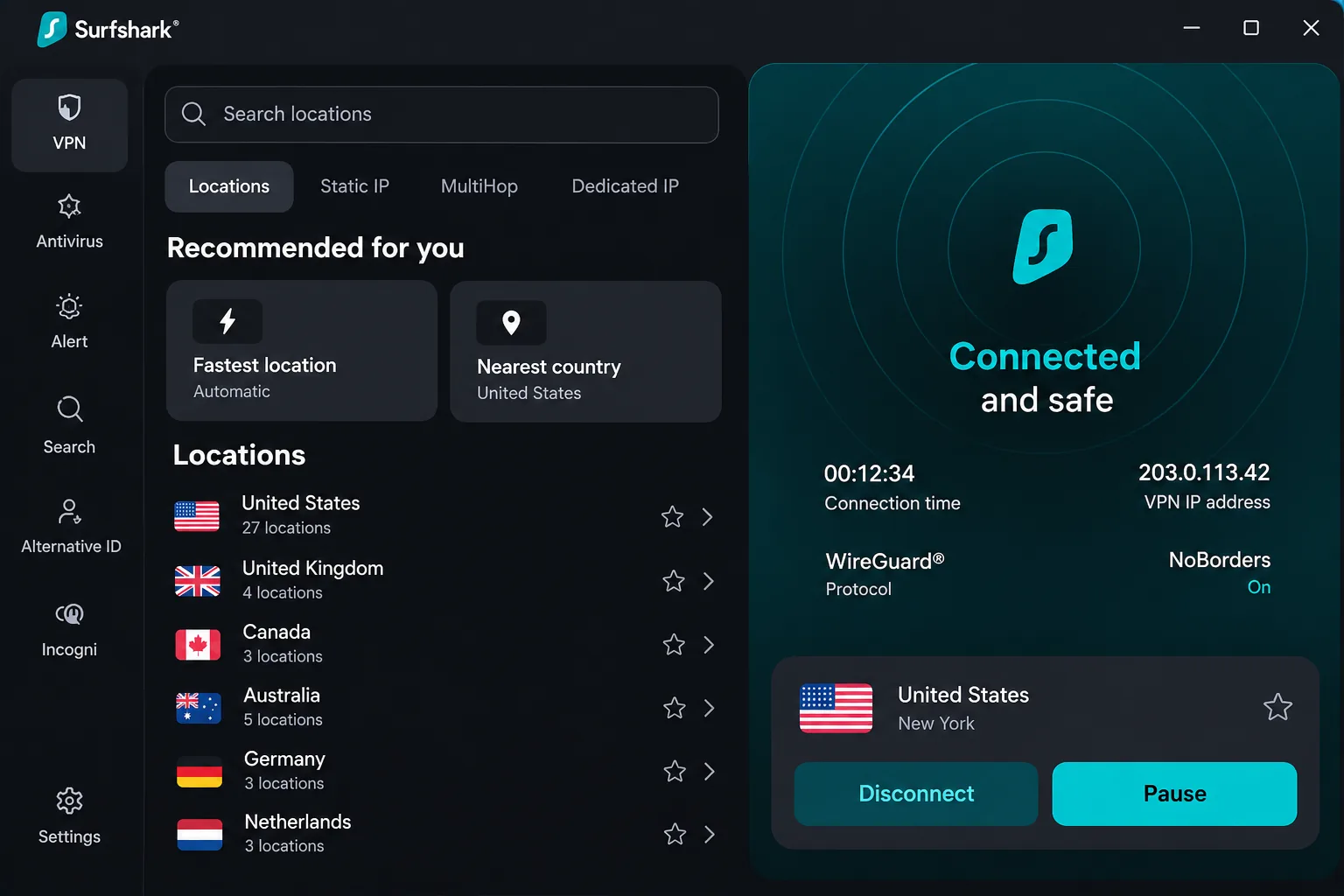
2. Surfshark
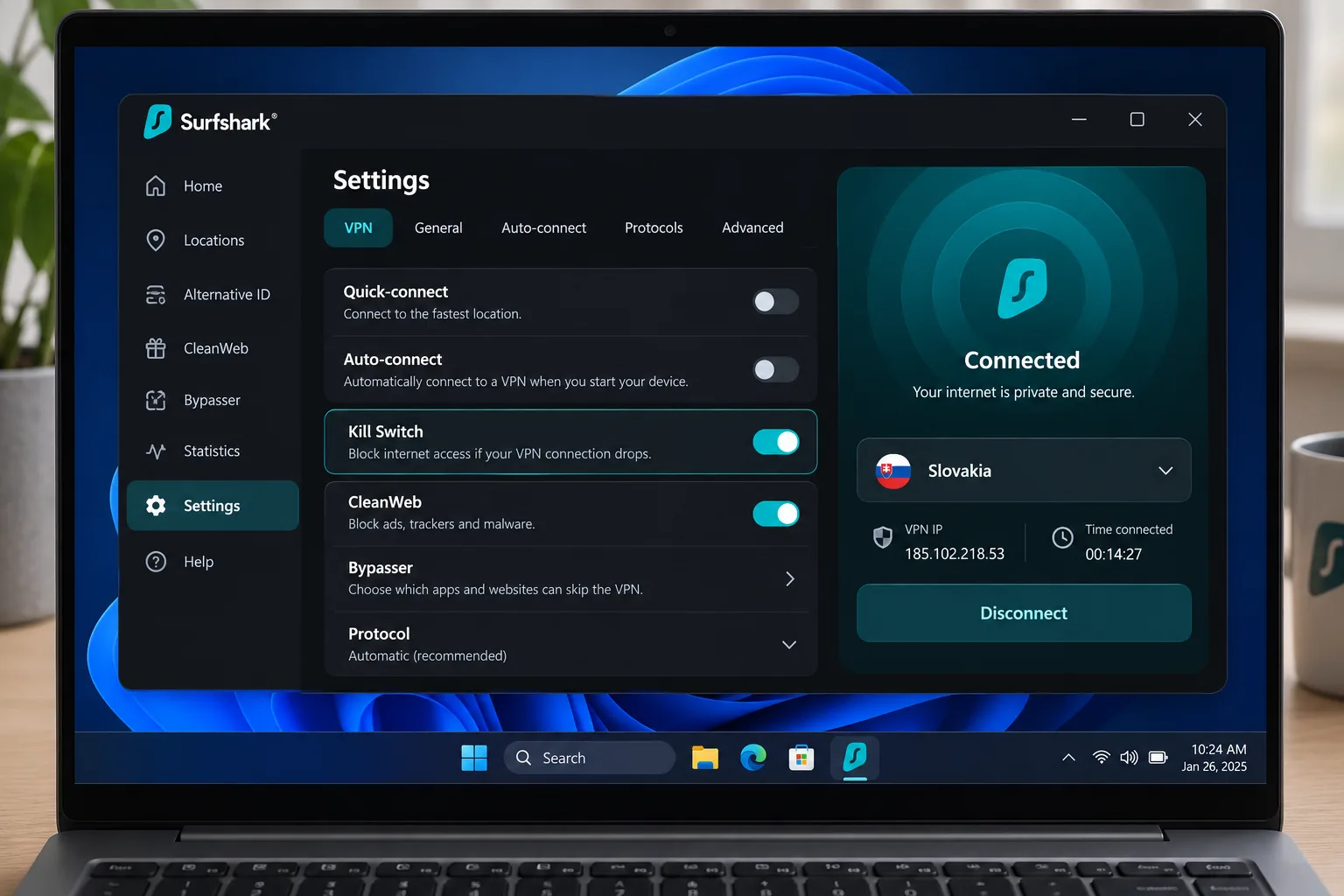
Where NordVPN stops at 10 devices, Surfshark does not. Its Slovakia endpoint supplies a Slovak IP address, and the plan allows unlimited simultaneous connections with unlimited bandwidth. Native apps cover Android, Windows, iOS, macOS and Linux, and browser extensions protect only the browser. Some systems may ask for administrator permission during installation.
In our testing the kill switch blocked leaks during forced-disconnection tests, which is the check we care about most on public Wi-Fi. Extras include a Bypasser for sending chosen apps outside the tunnel, CleanWeb ad blocking and a timed pause.
Streaming is where Surfshark is less predictable. Accessing Netflix sometimes takes several tries. In our tests, the UK and Australian libraries could fail to load while others loaded immediately. CleanWeb can also interfere with ad-funded streaming, so turn it off if a Slovak broadcaster's player stalls. Locations tuned for P2P are hard to find, because you have to type P2P into the server search bar.
The Starter offer we saw was $2.49 a month on a 27-month prepaid plan, and the renewal price was not stated. Surfshark offers a 7-day free trial, and a 30-day money-back guarantee applies to purchases made on its website. Requesting a refund through live chat is faster than using email.
Best for: Families and shared flats with many phones, laptops and TVs.
Skip if: Reliable Netflix access in every region is your top priority.
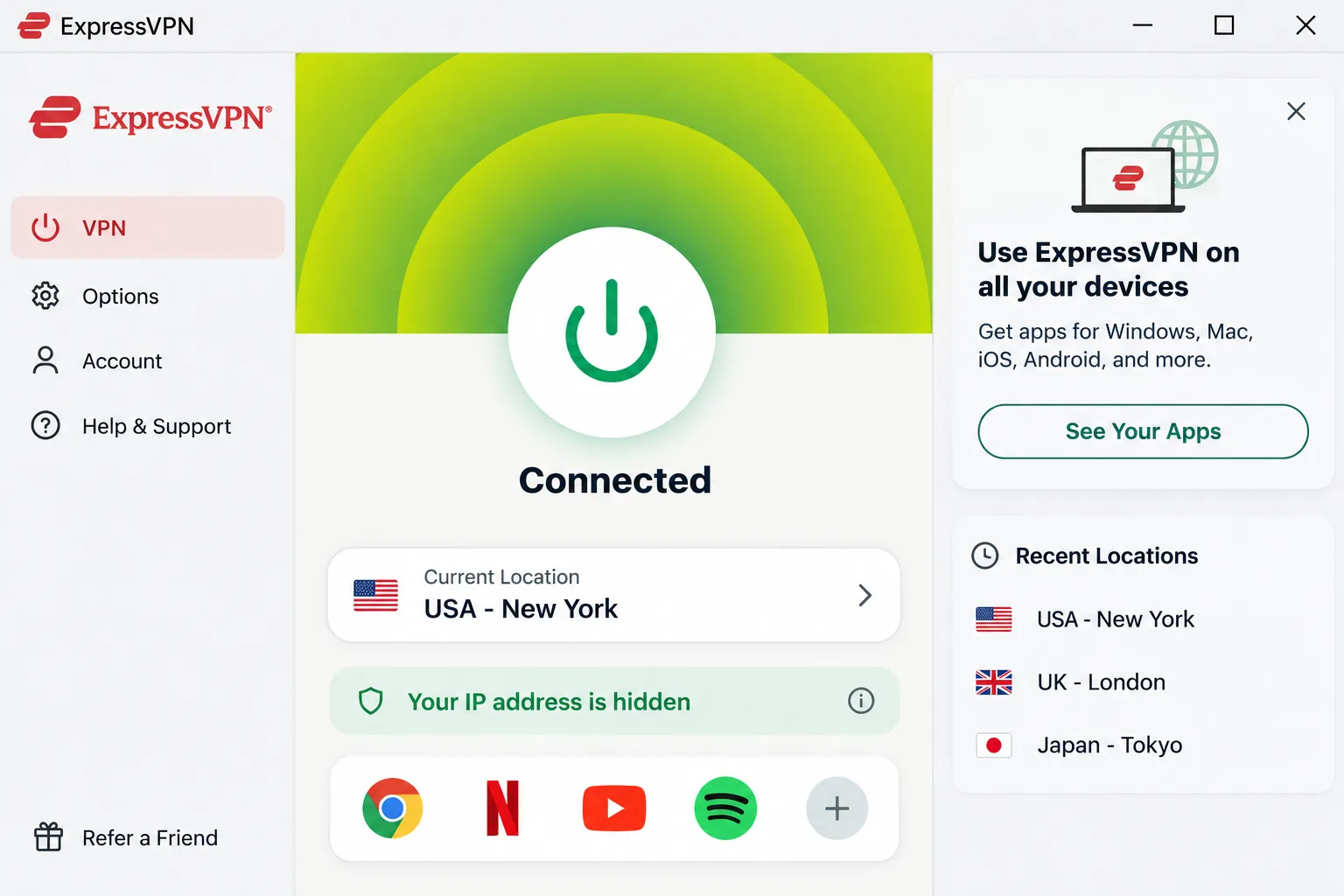
3. ExpressVPN
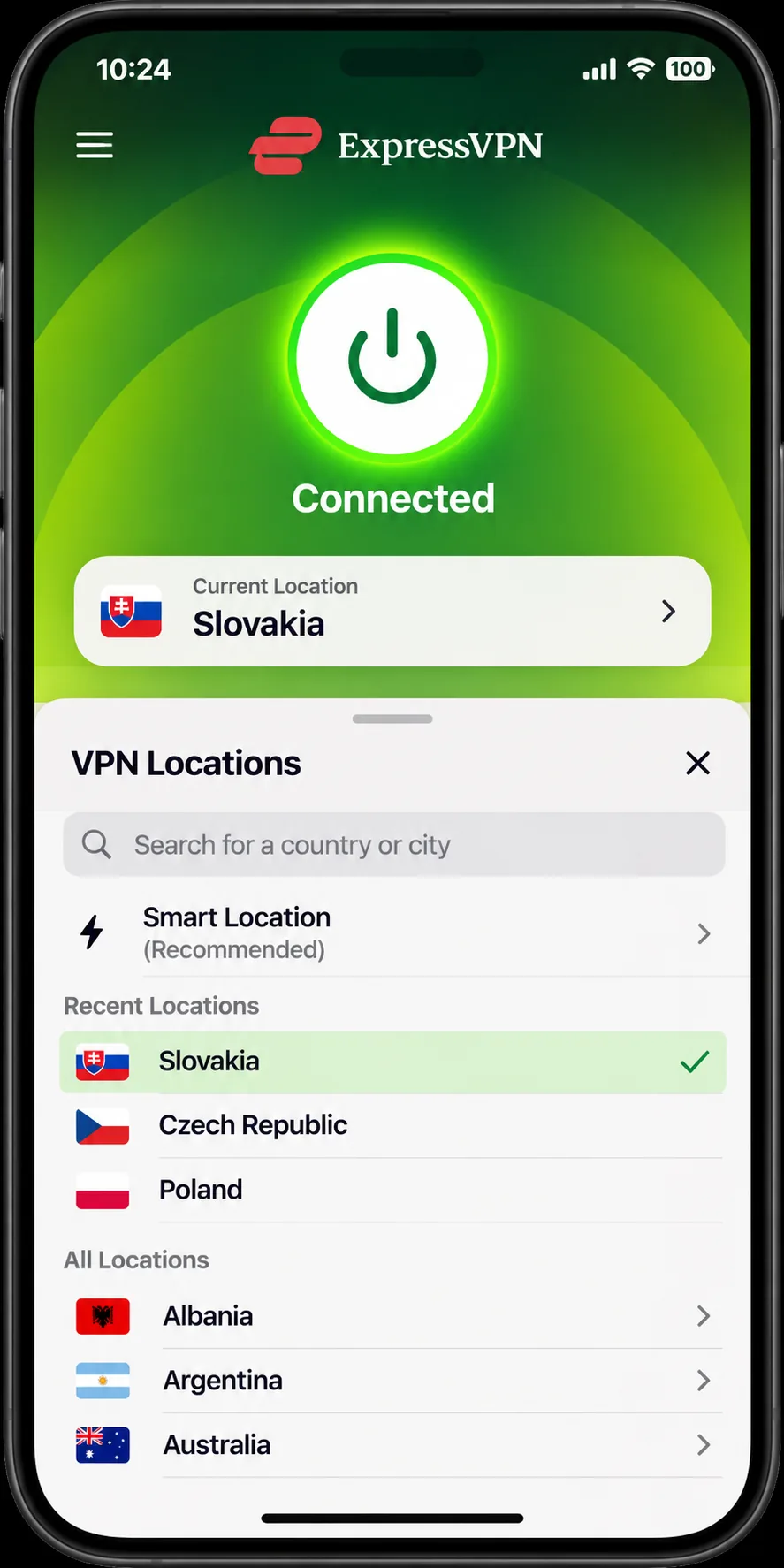
Surfshark is built for crowded households. ExpressVPN is built for people who want no fuss. Its Slovakia endpoint supplies a local IP abroad, and the service runs Lightway, a Windows-only Lightway Turbo option and RAM-only TrustedServer infrastructure. Installation on mainstream desktop and mobile devices is straightforward, although a laptop restart may be needed before the first connection.
Basic covers 10 simultaneous devices, Advanced covers 12 and Pro covers 14. The Windows app needs Windows 10 or later. The Android app needs Android 7 or later. The Mac app from the ExpressVPN website needs macOS 11 or newer. The Mac App Store edition needs macOS 15 or newer.
Streaming access works across several major Netflix and Disney+ regions in our testing. Netflix can fail in Canada and Japan, as can Prime Video in Japan. Prime Video can also hit roadblocks on US locations. Ad-funded streaming keeps working with Threat Manager switched on, which is useful for free broadcaster players.
The Basic offer we saw in euros was EUR 2.49 a month. That was on a 28-month prepaid plan. Renewal is EUR 79.95 a year. The 30-day money-back guarantee applies to first-time customers who buy directly. Purchases through the Apple App Store and Google Play follow the stores' own refund rules instead.
Best for: People who want to connect once and not touch a setting again.
Skip if: Your main goal is guaranteed access to every regional streaming library.
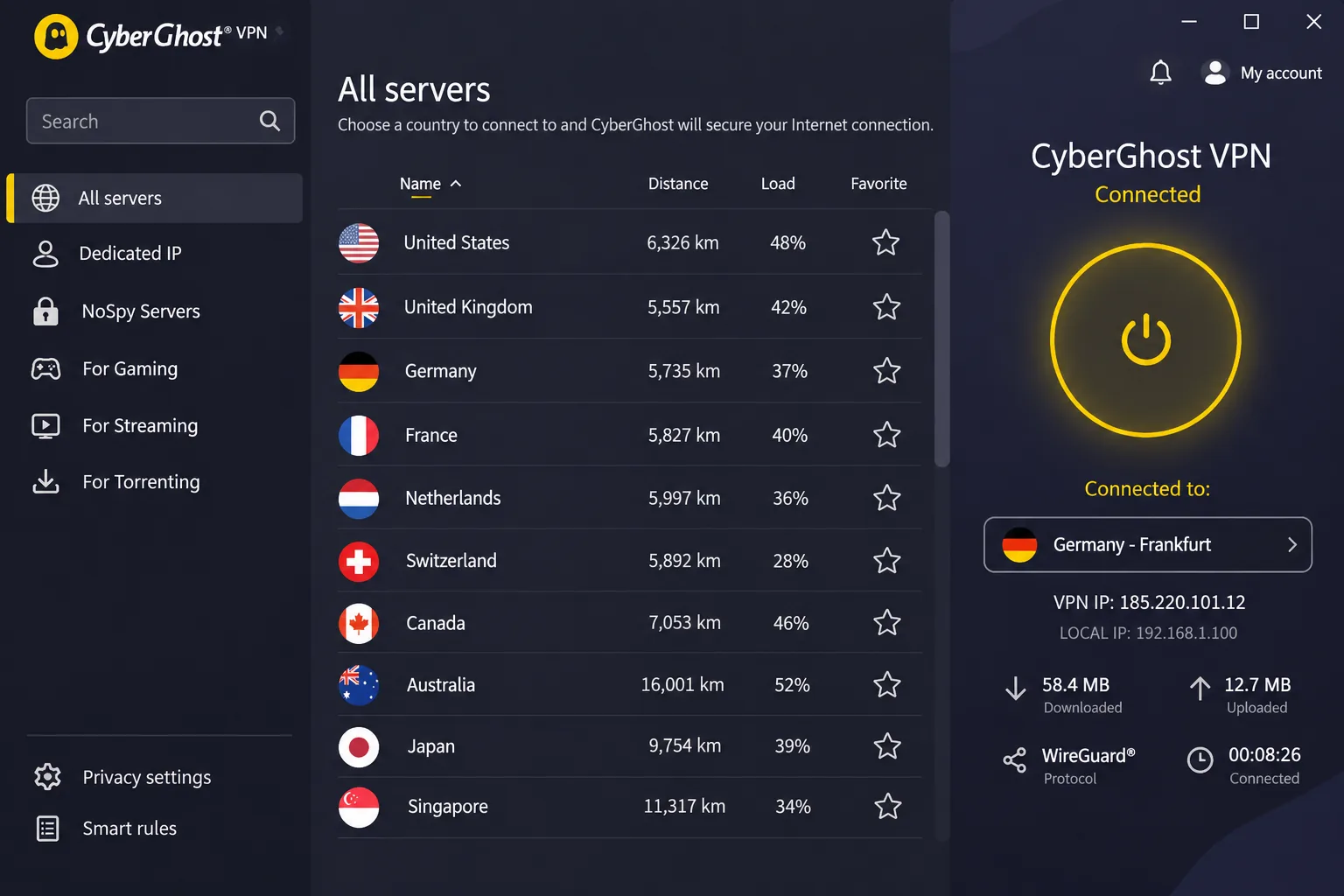
4. CyberGhost
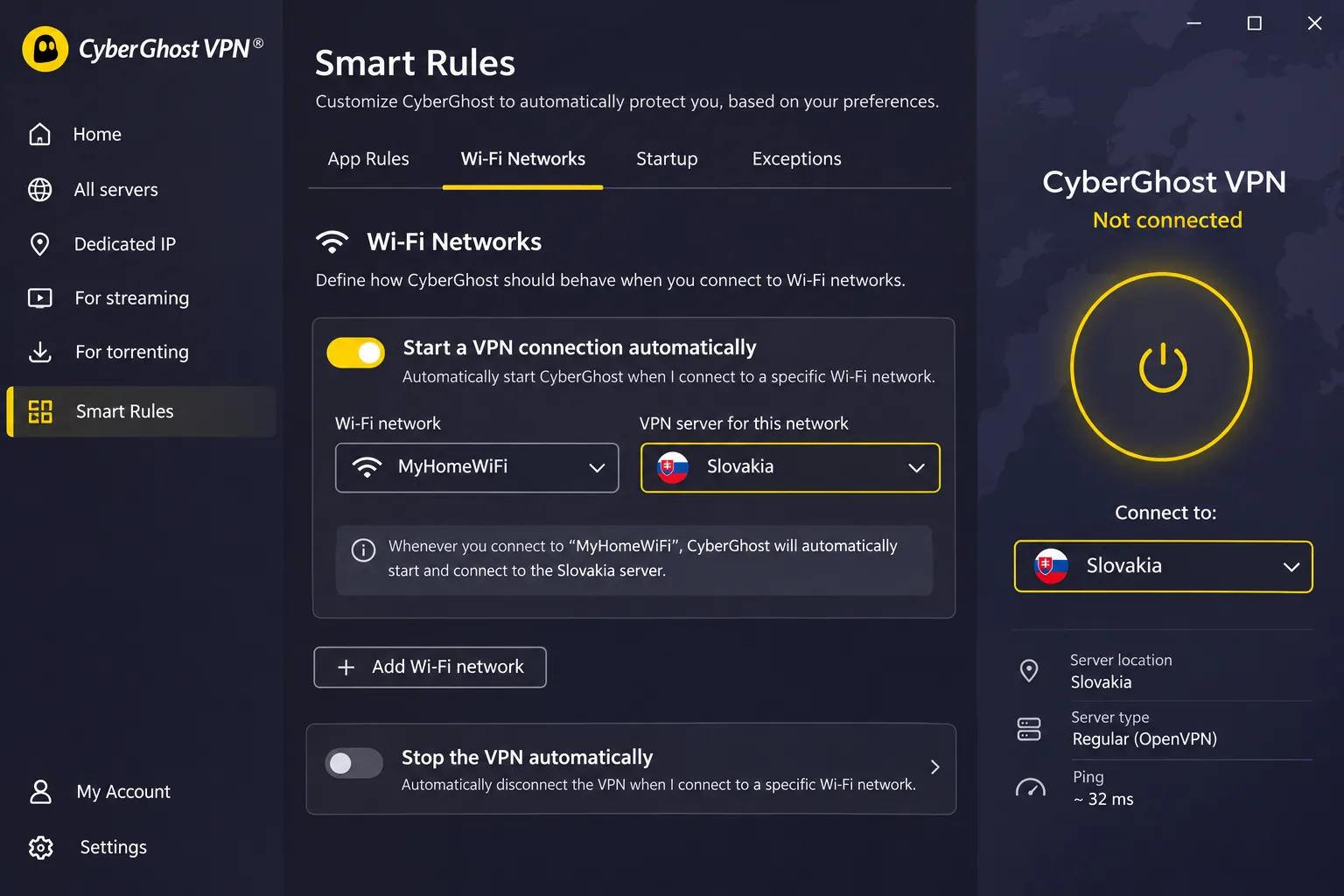
ExpressVPN leans on simplicity, while CyberGhost leans on a long refund window. It explicitly documents Slovakia server selection, and the apps cover Windows, macOS, Android and iOS. It includes an automatic kill switch, DNS and IP leak protection, and OpenVPN, IKEv2 and WireGuard support, all with unlimited traffic. Smart Rules can start the VPN at launch or on chosen Wi-Fi networks.
Its refund terms are the most generous here. You get a 45-day money-back guarantee on plans of six months or longer, and a 14-day guarantee on the monthly plan. That gives you plenty of time to test a Slovak server with your own streaming and banking apps.
The limits are practical. The plan covers 7 devices. Moving protection to a new device can mean unlinking an old installation first. Connecting on Windows and iOS can take longer than in competing apps. Disconnecting on iOS can feel awkward. The ad blocker leaves room for improvement. Streaming and gaming performance still holds up well despite a fairly basic feature set. Windows 10 and 11 run the native app. Windows 7 and 8 need a manual OpenVPN setup.
The buy page showed $2.19 a month on a long prepaid plan, but bonus-month wording differs across CyberGhost pages. Confirm the exact term at checkout. Registering your account before downloading the app makes setup easier.
Best for: Cautious buyers who want a long refund window and streaming-oriented servers.
Skip if: You swap devices often or want a polished mobile experience.
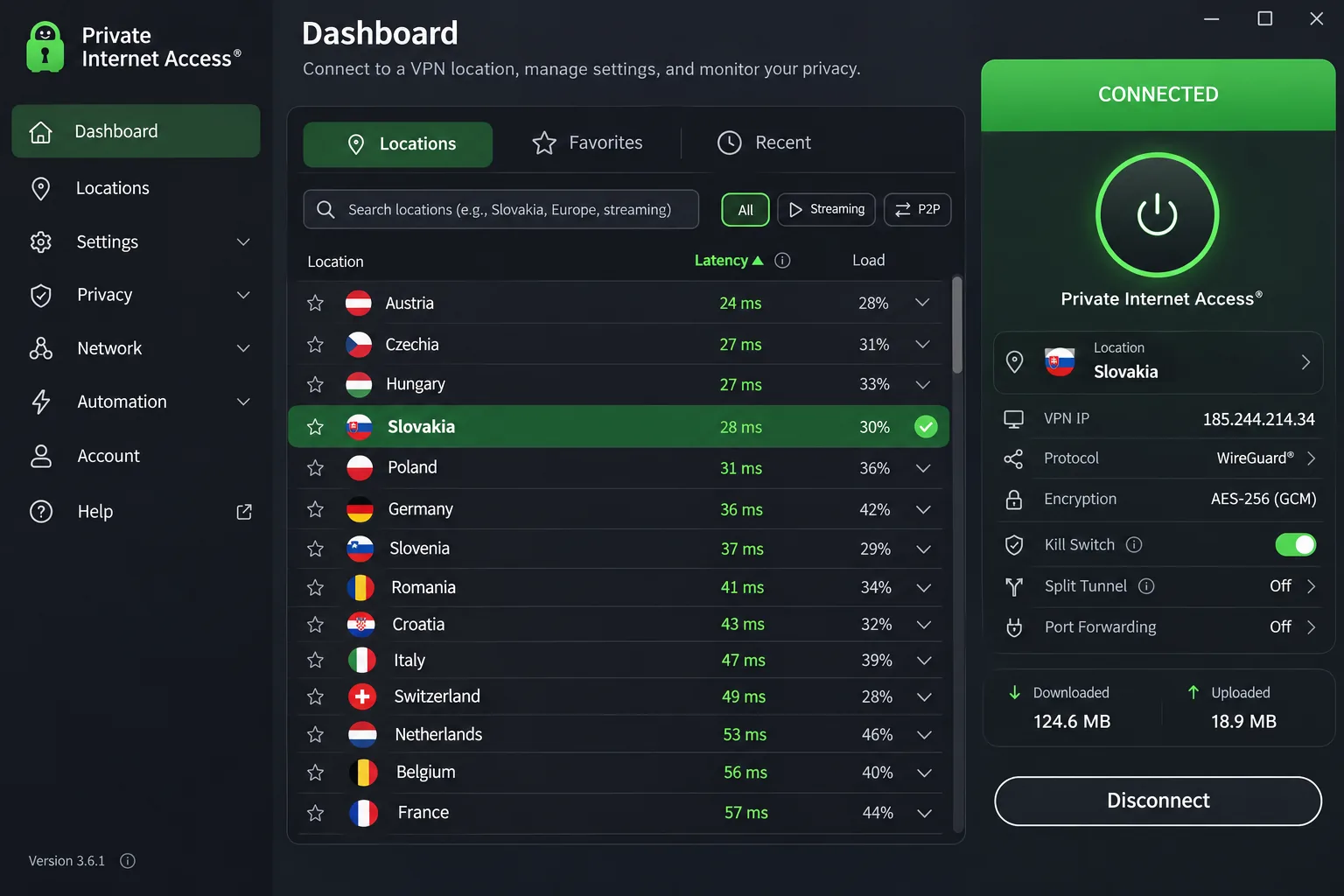
5. Private Internet Access
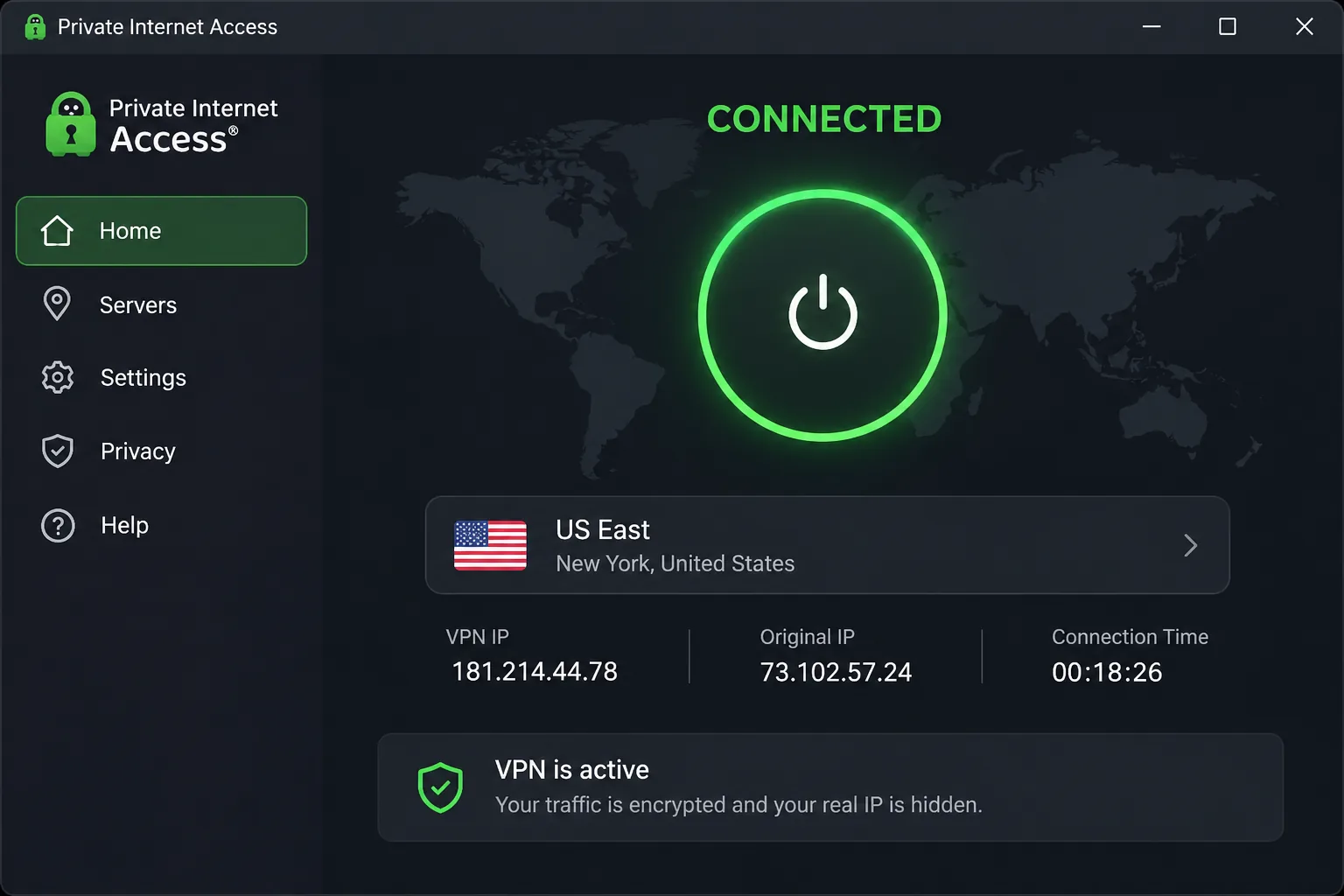
Where CyberGhost keeps its feature set basic, Private Internet Access, or PIA, appeals to people who like control. The app lists Slovakia as a location with a local IP and offers latency sorting. Connections are unlimited. Support is available through live chat and email. You can also set up the VPN on compatible routers.
The compact dashboard makes routine connections simple, while the expanded view exposes detailed connection controls. Those advanced settings can feel intimidating to beginners. PIA also includes port forwarding and split tunneling, and its Linux graphical app makes desktop setup friendlier than a command-line client.
Day-to-day browsing stays responsive. Peak throughput is lower than the leading rivals. That trade-off rarely shows up on ordinary Slovak sites, but you may notice it when you move very large files. The Windows app needs 64-bit Windows 10 or 11. Android needs 7.0 or newer. The Mac app available as a direct download needs macOS 10.15 or newer.
The annual offer we saw cost $47.88. That was the price both initially and on renewal. A longer plan displayed an equivalent of $2.03 a month. The page did not state the initial charge clearly. New subscribers get a 30-day money-back guarantee.
Best for: Linux users and anyone who wants detailed settings and flat annual pricing.
Skip if: You are new to VPNs and want a minimal interface.
How we chose the best VPNs for Slovakia
We started with one question: can this provider give you a Slovak IP, and does it stay dependable once you are connected? Then we looked at everything that affects daily use, including apps, device limits, refund terms and what you pay after the introductory offer ends.
Slovak server availability and connection performance
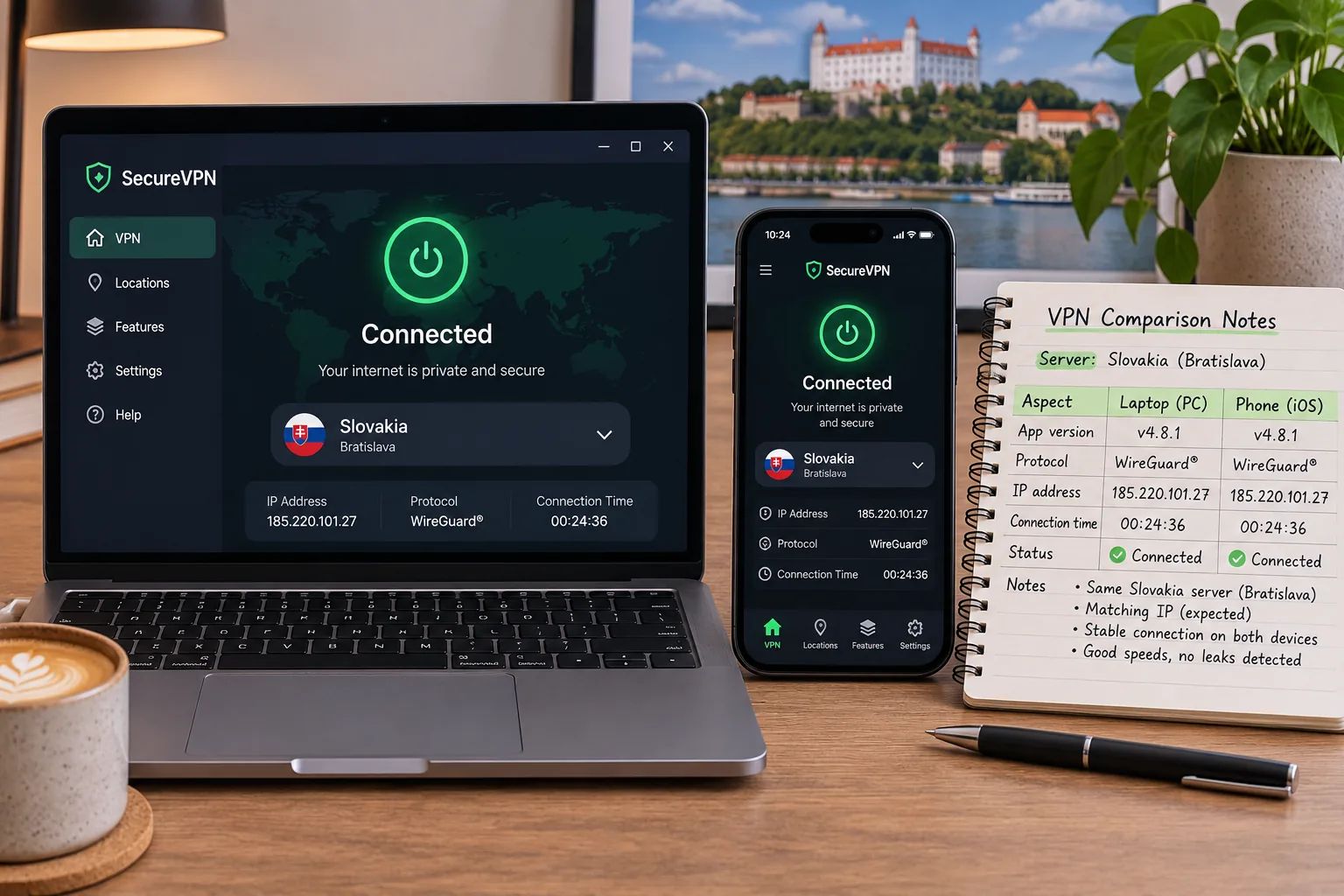
Slovak server availability was the first filter. Every provider on this list documents a Slovakia location on its own page. We did not find comparable speed, latency or uptime measurements for Slovakia endpoints, so we do not publish speed numbers for them. A nearby endpoint can reduce distance-related slowdown. Choosing a country serves a different purpose from letting the app pick the fastest server. Choose the country when you need the IP, and the fastest server when you only want protection.
Privacy protections, apps and total subscription cost
For privacy we checked the kill switch, leak protection and what the app offers on Windows, macOS, Android and iOS. We favored services whose apps work on current systems without workarounds. We assess the whole plan's cost, because a cheap first term can hide a higher renewal price. We could not verify the current independent audit reports for these providers, so audits did not affect our scoring. Every provider here sells directly to you, and our picks follow the table above, not who pays us most.
Put the renewal date in your calendar the day you buy. Introductory prices on multi-year plans usually jump at renewal, and you can switch services or change plans before the charge lands.
How to use a VPN in Slovakia or get a Slovak IP address
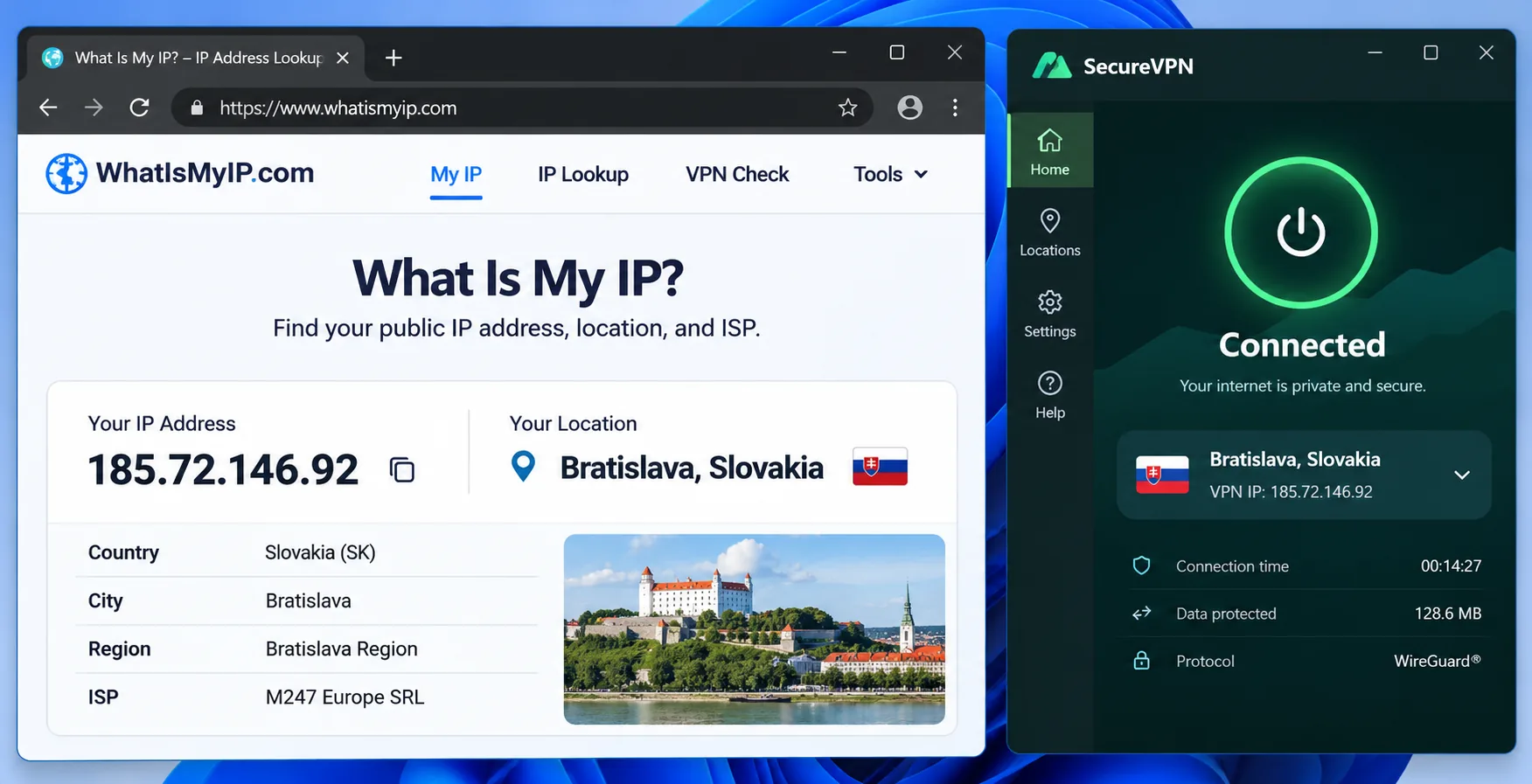
The setup depends on where you are. Inside Slovakia, a VPN encrypts the traffic between your device and the VPN server and masks your public IP. That helps on shared networks, but sites can still identify you through your account when you sign in. Abroad, a Slovak IP is the whole point, and only a Slovakia server provides it.
Choose the server location for your task
Pick Slovakia when you want services offering Slovak content, local sites or Slovak banks to see a Slovak address. Pick the fastest server for general browsing, public Wi-Fi protection or downloads. A server in Czechia, Austria, Hungary or Poland is close, but it gives you that country's IP, not a Slovak one. If you have a free plan, check its location list first, because Proton VPN's free server list includes no Slovak location.
Install, connect and check your connection
Follow these steps on any of the five apps.
- Create your account on the provider's website, then download the app for your device. Registering first makes setup easier, especially with CyberGhost.
- Open the app, sign in and allow the VPN configuration when your system asks.
- Open the location list, search for Slovakia and select it.
- Press connect and wait for the status to show that you are protected.
- Visit an IP-checking site and confirm that it reports Slovakia. If it shows another country, disconnect and reconnect to the Slovak server.
Turn on the kill switch before you travel. If the VPN drops on hotel or airport Wi-Fi, the kill switch stops traffic, and your real address stays hidden. Also run the IP check again after any app restart.
Why use a VPN in Slovakia?
There are two common reasons, depending on whether you are in Slovakia or abroad. One is protection while you are in Slovakia. The other is reaching Slovak services from somewhere else.
Privacy on public Wi-Fi and everyday connections
Cafés, trains, hotels and airports all offer shared networks, and anyone else on them can try to watch unprotected traffic. A VPN encrypts everything between your device and its server, so anyone snooping sees nothing readable. It does not make you anonymous to the services you log in to, and it will not stop phishing. For this job any of the five works, and the kill switch and app quality matter more than the server country.
Slovak streaming abroad and home services while travelling
Slovak broadcasters often restrict their players by country. Voyo's official FAQ allows use with an active subscription during temporary stays in EU countries that are also in the EEA, so a European trip may need no VPN at all. Outside that area, a Slovak IP may help, but check the terms of the service first. We found no current evidence that any of these five reliably unlocks Voyo, JOJ Play or STVR, so test during your refund window.
Streaming access varies by server and by day. A Slovak server that works today can be blocked tomorrow, so no provider can promise access to Slovak streaming services.
Can you use a free VPN for Slovakia?
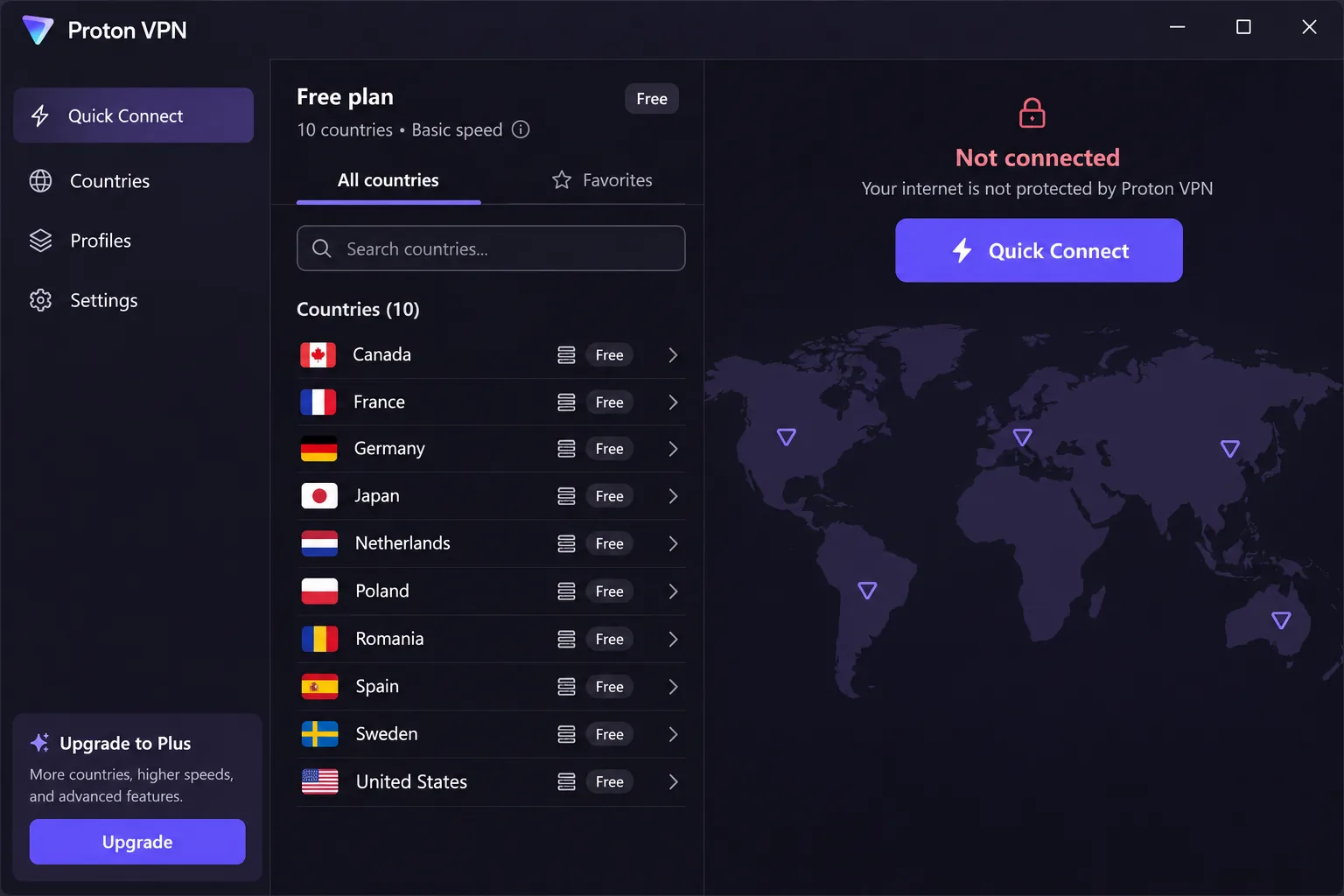
You can, but not for the Slovak IP. A free plan usually gives you a short list of locations. For example, Proton VPN's free tier offers the Netherlands, Japan, Romania, Poland, Norway, Switzerland, Singapore, Mexico, Canada and the United States, but no Slovakia. It also automatically picks the fastest free server for your first connection, so you lose control over location.
Free plans are fine for light privacy on public Wi-Fi. For Slovak content or banking, a paid plan with a Slovakia endpoint is the safer route. If you want to try before you pay, Surfshark's 7-day free trial and the 30-day guarantees at NordVPN, ExpressVPN and PIA let you test a Slovak server without long-term risk.
Which Slovakia VPN should you choose?
Start from your situation.
- Streaming and privacy together: choose NordVPN.
- A big household: choose Surfshark.
- A simple setup: choose ExpressVPN.
- A long safety net: choose CyberGhost.
- Control and Linux: choose Private Internet Access.
If you are still undecided, buy NordVPN, test the Slovak server against the services you use, and keep the refund option open.