If your connection drops on mobile data, or you worry about who can see your browsing on public Wi-Fi, a VPN is a practical fix. The best VPN for Sierra Leone protects your data, runs on your phone, and keeps the price clear after the first term. We compared five providers on those points.
Best VPNs for Sierra Leone at a glance
NordVPN is our top pick because it is the only one of the five whose official server list includes Sierra Leone. Surfshark suits households. ExpressVPN is the easiest to set up. Proton VPN is the choice if you want a free plan. CyberGhost offers the longest refund window.
| Product | Buy | Best for | Sierra Leone exit listed | Devices | Refund |
|---|---|---|---|---|---|
 |
Check price → | Streaming and a local exit | Yes, 1 city | 10 | 30-day |
 |
Households | No entry found | Unlimited (paid) | 30-day | |
 |
Easy setup | No entry found | 10 on Basic | 30-day | |
 |
Free privacy | No entry found | 10 on Plus, 1 free | 30-day | |
 |
Long refund window | No entry found | 7 | 45-day on long plans |
We judged each provider on four things. First, whether its official server list includes Sierra Leone. Second, how well its mobile apps work, since most readers will connect from a phone. Third, its privacy features, such as a kill switch and protocol choice. Fourth, the refund window and the cost after the first term.
The 5 best VPNs for Sierra Leone
1. NordVPN
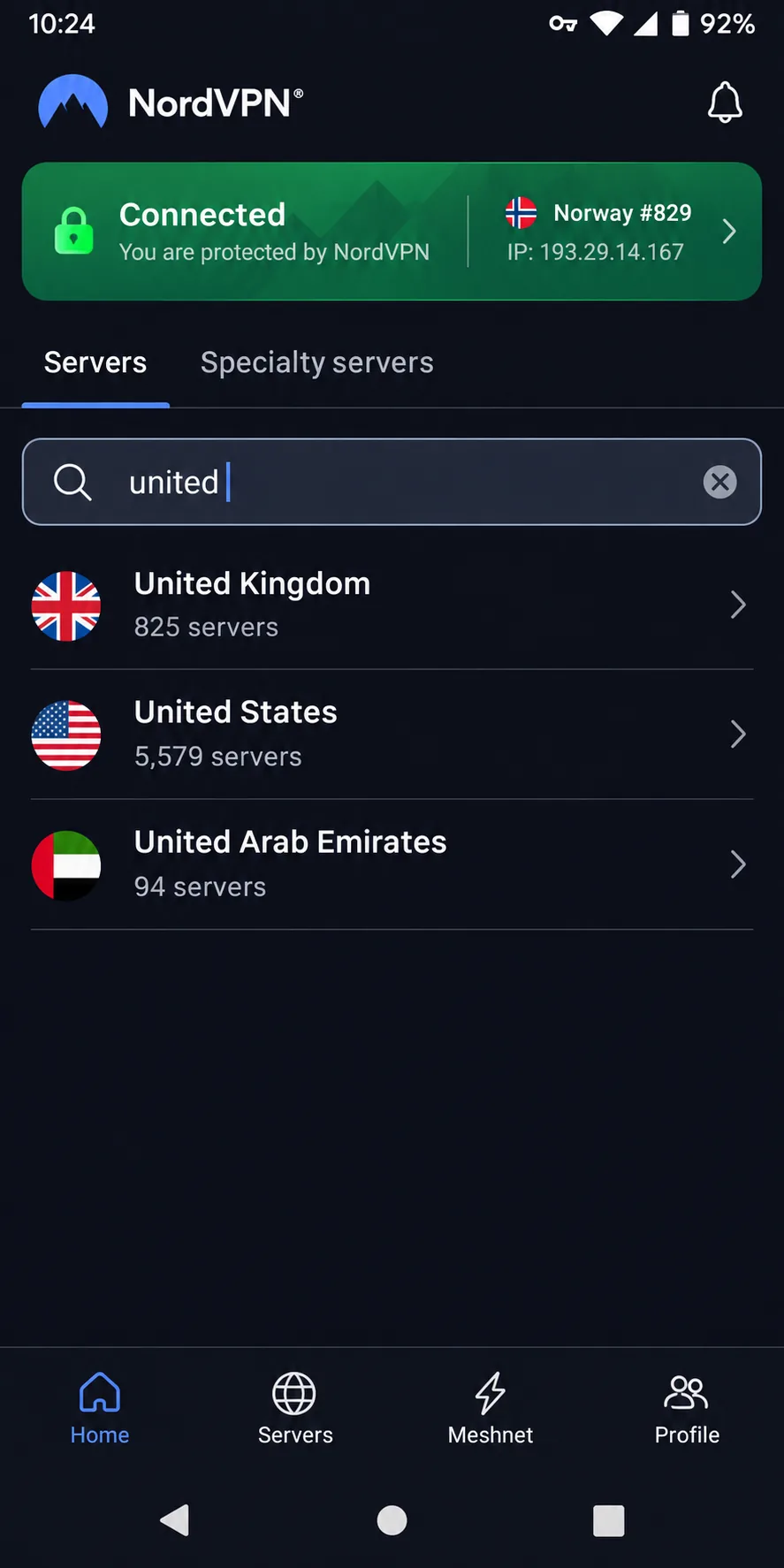
NordVPN is the only provider we looked at whose official server page lists 1 city in Sierra Leone. We cannot say where that server is physically hosted. We also have no local speed data, so treat it as an option to check rather than a promise.
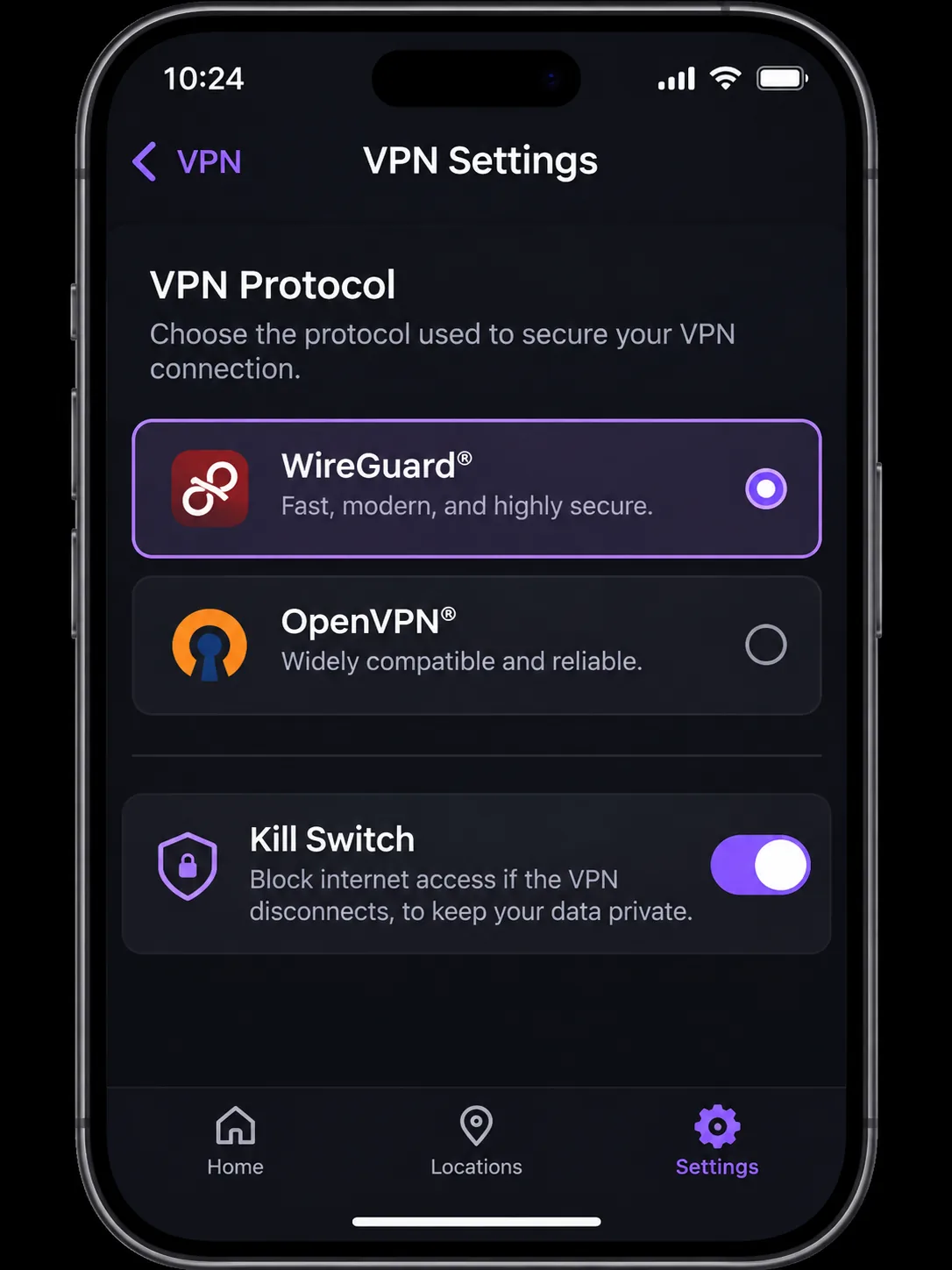
In our testing it handled most major streaming services smoothly. A couple of routes, such as YouTube US and Prime Video Australia, failed. The kill switch was not on the main screen either. We had to open Settings to find the protocol and kill switch options.
The mobile app can feel cramped. Renewal charges are the common complaint, so check the second-term price before you pay. The standard Android app needs Android 9 and up, and the iPhone app needs iOS 17.0 or later.
2. Surfshark
Where NordVPN suits someone looking for a local exit, Surfshark suits a household with many phones and laptops. Paid plans allow unlimited simultaneous connections. We found everyday speeds strong, and WireGuard connected quickly.
On one restrictive network, WireGuard would not connect. We switched to OpenVPN in the settings, and that got us online. The rotating IP can log you out of sites that watch for address changes. The Google Play app needs Android 7.0 or newer, and a 7-day trial is available on up to 3 devices.
3. ExpressVPN
ExpressVPN trades Surfshark's device allowance for simpler setup. It installs easily, and its setup guides and live chat were useful when we needed help. The redesigned apps remain approachable, but their settings are spread across more locations.
After a failed connection attempt, the app blocked our internet access. The app showed on screen that our access was blocked, so we knew the VPN was the cause. Basic covers 10 devices and works on Android 7 or newer and iOS 15 or newer. It performs best on Windows with Lightway Turbo. Standard Lightway on other platforms can be slower.
4. Proton VPN
Proton VPN is the pick if you would rather pay nothing. The free tier has unlimited data. It assigns locations at random across 10 countries, so you cannot pick a country or reliably reach one streaming region.
Quick-connect and the country list made setup simple for us. The paid Plus plan covers 10 connections and adds streaming, Secure Core, and split tunneling. Features differ between apps, and the Mac app lags behind the redesigned versions on other platforms.
5. CyberGhost
CyberGhost is the one to pick if you want the longest safety net. It has a 45-day guarantee on six-month and multi-year plans and 14 days on the monthly plan. It allows 7 simultaneous connections and requires Android 7.0 or later, or iOS 15.0 or later.
It was useful for streaming. Long-distance speeds can be inconsistent, and the interface looks dated. The device-limit system is frustrating when you reach the cap.
How to choose a VPN for Sierra Leone
Start with how you connect. Then check privacy, device support, and total cost.
Mobile performance, server locations and protocols
Most readers will use a phone, so check the minimum Android or iOS version first. Our guide to the best VPN for Android covers older handsets in more detail. Nearby servers cut latency. Protocol choice matters on a weak signal. WireGuard-based options connect quickly, and OpenVPN is the fallback when a network blocks them.
Be careful with local exits. A server labeled Sierra Leone shows that the provider lists the country. It does not show that the server is fast or hosted there. For all five providers, we found no published speed or uptime figures on Sierra Leone networks.
Privacy, device support and total subscription cost
Look for a kill switch, a no-logs policy, and apps for every device you own. Then work out the full price. Introductory quotes differ by region, currency, and tax, so we leave exact figures out. Confirm the renewal rate at checkout. Use the refund window if the service does not work on your network.
Why use a VPN in Sierra Leone?
A VPN encrypts traffic between your device and the VPN server. It also changes the public IP address websites see. That protects your data on shared Wi-Fi in cafes, hotels, and offices. It also helps you reach content from other countries, such as streaming libraries, when you pick a suitable server. A VPN does not make a slow connection faster. It will not fix a weak mobile signal.
How to set up a VPN in Sierra Leone
- Pick a plan and create your account on the provider's website.
- Download the app for your phone or laptop from the official store or site.
- Sign in and approve the VPN configuration when your device prompts you.
- Turn on the kill switch and auto-connect in Settings.
- Choose Recommended or the nearest server, then tap connect.
- Visit any IP-check site to confirm that your address has changed.
If the connection fails or drops, switch protocols first. In Settings, change WireGuard to OpenVPN, or the reverse, then reconnect. If the kill switch blocks your internet after a failed attempt, reconnect or turn the VPN off.