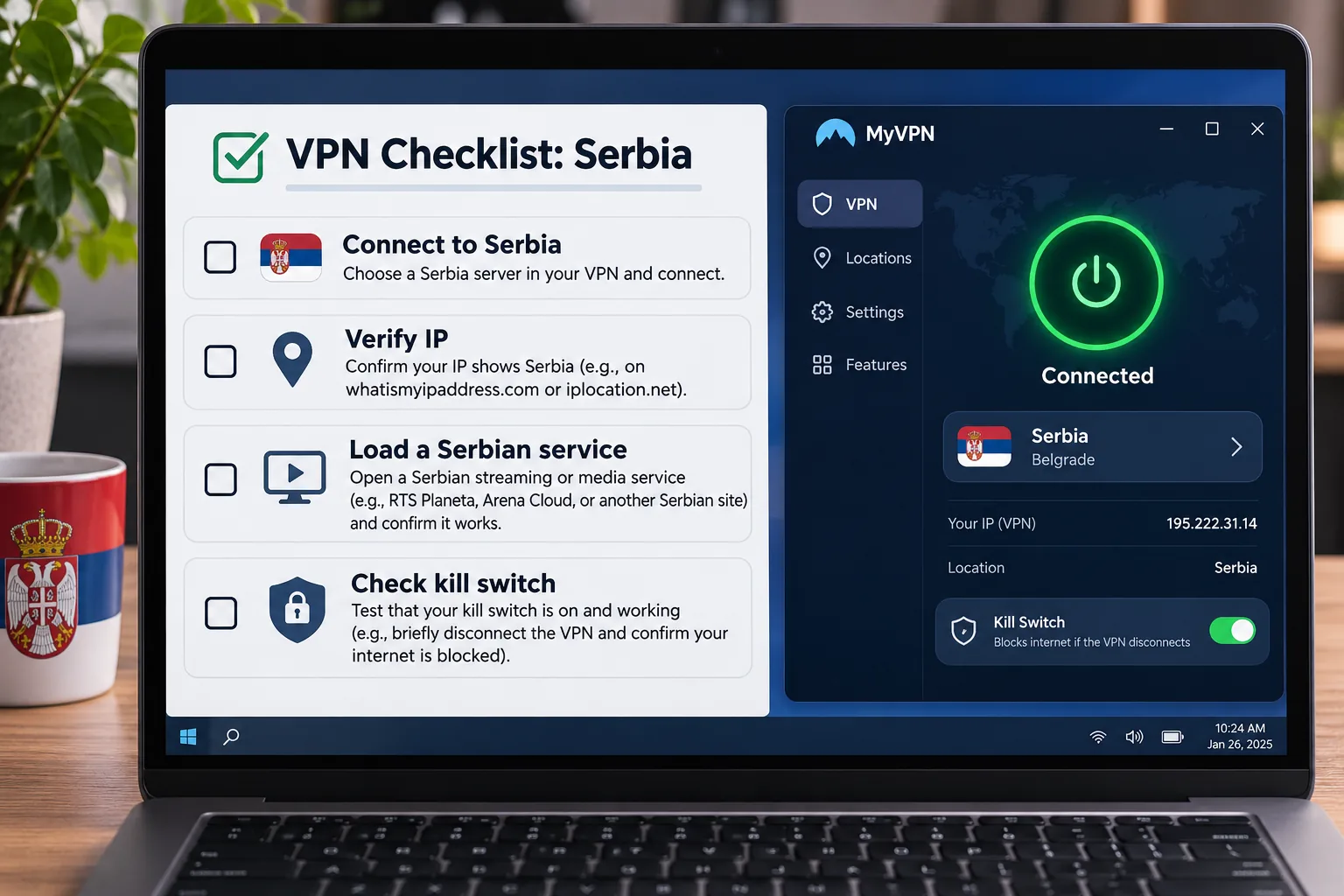
If you are abroad and want to access a Serbian service that does not recognize your foreign address as local, you need a VPN with a Serbian exit location. If you are in Serbia and spend your days on café, hotel or shared Wi-Fi, you need one that keeps that local network from reading your traffic. The two jobs call for different checks, and many "best VPN" lists blur them together. We put five well-known services side by side on both jobs: NordVPN, Surfshark, ExpressVPN, CyberGhost and Private Internet Access. For each one we looked at its Serbian server listing, device limits, apps, privacy tools and refund terms, and we leaned on the hands-on behavior we found in daily use. We did not run a Serbian speed benchmark, so we do not rank on one.
Best VPNs for Serbia at a glance
Every provider on this list offers a Serbian exit IP, which is the feature that matters most for reaching Serbian content from abroad. Where they differ is device allowance, tools and how clearly they describe where the server sits.
| Product | Buy | Serbian exit IP | Devices | Refund window | Standout |
|---|---|---|---|---|---|
 |
Check price → | Listed, described as virtual | 10 simultaneous | 30-day | Broad toolset, Double VPN |
 |
Check price | Listed | Unlimited | 30-day | Household allowance, easy TV login |
 |
Check price | Listed | 10 on Basic, 12 Advanced, 14 Pro | 30-day for first-time direct customers | Approachable core app |
 |
Check price | Listed | 7 | 45-day on six-month plans and longer, 14-day monthly | Streaming-oriented server lists |
 |
Check price | Listed, Belgrade named | Unlimited | 30-day for new subscribers | Detailed settings |
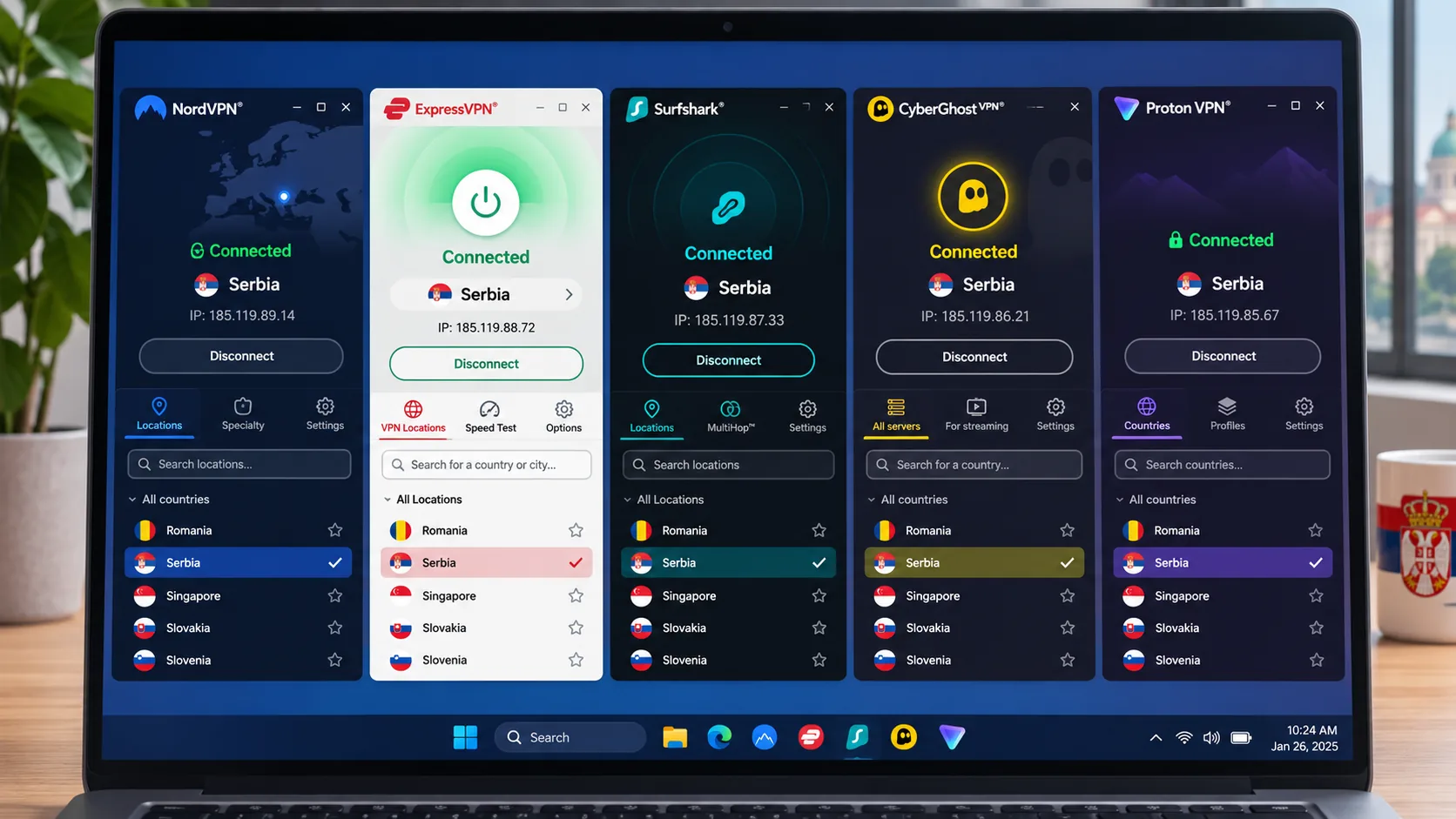
The 5 best VPNs for Serbia
The order below follows how we worked through the providers. It is not a speed ranking, because there is no Serbian throughput data comparing all five using the same protocol. Prices change with promotions, billing length and tax, so treat every figure as an introductory offer and check the checkout page before you pay.
1. NordVPN
NordVPN is the service we would start with for most people, mainly because it pairs a Serbian exit with the widest set of privacy tools on the list. It offers an encrypted tunnel, a kill switch, split tunneling, Double VPN and a no-traffic-logging policy. You can choose NordLynx, OpenVPN or NordWhisper, and apps cover Windows, macOS, Linux, Android and iOS, plus browser extensions.
On the Serbian endpoint, honesty matters. NordVPN's own Serbia server page says Serbia is a virtual location, so you get a Serbian IP address while the hardware may sit elsewhere. That is fine for reaching Serbian sites, but it is not the same as a physical server in Belgrade. The page lists 15 Serbian servers, but inventories change, so do not treat the count as fixed.
In daily use the current apps feel cleaner and more efficient than older versions, and streaming performance is strong. The moment that taught us the most came on a restrictive Wi-Fi network, where NordLynx simply refused to connect. Switching the protocol to OpenVPN brought the tunnel up, and we kept working. Keep that fallback in mind on hotel or airport networks. Two annoyances stood out. Feature differences between operating systems are frustrating when you move between a laptop and a phone, and the mobile interface feels cramped. On price, the Basic plan renews at about $139 a year after the introductory term, though offers vary by promotion, region and tax.
Pros
- Widest privacy toolset of the five, including Double VPN
- Strong streaming performance in our experience
- Clear disclosure that the Serbian location is virtual
Cons
- Feature set varies by operating system
- Mobile interface feels cramped
- Published Serbian server counts disagree
2. Surfshark
Where NordVPN leads on tools, Surfshark leads on household flexibility, with unlimited bandwidth and no device cap to manage. The Starter plan includes the VPN, ad blocking, a kill switch and Alternative ID. Higher tiers add antivirus and breach alerts, with Incogni on One+. Dynamic MultiHop lets you pick the entry and exit locations separately, and obfuscated servers are available for networks that interfere with VPN traffic.
Surfshark's Serbia page offers a Serbian IP address, though it does not say where the hardware is hosted. Choosing the exit is easy on desktop, since a country search and an alphabetical list both get you to Serbia quickly. The apps run on Windows, macOS, Linux, Android, iOS, Apple TV, Android TV and Fire TV, and the iOS app needs iOS 17.0 or later. The best moment came when we signed in on a TV by scanning the QR code with a phone. Avoiding typing credentials with a remote was a small but tangible convenience.
Two details to watch. Surfshark clearly marks an enabled kill switch, but its disabled state is less obvious, so check it after a settings change. Streaming is also mixed: Netflix and BBC iPlayer work well, but access to other services can be inconsistent. In successful sessions, Surfshark opened Prime Video, Channel 4 and 10 Play without a server change. The promotional rate depends on the plan and offer, and renewal prices rise, so read the renewal line before checkout.
Pros
- Unlimited devices and bandwidth
- Easy exit-location search and QR login on TVs
- Dynamic MultiHop and obfuscated servers
Cons
- Disabled kill switch state is easy to miss
- Streaming access beyond Netflix and iPlayer can be inconsistent
- Renewal prices are higher than the introductory rate
3. ExpressVPN
Where Surfshark favors the crowded household, ExpressVPN is the one we would hand to someone who has never used a VPN. The core interface is approachable for beginners, and the privacy side is solid: the Lightway protocol, an internet kill switch, split tunneling, encrypted private DNS, a no-logs policy and RAM-only TrustedServer architecture. It also offers obfuscation, ad and site filtering and an optional dedicated IP. Depending on tier, extra privacy applications and a dedicated IP are included.
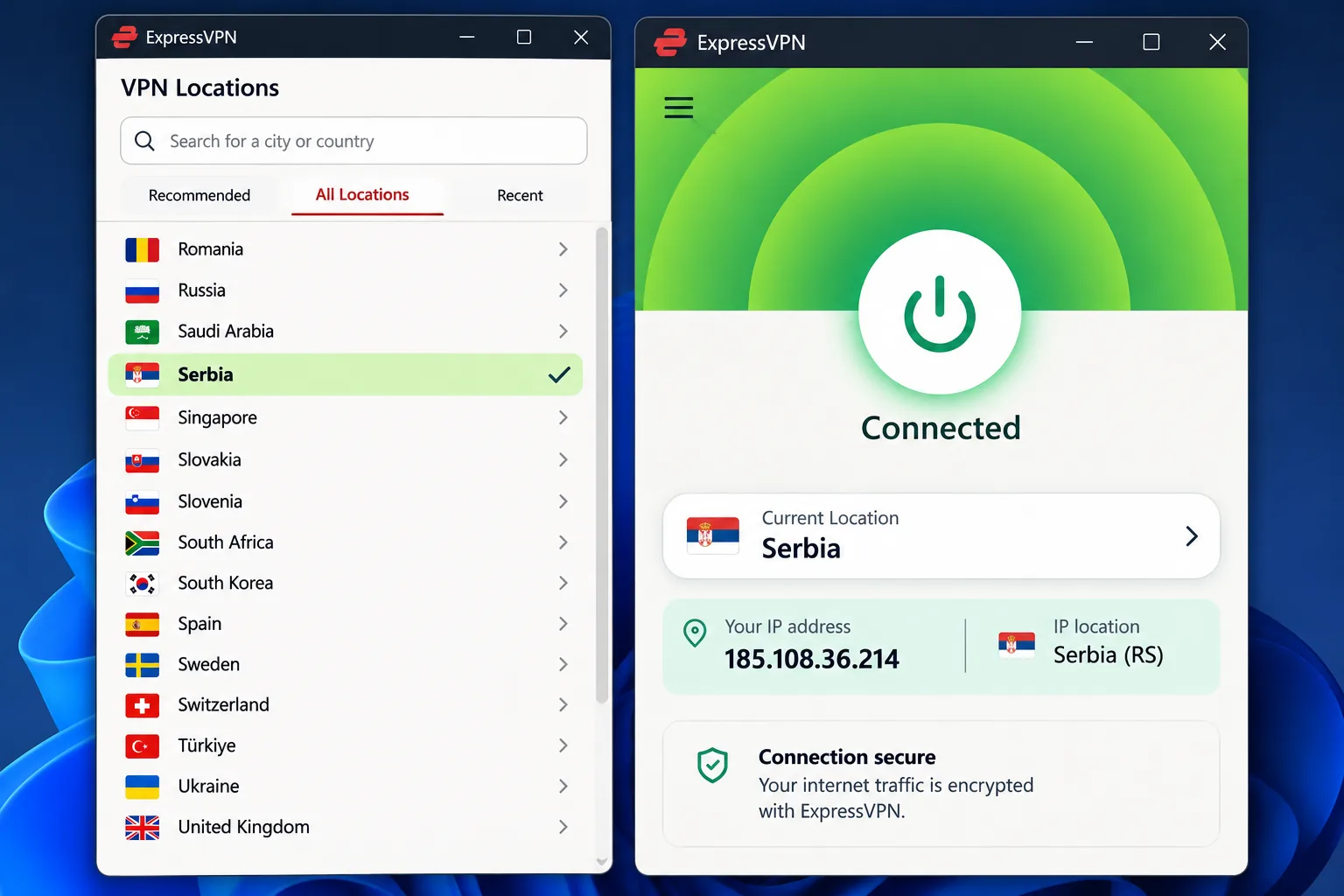
The ExpressVPN Serbia page lists Serbia as an app location that provides a Serbian IP address. Serbia did not appear in its published list of virtual server locations, but that absence alone does not prove the hardware is physically in the country. Device allowance depends on the plan: Basic covers 10 devices, Advanced 12 and Pro 14, so the "up to 14" headline is not the Basic limit. The displayed USD offer is $2.99 a month equivalent, $83.72 upfront for the first 28 months, then $99.95 a year, with sales tax possibly added. The 30-day refund applies to first-time direct customers, while App Store and Google Play purchases follow their stores' rules.
On speed, Lightway Turbo performs particularly well on Windows, while standard Lightway on other platforms can lag behind. It also unblocks a broad range of streaming services across platforms. One weak spot sits outside the VPN itself: the ExpressMailGuard custom-domain setup is confusing because the instructions lack step-by-step detail.
Pros
- Beginner-friendly core interface
- RAM-only TrustedServer architecture and a no-logs policy
- Broad streaming unblocking across platforms
Cons
- Device allowance varies by tier
- Standard Lightway can trail Lightway Turbo off Windows
- Some extras have thin setup instructions
4. CyberGhost
After three providers that emphasize polish, CyberGhost brings us to the paperwork: refunds are its strongest point, while pricing is its messiest. Refunds are the best of the group on long plans: 45 days on six-month and longer plans, and 14 days on the monthly plan. For a trial before buying, there is a 24-hour trial on Windows and macOS, a 3-day Android trial and a 7-day iOS trial, with mobile subscription terms applying.
Pricing is murky. CyberGhost offers Serbian IP addresses without establishing where the hardware sits, and it showed $12.99 monthly and $6.99 a month for six months. A separate checkout returned rupee prices and inconsistent labels on the long plans, so confirm the total before you pay.
Pros
- 45-day refund on six-month and longer plans
- WireGuard speeds suit streaming
- Free trials on several platforms
Cons
- Seven-device allowance can feel tight
- Named streaming servers sometimes fail
- Checkout pricing and plan labels are inconsistent
CyberGhost is the streaming-minded option. Its server lists are organized around streaming, gaming and torrenting, and it supports OpenVPN, IKEv2 and WireGuard. It also has an automatic kill switch, DNS and IP leak protection, a no-logs policy and unlimited traffic. Apps cover Windows, macOS, Android, iOS and Linux, plus TVs. On Windows you need version 1903 or newer, or Windows 11, and ARM-based Snapdragon processors are excluded.
In practice, WireGuard connections held consistent speeds that suit streaming, while OpenVPN was slower. One moment sums it up: we picked a named streaming server, but it did not unlock its assigned service. Switching to another streaming server in the same country worked instead, so keep a second server in mind. Support documentation describes the seven-device allowance as seven simultaneous connections, and you may need to remove a device to free a slot in a busy household.
5. Private Internet Access
With Private Internet Access (PIA), we have to start with its weaknesses. Streaming access is uneven, and connection speeds can trail the leading alternatives, so it is not the pick for a streamer. Troubleshooting articles can jump into technical port changes before explaining simpler fixes. Support is a mixed bag, with slow responses in some cases and prompt, detailed live chat in others, though the chat interface is easier to find on the main site than on support pages.
What it offers in return is control. PIA suits people who like to tinker, with ad, malware and tracker blocking, router support and a no-logs policy. The apps are open source and support WireGuard and OpenVPN, a kill switch, desktop split tunneling, obfuscation, multi-hop and port forwarding.
PIA's Serbia page offers Serbian IPs and names Belgrade, though it does not establish the country where the hardware physically sits. New subscribers get a 30-day money-back guarantee. Platform support is wide: Windows 10 and 11 on 64-bit and ARM64, macOS 10.15 or later from direct download, Android 7.0 or later and iOS 15.0 or later. We could not verify a current official price from the purchase page, so check the checkout screen yourself.
Pros
- Unlimited simultaneous connections
- Highly configurable, open-source apps
- Serbian IP with Belgrade named
Cons
- Streaming access is uneven
- Speeds can trail the leading services
- Support responses can be slow
How to get a Serbian IP address
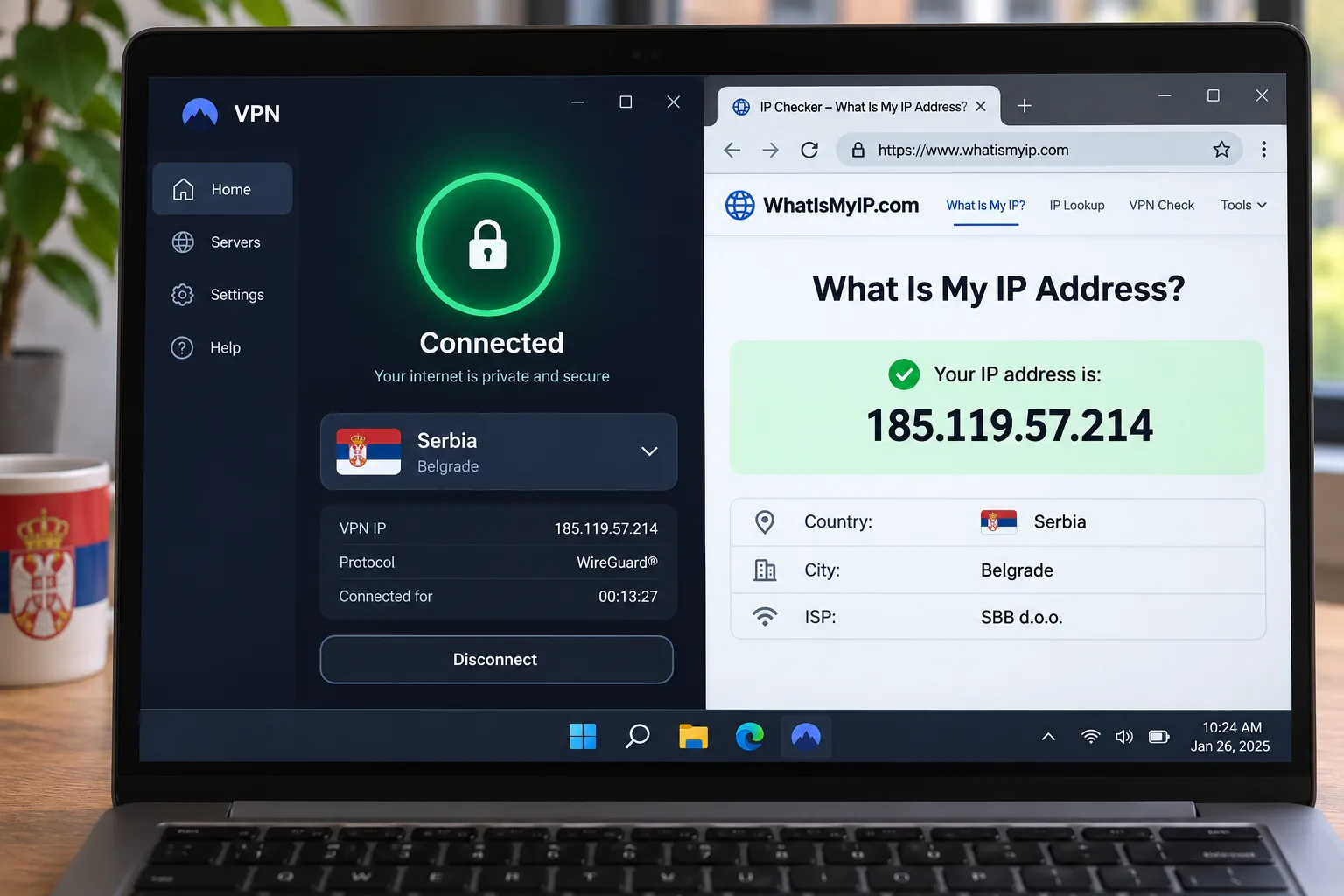
Open your VPN app, find the location list and choose Serbia. The provider then assigns you a Serbian exit IP, and sites that check your address will see you as a local. That is the whole setup on all five services. After you connect, open a what-is-my-IP page and confirm it reports Serbia before you load a Serbian service.
Two points are worth keeping straight. A nearby foreign server, such as one in a neighboring country, is not a substitute, because a Serbian-only service sees a Croatian or Hungarian address and may still refuse you. And a Serbian exit can be virtual: a virtual location gives you an IP associated with a country while traffic routes through hardware elsewhere. For streaming and browsing that is usually enough. If physical server location matters to you, providers other than NordVPN did not establish where their hardware sits, so we cannot confirm that location.
A listed Serbian endpoint is not a streaming guarantee. Rights, account eligibility, VPN detection and your exit address all affect whether a service loads, so confirm your chosen provider connects to the specific service before you rely on it.
Why use a VPN in Serbia?
A VPN does two jobs that matter here. It hides your traffic from the network you are sitting on, and it changes the country a website thinks you are in. Neither is magic, and being clear about the limits keeps you from relying on it for the wrong thing.
Public Wi-Fi, ISP visibility and privacy limits
VPN encryption protects the tunnel between your device and the provider from anyone watching the local network. That protection is useful on shared Wi-Fi. The network can still see that you are connected to a VPN, and you are now trusting the VPN operator with what the local network used to see. Page contents and submitted credentials are protected in transit by HTTPS regardless, as the Electronic Frontier Foundation's guide to encryption explains. A VPN also does not remove cookies, account sign-ins or a compromised device from the picture.
That last point matters for higher-risk users. Freedom House's 2025 Serbia report documents pressure on online expression and surveillance of journalists and activists, including spyware and device extraction. Those threats sit on the device, so a network VPN alone does not solve them. For everyday users, the realistic gains are a smaller digital footprint on shared networks and fewer opportunities for local snooping.
Streaming Serbian and international content
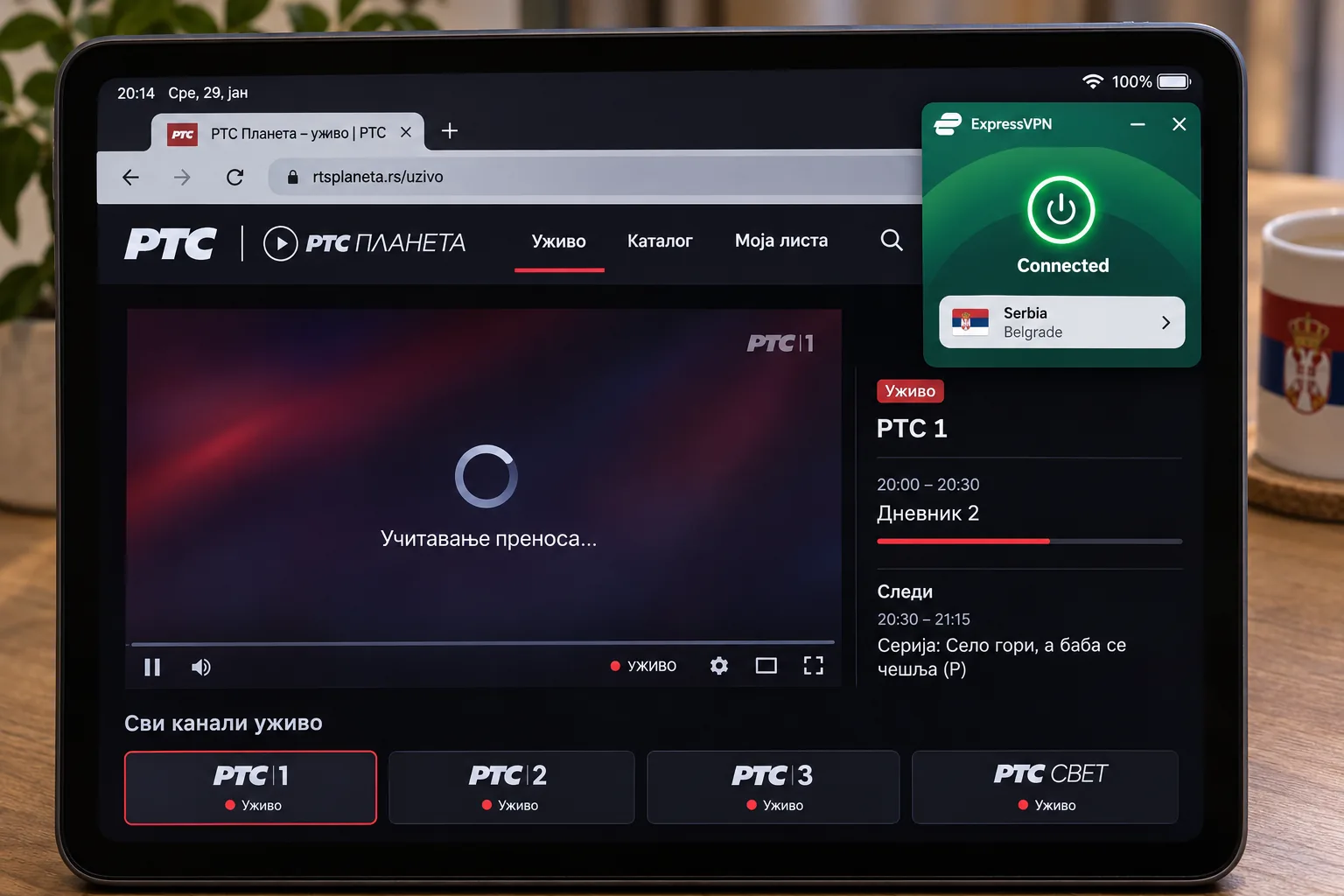
The second reason is content. RTS Planeta says its basic package is free for users in Serbia, while abroad, RTS Svet, Radio Belgrade and selected on-demand categories remain freely available. Licensed programming is available only in territories covered by its rights, which is where a Serbian exit IP comes in. Registration requires email verification.
Going the other way, a VPN can help someone in Serbia reach international catalogs. ExpressVPN unblocks a broad range of services across platforms, and NordVPN's streaming performance is strong. Surfshark works well with Netflix and BBC iPlayer, and CyberGhost's streaming lists help when one server fails. No corroborated success rate exists for each provider on Serbian services, so we treat streaming as a bonus rather than a promise.
How to choose a VPN for Serbia
Start from the job you are doing. If you need a Serbian address, the exit location comes first. If you need protection on public networks, the apps and privacy tools come first. Price comes last, because the introductory rate and the renewal rate rarely match.
Serbian servers, nearby locations and connection speed
Check that the provider's own country page lists Serbia, then connect and verify the IP. Distance still affects speed, so a nearby European server will usually feel faster than a distant one, but it will not give you a Serbian address. No dataset ranks these five on Serbian throughput, so judge speed yourself. Run a few downloads and a video call on the connection you actually have, and try more than one protocol. In our experience, protocol choice changes results as much as the provider does. CyberGhost's WireGuard is faster than its OpenVPN, while NordLynx fails on restrictive Wi-Fi where OpenVPN connects.
Privacy protections, apps and subscription value
Look for a kill switch, a clear no-logs policy, modern protocols such as WireGuard and strong encryption. Check that apps exist for every device you own, and that the platform minimums fit them. Then count the devices. Surfshark and PIA are unlimited, NordVPN allows 10, ExpressVPN allows 10 to 14 depending on tier and CyberGhost allows 7. Finally, compare renewal costs with what you pay on day one, and use the refund window as your real trial. All five give you at least 14 days, and CyberGhost gives 45 on long plans. Note that we could not verify independent audit histories from review summaries alone, so we make no audit claims for any of the five.
Can you use a free VPN for Serbia?
Almost never, at least not for a Serbian IP. Free plans usually limit locations to a short list, and Serbia tends to be missing. Proton's free plan is a useful example from outside our five: it lists the Netherlands, Japan, Romania, Poland, Norway, Switzerland, Singapore, Mexico, Canada and the United States, and Serbia is absent from the free list. A free VPN can still make sense for basic protection on public Wi-Fi, but if your goal is Serbian content, plan on a paid subscription and use the refund window to protect yourself.
If you want a free option for another purpose, treat unknown free apps with caution. You are trusting the operator with your traffic, and a service with no revenue has to earn money somewhere.
Serbia VPN FAQs
Are VPNs legal in Serbia?
What if my VPN does not offer a Serbian server?
Can I access Serbian banking and eGovernment services abroad?
Final thoughts
Pick by use case. NordVPN is our first choice if you want the most privacy tools and clear disclosure about its Serbian endpoint. Surfshark fits a household with many devices, and ExpressVPN fits a first-time user who wants a simple app. CyberGhost suits streamers who value the long refund window, and PIA fits people who want to configure everything. Whichever you choose, connect to Serbia, confirm the IP and test your service inside the refund window before you commit.