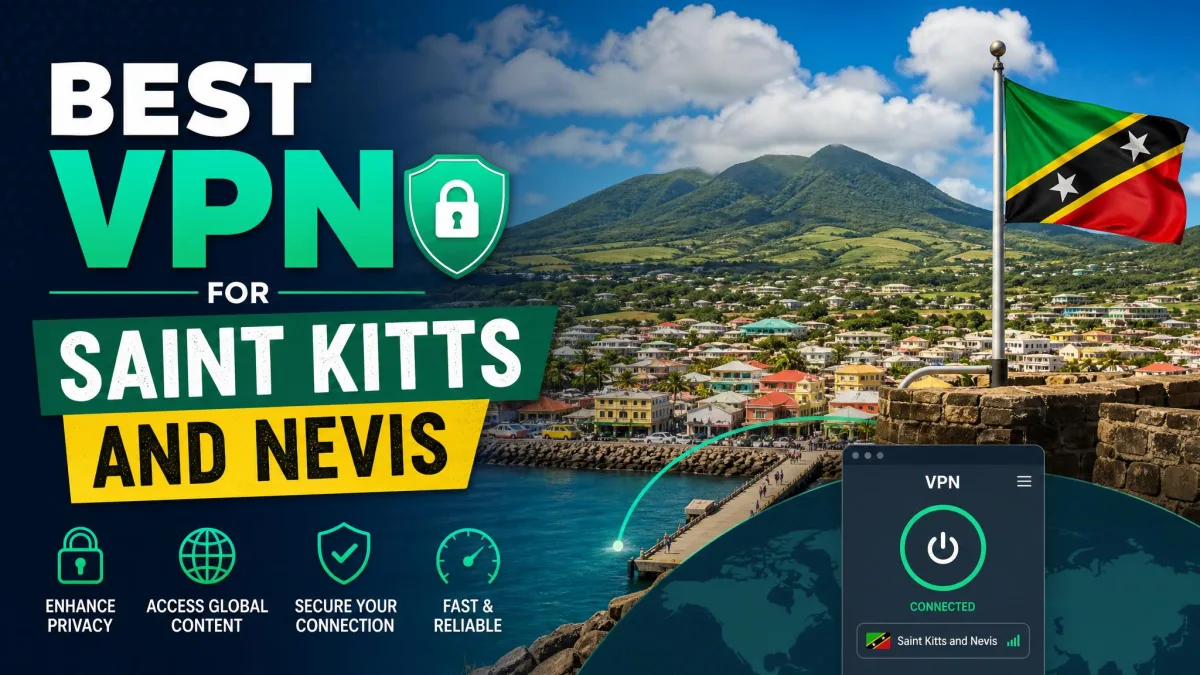
Hotel Wi-Fi and shared café networks are rarely private, and your usual apps may behave differently once you leave home. NordVPN is our best all-round pick for the islands, with Surfshark, ExpressVPN, Proton VPN and Private Internet Access close behind. One point matters before you pay. Using a VPN while you are in the country is not the same as getting a Saint Kitts and Nevis IP address.
Best VPNs for Saint Kitts and Nevis at a glance
We compared five services on official pricing and feature pages, then weighed what independent reviews reported about speed, streaming and ease of use. We have not measured island-origin speeds, so we do not rank providers by local latency. Prices below are USD offers from each vendor's pricing page and change with promotions.
| Product | Buy | Best for | Devices | Privacy evidence | Initial offer |
|---|---|---|---|---|---|
 |
Check price → | Balanced all-round use | 10 | No-logs policy, kill switch | $94.23for 27 months |
 |
Many devices, low entry cost | Unlimited | Kill switch, MultiHop | $67.23for 27 months | |
 |
Beginners and travel | 10 on Basic | No-logs policy, diskless servers | $83.72for 28 months | |
 |
Privacy tools, usable free plan | 10 on Plus | Open-source apps, Secure Core | $83.76for 24 months | |
 |
Customization | Unlimited | Open-source apps, RAM-only servers | $47.88for the first year |
The five VPNs to consider
All five advertise a 30-day money-back guarantee. None showed a Saint Kitts and Nevis location in the official server lists we checked, so local IP availability remains unverified for all five.
NordVPN
NordVPN is the one we would start with. Connection speeds held up and it performed well across a wide range of streaming tasks. Its redesigned desktop app makes routine navigation simple.
The weak spots are small. Features differ from platform to platform, and the mobile layout feels crowded on smaller screens. The Android app needs Android 9 or newer, and the iPhone app needs iOS 17.0. The advertised renewal is $139.08 a year, so budget for that rather than the intro price.
Surfshark
Surfshark is the value pick. It is easy to learn, covers unlimited devices, and performed well over shorter distances. The kill switch also held up when we interrupted the connection on purpose.
Streaming is less consistent. It works smoothly with BBC iPlayer, but failed to access some regional Netflix and Prime Video libraries. Its long plan has the lowest introductory total, though we could not confirm the renewal amount.
ExpressVPN
ExpressVPN suits first-time users. The apps make connecting and picking a server straightforward, and streaming works well across platforms. In a guesthouse, a slow underlying Wi-Fi connection still caps your speed.
Basic covers 10 devices, with higher tiers allowing more. The advertised renewal is $99.95 a year. Support chat starts with a chatbot for basic questions.
Proton VPN
Proton VPN offers the strongest privacy toolkit here, with open-source apps, Secure Core multihop and a no-logs policy. Its quick-connect button and country list keep daily use simple, while profiles let you save detailed preferences.
The free plan is the main draw. It has no data cap, but it covers 10 countries and allocates servers at random, and it excludes streaming. NetShield blocks ads well but can break ad-funded streaming sites. Turning it off restored playback. It is much weaker against phishing and malware pages.
Private Internet Access
PIA is for people who like to adjust settings. It offers WireGuard and OpenVPN, split tunneling and unlimited devices. The apps have consistent layouts and are easy to start using. The Linux app has a graphical interface.
Support can be slow. The Advanced Kill Switch also blocks all internet whenever the VPN is disconnected, which can surprise you on hotel Wi-Fi. The annual offer is the cheapest on this list, and the advertised renewal matches it.
Using a VPN in Saint Kitts and Nevis versus getting a local IP
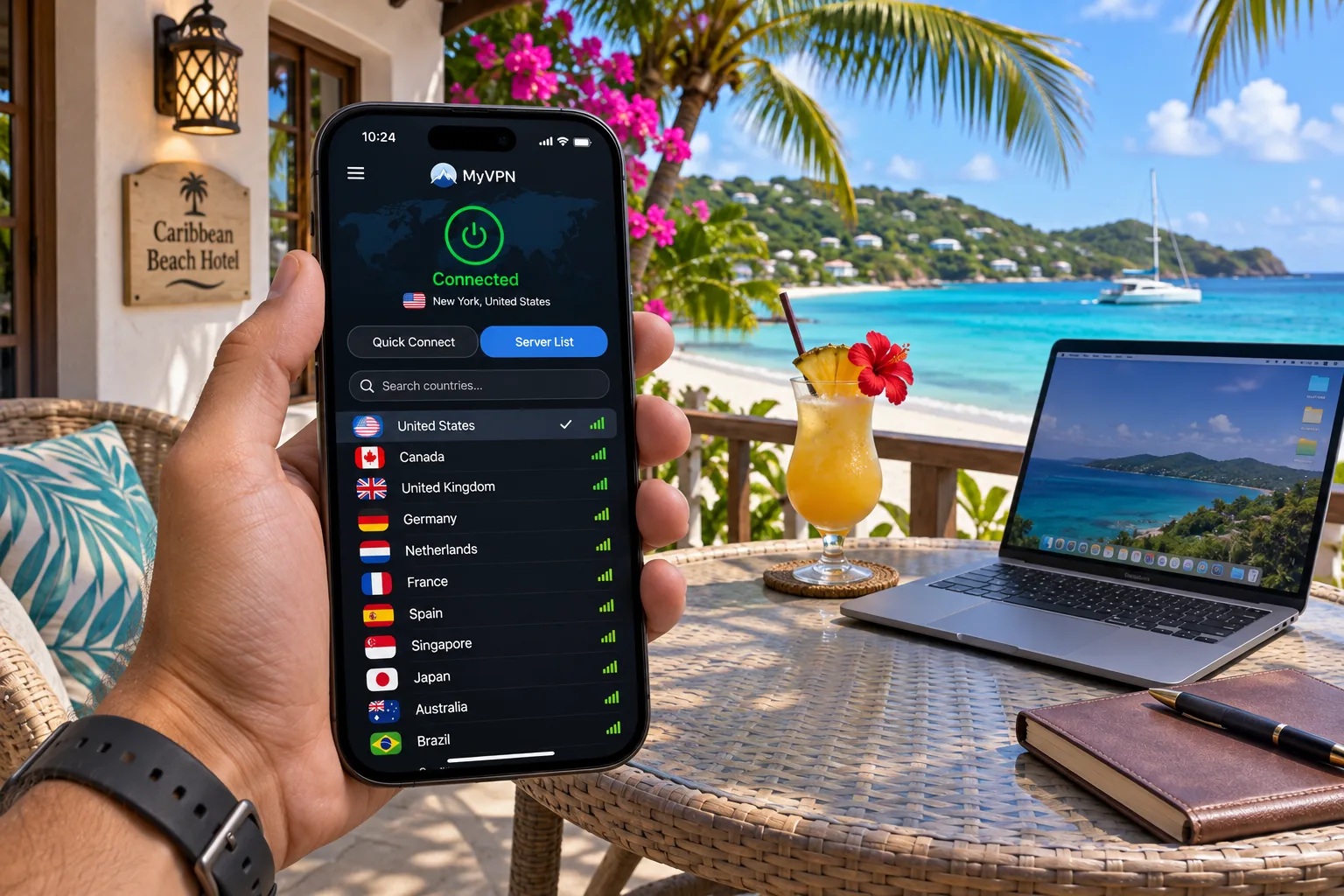
A VPN encrypts traffic between your device and its server, then shows the server's exit IP instead of your own. Connecting from the islands to a server in Miami gives you a Miami IP. It does not give you a Saint Kitts and Nevis one.
That distinction decides what you need. For privacy on public networks, you need only a working app. To get a local IP, you need a provider that lists the country, for example to reach a service that checks your location.
Public Wi-Fi, mobile data and eSIM connections
Encryption applies on public Wi-Fi and on mobile data alike. An eSIM only supplies the data connection and does not set your VPN exit country. The VPN still needs a working underlying connection, so a weak signal limits it.
Check local IP availability before subscribing
Search each provider's official server page for the country before you pay. Our searches found no match for any of the five, but absence on a page does not rule out a later addition. Use the 30-day refund window to test the app itself.
Do not assume a provider offers a Saint Kitts and Nevis server because it advertises a large country count. Counts differ between sources and say little about one small country.
Nearby islands raise similar questions, and our guide to the best VPN for Antigua and Barbuda covers the closest neighbour.
How to choose a VPN for Saint Kitts and Nevis
Start with what you will do online, then check the limits that affect that use.
Server routes, speed and streaming access
Distance and routing affect performance. Miami is listed by NordVPN, Surfshark and ExpressVPN, but we cannot call it the fastest route from the islands. Test two or three nearby servers on your own connection and keep the one that feels responsive. Streaming results also depend on the service, your account and the server you pick.
If a server drops or feels slow, disconnect and choose a different city before changing anything else. Switching protocols in the app settings is the next step to try.
Privacy, device support and total subscription cost
Look for a kill switch, a published no-logs policy and apps for every device you carry. Compare the renewal price, not only the first-term total, because the introductory offers on long plans do not repeat. A free plan limits your servers and features, which makes paid plans better for streaming.
How to set up and check your VPN connection
Install the app on each device, sign in and connect to a server. Then confirm the public IP you see belongs to the VPN.
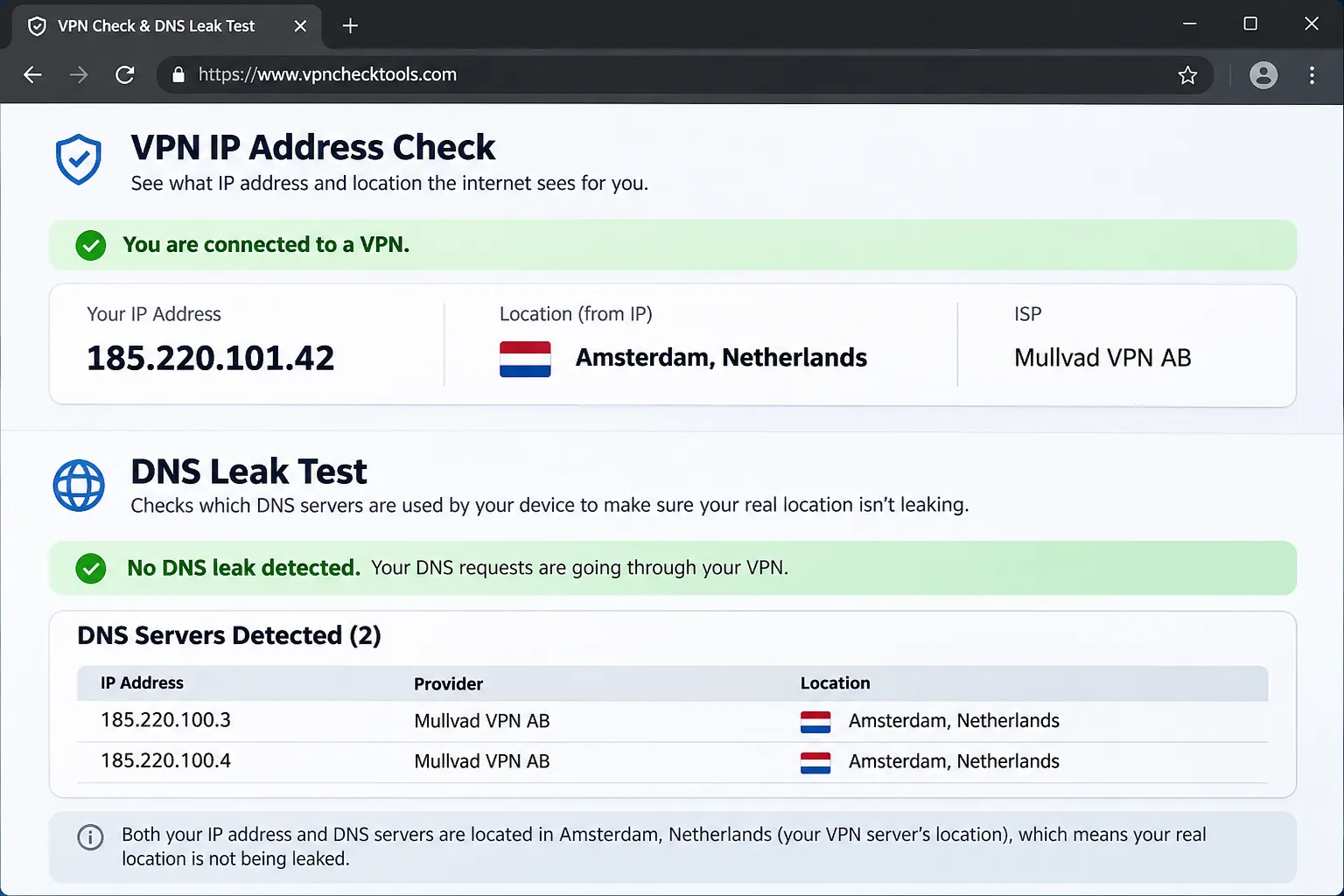
On Proton VPN, the Smart Protocol picks a connection method for you, and manual protocol choice lives in app settings. Run the checks again after switching networks, for example from hotel Wi-Fi to mobile data.