
If you want to watch your home streaming apps while travelling, or reach overseas catalogues from a Wellington living room, a VPN is the tool that does it. It encrypts the link between your device and the VPN server, then swaps your visible IP address for the server's. A New Zealand server makes you look like you are at home. A server in another country makes you look like you are there.
Choosing well matters because the five services below look alike on a pricing page and differ in the details. All five list Auckland as their New Zealand location, device limits range from seven to unlimited, and renewal prices can climb sharply after the first term. We checked each vendor's published terms and drew on hands-on reports of how the apps behave in everyday use. This article is the result, with our method set out before the reviews.
Best VPNs for New Zealand at a glance
Here is the short version before the detail. The order is our editorial ranking for a typical New Zealand user who wants a local address, overseas streaming and sensible privacy. Prices are the introductory offers we saw on each vendor's page, and they vary by region and campaign.
| Pick | Best for | Observed intro offer | Refund window |
|---|---|---|---|
| 1. NordVPN | Most people | EUR 94.23 for 27 months | 30-day |
| 2. Surfshark | Big households | USD 67.23 for 27 months | 30-day |
| 3. ExpressVPN | Beginners | USD 83.72 for 28 months | 30-day |
| 4. Proton VPN | Privacy controls | $83.76 for 24 months | 30-day |
| 5. CyberGhost | Streaming and automation | USD 56.94 for 26 months | 45-day on six-month plans |
How to choose a VPN for New Zealand
Most buyers compare logos and prices. We found three criteria worth checking before you pay, because they distinguish the five picks far more clearly than the marketing does. Each one below ends with a rule of thumb you can apply to any VPN, including ones we did not list.
New Zealand servers and local versus overseas connections
All five providers list an Auckland location, so a New Zealand IP address is available from each of them. That is the good news. The caveat is that a location label is not proof of where a server sits. We could not independently confirm physical hosting for any of the five, so we treat Auckland as "a New Zealand IP address" and nothing more.
This distinction matters in two directions. A local connection is useful when you are abroad and want banking, local news or New Zealand streaming to see a home address. An overseas connection is useful at home when you want a catalogue that is not offered in New Zealand. A VPN with an extensive list of countries covers both jobs, while one with only a handful of locations covers one.
A free plan and a money-back guarantee are not the same thing. A free plan is an ongoing tier with limits. A guarantee is a refund window on a paid plan, and each vendor attaches conditions such as first purchase only, or purchases made through its own website.
Speed, privacy audits, kill switches and DNS leak protection
Speed depends on distance, server load, protocol and your own connection. Be wary of any single number. Our research found no comparable benchmark run from New Zealand fibre connections, and we are not going to invent one. NordVPN and Surfshark gave us consistently strong speeds for ordinary browsing and streaming, while ExpressVPN's speeds depend on which protocol you pick. Some CyberGhost servers felt slow when they were far away or busy.
Privacy rests on a promise that you cannot see. That is why independent audits matter. Every provider here has published an audit announcement, and we cite each one in its entry. Treat them as point-in-time assurance. They describe what an auditor examined on a given date. A vendor announcement is not the auditor's report. You have to trust the provider you choose. It can technically see your traffic unless its design and policy prevent that.
Look for a kill switch, which blocks traffic if the tunnel drops, and DNS leak protection, which keeps your lookups inside the tunnel. All five offer a kill switch, and Proton VPN lists DNS leak protection by name. A modern protocol such as WireGuard or NordLynx is a useful sign of fast and efficient encryption.
A server label tells you which address you will get, not where the hardware sits. An audit announcement tells you what was checked on one date, not that every future release is safe.
— Our reading of the vendor evidence
Device support, subscription costs and renewal terms
Count the devices in your home first. NordVPN officially allows 10 simultaneous devices, ExpressVPN's Basic plan allows 10, Proton VPN Plus allows 10 and CyberGhost advertises 7. Surfshark allows unlimited personal devices. CyberGhost also asks you to unlink an old device when your slots are full.
Then read the renewal line, because the first-term price is a promotion. NordVPN's observed renewal is EUR 139.08 a year, ExpressVPN Basic renews at USD 99.95 a year, Proton VPN Plus at $83.88 every 12 months and CyberGhost at USD 56.94 a year on the New Zealand offer. Surfshark renews at a standard rate, but we could not confirm the amount. None of these is a confirmed New Zealand dollar checkout quote, so check your final price at purchase.
A practical habit helps here. Set a calendar reminder for a few days before the first term ends, so you can decide whether to renew, switch provider or pick a shorter plan. Introductory pricing rewards long commitments, and a long commitment only pays off if you still want the service in two years.
How we assessed these VPNs
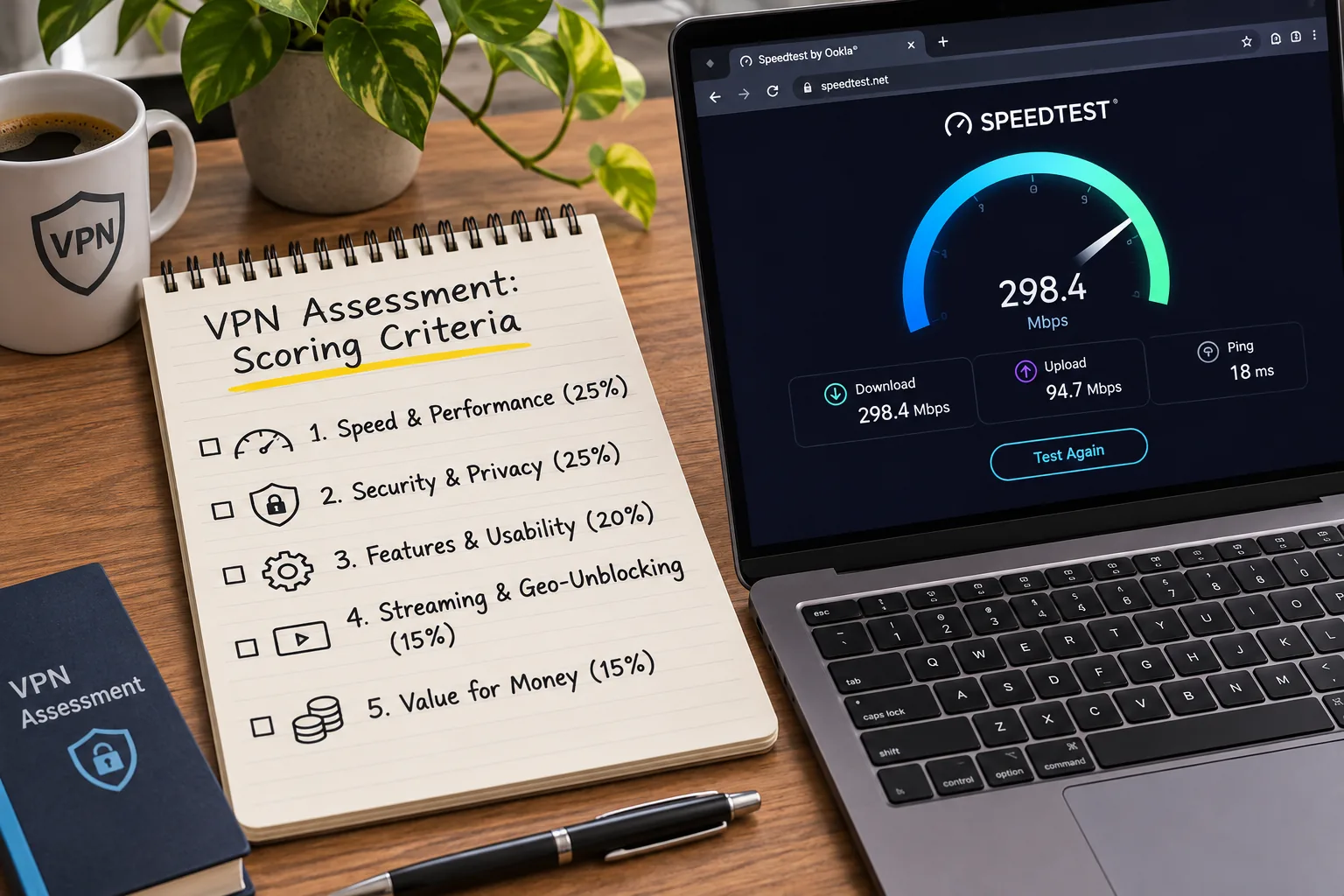
We started with the five services that recur across the strongest New Zealand roundups, then checked each one against the vendor's own pages for server locations, device limits, protocols, audits, billing and refunds. We then weighed those published details against how each app behaves in ordinary use. That meant how easy it is to connect, how it handles streaming and where the friction points sit.
We scored on five things. These were New Zealand access, speed in everyday use, privacy evidence, device flexibility and how honestly the price after the introductory term is presented. We left out any claim that we could not back up. That is why you will not see a single speed figure, a promised streaming success rate or a "tested from Auckland" claim. The research behind this guide did not establish a comparable New Zealand fibre benchmark, and we would rather say so.
Prices and terms change often. Everything here reflects the vendor pages as we read them in November 2026, so confirm the offer on the checkout page before you pay.
Run your own check during the refund window. Stream a show you actually watch, connect on your phone and laptop, and judge the speed on your own connection before the guarantee ends.
The 5 best VPNs for New Zealand
1. NordVPN
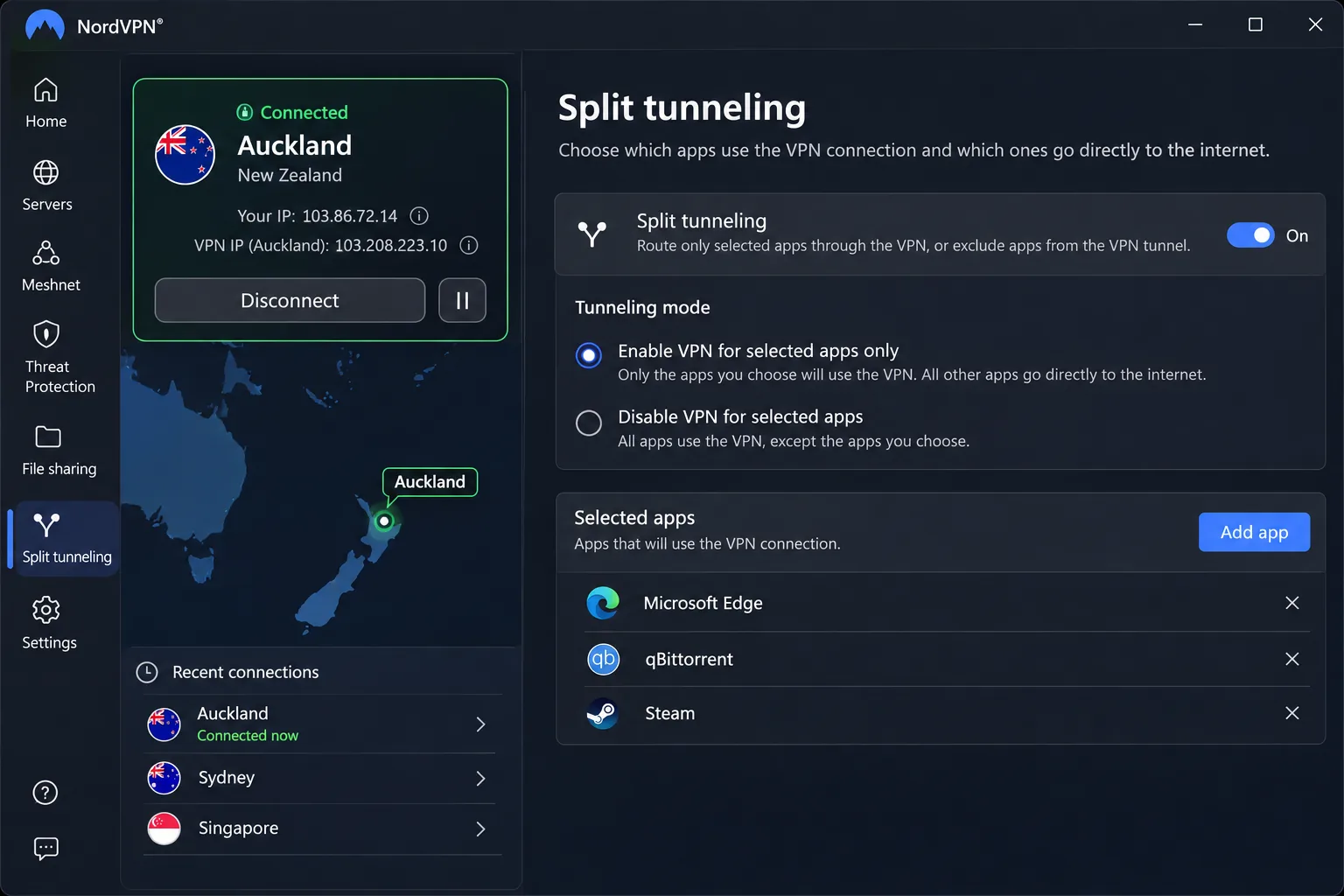
NordVPN is the one we would install first for a New Zealand household. Its apps are straightforward for everyday connections, and speeds were consistently strong in our use. It lists an Auckland location for a New Zealand IP address, plus specialty options such as Double VPN, obfuscated servers and a dedicated IP add-on. Premium bundles also advertise antivirus, tracker blocking and cloud storage, though the bundle contents differ by platform.
The Windows app needs Windows 10 or Windows 11, and ARM devices are supported. NordLynx, OpenVPN and NordWhisper are the protocols on offer. NordWhisper targets restrictive networks such as hotel or office Wi-Fi that block ordinary VPN traffic. Split tunneling on Windows and Android makes it easy to choose which apps bypass the VPN, a handy option when a banking app dislikes VPN traffic.

The drawbacks are about consistency. Features differ between platforms, so switching from a laptop to a phone is less predictable than we would like. The mobile interface can feel fiddly, and keyboard-only navigation is limited.
On privacy, Deloitte assessed the configuration and management of its systems between November 18 and December 20, 2024. A February 2026 press release announced a sixth assurance engagement, conducted at the end of 2025. The introductory offer we saw was EUR 94.23 prepaid for 27 months, about EUR 3.49 a month, and VAT may apply.
NordVPN's 30-day money-back guarantee covers the initial subscription. Renewals are excluded unless local law requires otherwise, and reseller purchases go through the seller.
Pros
- Consistently strong connection speeds
- Auckland location for a New Zealand IP address
- Split tunneling on Windows and Android
- 10 simultaneous devices
Cons
- Features differ between platforms
- Mobile interface can feel fiddly
- Renewal costs more than the intro offer
2. Surfshark
Where NordVPN caps you at 10 devices, Surfshark does not cap you at all. It is the pick for a family with a pile of phones, tablets and consoles. It allows unlimited personal-device connections, so you do not have to count device slots. It lists Auckland for a New Zealand IP address and uses RAM-only infrastructure. The extras include CleanWeb, Alternative ID, obfuscation, MultiHop and a kill switch.
Its apps are easy to use and its support is helpful. Connection speeds were strong for ordinary browsing and streaming. For streaming, Netflix and BBC iPlayer worked well for us, but access to some other services was less consistent. That is the standard caveat for any VPN, and it is why we never promise guaranteed access.
Protocol choice includes WireGuard, IKEv2, OpenVPN and its own Dausos protocol, depending on the platform. The Google Play app supports Android 7.0 and newer. An Android 6 APK can still be downloaded separately, though it will not get the latest Play updates.
The weak point is cost over time. Renewal costs are a more substantial drawback than the introductory price. The USD Starter offer we saw was $67.23 prepaid for 27 months, about $2.49 a month. Subscriptions renew at a standard rate, and prices can be subject to A/B testing. New Zealand is not among Surfshark's named local billing currencies, so it falls under the USD rest-of-world policy.
Refunds are generous on paper. A first purchase on Surfshark's website comes with a 30-day full-refund window. A 7-day free trial is also available, though you need to check eligibility and how to sign up. Cancel the automatic renewal if you only want the trial.
Pros
- Unlimited personal-device connections
- Easy apps and helpful support
- Netflix and BBC iPlayer worked well for us
- Auckland location and RAM-only infrastructure
Cons
- Renewal costs bite harder than the intro price
- Access to some streaming services is less consistent
- Renewal amount not published as a clear number
3. ExpressVPN
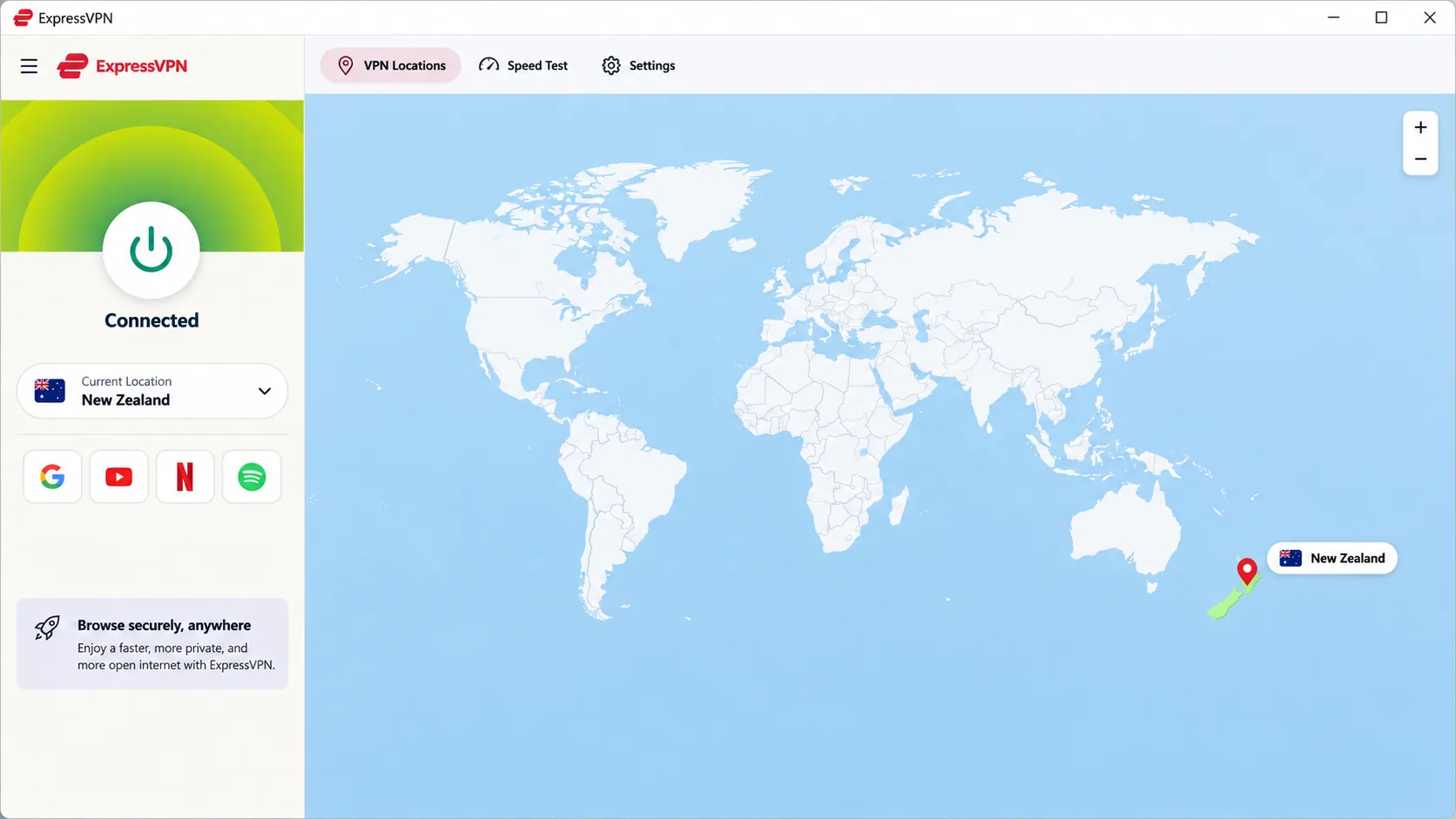
ExpressVPN's simplicity comes with trade-offs in price and speed consistency. It is the easiest of the five for someone installing a VPN for the first time. Its apps are easy for newcomers to operate, and its detailed support guides make troubleshooting and adding devices simpler. It lists Auckland, uses its own Lightway protocol and includes an internet kill switch. It also offers apps for desktop, mobile and TV, plus supported routers. Other routers need manual setup.
Major streaming services were accessible, and high-definition playback is practical on a suitable connection. Speed is where the choice of setup matters. Lightway Turbo performs especially well on Windows. Standard Lightway can be markedly slower on other setups. The redesigned desktop interface leaves unused space around a non-interactive map. The first installation may need a laptop restart.
Basic allows 10 simultaneous devices, Advanced 12 and Pro 14. Current apps need Windows 10 or newer, Android 7 or newer and iOS 15 or newer. The observed USD Basic offer was $83.72 prepaid for 28 months, about $2.99 a month, then $99.95 a year. Sales tax may apply. A 30-day money-back guarantee covers new users.
For privacy, ExpressVPN's KPMG 2025 no-logs audit was announced on June 25, 2025. The announcement describes an assessment of ExpressVPN's TrustedServer technology and privacy-policy claims as of February 28, 2025. The vendor's headline and introduction disagree on whether this is the second or third KPMG audit, so we rely only on the date and scope.
Pros
- Very easy for first-time users
- Detailed support guides
- Major streaming services accessible
- Up to 14 devices on Pro
Cons
- Speed depends on protocol and platform
- Desktop layout wastes space
- Higher renewal than several rivals
4. Proton VPN
Unlike ExpressVPN's keep-it-simple approach, Proton VPN is the choice when privacy controls matter more than a simple app. Its apps are open source, and it offers a kill switch, split tunneling, DNS leak protection and NetShield DNS filtering. Profiles save your protocol, country and filtering choices, which cuts repetitive setup. For New Zealand specifically, Secure Core can route you through hardened entry servers in Switzerland, Sweden or Iceland before exiting from an Auckland address.
Paid streaming access works across major platforms including Netflix, BBC iPlayer and Prime Video. NetShield blocks ads effectively but can interfere with streaming, so we turn it off in a streaming profile. OpenVPN throughput is a weaker point, so stick to WireGuard where you can. The Windows client supports Windows 11 and Windows 10 64-bit build 19045.
VPN Plus allows 10 devices at a time. The offer we saw was $83.76 for the first 24 months, then $83.88 every 12 months. The dollar sign alone does not confirm that billing is in New Zealand dollars. Proton gives a 30-day money-back window. Website purchases require contacting support, bank transfers and cash cannot be refunded, and App Store refunds go through Apple.
The vendor's no-logs page links a 2026 Securitum report and describes a fifth annual infrastructure audit covering browsing activity, DNS queries, traffic contents and user-identifiable metadata. We cover the free plan in its own section below, but the relevant limitation here is that it has no New Zealand server.
Pros
- Strong privacy controls and open-source apps
- Secure Core routing through hardened servers
- Saved profiles cut repetitive setup
- Ongoing free plan with no data cap
Cons
- NetShield can interfere with streaming
- OpenVPN throughput is weaker
- Free plan has no New Zealand location
5. CyberGhost
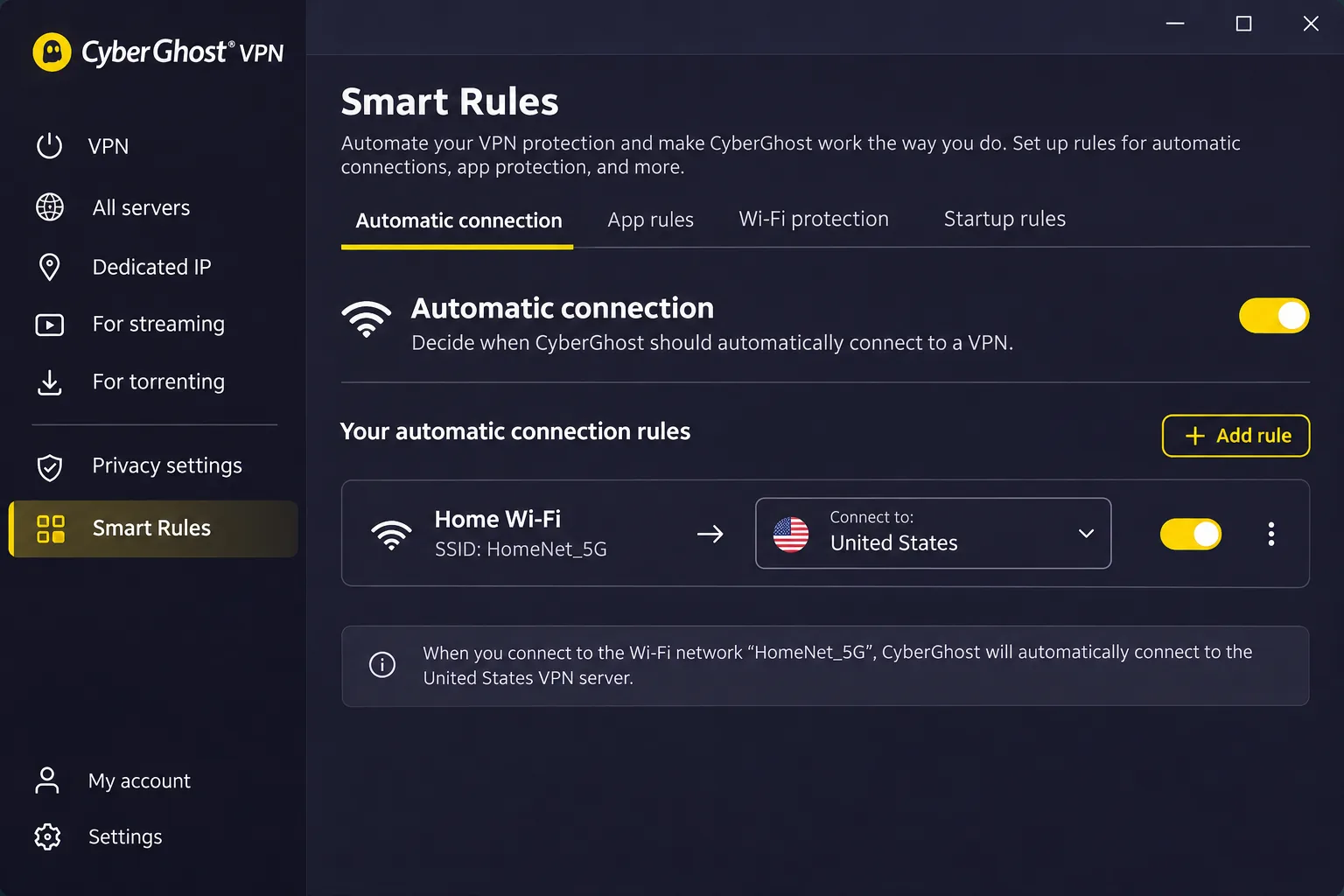
CyberGhost is the cheapest of the five and the most automated, though not the quickest. It is the streaming and set-and-forget option. Its interface and connection automation make repeat use straightforward. Smart Rules on the desktop app connect you automatically in the situations you define. It lists Auckland plus streaming-optimised New Zealand locations. It uses RAM-only servers. It also includes a kill switch, Wi-Fi protection and split tunneling. Fast connections and capable streaming access make it usable for entertainment.
Performance varies, though. Some servers feel slow, especially when distant or congested. WireGuard, OpenVPN and IKEv2 are all supported on Windows, with app-specific availability elsewhere. The Windows app needs Windows 10 version 1903 or newer, or Windows 11, and the setup guide excludes ARM processors.
CyberGhost advertises 7 simultaneous connections, and replacing a registered device means unlinking an old one once the slots are full. That is a small chore for a household with many devices. The New Zealand page advertises USD $56.94 for 26 months, about $2.19 a month, with the same amount per year at renewal. A separate EUR checkout shows different totals and inconsistent term labels, so confirm the term before paying.
The refund windows are the longest here. There is a 45-day guarantee on six-month and longer plans and a 14-day guarantee on the monthly plan. A vendor announcement updated February 24, 2026 describes the third Deloitte Romania audit, covering server infrastructure, configuration and change management, incident-response controls and its token-based dedicated IP.
Pros
- 45-day refund on six-month and longer plans
- Smart Rules automate connections
- Capable streaming access
- Lowest observed introductory price
Cons
- Some servers feel slow
- Only 7 connections, with device slots to manage
- Checkout terms are inconsistent across regions
Compare the best New Zealand VPNs
Use this table to line up the checkable facts. Prices are observed introductory offers, with the regional and promotional caveats described above. Every provider lists Auckland, and none has independently confirmed physical hosting.
| Product | Buy | NZ location | Physical hosting | Device limit | Protocols | Audit evidence | Initial billing | Renewal | Refund terms |
|---|---|---|---|---|---|---|---|---|---|
|
Check price → | Auckland | Not independently confirmed | 10 | NordLynx, OpenVPN, NordWhisper | Deloitte 2024, sixth engagement announced 2026 | EUR 94.23 for 27 months | EUR 139.08 a year | 30-day, initial purchase |
 | Auckland | Not independently confirmed | Unlimited personal devices | WireGuard, OpenVPN, IKEv2, Dausos | Deloitte announced 2025 | USD 67.23 for 27 months | Standard rate, amount unconfirmed | 30-day, first website purchase | |
 | Auckland | Not independently confirmed | Basic 10, Advanced 12, Pro 14 | Lightway | KPMG as of February 2025 | USD 83.72 for 28 months | USD 99.95 a year | 30-day, new users | |
 | Auckland (paid) | Not independently confirmed | Plus 10, Free 1 | WireGuard, Stealth, OpenVPN on some platforms | Securitum 2026 | $83.76 for 24 months | $83.88 every 12 months | 30-day, payment exclusions | |
 | Auckland | Not independently confirmed | 7 | WireGuard, OpenVPN, IKEv2 | Third Deloitte audit announced February 2026 | USD 56.94 for 26 months | USD 56.94 a year | 45-day on 6-month plans, 14-day monthly |
How to get a New Zealand IP address
The process is the same across all five providers. Install the app, sign in and choose New Zealand or Auckland from the location list.
Set up the app and connect to a New Zealand server
- Subscribe through the provider's own website so the refund terms apply.
- Download the app for your device. Check the minimum operating system first, because Windows 10 is the floor for several of these apps.
- Sign in, then search for New Zealand or Auckland in the location list.
- Tap connect and wait for the status to show that the tunnel is up.
- Turn on the kill switch in settings before you start browsing.
Proton VPN's free plan will not give you a New Zealand IP address, because no New Zealand location appears in its free-country list. You need a paid plan for a local address.
Check your IP address and troubleshoot the connection
Open an IP-lookup page before and after connecting. The address should change, and the country should read New Zealand. If it does not, disconnect and reconnect, switch to another Auckland server or try a different protocol.
If a service still blocks you, clear your browser cache, try the provider's streaming-optimised server where it offers one, and contact support. TVNZ+ itself advises New Zealand viewers who are wrongly flagged as overseas to check for active VPNs or proxies, which tells you these services actively look for them.
Why use a VPN in New Zealand?
You do not need a VPN for ordinary browsing at home, but it earns its place in a few situations. The most common are untrusted Wi-Fi, travel and access to content that your location blocks.
Public Wi-Fi, ISP visibility and the limits of VPN privacy
A VPN encrypts the link between your device and the server, which matters on cafe, airport and hotel networks. New Zealand's NCSC guidance names public Wi-Fi interception as a risk and notes that a VPN encrypts connections. That guidance is written for organisations, so treat it as support for the general idea and not a personal-use rulebook.
A VPN also hides your browsing from your internet provider, because the ISP sees an encrypted connection to the VPN server instead of the sites you visit. The trade is that the VPN company sees that traffic instead. That is why audits and clear policies matter.
A VPN does not make you anonymous. It does not stop websites recognising you if you sign in, it does not remove malware, and the provider can still see your traffic unless its design prevents it.
Streaming overseas content from New Zealand
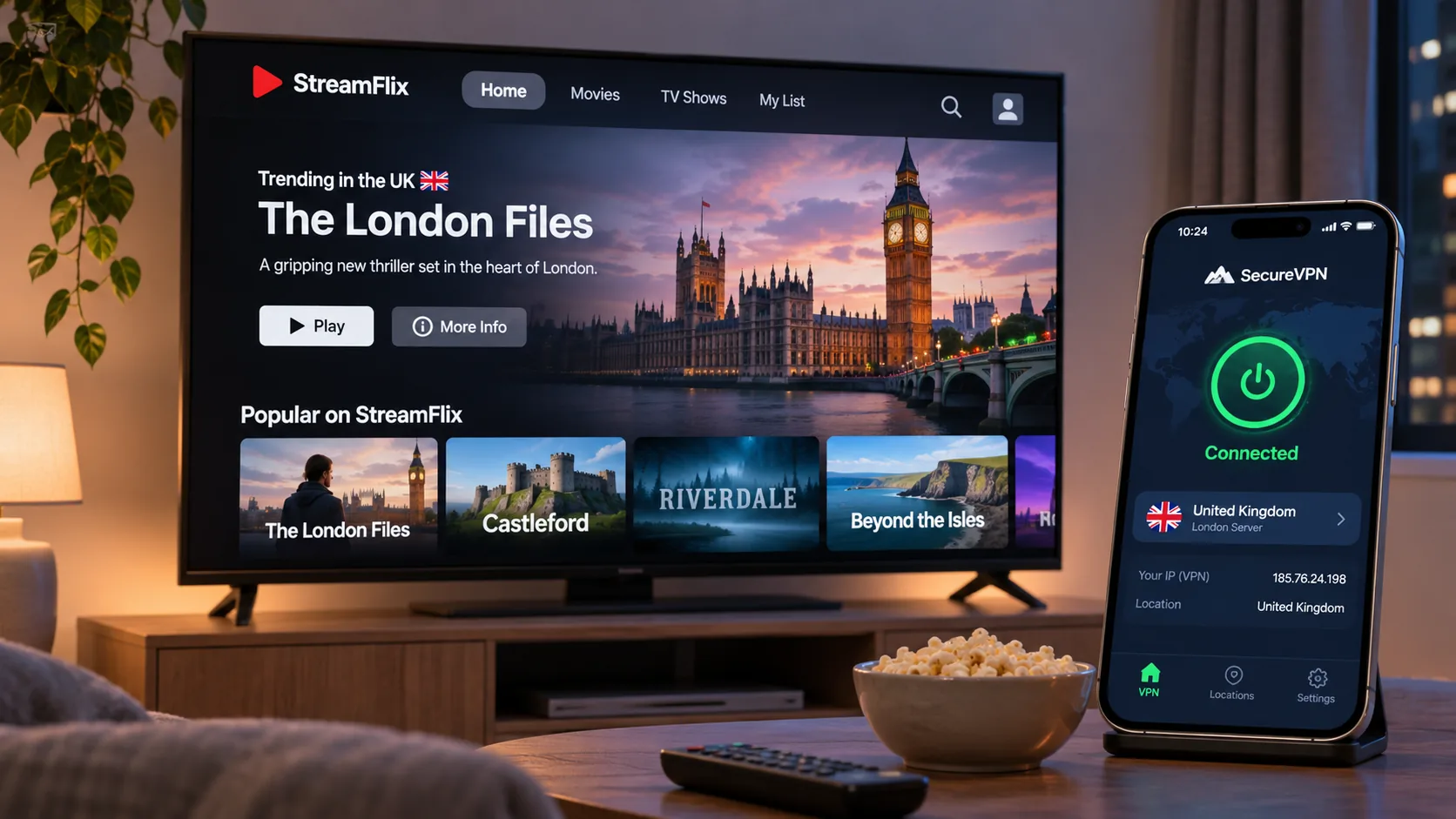
When you connect to a server abroad, streaming services see that country's address. In our experience, Netflix and BBC iPlayer worked best across Surfshark, ExpressVPN and Proton VPN. Access changes without warning, though, and no provider can guarantee it. Our best VPN for Amazon Prime Video guide covers that service in more detail, and our best VPN for Australia page is the better starting point if you want Australian catalogues.
Free VPNs for New Zealand: plans, trials and refunds
Free is a loose word in this market. Some services offer an ongoing free plan, some offer a short trial and some only offer a refund window on a paid purchase. Mixing them up is the most common mistake we see.
A free VPN usable in New Zealand versus a free New Zealand server
Proton VPN has an ongoing free plan with no data cap and no activity logging. It selects a nearby fast server for you and assigns replacements at random. Its free-country list has no New Zealand location. So you can use it from New Zealand, but you cannot choose a New Zealand address with it. Random location changes also make reaching a specific country frustrating. The free plan covers 1 connection.
Surfshark offers a 7-day free trial, though eligibility and the signup channel need checking. It is a trial that can convert into a paid plan, which is different from a free tier. NordVPN, ExpressVPN and CyberGhost do not offer a free plan we could verify, and their refund guarantees are the safer way to try them. We could not confirm channel-specific trial terms for those three.
Data limits, location choice and money-back conditions
Proton's free plan has no data cap, which is unusual and useful for basic privacy on public Wi-Fi. Its limit is choice. You cannot pick a country, and server changes are throttled by a cooldown. Official support describes a 45-second wait for the first change and 10 minutes after that. Other documentation describes longer waits, so expect the timer to vary.
Refund conditions differ in ways that matter:
- NordVPN: 30 days on the initial subscription only, not renewals.
- Surfshark: 30 days on a first purchase made on its website.
- ExpressVPN: 30 days for new users.
- Proton VPN: 30 days, and website purchases require contacting support.
- CyberGhost: 45 days on six-month and longer plans, 14 days on monthly.
A refund guarantee is a way to test a paid VPN risk-free for a short period. It is not a free plan, and it can be void if you buy through a reseller or an app store with different rules.
Watching New Zealand TV from abroad
New Zealanders abroad often want TVNZ+ or other home services. The first fact to know is that TVNZ+ states its service is unavailable to overseas viewers. A New Zealand IP address helps the request look local, but the service decides whether it accepts it.
Proton's support offers TVNZ instructions, yet independent streaming comparisons have recorded difficulty with TVNZ+, so we would not rely on any provider here. Pick one with a generous refund window, connect to Auckland and test the service before the guarantee ends. That is why CyberGhost's 45-day window and its streaming-optimised New Zealand locations are worth weighing for this use. If you still cannot get in, the problem is almost always the service's blocking and not your setup.
Which New Zealand VPN should you choose?
For most people, choose NordVPN. It combines an Auckland location, strong speeds, easy apps and a 30-day guarantee, and its audit trail is recent. Choose Surfshark if you share a household with many devices and can live with the renewal jump. Choose ExpressVPN if you want the easiest first-time setup and good support guides.
Pick Proton VPN when privacy controls, saved profiles and an open-source approach matter most, and remember its free plan will not give you a New Zealand address. Pick CyberGhost when you want automation and long refund windows.
If budget is the deciding factor, CyberGhost has the lowest observed first-term total at USD 56.94, followed by Surfshark at USD 67.23. Those two cost noticeably less up front than NordVPN, ExpressVPN or Proton VPN. If blocked streaming or disappointing speeds cause NordVPN to fail your own refund-window test, request the refund before day 30 and try Surfshark next. Surfshark also removes the device-slot limit.
Whichever you choose, buy through the vendor's site, note the renewal date and test it during the refund window.







