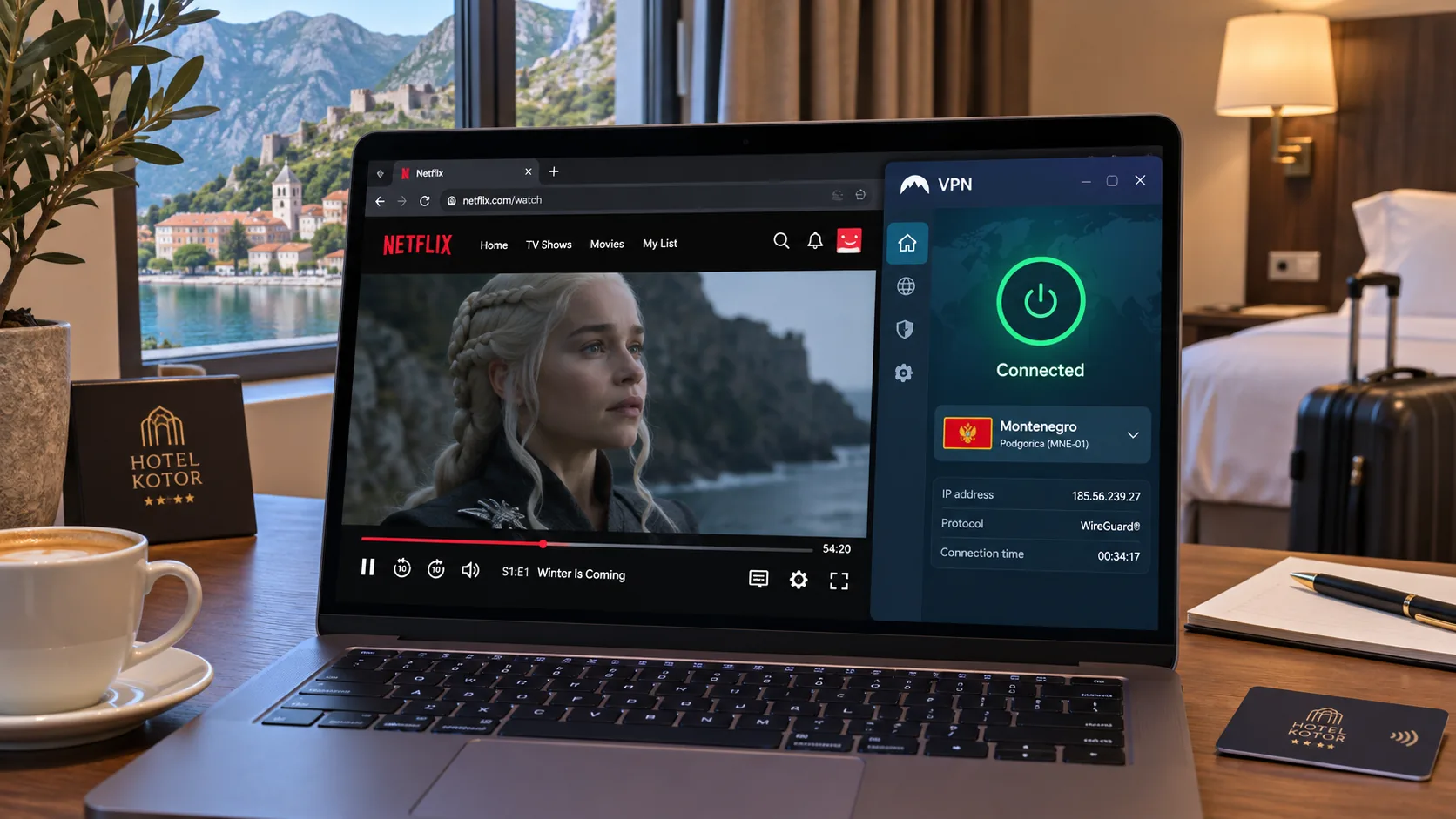
Which VPN should you choose for Montenegro? Start with ExpressVPN if you want easy setup and responsive help, and pick Surfshark if you need to cover many devices. All five services below offer a Montenegro exit IP, but they host it in different places. We explain that difference, then compare privacy, speed, apps and subscription cost.
Best VPNs for Montenegro at a glance
| Product | Buy | Montenegro exit IP | Where it is hosted | Paid devices | Best for |
|---|---|---|---|---|---|
 |
Check price → | Yes | Virtual, hosted in the Netherlands | 10 on Basic | Easy setup and live chat help |
 |
Yes | Virtual, hosted in Bulgaria | 10 | Streaming and general speed | |
 |
Yes | Host not established | Unlimited | Many devices | |
 |
Yes, paid plan only | Smart Routing via Marseille, France | 10 on Plus | Free basic protection or configurable privacy | |
 |
Yes | Virtual, host not established | 7 | Streaming-specific servers |
A Montenegro exit gives you an IP address that shows as Montenegrin, but the physical server can sit in another country. IP location and hosting location are separate attributes, so a "local" IP does not mean a local machine.
The 5 VPNs to consider for Montenegro
ExpressVPN
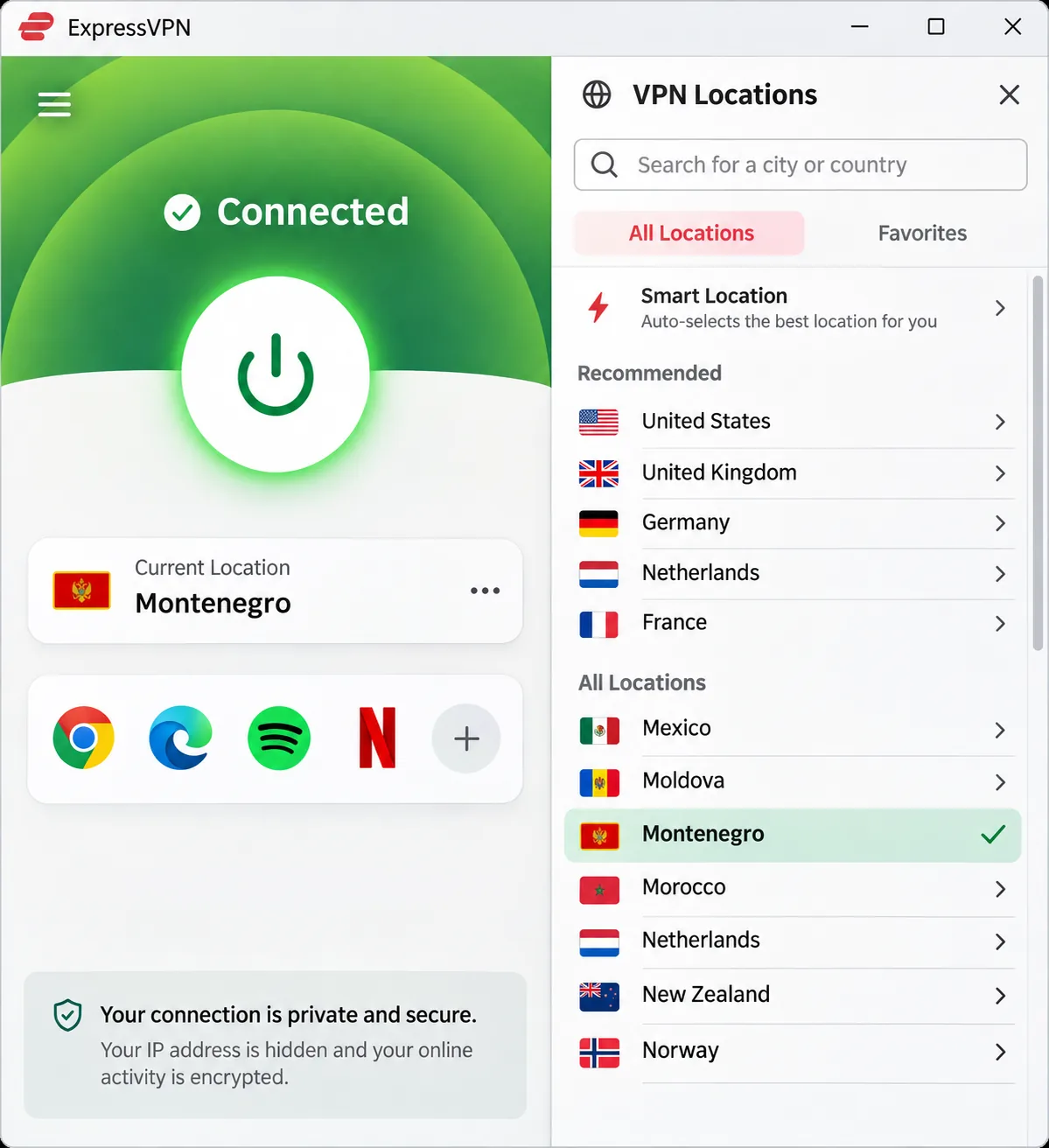
ExpressVPN is the pick we would hand to a first-time VPN user. Setup was straightforward across devices, with QR codes making TV installation simple. After the initial chatbot, live chat gave us helpful human assistance. Its Montenegro exit is a virtual location hosted in the Netherlands, with Italy as a nearby alternative.
The apps require Windows 10 or later, Android 7 or later, and iOS 15 or later. Basic covers 10 devices and offers new users a 30-day refund. The limitation is protocol behavior. Lightway can stream smoothly, but Lightway Turbo took longer to connect for us and does not suit every website or game.
NordVPN
NordVPN suits streaming and everyday speed. Streaming connections were generally stable for us, without buffering or dropouts, though some regional services still resist access. NordLynx gave strong speed and low latency, while OpenVPN was substantially slower, so choose NordLynx.
The Montenegro exit is a virtual location physically hosted in Bulgaria, with servers in Serbia and Italy as regional alternatives. It covers 10 devices and carries a 30-day refund. The mobile interface felt cramped, with less customization than specialist alternatives, and the price rises at renewal.
Surfshark
Surfshark is the value pick for households, since paid plans allow unlimited simultaneous devices. Montenegro is selectable, but the official pages do not say where that server physically sits. Nearby WireGuard connections were fast, although latency and jitter ran higher than with leading rivals.
On restrictive hotel or cafe Wi-Fi, switching from WireGuard to OpenVPN restored our connection. The kill switch kept our IP protected during forced failures, but the app needed a restart to reconnect. The 7-day website trial allows 3 devices and needs payment details.
Proton VPN
Proton VPN fits people who want configurable privacy or a free option for basic protection. Quick Connect made getting started simple, and saved profiles let us reuse country and protocol combinations. The apps are easy to navigate, though the Mac version lags behind other platforms.
The free plan has no data cap, but Montenegro is not on its free server list. Selecting Montenegro manually requires a paid plan; the connection routes through Marseille, France. NetShield can interfere with ad-funded streaming sites, and turning it off restored playback for us.
CyberGhost
CyberGhost is built around streaming-specific servers, which makes picking a service convenient. Podgorica is a virtual location, but the provider does not name its physical host. It supports 7 devices and gives a 45-day refund on six-month and longer plans.
In favorable conditions, streaming started promptly and stayed buffer-free. At peak times it buffered, and long-distance connections fluctuated noticeably. DAZN and some European platforms stayed difficult to reach.
How to choose a VPN for Montenegro
Match the service to your trip. For short stays, the refund window and the apps for your devices matter more than server counts.
Local IP addresses versus nearby servers
A Montenegro exit gives you a Montenegrin IP address for local services, such as a home banking site that expects domestic traffic. Italy or Serbia gives you that country's IP, not a Montenegrin one, but a nearby route can be faster. Physical distance, routing and load affect speed independently of the country label.
Privacy, speed, apps and total subscription cost
Check that the provider has a kill switch, a no-logs policy and apps for every platform you carry. You pay upfront for 24 to 28 months at introductory prices, then renew at a different rate. Compare the total charge rather than the monthly equivalent. Prices here are regional promotions in different currencies and are not directly comparable.
How to set up a VPN in Montenegro
Install the app before you travel, since some provider sites may be harder to reach on local networks. Our guide to setting up a VPN on any device covers each platform in detail.
- Create an account and download the app for your device.
- Sign in and select Montenegro, or Italy or Serbia for a nearby route.
- Turn on the kill switch in Settings.
- Check your public IP, then run separate DNS and WebRTC leak checks.
ExpressVPN provides tools for all three checks. Run each one because they test different things.
Privacy and streaming in Montenegro
Public Wi-Fi, mobile data and local privacy rules
A VPN encrypts traffic between your device and the VPN service on hotel Wi-Fi, cafe networks or mobile data, and it changes your visible public IP. It does not make you anonymous to the sites you log in to. We found no current Montenegrin law or regulator guidance on ordinary consumer VPN use, so check official sources before you travel.
Accessing local and home-country streaming services
We could not confirm access to specific Montenegrin streaming platforms, and no provider promises it. Netflix may limit VPN connections to globally licensed titles, and it can ask you to disconnect to see regional content. Streaming results are service-specific, so test your own content before relying on a provider.