
If you need a VPN in Micronesia for private browsing on shared networks, streaming from home services, or remote work, start with NordVPN. It offers independently examined no-logs practices, support for up to 10 devices and a 30-day refund window. Surfshark, ExpressVPN, Proton VPN and hide.me suit narrower needs, and we explain each trade-off below.
Best VPNs for Micronesia at a glance
Every provider below lists Japan as a nearby server choice, and none lists Micronesia in its official server directory. We have not verified a Micronesian exit IP for any of them.
| Product | Buy | Suited use | Regional exit choice | Micronesian exit IP | Privacy evidence | Main limitation |
|---|---|---|---|---|---|---|
| General streaming and everyday privacy | Japan | Not listed | Independent no-logs assurance | App features differ by platform | |
 | Households with many devices | Japan | Not listed | No-logs assurance, infrastructure review | Streaming variability | |
 | Simple connection interface | Japan (Tokyo, Osaka) | Not listed | KPMG assurance, RAM-only servers | Speed differs by protocol and device | |
 | Open-source tools and free access | Japan | Not listed | Open-source apps, audits | Complex controls | |
 | Detailed customization | Tokyo, Singapore, Sydney | Not listed | Published no-logs policy | Complex menus, slow Free tier |
A VPN that works while you are in Micronesia does not offer Micronesian IP addresses. To connect from the islands, you only need the app and a signal. Getting a Micronesian exit address needs a server in the country, and none of the five official directories lists one.
The 5 best VPNs for Micronesia
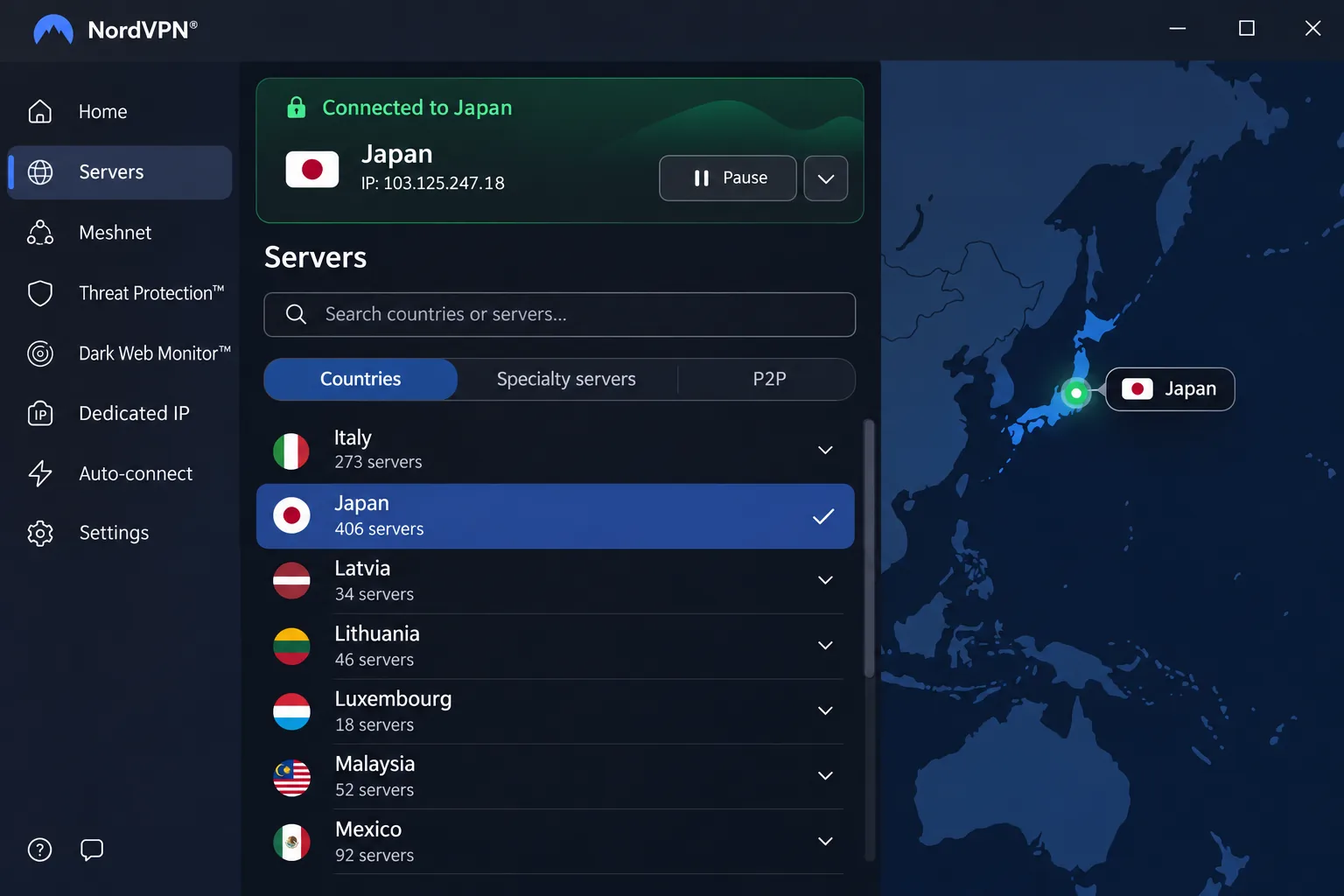
NordVPN
NordVPN gave us generally smooth streaming playback, though US YouTube and Australian Prime Video can resist unblocking. Its no-logs practices were examined by PwC and Deloitte, and it covers 10 devices under one plan. App features differ across platforms, and the mobile interface can feel cramped with little room for detailed tuning. The 30-day refund covers initial subscriptions only. The advertised price is $3.49/month on a 27-month term, but the introductory offer varies by campaign, location and tax. Renewal is billed separately.
Surfshark
Surfshark is straightforward to use and works well with Netflix and BBC iPlayer, while other streaming services are more hit-and-miss. It allows unlimited simultaneous connections, which suits a household with many phones and laptops. Turn the kill switch on yourself, since it is not enabled by default. Kill-switch results on macOS have conflicted, so test it before relying on it. The company documents independent assurance in its trust center review, and the 30-day refund applies to direct plans. We could not verify a USD price, so check the checkout page.
ExpressVPN
On a Mac, ExpressVPN is easy to open and use to connect, though its controls feel basic. It can maintain strong download speeds on that platform. Standard Lightway can lag behind Windows Lightway Turbo, so good streaming access does not mean identical speed on every device. Its trust center lists KPMG privacy-policy assurance and RAM-only servers. Basic covers 10 devices with a 30-day refund for new users, at an advertised offer of $84 for the first 28 months, then $99.95 a year.
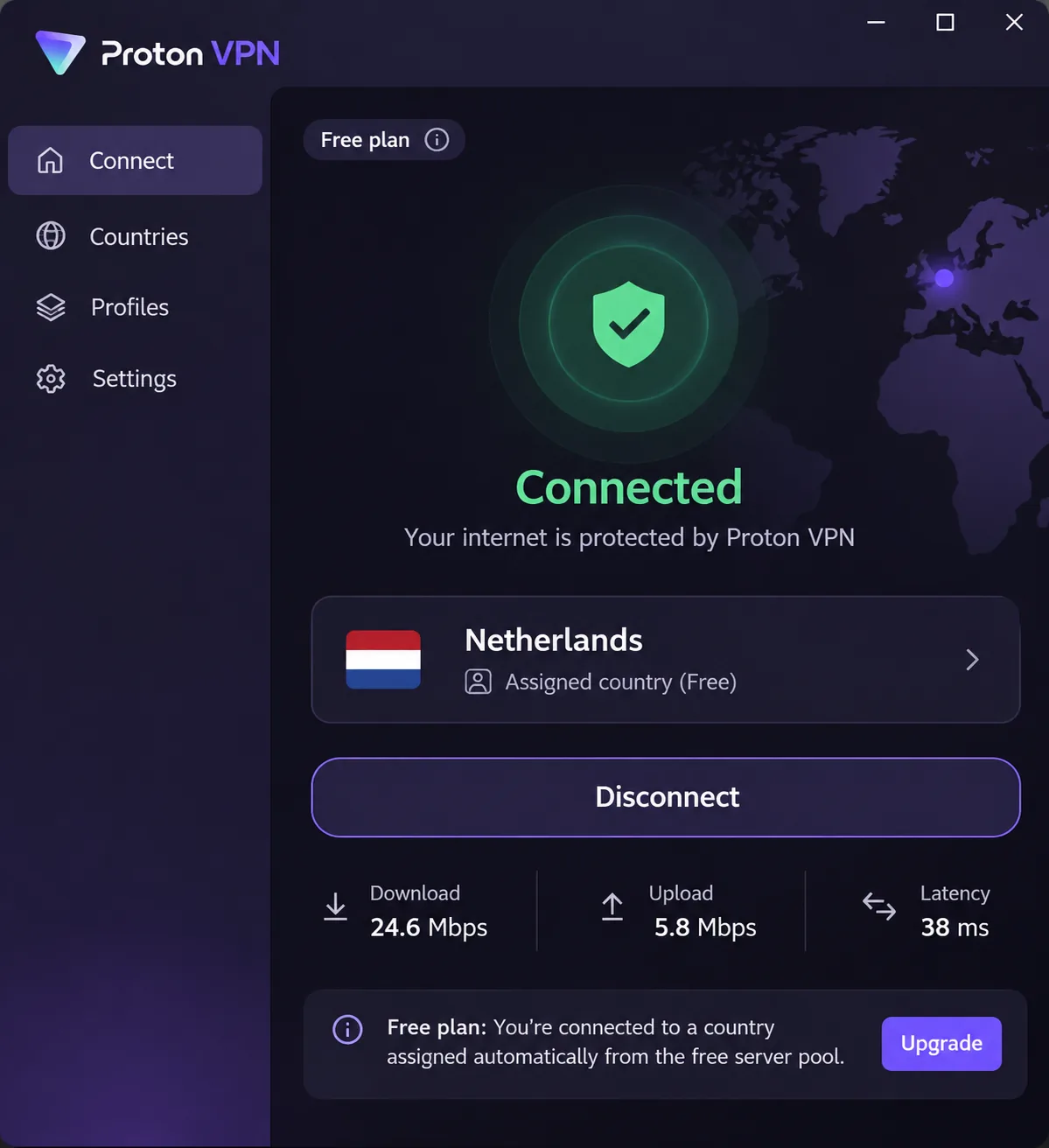
Proton VPN
Proton VPN delivers fast WireGuard speeds, while OpenVPN is substantially slower, so choose WireGuard. Its clean interface and inline explanations make the tools easy to find, although the many controls may still overwhelm beginners. NetShield filtering can interfere with streaming playback, so switch it off if a video stalls. Plus covers 10 devices and carries a 30-day refund. The free plan has unlimited data but assigns your country at random from a pool that includes Japan and Singapore, and it allows one device. Pricing on the main page is $83.76 for 24 months, and a separate sign-up offer shows less.
hide.me
hide.me Premium gives technical users extensive control, and it provides useful streaming access despite uneven connection speeds. The menus can overwhelm beginners. Premium allows 10 connections with a 30-day refund and costs $69.99 for a 30-month term, though the checkout offer determines what you pay. The Free tier has unlimited data but fewer locations, and in our reading it can be painfully slow and ineffective for streaming.
How to choose a VPN for Micronesia
We built this shortlist from official provider documentation, so it describes what each service publishes, not controlled speed tests from the islands. We found no latency or throughput measurements from Micronesia for any provider.
Server locations, speed and connection stability
Distance drives latency, so pick the closest listed server. Japan is the nearest verified option for all five providers, and hide.me also lists Tokyo and Singapore. A distant route can add delay even with a fast provider, and automatic fastest-server selection helps. Japan is a verified server option, not a proven fastest route from every island or internet provider.
Privacy, security and streaming access
Encryption protects traffic between your device and the VPN server, which matters on hotel and cafe networks. Look for a kill switch, DNS leak protection and documented no-logs assurance. For streaming, a nearby server is a poor match for content tied to other countries, so choose a server in the country whose library you want. Check that the app supports your platforms and that your device runs a current operating system, since legacy builds differ.
How to set up a VPN in Micronesia
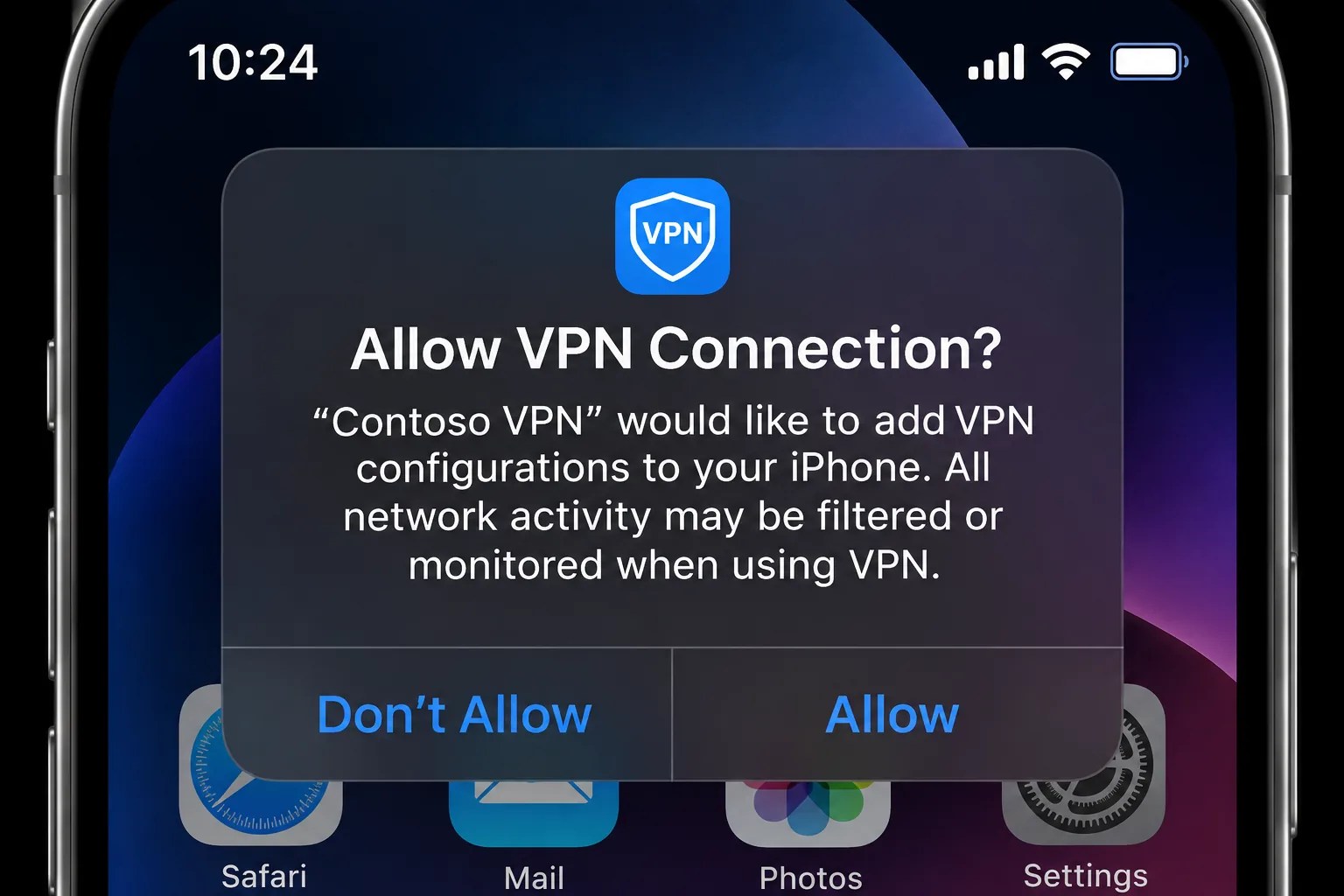
- Subscribe on the provider's official site, then download the app from the official site or your phone's app store.
- Sign in and allow the VPN connection when your device asks.
- Select a server, or choose automatic selection to find the nearest one.
- If the connection is slow, pick a closer server and switch the protocol to WireGuard where it is offered.
- If hide.me fails to connect, change the protocol in Settings and check whether security software blocks the client. Then contact support through the app.
Routers need a separate configuration, so install the app on each device first.







