
Most people in Ghana reach the internet through a phone, a data bundle and whatever Wi-Fi is nearby. That mix makes privacy on shared networks a daily concern, and it also makes streaming and app access uneven. A VPN helps with both, but it solves two different problems. Using a VPN while you are physically in Ghana encrypts your traffic. Getting a Ghanaian IP address, which you need for some local services when you are abroad, requires a server that lists Ghana as a location.
We compared five services with those two needs in mind: NordVPN, Surfshark, ExpressVPN, CyberGhost and Proton VPN. Below are the picks at a glance, then our assessment of each one.
Best VPNs for Ghana at a glance
| Product | Buy | Ghana exit IP | Devices | Refund | Plan cost |
|---|---|---|---|---|---|
 | Yes, virtual (server in France) | 10 | 30-day | From EUR 3.49/month on a 27-month plan | |
 | Listed in server directory | Unlimited | 30-day | Varies by region | |
 | Listed as virtual | 10 on Basic | 30-day | Varies by region | |
 | Not verified | 7 | 45-day on long plans | $2.19/month on the long plan | |
 | Yes, paid plans only | 10 on Plus, 1 on Free | 30-day | $3.49/month on Plus |
Prices come from each provider's checkout in our test region and vary with currency, tax and promotions. None of these figures is a quote for Ghana. Always read the order summary before you pay.
The 5 best VPNs for Ghana
1. NordVPN
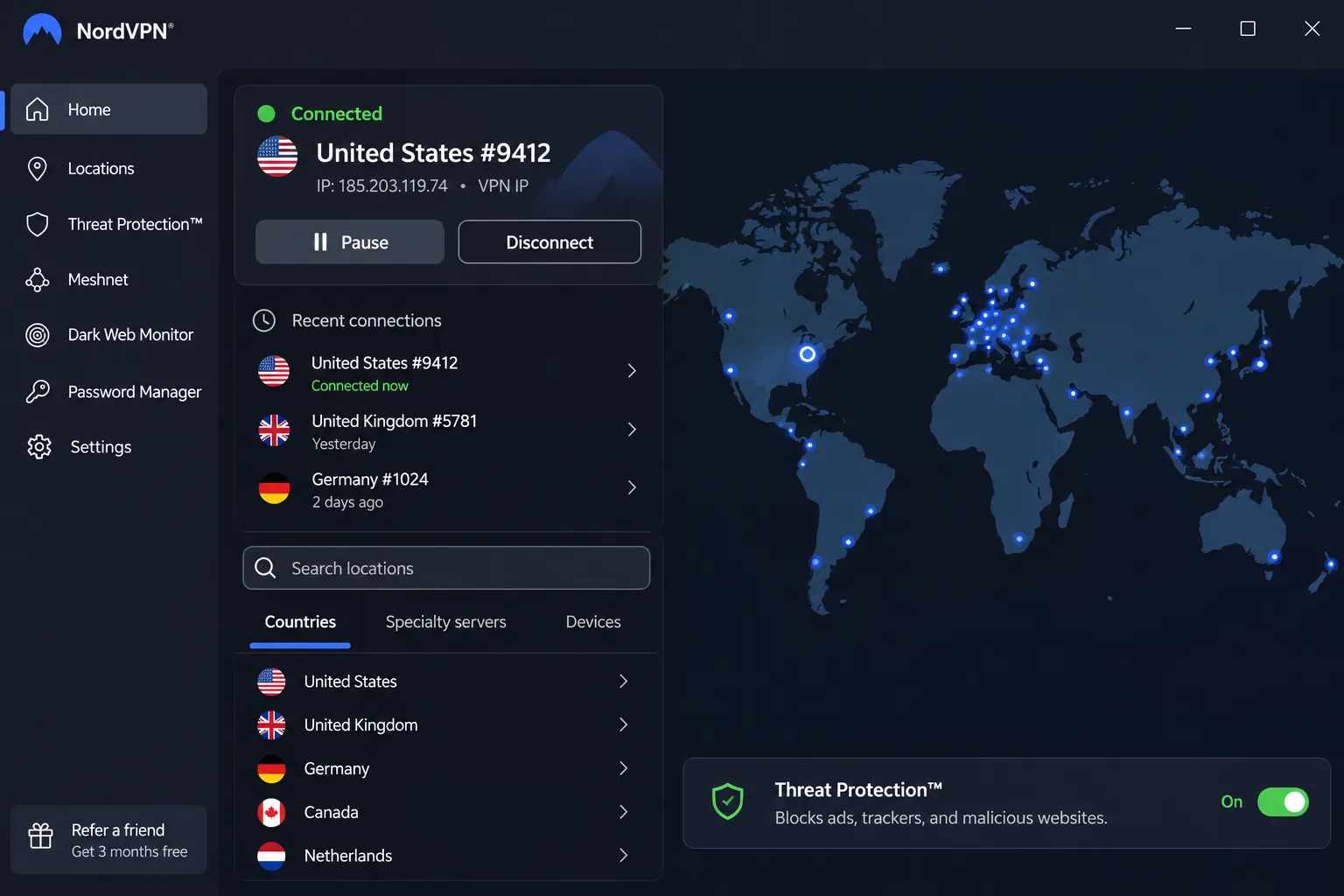
NordVPN is the one we would install first. Its official Ghana page lists a Ghana exit IP through a virtual location, which means the server is physically in France but presents a Ghanaian address. You select Ghana in the app's country list and connect. That setup is enough for most Ghana-linked access, and NordVPN openly explains how it works.
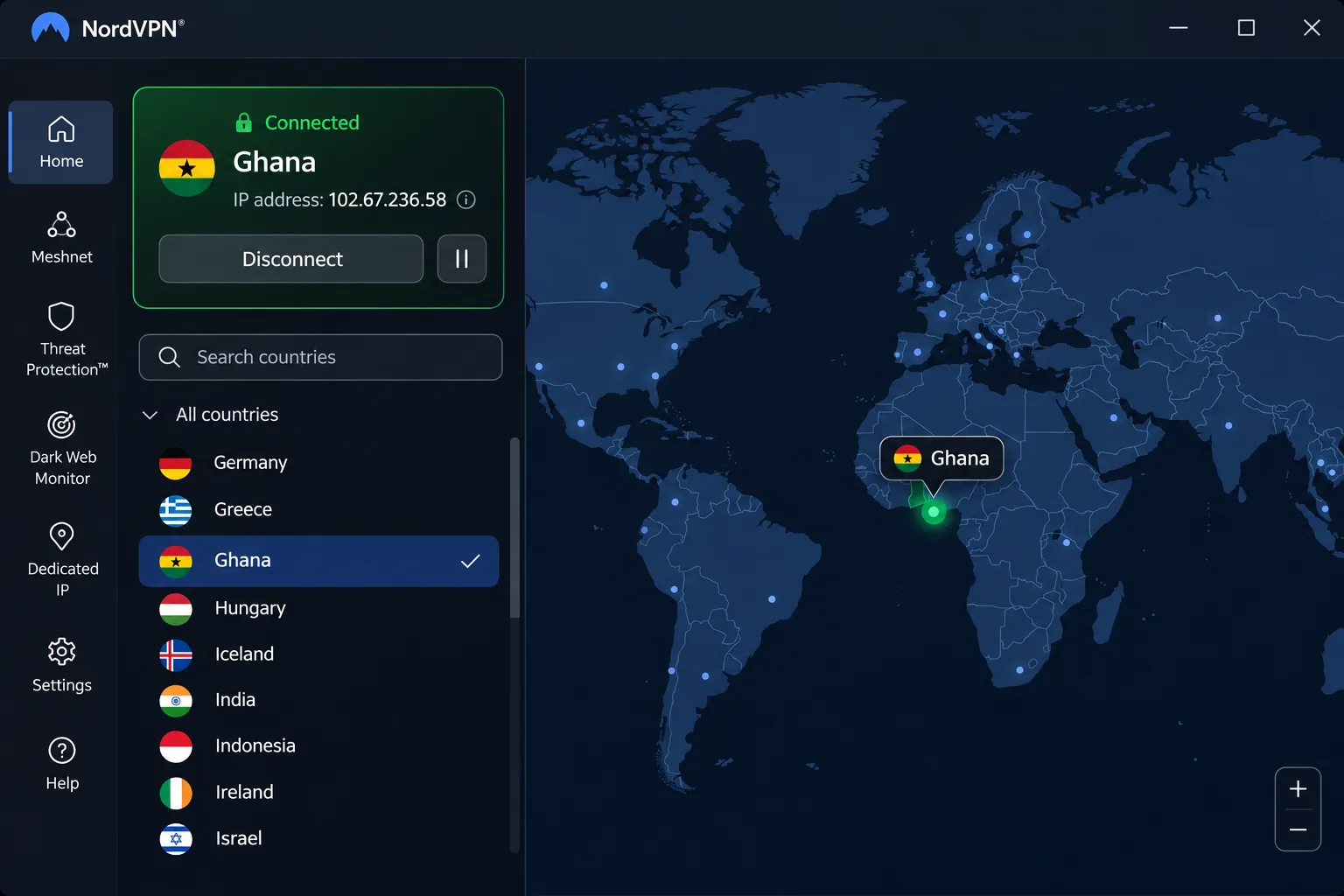
The apps cover Windows, macOS, Linux, Android and iOS, with Chrome, Firefox and Edge extensions. Each plan allows 10 simultaneous devices. The current iPhone app needs iOS 17.0 or later, and Android support depends on whether you use the main app (Android 9 or later) or the separate sideloaded one for Android 7 and 8. Features include a kill switch, split tunneling, Double VPN and private DNS, plus the NordLynx protocol and unlimited bandwidth.
In our testing the apps felt clean and easy to navigate, and streaming services such as Prime Video and Peacock opened without trouble. Connections stayed fast and consistent, although we have no measured figure for Ghanaian mobile networks and will not invent one. The irritation is that features differ between operating systems, which becomes tiresome when you move between a laptop and a phone. Keyboard-only navigation is also limited.
NordVPN plan pricing showed a Basic offer equivalent to EUR 3.49 a month, with EUR 94.23 paid upfront for 27 months. Renewal costs EUR 139.08 a year. The figures were in euros and taxes may apply, so your Ghana checkout may differ. The refund window is 30 days.
Pros
- Ghana location available in the app
- 10 simultaneous devices
- Reliable streaming access
- Clean, easy-to-read apps
Cons
- Feature differences between operating systems
- Limited keyboard-only navigation
- Ghana IP is virtual, with the server in France
2. Surfshark
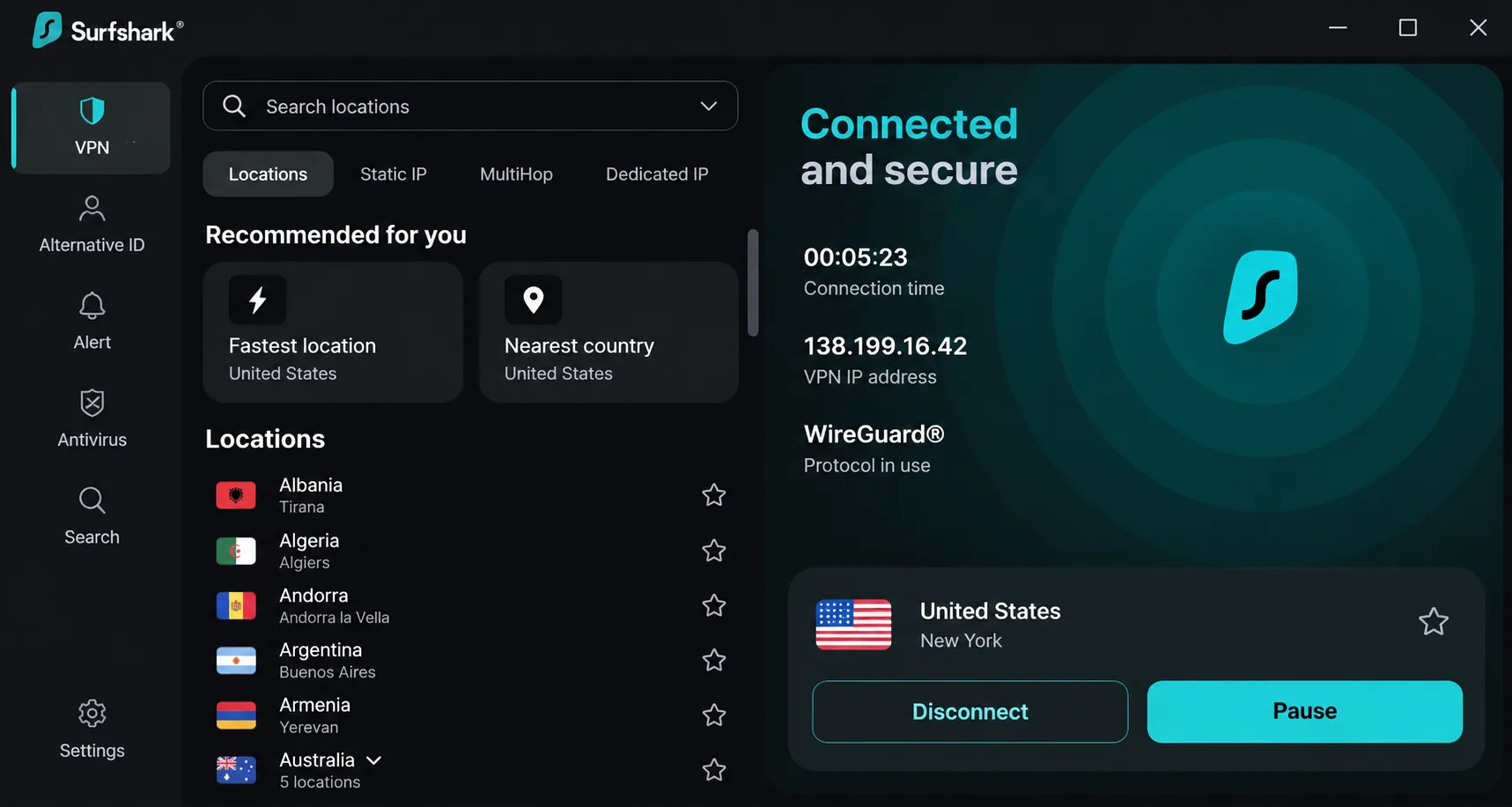
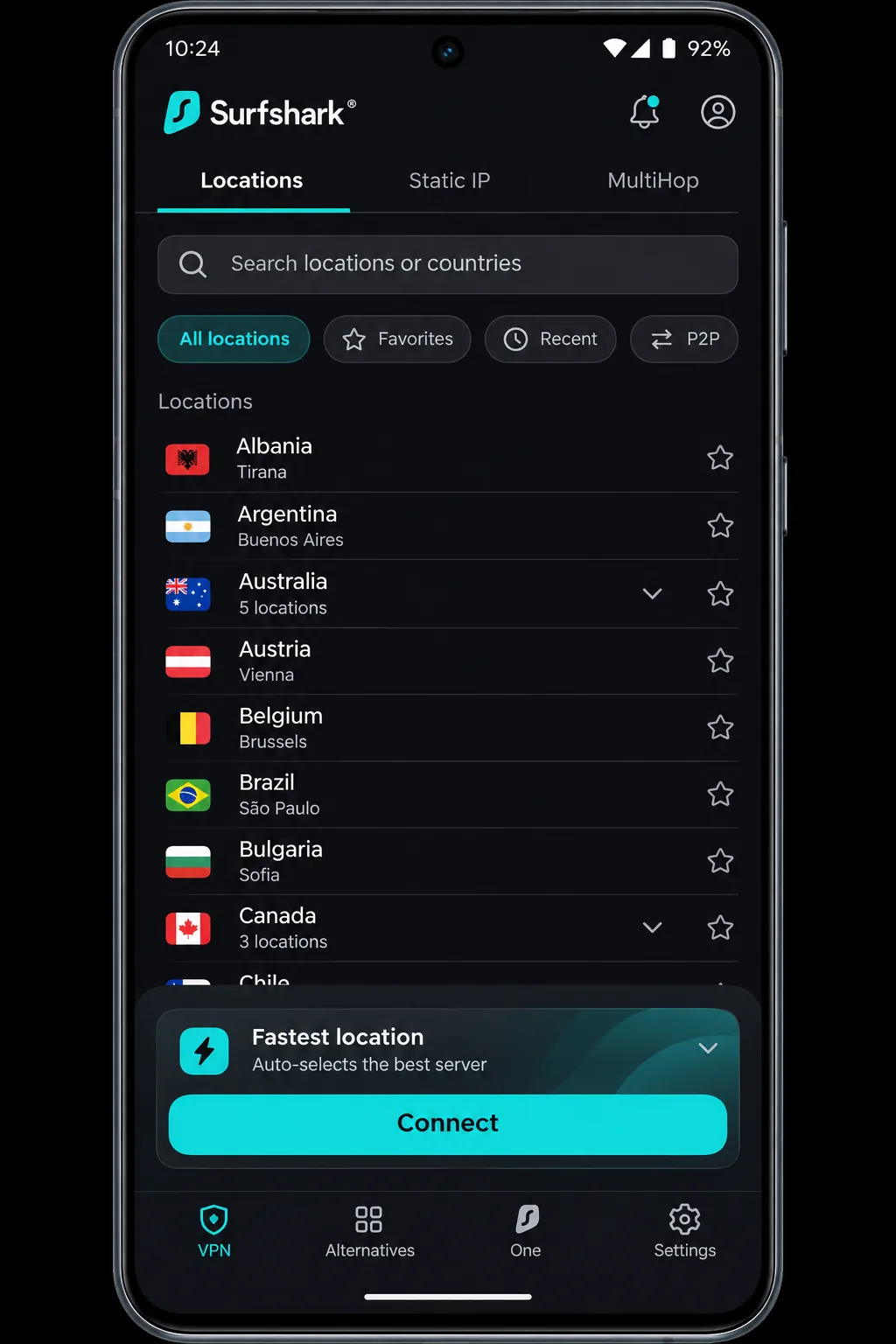
Where NordVPN caps you at 10 devices, Surfshark is the best fit when the whole household wants protection. It allows unlimited simultaneous connections, so phones, laptops, a TV and a relative's tablet can share one subscription. Ghana appears in its official location directory, though the extracted table did not show whether the server is physical or virtual. Check the location list in the app before you rely on it.
Its feature set includes a kill switch, CleanWeb filtering for ads, trackers and malicious sites, Bypasser split tunneling, Dynamic MultiHop and obfuscation. Apps cover Android, iOS, Windows, macOS and Linux. The iOS app needs iOS 17, and the Google Play app supports Android 7.0 or newer, with an older Android 6 build downloadable separately.
Surfshark's apps are intuitive on desktop and mobile, and the main settings are easy to find, although deep customization is thin. It handled ordinary Wi-Fi dropouts without reconnection problems. During deliberately invasive failure tests, the app sometimes needed a restart, but the kill switch kept the IP address concealed throughout. Two caveats stand out. The rotating IP can log you out of websites or discard session activity. Streaming access is strong in broad tests but can be inconsistent beyond Netflix and BBC iPlayer.
Pricing is the area to watch. Surfshark subscription pricing changed currency with our location, and we could not reproduce one reliable dollar total. Renewal costs are higher than the intro rate, and the refund period is 30 days.
Pros
- Unlimited simultaneous devices
- Intuitive apps with easy-to-find settings
- Kill switch held up under failure tests
Cons
- Rotating IP can end website sessions
- Streaming access uneven beyond the big services
- Renewal costs more than the intro price
3. ExpressVPN
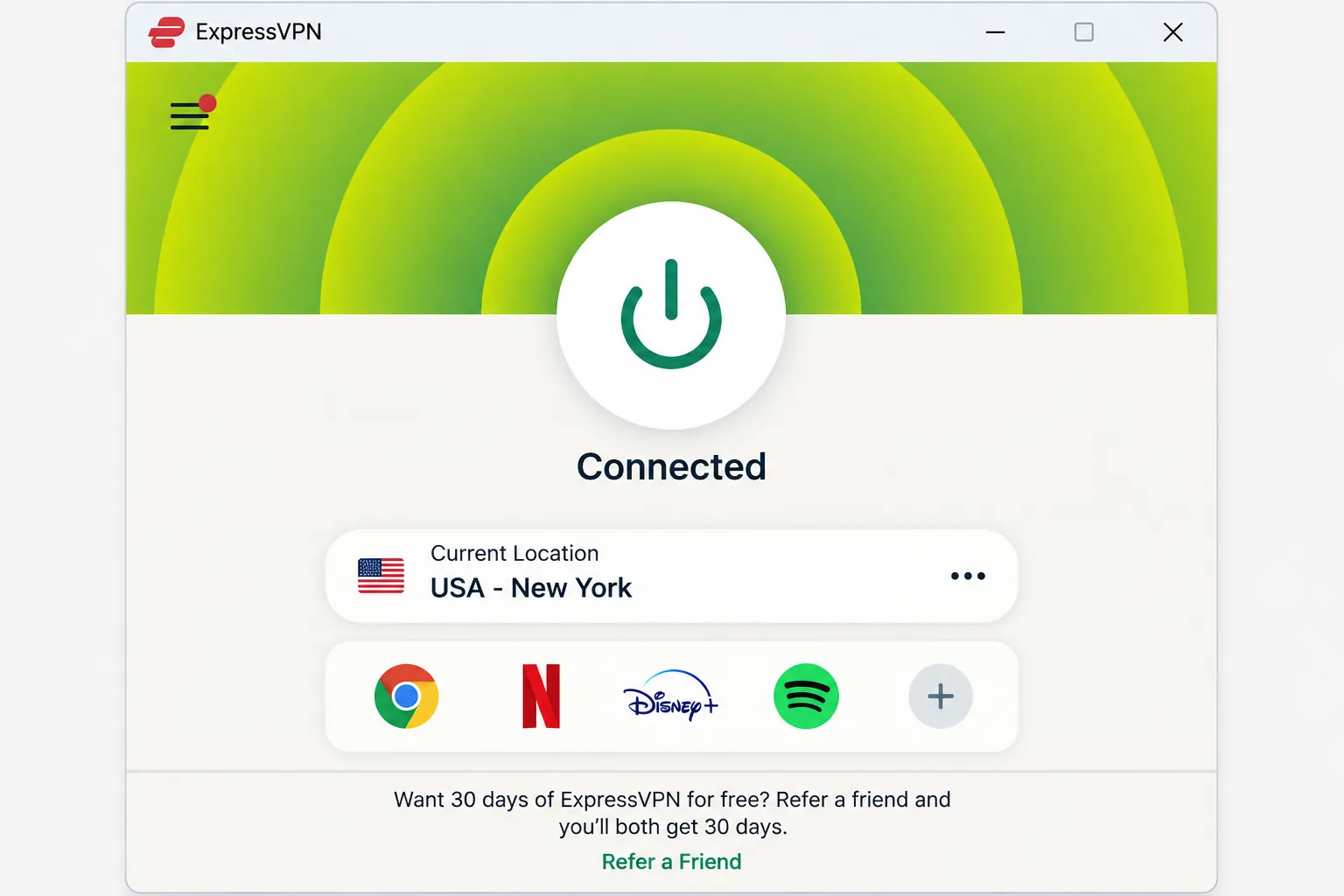
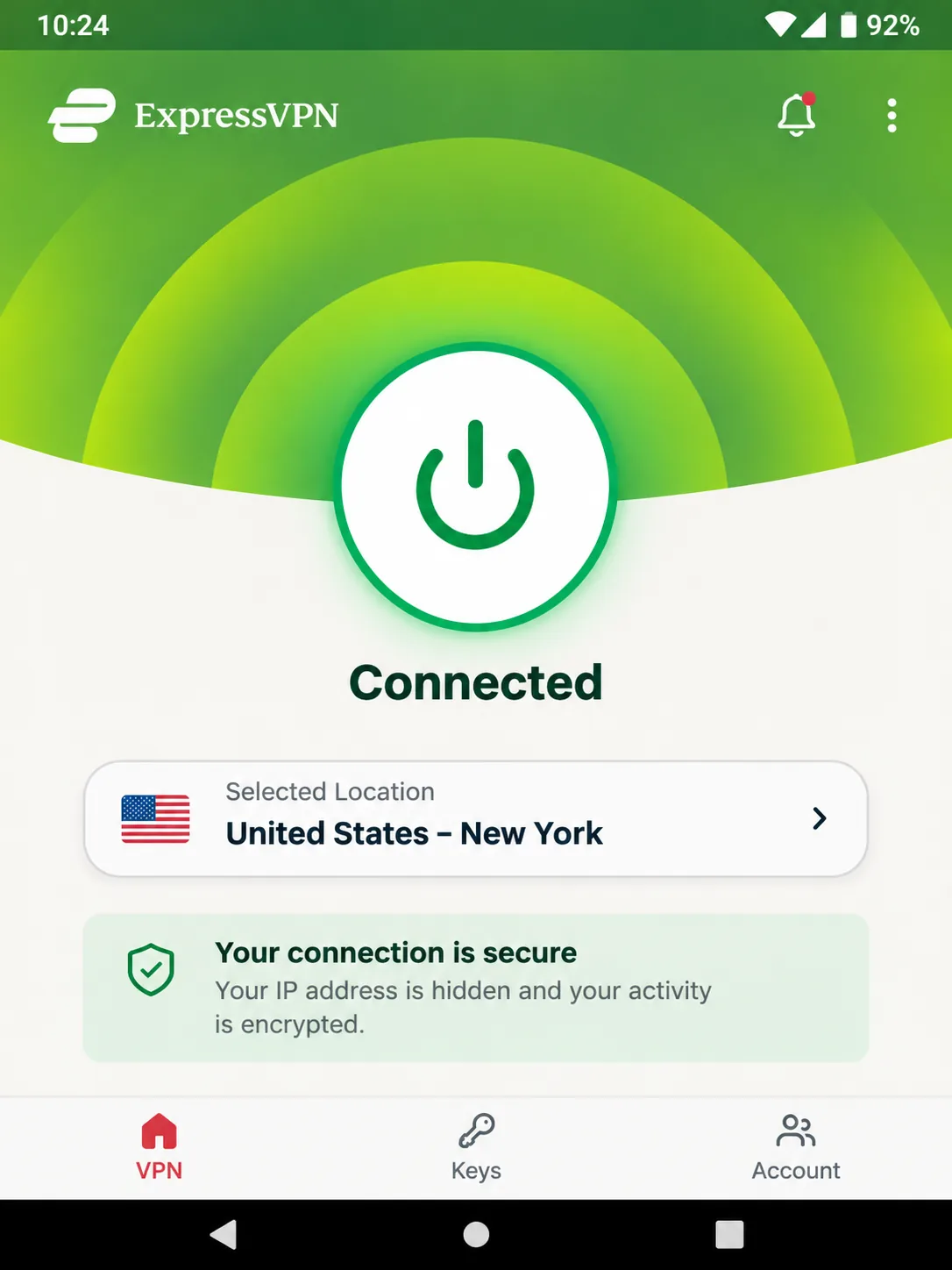
Less feature-heavy than NordVPN, ExpressVPN is the easiest to use for someone installing a VPN for the first time. The apps make connecting straightforward, connections stay reliable and streaming access is broad. It supports Windows, macOS, Linux, Android and iOS, plus routers and TV apps. It requires Android 7 or above or iOS 15 or above, making it friendlier to older phones than NordVPN or Surfshark.
On Ghana, the picture is mixed. ExpressVPN's official server directory lists Ghana as a virtual location, but third-party server lists conflict on whether Ghana exists at all. The Ghana IP is listed, but confirm it in the app before you subscribe.
Under the hood it uses the Lightway protocol, RAM-only TrustedServer infrastructure, a kill switch on supported platforms, leak protection and split tunneling. Lightway is designed to keep the same server connection when you switch between Wi-Fi and mobile data, which is useful if your phone hops between a home router and a data bundle during the day. Lightway Turbo gives stronger performance on Windows than standard Lightway does on other platforms. The tradeoff is fewer advanced privacy tools than some competing subscriptions.
The Basic plan allows 10 devices, Advanced 12 and Pro 14. We saw ExpressVPN plan price quoted in Korean won (KRW 109,200 for 28 months on Basic), so a Ghana checkout will differ. New users get a 30-day refund.
Pros
- Simple apps for beginners
- Works on Android 7 and iOS 15
- Lightway keeps connections steady across network changes
Cons
- Fewer advanced privacy tools than some rivals
- Ghana location is virtual, and listings conflict
- Performance differs by protocol and platform
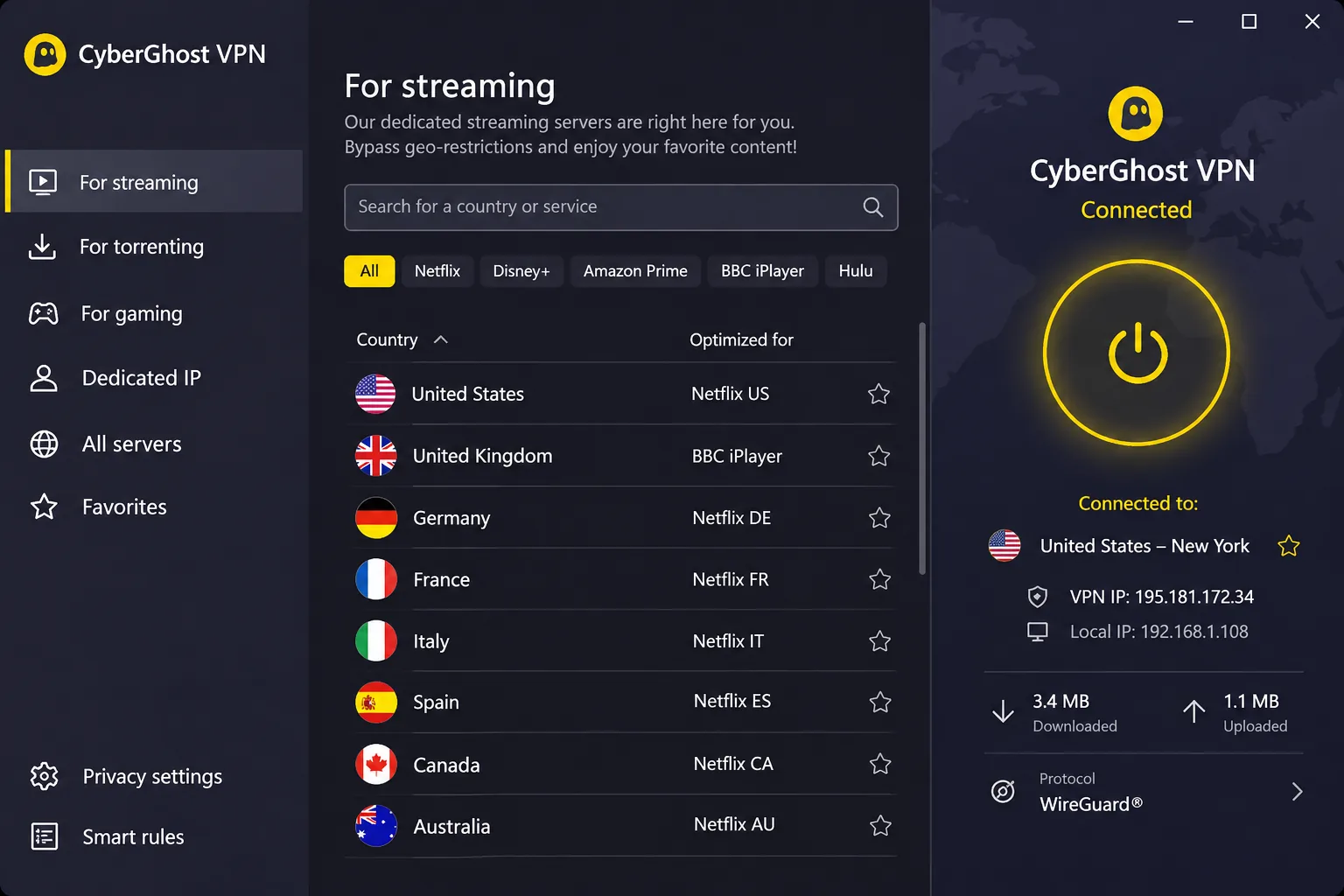
4. CyberGhost
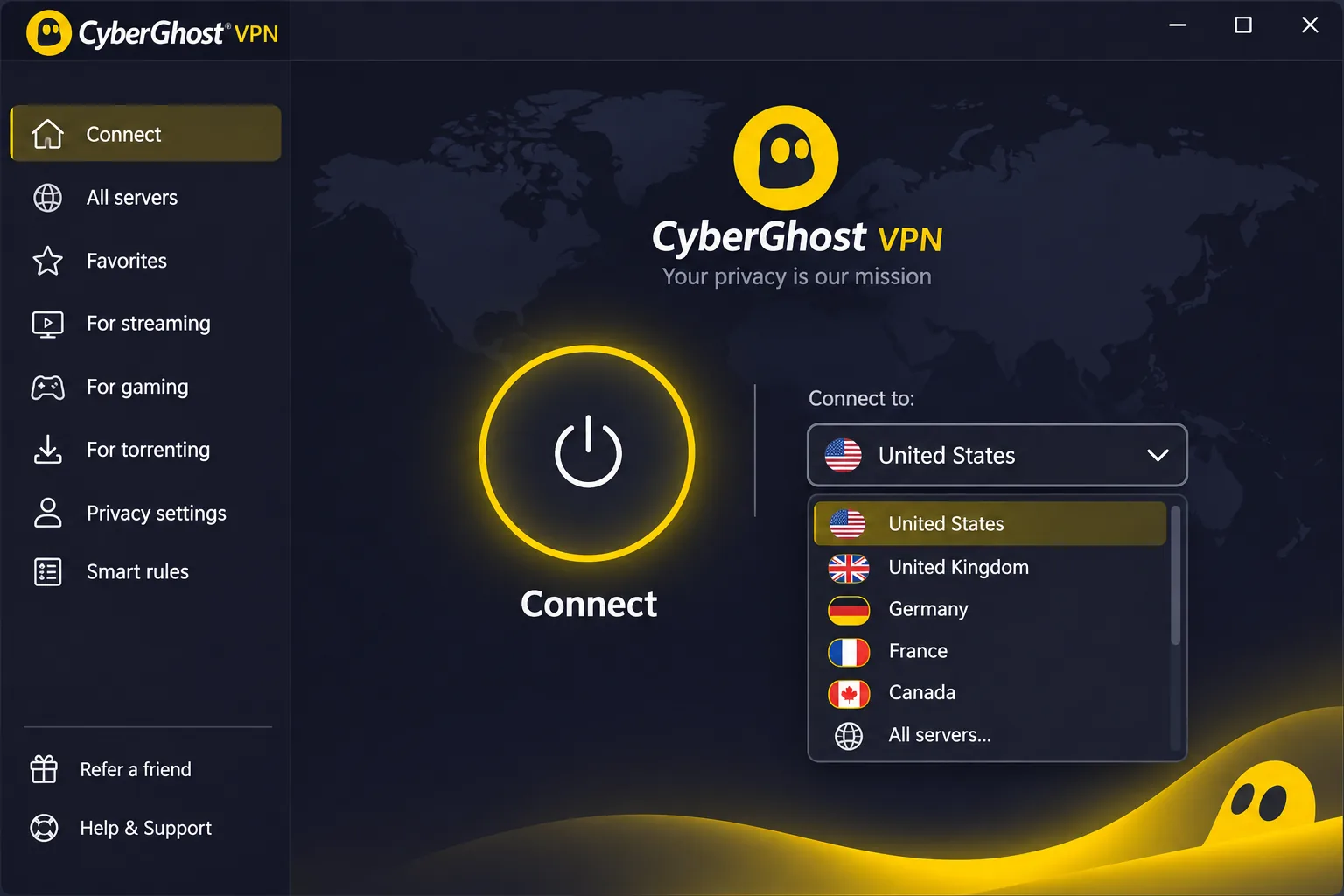
Unlike the three services above, CyberGhost does not show a Ghana server. Its prominent connect button on the main screen makes a basic connection easy. It offers strong streaming and gaming performance, and in the tests we drew on it reached US Netflix, BBC iPlayer and Prime Video but failed with 10 Play. Its refund terms are the most generous here: 45 days on six-month and longer plans, and 14 days on the monthly plan.
The catch for this guide is Ghana itself. We did not find Ghana in the official server directory we checked. That does not prove there is no Ghana server, but we cannot recommend CyberGhost for a Ghanaian IP. If you only need encryption while you are in Ghana, that limitation does not matter.
Other weak spots are easy to name. The iOS app has fewer useful controls than the desktop apps, and ad blocking is weak. Device management is the most frustrating part. You get seven devices, but it is unclear whether the limit counts simultaneous connections or registered installations. Confirm the rules in your account and expect to manage your devices. Live chat replies promptly, while the support website can be harder to use.
Pricing on the CyberGhost long-plan checkout showed $2.19 a month equivalent and $61.32 upfront. The page labels the initial term inconsistently as 26, 27 or 28 months, so confirm it in the final order summary. Monthly billing is $12.99. Android needs 7.0 or above, and iOS needs 15.0 or later.
Pros
- 45-day refund on long plans
- Easy connect button
- Strong streaming and gaming performance
Cons
- No verified Ghana location
- Device-management system is frustrating
- Weak ad blocking and limited iOS controls
5. Proton VPN
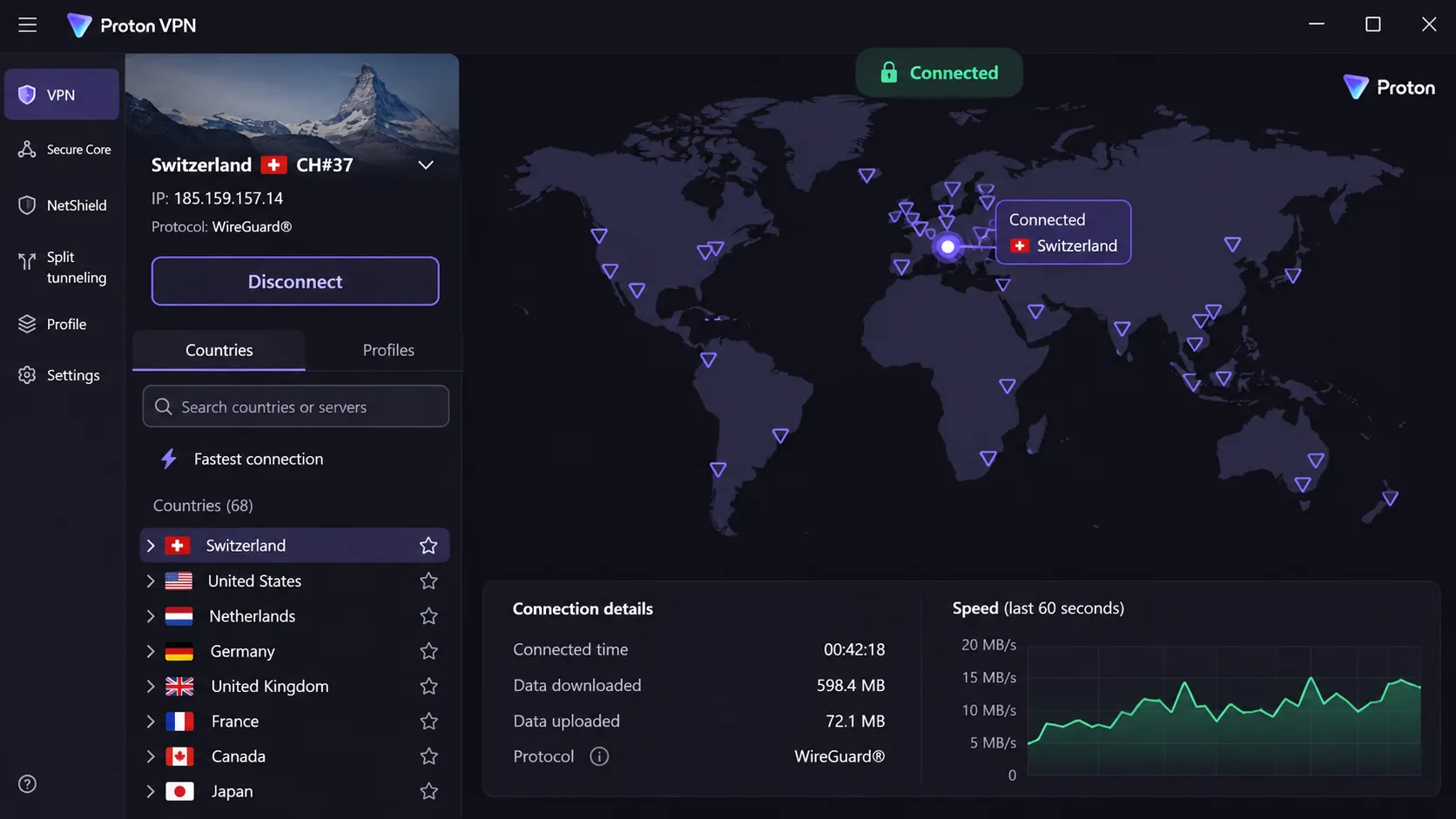
Proton VPN trades some Ghana-specific convenience for privacy, and it is the pick for people who want a free option. Its apps are open source, it has a no-activity-logging policy, and extras include Secure Core multi-hop routing and NetShield filtering for ads, trackers and malware. Apps cover Windows, macOS, Linux, Android and iOS, with TV apps and browser extensions.
The official Ghana page confirms a Ghana exit IP with country selection on paid plans. It does not say where the server is physically hosted. The paid Plus plan supports 10 simultaneous devices, and the service provides strong streaming access. NetShield blocks ads effectively but can interfere with ad-funded streaming sites, and turning it off can restore access to services such as Channel 4. Profiles let you save server, protocol and filtering settings for different activities, which we found convenient. The downside is that beginners can feel overwhelmed by the many app options and the large FAQ.
The free plan is covered in its own section below. For paid pricing, Proton VPN plan details showed VPN Plus at $3.49 a month equivalent, $83.76 for the first 24 months, then $83.88 every 12 months. That is a promotional USD web offer, and final terms can differ. The refund period is 30 days.
Pros
- Free plan with no data cap
- Open-source apps and strong privacy tooling
- Ghana exit IP on paid plans
Cons
- NetShield can break ad-funded streaming sites
- Many options can confuse beginners
- Paid plan required for Ghana, streaming and P2P
Which VPN should you choose?
Choose NordVPN if you want a single default and do not have a strict budget. For the lowest long-plan price, CyberGhost's 45-day refund gives the longest trial, and Proton VPN Free costs nothing. Pick Surfshark when many devices share a subscription, ExpressVPN when simplicity and older phones matter most, and Proton VPN when privacy and a free fallback matter more than a Ghana location. Whichever you pick, commit to a plan length only after the trial has convinced you.
Why use a VPN in Ghana?
Public Wi-Fi, streaming, censorship and privacy limits
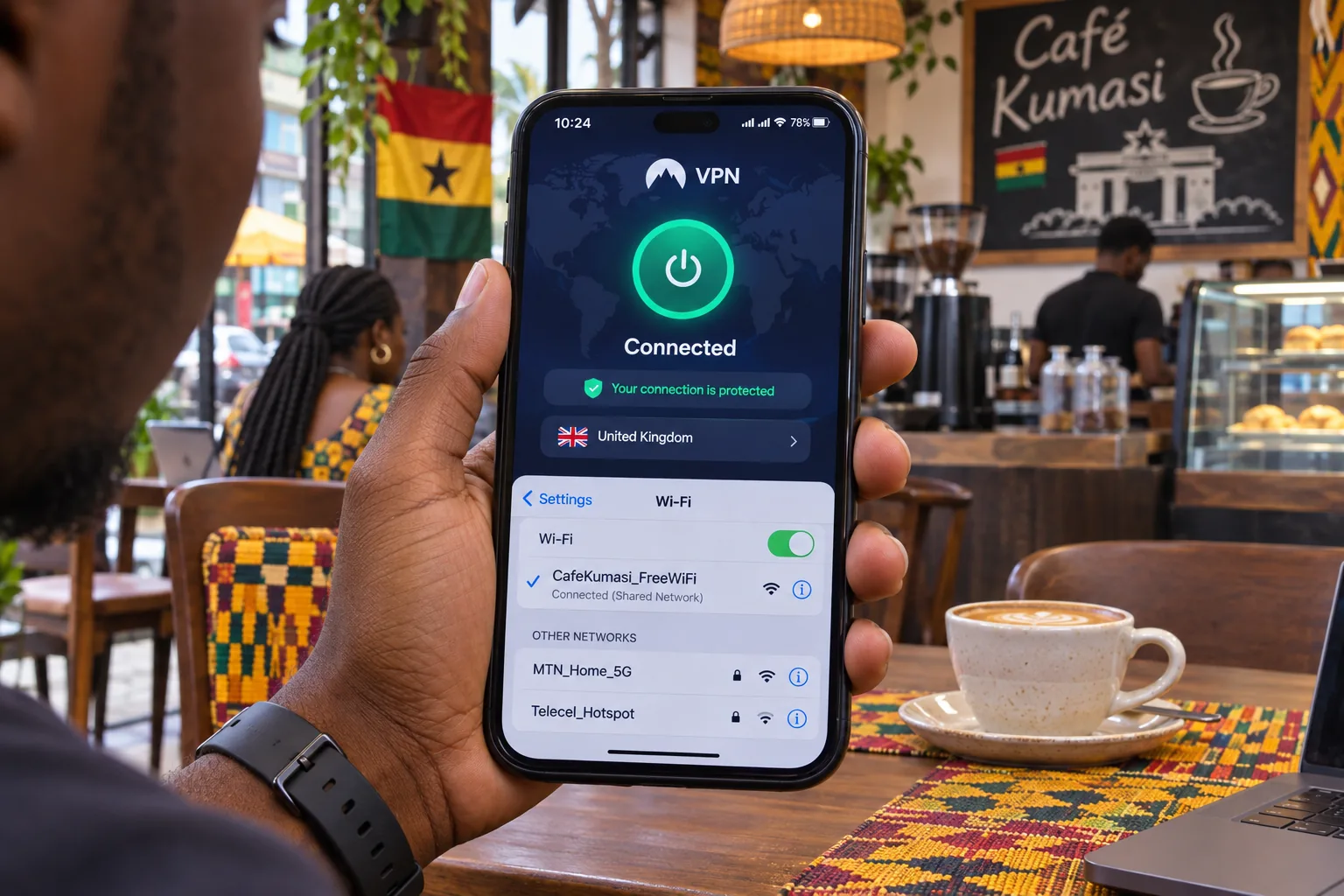
On public Wi-Fi in cafes, hotels and campuses, a VPN encrypts traffic between your device and the VPN server, so other people on the same network cannot read it. That is the strongest everyday reason to run one. Streaming is the second: services often change catalogues by location, and a VPN lets you choose a country, though results vary by provider and service.
Censorship is a smaller factor than in many countries. Freedom House's Ghana assessment describes Ghana as largely free of technical censorship, while documenting risks to online expression. It does not support the idea of routine nationwide social-media blocking.
Know the limits. A VPN hides your traffic from the local network and your internet provider, but it does not make you anonymous. The VPN company can still see where your connection comes from, so you are moving trust, not removing it. Logging claims are vendor statements, and we did not review a complete audit report for all five providers.
A VPN is not a license to ignore local rules. We could not find Ghanaian law or regulator guidance that confirms or bans ordinary consumer VPN use, so treat the legal position as unconfirmed and avoid using any VPN for illegal activity.
Mobile networks, data bundles and mobile money
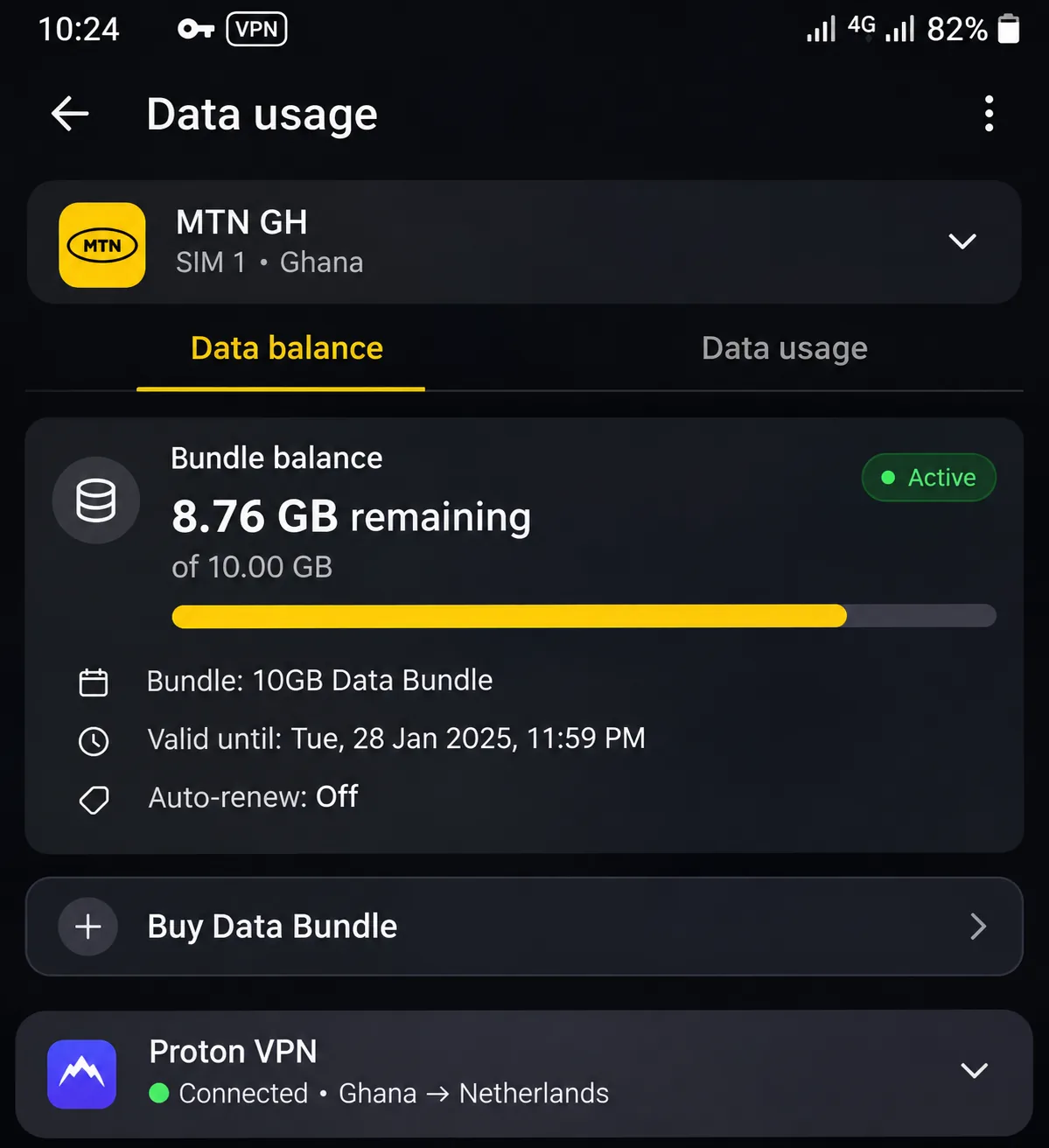
A VPN needs an existing internet connection and works over cellular data. Encryption adds overhead, so expect roughly 5 to 15 percent extra mobile data. That is a general estimate, not a measurement on MTN, Telecel or AirtelTigo. A VPN's unlimited allowance also does not replace your carrier's data bundle. Every megabyte still comes out of the bundle.
Keep expectations realistic for VPNs and mobile money. Encryption protects the connection between your phone and the internet. It cannot stop you from handing a scammer a code or approving a fraudulent transfer. MML's public warning says it never asks customers for OTPs, MoMo PINs or personal security codes. Treat any caller who asks for them as a scammer, VPN or no VPN.
How to choose a VPN for Ghana
We weighed each service on a short list of practical criteria. We compared official feature pages, app requirements, device limits, refund terms and Ghana location listings, then added what independent hands-on reviews found about app quality and streaming. We did not run speed tests from Ghana or on Ghanaian carriers, so we make no speed claims for those networks.
Speed, connection stability and server locations
A VPN can be slower than your underlying connection, depending on routing, server load and the original line. We have no Ghana-specific percentage to offer. What you can check is stability. If your phone moves between Wi-Fi and mobile data all day, a protocol like ExpressVPN's Lightway maintains the connection as you switch, saving you from reconnecting repeatedly.
Server locations matter in two ways. Nearby servers usually give better speed. A Ghana location only matters if you need a Ghanaian IP while abroad, and a virtual location presents a Ghanaian address from a server elsewhere.
Test a provider inside its refund window. Connect, check your public IP, stream something and switch from Wi-Fi to data. If the Ghana location or speed disappoints you, ask for the money back.
Privacy, device support and subscription costs
For privacy, look for a kill switch, an independent audit of the no-logs claim and apps that run on your oldest device. Check the minimum operating system, because older Android phones are common. Compare the device limit with the number of gadgets you actually own, and read refund terms: 30 days is typical, and CyberGhost stretches to 45 on longer plans.
Cost is the trap. Low monthly prices usually depend on a 24 to 28 month prepayment, and renewal rates are higher. Payment can also be awkward locally. Proton lists Visa, Mastercard, American Express and PayPal, plus credits bought by bank transfer, cash or Bitcoin. We could not verify that any of these providers accepts a Ghana-issued card or a MoMo account.
How to use a VPN in Ghana
Install the app and choose a server
Install the official app from Google Play or the App Store. For desktop, get it from the provider's site. Sign in, pick a server, then connect and check the resulting public IP. Install the VPN while you still have a working connection, and leave the kill switch on. If you want help with the basics, our wider guide to setting up a VPN with a router covers protecting every device at home.
Getting a Ghanaian IP address
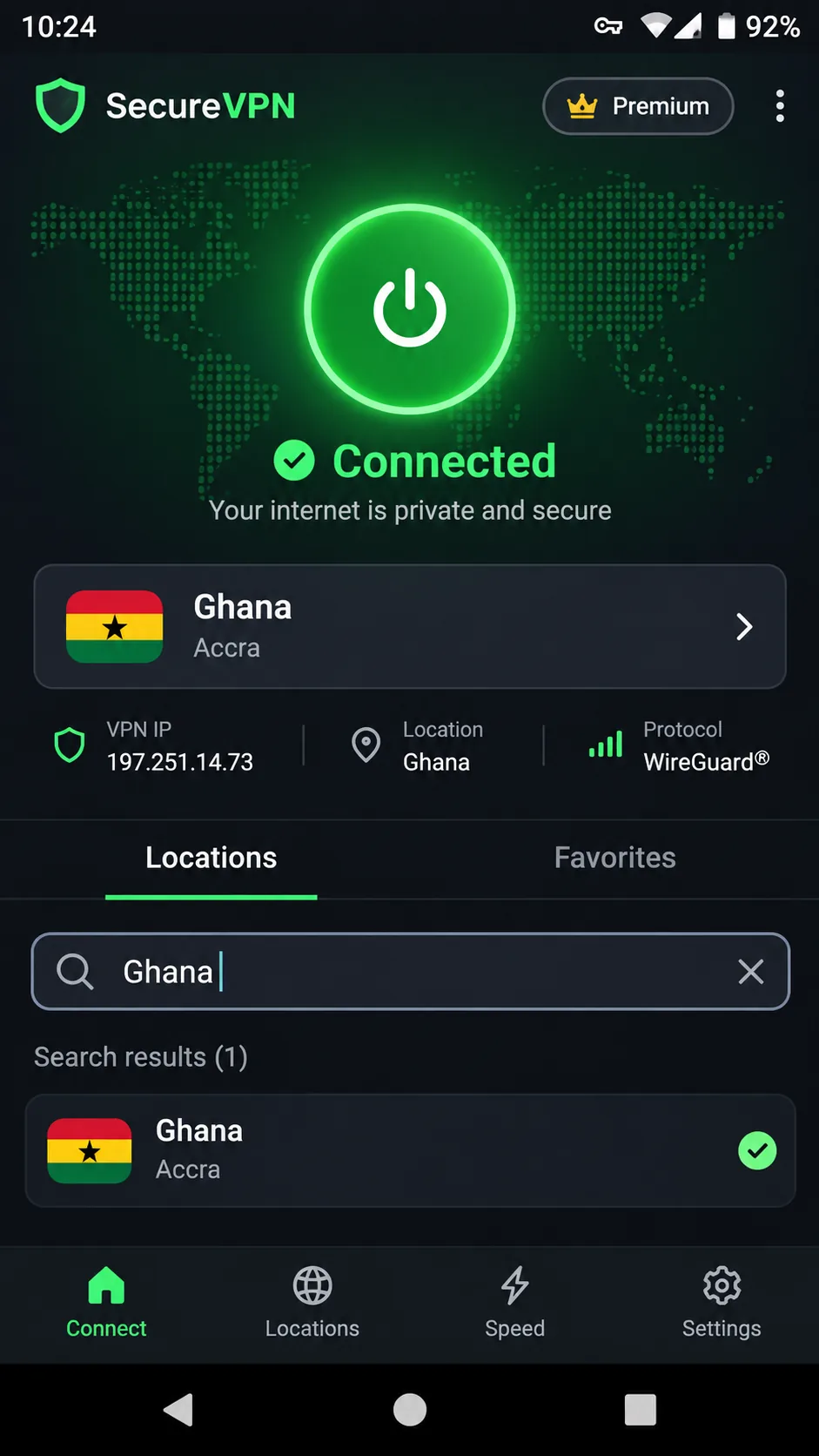
Selecting Ghana is necessary only if you want a Ghana-associated IP. You do not need it to use a VPN while physically in Ghana. In the app, search for Ghana in the country list, connect and confirm the new address with an IP check. Among our five picks, NordVPN and Proton VPN document a Ghana exit IP, with Proton VPN requiring a paid plan. Surfshark and ExpressVPN list one; CyberGhost does not show one.
Can you use a free VPN in Ghana?
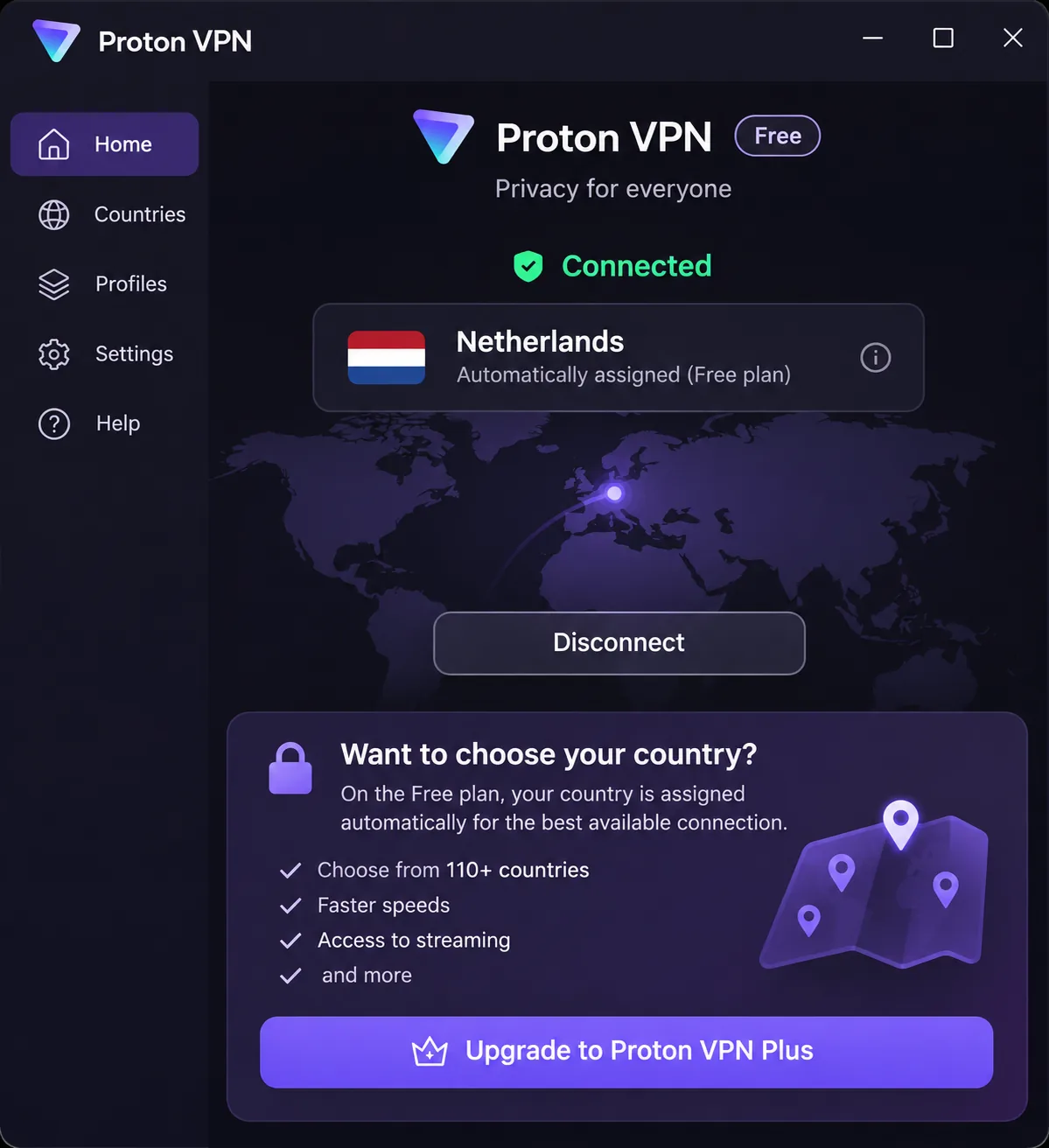
Yes, but choose carefully. Proton VPN Free has no data cap, no ads and no activity logging, and it needs no credit card. Free accounts support one device at a time. Countries are assigned rather than chosen. Ghana is not on the published free list, so the free plan will not give you a Ghanaian IP. Changing location can involve a cooldown, which is annoying when you need a specific country. Streaming, P2P and NetShield are paid features.
Many free VPN apps pay for themselves with ads or by collecting data. If a free service does not explain how it earns money, skip it. A limited plan from a known provider is safer than an unknown app with no limits.







