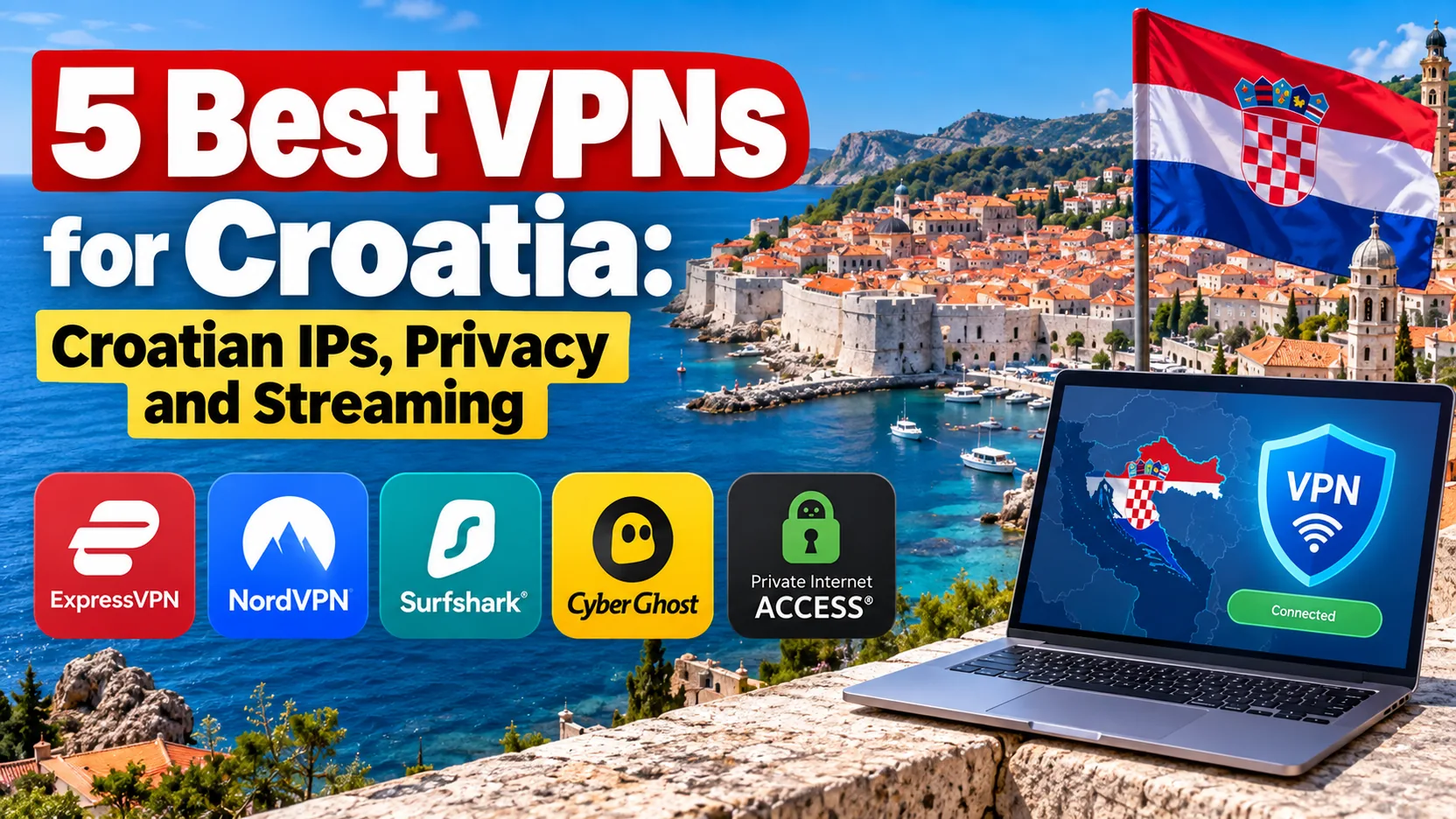
A good Croatia VPN pairs a Zagreb endpoint with a working kill switch, DNS leak protection, a clear no-logs policy and apps for every device you own. That single search covers two different needs. One is protecting your traffic while you are physically in Croatia. The other is getting a Croatian IP address while you are abroad. NordVPN is our lead pick for both, because it combines a Croatian endpoint, strong security features and smooth streaming. Surfshark, CyberGhost, Private Internet Access and ExpressVPN each beat it on one specific need.
The rest of this guide sorts those needs out. We start with a quick comparison, then review each provider, then explain how to choose, set up and troubleshoot a Croatian connection.
Best VPNs for Croatia at a glance
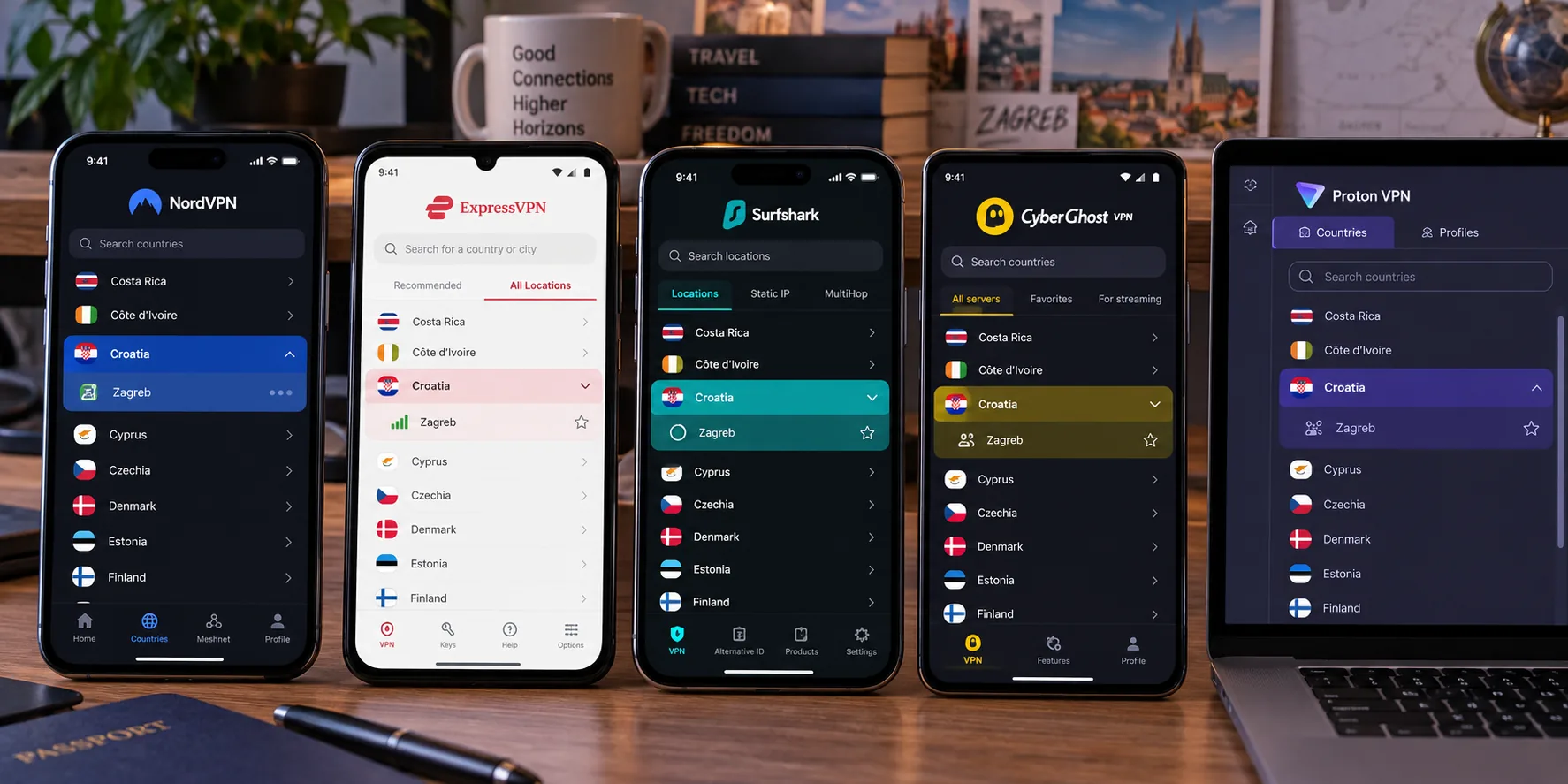
All five providers offer a Croatian IP address, and all five cover Windows, macOS, Linux, Android and iOS. The services differ in their device limits, refund windows, clarity of Zagreb endpoint labels and weaknesses. Prices are promotional quotes in the currency each site showed us, so they are not directly comparable.
| Product | Buy | Croatian IP | Paid devices | Refund | Best for | Price |
|---|---|---|---|---|---|---|
 |
Check price → | Yes, location not confirmed as physical | 10 | 30-day | Privacy and streaming | A$4.79/mo promo (AUD) |
 |
Check price | Yes, location not confirmed as physical | Unlimited | 30-day | Many devices on one account | PLN 8.99/mo promo (PLN) |
 |
Check price | Yes, listed as virtual | 7 | 45-day on long plans | Labelled streaming servers | $2.19/mo promo (USD) |
 |
Check price | Yes, Zagreb label | Unlimited | 30-day | Detailed configuration | $2.03/mo promo (3 years) |
 |
Check price | Yes, Zagreb label | 10 / 12 / 14 by tier | 30-day | Simple apps and travel | $2.99/mo promo (Basic) |
The 5 best VPNs for Croatia
We ranked these on four things: the Croatian endpoint, security features, streaming access and how much each service asks of you in setup. Where evidence for a claim is thin, we say so in the section rather than overstate it.
1. NordVPN
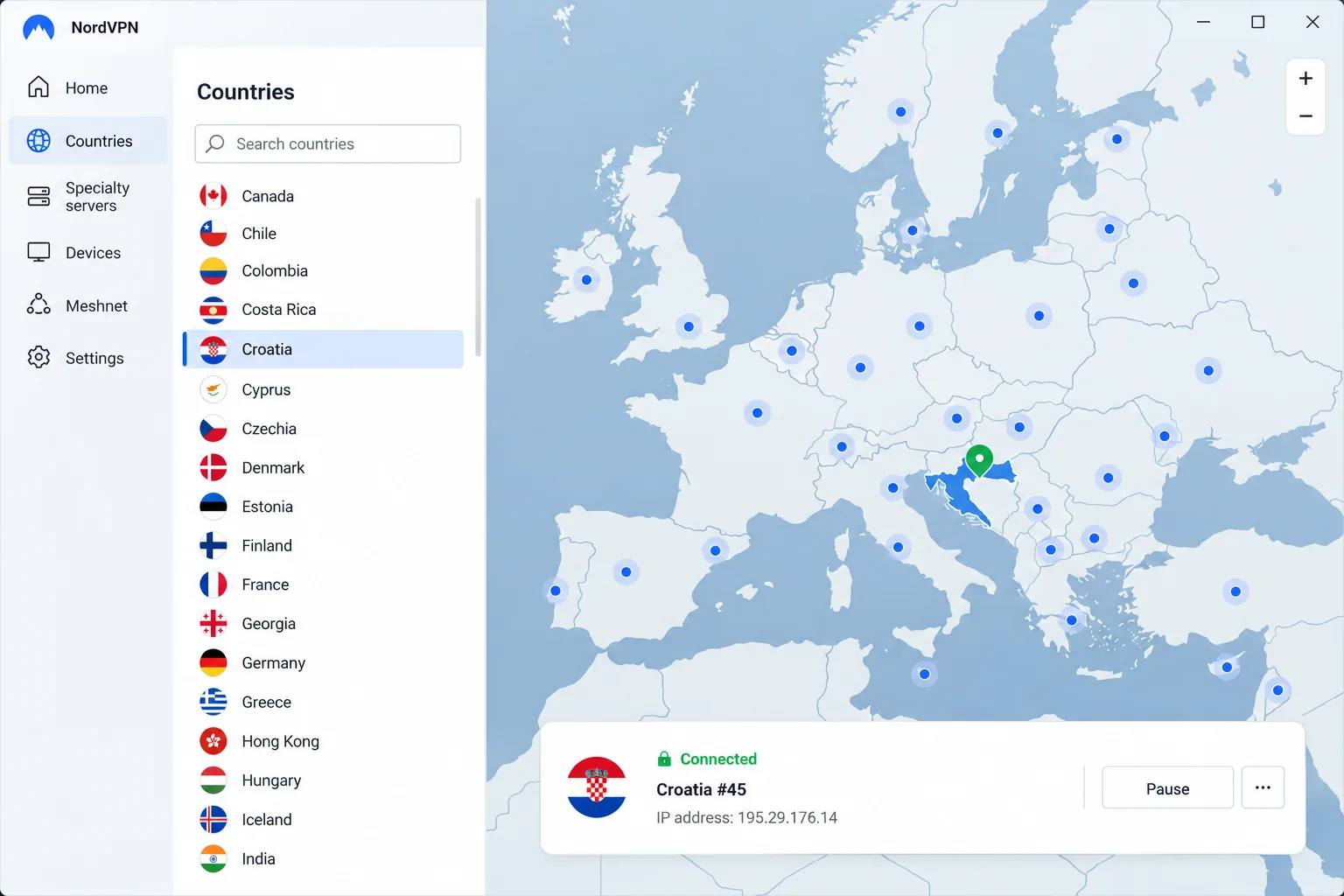
NordVPN is the provider we would install first for Croatia. It offers Croatian endpoint selection and Croatian IP addresses across Windows, macOS, Linux, Android and iOS apps, plus browser extensions. The official Croatia page shows only five servers, though other sources count more. Croatian server counts differ across pages and change as the network changes, so treat any single number as a snapshot.
The security stack is the strongest case for it. NordLynx, Double VPN, a kill switch, DNS leak protection and a no-logs policy are all included, and P2P specialty servers are available. Higher tiers add more. Complete brings antivirus, tracker blocking, a password manager and cloud storage, while Complete Max adds a dedicated IP.
In our testing, NordVPN streamed Netflix consistently without obvious buffering, and Croatian content access felt smooth. The interface is where it loses points. The mobile screens feel cramped even though the app itself runs reliably, and the desktop layout can feel less polished than its connection features. NordVPN's newer desktop interface is easier to navigate than the older one, so update before you judge it.
Check your device before you buy. The current NordVPN operating system support list calls for Windows 10 64-bit version 1607 or later, Android 9 or later and iOS 17.0 or later. Older Android 7 and 8 phones need a separate sideloaded build. The account covers 10 simultaneous devices on the current official plan, even though some older reviews still say six.
The direct trial is where the confusion starts. The 7-day offer is limited to eligible countries and certain plans, and Croatia is not on that list. Plan on using the 30-day money-back guarantee instead. It covers the displayed direct plans but requires payment upfront.
Pros
- Croatian endpoint plus Double VPN, kill switch and DNS leak protection
- Smooth Netflix streaming and Croatian content access
- 10 simultaneous devices on the current plan
Cons
- Cramped mobile interface
- Direct free trial excludes Croatia
2. Surfshark
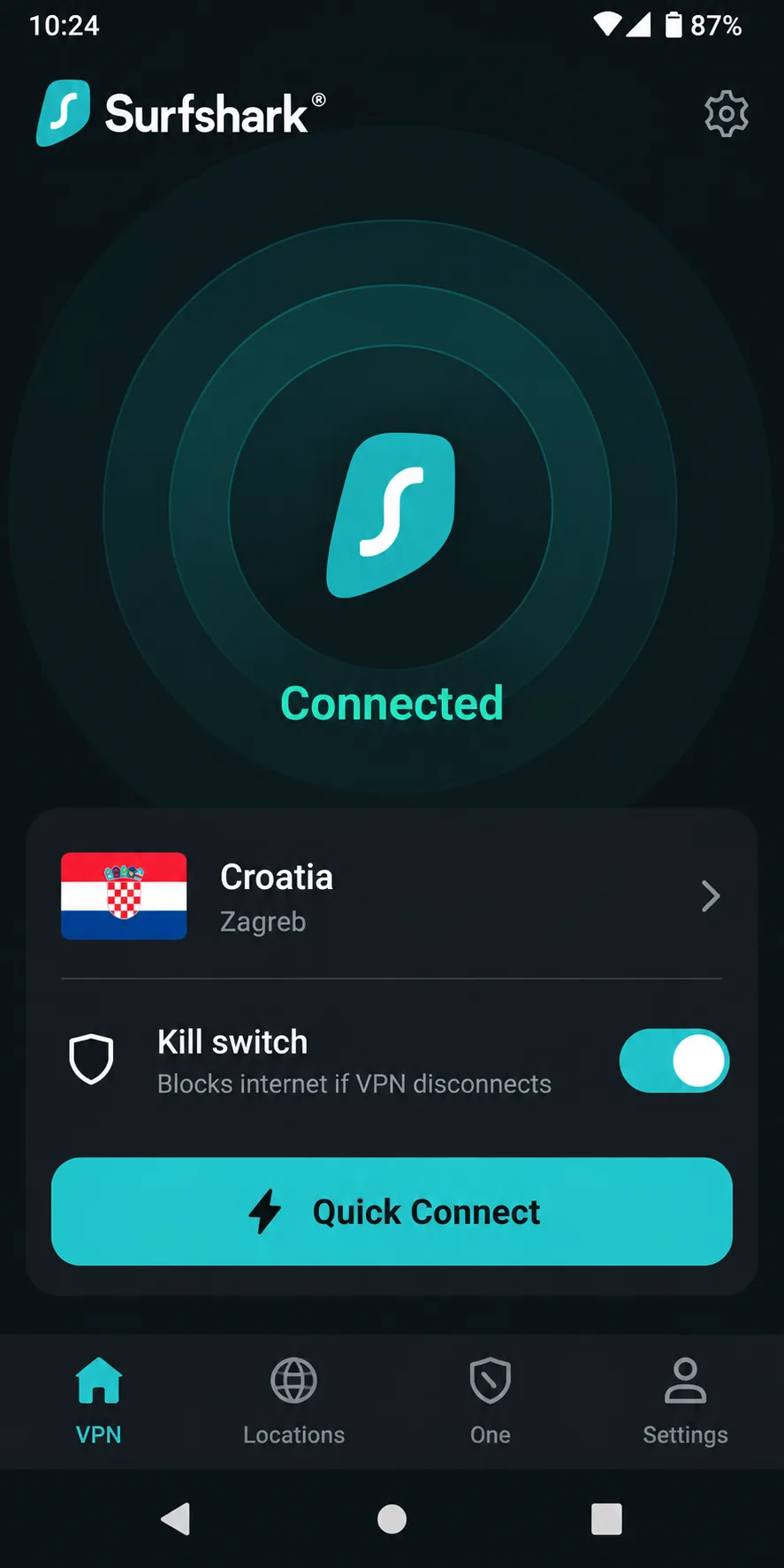
Where NordVPN limits you to 10 devices, Surfshark removes the cap entirely. Paid subscriptions allow unlimited simultaneous connections, which suits households using phones, laptops and TVs. It offers a Croatian IP endpoint, and Quick Connect picks an available fast endpoint for you. Apps cover Windows, macOS, Linux, Android and iOS.
Surfshark's feature list is long. It includes a kill switch, CleanWeb ad and tracker blocking, Dynamic MultiHop, split tunnelling through Bypasser and a no-logs policy. A dedicated IP is an option, and the Starter, One and One+ tiers add extras such as antivirus and breach alerts.
When we pointed it at Croatia, Surfshark connected to the Croatian endpoint promptly. It also streamed Sportska Televizija through that endpoint and worked well with Netflix and Disney+. The apps are approachable for beginners, so setup took little effort. Support is the weak spot. Customer support has room for improvement. P2P handling also needs improvement, though it worked without a hitch in one Croatia test. Test it yourself if you torrent.
The free trial lasts 7 days and requires an eligible annual or two-year plan and payment details. It converts to a paid service unless you cancel. It allows 3 devices, and the unlimited allowance only starts with the paid subscription. The 30-day money-back guarantee is the safer fallback.
Pricing needs care. We saw a Polish-localised offer of PLN 8.99 per month for 27 months, but the matching renewal price was not visible. Confirm the Croatian checkout total and renewal before you pay. Android minimum versions also vary by source, with figures of 6.0 and 7.0 both in circulation, so check the store listing for an older phone.
Pros
- Unlimited simultaneous connections on paid plans
- Quick Connect, kill switch and Dynamic MultiHop
- Prompt Croatian connections and good Netflix results
Cons
- Support quality is uneven
- Renewal price for the quoted offer was not visible
3. CyberGhost
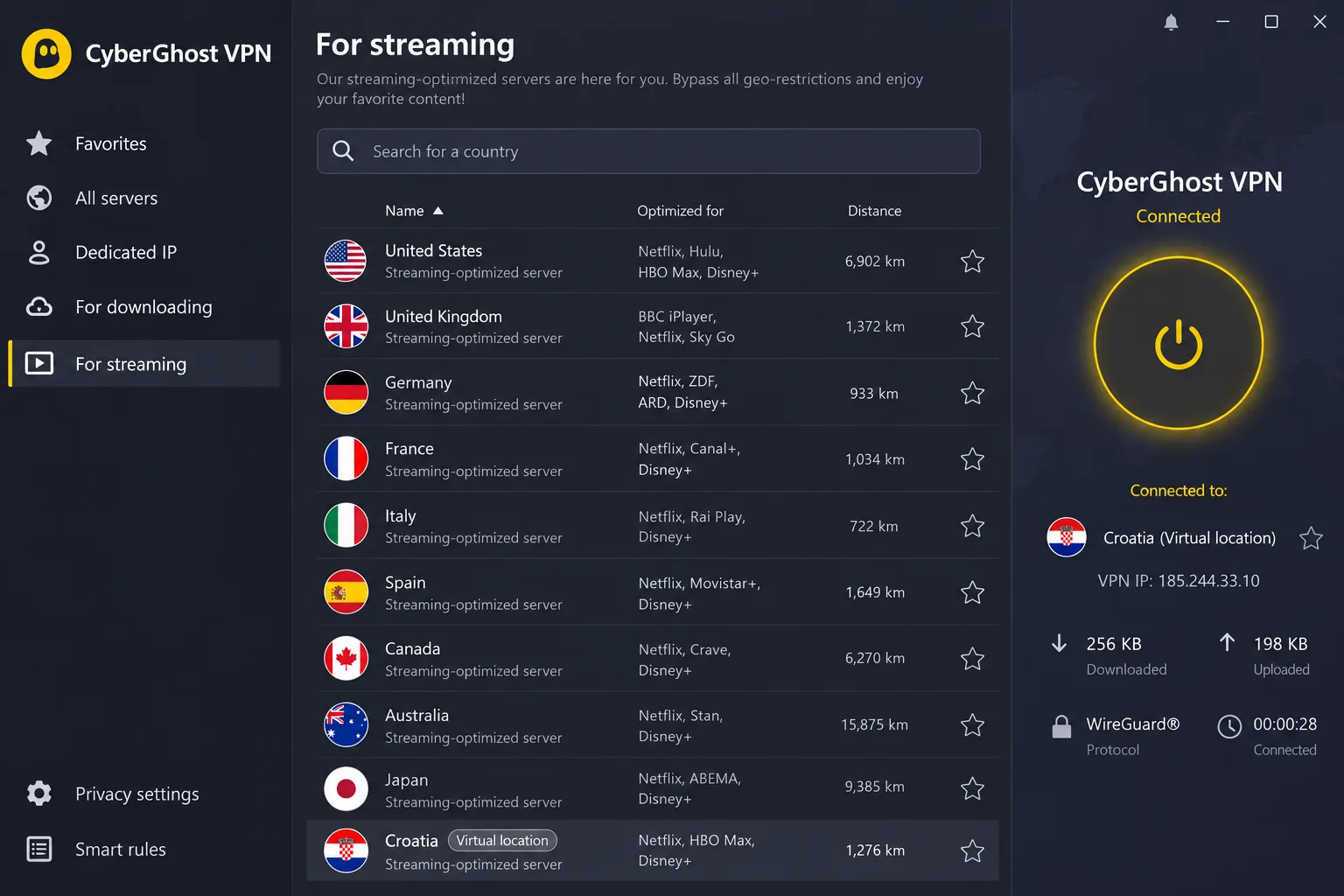
Where other providers leave their server types vague, CyberGhost makes its limitation clear: its own server directory marks the Croatian location as virtual. The Zagreb label therefore describes the IP and not necessarily the hardware. Past that limit, it is the one to pick if you like the app to do the choosing. Its streaming-labelled servers simplify choosing an endpoint, and it is approachable for beginners, though less appealing if you want to tweak settings. It supports P2P, and the directory lists 66 Croatia servers, while other sources give 50 or more or as few as 14. Those inventory counts do not measure capacity.
A virtual location can still be useful, because streaming and local services see a Croatian IP. The location of the hardware matters if you have concerns about legal issues or latency.
The security basics are covered. CyberGhost has an automatic kill switch, DNS and WebRTC leak protection, WireGuard, OpenVPN and IKEv2, RAM-only servers and a no-logs policy. The native Windows app supports Windows 10 and Windows 11, and older versions need manual configuration. A single account covers 7 devices.
Our results on speed were mixed. CyberGhost can deliver fast streaming performance, yet its Croatian connection was slow in one test while ordinary browsing stayed usable. It can also fail to connect through a phone hotspot. That matters if you tether your laptop to mobile data on the coast, where campsite and ferry Wi-Fi are patchy.
Refund terms are the best of the group. The 45-day guarantee applies to plans of six months or longer, while the monthly plan has a 14-day guarantee. CyberGhost also has the most flexible trials: a 24-hour Windows or macOS trial with no payment details, a 3-day Android trial that needs a payment method, and a 7-day iOS trial that you cancel through Apple. The USD page quoted $2.19 per month equivalent for 26 months, but checkout showed euro prices and conflicting term labels, so read the final screen carefully.
Pros
- Streaming-labelled servers make endpoint choice easy
- 45-day refund on long plans and a no-payment desktop trial
- Automatic kill switch, DNS and WebRTC leak protection
Cons
- Croatia endpoint is listed as virtual
- Mixed speed results and hotspot connection failures
4. Private Internet Access
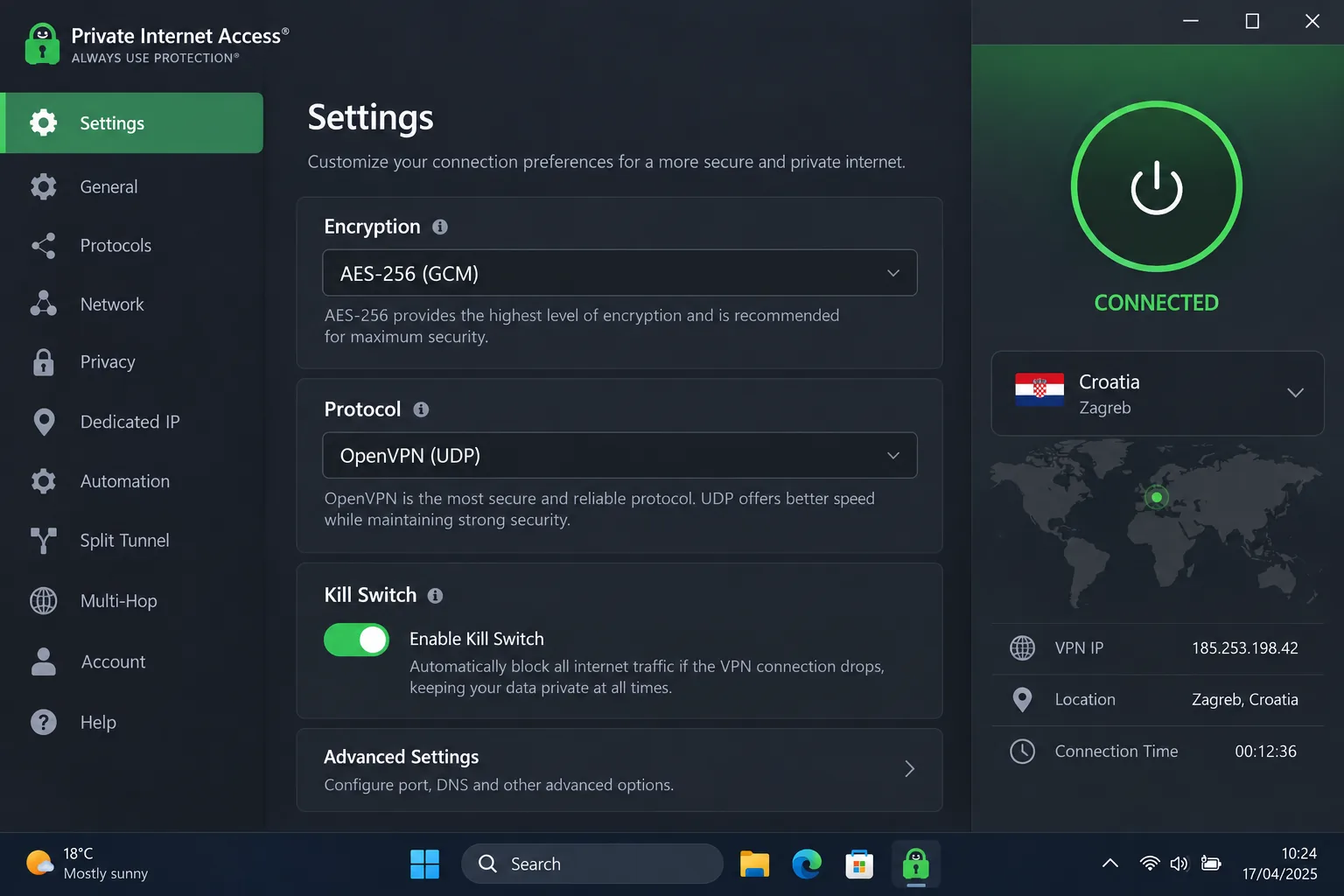
Streaming is where Private Internet Access slips, and that is the first thing to know. For customisation, it sits at the opposite end of the spectrum from CyberGhost. It allows detailed adjustment of encryption and connection settings, rewarding people who like to tune things. It offers a Zagreb-labelled Croatian IP, unlimited simultaneous connections, and native Windows, macOS, Linux, Android and iOS apps with router and TV support.
The feature list reads like an enthusiast's wish list: WireGuard, OpenVPN, customisable encryption, an advanced kill switch, split tunnelling, MACE DNS-level ad, tracker and malware blocking, P2P support, open-source VPN software and a no-logs policy. A dedicated IP is optional.
PIA reached Jugoton through Croatia, which makes it useful for Croatian local services. Its benchmark speeds are comparatively modest, but ordinary browsing stays responsive. PIA's Netflix access was patchy in our Croatia testing, even though newer general tests worked across Netflix regions. It can also fail on Prime Video outside the UK and Australia and on Canadian Disney+.
Where the Croatian server physically sits is unclear. Country marketing describes Zagreb servers, older documentation lists Croatia among virtual locations, and a third-party directory labels it physical. Croatian IP availability is confirmed, but the hardware's current location is not.
On compatibility, the official PIA supported operating systems page lists Android 7.0 and iOS 15.0 as minimums, plus Fire TV, Apple TV and browser extensions. The Mac App Store version needs macOS 12.0, while the direct download supports macOS 10.15. The price in our test was $2.03 per month equivalent for 3 years plus 3 months, renewing at $79 every 3 years. A 30-day money-back guarantee covers new subscribers.
Pros
- Detailed control over encryption and connection settings
- Unlimited devices and open-source software
- Access to Croatian services such as Jugoton
Cons
- Patchy Netflix and Prime Video access
- Unclear whether the Croatia server is physical
5. ExpressVPN
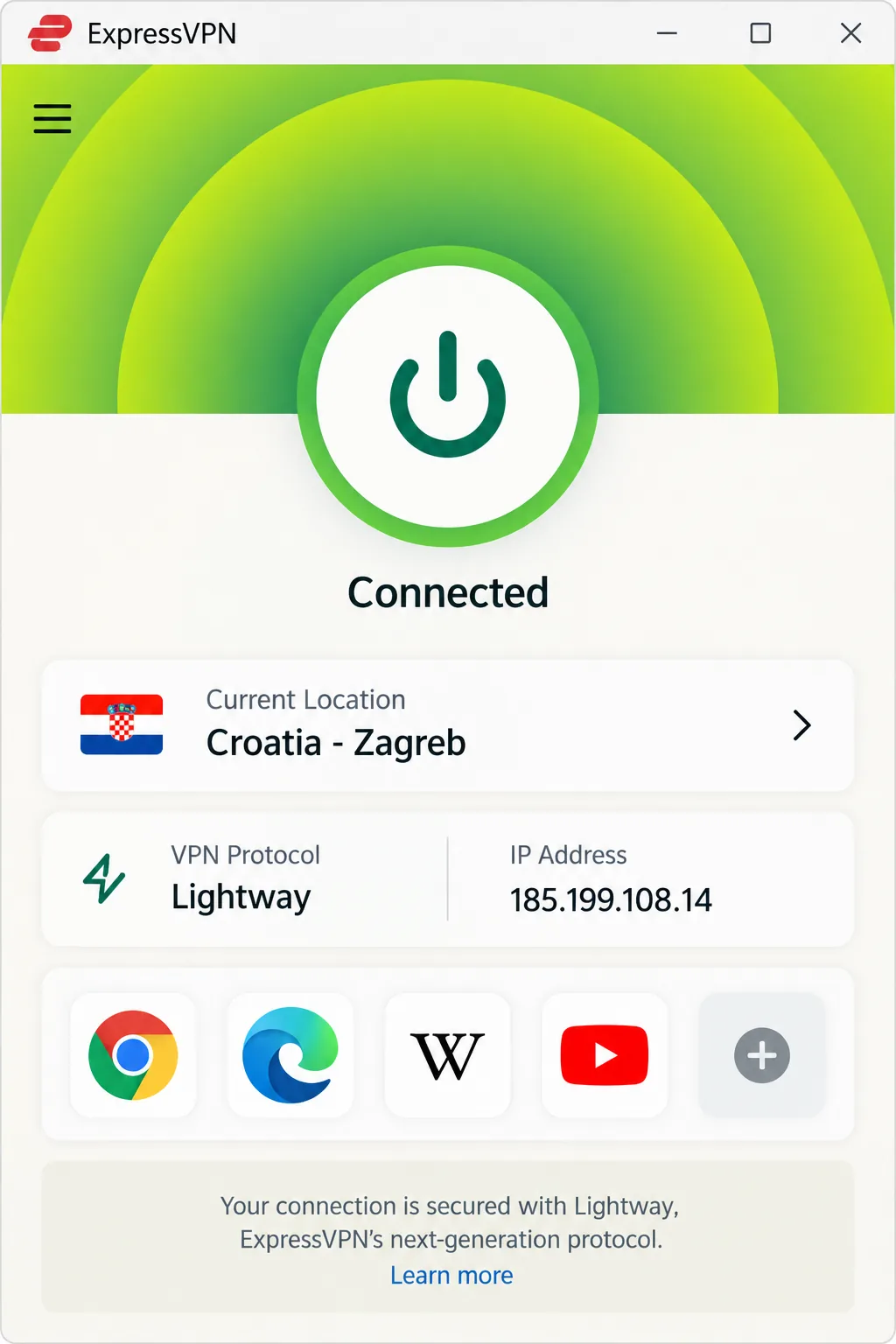
Where PIA leans on configuration, ExpressVPN trades labels for simplicity. Its apps are quick and straightforward to operate, which makes it the easiest of the five to hand to a relative who just wants to be connected. It lists a Croatia endpoint labelled Zagreb, and the vendor describes servers in the country. Apps cover Windows, macOS, Linux, Android, iOS and TV platforms, with router support and browser extensions.
Security is a strength. Lightway, RAM-only TrustedServer architecture, an audited no-logs policy, a kill switch and split tunnelling are all in place, though availability depends on platform. For streaming, ExpressVPN supported smooth Netflix and Libertas TV playback through Croatia in our testing. It does not label its locations as dedicated streaming servers, so you pick Croatia and try it rather than choosing a purpose-built endpoint.
Latency is the catch. Latency can remain high on long-distance Croatian connections with ExpressVPN, so a traveller far from the Balkans will notice it more than someone in neighbouring Europe.
The device allowance depends on the plan. Basic allows 10 simultaneous devices, Advanced 12 and Pro 14, even though some reviews still quote eight. Its iOS setup tutorial supports iOS 15 and above. Promotional billing covers the whole initial term: Basic was $2.99 per month equivalent, paid as $83.72 upfront for 28 months, then $99.95 per year. Tax may apply. The 30-day money-back guarantee covers new users on the displayed direct plans.
Pros
- Quick, straightforward apps for every platform
- RAM-only servers, audited no-logs policy and kill switch
- Smooth Netflix and Libertas TV playback through Croatia
Cons
- No dedicated streaming-server labels
- High latency on long-distance connections
Which Croatia VPN should you choose?
Start with NordVPN if you want one service that covers privacy, streaming and a Croatian IP without much fuss. Its mobile interface shortcomings are a small price to pay for the security features and consistent Netflix playback.
Pick by need after that:
- Many devices on one account: Surfshark, because paid plans have no connection limit.
- Labelled streaming servers and a long refund window: CyberGhost, with 45 days on long plans.
- Fine control over encryption and settings: Private Internet Access.
- A simple app and easy travel setup: ExpressVPN, whose Basic plan still covers 10 devices.
If you need a Croatian IP from hardware physically in Croatia, remember that none of the five confirms a physical Zagreb server beyond doubt. ExpressVPN's own description comes closest, while CyberGhost lists its endpoint as virtual.
Why use a VPN in Croatia?
Croatia is a free society online. Freedom House's Croatia profile rates it 82/100 and Free, though that is a civil and political rights score, not a measure of internet speed or VPN access. Ordinary VPN use is described as legal in Croatia, and using one does not legalise unlawful activity. So people in Croatia reach for a VPN for privacy and convenience, not to dodge heavy censorship.
Public Wi-Fi and remote work while travelling
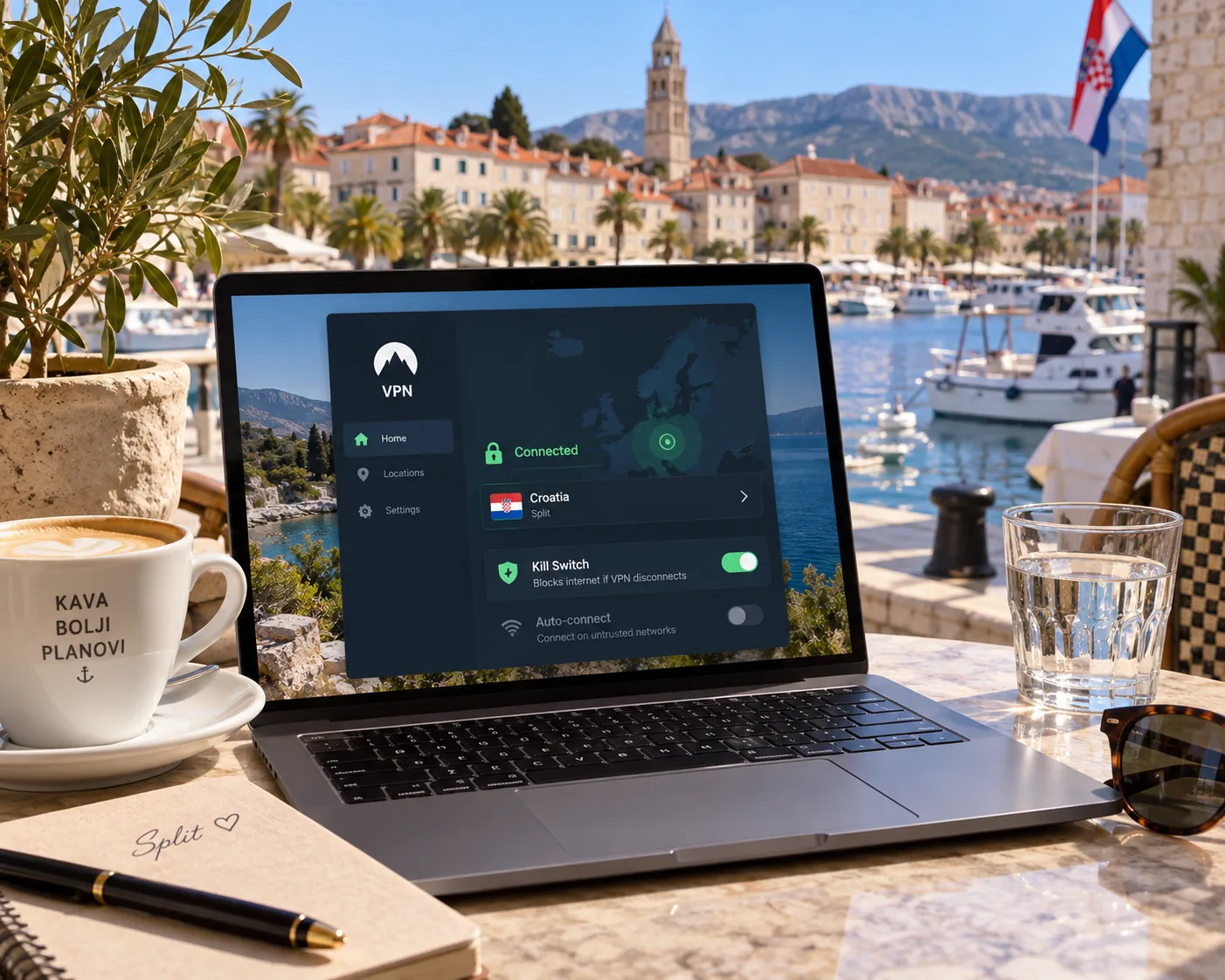
Croatia is a holiday destination, and strangers share the networks in hotels, ferries, cafes and campsites. A VPN encrypts the traffic between your device and the VPN server, and a kill switch blocks exposed traffic if the tunnel drops. That is useful when you work from an apartment in Split or check your bank from a seafront bar.
Two limits apply. The VPN does not replace the website's own login security. It also does not set up a corporate remote-access connection, so check with your employer's IT team if you are working abroad.
Accessing home services from Croatia or abroad
The second use runs both ways. A visitor in Croatia may want a home-country banking site or streaming library, so they connect to a server in their home country. Someone abroad may want Croatian TV, so they connect to Croatia. The direction you need determines which server you pick and which of the five providers is most relevant.
How to choose a VPN for Croatia: our evaluation criteria
We assessed all five using the same questions and checked each against the vendor's own pricing, server and support pages. Four points sorted the field: the Croatian endpoint, security features, streaming access and how much effort setup takes. We did not find a controlled speed benchmark across all five providers on the same route, so we make no claim about which is fastest in Croatia.
Croatian IP addresses and physical versus virtual servers
A Croatian IP address means websites see you as browsing from Croatia. It does not prove the server sits in the country. A virtual location uses a server elsewhere that is assigned a Croatian address.
Croatian IP and physical server location are separate questions. For streaming and local services the IP is what matters. For latency and legal exposure, where the hardware sits matters too. CyberGhost lists its Zagreb endpoint as virtual, while the placement for NordVPN, Surfshark and Private Internet Access is not confirmed.
If you are inside Croatia, you rarely need a Croatian IP at all. A server in a nearby country can be faster and is easier to find. The Croatian IP matters for people abroad.
Speed, privacy, kill switches and DNS leak protection
Speed depends on distance, the server you choose, network load and time of day. Proton VPN's guide to VPN speeds makes the same point: a nearby endpoint and a modern protocol reduce overhead, but a VPN cannot add capacity to your underlying internet connection.
For privacy, look for a published no-logs policy, an automatic kill switch and DNS leak protection. All five providers include a kill switch and a no-logs policy. WireGuard-based protocols such as NordLynx tend to be quicker than older options. Treat marketing phrases like military-grade encryption with suspicion and look for a named standard such as AES-256 instead.
Device support, subscription costs and refund terms
Count your devices first. Paid device limits range from 7 on CyberGhost to unlimited on Surfshark and Private Internet Access, and ExpressVPN's limit rises with the tier. Then check operating system support for older phones, because minimum versions keep rising.
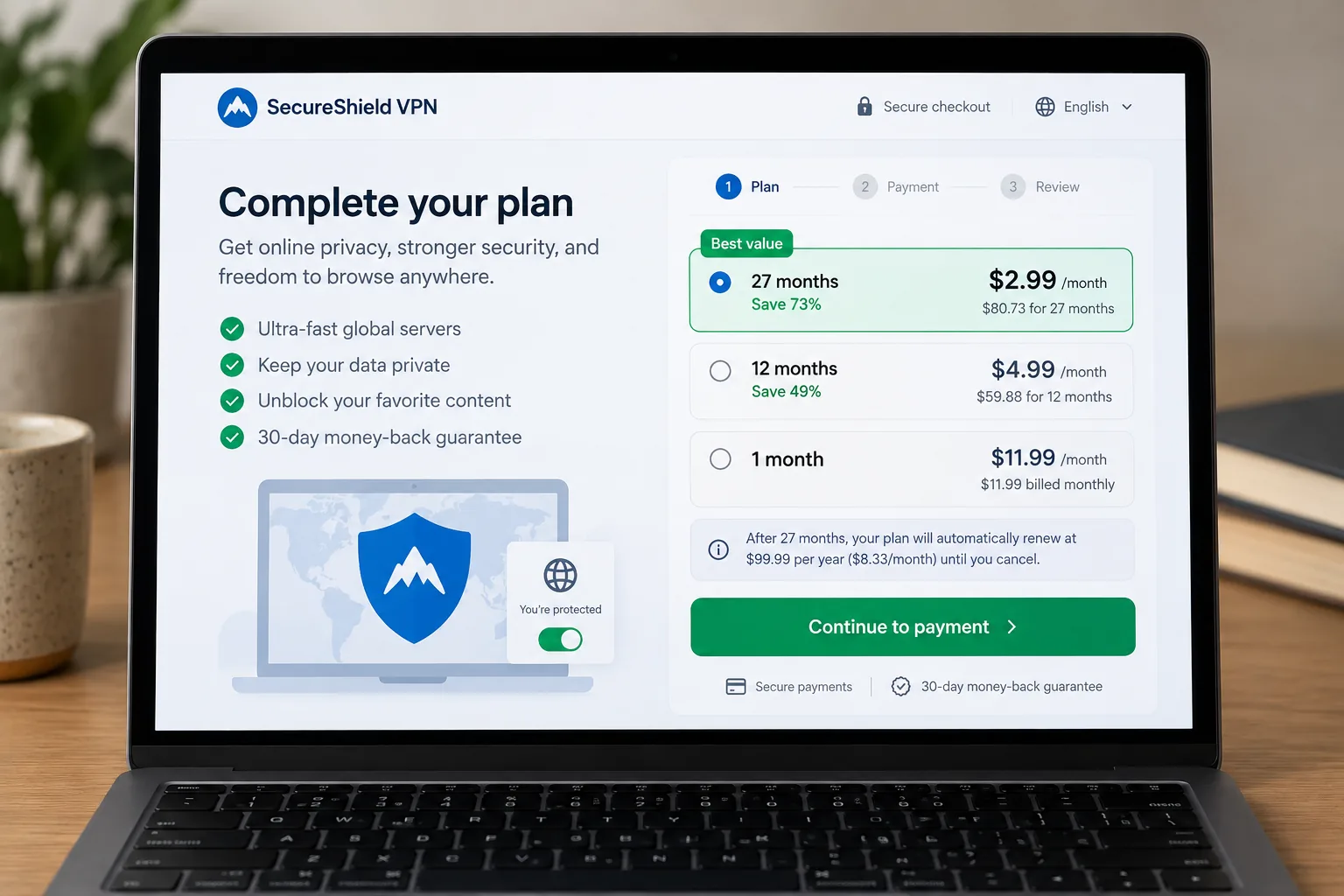
Introductory prices cover a long first term, and renewal is often higher. The five offers we saw were in AUD, PLN and USD, with one switching to euros at checkout. Compare the total and renewal charge, not the monthly figure. A money-back guarantee needs payment first, which is different from a free trial. Taxes and store refund exclusions can also change the outcome.
VPN use, privacy and internet censorship in Croatia
Croatia scores 82/100 and is rated Free by Freedom House, so most readers will not meet widespread blocking. That rating describes general civil and political rights. It does not guarantee that every site is reachable, and individual blocking orders are possible. A VPN here is mostly a privacy tool for shared networks and a way to reach services tied to a location.
Ordinary VPN use is described as legal. The legality of a specific activity is still governed by applicable law, whether or not a VPN is involved. Streaming terms of service are a separate matter, since a VPN may breach a platform's rules even where it breaks no law.
How to set up a VPN and get a Croatian IP address
Setup is the same on every provider. Install the app, sign in, choose Croatia from the location list and connect. Check the connection by looking up your IP address, and run a DNS leak test if privacy is your goal.
- Subscribe on the provider's own site, using the 30-day or 45-day refund window as a safety net.
- Install the app on your device and sign in.
- Pick Croatia from the location list. Do not leave the default fastest-server option on, because it can choose a different country.
- Connect and confirm your new IP address shows a Croatian location.
- Switch on the kill switch and any leak protection in the settings.
On a phone, allow the VPN profile when the operating system asks. On a router, you protect every device in the home at once, which is helpful in a rented apartment with a smart TV.
Open the IP lookup page before and after you connect. If it still shows your home country, disconnect, switch to a different Croatian endpoint and try again before you blame the service.
Streaming Croatian TV and international services
Streaming is where a VPN earns its keep for expats and for visitors. A Croatian IP only addresses part of the access requirements, because subscriptions and content rights are checked separately.
HRT, RTL and other Croatian services abroad
HRTi works outside Croatia, but rights restrictions limit some programmes to Croatian territory. That channel is intended for viewers abroad and is available through HRTi. A VPN with a Croatian IP is the way to reach programmes that stay locked to Croatia.
VOYO works differently. It offers temporary access abroad to Croatian residents in eligible European destinations, and support may ask for proof of residence. Permanent relocation changes eligibility. A Croatian IP does not change your subscription or residence status.
In our testing, Surfshark streamed Sportska Televizija through its Croatian endpoint, ExpressVPN played Libertas TV smoothly and PIA reached Jugoton. We have not checked HRTi or VOYO title by title for all five providers, so test the one you want before you commit to a plan.
What to check when a stream is blocked
Work through the basics first. Confirm the base internet connection is stable, then restart and update the VPN app. Switch to another Croatian endpoint or a different protocol, and clear your browser cache and cookies. A leftover proxy or a second VPN can interfere with access, so turn those off.
If a service still refuses to load, the issue may be the account and not the IP address. CyberGhost's labelled streaming servers make this step easier, while ExpressVPN requires a bit more trial and error. Contact support with the exact error message before you ask for a refund inside the guarantee window.
Can you use a free VPN for Croatia?
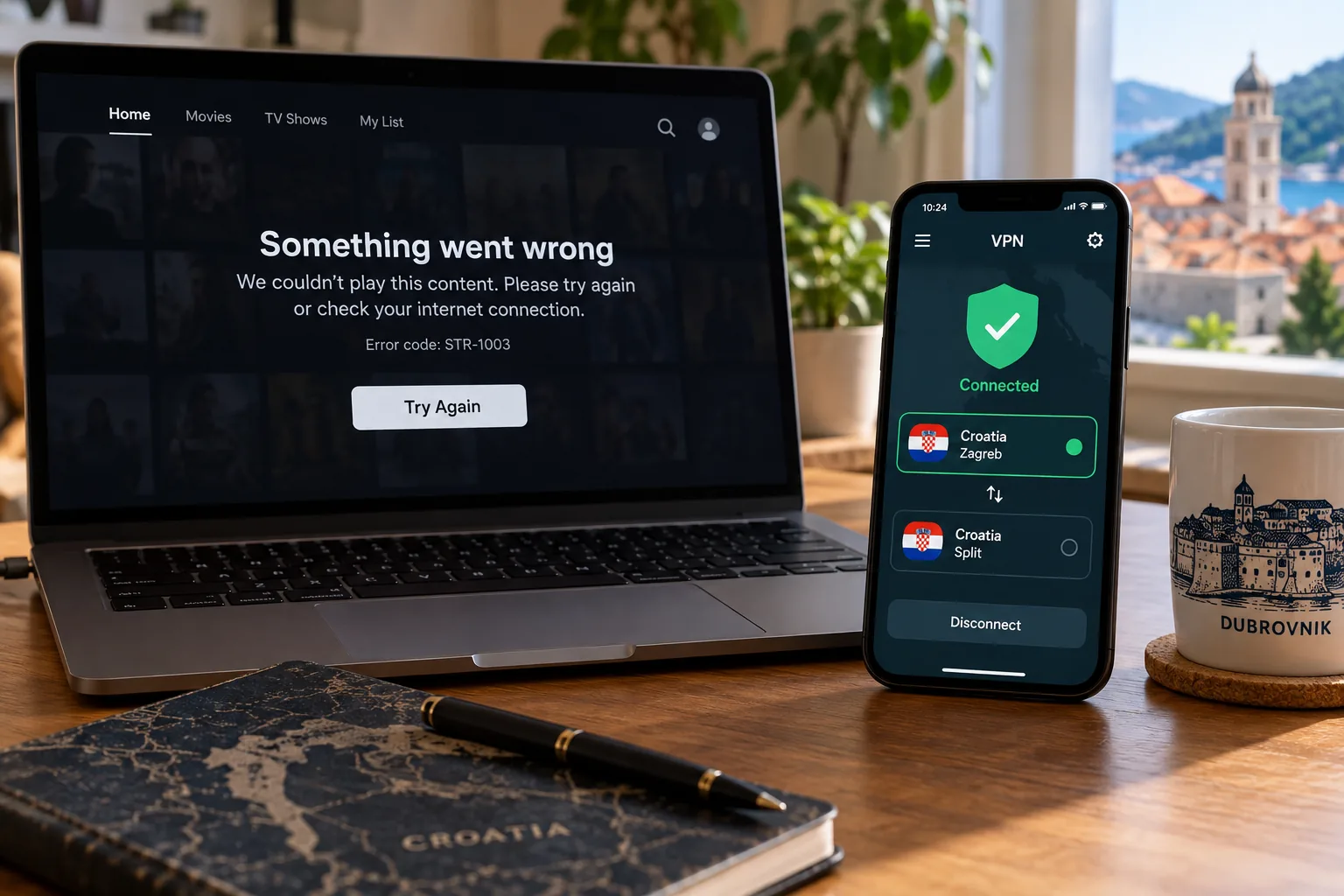
A free VPN is a poor fit if you need a Croatian IP. Proton VPN Free picks from its own pool of free countries, and Croatia is not in that pool, as its free account guide explains. It is a reasonable privacy option while you are physically in Croatia, but you cannot select a Croatian IP with it.
Trials come with conditions. CyberGhost's 24-hour desktop trial needs no payment details. Surfshark's 7-day trial and the mobile trials require them and convert to paid plans unless you cancel. Paid plans with a refund guarantee are usually the cleaner way to test a service, provided you request the refund inside the window.