
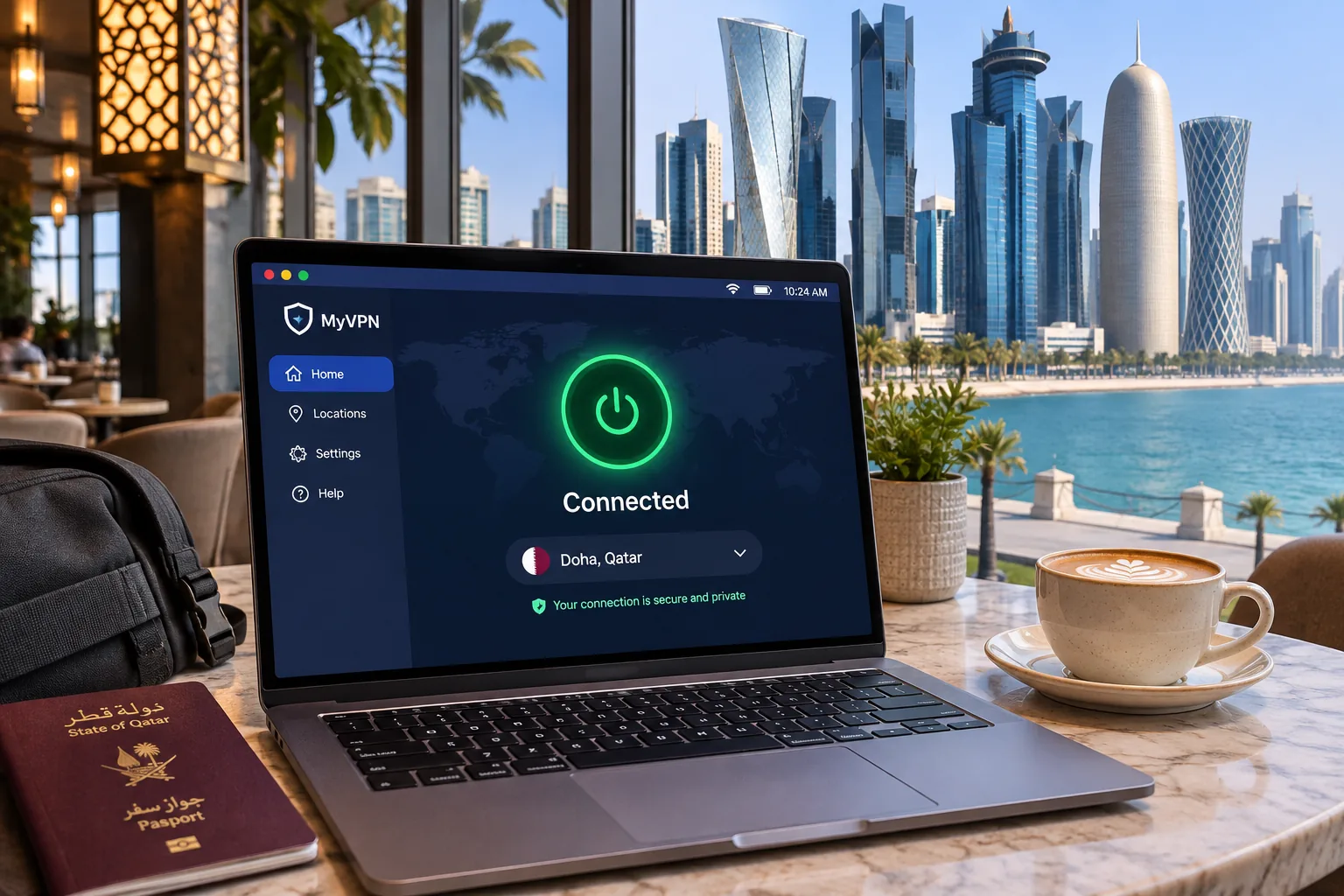
If you live in or travel to Qatar, you probably want a private connection on public Wi-Fi, a way to reach your usual apps, and a dependable route for voice and video calls. A VPN encrypts your traffic between your device and the VPN server, and it hides your real IP address from the sites you visit. It can also help with blocked websites and calling apps, although no provider can promise that for every network. We compared and ranked five services for use in Qatar based on privacy tools, anti-blocking options, Qatar server details, device support and price.
We judged each service on the same criteria: connection speed, streaming access, app usability and how honestly it describes its Qatar locations. Where a finding depends on local network conditions that vary by provider and day, we say so plainly.
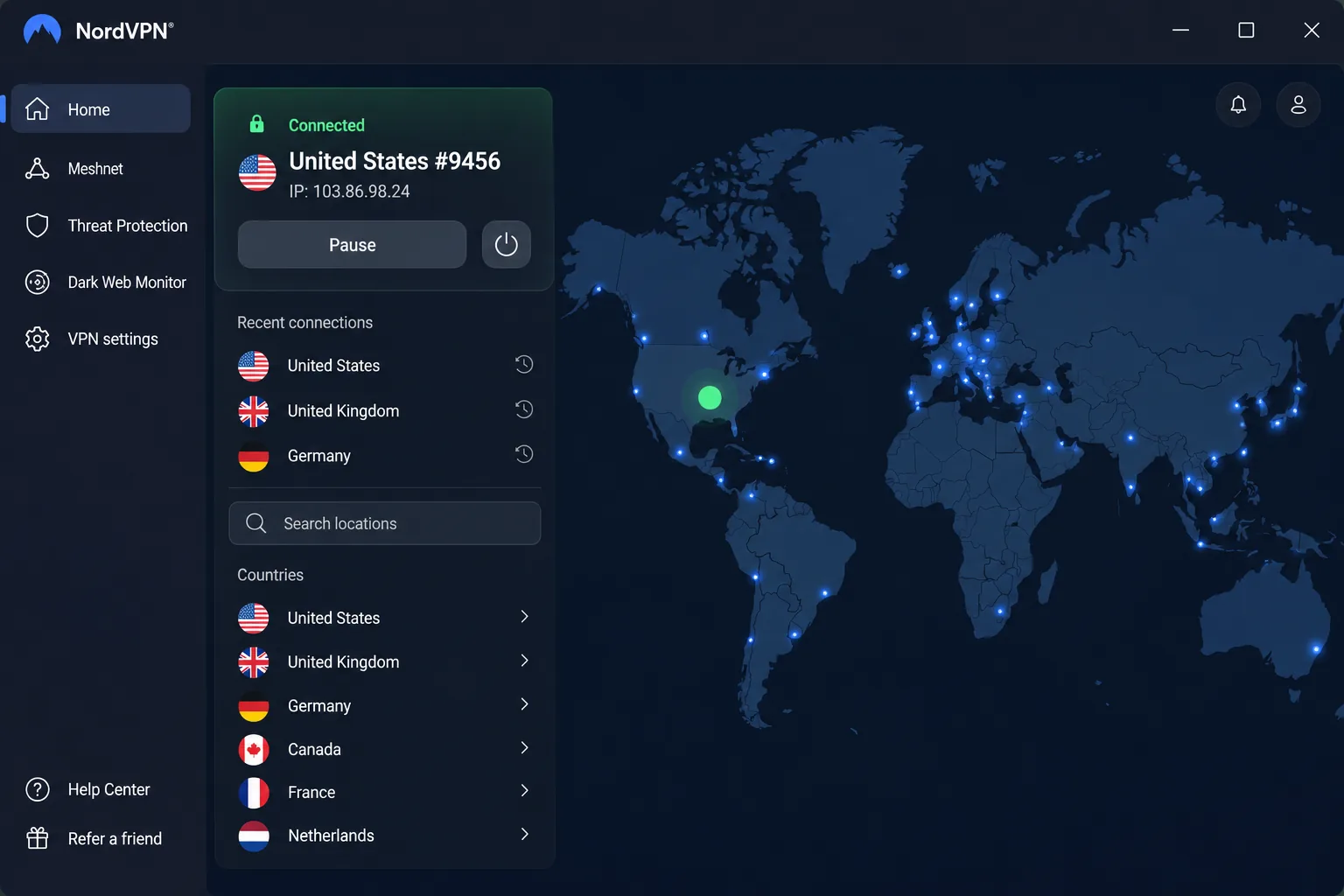
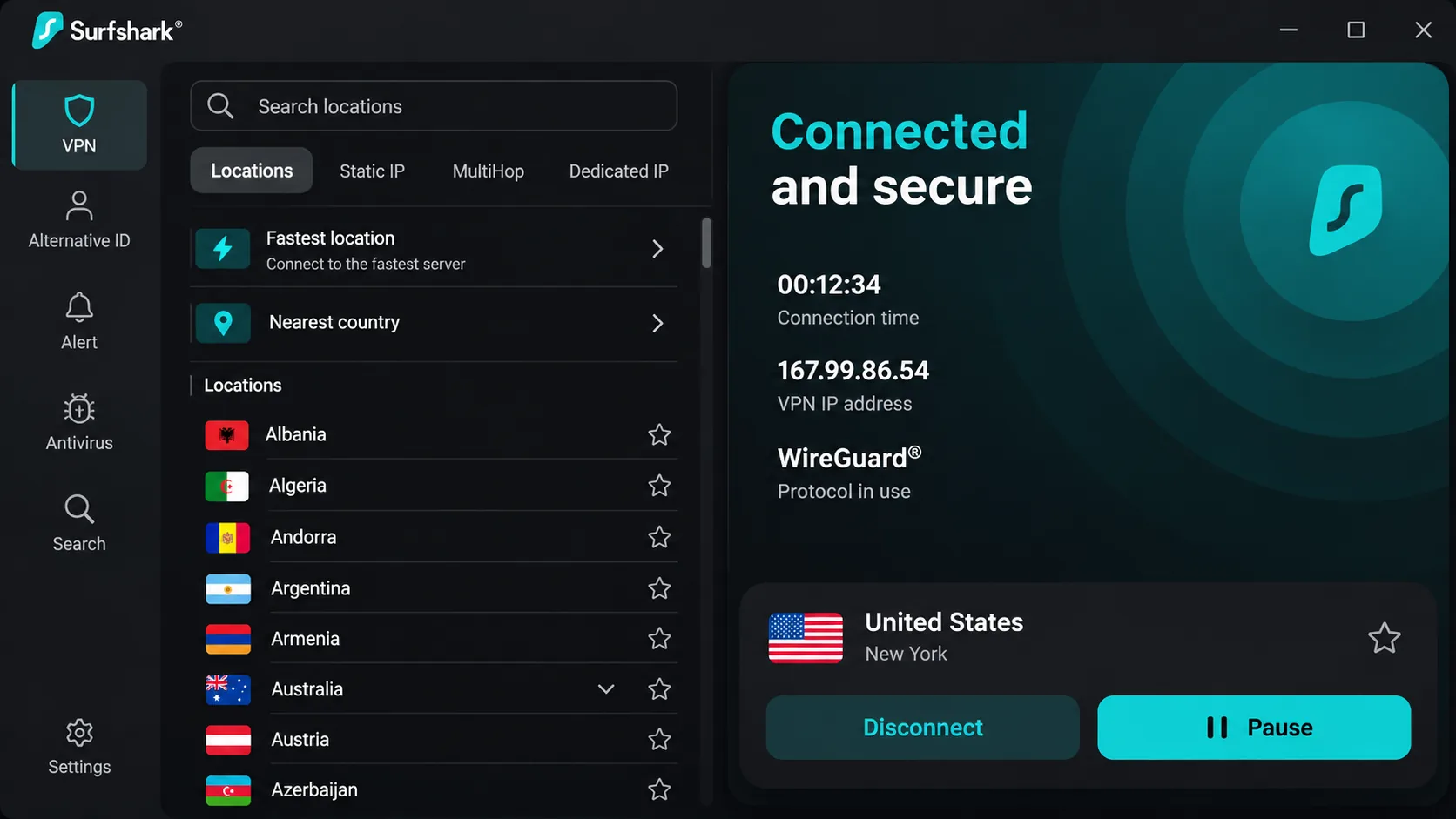
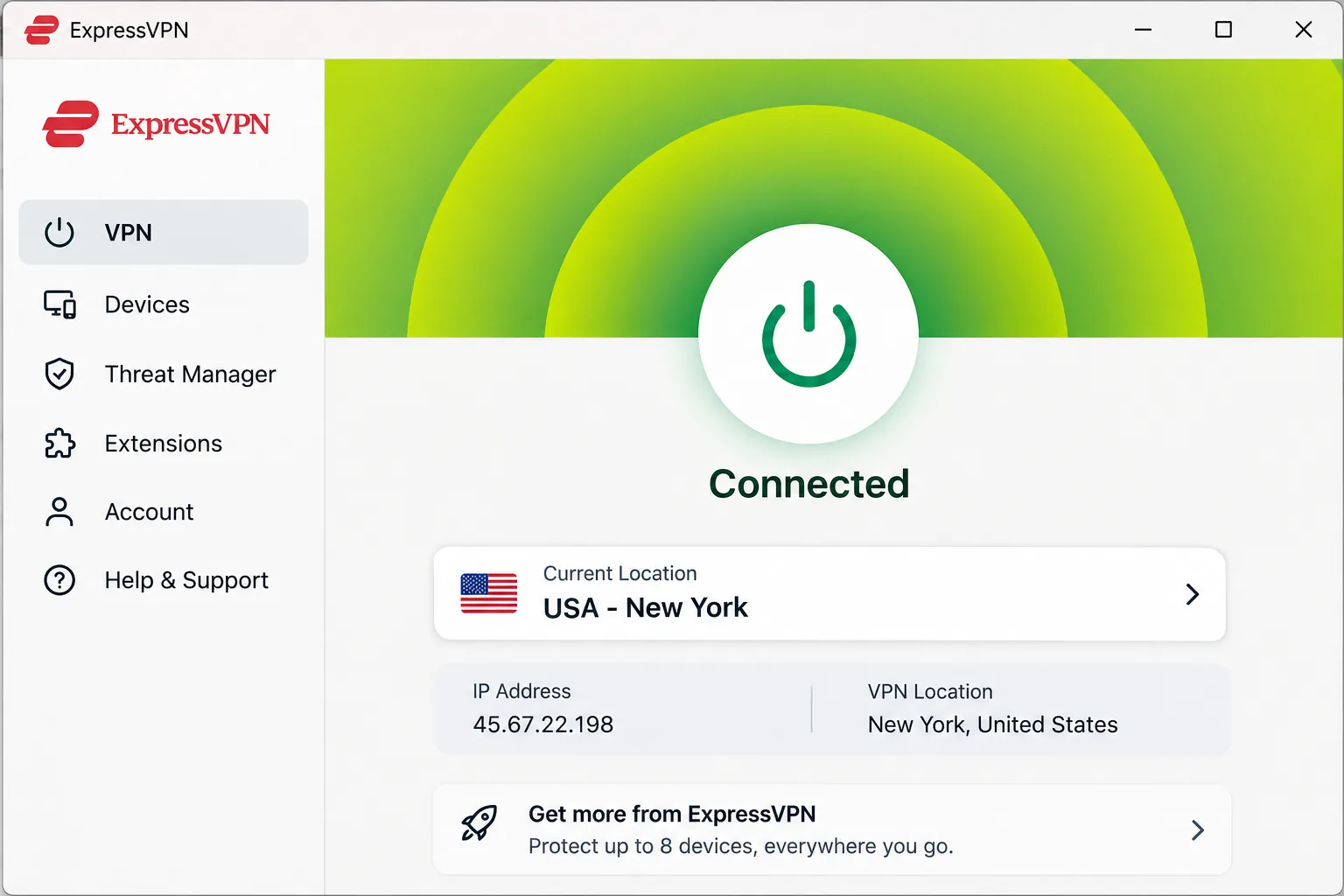
Best VPNs for Qatar at a glance
The table below puts the five services side by side. Prices are promotional offers captured on 2026-11-08 and change by campaign, billing region and purchase channel, so treat them as a starting point rather than a quote.
| Product | Buy | Qatar location (checked 2026-11-08) | Anti-blocking option | Devices | Intro offer |
|---|---|---|---|---|---|
 |
Check price → | Virtual, hosted in France | Obfuscated Servers (NordWhisper) | 10 | $3.49/mo equivalent |
 |
Check price | None listed | NoBorders, Camouflage | Unlimited | $2.49/mo equivalent |
 |
Check price | Virtual, host unverified | Automatic obfuscation on supported platforms | 10 (Basic) | $3/mo equivalent |
 |
Check price | Smart Routing, Marseille, paid only | Stealth, Smart Protocol | 10 (Plus), 1 (Free) | $3.49/mo equivalent |
 |
Check price | Virtual, host unverified | Shadowsocks via Multi-Hop | Unlimited | $2.03/mo equivalent |
How to choose a VPN for Qatar
Choosing a VPN for Qatar involves the usual considerations, plus a few specific traps to avoid. The three questions below guided our ranking.
Our selection criteria and evidence standards
We scored each service on its privacy and security tools, connection reliability on restricted networks, transparency about Qatar locations, speed, supported devices, and value after the introductory period. We favored official documentation for facts like pricing, device limits and server locations. Anything we could not confirm, such as a physical host country or a renewal price, is labeled that way instead of guessed.
Prices and server locations were checked on 2026-11-08. Promotional offers move often, so confirm the current terms at checkout.
Obfuscation, kill switches and leak protection
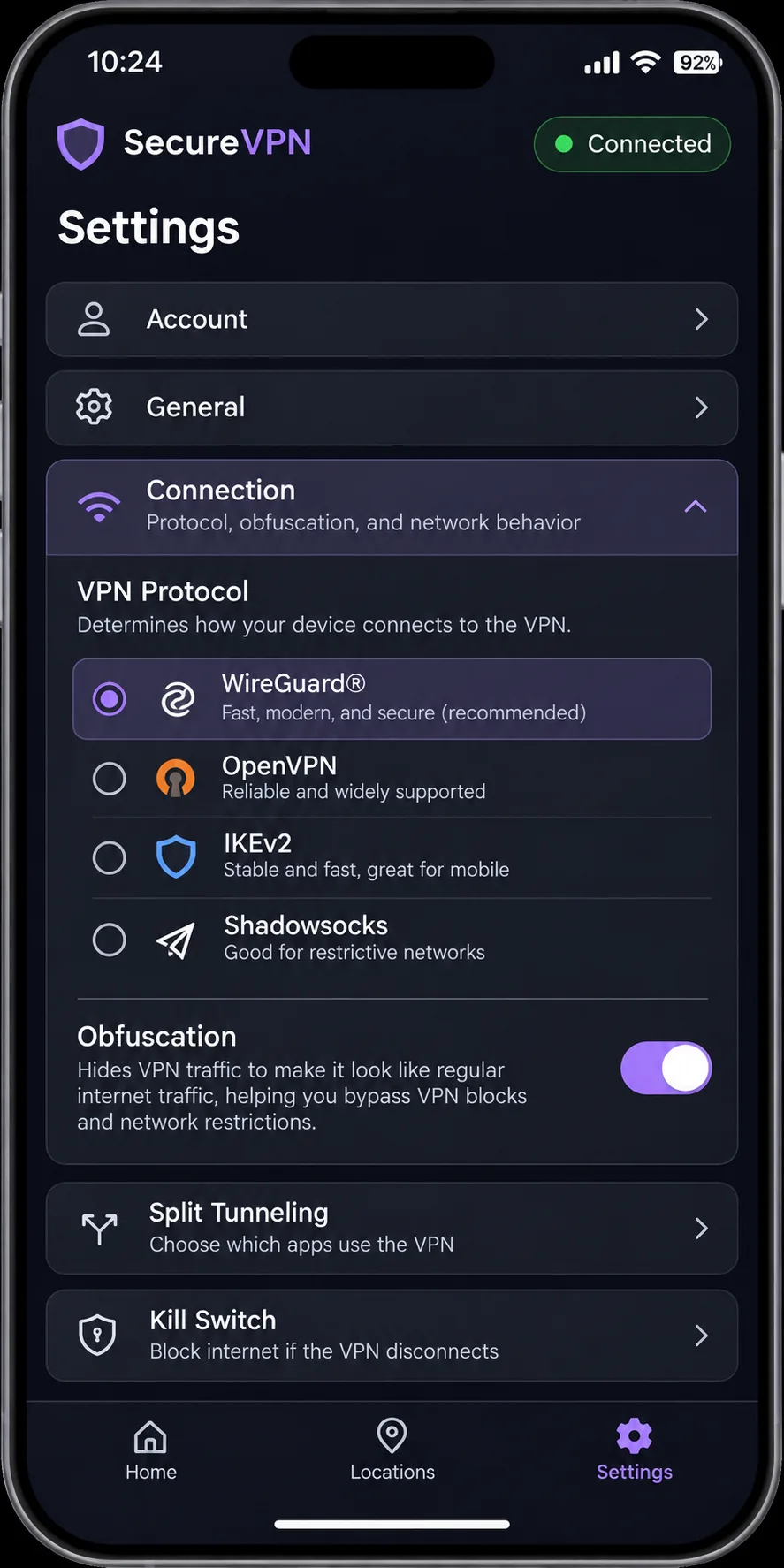
Obfuscation disguises VPN traffic so it looks like ordinary encrypted web traffic, which can help where VPN connections are throttled or blocked. The five services handle it differently: NordWhisper-powered Obfuscated Servers on NordVPN, NoBorders and Camouflage on Surfshark, automatic obfuscation on ExpressVPN, Stealth on Proton VPN, and Shadowsocks through Multi-Hop on PIA. Check that the option exists on your platform before you rely on it.
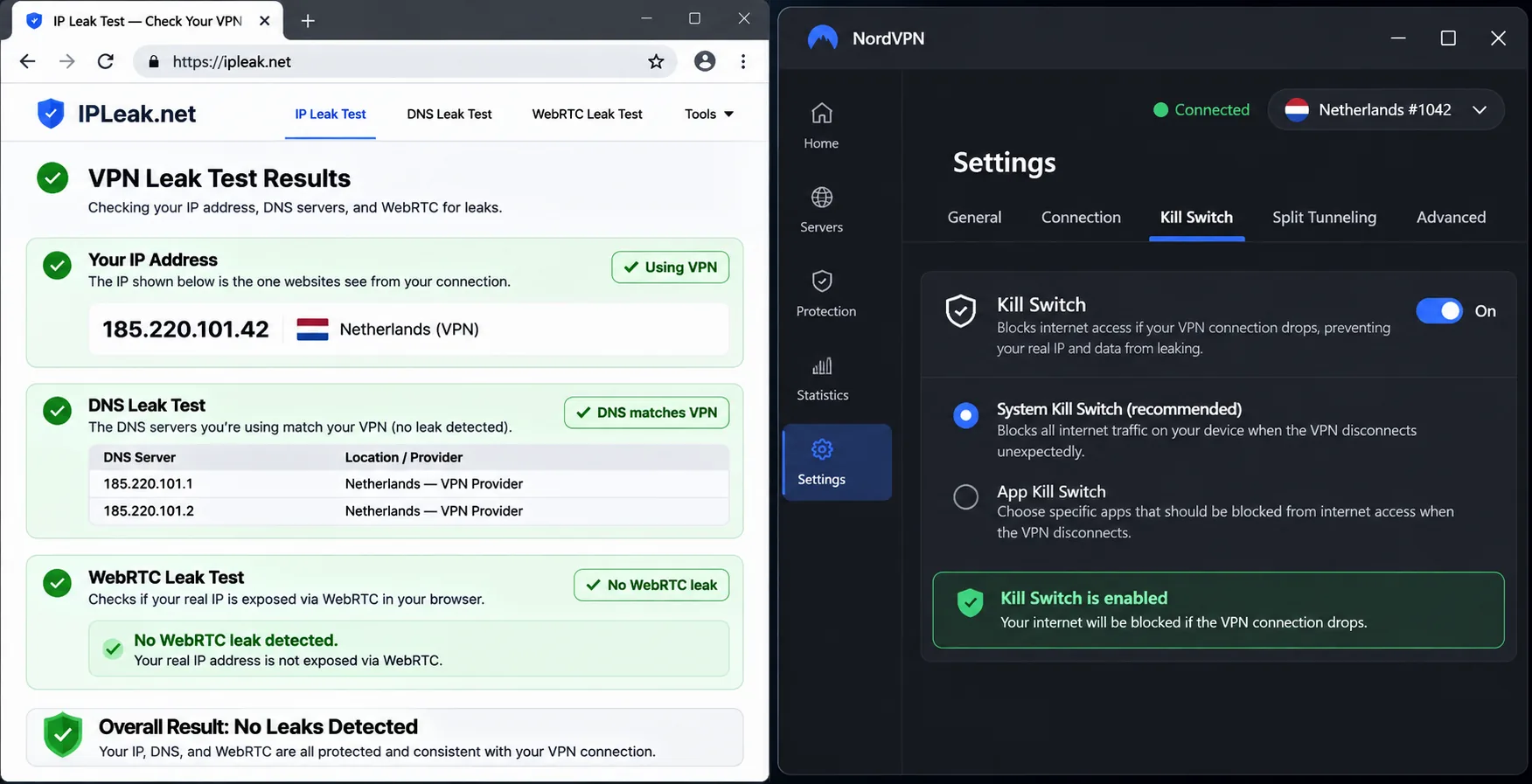
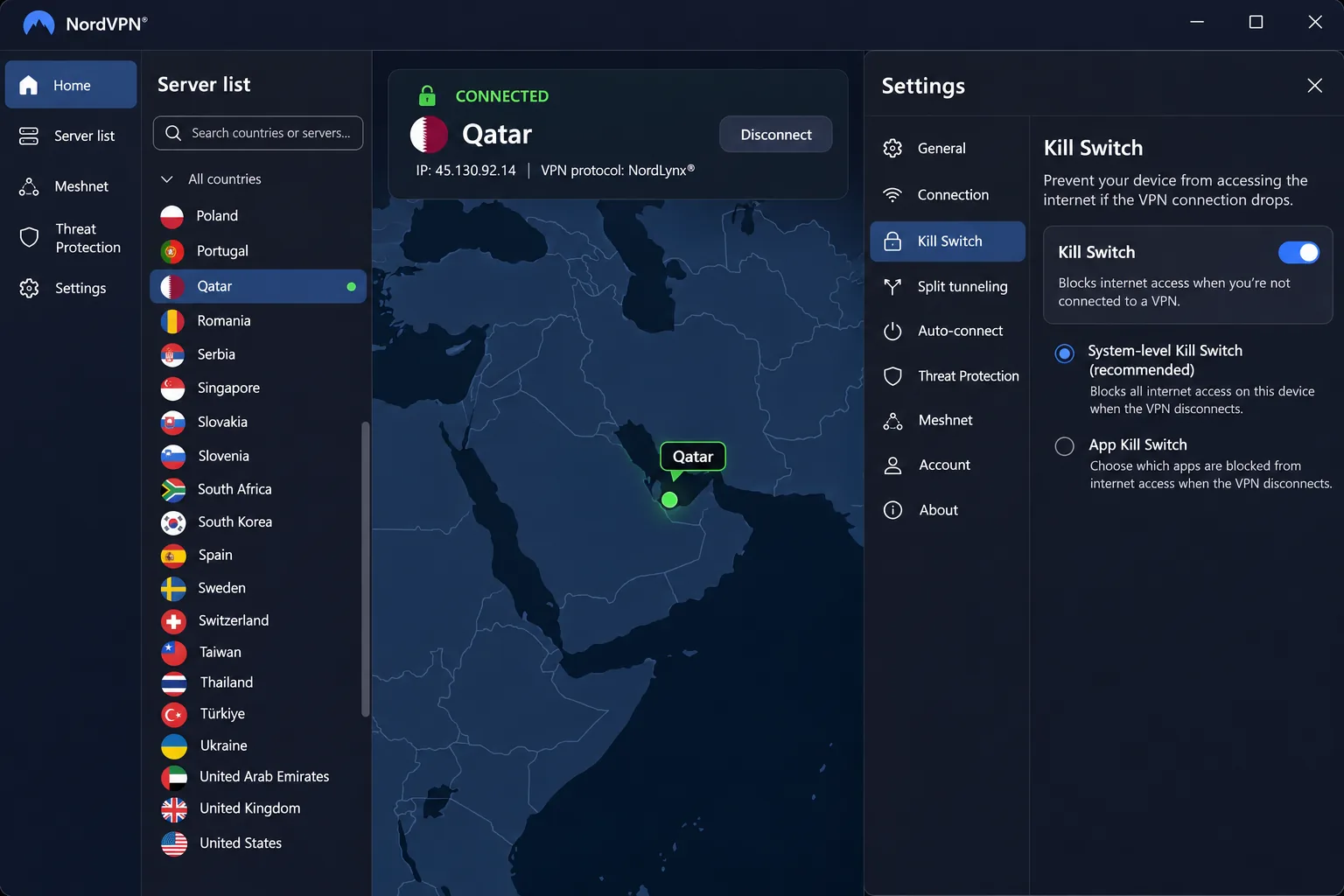
A kill switch matters just as much. It blocks your internet access if the tunnel drops, so your real IP address is not exposed mid-call. All five offer one. Turn it on, then confirm the connection with an IP, DNS and WebRTC leak check. Those checks show how exposed a connection is, but they cannot guarantee anonymity or legal safety.
A VPN encrypts your traffic and hides your IP address from the sites you visit. It does not make you anonymous, and it does not change what local law allows. Base your expectations on what the tool actually does.
Speed, supported devices and subscription costs
Speed matters most for calls and streaming. NordVPN and Surfshark held up best in our testing, Proton VPN was quick and consistent on WireGuard, and PIA lagged at peak speeds. Server distance matters too: nearby locations tend to be best for calls, while distant ones tend to be best for accessing streaming libraries.
For device limits, Surfshark and PIA offer unlimited connections, while NordVPN and Proton VPN Plus allow 10 and ExpressVPN allows 10 on Basic or 12 on Advanced. All five support Windows, macOS, Linux, Android and iOS, but minimum versions vary, so check yours before you pay.
On price, look past the intro rate. The long promotional terms above lower the monthly figure but front-load the bill, and renewal prices differ widely. The refund window is your safety net, so we only list services with a 30-day refund window.
The 5 best VPNs for Qatar
We ordered these by how well each one handled the things that matter in Qatar: staying connected on restrictive networks, keeping calls and video smooth, and giving you honest information about where your traffic exits. Every provider below is a paid service with a 30-day refund route, so you can test it on your own network before committing.
1. NordVPN
NordVPN is the service we would install first. In our testing it delivered consistent, fast transfers that were good enough for video calls and streaming, and it reliably opened major streaming services. Obfuscation adds some overhead, as hiding VPN traffic usually does. NordVPN also performs less impressively with OpenVPN than with its faster protocol options.
The feature set is the broadest of the five, with Double VPN, Onion Over VPN, NordLynx, DNS protection and a dedicated IP option on top of the usual kill switch and split tunneling. Its Obfuscated Servers now use NordWhisper, which supports Windows, Android, Linux, iOS and macOS, but it does not work with Dedicated IP, Meshnet or Onion Over VPN servers. Older guides that describe OpenVPN-XOR setups no longer match the upgraded category, so follow the current support instructions.
For a local IP, NordVPN lists a Qatar location delivered through virtual servers physically hosted in France. That is useful for getting a Qatari address from abroad, though it is not a server sitting in Doha.
The weak spot is local reachability. On some Qatar networks, you may be unable to sign in or connect, even before a tunnel is established. Set it up before you land. The mobile apps can feel crowded, yet they stayed stable and intuitive in our use. NordVPN supports up to 10 devices at once and runs on Windows 10 (64-bit, version 1607 or later) and Windows 11, with macOS, Linux, Android and iOS apps as well.
The introductory Basic offer we captured was $94.23 upfront for the first 27 months, with an advertised renewal of $139.08 per year plus any tax. The intro rate is not the renewal rate, so check the checkout page for your region.
Pros
- Consistent fast transfers for calls and streaming
- Broad feature set with a kill switch and NordWhisper obfuscation
- Qatar location available for a Qatari IP
Cons
- Obfuscation adds performance overhead
- Sign-in problems reported on some Qatar networks
- Renewal costs more than the intro price
Best for: Most travelers and residents who want one dependable all-rounder. Skip if: You want the lowest long-term renewal price.
2. Surfshark
Where NordVPN leads on Qatar coverage, Surfshark has none at all: its official server directory had no Qatar entry when we checked on 2026-11-08. Instead, it can cover a whole household, since a paid personal subscription allows unlimited simultaneous devices. Throughput stayed strong during demanding downloads and video playback, and we had good access to distant streaming libraries. However, latency was less satisfying on nearby servers than on distant ones.
The Android app was easy to navigate and quick to connect. Its toolkit includes a kill switch, Bypasser split tunneling, CleanWeb blocking, NoBorders server selection for restricted networks, Everlink connection recovery and a static IP option. Camouflage is tied to OpenVPN, but Surfshark's current documentation no longer presents the same dedicated setup page, so the controls you see depend on your app and protocol.
Servers in the United Arab Emirates and Saudi Arabia are regional alternatives, but they give you an IP address in those countries, not Qatar. If you need to look like you are in Qatar from abroad, choose another service.
The Starter offer we captured was $2.49 per month equivalent, or $67.23 for the first 27 months. We could not confirm a renewal amount from the official page. There is a 30-day refund on your first purchase made through Surfshark's own website, and a trial that is limited to 3 devices. The Windows app supports Windows 10 and 11 on x64 and ARM64, and Android 6.0 or later is supported.
Pros
- Unlimited devices on paid personal plans
- Strong throughput for downloads and video
- Lowest intro price among the big three
Cons
- No Qatar location in the server directory
- Latency on nearby servers can disappoint
- Renewal price not confirmed
Best for: Families and shared accounts with many devices. Skip if: You need a Qatari IP address.
3. ExpressVPN
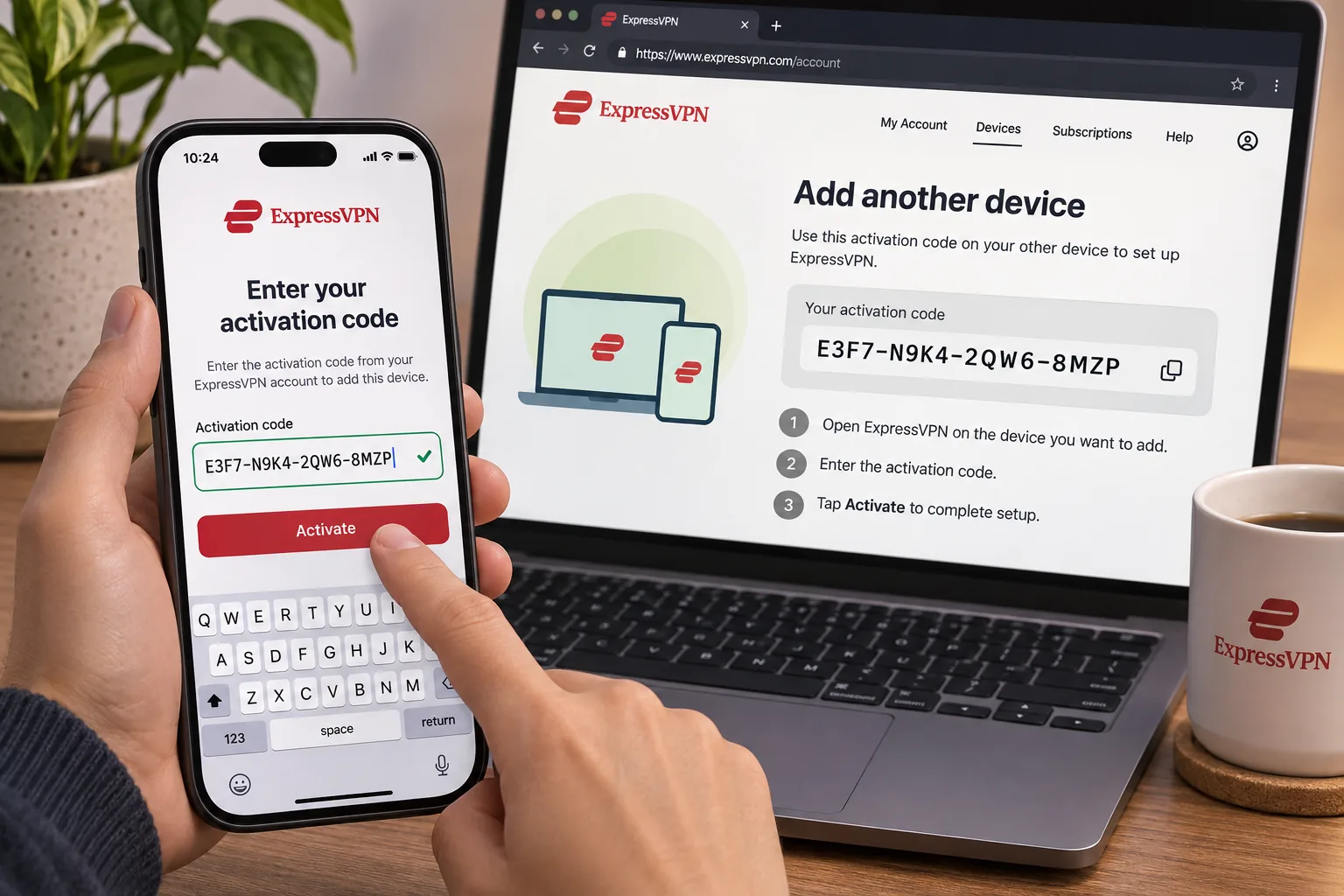
Surfshark wins on device count, but ExpressVPN is the one we would hand to someone who just wants it to work. Installation is straightforward, and activation codes make adding another device simple. The help articles are detailed, and human support can handle complicated setup problems, which matters if a connection fails in the middle of a trip.
The interface is newer and perfectly usable, although it spends a lot of screen space on a non-interactive map. It opened demanding streaming services such as BBC iPlayer, Disney+ and Prime Video. Features include Lightway, a kill switch, split tunneling, private encrypted DNS, automatic obfuscation on supported platforms and a dedicated IP add-on.
ExpressVPN's official server directory lists Qatar as a virtual location. We could not establish from the location documentation which country physically hosts it, so we do not claim one. Connections may also fail on some Qatar networks while other selected endpoints still connect, so keep a few alternative locations in mind and switch if the first one stalls.
The browser extension can run in proxy mode without the desktop app or control an installed desktop app. Each mode covers a different share of your traffic. We cover why that matters in the FAQ.
The Basic offer we captured was $3 per month equivalent, or $84 upfront for 28 months, then $99.95 annually. Basic allows 10 simultaneous devices and Advanced allows 12. New users get a 30-day money-back guarantee, and the Windows app needs Windows 10 or above, with an ARM64 build for Windows 11.
Pros
- Simple installation and easy device activation
- Detailed help articles and human support
- Opens demanding streaming services
Cons
- Qatar location is virtual with unverified hosting
- Interface spends space on a non-interactive map
- Connections can fail on some Qatar networks
Best for: People who want the smoothest setup and real support. Skip if: You are optimizing for the lowest price.
4. Proton VPN
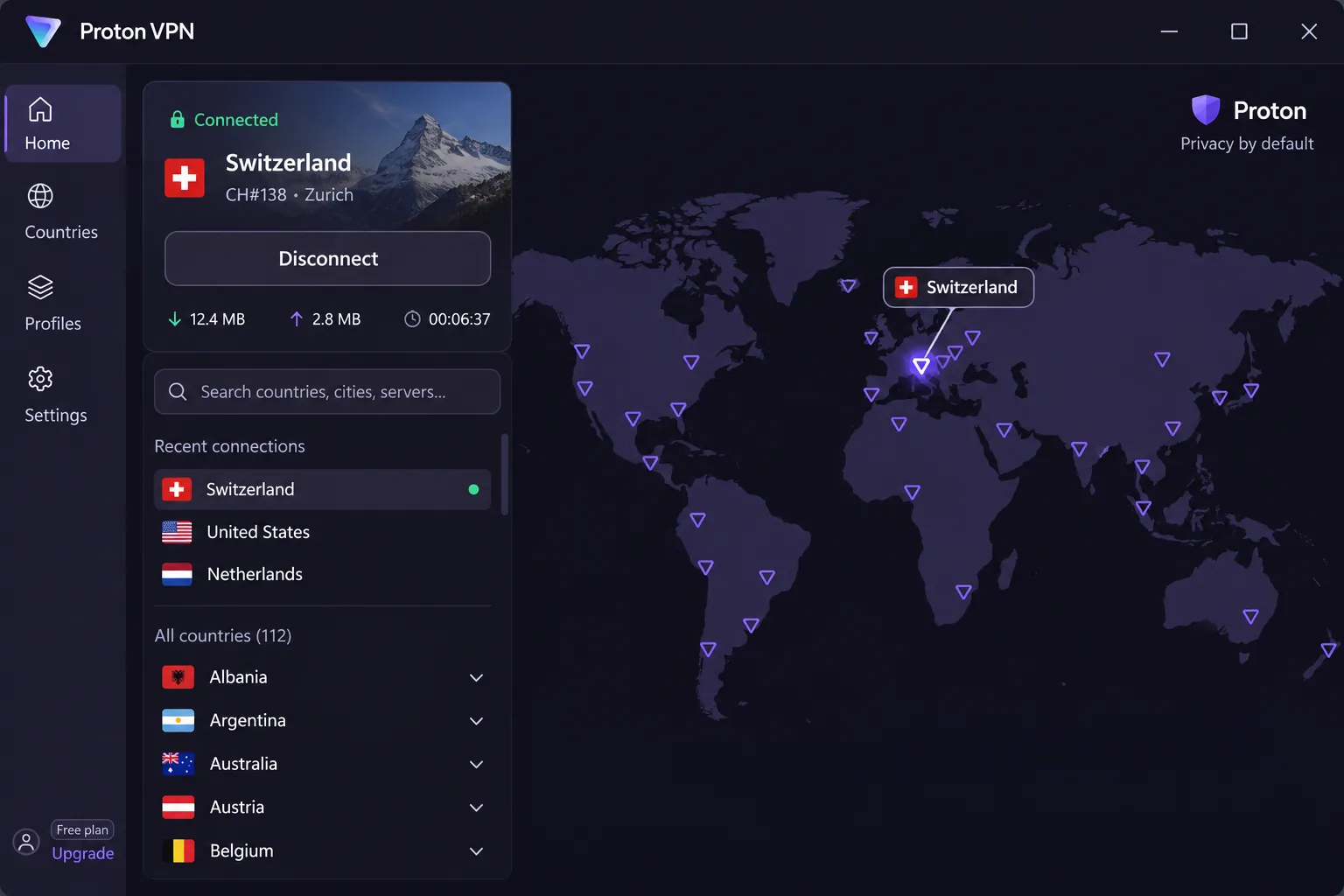
The Free plan is where Proton VPN is most frustrating, and also why it earns a place here. Automatic location assignment makes choosing a specific destination a chore, and streaming access was inconsistent. Proton also has strong privacy credentials: open-source audited apps, a no-logs policy, and a paid tier that adds Secure Core multihop, NetShield, Tor over VPN, split tunneling and port forwarding. Stealth is its anti-censorship protocol.
General connections were quick and consistent, which suits shared household use. WireGuard performed strongly over both short and long distances, while OpenVPN was substantially slower, so choose WireGuard when you can. NetShield can interfere with streaming playback, so switch it off if a video will not load.
For Qatar, Proton uses Smart Routing: Qatar IPs are physically hosted in Marseille, France, and they require a paid plan. The Free plan covers 1 device at a time with no data limit or ads, but it assigns your location automatically. After the first connection, requesting a server change gives you a randomly selected server and triggers a cooldown.
Proton can also fail to connect after arrival in Qatar. Stealth is worth trying as a troubleshooting step, but it is not a guaranteed fix.
The VPN Plus offer we captured was $3.49 per month equivalent, or $83.76 upfront for 24 months, renewing at $83.88 every 12 months. VPN Plus supports 10 devices. Under the 30-day money-back guarantee, cancelling and requesting a refund are separate actions. On Windows, Proton supports Windows 11 and Windows 10 64-bit build 19045.
Pros
- Free plan with no data cap or ads
- Open-source audited apps and no-logs policy
- Stealth protocol and strong WireGuard speeds
Cons
- Qatar IPs need a paid plan
- Free plan limits server choice to one device
- NetShield can break streaming playback
Best for: Privacy-minded users who want a free fallback. Skip if: You rely on a specific location on the Free plan.
5. Private Internet Access
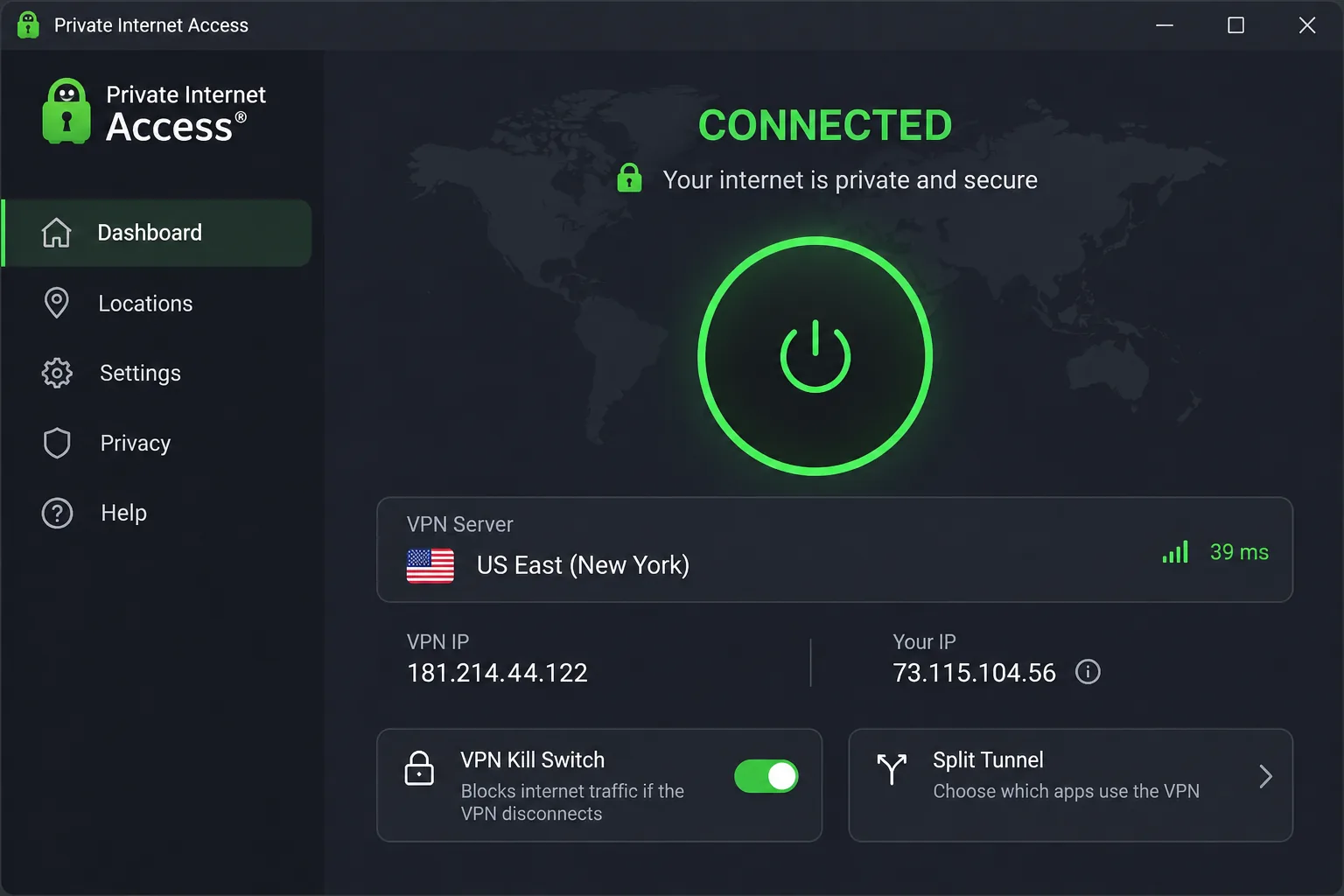
Streaming is where Private Internet Access (PIA) gives ground to the other four, and tinkering is where it pulls ahead. It offers unlimited simultaneous connections, open-source apps, a no-logs policy, WireGuard and OpenVPN, and proxy configuration. Its Multi-Hop feature offers Shadowsocks or SOCKS5. Shadowsocks provides obfuscation, while SOCKS5 does not disguise your traffic in the same way, so pick Shadowsocks if blocking is your concern.
The simple connect screen and explanatory tooltips make basic use approachable. The more advanced controls can feel complex and a little awkward to use. PIA is fast enough for everyday browsing but trails faster rivals in peak speeds, and its long-distance connections can vary enough to disrupt streaming or video calls.
It can struggle with Prime Video and some regional services even when Netflix works. Its streaming-optimized locations are often more reliable than ordinary endpoints, and its MACE blocker can stop ITV playback until you disable it.
PIA's page for Qatar confirms that Qatari IP addresses come from virtual servers; it does not confirm physical servers in Qatar. We could not verify the host country.
Pricing is advertised at $2.03 per month for three years plus four extra months, with a stated renewal of $81.20 every three years. The monthly plan is $11.95 and the annual plan is $47.88. A 30-day money-back guarantee applies to new subscribers, and app-store purchases follow the store's refund terms. The current Windows support page lists Windows 10 and 11, 64-bit only.
Pros
- Unlimited simultaneous connections
- Deep customization including Shadowsocks
- Lowest advertised monthly price
Cons
- Mixed streaming results
- Advanced settings can feel complex
- Trails faster rivals at peak speed
Best for: Tinkerers who want control and many devices. Skip if: Streaming access matters most.
Why use a VPN in Qatar?
People use VPNs in Qatar for the same reasons they use them elsewhere: protecting data on shared networks, keeping browsing private from the network operator, and reaching content that is blocked or restricted.
Freedom House's Freedom in the World 2025 report rates Qatar Not Free, at 25/100. That score measures political rights and civil liberties, not VPN rules or app blocking, but it explains why many people want an extra layer of privacy online.
Calling apps, blocked websites and streaming access
Calling is the most common worry. Access to WhatsApp and FaceTime calls can vary by internet provider, network and protocol, as can VPN connectivity itself. A successful connection on one network is not a guarantee on another, and blocking changes over time. We found no reliable carrier-by-carrier success rate for any of the five services, so we make no promise either way.
What helps in practice is flexibility. Keep more than one protocol and several server locations available, and switch when one stalls. Speed matters here as well, which is why steady throughput counted heavily in our ranking.
A VPN can get around local restrictions on websites, but it cannot restore access to a service that itself blocks VPN traffic. For streaming, ExpressVPN and NordVPN opened the major services most reliably in our checks, while PIA was the least consistent.
Privacy protections and their limits
Encryption protects your data in transit between your device and the VPN server. The provider still sees where you connect from, which is why a no-logs policy matters and why we favored services with audited or open-source apps. A VPN does not protect you from phishing, malware, account tracking or what you post while logged in.
It also does not change your legal risks. We cover that next, but the short version is that a privacy tool is not a license to ignore local rules.
How to set up and use a VPN in Qatar
Setup is simple, but the order matters because VPN websites can be blocked in Qatar. Doing the work before you arrive avoids relying on local downloads.
Install and sign in before travel
Before you leave, create your account, buy the plan, install the app on every device you will carry, and sign in once on each. Many services let you add a device with a code or an email login, which is far easier at home. Save the app installers or keep them on your phone, and note the support contact in case you need it later.
Turn on the kill switch, pick your preferred protocol, and test one connection from your home network. If you plan to use a Qatari IP from abroad, check the location is listed first.
Install the VPN on a spare device or second phone too. If a main device has trouble after you land, you still have a way to test the service.
Choose a server and check the connection
Using a VPN in Qatar does not require choosing a Qatar endpoint. For calls, pick a nearby country with fast servers. For streaming, pick the country whose content you want to access. Then run an IP, DNS and WebRTC leak check to confirm your traffic exits where you expect.
If the app stalls, change the server first, then change the protocol, then turn on the obfuscated or Stealth option. Contact support if none of that works.
Are VPNs legal in Qatar?
We could not establish a current statute or regulator statement that clearly resolves ordinary consumer VPN use, so we will not give a legal verdict. Qatar's published VoIP policy permits personal and business own-use VoIP, and it separates that from selling telecommunications services without a licence. That policy does not settle VPN legality, and it does not prove any calling app is reachable today.
Rules can change, so check current guidance from Qatari authorities and consider legal advice if your situation is unusual. A VPN is a privacy tool, not a guarantee of legal safety.
Can you use a free VPN in Qatar?
You can, with limits. Proton VPN Free is the only plan in our group that offers an ongoing no-payment tier. It has no data limit or ads and includes core privacy and anti-censorship protection, but it protects one device at a time, assigns your first server automatically, and puts a cooldown on server changes. You need a paid plan for unrestricted country selection, P2P, streaming support, Secure Core and Qatar IPs.
The other four offer paid plans backed by refunds. Surfshark's trial is limited to 3 devices, and we did not establish a uniform trial length across providers, so a refund window is not the same as a free trial.
Be careful with unknown free apps. They often pay for themselves with advertising or data collection, which defeats the point of a privacy tool. If budget is the concern, a discounted multi-year plan from a paid provider with a 30-day refund is a safer way to test.
Getting a Qatari IP address
If you are in Qatar, you already have a Qatari IP address until you connect. The question of a Qatari IP only matters when you are abroad and want local content or services to see a Qatar address.
Qatar locations versus servers physically in Qatar
A Qatar location in a server list is not the same as a server in Doha. Providers use virtual locations, where the IP is registered to Qatar while the machine sits in another country. NordVPN's is hosted in France, Proton's is hosted in Marseille, and ExpressVPN's and PIA's host countries are unverified. We checked these on 2026-11-08.
A virtual Qatar server can give you a Qatari IP address, but your traffic may physically exit in France, so latency and legal jurisdiction follow the host country, not Qatar.
Surfshark is the odd one out with no Qatar entry in its directory. Regional alternatives such as the UAE or Saudi Arabia do not provide Qatari addresses.
What to try if your VPN is not working in Qatar
Work through these steps in order, because each is cheap and fast.
- Change the server within the same app. Some endpoints connect when others do not.
- Change the VPN protocol. WireGuard is quick, but a different protocol can get through where it fails.
- Turn on obfuscation, such as NordVPN's Obfuscated Servers, ExpressVPN's automatic obfuscation, Proton's Stealth or PIA's Shadowsocks.
- Check for a leak or DNS problem once connected, and confirm the kill switch has not blocked traffic.
- Contact support, then try another network such as mobile data in place of home Wi-Fi.
If you cannot even sign in to NordVPN, your network may be unable to reach it before the tunnel starts. Installing and signing in beforehand helps avoid this problem. Some failures are tied to a specific network and date, so a service that worked last month may need a different approach now.
Which Qatar VPN should you choose?
Beyond the top pick, each runner-up suits a different need. Surfshark suits households that do not need a Qatar address, ExpressVPN suits anyone who values support over price, Proton VPN is the free fallback, and PIA is for people who want control.
Whichever you pick, install it before you travel, turn on the kill switch, and keep a second server or protocol in reserve.







